Real estate agents who still send PDF attachments via email are leaving money on the table. Buyers open a PDF, scroll through a few pages, close it, and forget it ever existed. An interactive real estate listing flipbook, by contrast, gets people to stop, flip pages, watch embedded video walkthroughs, and share the link with their partners. The difference in buyer attention is not subtle. Flipbooks AI makes it possible to create these digital experiences in minutes, with no design experience required.
Why Static PDFs Are Hurting Your Listings
Property marketing has not kept pace with how buyers actually browse today. They are on phones, moving fast, comparing ten listings in twenty minutes. Static PDFs were built for desktop printing, not for mobile property shopping.
Buyers Scroll, They Do Not Read
Research from the National Association of Realtors consistently shows that buyers spend the majority of their property search time on photos. A PDF forces them to zoom in, scroll awkwardly, and lose context every time they navigate between pages. A flipbook keeps the experience cohesive, making each page feel like turning the page of a premium magazine.
What a PDF Simply Cannot Do
A standard PDF attachment cannot embed a virtual tour video inline. It cannot track who opened it or how long they spent on the kitchen photos. It cannot be password-protected and shared as a clean link. It cannot update itself when you drop the price. A real estate listing flipbook solves every one of these limitations without requiring any technical skill from the agent.
What Makes a Real Estate Flipbook Different
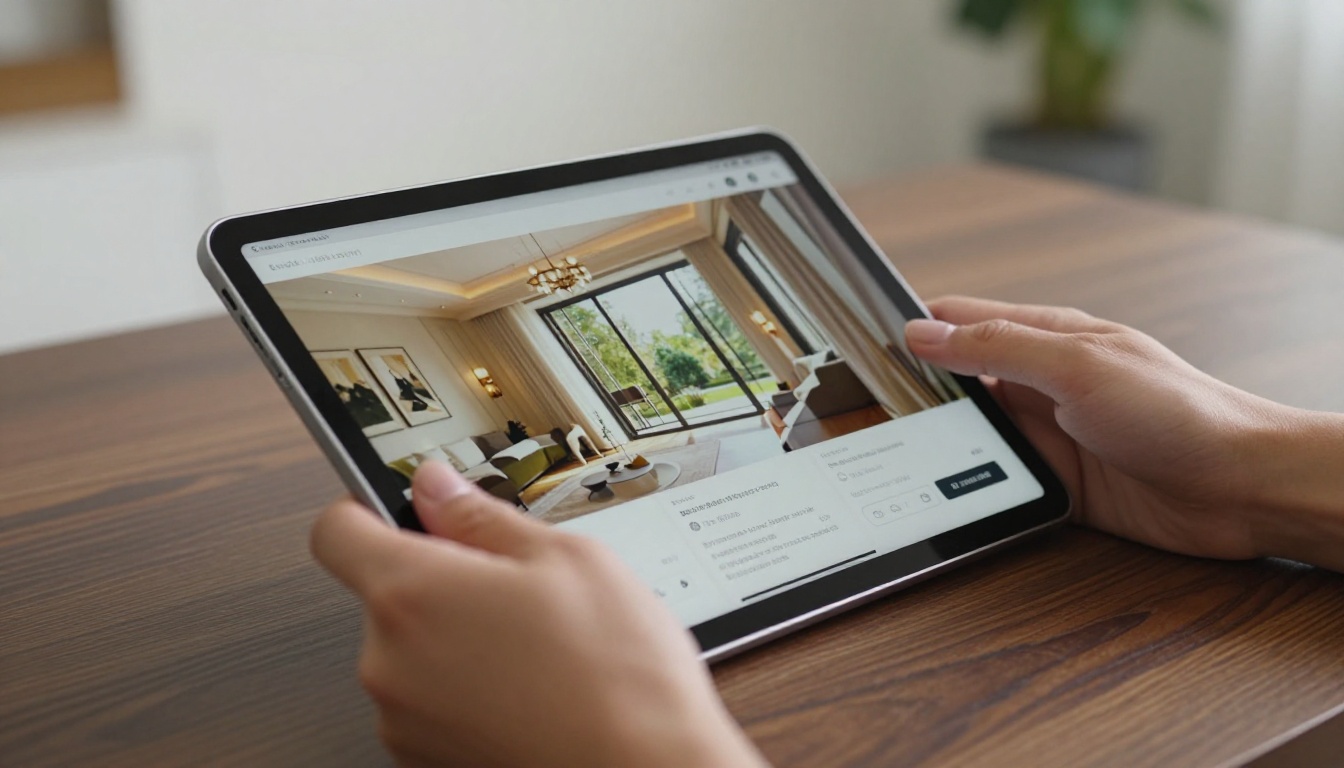
The core feature is the page-turn effect, but that is just the beginning. An interactive property flipbook is a fully responsive digital publication that works on every device, embeds in your website, and behaves like a native app without any installation.
The Page-Turn Effect and Immersion
When a buyer taps or clicks through a property flipbook, the animation of turning pages creates a subconscious sense of quality. It signals that this listing deserves attention. The psychological effect is well-documented in print design: tactile reading experiences increase content retention. The digital page-turn recreates that effect without printing costs or delivery delays.
Embedded Media and Interactive Links
A real estate flipbook built on Flipbooks AI can include embedded YouTube or Vimeo walkthroughs, clickable map links that open directly in Google Maps, hyperlinked contact buttons, and internal navigation menus. Buyers can jump to the floor plan page, tap the virtual tour button, or request a showing without ever leaving the flipbook.
💡 Add a "Request a Showing" button on your contact page inside the flipbook. Agents who do this report significantly higher direct inquiry rates compared to PDF attachments.

What to Put in Your Listing Flipbook
The structure of your real estate listing flipbook matters as much as the photos inside it. Buyers need information in a specific order that mirrors their decision-making process: start emotional, then get practical.
The Essential Pages
A high-performing property listing flipbook typically includes the following pages in this order:
- Front page: Striking hero photo, property address, price, and one compelling headline
- Photo gallery: 8 to 15 high-resolution interior and exterior photos, one per page
- Property overview: Bedrooms, bathrooms, square footage, lot size, year built, HOA details
- Neighborhood section: Schools, walkability score, distance to amenities, local highlights
- Floor plan: Clean labeled diagram with room dimensions
- Virtual tour page: Embedded video or 360-degree tour link
- Agent contact page: Photo, phone, email, social links, QR code
Photo and Floor Plan Sections
Your photos should follow a consistent order: exterior front first, then each room flowing naturally through the home as if walking through it. Buyers who can mentally walk the home through a flipbook are far more likely to book a physical showing. Pair each room photo with a brief caption noting a standout feature, not just the room name.

| Content Element | Must-Have | Nice to Have |
|---|
| Hero exterior photo | ✅ | |
| Interior room photos (8+) | ✅ | |
| Property specs table | ✅ | |
| Floor plan diagram | ✅ | |
| Neighborhood overview | ✅ | |
| Virtual tour embed | | ✅ |
| 360-degree exterior view | | ✅ |
| School district ratings | | ✅ |
| Mortgage calculator link | | ✅ |
| Agent testimonials page | | ✅ |
✅ Keep your listing flipbook between 12 and 20 pages. Shorter than 12 feels thin; longer than 20 causes buyers to abandon before reaching the contact page.
How to Create a Real Estate Listing Flipbook with Flipbooks AI
Flipbooks AI is purpose-built for exactly this workflow. The Real Estate Brochure Creator makes it possible to go from a finished PDF to a published interactive flipbook in about five minutes. Here is the exact process.
Step 1: Prepare Your PDF
Before uploading, make sure your PDF is print-quality (300 DPI or higher for photos), has all images embedded rather than linked, and does not exceed 200MB. If you are building from scratch, design your listing presentation in Canva, Adobe InDesign, or PowerPoint, then export as PDF. Consistency in fonts, color palette, and margins matters more than design complexity.
Step 2: Upload and Convert
Head to Flipbooks AI and create a free account. From your dashboard, click "New Flipbook" and drag your PDF into the upload area. The PDF to Flipbook Converter processes your file and renders every page with the signature page-turn effect within seconds. No waiting, no queue.

Step 3: Add Your Branding
Once converted, open the flipbook editor. Replace the default color scheme with your agency colors, upload your logo to the flipbook header and footer, and set a custom domain slug on a Standard plan or above. Custom branding ensures that every listing presentation reinforces your agency identity. You can also set a background audio option for a more immersive open house experience.
Step 4: Embed Media and Links
Click on any page to enter the hotspot editor. You can now add:
- Video embed: Paste a YouTube or Vimeo URL to create an inline playable video on the virtual tour page
- Clickable buttons: Add "Book a Showing" or "Contact Agent" buttons that link to your calendar or email
- Map hotspot: Highlight the neighborhood section and link directly to Google Maps
- Social sharing buttons: Let buyers forward the listing to friends with one tap
Step 5: Share and Track Performance
When your flipbook is ready, click "Publish." You get a clean shareable URL that works on every device. You can also:
- Embed on your website: Copy the embed code and paste it into your listing page. Works with WordPress, Squarespace, Wix, and any HTML page
- Password-protect: Set a private password for listings not yet publicly available or for exclusive pre-market showings
- Track analytics: On the Professional plan, see exactly how many people viewed the flipbook, which pages they spent the most time on, and whether they clicked any links
⚠️ Do not share the flipbook before adding your contact page. The most common reason agents miss inquiries from flipbook views is a missing or hard-to-find contact section.

Not all property presentation formats perform equally. Here is how an interactive real estate listing flipbook compares to the alternatives agents use today.
| Format | Mobile-Friendly | Interactive Links | Analytics | Embed on Website | Shareable Link | Cost |
|---|
| PDF attachment | ❌ | ❌ | ❌ | ❌ | Limited | Free |
| PowerPoint or Slides | ❌ | ❌ | ❌ | ❌ | Limited | Free |
| Static website page | ✅ | ✅ | ✅ | ✅ | ✅ | High |
| Virtual tour platform | ✅ | Partial | ✅ | Partial | ✅ | Medium |
| Flipbooks AI flipbook | ✅ | ✅ | ✅ | ✅ | ✅ | Low |
The flipbook format delivers the benefits of a custom listing website at a fraction of the effort and cost. No web developer, no CMS, no ongoing maintenance.

Flipbooks AI Plans for Real Estate Agents
Flipbooks AI pricing is structured across three tiers, each suited to different listing volumes and team sizes.
| Feature | Free | Standard | Professional |
|---|
| Flipbooks | 1 | Unlimited | Unlimited |
| Watermark | Yes | No | No |
| Custom branding | ❌ | ✅ | ✅ |
| Password protection | ❌ | ✅ | ✅ |
| Analytics | ❌ | ❌ | ✅ |
| Lead generation forms | ❌ | ❌ | ✅ |
| Offline downloads | ❌ | ✅ | ✅ |
| Embed on website | ✅ | ✅ | ✅ |
| Custom domain | ❌ | ✅ | ✅ |
For a solo agent publishing two to five listings per month, the Standard plan offers the best value: unlimited flipbooks, no watermark, custom branding, and password protection for off-market presentations. Teams running 20 or more active listings per month, or any brokerage using flipbooks as a lead generation tool, should go straight to Professional for the analytics and lead capture features.
💡 Use lead generation forms on the Professional plan to capture buyer contact information directly inside the flipbook. Place the form on the last page, right after the agent contact section, so interested buyers can register their details without leaving the document.

Real-World Scenarios Where This Pays Off
The case for digital listing flipbooks is easy to make in the abstract. These concrete scenarios make it tangible for different types of real estate professionals.
Single Listing Showcase
An agent in Austin represents a $1.2M craftsman home. Instead of attaching a PDF to an MLS email blast, she publishes a 16-page flipbook with embedded drone footage, a clickable floor plan, and a lead capture form. She shares the link via text, email, and Instagram story. Within 48 hours, three buyers have submitted the lead form inside the flipbook requesting showings, all tracked automatically in her Professional plan analytics dashboard.
Multi-Property Portfolio Catalog
A boutique brokerage in Miami manages 30 active listings. They use the Digital Catalog Maker to publish a monthly property catalog flipbook with all active listings organized by neighborhood. They embed it on their homepage and update it each month by re-uploading a new PDF. No developer required. The same shareable URL stays live between updates.
Pre-Market Exclusive Showings
An agent has a luxury condo not yet on the MLS. She creates a password-protected listing flipbook with detailed interior photos, building amenity slides, and a showing request form. She texts the password only to her pre-qualified buyer list. The exclusive presentation, combined with the polished flipbook format, creates urgency. The property receives two offers before public listing.


Start Selling Properties with Better Presentations
Property buyers decide within seconds whether a listing is worth their time. A polished, interactive listing flipbook signals quality before they read a single word. A PDF attachment signals the opposite.
Flipbooks AI gives real estate agents and brokerages everything needed to create professional listing flipbooks without hiring a designer or web developer. One PDF upload, five minutes of customization, and your listing presentation is live with a shareable link that works on every phone, tablet, and desktop.
Ready to stop losing buyers to better-presented listings? Create your first flipbook for free and see what a page-turn does to buyer attention. When you are ready to add analytics, lead generation, and unlimited listings, compare pricing plans to find the right fit for your volume. Browse all available tools to see how flipbooks can work across every type of property marketing material you already produce.



