Turning 16 is one of those milestones that deserves more than a forgotten camera roll or a scattered Instagram story. A Sweet 16 photo flipbook captures the real emotion of the day in a format that feels alive, tangible, and worth revisiting for years. Whether you're the birthday girl, a proud parent, or a best friend who wants to give the most thoughtful gift in the room, this article walks you through exactly how to build a stunning Sweet 16 photo flipbook from scratch, and how to share it as a lasting keepsake using Flipbooks AI.
Why a Photo Flipbook Beats a Regular Album
Physical photo albums collect dust. Screenshot galleries get buried. But a photo flipbook, especially a digital one with page-turning animations, stays interactive and shareable long after the party ends. It's the format that feels special without requiring special effort to access.
The Nostalgia Factor
There's something visceral about watching pages flip. A flipbook mimics the tactile feeling of a printed book while offering the accessibility of a link you can send over text. For a Sweet 16, that combination hits differently. The birthday girl can pull it up on her phone five years from now and feel every detail of that night.
Digital vs. Physical: The Real Difference
Both formats have their place. Here's how they stack up for a Sweet 16 memory project:
| Feature | Physical Photo Album | Digital Flipbook |
|---|
| Shareable with guests | Limited (must be in person) | Yes, via link or embed |
| Accessible on any device | No | Yes, mobile and desktop |
| Can include video and audio | No | Yes |
| Long-term durability | Fades and tears over time | Permanent digital archive |
| Customizable after creation | No | Yes, editable anytime |
| Cost per copy | High (reprints needed) | Free to share unlimited copies |
| Interactive page-flip effect | No | Yes |
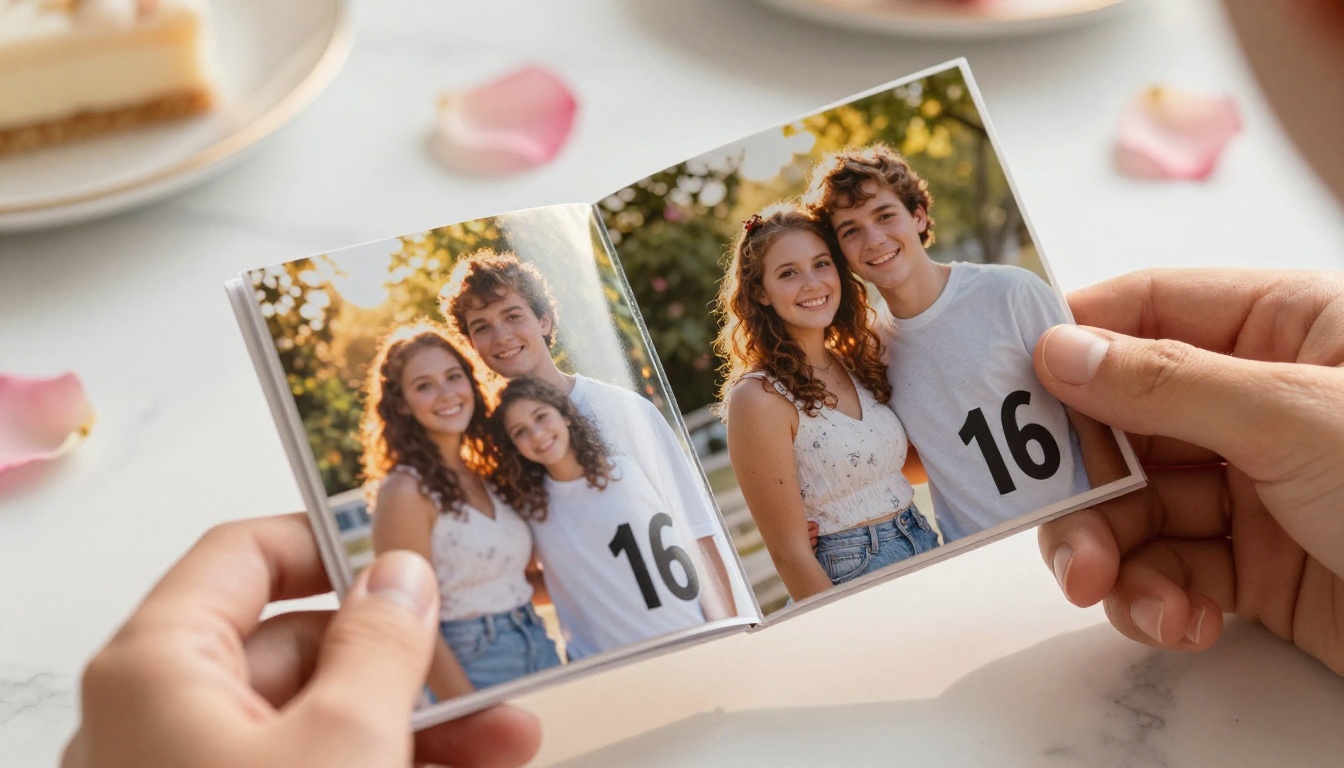
The digital flipbook wins on almost every practical dimension. But what truly makes it special is the emotional experience: watching pages turn through a curated story of someone's 16th year feels personal in a way a Google Photos link simply doesn't.
💡 A Sweet 16 digital flipbook also makes a perfect gift. Share it at the party itself on a tablet display, or send the link as part of a thank-you message after the event.
What Photos to Include in Your Sweet 16 Flipbook
The quality of your flipbook depends almost entirely on the quality and variety of your photo selection. You don't need hundreds of photos. You need the right ones.
Before the Party: Prep and Getting Ready
Getting-ready photos are consistently the most emotionally resonant in any birthday album. The nervous excitement, the makeup chair, the group of best friends crammed into a bedroom, the mom adjusting her daughter's dress one last time. These moments set the emotional tone for everything that follows.
Include:
- Arrival of the birthday girl's closest friends at the house
- Hair and makeup in progress, candid expressions
- The first full look in the mirror
- Outfit details, shoes, jewelry close-ups
- A group shot before leaving for the venue
During the Party: Must-Capture Moments
These are the high-energy frames that anchor the flipbook's narrative arc.
- The grand entrance, captured mid-walk or mid-turn
- First dance with a parent, wide shot and close-up
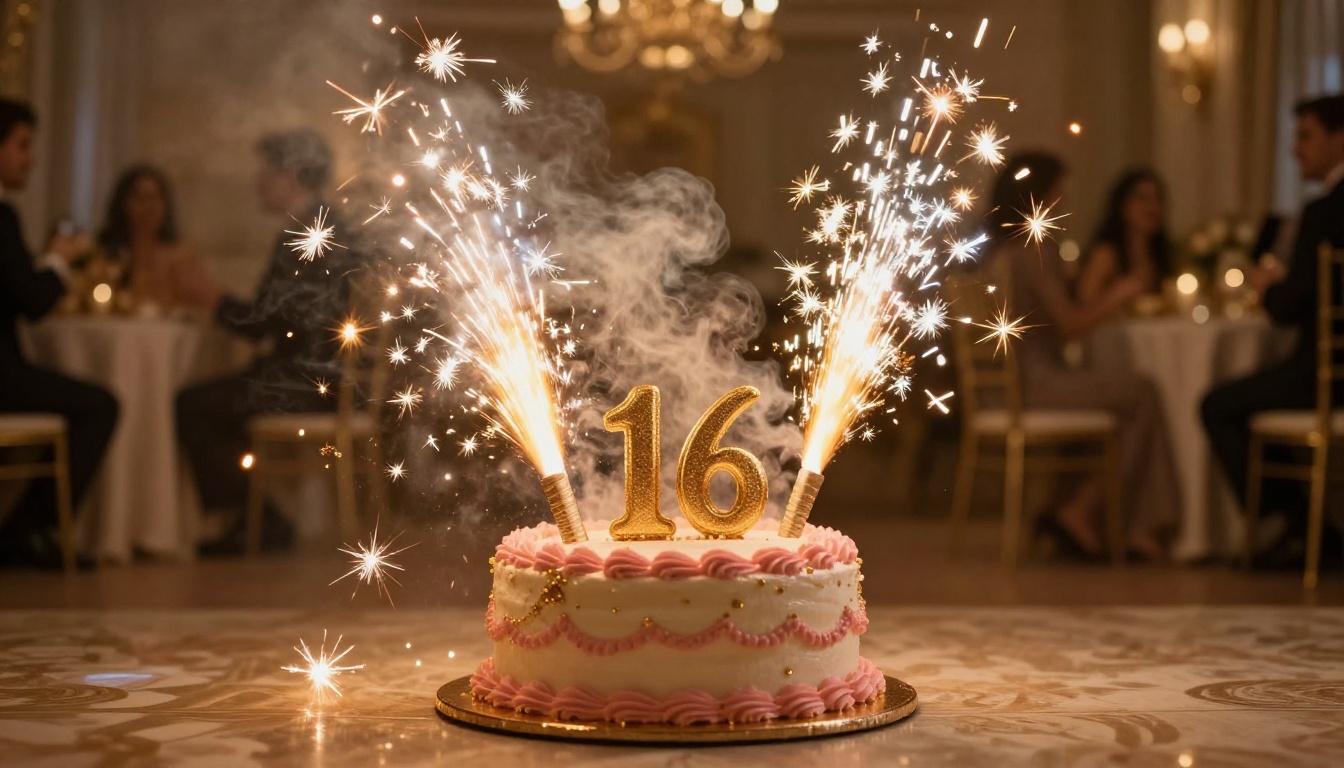
- Cake ceremony with sparklers and genuine reactions
- Friend group dancing shots at multiple angles
- Candid laughing moments at tables
- Speeches and toasts, especially the emotional ones
- Photo booth strips if you had a booth at the venue
After the Party: The Quiet Keepsakes
The wind-down shots often get overlooked but add meaningful closure to the story.
- Tired but happy group photos at the end of the night
- The gift table after opening presents
- Close-up of the deflating balloon arrangement
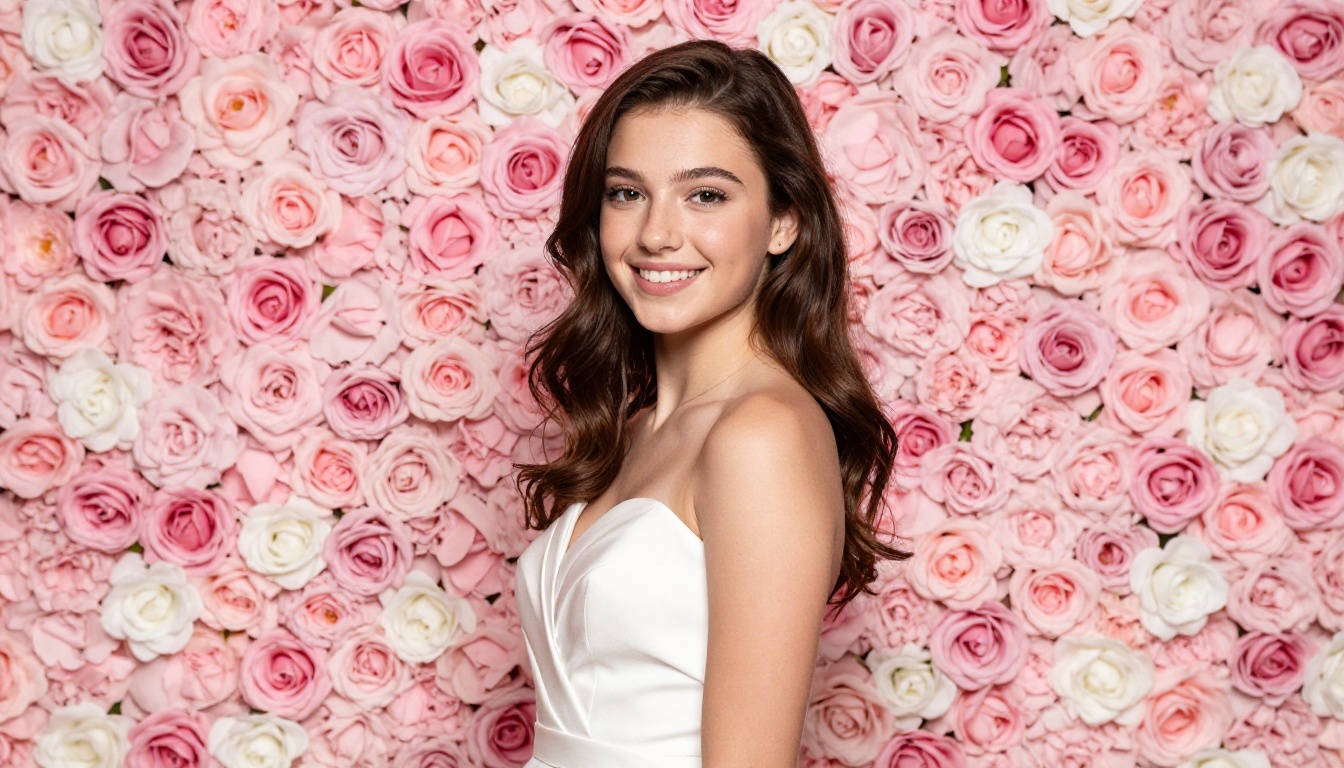
- A quiet solo portrait of the birthday girl still in her dress
✅ Aim for 60 to 90 photos total. Enough to tell a full story, few enough that every single image earns its place.
How to Organize Your Photos for Maximum Impact
Raw photos are just material. Organization is what turns them into a story worth experiencing.
Chronological vs. Thematic Layouts
Both work. The right choice depends on how much story you want to tell versus how much visual impact you want to create.
| Layout Style | Best For | Pros | Cons |
|---|
| Chronological | Complete storytelling | Natural narrative flow, emotionally coherent | Less visually dynamic if transitions are weak |
| Thematic | Visual impact, mood boards | Stronger aesthetic consistency per spread | Requires more curation effort |
| Hybrid (recommended) | Most Sweet 16 flipbooks | Story flow with visual variety | Slightly more planning needed |
| Portrait-first | Gift-focused albums | Highlights the birthday girl throughout | Can feel repetitive without variety |
The hybrid approach works best for most Sweet 16 flipbooks: start with getting-ready shots, build through the party timeline, and close with candid end-of-night moments. Within each section, group by visual mood rather than strict chronology.
Curating the Right Number of Photos
Less is almost always more. A flipbook with 60 exceptional photos will feel more impactful than one with 200 average ones. When editing down your selection, ask: does this photo add something the previous one didn't? If not, cut it.
A practical rule: no more than 3 consecutive photos from the same moment or angle. Variety keeps the viewer turning pages.
⚠️ Avoid blurry, poorly lit, or duplicate photos. One great shot of the cake-cutting beats six mediocre ones. Your curation is the first edit.
How to Create Your Sweet 16 Flipbook with Flipbooks AI
Flipbooks AI makes the process straightforward, even if you've never created a digital publication before. You don't need design skills, and you don't need expensive software. Here's exactly how to do it.
Step 1: Prepare and Export Your PDF
Before uploading, compile your selected photos into a PDF. Most photo editing apps (including Canva, Adobe Express, or even Google Slides) let you arrange photos on pages and export as PDF. Aim for a consistent page size: 16:9 or standard letter, depending on your layout preference.
For the cleanest result:
- Use one to three photos per page maximum
- Add names or short captions where relevant
- Keep backgrounds neutral (white, blush, or black works best)
- Export at 300 DPI for crisp print-quality resolution
Step 2: Upload to Flipbooks AI
Create a free account on Flipbooks AI and upload your PDF using the PDF to Flipbook Converter. The platform processes your file and automatically adds the signature page-flip animation.
The upload takes under a minute for most files. Once processed, you'll see your flipbook rendered in a live preview with realistic page-turn physics.
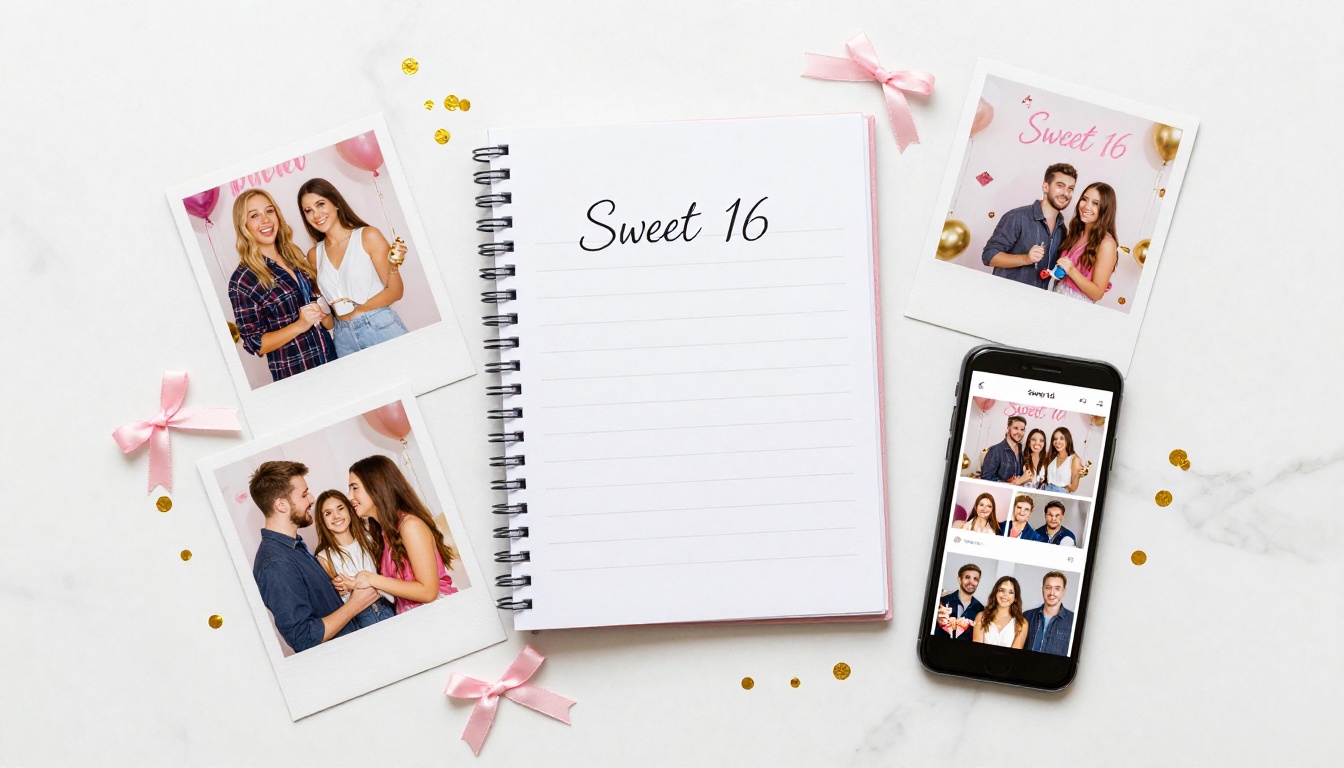
Step 3: Customize the Look
This is where the flipbook becomes yours. Flipbooks AI offers extensive customization options:
- Background color: Match the party's color palette (blush, gold, white)
- Custom branding: Add the birthday girl's name or a personalized logo
- Font and text overlays: Add a title page with "Sweet 16" and the date
- Page effects: Choose between hard cover, soft flip, or magazine-style transitions
You can also use the Digital Portfolio Creator approach to treat each section of the flipbook like a chapter, with title pages separating getting-ready photos from the party itself.
Step 4: Add Interactive Elements
Standard plan and above allows you to embed links within the flipbook pages. For a Sweet 16 keepsake:
- Link to a shared Spotify playlist from the party
- Link to a private Instagram highlight reel
- Add a clickable sign-the-guestbook link to a Google Form
Step 5: Share It
Once you're happy with the result, sharing takes one click. Flipbooks AI generates:
- A direct link you can text or email to every guest
- An embed code to place it on a family blog or personal website via Embed Flipbook on Website
- Password protection so only invited guests can view it
- Offline download so the birthday girl always has a copy regardless of internet access
💡 Enable password protection to keep the flipbook private within the friend group. Share the password only with invited guests for a personal, exclusive touch.
Flipbooks AI Plans: Which One Works for You
Not every Sweet 16 project needs the same feature set. Here's how the plans compare for this specific use case:
| Feature | Free | Standard | Professional |
|---|
| Number of flipbooks | Limited | Unlimited | Unlimited |
| Watermark | Yes | No | No |
| Password protection | No | Yes | Yes |
| Custom branding | No | Yes | Yes |
| Analytics dashboard | No | No | Yes |
| Offline downloads | No | Yes | Yes |
| Embed on website | No | Yes | Yes |
| Lead generation forms | No | No | Yes |
| Best for Sweet 16 | Testing only | Personal use | Large guest lists |
For a Sweet 16 flipbook shared with family and close friends, the Standard plan covers everything you need. If you're planning a large celebration with 100 or more guests and want to track who viewed it, the Professional plan adds analytics that show you exactly who opened the flipbook and when.
Sweet 16 Flipbook Ideas That Go Beyond Photos
A photo flipbook is already a beautiful keepsake. A few additions can take it from great to genuinely unforgettable.
Adding a Video Clip Page
Flipbooks AI supports embedded video within pages. This means you can include:
- A 60-second highlight reel from the party videographer
- A surprise video message from a friend who couldn't attend
- A time-lapse of the venue setup before guests arrived
Custom Themes and Color Palettes
Your flipbook's visual identity should match the party theme. Some popular Sweet 16 aesthetic directions:
- Blush and Gold: Soft rose backgrounds, gold accent text, serif fonts
- All-White Minimalist: Clean white pages, black captions, the photos carry everything
- Midnight Glam: Deep navy or black backgrounds, photos pop with dramatic contrast
- Garden Party: Soft greens and creams, botanical dividers, natural light photography
Making a Birthday Gift Version
If you're creating this as a gift rather than a personal archive, consider adding a personal letter page at the beginning. A single page with a handwritten-style font message from close friends makes the flipbook feel intimate and irreplaceable.
✅ Add a QR code on the final page that links to a shared message board where friends can continue adding memories after the party. It turns a static keepsake into a living one.
Sharing Your Flipbook with Family and Friends
The flipbook is only as valuable as the people who get to experience it.
Best Sharing Methods for a Sweet 16
| Sharing Method | Best For | Privacy Level |
|---|
| Direct link (no password) | Large guest lists, easy access | Public |
| Password-protected link | Close friends and family only | Private |
| Embedded on family blog | Long-term archive, extended family | Semi-private |
| Printed QR code at party | In-person sharing during event | Controlled |
| Social media preview | Teaser content, public celebration | Public |
A printed QR code on the party table cards is a particularly elegant touch. Guests scan it during the event and immediately see the flipbook, building anticipation as photos get added throughout the night.
Sending It as a Thank-You Gift
One of the most thoughtful post-party gestures is sending the completed flipbook link in the thank-you messages. Instead of a generic card, every guest receives a link to the full evening's story. It's personal, immediate, and costs nothing extra to send.
Real-World Sweet 16 Flipbook Scenarios
Different Sweet 16 situations call for slightly different flipbook approaches.
The DIY Planner: The birthday girl's mom handles everything herself. She collects photos from every guest via a shared Google Photos album, curates the best 75, assembles a Canva PDF, and uploads to Flipbooks AI. Total creation time: about 3 hours over two days.
The Photographer's Deliverable: The professional photographer includes a digital flipbook as part of their package. They export their edited gallery as a PDF, upload it to Flipbooks AI, and deliver the link alongside the digital files. It adds real perceived value to the package without significant extra work.
The Friend Group Project: Four close friends each contribute their 20 favorite photos from the night. One friend compiles them into a PDF, creates the flipbook, and shares the link with the whole group the next morning. The birthday girl wakes up to it on her phone.
The Long-Distance Family Version: Grandparents and relatives who couldn't attend receive the password-protected flipbook link. They get to experience the full evening from their living rooms, page by page, with the same emotional weight as being there.
Preserving the Memory for the Long Run
A Sweet 16 only happens once. The photos from that night are irreplaceable. Storing them in a flipbook format on a reliable platform means they don't get lost in a hard drive crash or buried in an app that changes its storage policies.
With Flipbooks AI, your flipbook lives on their servers, accessible from any browser on any device anywhere in the world. You can update it at any time, adding photos from guests you missed. The offline download option gives you a local backup regardless of internet access.
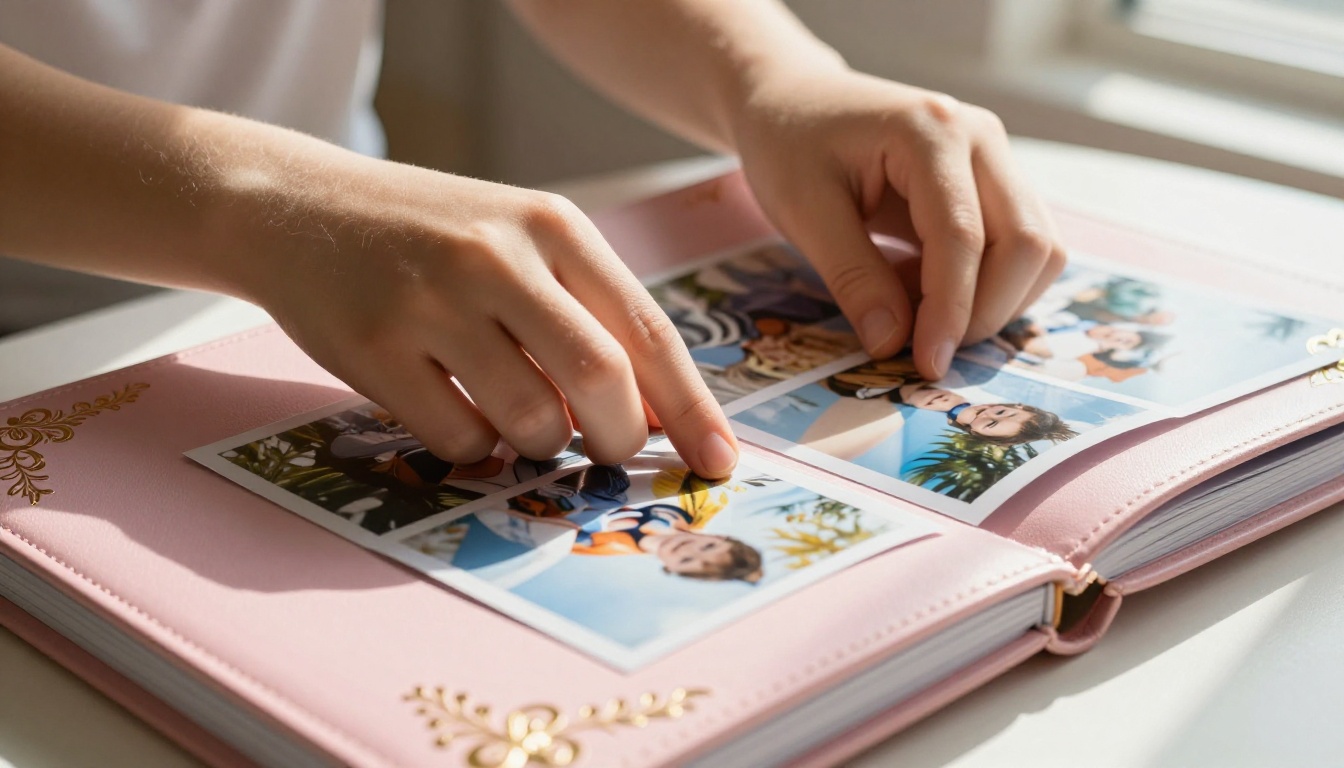
For families who also want a physical version, the same PDF you upload to Flipbooks AI can be sent to a print service for a hardcover book. You get both formats from a single source file.
💡 Save your PDF source file in Google Drive or iCloud. That gives you the option to reprint, re-upload, or share the raw file for years to come.
Your Sweet 16 Flipbook Starts Here
A 16th birthday is the kind of milestone that deserves a keepsake built to last. Whether you're creating it as a personal archive, a surprise gift, or a photographer's deliverable, the combination of carefully curated photos and an interactive flipbook format creates something genuinely worth treasuring.
Flipbooks AI makes the technical side effortless, so you can focus on what actually matters: choosing the photos that tell the real story of that night.
Ready to build yours? Create your free account and upload your first PDF today. No watermarks, no design degree required, and no limit on how many times you share it.
Not sure which plan fits your needs? Compare pricing options and find the right tier for your project. Browse all available flipbook tools to see every format you can bring to life.



