Your wedding day happens once. The photos from that day, however, should last forever and be seen by everyone who matters. That is exactly why more couples, photographers, and families are choosing to create wedding photo albums with flipbooks instead of relying on printed books that fade, get damaged, or sit unopened in a closet. With Flipbooks AI, you can transform your entire wedding gallery into a stunning, page-turning digital album that anyone can open on any device, anywhere in the world.
Whether you are a bride reliving the ceremony, a wedding photographer delivering work to clients, or a parent wanting to share memories with grandchildren, the flipbook format brings your wedding story to life in a way no static gallery ever could.
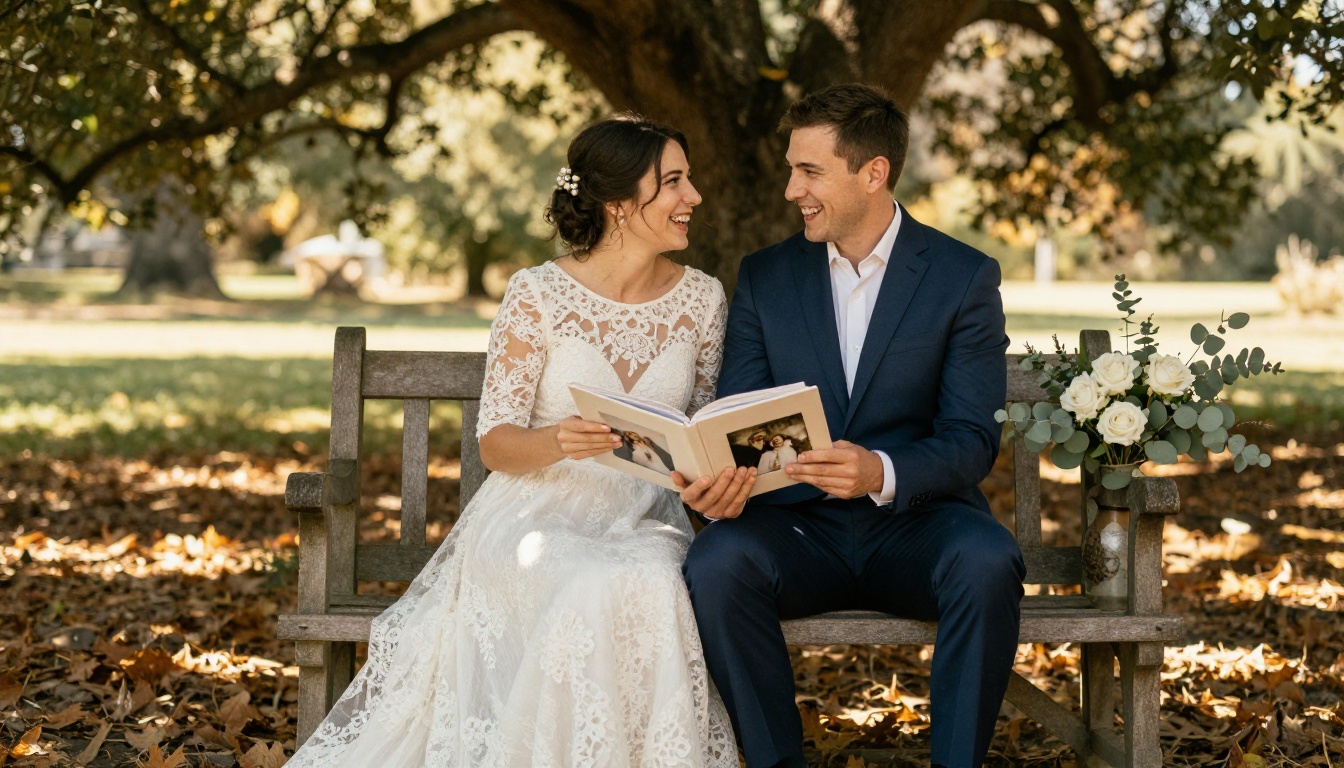
Why Printed Wedding Albums Fall Short
The Real Cost of Traditional Albums
Printed wedding albums look beautiful on day one. By year five, they are yellowing, warping, or shoved in the back of a shelf. The average professionally printed wedding album costs between $300 and $800, and that price does not include reprints when pages get damaged, shipping to family abroad, or making copies for parents and in-laws.
Every time someone wants to see your photos, you have to physically hand them the book or ship it, hope it arrives safely, and then wait to get it back. For a document meant to celebrate one of the most important days of your life, that workflow is surprisingly fragile.
What a Digital Flipbook Actually Does
A digital wedding flipbook is a browser-based, interactive publication that mimics the experience of physically turning pages, with none of the physical limitations. It loads on any smartphone, tablet, laptop, or desktop without an app. It can be shared via a single link, embedded in a wedding website, sent in a family group chat, or password-protected for intimate guest access.
With Flipbooks AI, your album becomes a living document. You can update it, share it instantly, and guarantee it looks exactly as beautiful in ten years as it does today.
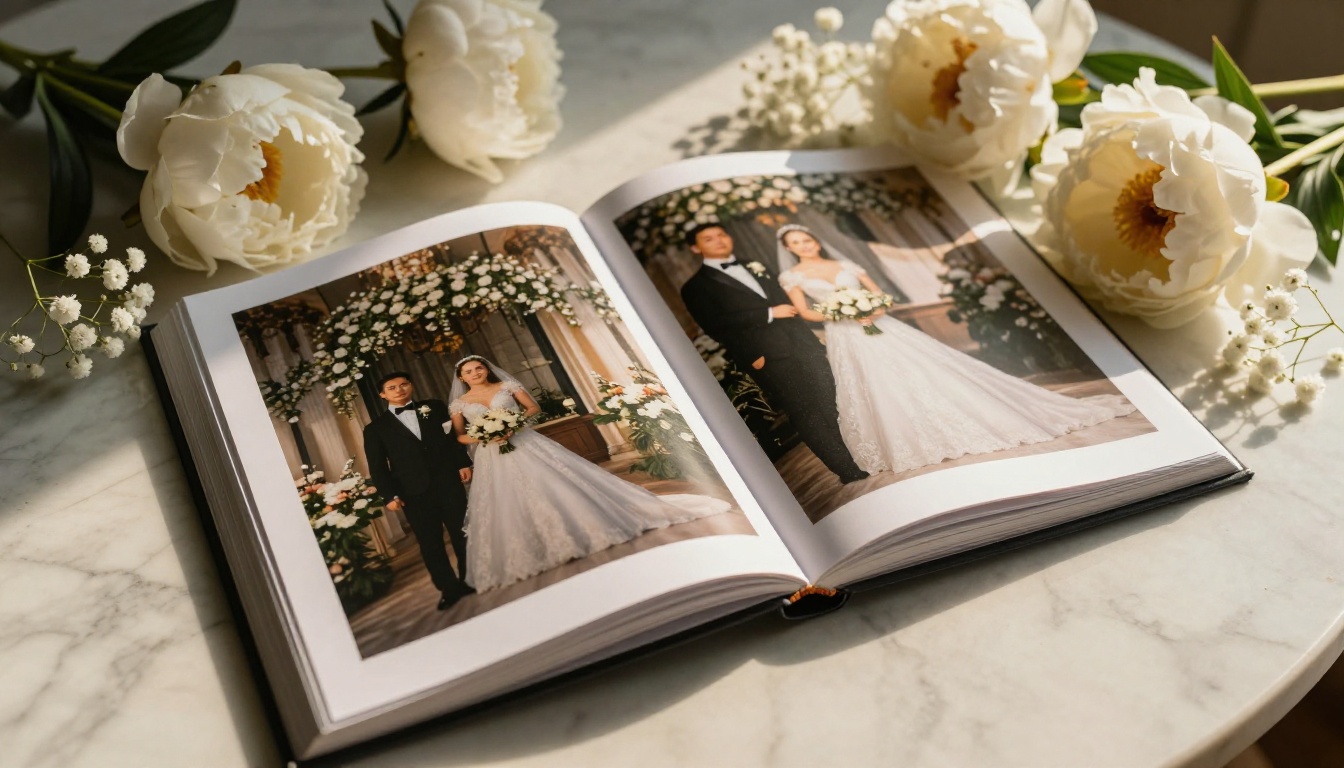
What Makes a Wedding Flipbook Worth Keeping
Features That Actually Matter
Not all digital album tools are equal. When choosing a platform to create wedding photo albums with flipbooks, these are the features that separate a meaningful keepsake from a forgettable slideshow:
- Real page-turn animation: The tactile flipbook effect adds emotional weight to the viewing experience
- Mobile-responsive design: Your grandparents and your college friends should both see it perfectly on their devices
- Password protection: Keep your album private and share it only with those who matter
- Custom branding: Remove platform logos so the album feels personal, not commercial
- Embed capability: Drop your album directly onto your wedding website or blog
- No watermarks: Nothing breaks the magic faster than a watermark interrupting your first-kiss photo
💡 The Wedding Album Flipbook tool on Flipbooks AI was built specifically for this use case, with templates and layouts designed around wedding photography.
Print vs. Digital Flipbook Albums
| Feature | Printed Album | Digital Flipbook |
|---|
| Cost | $300 to $800+ | From free |
| Copies for family | Extra cost per copy | Unlimited shares, one link |
| Accessible from abroad | Requires shipping | Instant, any device |
| Update or add photos | Not possible | Yes, anytime |
| Weather or wear damage | Fades and yellows | No degradation |
| Embed on website | Not possible | One-click embed |
| Password protection | Physical only | Yes, digital |
| Interactive page-turn | Physical only | Animated in browser |
The difference is not just convenience. It is permanence.
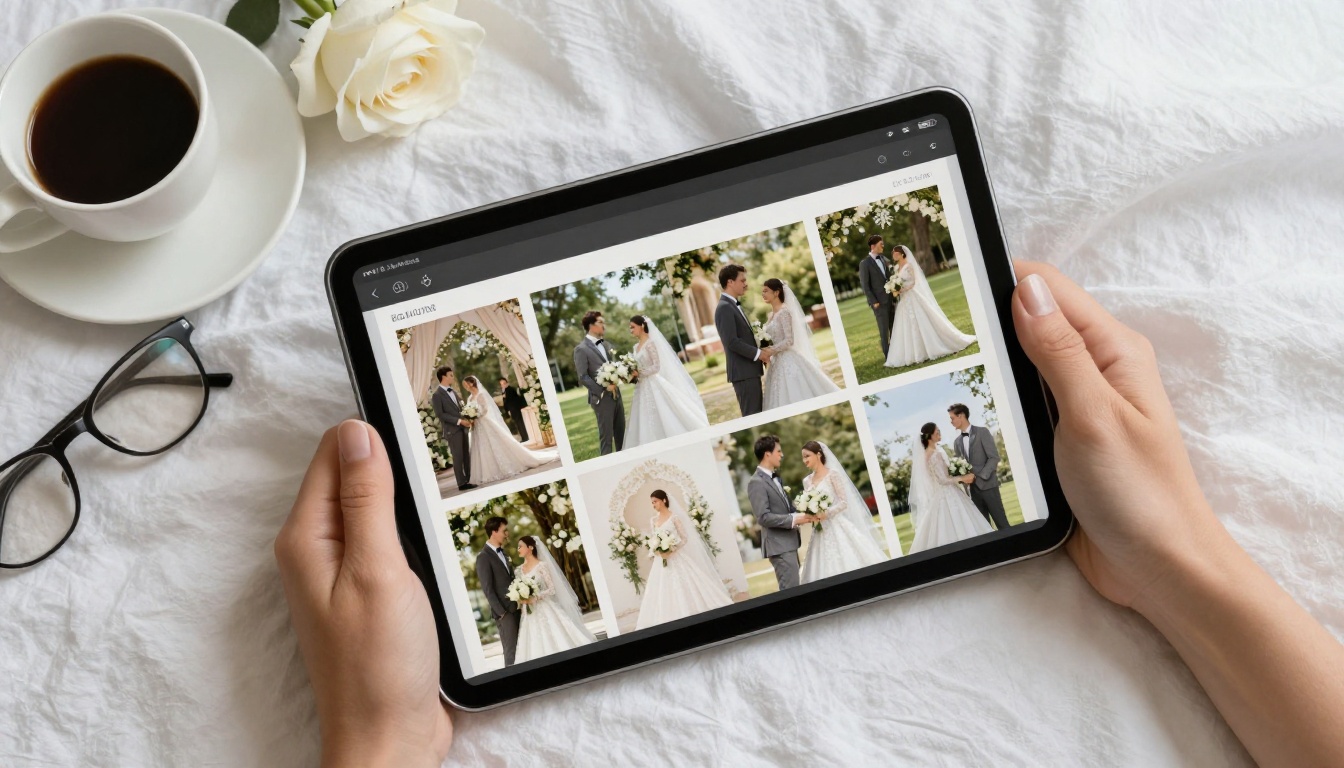
Building Your Digital Wedding Album
This section walks through the exact process using the Wedding Album Flipbook tool on Flipbooks AI. The whole process takes under 30 minutes for a complete album.
1. Create Your Free Account
Head to flipbooksai.com/account and sign up. The free plan is available immediately with no credit card required. Once inside the dashboard, you will see your flipbook library ready to fill.
✅ All plans on Flipbooks AI include no watermarks, which means your wedding album looks clean and professional from the very first page.
2. Build Your PDF Photo Layout
Before uploading, organize your wedding photos into a designed PDF layout. Use any design tool you are comfortable with, such as Canva, Adobe InDesign, or even Google Slides. Structure the layout as a narrative:
- Cover page: Your best portrait or ceremony shot
- Preparation moments: Behind-the-scenes bridal suite and getting-ready photos
- Ceremony: Processional, vows, the kiss, and recessional
- Portraits: Couple shots, bridal party, family formals
- Reception: First dance, toasts, cake cutting, candid moments
- Final page: A closing portrait or personal message
Export your designed layout as a high-resolution PDF, at minimum 150 DPI and ideally 300 DPI for sharp, vivid results.
⚠️ Keep file size below 500MB for fastest upload and processing. If you have hundreds of high-resolution photos, compress images slightly before laying out the PDF.
3. Upload and Convert Your PDF
In the Flipbooks AI dashboard, click Create New Flipbook and upload your PDF. The conversion engine processes your file and turns it into a fully animated, page-turning flipbook within minutes. Once converted, your wedding album is immediately viewable in the browser with smooth page-turn animations.
4. Customize the Album Design
This is where the album becomes truly yours. From the editor panel, you can:
- Apply a theme: Choose warm, elegant themes that complement wedding photography tones
- Set custom colors: Match your wedding palette, blush pinks, deep navies, ivory whites
- Add your names and wedding date to the cover and metadata
- Remove all platform branding for a completely personal feel
- Adjust page layout: Fit, fill, or center each photo spread
💡 For wedding albums, warm-toned themes with serif fonts create the most timeless aesthetic. Avoid high-contrast dark themes, which can make light wedding photography look washed out.
5. Add Multimedia and Personal Touches
One advantage digital flipbooks have over print that most couples overlook: you can embed audio and video directly into the pages.
- Embed your ceremony audio on the vows page so viewers can hear the words as they read
- Add a video clip of the first dance on the reception spread
- Link to your wedding hashtag or social gallery for extended content
The Embed Flipbook on Website tool makes it simple to add your completed album to any wedding website or blog with a single code snippet.
6. Share with Family and Friends
Once your album is ready, you have multiple sharing options:
- Direct link: Copy and send to anyone via message, email, or social media
- Embed code: Paste into your wedding website
- Password protection: Add a private password so only invited guests can view
- QR code: Print and include in thank-you cards so guests can scan directly to the album
Couples using the Professional plan on Flipbooks AI also gain access to analytics showing exactly who viewed the album, from which country, and for how long. A surprisingly touching feature when you can see that your grandmother in another city has opened the album thirty times.
Flipbooks AI Plans for Wedding Albums
Flipbooks AI pricing is structured to work for any budget, from couples doing a simple DIY album to professional photographers managing multiple client deliveries.
| Plan | Price | Flipbooks | Watermark | Password Protection | Analytics | Offline Download |
|---|
| Free | $0 | Limited | None | No | No | No |
| Standard | From $9/mo | Unlimited | None | Yes | No | No |
| Professional | From $19/mo | Unlimited | None | Yes | Yes | Yes |
💡 For most couples, the Standard plan is the sweet spot. Unlimited flipbooks means you can create separate albums for the ceremony, reception, and honeymoon without upgrading. For photographers delivering albums to multiple clients, the Professional plan pays for itself with the analytics and lead generation tools.
Real Ways Couples Are Using Wedding Flipbooks
Sharing with Long-Distance Family
One of the most common frustrations after a wedding is getting photos to family members who could not attend. Grandparents in another country, cousins studying abroad, old family friends who were on the invite list but could not travel. A shareable digital flipbook solves this instantly. One link, shared in a family group message, and everyone has the full album in their hands within seconds.

Creating Keepsake Gifts for Parents
Parents and in-laws almost universally want their own copy of the wedding album. With a digital flipbook, creating a parent edition costs nothing extra. Some couples create a slightly different version for each set of parents, with different cover pages or photo selections that emphasize that family's specific moments.
Print a QR code linked to the flipbook and frame it alongside a favorite photo as a wedding gift. It is personal, thoughtful, and infinitely more useful than a duplicate printed book.
Extending Your Wedding Website
Many couples build a wedding website before the day for invitations and RSVPs. After the wedding, that same site can host the full photo album as an embedded flipbook. Guests who attended can revisit their favorite moments. Anyone who could not make it gets a full cinematic walkthrough of the day.
The Photography Portfolio tool is also worth considering if you are a photographer building a portfolio showcase alongside the couple's album.
What to Include in Your Wedding Flipbook
The Essential Photo Categories
A complete wedding flipbook album should tell a story from beginning to end. Here is a reference table for the photo categories most couples include, with suggested page counts for a 60-page album:
| Album Section | Suggested Pages | Key Moments to Capture |
|---|
| Cover and title | 1 to 2 | Best portrait, wedding date, names |
| Preparation moments | 6 to 8 | Bridal suite, details, prep |
| Ceremony | 12 to 16 | Processional, vows, kiss, exit |
| Couple portraits | 8 to 10 | First look, sunset portraits |
| Bridal party | 4 to 6 | Group shots, candid fun |
| Family formals | 4 to 6 | Both families, generational shots |
| Reception | 10 to 14 | First dance, toasts, dancing, cake |
| Details and decor | 4 to 6 | Florals, rings, table settings |
| Closing page | 1 to 2 | Final portrait or personal message |
✅ A 60-page album is the sweet spot for most weddings. It is long enough to tell the full story without losing the viewer's attention. If you have more photos you love, consider creating a second extended edition flipbook with additional candid moments.
Tips for a Stunning Flipbook Wedding Album
Design and Layout Best Practices
- Use full-bleed photos across double-page spreads for panoramic moments like ceremony venues and reception halls
- Alternate between full-page spreads and multi-photo grid pages to maintain visual rhythm
- Keep text minimal: captions if needed, but let the photos do the storytelling
- Match fonts to your wedding aesthetic: script fonts for romantic settings, clean sans-serif for modern venues
- Include your wedding colors in borders, background pages, and decorative elements
Photo Selection Strategy
Choosing which photos to include is harder than it sounds. A few principles that help:
- Every person who attended should appear at least once in the album
- Show emotion over perfection: a slightly blurry shot of your grandmother crying will always be more powerful than a technically perfect but emotionally flat group photo
- Lead with your strongest image, not necessarily the chronological first
- Use the opening and closing pages as bookends: both should feature your absolute best photos
⚠️ Avoid over-editing photos before adding them to the flipbook. Heavy filters and dramatic color grading that look good on Instagram tend to look jarring in a book layout. Natural, warm-toned edits age better and look more consistent across a full album.
For Wedding Photographers
If you are a professional photographer, offering digital flipbook albums as part of your packages is a meaningful upgrade that clients genuinely value. Photographers on the Professional plan can:
- Deliver password-protected albums directly to clients
- Track viewing analytics to confirm clients have received and opened their album
- Offer offline downloads as a premium add-on
- Generate leads through embedded forms within the flipbook itself
This turns the wedding album from a static deliverable into an active part of your client relationship and referral strategy.
When deciding how to deliver wedding memories, couples and photographers typically weigh three options. Here is how they compare on the dimensions that matter most:
| Delivery Format | Cost to Produce | Shareability | Longevity | Interactivity | Setup Time |
|---|
| Printed photo book | High ($300 to $800+) | Low (physical only) | Medium (fades over time) | None | 1 to 3 weeks |
| Cloud photo gallery | Low (free tools) | High (link sharing) | High | Low (slideshow only) | Under 1 hour |
| Digital flipbook | Low (from free) | Very High (link, embed, QR) | Very High | High (page-turn, video, audio) | Under 30 minutes |
The digital flipbook wins on every dimension except one: the physical sensation of holding a book. For couples who value that, a hybrid approach works beautifully. One printed album for display and one digital flipbook for sharing.
Your Wedding Story Deserves to Be Seen
Wedding photos too often end up in one of two places: a printed album that only exists in your living room, or a cloud folder that nobody ever opens. Neither option does justice to the effort, emotion, and investment that went into your wedding day.
When you create wedding photo albums with flipbooks, you build something that actually gets seen. Something that loads in two seconds on your mother-in-law's phone. Something that your best friend on another continent can flip through over their morning coffee. Something that will look exactly the same in twenty-five years as it does today.
Flipbooks AI makes the whole process straightforward, with no design experience required and no watermarks ever getting in the way of your memories. Create your first album at flipbooksai.com/account or see all available features at flipbooksai.com/pricing.
Your story is already told in those photos. Now it deserves a format worthy of it.



