The first day at a new job is one of the most emotionally loaded moments in any professional's career. New hires arrive with a mix of excitement, nerves, and a flood of questions. How the company receives them in those first hours sets the tone for everything that follows. A bland printed packet stuffed into a manila folder sends one message. A beautifully designed, interactive digital flipbook sends a completely different one. This article shows you exactly how to create a welcome packet flipbook for new employees that does more than inform. It makes people feel genuinely glad they joined.
Why Static Welcome Packets Are Not Working Anymore
For decades, HR departments have handed new hires a stack of printed papers or a flat PDF. The problem is not the content. Most welcome packets contain genuinely useful information. The problem is the delivery. A dense PDF feels like homework. A printed packet gets stuffed in a drawer. Neither format signals that the company is modern, thoughtful, or invested in the employee experience.
Research from SHRM shows that organizations with a strong onboarding process improve new hire retention by 82% and productivity by over 70%. The medium matters as much as the message. When a new hire opens an interactive digital flipbook and watches pages turn with a smooth animation, sees embedded videos and clickable links, and can read it on their phone during their commute, the experience itself communicates something about the company's culture.

The Cost of a Poor First Impression
A new hire who feels underinformed in their first week is already mentally halfway out the door. The cost of replacing an employee typically runs between 50% and 200% of their annual salary when you factor in recruiting, training, and lost productivity. Investing in a polished welcome packet flipbook is not an HR nicety. It is a retention strategy with a measurable return.
What New Employees Actually Want on Day One
New hires are not looking for a legal document dump. They want to feel:
- Welcomed by the people and culture they are joining
- Oriented so they know where to go and who to talk to
- Informed about benefits, tools, and what their first 30 days will look like
- Excited about the company's mission and their role in it
A static PDF can handle the informational part. A flipbook does all four.
What Belongs Inside a Great Welcome Packet
Before you open any tool to build your flipbook, spend time on the content architecture. The strongest welcome packets follow a clear emotional arc: warm welcome, practical orientation, culture immersion, and clear next steps.
The 7 Sections Every Packet Needs
- Welcome Letter from the CEO or direct manager, personal, warm, specific to the role.
- Company Story and Mission in a format that excites, not a copy-paste from the website.
- Team Directory with photos, roles, and a line about each person's background.
- First Week Schedule with daily breakdowns and who to meet.
- Benefits Overview covering health, retirement, PTO, and perks.
- IT and Tools Setup including software, login credentials, and equipment guides.
- HR Policies written in plain language, not legalese.
💡 The most-read section of any welcome packet is the team directory. Invest extra time making it visual and personal. New hires are most anxious about the people, not the policies.
Section Length Benchmarks
| Section | Recommended Length | Format |
|---|
| Welcome Letter | 200-300 words | Full paragraph, signed |
| Company Story | 300-400 words | Story-driven prose |
| Team Directory | 1 entry per person | Photo + 2-3 sentences |
| First Week Schedule | 5 daily blocks | Table or timeline |
| Benefits Overview | 400-500 words | Bullet lists + summary table |
| IT and Tools | 300-400 words | Numbered steps |
| HR Policies | 500-600 words | Scannable headers |
Paper vs. Digital: The Real Comparison
Many HR teams are still debating whether to go fully digital. Once you look at the data, the comparison is not really close.
| Feature | Printed Packet | Flat PDF | Digital Flipbook |
|---|
| Mobile-friendly | No | Partial | Yes |
| Page-turn experience | Yes | No | Yes |
| Embedded video | No | No | Yes |
| Clickable links | No | Yes | Yes |
| Analytics and tracking | No | No | Yes (Pro plan) |
| Easy to update | No | Yes | Yes |
| Branding control | Limited | Limited | Full |
| Password protection | No | Partial | Yes |
| Offline access | Yes | Yes | Yes (download) |
| Wow factor | Low | Low | High |
The digital flipbook wins across nearly every dimension that matters to HR leaders: accessibility, analytics, branding control, and the new hire experience itself.
Why Flipbooks Beat Plain PDFs for Onboarding
A PDF is functional. A flipbook is memorable. When you create a welcome packet flipbook for new employees on Flipbooks AI, you take a standard PDF and turn it into an interactive publication with page-turn effects, embedded media, custom branding, and a professional reading experience that works on any device. The difference in perception is immediate.
✅ Companies that use interactive onboarding materials report higher scores in new hire satisfaction surveys within the first 30 days, compared to those using static documents.
How to Build Your Welcome Packet Flipbook
Here is exactly how to create a welcome packet flipbook for new employees using Flipbooks AI from start to finish.

Step 1: Design Your PDF First
Build your welcome packet in any design tool, such as Canva, Adobe InDesign, or Google Slides. Export it as a high-quality PDF at 300 DPI. The design should:
- Use your brand colors, fonts, and logo throughout
- Include high-resolution photos of your office, team, and products
- Follow the 7-section structure outlined above
- Keep each page visually distinct so readers always know where they are
Step 2: Upload to Flipbooks AI
Head to Flipbooks AI and sign in or create a free account. From the dashboard:
- Click New Flipbook
- Drag and drop your PDF or browse to upload
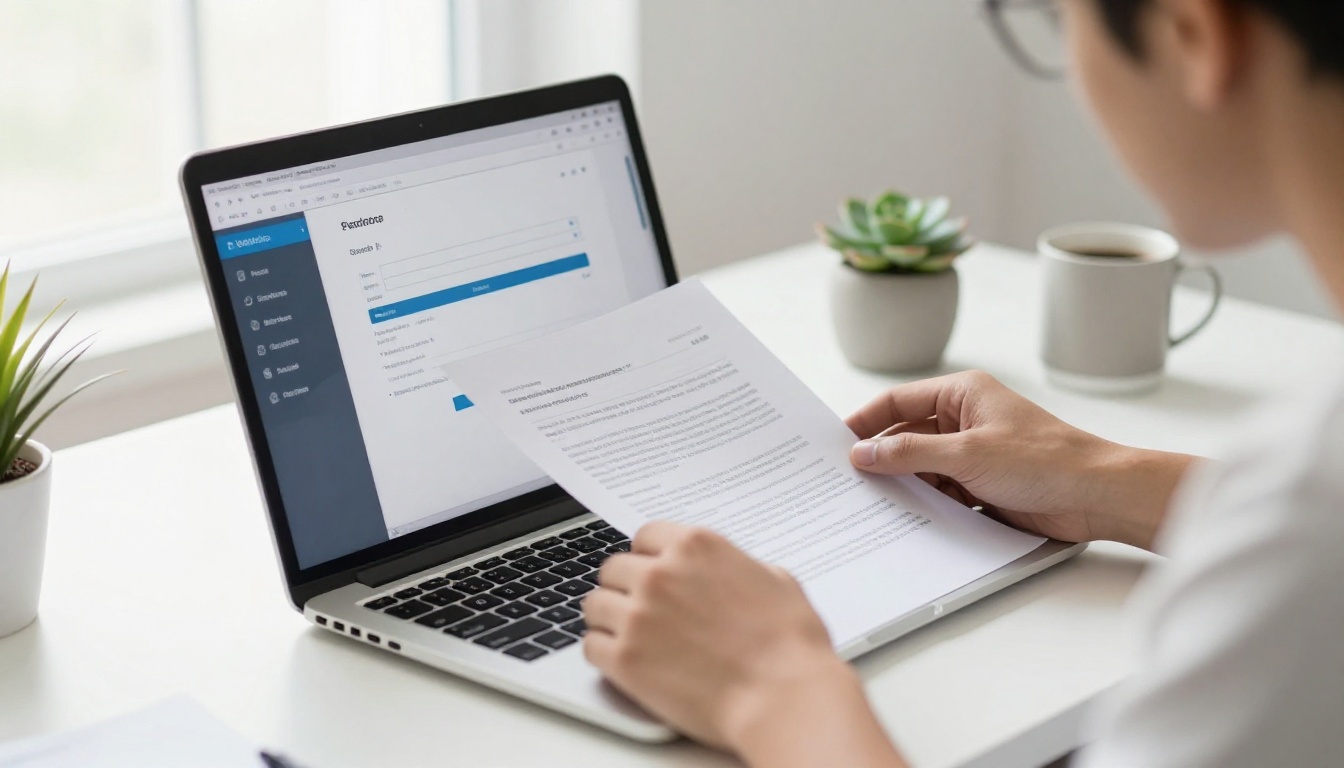
- Wait for the conversion, usually under 60 seconds for a 20-page document
- Preview the automatic flipbook conversion before editing
💡 For employee onboarding, aim for 20-30 pages. Too short feels thin. Too long loses people. Twenty well-designed pages is the sweet spot.
Step 3: Apply Your Brand Identity
Once the flipbook is converted, go into the customization settings. This is where the flipbook stops looking generic and starts looking unmistakably like your company:
- Front page and background: Upload a branded image or choose from color options
- Page effects: Choose between hard page, soft page, or scroll mode depending on your aesthetic
- Navigation bar: Customize colors to match your brand palette
- Logo placement: Add your company logo to the toolbar for consistent branding throughout
The Training Manual Flipbook tool is especially useful if you are creating a more detailed onboarding manual alongside the welcome packet.
Step 4: Add Multimedia
This is the feature that separates a good onboarding flipbook from a great one. Inside the flipbook editor you can:
- Embed a welcome video from your CEO or HR team on the very first page
- Add clickable links to your HRIS, benefits portal, and IT helpdesk
- Insert audio clips for office tour narration or company values readings
- Hyperlink team directory photos to employee LinkedIn profiles or internal bios
⚠️ Keep embedded videos under 3 minutes. New hires have limited attention spans on day one and will return to longer content later in the week.
Step 5: Protect and Share
Before distributing your welcome packet flipbook, configure the right access settings:
- Password protection: Set a password so only your new hires can open it
- Direct link: Generate a shareable URL to send via email or Slack
- Embed code: Paste it into your internal HR portal or Notion workspace
- Download option: Allow offline access for employees in low-connectivity locations
Once you are ready to share, see the full pricing plans to find the right tier for your HR team's size and needs.
Branding Your Flipbook Like an In-House Designer
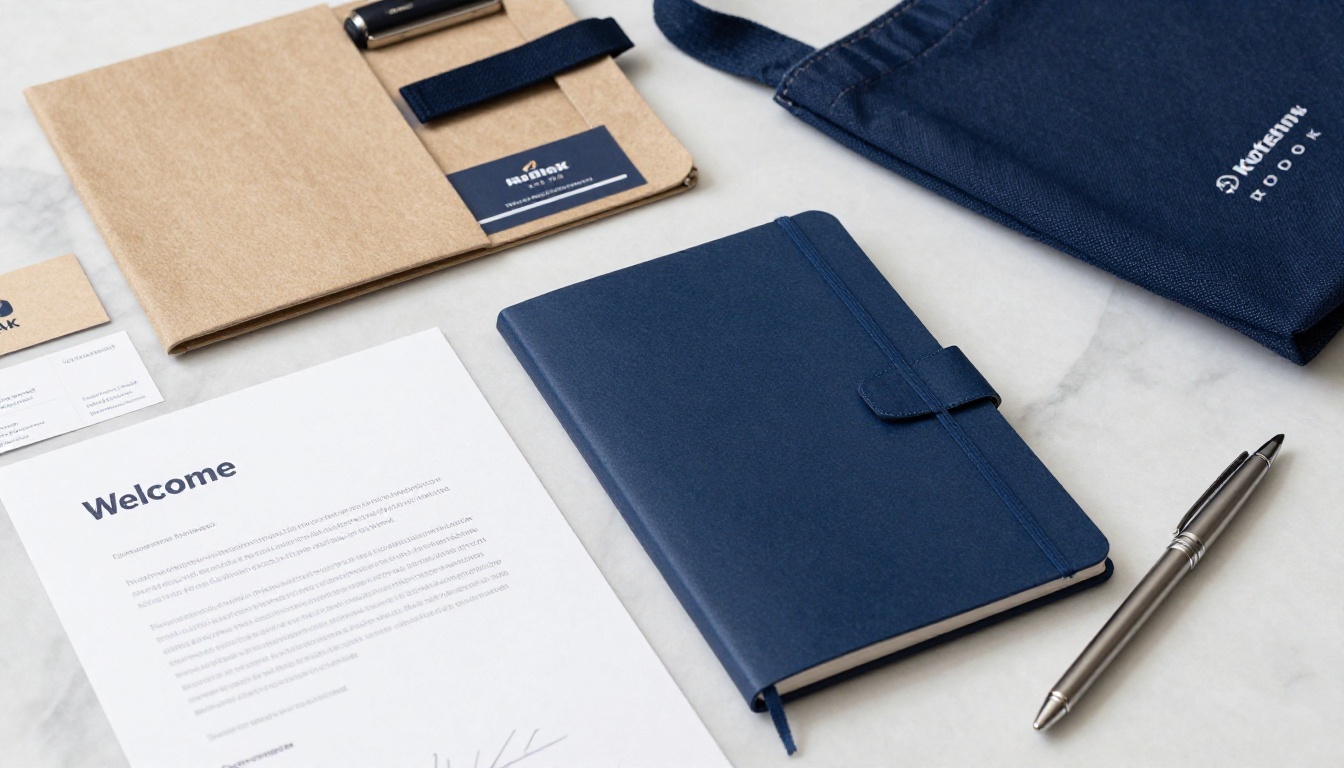
A welcome packet is a brand touchpoint. New hires are forming their first impressions of your visual identity, communication style, and attention to detail. A poorly branded document erodes confidence. A polished one builds it.

Brand Elements Checklist
Before publishing your welcome packet flipbook, verify each of these items:
Typography and Color Hierarchy
Use no more than two font families. Keep headings bold and large. Body text should sit at a comfortable reading size, especially on mobile screens. Your brand color should appear on at least 30% of every page spread. White space is not empty space. It is breathing room that makes content feel premium and intentional.
Measuring the Impact of Your Onboarding Flipbook
One of the most overlooked advantages of digital onboarding materials is the ability to track readership. With the Professional plan on Flipbooks AI, you get access to an analytics dashboard that shows:
- How many times the flipbook was opened
- Which pages received the most time and attention
- Where readers dropped off or stopped reading
- Whether the document was shared beyond its original recipients
This data is invaluable for HR teams. If analytics show that new hires consistently skip the benefits section, that is a clear signal the section needs a redesign. If 90% of readers spend more than two minutes on the team directory, you know that content is working exactly as intended.
Flipbooks AI Plan Comparison for HR Teams
| Feature | Free | Standard | Professional |
|---|
| Number of flipbooks | 1 | Unlimited | Unlimited |
| Watermark-free | No | Yes | Yes |
| Password protection | No | Yes | Yes |
| Custom branding | Limited | Yes | Yes |
| Analytics dashboard | No | No | Yes |
| Lead generation forms | No | No | Yes |
| Offline downloads | No | Yes | Yes |
| Embed on internal tools | Yes | Yes | Yes |
| Priority support | No | No | Yes |
For most HR teams managing 10 or more new hires per year, the Standard or Professional plan pays for itself in time saved and retention improvements within the first quarter.
What the Best Onboarding Packets Actually Say
Content quality matters as much as presentation. The most effective welcome packet flipbooks share a few common characteristics that go beyond formatting choices.

3 Things Exceptional Packets Do Differently
1. They speak in the company's real voice. Not corporate-speak. If your team says "let's ship it" rather than "let's deploy the solution," write the welcome packet the same way. New hires pick up on authenticity immediately and respond to it.
2. They answer the questions people are afraid to ask. Where do I park? What do people wear? Is it okay to eat lunch at my desk? The things not covered in any official policy are often the most anxiety-inducing. A dedicated FAQ section covering unwritten norms earns serious goodwill from day one.
3. They include a 30/60/90 day success roadmap. New hires who have a clear picture of what success looks like in their first three months report significantly higher job satisfaction scores. A one-page visual roadmap embedded in your flipbook addresses this directly and sets expectations early.
Common Mistakes That Undermine Good Content
- Too much legal text up front. Move contracts and compliance paperwork to a separate document. The welcome packet should feel welcoming, not intimidating.
- Outdated photos. If the office photos show a layout that no longer exists, update them before publishing. Nothing signals carelessness faster.
- No human voice. A welcome letter written by a legal team reads exactly like a welcome letter written by a legal team. Have the hiring manager write it, or at least heavily edit the draft before it goes live.
Onboarding Flipbooks Across Every Department
The flipbook format works far beyond the standard new employee welcome packet. Once your HR team is comfortable with the workflow, you can build a full suite of onboarding materials covering every situation and every department.

Department-by-Department Flipbook Uses
| Department | Flipbook Type | Content Focus |
|---|
| HR | Welcome packet | Culture, benefits, policies |
| IT | Tech setup guide | Software list, login steps, helpdesk |
| Operations | Process manual | SOPs, workflows, escalation paths |
| Sales | Playbook flipbook | ICP, pitch decks, CRM training |
| Marketing | Brand standards | Voice, visuals, approval workflow |
| Leadership | Executive onboarding | Strategy, stakeholders, KPIs |
The Course Material Publisher tool is ideal for department-specific training that goes beyond the general welcome packet. For organizations running formal onboarding programs, the Training Manual Flipbook provides a structured format purpose-built for instructional content at scale.
💡 Consider building a "culture flipbook" separate from the operational welcome packet. Culture is best shown through stories, photos, and quotes, not bullet points. A dedicated visual culture document gives new hires something to return to throughout their first year, not just their first week.
Start Impressing New Hires From Day One
The difference between a new hire who hits the ground running and one who spends their first week confused often comes down entirely to the quality of what they received on day one. A digital welcome packet flipbook is one of the highest-return investments an HR team can make in the employee experience.
Create your first flipbook on Flipbooks AI in under an hour using your existing PDF. No design skills required. No coding. Just upload, customize, and share a document that represents your company the way it deserves to be represented.
If you want to see everything the platform offers before committing, browse all available tools or see full pricing plans to find the right fit for your team's size and workflow.
Your new hires deserve better than a stapled printout. Give them something worth reading.



