Most Cyber Monday emails fail for one boring reason: they ask the shopper to make too many choices. Ten product links, three banners, two discount codes, and the reader closes the tab. The fix is simple. Send every email to one catalog, a single page-turning destination where the whole sale lives. Build it once with Flipbooks AI, and every subject line, button and text message points to the same place.
This article walks through seven Cyber Monday email examples built on that idea. You will see the subject line, the layout, the single call to action, and why each one works. Then we cover the setup, the send schedule, and the mistakes that quietly kill clicks.
Why One Catalog Beats Many Links
A catalog gives shoppers context. A product page shows one item. A catalog shows how items fit together, which raises the order value without a single extra email.
Here is what changes when you route every click to one destination:
- Cleaner emails. One hero image, one button, one promise.
- Simpler tracking. One link means one set of numbers to read.
- Faster edits. Update a price or sell out an item in the catalog, and every email already points to the fresh version.
- Better mobile experience. A mobile-responsive flipbook opens fast and turns pages with a thumb swipe.
💡 Pro tip: Treat the email as the doorway and the catalog as the store. The email only has to win one click.
The Many Links Problem
When an email carries eight product links, clicks spread thin and no single page gets enough traffic to learn from. With one catalog, you see exactly which pages hold attention and which ones lose it.
What a Catalog Page Does Better
Product pages are built for checkout. Catalog pages are built for browsing. On a high-volume day, browsing is what moves a shopper from "just looking" to "adding three things."
Seven Email Examples Worth Copying
Each example below follows the same rule: one email, one button, one catalog link. Swap in your own products and offer.
Example 1: The Early Access Teaser
Send: the Friday before.
Subject line: Your early look at Monday's catalog
Preheader: Browse first. Shop when the sale opens.
The body is three short lines and a cover image of the catalog. The button reads "Preview the catalog." You are building anticipation and training subscribers to click the same link they will use on Monday.
Example 2: The Midnight Launch
Send: 12:01 AM local time.
Subject line: It's live: the full Cyber Monday catalog
Preheader: Every deal, one page.
Keep this one almost text free. A single image of the catalog cover, a one-line offer, and a bold button. Night owls and early risers both convert here.
Example 3: The Category Spotlight
Send: 9:00 AM.
Subject line: Kitchen deals start on page 12
Here the link still goes to the one catalog, but it deep-links to a specific page. This is the trick that makes one catalog feel personal. Segment by past purchases, then point each group to the page they care about.
Example 4: The Gift Shopper Email
Send: noon.
Subject line: Gifts under $50, all on two pages
Gift buyers want speed. Name the price range, name the page count, and let the catalog do the rest.
Example 5: The Social Proof Nudge
Send: 2:00 PM.
Subject line: What everyone is adding to their cart today
Show three best sellers as small thumbnails, then send all three clicks to the same catalog. Do not split the links. The thumbnails are decoration, the button is the action.

Example 6: The Abandoned Browser
Send: 6:00 PM, to people who opened but did not click.
Subject line: Still thinking? Page 8 is going fast
Shorter than the others, more urgent, and sent only to non-clickers. Reference one specific page to give the reader a reason to return.
Example 7: The Last Call
Send: 8:00 PM.
Subject line: Four hours left on the catalog
A countdown line, the same cover image, the same button. Resist adding anything new.
Example Comparison at a Glance
| Example | Send Time | Audience | Link Target |
|---|
| Early Access Teaser | Friday | Full list | Catalog cover |
| Midnight Launch | 12:01 AM | Full list | Catalog cover |
| Category Spotlight | 9:00 AM | Segmented | Specific page |
| Gift Shopper | Noon | Gift buyers | Gift pages |
| Social Proof Nudge | 2:00 PM | Full list | Catalog cover |
| Abandoned Browser | 6:00 PM | Openers, no click | Specific page |
| Last Call | 8:00 PM | Full list | Catalog cover |
Notice that only three of seven use page-level links. The rest send people to the cover so the catalog tells its own story.
How to Build the Catalog Behind the Emails
If you already have a PDF catalog, you are minutes away from a shareable link. Here is the full process using Flipbooks AI.

Step 1: Upload Your PDF
Create an account at Flipbooks AI, then drop in your PDF. The PDF to Flipbook Converter turns each page into a turnable spread with a realistic page effect. If you are starting from scratch, the Product Catalog Generator and Digital Catalog Maker give you a layout to fill in.
Step 2: Brand It
Add your logo, pick brand colors, and choose a page-turn effect. Branding matters on Cyber Monday because shoppers receive dozens of sale emails. A familiar look says "this one is from a store I trust."
Step 3: Add Multimedia
Embed a short product video or background audio on the pages that need it. Flipbooks AI supports both, so a hero page can show a product in use instead of a flat photo.
Step 4: Set Sharing Rules
Choose how you share:
- Direct link for the email button.
- Embed code for your homepage banner, using the Embed Flipbook on Website tool.
- Password protection for a VIP early access version.
✅ Best practice: Build two versions of the same catalog. Send the password-protected one to your best customers on Friday, then publish the open version at midnight.
Step 5: Turn On Analytics and Lead Capture
On the Professional plan you get analytics and lead generation. Check pricing plans to see which tier fits. Analytics show which pages get the most time, which tells you exactly what to feature in your next email. Offline downloads let mobile shoppers keep the catalog when signal drops.
You do not need to be clever. You need to be specific.
| Formula | Example | Why It Works |
|---|
| Page number | Deals start on page 12 | Gives a concrete place to go |
| Price anchor | Gifts under $50 on two pages | Filters the right buyer |
| Time left | Four hours left on the catalog | Adds honest urgency |
| Preview | Your early look at Monday | Rewards the subscriber |
| Count | 38 deals, one catalog | Promises simplicity |
Keep Preheaders Short
Aim for under 60 characters. The preheader should finish the thought the subject line started, not repeat it.
Avoid Spam Triggers
Skip all caps, stacked exclamation points and words like "FREE!!!". They hurt inbox placement on the day you can least afford it.
A Sample Send Schedule
Seven emails in four days sounds like a lot. It is not, if each one has a clear job and a clear segment. Here is a schedule you can adapt.
| Day | Time | Email | Segment |
|---|
| Friday | 10:00 AM | Early Access Teaser | VIP list |
| Sunday | 7:00 PM | Reminder with catalog cover | Full list |
| Monday | 12:01 AM | Midnight Launch | Full list |
| Monday | 9:00 AM | Category Spotlight | Segmented |
| Monday | Noon | Gift Shopper | Gift buyers |
| Monday | 6:00 PM | Abandoned Browser | Non-clickers |
| Monday | 8:00 PM | Last Call | Full list |
⚠️ Warning: Do not email the same people seven times. Suppress anyone who has already purchased, and let clickers skip the reminder emails.
Use Real Examples From Your Own Business
A furniture store can point the Category Spotlight to its sofa pages. A fashion boutique can use the Fashion Catalog layout and the Interactive Lookbook Designer for styled outfits. A furniture maker can try the Furniture Catalog Maker. Same rule, different pages.
What to Measure After the Sale
Once Monday ends, resist the urge to only look at revenue. The catalog gives you better signals.
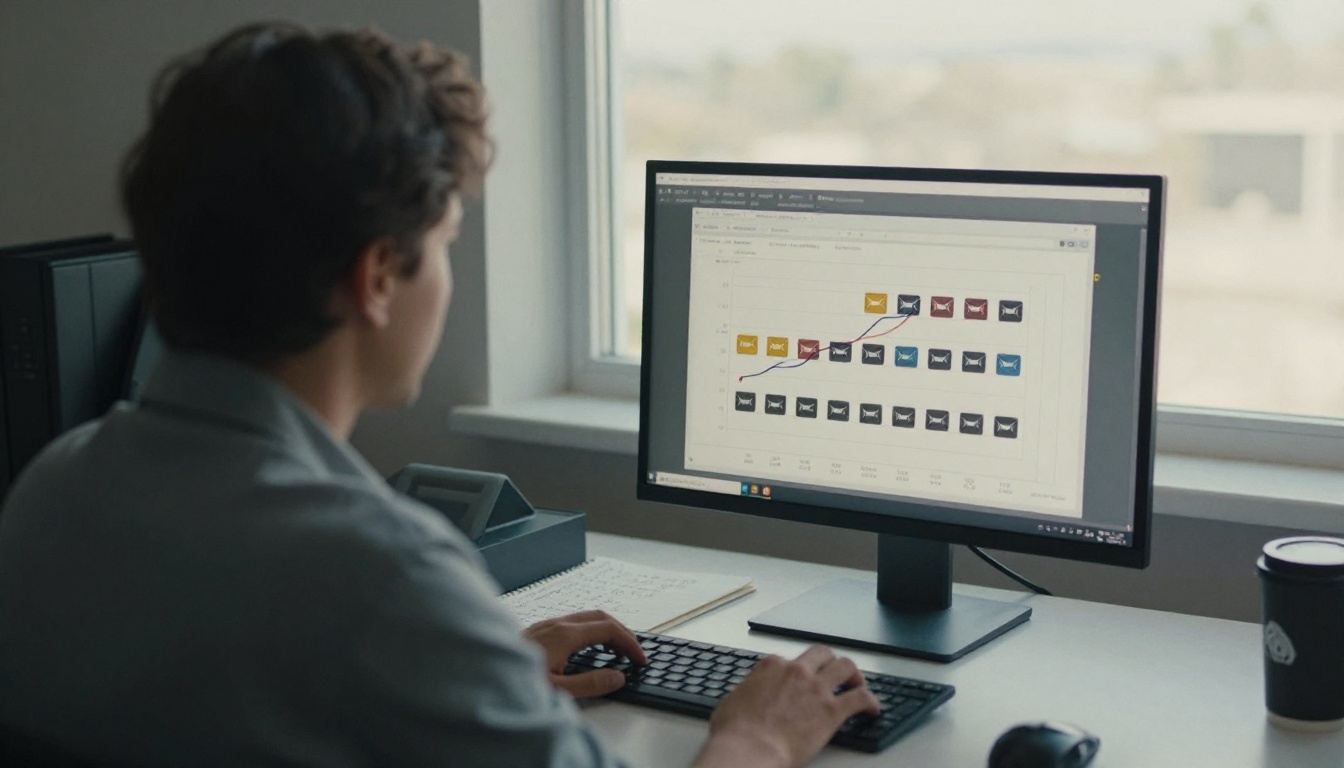
- Click-through rate per email. Which send time won?
- Time on page. Which catalog pages held attention?
- Drop-off page. Where did people leave?
- Lead captures. Who asked for more?
- Offline downloads. Who saved it for later?
Read Page-Level Data First
If page 4 gets three times the attention of page 9, move your best offer up next year. A single link makes this comparison trivial because every visitor walked the same path.
Feed the Next Campaign
Take the top five pages and build your January clearance email around them. The data you collected on Monday becomes the brief for the next send.
Five Mistakes That Cost Clicks
- Two buttons in one email. The second button steals clicks from the first.
- A giant PDF attachment. Heavy files bounce and get stuck on mobile. Send a link instead.
- Linking to a homepage. The shopper then has to hunt. Send them straight to the catalog.
- Changing the offer between emails. Keep the story consistent from teaser to last call.
- Forgetting mobile. Most opens happen on phones. Test every email on a small screen first.

Test Before You Send
Send yourself a preview and click through on a phone. If the catalog does not open in under two seconds, fix it before the list sees it.
Make the Catalog Itself Sell
The email earns the click. The catalog earns the order. A few small design choices help.

| Catalog Element | Recommendation |
|---|
| Cover page | Show the sale name and one hero product |
| Page 2 | Best sellers, so first-time browsers hit winners |
| Prices | Show the original and the sale price |
| Buttons | One "Shop now" per product, linking to checkout |
| Last page | Gift cards or a free shipping threshold |
You can also use the Digital Price List Generator when a simple price sheet works better than a full catalog.
Be Ready for Orders
A catalog that sells needs a store that ships. Plan staffing and stock before midnight, not after the first wave of orders.

Ready to Send Shoppers to One Catalog?
The pattern is easy to remember: one email, one button, one catalog. Everything else is details you can test as you go.
Build your catalog today so it is finished before the rush. Get started for free on Flipbooks AI, browse all flipbook tools for the layout that fits your store, and compare pricing plans when you are ready for analytics and lead capture. When you are set, upgrade your plan and schedule your first email.



