A buyer opens your catalog, lands on a hydraulic fitting with six variants, and has to guess how the quick release actually works. A photo can't tell them. A ten second clip can. That is the whole case for demo videos inside a product catalog, and it is also why dropping a video on every page is a mistake. With Flipbooks AI you can embed video straight into a page-turning catalog, but the real question is where a clip pays for itself and where it only adds weight.
This article walks through the pages that benefit most, the ones that don't, how long each clip should run, and how to build the whole thing step by step.
Why Video Belongs in a Catalog
Static catalogs are good at one job: listing specs and showing what a product looks like. They are bad at showing motion, sequence, and scale. Those three things are exactly what a buyer needs before they commit to an order.
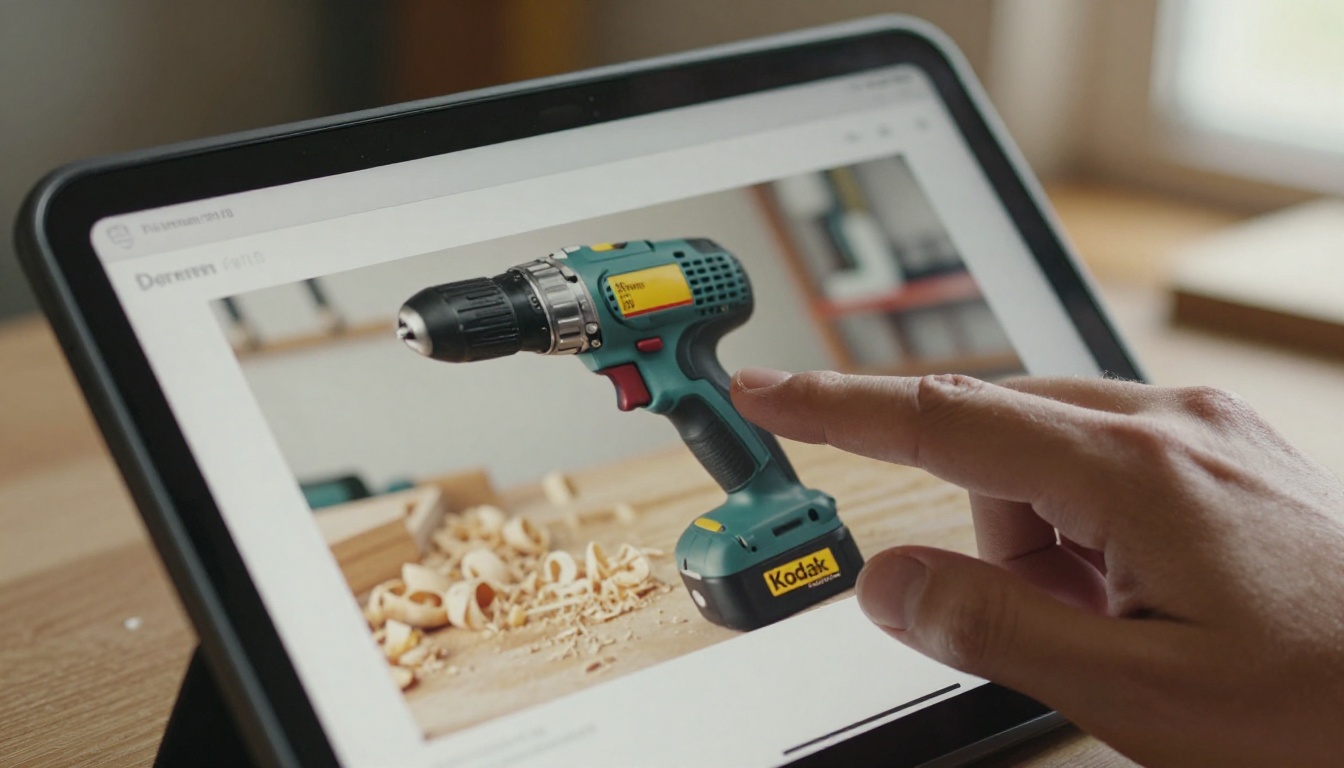
Think about what a spec table cannot say:
- How loud is the machine while it runs?
- How many hands does installation need?
- Does the latch click, twist, or slide?
- How big is it next to a human hand?
A short demo answers each of these in seconds. It also reduces the number of "can you send a video?" emails that land in your sales inbox.
💡 Pro tip: Before choosing which products get a clip, scan your last 50 customer questions. Any product that triggers the same "how does it work?" question twice is a video candidate.
The Trust Effect
Buyers in manufacturing and industrial supply are cautious. They are spending a purchasing budget, and a wrong part costs real money. Seeing the product operate, even briefly, lowers the perceived risk. It shows you are willing to be specific rather than vague.
The Time Effect
A reader skims a catalog page in under ten seconds. A video that starts on tap and delivers one clear idea in the same window fits that behavior. A long brand film does not.
Where Demo Videos Help Most
Not every page deserves motion. These are the placements that consistently justify the effort.
Products With Moving Parts
Anything with a mechanism, a latch, a valve, a hinge, a lever, or a telescoping part benefits first. Motion is the information. A still image forces the reader to imagine it.

Installation and Setup Steps
If a product ships with assembly or mounting steps, a clip showing the first three steps removes a major purchase fear. Buyers fear returns caused by "this doesn't fit my setup." Show the fit.
Products That Are Hard to Size
Scale is misleading in photos. A clip with a hand, a tool, or a person next to the item fixes that instantly. This matters for furniture, tools, enclosures, and packaging.
Hero Products and Bestsellers
Your top five products take the most traffic. A polished demo clip on these pages gives the highest return per production hour because the most readers see it.
Comparison Pages
When a page compares two or three models, a side by side clip showing the same task performed on each makes the difference visible. This works better than a longer feature list.

Placement Priority at a Glance
Use this table to decide quickly where to spend your effort first.
| Catalog Page Type | Video Value | Best Clip Length | What to Show |
|---|
| Products with moving parts | Very high | 8 to 15 seconds | The mechanism in action, close up |
| Installation or mounting items | Very high | 15 to 30 seconds | First three steps, hands visible |
| Bestsellers and hero items | High | 10 to 20 seconds | Product in its real setting |
| Size sensitive products | High | 5 to 10 seconds | Item next to a hand or common object |
| Comparison spreads | Medium to high | 10 to 20 seconds | Same task on each model |
| Simple commodity items | Low | None | A clear photo and spec table |
| Price list pages | Very low | None | Tables only |
| Legal and terms pages | None | None | Plain text |
⚠️ Warning: Do not place autoplay video with sound on a page. Readers on mobile and in open offices will close the catalog. Tap to play with muted preview is safer.
Where Video Doesn't Help
Skipping video is also a decision. A catalog with forty clips feels heavy and slow, and buyers stop playing them.
Commodity Items
Standard screws, plain cable, or basic packaging need dimensions and a part number. A video adds nothing a table cannot say.
Dense Reference Pages
Pages built for lookup, such as torque charts or compatibility matrices, are used by people who want to scan, not watch. Keep these clean.
Items Without a Story
If you cannot describe in one sentence what the clip proves, you do not have a clip yet. Skip it until you do.
How Long Should a Demo Clip Run?
Shorter wins almost every time. The goal is to answer one question, not to give a full product tour.
| Purpose | Ideal Length | Notes |
|---|
| Show a single action | 5 to 10 seconds | Loop friendly, no narration needed |
| Show how to use | 15 to 30 seconds | Add short on screen captions |
| Show an installation | 30 to 60 seconds | Split into parts if longer |
| Show a product in context | 10 to 20 seconds | One camera angle is enough |
A good rule: if a reader would need to scroll back to rewatch, the clip is too dense. Split it.
Filming Tips That Matter
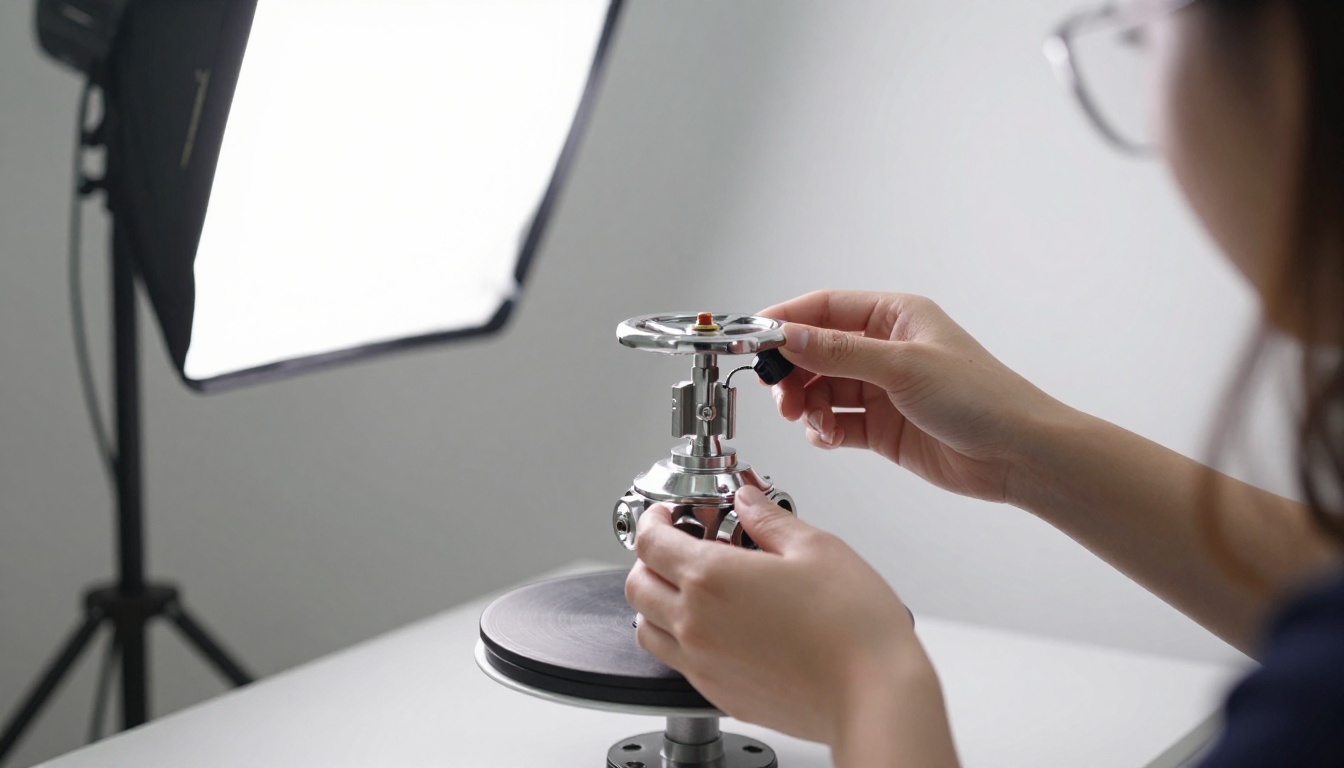
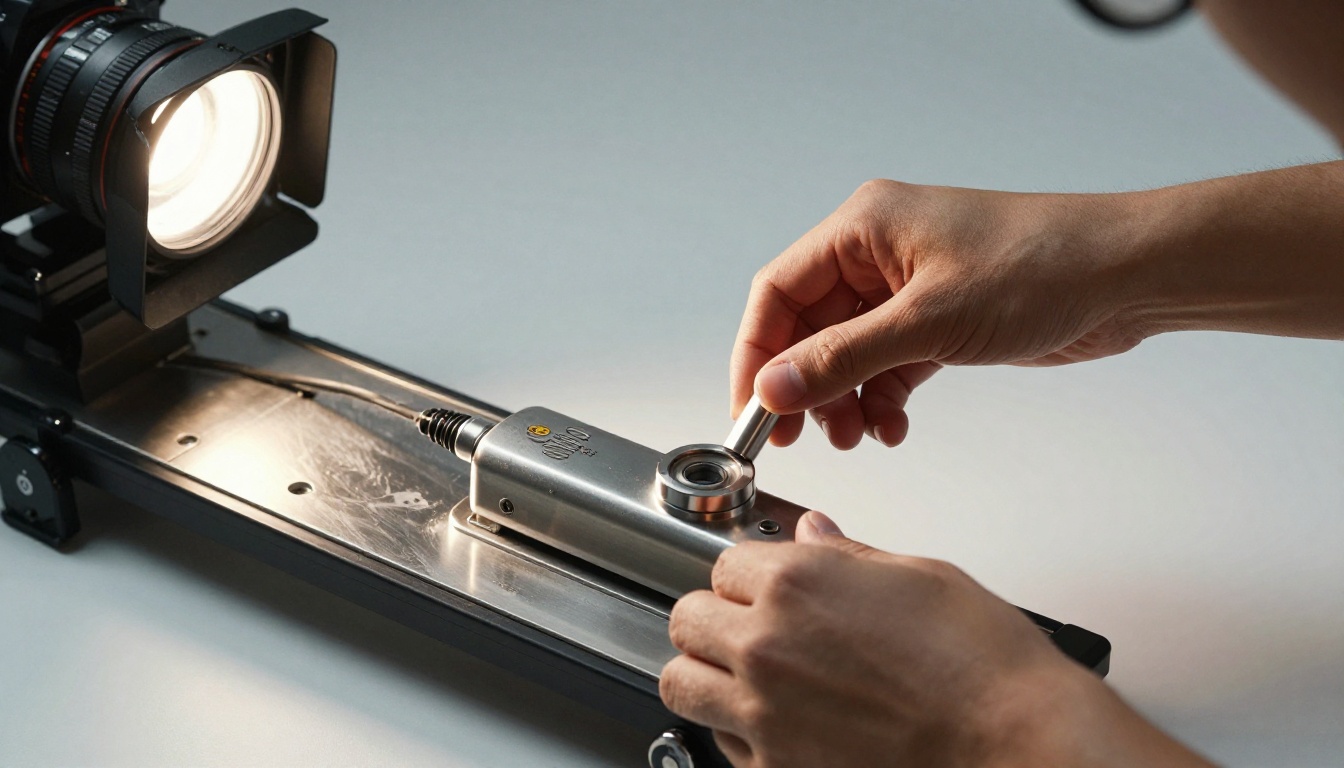
- Shoot on a stable surface. A cheap tripod beats a shaky hand every time.
- Use window light. Soft daylight from one side shows texture without harsh glare on metal.
- Keep the background plain. The product is the subject.
- Show hands. Hands give scale and make the action feel real.
- Film vertical and horizontal versions if your readers use phones heavily.
Real World Examples
Here is how the same idea plays out across different catalogs.
- A hardware distributor adds 10 second clips to its quick release couplings. Sales reps stop receiving "does it lock?" emails.
- A furniture maker shows a drawer sliding and a table leaf extending. Readers see smoothness that no photo can show.
- An industrial equipment supplier films the first steps of mounting a sensor bracket. Return requests caused by wrong fit drop.
- A packaging company shows a box being assembled in 12 seconds, proving it needs no tape.
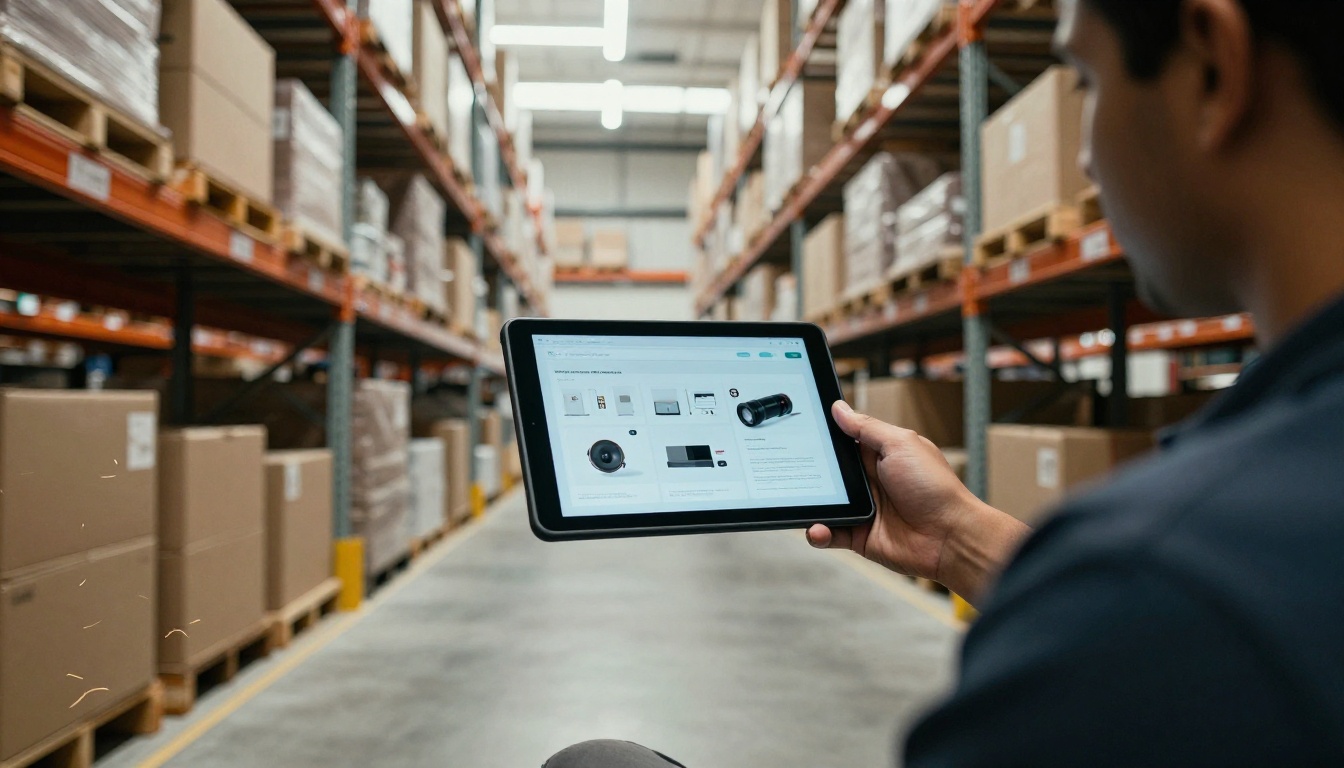
✅ Best practice: Put the clip right beside the spec table, not on a separate page. Readers compare what they see to what the numbers say.
How to Add Demo Videos With Flipbooks AI
If your catalog is already a PDF, you can turn it into an interactive flipbook with video in a short session. Here is the process.
Step 1: Prepare Your Catalog
Export your PDF at final quality. Mark the pages that will receive a clip so you can find them quickly later. If you are starting from scratch, the Product Catalog Generator and the Digital Catalog Maker are good starting points.
Step 2: Upload and Convert
Create an account, then upload your PDF. The PDF to Flipbook Converter turns each page into a smooth page-turning spread with no watermark.
Step 3: Add Your Clips
Open the editor, select the page, and place the video over the empty area you left for it. You can embed videos and audio directly, so readers never leave the flipbook. Keep file size sensible: compress each clip before uploading.
Step 4: Customize the Look
Apply your colors, logo, and page effects through custom branding so the catalog feels like yours. Check the layout on a phone, since the design is mobile responsive.
Step 5: Choose How to Share
You have several options:
- A direct link for email and chat
- An embed code for your product pages, using the Embed Flipbook on Website tool
- Password protection for dealer only or private price catalogs
- Offline downloads for reps who travel to sites with weak signal
Step 6: Read the Numbers
On the Professional plan you get analytics and lead generation. Check which pages hold attention and which clips get played. Move your best performing clip type to more pages.

| Feature | Static PDF | Flipbook With Video |
|---|
| Show product motion | No | Yes |
| Page-turning feel | No | Yes |
| Mobile friendly | Pinch and zoom | Responsive layout |
| Password protection | Limited | Built in |
| Analytics | Rare | Available on Professional |
| Embed on website | Awkward | Simple embed code |
| Updating a page | Re-send the file | Update and keep the same link |
For sales teams that send catalogs weekly, that last row alone saves a lot of confusion about which version a buyer has.
Production Shortcuts That Save Time
Filming everything at once is easier than filming product by product. Batch your shoot.
- Choose 5 to 10 products from the priority table.
- Set up one clean backdrop and one light source.
- Film each product doing its single most important action.
- Trim each clip to the shortest length that still answers the question.
- Name files by part number so they are easy to place later.

Use Your Phone
A current smartphone is enough. Spend the budget you save on a tripod and a small softbox. Sharp, steady, well lit footage looks professional even when it was shot in a corner of the warehouse.
Reuse What You Already Have
Check your training library, trade show footage, and support videos. A 12 second slice of an existing clip often does the job.
Common Mistakes to Avoid
- Too many clips. Heavy catalogs load slowly and feel noisy.
- Clips that start with a logo animation. Readers tap away before the product appears.
- No fallback. Always keep a clear photo and the spec table, since some readers print or skim.
- Ignoring mobile. Most catalog views now happen on phones.
- Never measuring. If you do not check which clips get played, you will keep making the wrong ones.
A Simple Checklist Before Publishing
| Check | Done When |
|---|
| Clip answers one question | You can state it in one sentence |
| Length matches the purpose | See the length table above |
| Muted preview works | No sound needed to follow the action |
| Placed beside specs | Video and table share the page |
| Tested on a phone | Plays smoothly on mobile data |
| Share settings set | Link, embed, or password chosen |
Measuring Whether It Worked
Set a baseline before you add video. Track three numbers for a month: sample requests, questions sent to sales, and time spent on key product pages. Then compare after the clips go live.

Look for patterns, not single results. If installation clips draw the most plays and the fewest support questions follow, make more of them. If a hero clip is ignored, check whether its first two seconds show the product.
💡 Pro tip: Ask new customers what made them confident enough to order. Their answers often point straight at the page where a clip did the work.
Ready to Put Video Where It Counts?
Start with your three most asked about products, film one short clip each, and place them beside the specs. That small test will tell you more than any theory.
Get started for free on Flipbooks AI and turn your PDF into a catalog readers can actually watch. Browse all flipbook tools to find the format that fits your product line, or compare pricing plans to see which tier adds the analytics and lead generation your sales team needs.



