Remember sliding a CD out of its case, unfolding the booklet and reading every name in the credits while the first track played? Streaming took that ritual away. You get the song, a tiny square of artwork and not much else. Digital album booklets bring it back, and with a tool like Flipbooks AI you can turn a plain PDF into a page-turning booklet that opens in any browser, on any phone, next to the music.
This article looks at what streaming lost, why fans still miss it, and how artists, labels and collectors can rebuild the experience with interactive pages. You will also get a step-by-step tutorial, comparison tables and a few real scenarios you can copy.
What Streaming Quietly Dropped
Open any streaming app and play your favorite record. You see a title, an artist name and a thumbnail. Producers, session players, engineers, lyric writers and the story behind the sessions are mostly invisible, or buried in a menu that varies by platform.
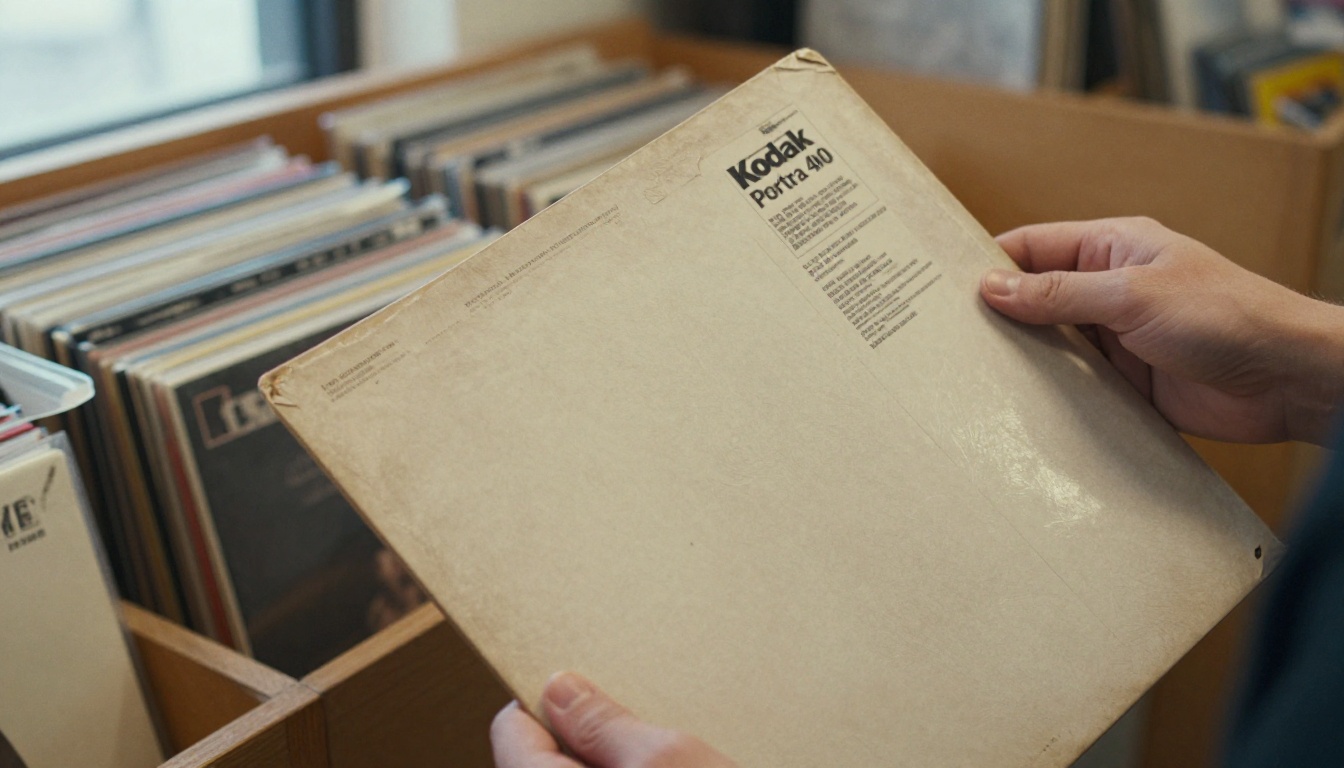
Physical formats carried a lot more than audio:
- Credits for every person who touched the record
- Lyrics printed in the artist's chosen typography
- Photography from the studio or the tour
- Personal notes from the band, thank-you lists and dedications
- Artwork that extended beyond the front of the sleeve
Fans did not stop wanting this material. They just lost the place where it lived. That gap is exactly where a digital booklet fits.
Why Fans Still Care
Superfans read credits. Casual listeners follow a producer's name from one record to the next. Younger fans who grew up on playlists often say they want something tangible to hold onto, even when it is on a screen. A booklet gives a record a sense of occasion.
The Credits Problem
Metadata on streaming platforms is improving, yet it remains inconsistent. A session drummer might appear on one service and not on another. A booklet you control is the one place where the credits are exactly as you wrote them.
What Is a Digital Album Booklet?
A digital album booklet is a PDF or layout file turned into an interactive flipbook. Readers flip pages with a swipe or click, zoom in on tiny credit text and follow links straight to the music. It behaves like the paper version but adds features paper never had.
| Feature | Printed Booklet | Streaming App Page | Digital Album Booklet |
|---|
| Full credits | Yes | Partial | Yes |
| Lyrics in custom layout | Yes | Plain text only | Yes |
| Photo spreads | Yes | No | Yes |
| Embedded audio or video | No | Yes | Yes |
| Shareable with one link | No | Yes | Yes |
| Cost per copy | High | None | Very low |
| Updates after release | No | Limited | Yes |
💡 Pro tip: Think of the booklet as the companion to the stream, not a replacement. Put the link in your bio, your release email and the description of every video.
Who Benefits Most
Digital booklets are useful well beyond major labels. Anyone releasing or collecting music can use them.
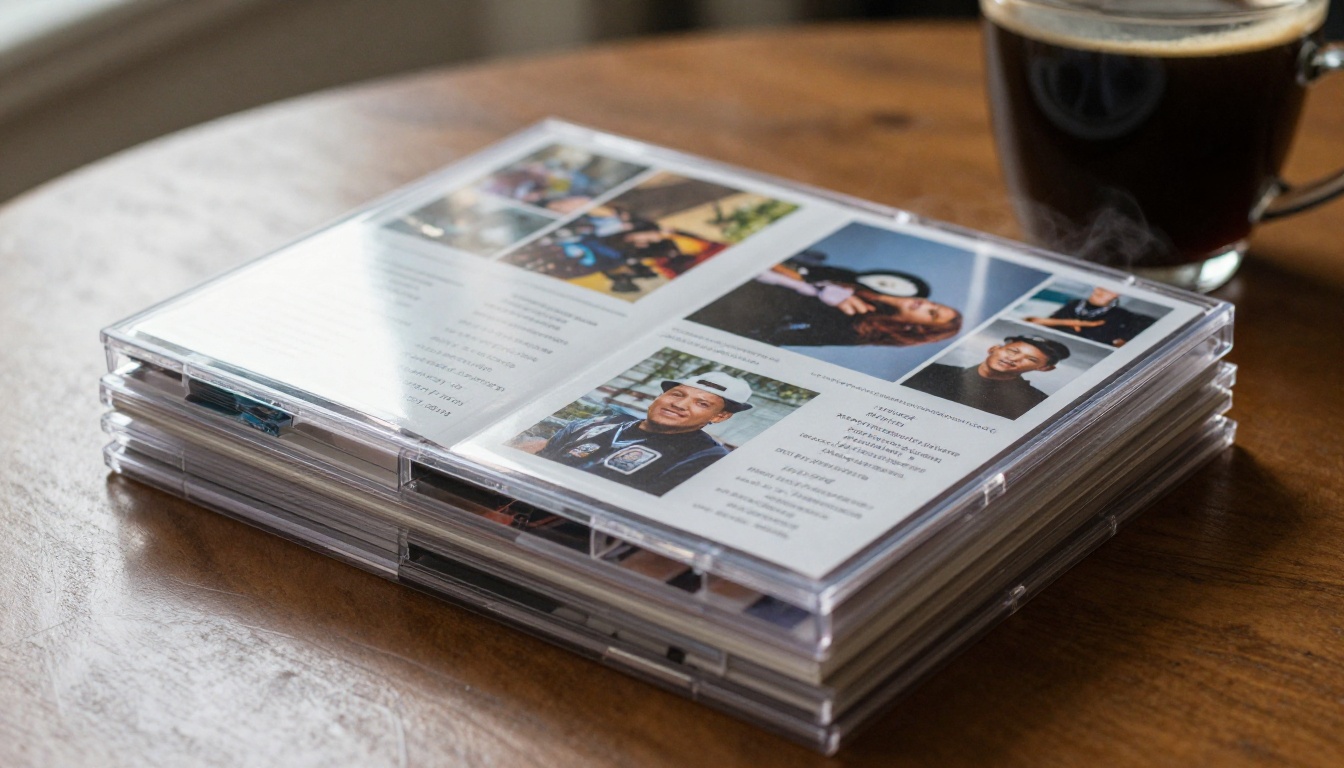
Independent Artists
If you release through a distributor, you probably have no physical item at all. A booklet is a low-cost way to give fans the story, lyrics and photos that would normally fill a CD insert. It also gives you something to send to press and playlist curators.
Labels and Managers
Catalog releases often exist only as audio files. A label can rebuild the original booklets from scans, add remaster notes and publish them alongside reissues. That respects the original release and gives older records a fresh reason to be shared.
Collectors and Hobbyists
Many fans scan their favorite booklets for personal use, or design tribute booklets for playlists and mixtapes. A wedding playlist, a road trip mix or a memorial tribute can all become a small keepsake book.
Producers and Engineers
Credit is how careers grow. A booklet lets producers and engineers link to their own work, with their name in print where fans actually look.
What Goes Inside a Great Booklet
A strong booklet is more than a pile of pages. It follows the order of the listening experience, and each spread has a purpose.

- Front page with the album title and a short, memorable line
- Track list with durations and links to each song
- Lyrics pages, one spread per song or per group of songs
- Credits page listing every contributor and instrument
- Photo spreads from sessions, rehearsals and tours
- Artist note explaining the record in the artist's own voice
- Thank-you page and contact or booking details
- Back page with the release date, label and links
Lyrics Without Clutter
Keep lyrics large enough to read on a phone. Two short columns beat one wide block. If a song has a spoken intro or a hidden section, mark it with italics so fans know where to look.
Credits That Fans Actually Read
Group credits by role: writing, performance, production, mixing, mastering and artwork. Fans scan for names, so alphabetical order within each group works well.
✅ Best practice: Always include the year of release and the studio location. It turns a list of names into a small historical record.
How to Create a Digital Album Booklet with Flipbooks AI
The process takes minutes once your pages are ready. Here is the full flow.
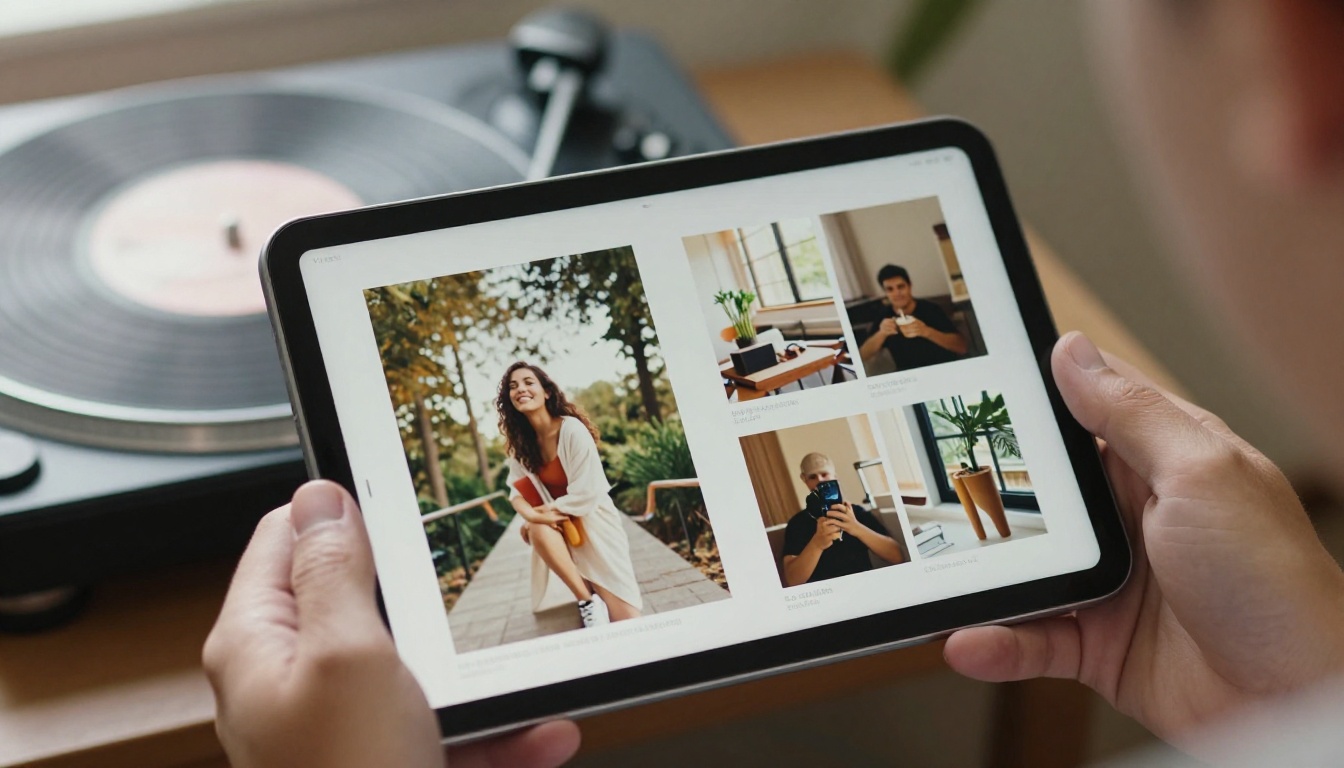
Step 1: Build the PDF
Design your pages in any tool you like. Use a landscape spread if you want the booklet to open like a book, or portrait pages for a phone-first layout. Export at high resolution so the credit text stays sharp when readers zoom in.
Step 2: Upload and Convert
Create a free account and upload your file. The PDF to Flipbook Converter turns each page into a flip-ready spread automatically. If you are publishing longer liner notes or an essay about the record, the Interactive E-Book Publisher is also a good fit.
Step 3: Customize the Look
- Set your brand colors and background to match the artwork
- Choose a page effect that suits the mood, from a soft flip to a quicker slide
- Add your logo or artist mark
- Keep it clean: there are no watermarks, ever
Step 4: Add Music and Media
Flipbooks AI lets you embed audio and video. Add a preview clip on the track list page, or place a live performance video beside the lyrics of that song. Fans can read and listen without leaving the page.
Step 5: Share the Booklet
You have several sharing options:
- A direct link for social bios and newsletters
- An embed code so the booklet lives on your own site, using the Embed Flipbook on Website tool
- Password protection for pre-release booklets sent to press or to a fan club
- Offline downloads for fans who want to keep a copy
Step 6: Track What Happens Next
On the Professional plan you get analytics and lead generation. You can see which pages fans spend the most time on and collect email addresses before the booklet opens. See the pricing plans for what each tier includes.
⚠️ Warning: Only publish lyrics and photos you have the rights to share. If a songwriter or photographer needs credit or permission, sort it out before you hit publish.
Different releases call for different booklet styles. This table helps you choose.
| Release Type | Suggested Length | Best Layout | Extra Media |
|---|
| Single | 4 to 6 pages | Portrait | Short video |
| EP | 8 to 12 pages | Landscape spread | Audio previews |
| Full album | 16 to 28 pages | Landscape spread | Videos, photo galleries |
| Deluxe reissue | 24 to 40 pages | Landscape spread | Archive photos, demos |
| Playlist keepsake | 6 to 10 pages | Portrait | Embedded links |
Real Scenarios You Can Copy
Ideas are easier to use when you can picture them.

The Surprise Drop
A singer-songwriter releases an EP on a Friday. The same morning, she shares a booklet link with lyrics, studio photos and a short note about each track. Fans who want to sing along have the words immediately, and the booklet gets passed around in group chats.
The Reissue Companion
A small label reissues a 1990s record on streaming for the first time. It scans the original booklet, adds a new remaster note and publishes it as a flipbook linked in every platform description. Older fans get nostalgia, younger fans get context.
The Pre-Release Press Kit
A band sends a password-protected booklet to journalists a week before launch. It holds the story, credits and approved photos in one place. Pair it with a Press Kit Designer layout for a clean, professional package.
The Tribute Mixtape
A fan builds a booklet for a playlist made for a friend's birthday. Each song gets a page with a short memory attached. It costs nothing and means more than most gifts.
How It Compares to Other Options
Artists often ask whether a digital booklet is better than simply posting a PDF or relying on liner notes in a streaming service.

| Option | Reading Experience | Mobile Friendly | Trackable | Media Embedded |
|---|
| Plain PDF download | Basic scroll | Often awkward | No | No |
| Social media post | Fragmented | Yes | Limited | Limited |
| Streaming credits panel | Short text | Yes | No | No |
| Flipbook booklet | Page-turning | Yes | Yes, on Professional | Yes |
A plain PDF works, but it feels like paperwork. A flipbook feels like holding the record.
Making It a Habit
One booklet is nice. A consistent format across every release builds a collection fans look forward to.
Keep a Template
Reuse the same page structure for every release. Fans know where to find credits and lyrics, and you save hours of layout time.
Link Everything
Each booklet should point back to the streaming release, your site and your social accounts. Each streaming description should point to the booklet. The loop keeps fans moving between both.
Collect the Right Feedback
Use analytics to see where readers slow down. If the credits page gets the most attention, give it more room next time. If the photo spreads are skipped, trim them.

Common Mistakes to Avoid
- Tiny text. Lyrics that look fine on a desktop become unreadable on a phone.
- Missing credits. One forgotten name damages trust with collaborators.
- Huge files. Compress images before exporting so pages load fast on mobile data.
- No call to action. End every booklet with a link to the music and a way to follow you.
- Ignoring rights. Confirm permission for every photo and lyric.
Why This Matters for Record Collectors Too
Collectors already love booklets. A digital edition does not replace the shelf, it protects it. Scan a fragile original once, publish a clean copy, and the paper stays safe while the content stays shared.
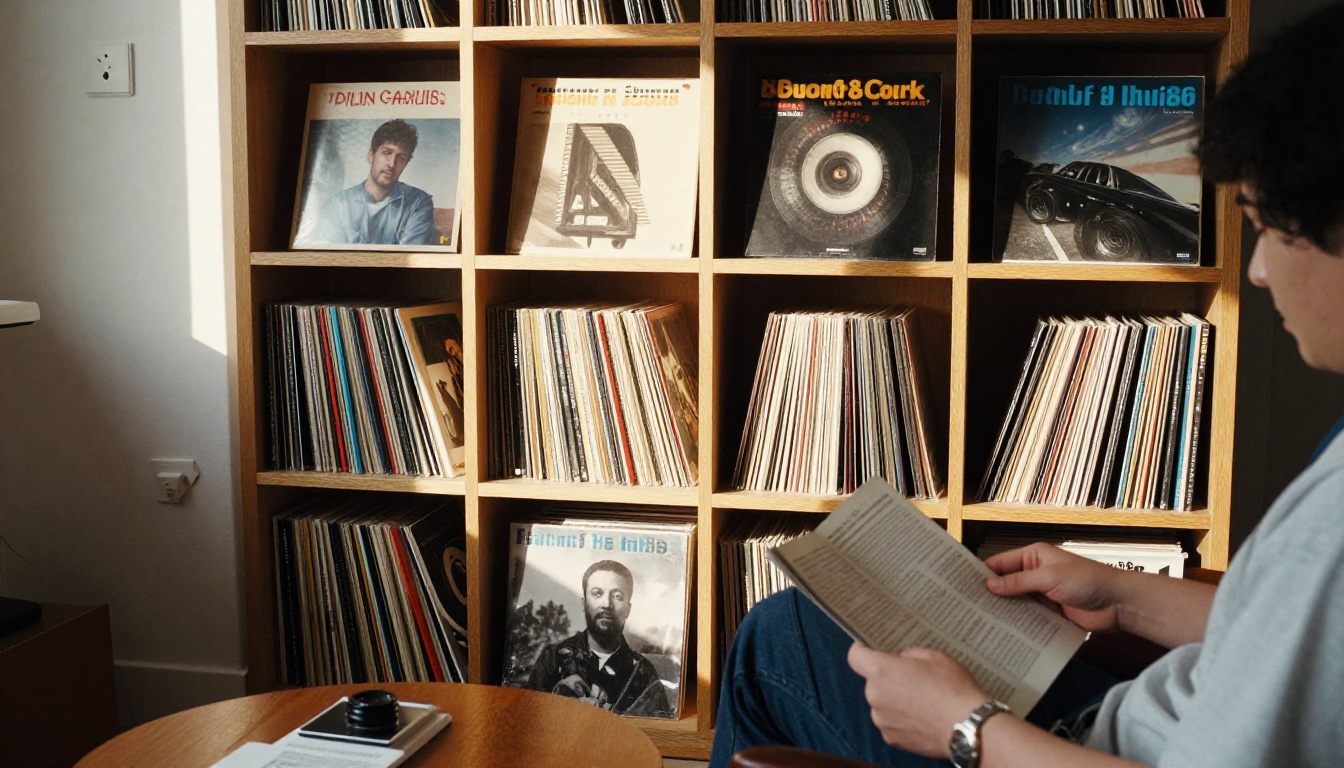
Fans on streaming platforms, many of whom have never held a CD, get a gentle introduction to the culture around albums: the credits, the story and the care that went into a record.
Ready to Bring Liner Notes Back?
Streaming made music easy to reach. Booklets make it easy to care about. If you have a record to share, or a favorite album you want to honor, start with a PDF and let the pages do the rest.
The next time a fan presses play, give them something to read while the song plays.



