Most alumni magazines land in a mailbox, get flipped through once at the kitchen counter, and end up in the recycling bin by Friday. A digital edition changes that pattern. Graduates can read on a phone during a commute, watch a professor's farewell interview without leaving the page, and forward a class note to a former roommate in two taps. If you are planning your next issue with Flipbooks AI, this article gives you digital alumni magazine ideas that work in practice, from class notes to video interviews and a few formats you may not have tried yet.

Why Alumni Magazines Go Digital
Alumni offices face the same three problems every year: shrinking print budgets, mailing lists that go stale, and no idea who actually read the thing. A digital alumni magazine solves all three at once.
- Lower cost per reader. No printing, no postage, no reprint when the dean's name is misspelled.
- Faster publishing. A correction takes minutes instead of waiting for the next print run.
- Real numbers. You see opens, time spent per page and which stories get shared.
- Richer storytelling. Video, audio and links sit right next to the text.
Here is how the two formats compare in the areas alumni directors care about most.
| Feature | Print Magazine | Digital Flipbook Magazine |
|---|
| Cost per issue | High (print and postage) | Low (one upload) |
| Video and audio | Not possible | Embedded in the page |
| Reader data | None | Opens, pages read, shares |
| Corrections | Next print run | Same day |
| Reach | Valid mailing addresses only | Anyone with a link |
| Accessibility | Fixed type size | Zoom, mobile layout |
💡 Pro tip: Keep a small print run for major donors and send everyone else the digital edition. Many schools find a hybrid approach is the easiest sell to a skeptical board.
Class Notes That People Read
Class notes are the most loved section of almost every alumni magazine, and also the most neglected. Long blocks of tiny type sorted by graduation year are hard to enjoy. Digital gives you room to redesign them.
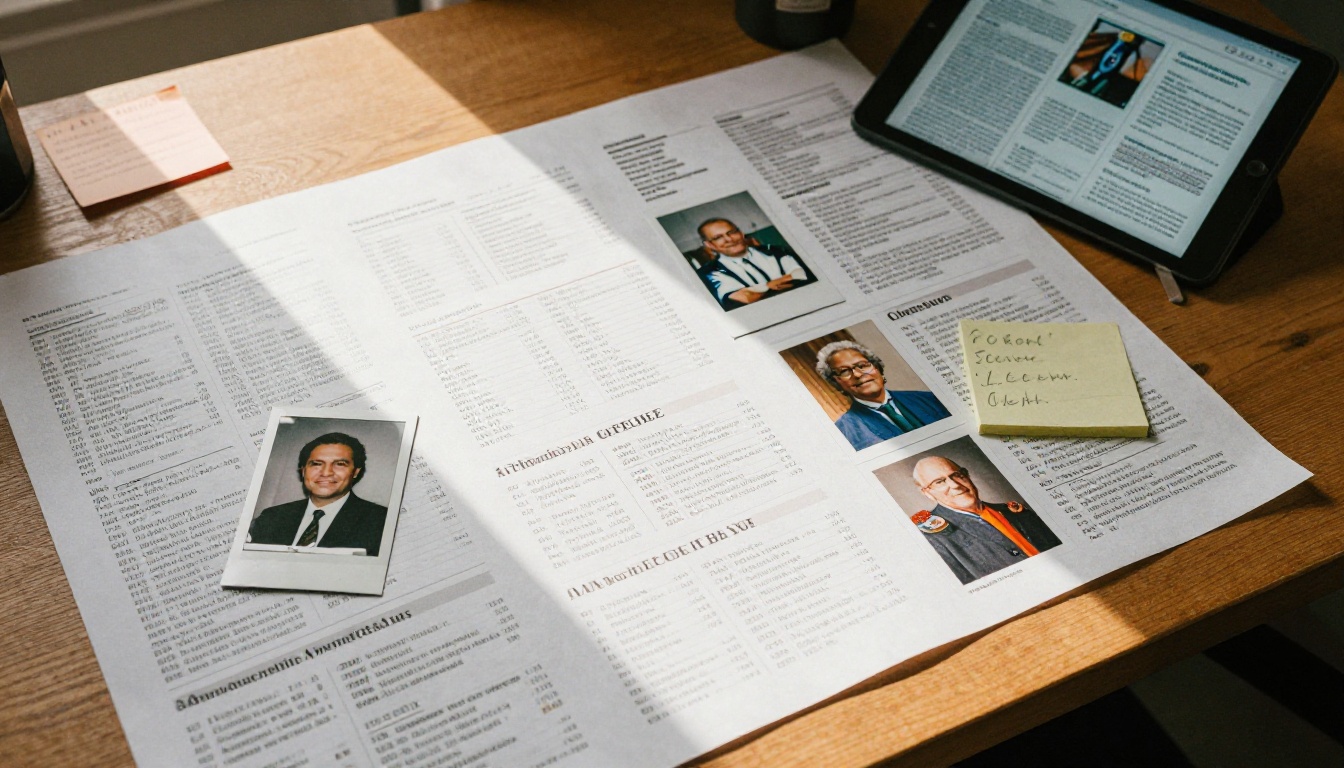
Collect Notes With a Simple Form
Send a short web form with four fields: name, class year, one update, and an optional photo. Short prompts beat open boxes. Ask "What is the best thing that happened to you this year?" and you will get answers worth printing.
Add Photos and Faces
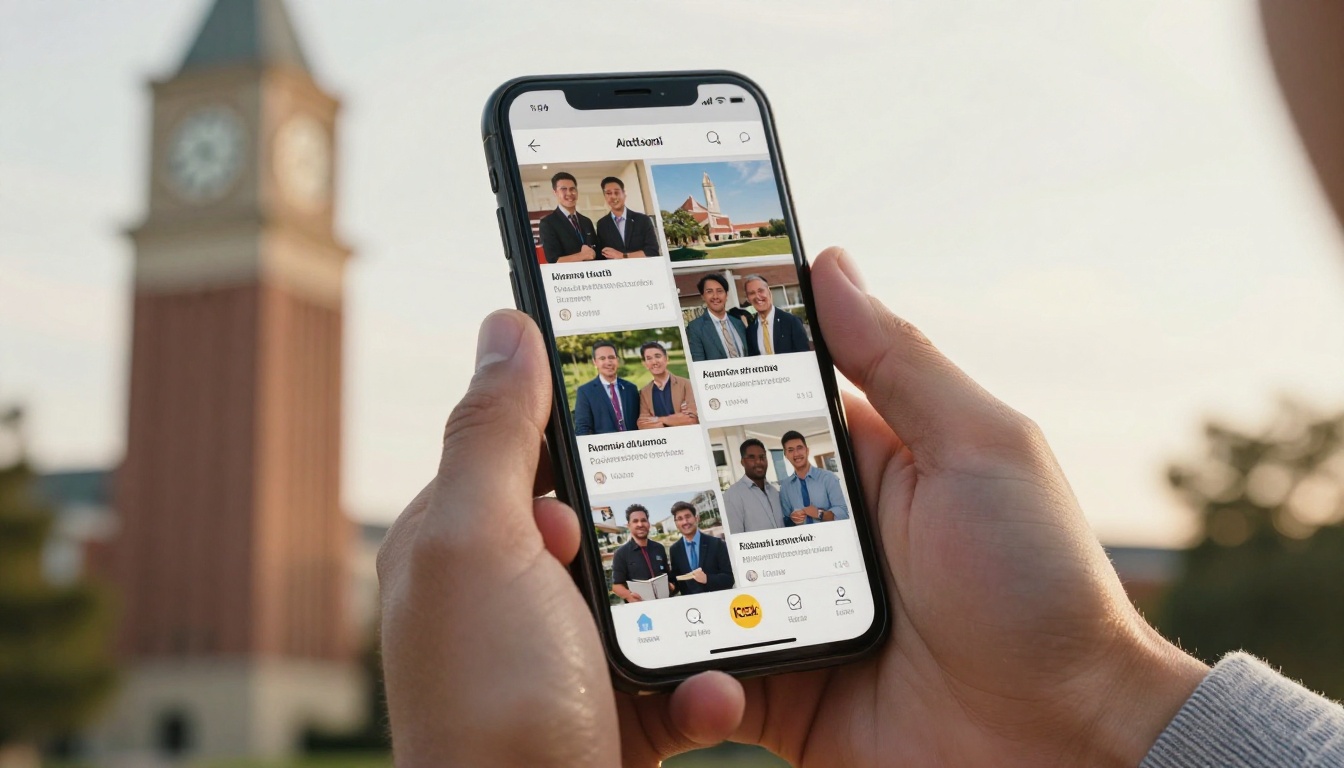
A class note with a photo gets read. Give each entry a thumbnail, a name in bold, and the class year in italics. A grid of faces is far more inviting than a wall of paragraphs.
Organize by Theme, Not Just Year
Try these groupings instead of strict year order:
- Career moves (promotions, new companies, career changes)
- Big life moments (weddings, babies, retirements)
- Giving back (volunteering, mentoring, scholarships)
- In memoriam (a respectful, separate page)
- Adventures (marathons, travel, new hobbies)
Alumni still find their own year, but now they also find stories worth reading even when none of their classmates wrote in.
Video Interviews Worth Watching
Video is where a digital alumni magazine pulls away from print. A three minute clip of a graduate describing their first job can land harder than a thousand words.
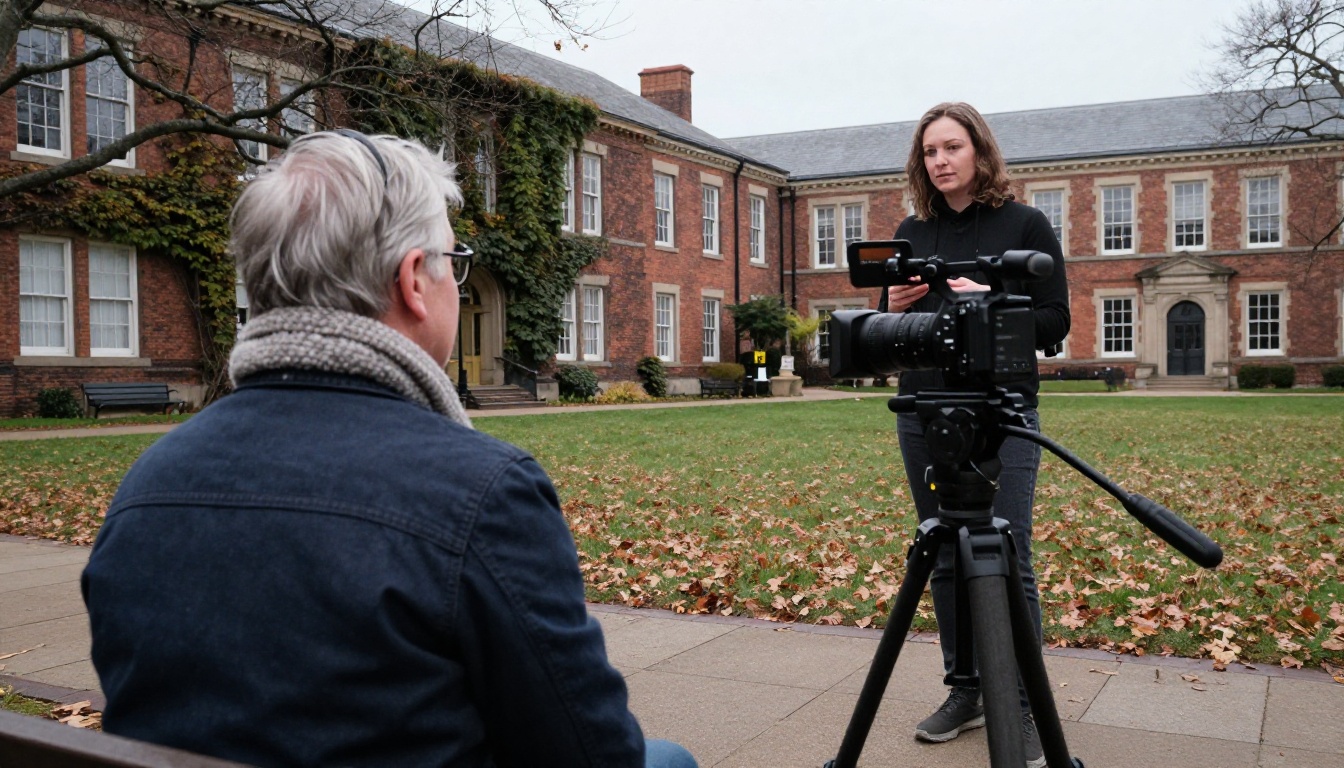
Interview Formats That Work
- The one-question interview. Ask three alumni the same question, such as "What advice would you give your freshman self?" and cut the answers together.
- Professor farewell. A beloved faculty member retiring is a natural story with a built-in audience.
- Then and now. Show an archive photo from campus, then film the same alumnus standing in the same spot today.
- Founder spotlight. Alumni who started companies make strong, shareable features.
Keep Production Simple
You do not need a studio. A phone on a tripod, a lavalier microphone and a window for light are enough. Aim for 2 to 4 minutes per clip, and always add captions because many readers watch without sound.
✅ Best practice: Film vertical and horizontal versions if you plan to post clips on social media as well. The magazine gets the horizontal cut, and the vertical one drives traffic back to the issue.
Ideas Beyond Notes and Video
Once class notes and interviews are in place, add a few formats that give each issue its own personality.
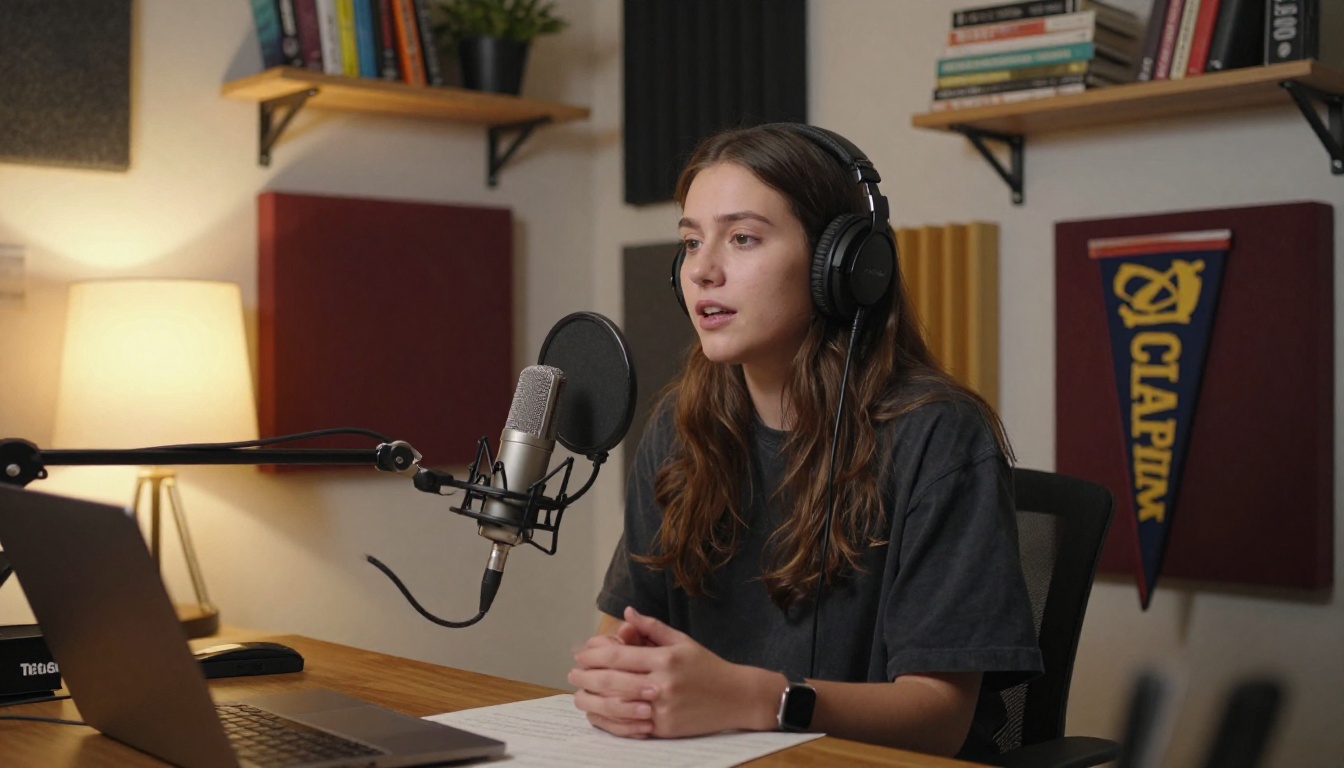
Audio Spotlights
Short audio profiles suit alumni who would rather talk than write. Embed a player next to a portrait and a pull quote. Readers can listen while walking to the train.
Reunion and Homecoming Recaps
A photo-led recap of the weekend lets people who missed it feel part of it. Tag classes, add a gallery, and link to next year's registration page.

Where Are They Now
Pick a name from a class of twenty or thirty years ago, track them down, and tell the story. These pieces are surprisingly popular because they answer the question every graduate quietly asks.
Memory Lane Archive
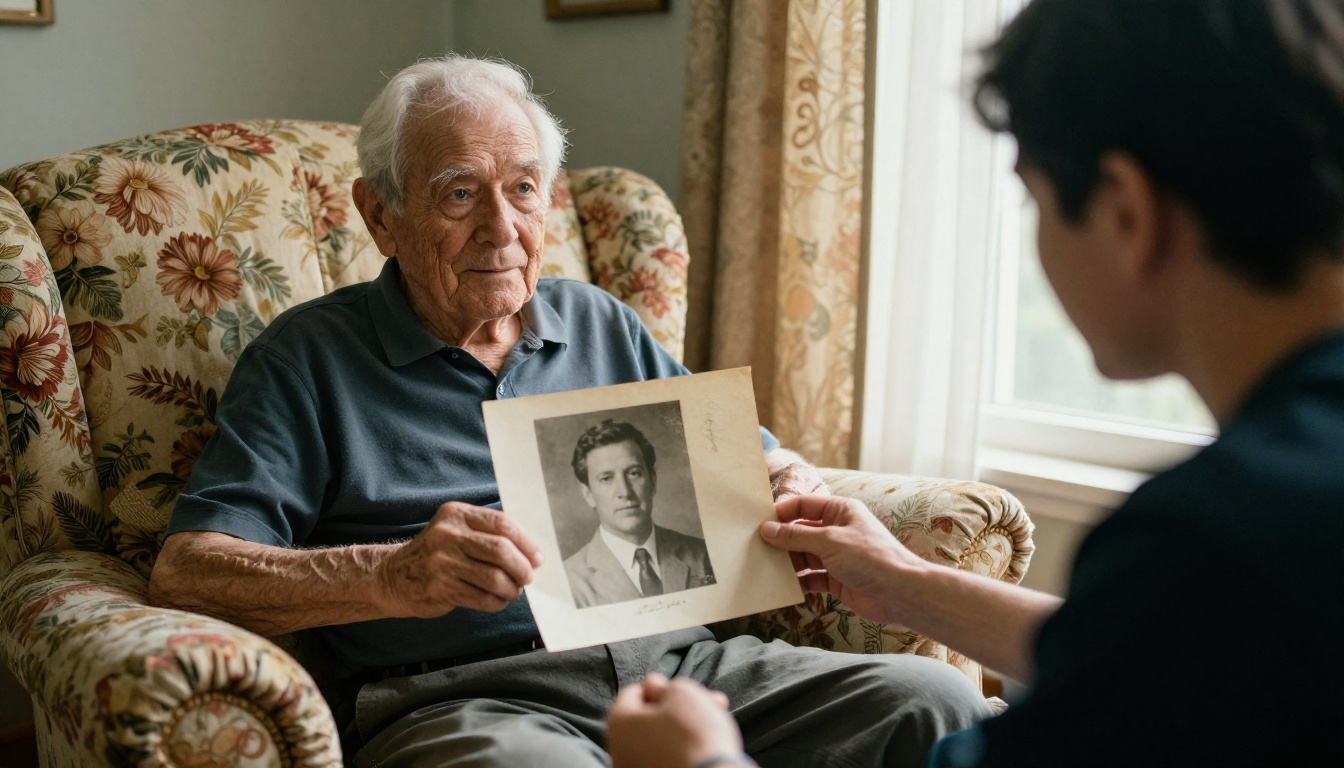
Scan old yearbook pages, photos of the student newspaper and campus event posters. Pair each scan with a short caption from a current alumnus who remembers it.
Giving Stories
Instead of a donation appeal, show one scholarship recipient, one donor and the result. A short story with a name and a face outperforms a generic ask almost every time.
Career Corner
Include job postings from alumni employers, a mentoring sign-up and a salary or industry snapshot. Younger graduates will open the issue for this section alone.
Content Mix at a Glance
Not sure how to split a 40 page issue? This table offers a starting point you can adjust for your community.
| Section | Format | Suggested Pages | Best For |
|---|
| Class notes | Photo grid and short text | 8 to 10 | All graduates |
| Video interviews | Embedded clips | 4 to 6 | Younger alumni |
| Campus news | Short articles | 4 | Recent graduates |
| Reunion recap | Gallery | 4 | Event attendees |
| Giving stories | Profile and quote | 3 | Donors |
| Career corner | List and links | 3 | Mid-career alumni |
| Memory lane | Archive scans | 4 | Older alumni |
| Letter from the president | Single page | 1 | Everyone |
How to Build It With Flipbooks AI
If your issue is already designed as a PDF in InDesign, Canva or even Word, the build takes less than an hour. Here is the process.
- Create your account. Sign up at Flipbooks AI. No credit card is needed to try it.
- Upload the PDF. The PDF to Flipbook Converter turns each page into a page-turning spread with realistic page effects.
- Brand it. Add your school logo, pick colors that match your athletic palette, and choose a background. For a ready-made starting point, try the Magazine Flipbook Creator or the E-Magazine Publishing Tool.
- Add multimedia. Embed videos and audio clips directly on the page. Place each interview next to its story so readers do not have to leave the issue.
- Set sharing options. Copy a direct link for your email newsletter, grab an embed code for the alumni site, or turn on password protection for a donor-only edition. The Embed Flipbook on Website page explains the options in detail.
- Publish and track. Check analytics after a week to see which pages were read and which were skipped. Lead generation and detailed analytics are part of the Professional plan, listed on the pricing page.
⚠️ Watch out: Compress videos before uploading, and host long interviews on a video platform so the issue loads quickly on mobile.
Flipbooks never carry a watermark, which matters when the publication represents your institution. Mobile-responsive display means your 70 year old alumnus and your 24 year old one both get a readable page. You can also allow offline downloads for graduates with limited internet access.
Related Tools for Schools
Alumni offices often publish more than one thing. The same platform supports a School Newsletter Creator, a Yearbook Flipbook Maker for archive projects, and an Event Program Maker for reunion weekend. Browse all flipbook tools to see what fits.
Measuring What Works
A digital edition gives you data print never could. Check these numbers after each release.
| Metric | What It Tells You | Healthy Sign |
|---|
| Open rate on the email | Subject line and sender trust | Above 30 percent |
| Pages per visit | Whether readers browse or bounce | 12 or more |
| Time on video pages | Clip length and interest | Over 60 percent watched |
| Shares | Which stories travel | Class notes and profiles lead |
| Return visits | Archive and reference value | Growing each issue |

Use the results to adjust the next issue. If the career corner outperforms campus news, give it more room. If nobody finishes the president's letter, cut it in half. Small edits each quarter add up to a magazine that feels written for your community rather than at it.
Three Common Mistakes
- Publishing a PDF as is. A flat PDF on a web page is not a digital magazine. Add links, video and a table of contents.
- Skipping the email. The best issue fails if nobody is told it exists. Send a teaser with one standout image.
- Ignoring older readers. Keep a large type option and a clear, simple menu. Digital should invite them in, not shut them out.
Print and Digital Together
Some graduates will always want paper, and that is fine. A short printed postcard with a QR code pointing to the flipbook gives them both. The postcard costs a fraction of a full magazine, and the QR code feeds your analytics.

💡 Pro tip: Put the QR code on the back of the reunion invitation as well. People who scan it at the event are the same people most likely to submit a class note next year.
Your Next Issue Starts Here
Pick two ideas from this list, not ten. Maybe a one-question video interview and a themed class notes section. Build it, send it, and look at what the numbers say. Then add one new format each issue.
Ready to publish your first digital alumni magazine? Get started for free on Flipbooks AI, browse the tools and templates built for schools, or compare pricing plans to choose what works for your alumni office.



