You came back from the trip with 900 photos, and now you have to decide what to do with them. Order a beautiful printed photo book that sits on the coffee table? Or build a digital photo book that anyone can open with a single link? The honest answer is that both formats win in different situations, and the wrong choice can cost you money, quality or the chance that anyone actually looks at your pictures. Tools like Flipbooks AI have made the digital route fast enough to be a real alternative, so this comparison looks at both sides fairly: cost, image quality, durability, sharing and the moments each one suits best.
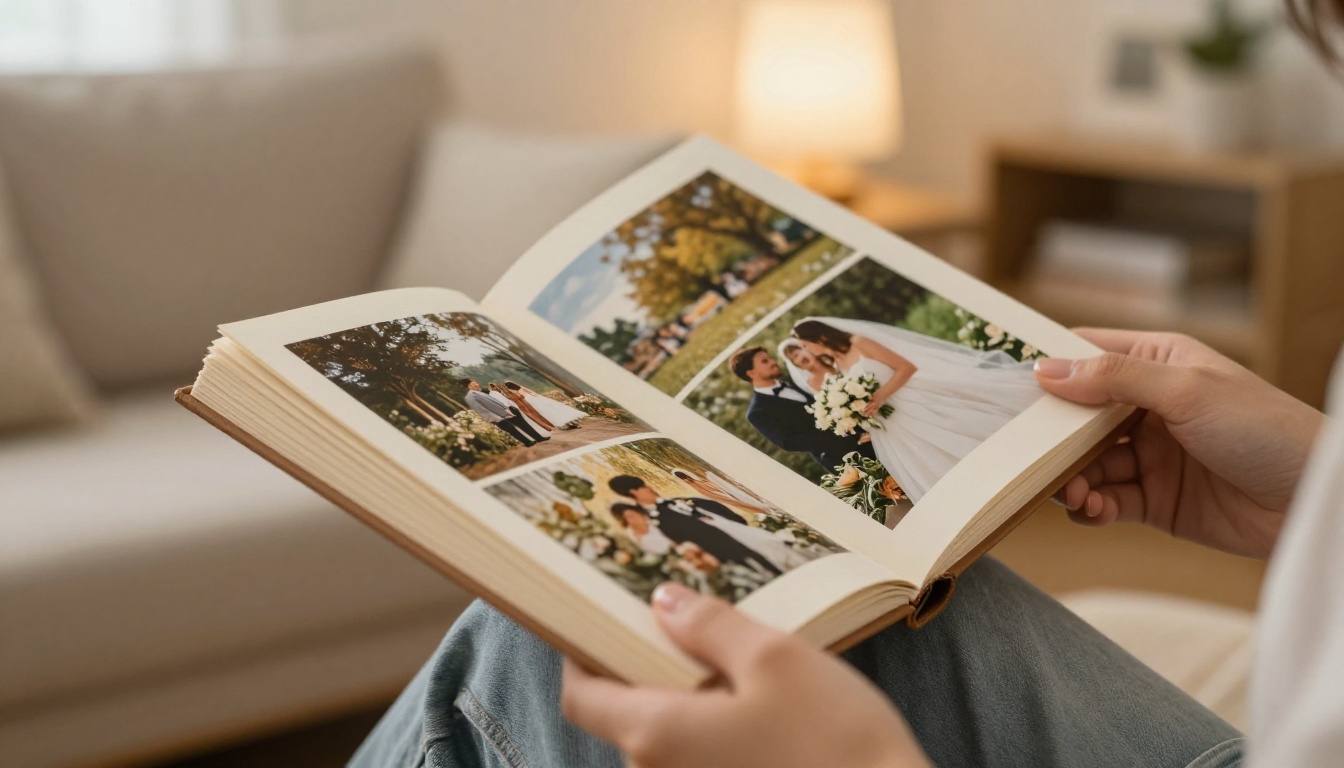
The Short Answer First
If you want a gift, a keepsake, or something tactile that survives a power cut, print it. If you want to share with many people, update pages later, add video or audio, and spend very little, go digital. If you care about both, do what many photographers now do: build the digital version first, then print a small run of the best pages.
| Question | Printed photo book | Digital photo book |
|---|
| Upfront cost | Moderate to high per copy | Low, often free to start |
| Cost of extra copies | Pay again for each copy | Zero, share the same link |
| Image feel | Rich, tactile, color depends on paper | Bright, sharp, depends on screen |
| Sharing | Mail it or hand it over | Link, QR code, embed |
| Edits after creation | Impossible once printed | Instant |
| Lifespan | Decades with care | As long as hosting exists, plus downloads |
💡 Pro tip: Decide who the audience is before you decide the format. One grandmother is a print audience. Forty wedding guests across three countries is a digital audience.
Cost: What You Really Pay
Printed books and the hidden extras
A standard 20 to 30 page printed photo book from a popular service typically lands between $25 and $60. Lay-flat pages, premium paper, a linen cover or a larger size push it to $80 to $150 or more. Then comes shipping, usually $5 to $15, and sales tax. Frequent discount codes make the sticker price unreliable, but the pattern stays the same: every copy costs money.
If you want ten copies for family members, the bill multiplies. A $45 book becomes $450 before shipping. That is the biggest cost trap with print, especially for weddings, reunions and school events.
Digital books and where the money goes
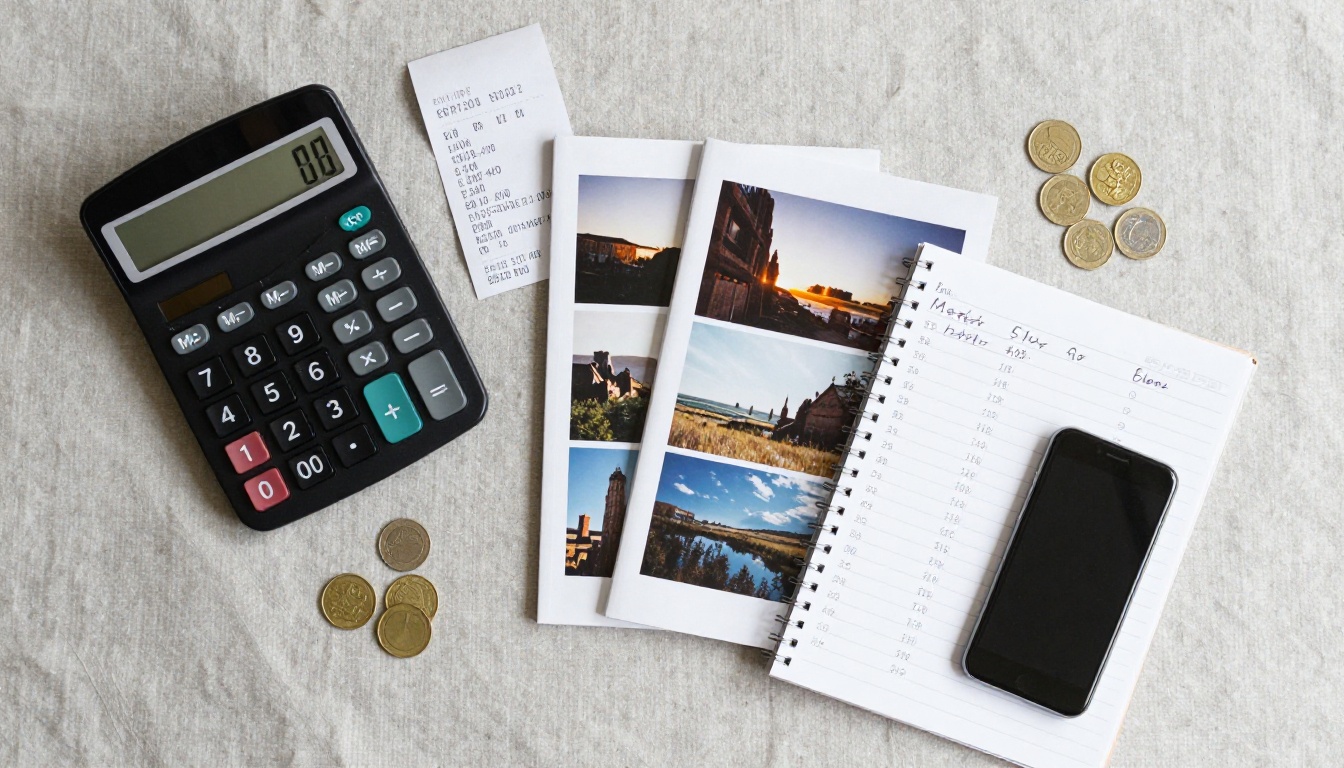
A digital photo book built from a PDF costs close to nothing per copy. You pay for a tool, a hosting plan, or both. With Flipbooks AI pricing plans, you can compare what each tier includes, and there is no watermark on your pages. The main investment is your time, since you design the layout once and then distribute it to as many people as you like.
| Scenario | Printed total | Digital total |
|---|
| 1 copy for yourself | $45 to $60 | Near $0 to plan cost |
| 5 copies for relatives | $225 to $300 | Same link for everyone |
| 25 copies for event guests | $1,100 or more | Same link for everyone |
| Yearly family album for 10 years | $450 to $600 | Fraction of that |
| Client gallery for a photographer | Print per client | One flipbook per client |
⚠️ Printed prices above are typical ranges and vary by size, page count, paper and shipping destination. Always check the final checkout total before you commit.
Cost verdict
Digital wins on cost, clearly, the moment you need more than one copy. Print wins only when the book itself is the product, such as a single high-end gift where the price is part of the meaning.
Quality: Paper Versus Pixels
How printed photos look
Print has a depth that screens struggle to copy. Matte paper softens contrast and hides small flaws. Glossy paper makes colors pop. Lay-flat binding lets a panorama run across two pages without a gutter cutting through someone's face. Paper reflects ambient light instead of emitting it, which is why many people find prints easier on the eyes in a long viewing session.
The catch is that print quality depends on the printer, the paper and your file. A dark photo that looks fine on a bright monitor often prints muddy. Colors shift between screen and ink, and unless you calibrate your display, the first proof can surprise you.
How digital pages look
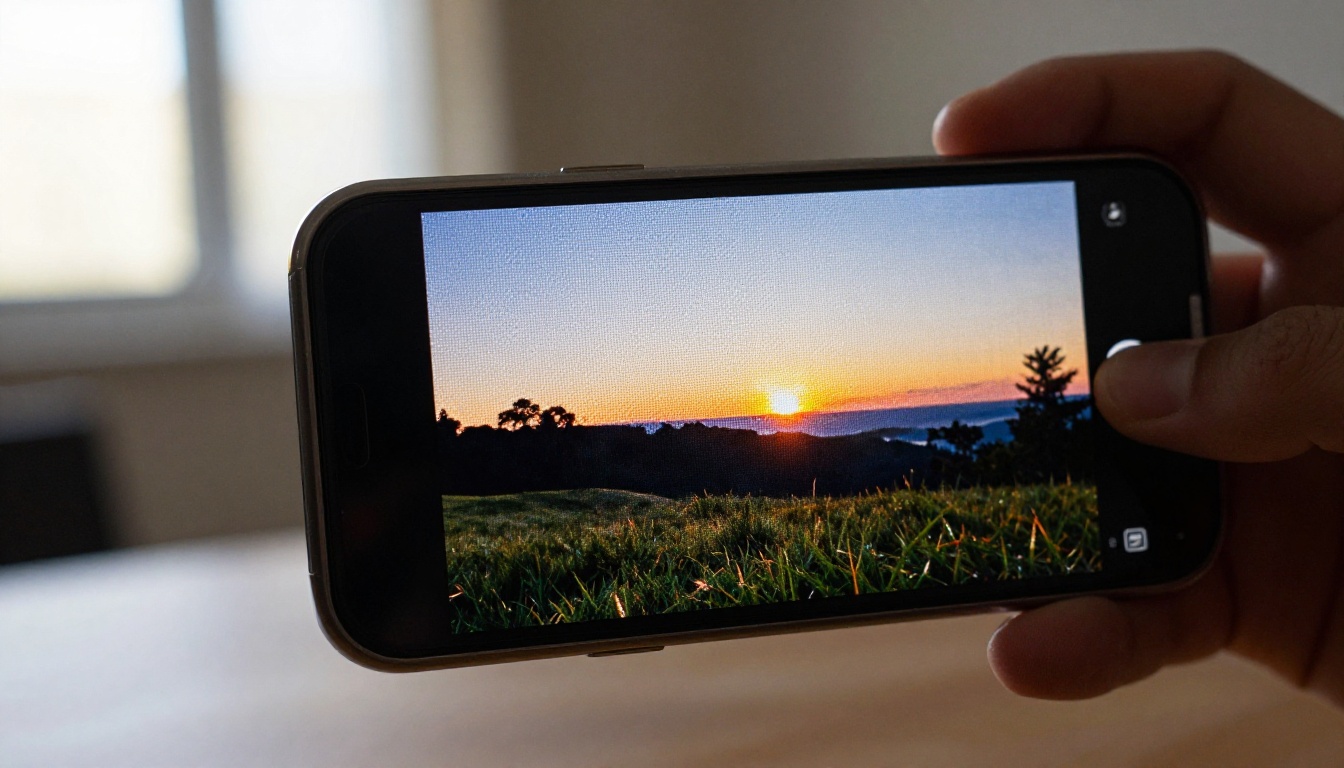
A digital photo book shows your images exactly as you exported them, at screen brightness, with no ink variation. High-resolution displays on phones and tablets render fine detail beautifully. You can also add things print cannot do: zoom, embedded video clips, and ambient audio. A page-flip effect gives the feeling of turning paper without the cost.
The downside is the screen itself. Every viewer sees your colors through their own display, and a cheap or dim screen will flatten your best work. Large file sizes also matter. Compress too hard and you lose detail, compress too little and the book loads slowly on mobile.
| Quality factor | Print | Digital |
|---|
| Color consistency | Varies by printer | Varies by screen |
| Fine detail | Excellent on good paper | Excellent on sharp displays |
| Dark or moody images | Risk of muddy shadows | Usually displays well |
| Panoramas | Great with lay-flat | Great with zoom |
| Motion and sound | Not possible | Video and audio supported |
| Texture and feel | Unmatched | None |
✅ Best practice: Export photos at the resolution your format needs. For print, aim for 300 dpi at the final page size. For digital, 2000 to 2500 pixels on the long edge keeps pages sharp and fast.
Durability and Longevity
Will paper outlast a hard drive?
A well-made printed book stored away from sunlight and moisture can last for decades. Nobody needs a password to open it. That reliability is the strongest argument for print as an archive of the pictures that matter most. Its weaknesses are physical: water damage, fire, fading from direct sun, and the simple fact that you only have one copy.
The real risk with digital
Digital files do not age, but the systems around them can fail. Accounts get closed, subscriptions lapse, drives die. The fix is boring and effective: keep your original photos and your exported PDF in at least two places, and choose a platform that lets you download your work for offline use. A digital book with an offline download is a copy you own, not a page you rent.
Quick risk checklist
- Back up originals on an external drive and a cloud service
- Save the finished PDF alongside the photos, not only inside an app
- Print one copy of your most precious album as insurance
- Re-check your links once a year if you shared them publicly
Sharing: Where Digital Pulls Ahead

One link, unlimited viewers
This is the category where print struggles most. A printed book lives in one place at a time. To share it, you mail it, hand it over, or scan every page. A digital photo book travels as a link, a QR code or an embed on a website. Send it to a cousin in another country and they are looking at the pages ten seconds later.
You also get control that paper cannot give. Password protection keeps a children's album private. Direct links go in a group chat. An embed code puts the album on a personal site or blog. If you want to see how that works for websites, the Embed Flipbook on Website tool shows the process.
Sharing options compared
| Sharing method | Printed book | Digital book |
|---|
| In person | Excellent | Good, on a device |
| Across distance | Slow and costly | Instant |
| Large groups | Expensive | Free to add viewers |
| Privacy control | Physical possession | Password protection |
| Website display | Not possible | Embed code |
| Track who views | Not possible | Analytics on higher plans |
For photographers sending proofs, analytics and lead capture on the Professional plan turn a photo book into a small sales tool. See what the plans offer on the pricing page.
Real-world scenarios
- A wedding: The couple orders one printed album for the living room, and shares a digital version with 120 guests through a link and QR code on thank-you cards. A dedicated Wedding Album Flipbook keeps the layout elegant.
- A freelance photographer: Each client receives a private, password-protected flipbook of their session. The photographer prints only for clients who pay for premium albums. The Photography Portfolio tool suits this workflow.
- A family vacation: Parents build a digital book on the train home, send the link to grandparents the same evening, and order a printed copy at the end of the year when they have chosen the best pages.
- A travel blogger: Embeds a digital photo book into a post, since print would never reach readers. See the Travel Guide Flipbook option for destination stories.
When Print Is the Better Choice
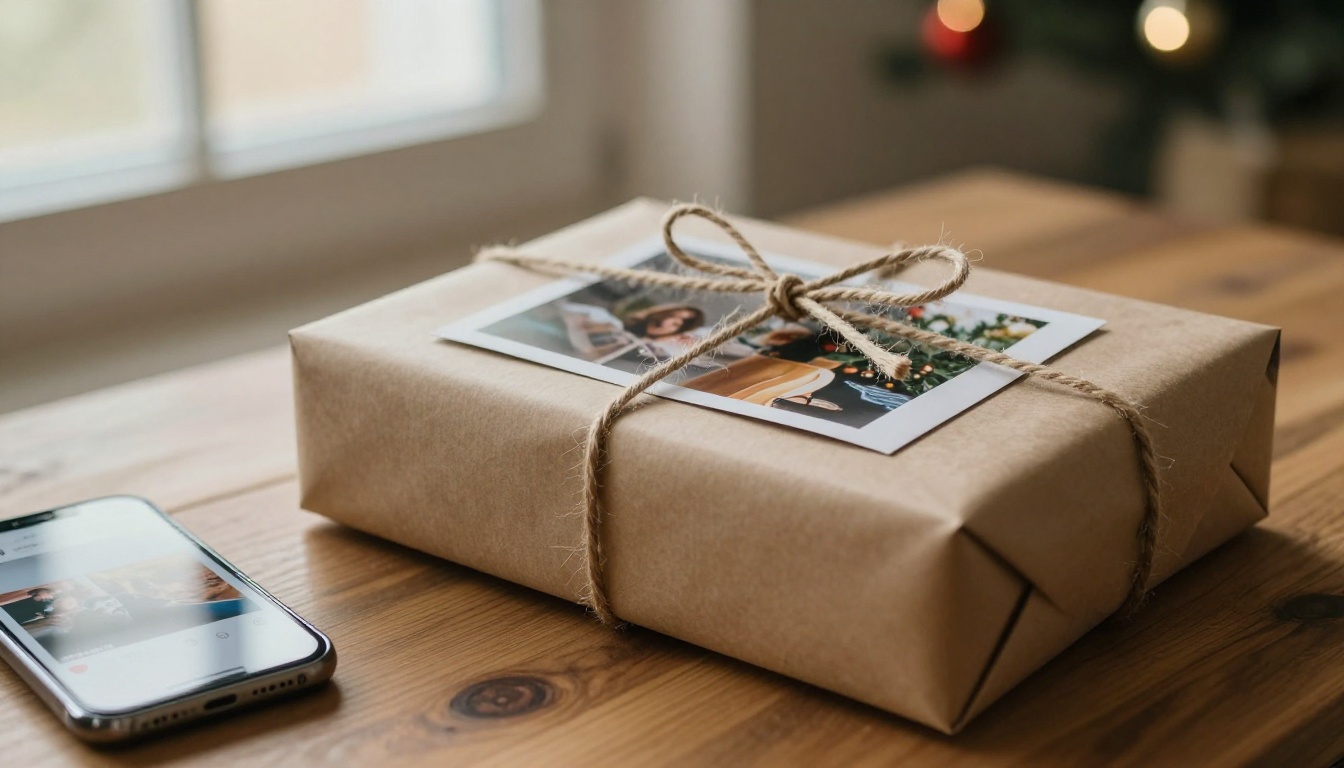
Gifts and milestones
Nobody unwraps a link. A printed book on a birthday, anniversary or holiday carries weight in the hand, and that weight is part of the gift. Pair it with a digital copy so the recipient can also share it with others.
Low-tech audiences
Some relatives will never open a QR code, and that is fine. For them, print is not a nostalgic choice, it is the only one that works. A thick book on the table beats an email they cannot find.
Display and décor
A printed book on a shelf or a coffee table invites casual browsing. Screens rarely do. If part of the point is visual presence in a room, print earns its place.
When Digital Is the Better Choice
Large or growing collections
A photo book you update every season is a poor fit for print. Digital lets you add pages, swap weak photos and fix a typo without reordering anything.
Multimedia stories
Short video clips, audio narration and music can bring a page to life. A child's first steps with sound is a better memory than a still frame. Flipbooks AI supports embedded video and audio, so the book can be more than a slideshow.
Mobile-first audiences
Most people look at photos on a phone. A mobile-responsive digital book fits that habit, and the pages adapt to the screen without pinching and zooming at a tiny scan of print.
How to Create a Digital Photo Book
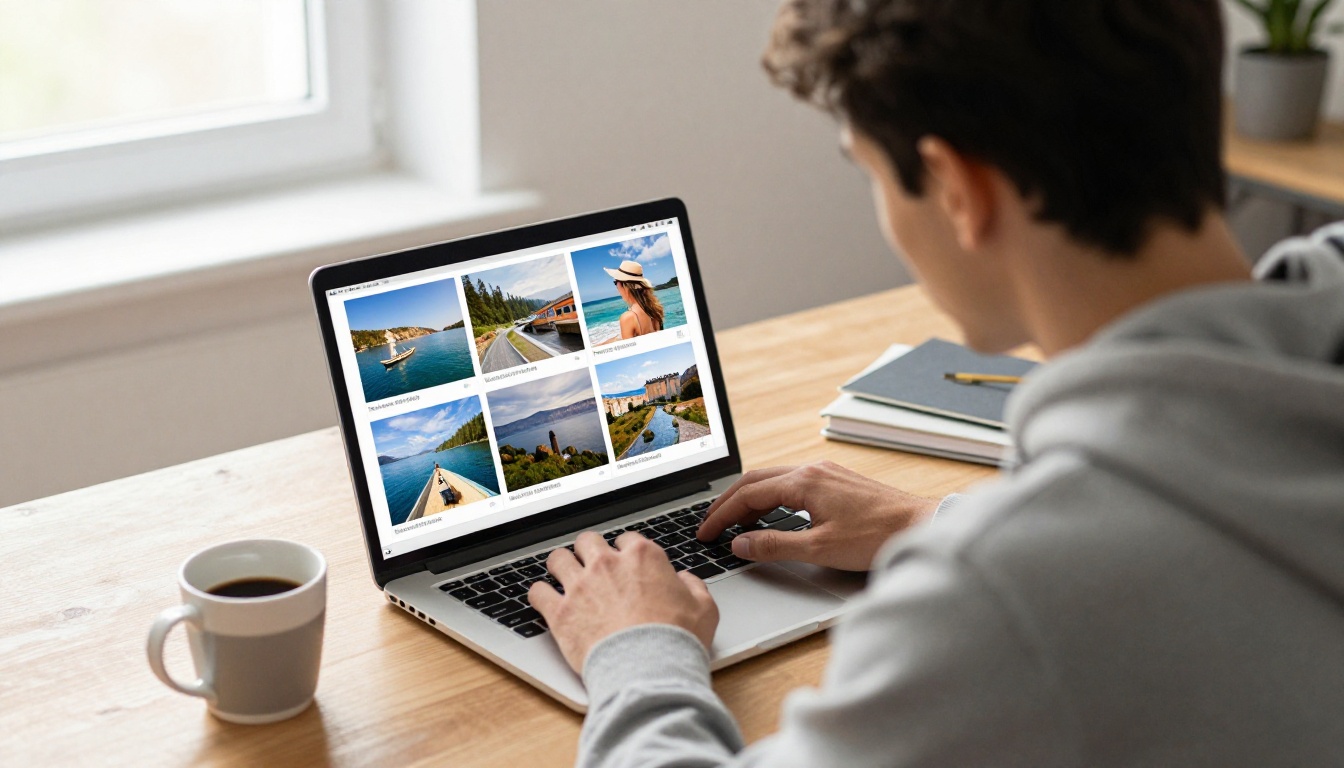
The process is shorter than most people expect. Here is a step-by-step version using Flipbooks AI.
- Select your photos. Pick 30 to 60 of your best images instead of every shot. Remove blurry duplicates and group them by moment or place.
- Lay out the pages. Build the book as a PDF in any design tool, such as Canva, Google Slides or a photo layout app. Use one strong photo per page for impact, and collage pages sparingly.
- Create your account. Create an account on Flipbooks AI and open the upload screen.
- Upload and convert. Drag in your PDF. The PDF to Flipbook Converter turns it into a page-turning book in moments.
- Customize the look. Choose your branding, colors and page effects. Add video clips or audio where they help the story.
- Set your sharing options. Copy a direct link, generate an embed code, or add password protection for private albums.
- Share and track. Send the link, then use analytics and lead generation if you are on the Professional plan.
💡 If you work with a lot of photos regularly, the Standard plan and above includes unlimited flipbooks, which suits families who make a new album every year.
Feature checklist
- ✅ No watermarks, ever
- ✅ Password protection for private content
- ✅ Embedded video and audio
- ✅ Mobile-responsive pages
- ✅ Offline downloads
- ✅ Custom branding for photographers and studios
The Hybrid Approach
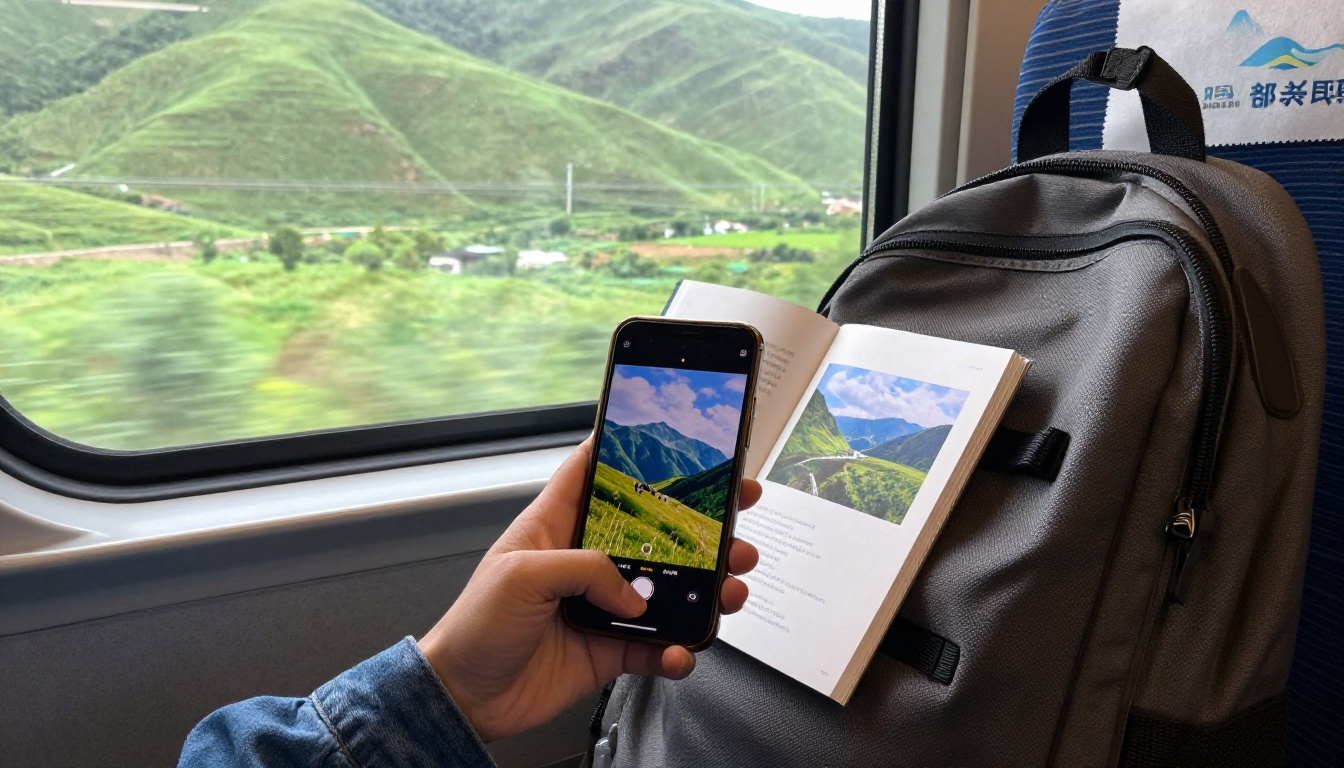
Many people do not have to pick a side. A hybrid workflow gets you the benefits of both at a sensible cost.
- Build the full digital book first, with every worthwhile photo, video and caption.
- Share it widely for free through a link.
- Pick the 20 best pages and print them as a smaller, premium book.
- Give the printed copy as a gift or keep it as the archive.
That way, the long version is easy to share, and the short version is easy to treasure. You spend money on paper only for the pages that deserve it.
Final decision table
| Your situation | Best pick |
|---|
| One special gift | Printed |
| Many viewers in many places | Digital |
| Tight budget | Digital |
| Archive of the best moments | Printed plus digital backup |
| Photography clients | Digital, with optional print |
| Content with video or sound | Digital |
| Relatives who avoid technology | Printed |
Mistakes to avoid
- Printing before you proofread captions and dates
- Using low-resolution images for print, which look soft on paper
- Over-compressing digital pages until detail disappears
- Sharing a link without a backup copy of the PDF
- Choosing one format for every audience
Ready to Build Yours?
The best photo book is the one people actually open. If that means a link that reaches the whole family tonight, get started for free on Flipbooks AI and turn your PDF into a page-turning book. You can browse all flipbook tools and templates to find a layout for weddings, travel, portfolios or family albums, and compare pricing plans when you want analytics, unlimited flipbooks and more. Build it digital, print what matters, and let your photos get seen.



