Most people who try to sell a digital planner pick a pretty design first and a buyer second. That is backwards. The planners that keep selling month after month start with a specific person, a specific problem and a search phrase that person already types into Etsy, Google or Pinterest. This article walks through the digital planner ideas to sell that have real demand, how to judge each niche, and how to turn a PDF into a polished interactive product with Flipbooks AI.
Think of it as a shortlist you can act on this week, not a vague list of "trending" ideas.
Why Niche Planners Outsell Generic Ones
A buyer typing "digital planner" sees thousands of listings. A buyer typing "ADHD weekly planner for GoodNotes" sees a few dozen, and the one that speaks directly to them wins the click. Narrow positioning does three things at once:
- Lowers competition because fewer sellers target the exact phrase.
- Raises perceived value because the layout solves a problem the buyer recognizes.
- Improves conversion since the preview pages already match what the buyer imagines.

💡 Pro tip: Write the buyer sentence before you open a design tool: "This planner helps [who] to [do what] without [pain point]." If you cannot finish it, the niche is too vague.
The Search Intent Behind the Purchase
Planner buyers are rarely browsing for fun. They are in the middle of a life event or a habit reset: a new semester, a wedding date, a debt payoff goal, a new baby. Your product page should name that moment directly.
What Buyers Pay For
They pay for time saved and clarity gained. Hyperlinked tabs, ready-made trackers and undated layouts all signal that the planner will fit into a messy real week.
Ten Digital Planner Ideas to Sell Right Now
Here is the shortlist, ranked by how consistently these niches show steady search interest rather than short bursts.
| # | Niche | Typical Buyer | Common Price Range | Competition |
|---|
| 1 | Student and academic planner | College and high school students | $6 to $18 | High |
| 2 | Budget and finance planner | Households paying down debt | $8 to $25 | Medium |
| 3 | ADHD and focus planner | Adults who struggle with routines | $9 to $24 | Medium |
| 4 | Wedding planner | Engaged couples | $12 to $35 | Medium |
| 5 | Fitness and meal planner | Gym goers, home cooks | $7 to $20 | High |
| 6 | Small business planner | Etsy sellers, freelancers | $12 to $40 | Medium |
| 7 | Family and chore planner | Parents | $6 to $16 | Medium |
| 8 | Wellness and habit journal | Self-care seekers | $5 to $15 | High |
| 9 | Teacher planner | Classroom teachers | $8 to $22 | Medium |
| 10 | Content creator planner | Social media creators | $10 to $30 | Low |
1. Student and Academic Planner
Semester overviews, assignment trackers, exam countdowns and GPA calculators. Search peaks in August, September and January, so publish four to six weeks ahead. Sub-niches such as nursing school, law school or medical residency convert better than a generic "student planner".
2. Budget and Finance Planner
Monthly budget pages, debt snowball trackers, sinking funds and savings challenges. Buyers here are motivated and willing to pay more, because the planner sits next to real money goals. Avoid financial advice; give structure only.

3. ADHD and Focus Planner
Time-blocking pages, "brain dump" sheets, low-friction daily views and reward trackers. Keep layouts forgiving: no guilt-inducing empty streak charts. This niche rewards empathy in the product description.
4. Wedding Planner
Budget splits, vendor contact sheets, guest list trackers, seating notes and a month-by-month timeline. Higher prices are normal because the buyer is spending thousands on the event itself.

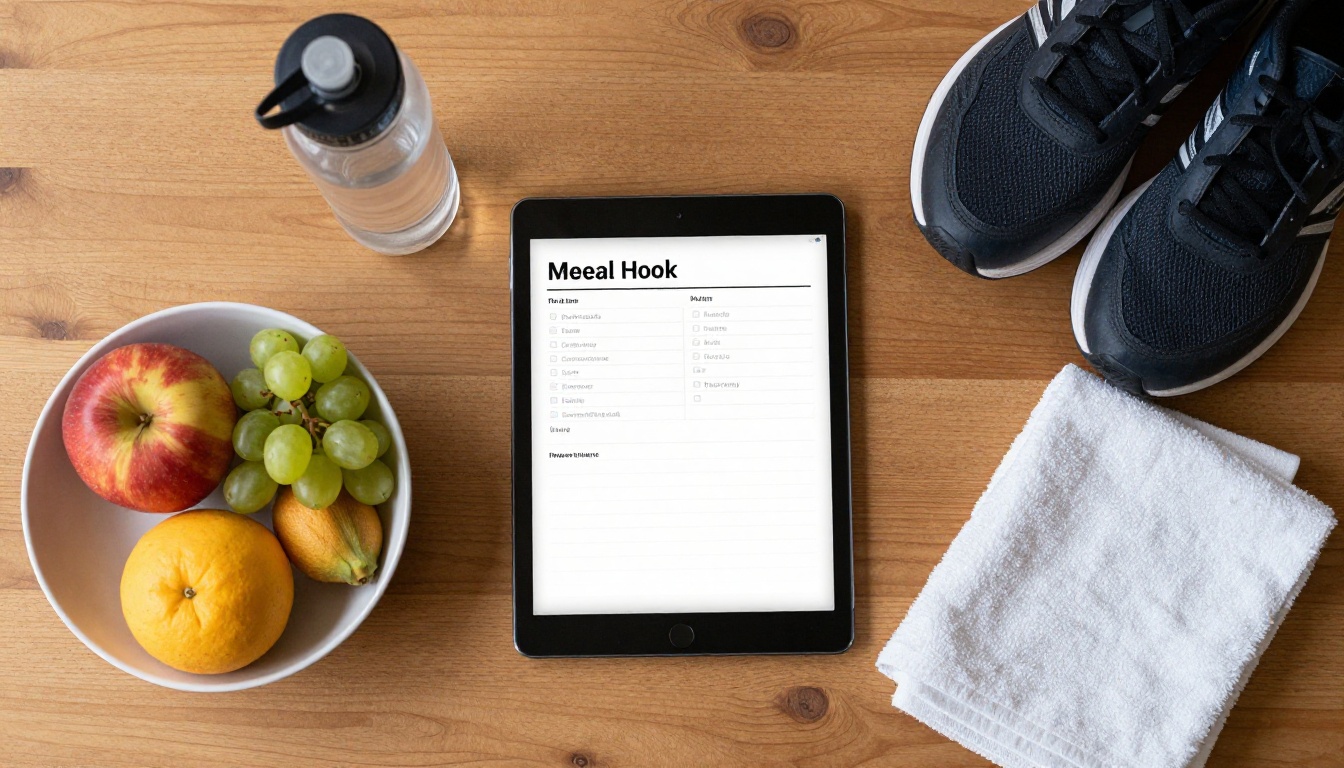
5. Fitness and Meal Planner
Workout logs, weekly meal grids, grocery lists and body-measurement trackers. Pair with a niche such as "postpartum recovery" or "marathon training" to stand out.
6. Small Business Planner
Product launch calendars, inventory sheets, content schedules and monthly revenue reviews. Sellers who run an online shop already understand why they need one, so the sales message is short.
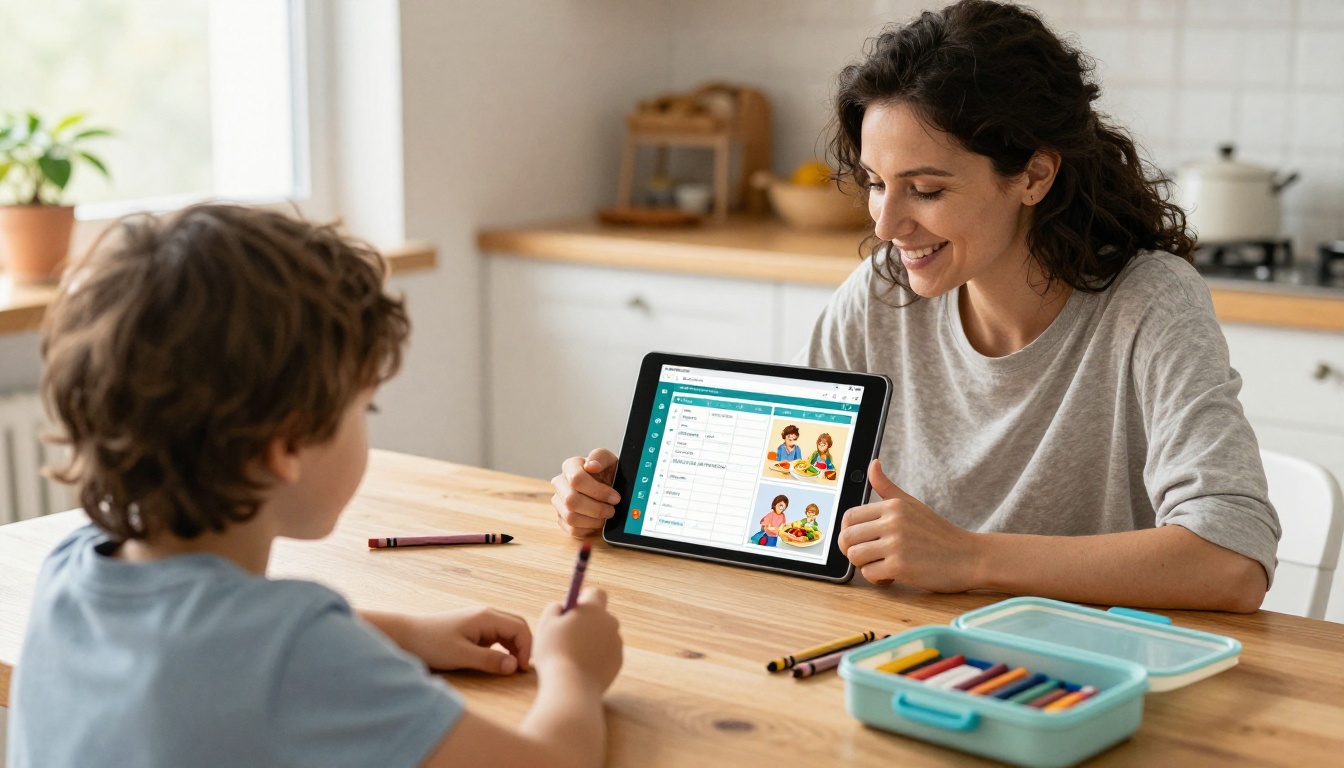
7. Family and Chore Planner
Shared calendars, chore charts, school-event trackers and meal rotations. Buyers often print these, so offer a print-friendly version alongside the digital file.
8. Wellness and Habit Journal
Mood trackers, gratitude pages, sleep logs and habit grids. This niche is crowded, so a visual identity and a clear theme (for example "burnout recovery") matter more than the page count.

9. Teacher Planner
Lesson plan grids, attendance sheets, parent contact logs and substitute-plan templates. Teachers search with specifics like "kindergarten" or "high school science", and they buy yearly.
10. Content Creator Planner
Posting calendars, idea banks, sponsorship trackers and analytics review sheets. Few sellers target this group directly, which makes it the lowest-competition row in the table.
✅ Best practice: Start with one niche and build three variations (for example, undated, dated and print-ready) before you branch out.
How to Validate a Niche Before Designing
Building a 60-page planner takes days. Validation takes an hour. Use this order:
- Search the exact phrase on Etsy and note how many listings appear.
- Check recent sales signals: review counts and "bestseller" badges on the top ten results.
- Read the reviews. Complaints such as "no hyperlinks" or "too cluttered" are your feature list.
- Check Pinterest for related searches and saved pins.
- Test a mini version: a free one-week sample can show real interest before you build the full product.
| Signal | Strong Sign | Weak Sign |
|---|
| Listing count | 500 to 5,000 | Under 50 or over 50,000 |
| Review counts | Several listings above 200 | Top listing has under 10 |
| Review complaints | Specific, fixable gaps | Everyone is satisfied |
| Pinterest saves | Steady, year-round | One seasonal spike only |
⚠️ Warning: A niche with almost no listings is not always a gold mine. Sometimes nobody sells there because nobody buys there.
Features That Raise the Price Buyers Accept
Two planners can look similar and sell at very different prices. What separates them is usability.
- Hyperlinked navigation between months, weeks and days.
- Undated layouts so the buyer can start any day of the year.
- Multiple orientations such as landscape for tablets and portrait for phones.
- Matching stickers or widgets as a bonus bundle.
- Clear instructions on how to import into GoodNotes, Notability or Xodo.
| Product Tier | What Is Included | Suggested Price |
|---|
| Basic | One PDF, 1 layout, no links | $5 to $9 |
| Standard | Linked PDF, 2 layouts, instructions | $10 to $18 |
| Premium | Linked PDF, stickers, bonus templates, updates | $20 to $40 |
Preview Pages Decide the Sale
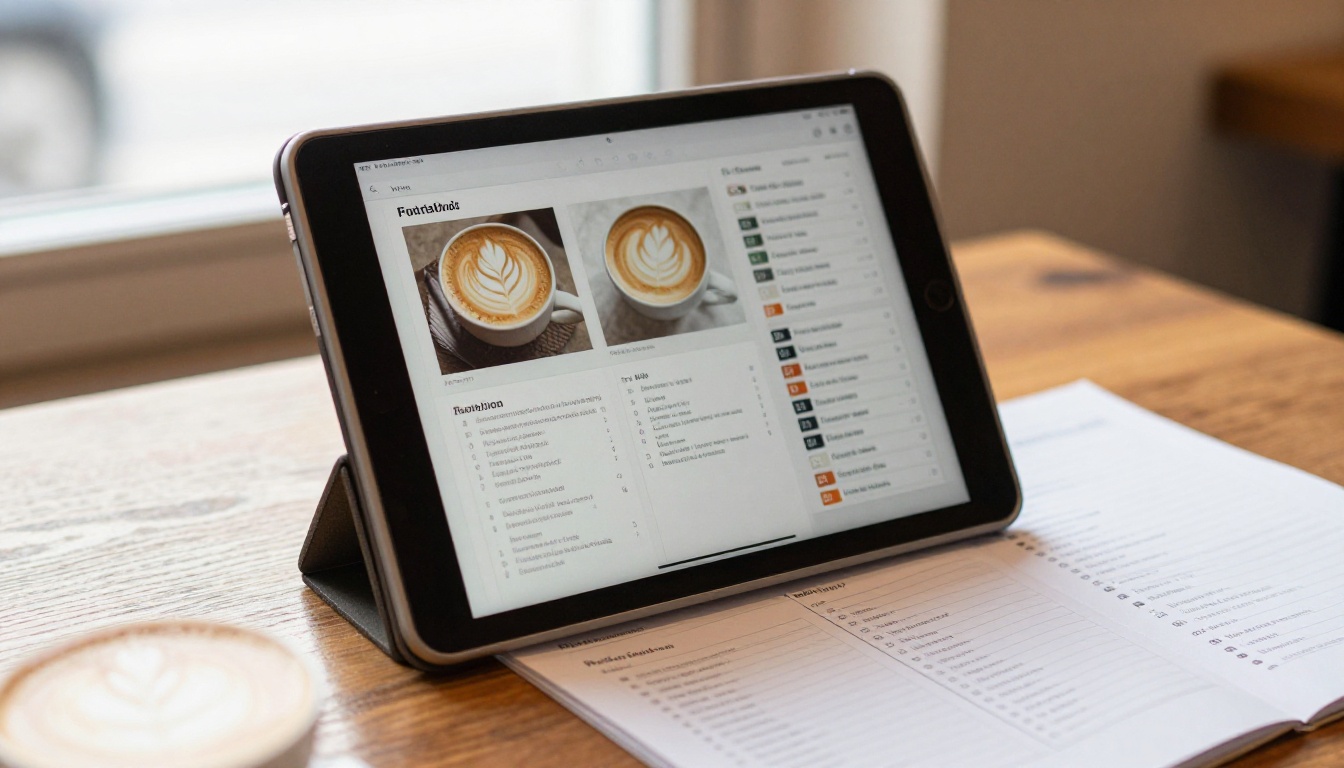
Buyers cannot flip through a product before paying, so your listing images must do that job. Show a monthly view, a weekly view, a close-up of the tabs and a lifestyle mockup. A short animation or interactive preview often outperforms static images.
How to Create a Planner Preview with Flipbooks AI
A static mockup shows what the planner looks like. An interactive preview shows how it feels. That is where Flipbooks AI helps: it converts your PDF into a page-turning flipbook that buyers can try before they purchase.

Here is the workflow:
- Create an account. Sign up on Flipbooks AI and open your dashboard.
- Export a sample PDF. Use 8 to 12 representative pages: cover, monthly view, weekly view, a tracker and an instruction page.
- Upload the file. The PDF to Flipbook Converter turns it into an interactive flipbook in moments.
- Customize the look. Add your brand colors, logo and page-turn effect so the preview matches your shop's identity.
- Add multimedia. Embed a short audio or video walkthrough showing how the hyperlinked tabs work.
- Share it. Use a direct link in your listing description or embed the flipbook on your website.
- Protect the full version. Use password protection for customer-only bonus files.
💡 Pro tip: Pair the preview with your Digital Catalog Maker project when you sell several planners, so buyers can browse the full lineup in one place.
| Flipbooks AI Feature | Why Planner Sellers Care |
|---|
| No watermarks | Previews look like your own brand |
| Mobile-responsive design | Buyers on phones see a clean preview |
| Password protection | Share paid bonuses privately |
| Embed videos and audio | Add a spoken tutorial |
| Analytics (Professional plan) | See which pages buyers view most |
| Lead generation (Professional plan) | Collect emails before the sale |
Review the pricing plans to see which tier fits a shop with a growing catalog. Sellers with several products usually benefit from the Standard plan and above, which includes unlimited flipbooks.
Turn Previews into an Email List
With the Professional plan, a lead form on the preview captures emails from people who are interested but not ready to buy. Follow up with a discount code and you recover sales that a plain listing would lose.
Where to Sell and How to Price
| Platform | Strength | Watch Out For |
|---|
| Etsy | Built-in search traffic | Fees and crowded results |
| Your own website | Full control and email list | You must drive traffic |
| Gumroad | Simple digital delivery | Less organic discovery |
| Pinterest (traffic source) | Long-lasting pins | Slow start, steady growth |
A sensible launch plan:
- Publish on Etsy for discovery.
- Add a branded site with an embedded flipbook preview.
- Pin every product image to niche boards.
- Collect reviews by including a thank-you page with a short request.
A Real-World Example
A seller focused on nursing students builds a clinical rotation planner with shift logs, skills checklists and exam trackers. She lists it at $14, adds a flipbook preview on her site, and offers a $19 bundle with matching stickers. Because the title uses "nursing school planner for GoodNotes", it ranks for a narrow phrase and attracts buyers who already know what they want.
Common Mistakes to Avoid
- Too many pages, too little purpose. A 300-page planner nobody can navigate loses to a 60-page one with great links.
- Copying trends without a buyer. Pastel layouts are everywhere; the problem you solve is what differentiates you.
- Ignoring licensing. Use only fonts, icons and images you have the rights to sell.
- Weak instructions. Support messages drop sharply when the first page explains how to import and use the file.
- No updates. A yearly refresh, announced to past buyers, brings repeat sales.
⚠️ Warning: Never promise results such as "get out of debt in 6 months". Describe the tool, not a guaranteed outcome.
A Simple 30-Day Launch Plan
| Week | Task | Output |
|---|
| 1 | Pick a niche, study 10 competitors, list gaps | Niche brief |
| 2 | Design core layouts and hyperlinks | Working PDF |
| 3 | Create mockups and a flipbook preview | Listing assets |
| 4 | Publish, pin and gather first feedback | Live product |
Keep a simple spreadsheet of views, favorites and sales per listing. After a month, double down on the version that earns the most and retire what does not.
Ready to Sell Your First Planner?
You now have ten niches, a way to validate them and a plan for presenting the product. The remaining step is to build a preview people can actually flip through. Get started for free on Flipbooks AI, browse all flipbook tools for catalogs and portfolios that fit a planner shop, and compare pricing plans when your product line grows. You can also publish a lookbook of your designs with the Interactive Lookbook Designer to showcase every layout in one polished flipbook.



