Every January, millions of people buy a planner with big plans, and by February most of those planners sit untouched in a drawer. The real question is not which format is better on paper. It is which one you will still open on a rainy Tuesday in March. In this comparison of the digital planner vs the paper planner, we look at cost, focus, memory, flexibility and habits, and we show how a tool like Flipbooks AI can bridge the gap between the two worlds.
Why This Debate Matters
Planning is not about the tool. It is about reducing the number of things your brain has to hold at once. A planner works when it becomes the single place where tasks, appointments and ideas land. When you have to hunt for it, charge it, or feel guilty about messy handwriting, you stop using it.
So the winning format is the one with the least friction for your specific life. A nurse on shift, a university student with five courses and a freelancer juggling clients have very different friction points.
💡 Pro tip: Before you buy anything, track how you currently remember tasks for one week. Sticky notes, phone reminders and scribbles on your hand all tell you which format fits you.
What Counts as a Digital Planner
A digital planner can be one of three things:
- A calendar and task app such as Google Calendar, Notion or Todoist
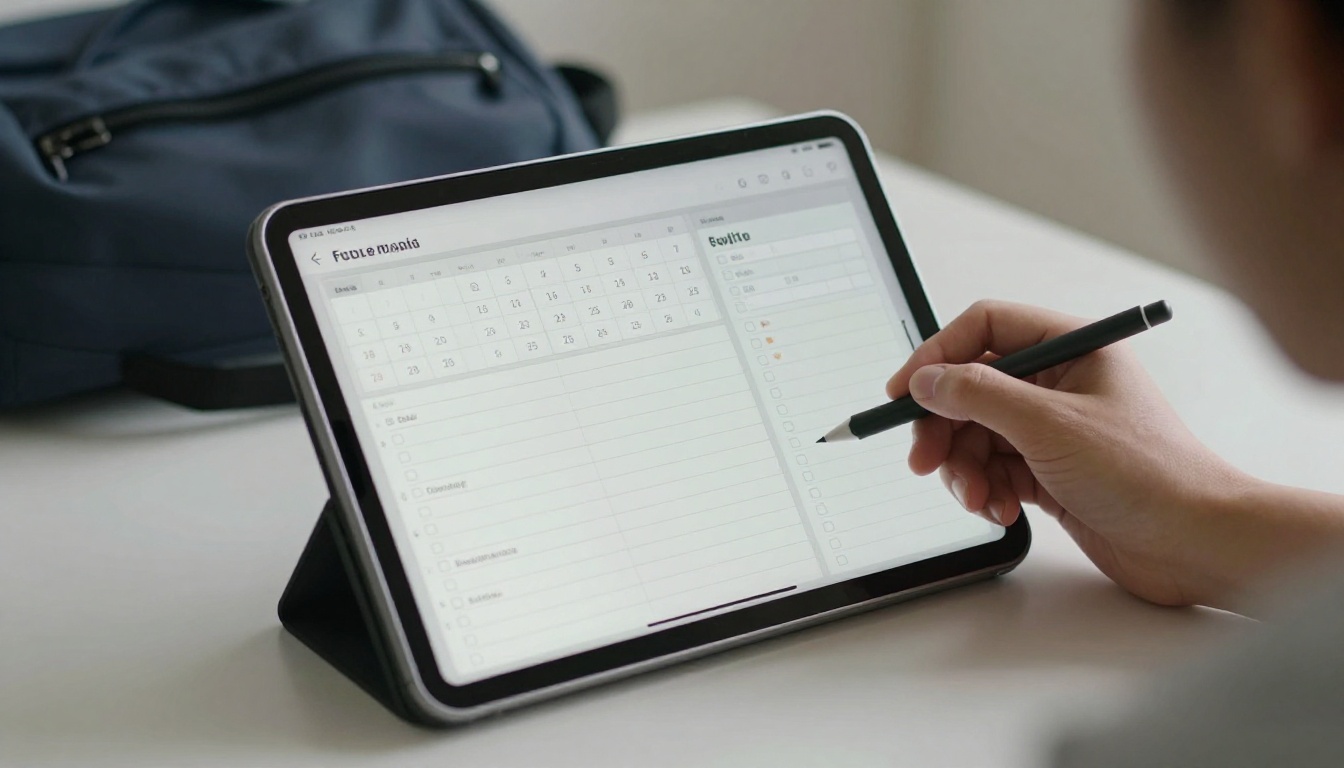
- A PDF planner with hyperlinked tabs, used in a note-taking app on a tablet
- A flipbook planner, a PDF converted into a page-turning online version you can open on any device
What Counts as a Paper Planner
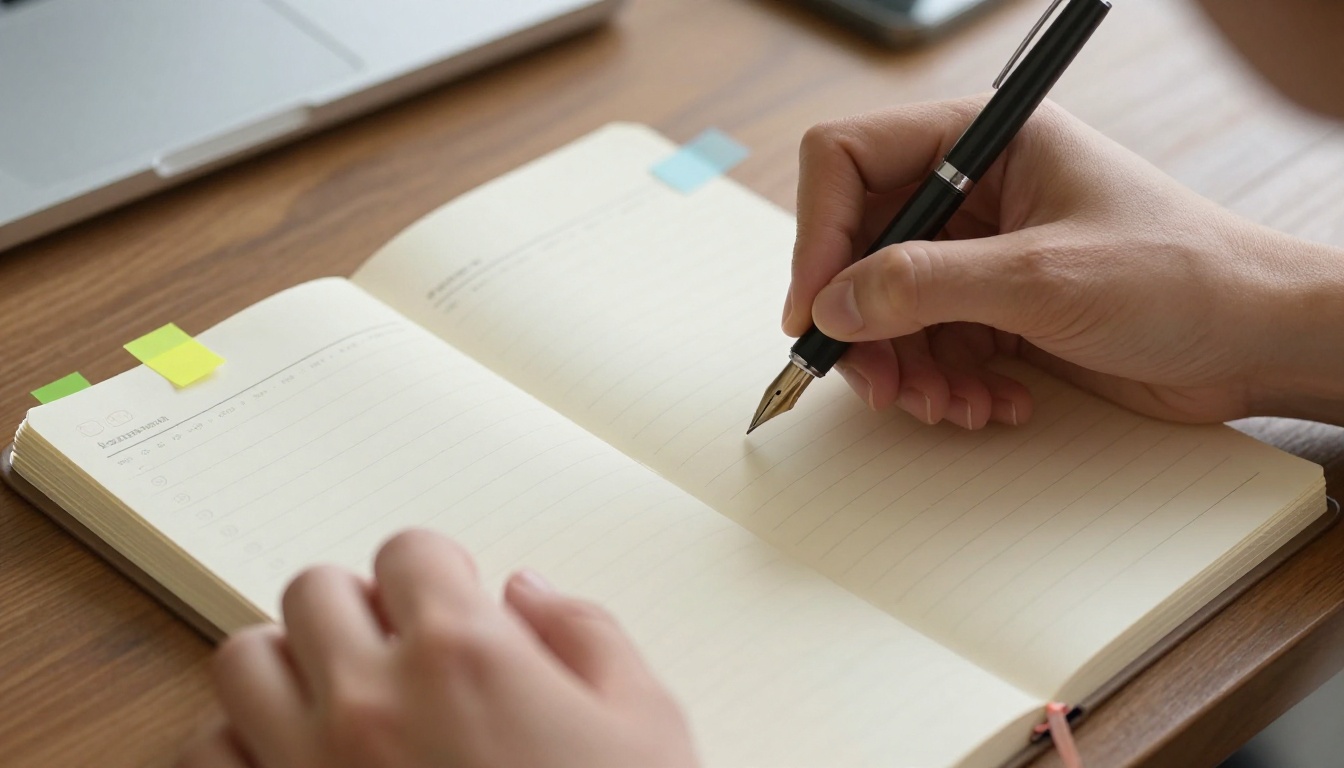
A paper planner is any physical system you write in by hand: a dated weekly spread, a bullet journal, a student agenda or a simple notebook with a to-do list. Some people love the ritual. Others find it heavy to carry.
Digital vs Paper: Side by Side
Here is the quick overview before we go deeper.
| Factor | Digital Planner | Paper Planner |
|---|
| Upfront cost | Free to about $60 per year, plus a device you may already own | $10 to $50 per planner, repeated yearly |
| Editing | Instant, drag and drop, unlimited undo | Crossing out, erasers, correction tape |
| Reminders | Automatic alerts and notifications | None, you must check it yourself |
| Searchability | Search any word in seconds | Flip through pages manually |
| Memory retention | Moderate | Strong, thanks to handwriting |
| Distractions | High, notifications everywhere | Very low |
| Portability | Always with you on phone or tablet | Extra item to carry |
| Battery needed | Yes | Never |
| Personalization | Unlimited templates and stickers | Limited to your pens and creativity |
| Backup | Cloud sync | Lost if the book is lost |
The Case for a Digital Planner
Automatic Reminders Save Real Appointments
The biggest advantage of digital is that it talks back. A calendar notification fifteen minutes before a dentist visit has probably saved more appointments than any handwritten note. Recurring events such as rent, birthdays and weekly meetings only need to be typed once.
Easy Rescheduling
Plans change. In a digital planner you drag a task to Thursday and everything adjusts. In a paper planner, rescheduling means rewriting, and rewriting is where many people give up.
Everything Syncs
Your phone, tablet and laptop all show the same schedule. For anyone who works with a team or shares a calendar with a partner, this alone can decide the question.
Templates and Reuse
Digital planners shine for repeat structure. You can duplicate a weekly meal plan, a study timetable or a content calendar with one tap. PDF planners with clickable tabs jump from a monthly view to a daily page instantly.
✅ Best practice: Use one calendar for appointments and one list for tasks. Mixing both in a single app is the number one reason people feel overwhelmed.
The Case for a Paper Planner
Handwriting Helps Memory
Research on note-taking has repeatedly suggested that writing by hand makes people process information more deeply than typing it. When you write "Call Maria about invoice" with a pen, you are more likely to remember it even before you open the planner again.
No Notifications, No Rabbit Holes
You open a digital planner to check Friday and end up reading messages for twenty minutes. A paper planner has no apps competing for your attention. For deep work, that quiet is valuable.
The Satisfaction of Finishing a Task
Crossing off a line with a real pen gives a small hit of progress that taps do not quite match. Many people use colored pens, stickers and washi tape as a reward system, which makes the habit stick.
It Never Runs Out of Battery
Power cuts, dead phones and software updates do not affect a notebook. If your day depends on one reliable list, paper is hard to beat.
Which One Fits Your Life
Different routines favor different tools. Use this table as a starting point.
| Person | Best Fit | Why |
|---|
| University student | Hybrid | Digital for class schedules, paper for study notes |
| High school student | Paper | Fewer distractions, easy to show teachers |
| Remote worker | Digital | Syncs with meetings and time zones |
| Parent managing a family | Digital shared calendar | Everyone sees changes instantly |
| Creative or artist | Paper | Freedom to sketch, doodle and color |
| Small business owner | Digital | Client deadlines and invoices need alerts |
| Someone easily distracted | Paper | No notifications to pull focus |
Real-World Example: The Student
Priya is a second-year biology student. Her lectures, labs and exam dates live in her phone calendar because she needs alerts. Her weekly study plan lives in a small paper notebook because writing it on Sunday night helps her own the week. Neither tool is perfect alone, yet together they work.

Real-World Example: The Freelancer
Tom is a freelance photographer. Shoot dates and client emails sit in a digital calendar shared with his assistant. His daily to-do list is on a paper pad next to the keyboard. When a client moves a shoot, he changes it in one place and the alert does the rest.
The Real Cost of Each Option
Many people assume digital is free and paper is cheap. The numbers are more nuanced.
| Cost Item | Digital | Paper |
|---|
| Planner itself | $0 to $30 for a template pack | $15 to $40 per year |
| Device | $0 if you own a phone, $300+ for a tablet | $0 |
| Stylus or pens | $60 to $130 for a good stylus | $5 to $25 for a pen set |
| Subscriptions | $0 to $60 per year | $0 |
| Accessories | Cases, screen protectors | Stickers, tabs, tape |
If you already own a tablet and stylus, digital is the cheaper route. If you do not, a paper system has a lower entry cost.
Why Most People Quit
Understanding why planners fail is more useful than comparing features. The same three problems appear again and again.
- Too much setup. Spending three hours on a beautiful layout, then having no energy to use it.
- Too many places. Tasks on a phone, notes in a notebook and dates in an email.
- No review ritual. A planner you never look at is just decoration.
A Five Minute Fix
Pick a fixed review moment, for example after breakfast, and spend five minutes doing three things:
- Check today's appointments
- Choose the top three tasks
- Move anything unfinished to tomorrow, or delete it
That tiny routine matters more than whether the planner is made of paper or pixels.
⚠️ Warning: Do not buy a new planner the moment you feel behind. A new notebook will not fix a missing habit. Fix the review ritual first.
The Hybrid Option
A growing number of people stop choosing and combine the two. The common hybrid setups look like this:
- Calendar on phone, tasks on paper. Alerts for time-bound items, handwriting for daily focus.
- Printed monthly page, digital details. A wall calendar for the big picture and an app for the rest.
- Digital planner you can flip through. A PDF planner turned into a page-turning flipbook, so it feels like a book yet opens on any screen.
Why Flipbooks Work for Planners
A flipbook keeps the feel of turning pages while giving you a link you can open on a phone, share with a partner or embed on a website. If you design planners to sell, or you simply want a shareable weekly layout, a flipbook is a smart middle ground. It also works well for printable planner bundles, because buyers can preview the pages before they buy.
How to Create a Planner Flipbook with Flipbooks AI
If you have a PDF planner, whether you designed it yourself or bought a template, you can turn it into an interactive flipbook in minutes. Here is how.
- Create your account. Go to Flipbooks AI and sign up. You can begin on a free plan.
- Upload your PDF. Use the PDF to Flipbook Converter and drag your planner file into the upload area. Conversion takes under a minute for most files.
- Customize the look. Pick a background color that matches your planner theme, add your logo or name, and choose a page-turn effect. Your branding stays clean because there are no watermarks, ever.
- Add multimedia. Embed a short audio note or a video walkthrough that explains how to use each section of the planner.
- Share it. Copy the direct link, or use Embed Flipbook on Website to place it on your blog or shop page. Turn on password protection if the planner is a paid product.
- Track results. On the Professional plan you can see analytics and collect leads from readers who open your planner. Check the pricing plans to compare options.
💡 Pro tip: Mobile-responsive design means your flipbook planner opens cleanly on a phone screen, so you can check your week while standing in line.
For students, a similar route works with the Course Material Publisher, which lets teachers share a semester schedule as a page-turning document. You can also browse all flipbook tools to find a layout that fits a planner, a workbook or a study calendar.
Quick Decision Checklist
Answer these seven questions honestly. Count how many point to each side.
| Question | Leans Digital | Leans Paper |
|---|
| Do you forget appointments without alerts? | Yes | No |
| Do you get distracted by your phone? | No | Yes |
| Do you share a schedule with others? | Yes | No |
| Do you enjoy handwriting and stationery? | No | Yes |
| Do your plans change daily? | Yes | No |
| Do you carry a bag every day? | Either | Yes |
| Do you already own a tablet and stylus? | Yes | No |
How to Read Your Score
- 5 or more on one side: Commit to that format for 30 days.
- A split result: Try a hybrid. Digital for time, paper for tasks.
- No clear answer: Start with the free option, a calendar app, and add paper only if you miss it.
Three Common Mistakes
- Switching formats every month. A system needs at least four weeks to become a habit.
- Copying someone else's setup. A bullet journal layout from social media may not suit your workload.
- Overplanning. If your list has twenty items, you have a wish list, not a plan.
Your Next Step
So, digital planner or paper planner? If you need alerts, sync and quick edits, go digital. If you need calm, memory and the pleasure of a pen, go paper. If you want both, build a hybrid and keep the review ritual sacred. The planner you keep using is the right one.
Ready to turn your planner into something you can open anywhere? Get started for free on Flipbooks AI, browse the full list of tools and templates, or compare pricing plans to pick what works for you. If you are set on analytics and lead capture, you can also upgrade straight from your account.



