You said yes, and now a stack of cardstock, envelopes, and stamps is waiting to eat your budget. You do not have to play along. These digital save the date ideas for couples skipping paper let you announce your wedding date in minutes, reach every guest instantly, and keep the elegance you wanted from the start. With a tool like Flipbooks AI, a single PDF becomes a page-turning invitation that opens on any phone, no app and no printer required.
This article walks through the formats that work, the timing that keeps guests from double booking, the costs compared with paper, and a practical tutorial for building your own.
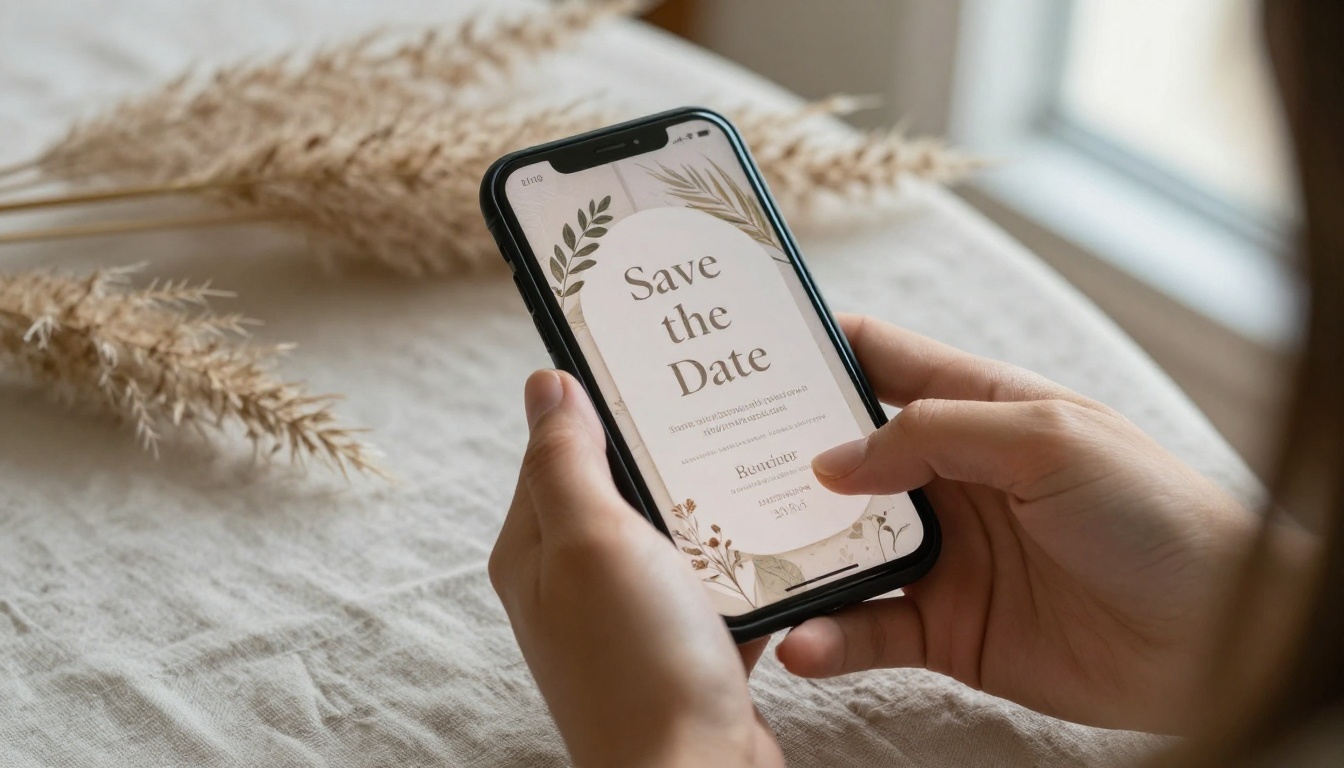
Why Couples Are Dropping Paper
Paper save the dates made sense when everyone checked a mailbox daily. Today, guests check their phones dozens of times a day, and a mailed card often ends up under a pile of takeout menus.
The Cost Adds Up Fast
A simple printed set for 120 guests runs through design fees, printing, envelopes, and postage. Add international stamps for relatives abroad and the total jumps again. A digital version costs a fraction of that and can be edited if your venue changes.
Guests Actually See It
Messages land in a pocket. A link in a text or email gets opened within hours, not days. That matters when you need people to hold a date eight to twelve months out.
Less Waste, Less Stress
No address list chasing, no returned envelopes, no reprint when a typo sneaks in. If a relative moves, the link still works.
💡 Pro tip: Keep one master PDF of your save the date. You can reuse its design for the invitation, the schedule, and the thank you page so everything looks like one family.
Paper vs Digital at a Glance
| Factor | Printed Cards | Digital Save the Date |
|---|
| Typical cost for 120 guests | $250 to $600 | $0 to $60 |
| Delivery time | 3 to 10 days | Instant |
| Fixing a mistake | Reprint and remail | Edit and resend |
| Reach international guests | Expensive postage | Same as local |
| Extras (maps, video, music) | Not possible | Easy to embed |
| Tracking who opened it | No | Yes, with analytics |
| Environmental footprint | Paper, ink, shipping | Minimal |
Digital does not mean cold. The best versions feel more personal than a printed card because you can add your voice, your photos, and a map to the venue.
Pick the style that matches your personality and your guest list. Many couples mix two or three.
1. The Page-Turning Flipbook
Design a short booklet of three to six pages: a cover with your names, the date, a photo spread, a note about the location, and a small FAQ for travelers. Convert it with the PDF to Flipbook Converter and share a single link. Guests flip through it like a real mini magazine, with a realistic page curl.
This is the closest digital cousin to an heirloom paper invitation. It also lets you add a wedding album flipbook later, so the same style carries through to your photos.
2. The Short Video Message
Record twenty seconds of the two of you saying the date out loud. Hold the phone at arm's length, laugh at yourselves, and add the date as a simple text overlay. Video feels intimate, and guests will often rewatch it.

3. The Text Message With a Link
Skip the fanfare. Send a warm personal text with one link to your flipbook. This works best for close friends and family, and replies come back within minutes.
4. The Email Announcement
Use a clean email with your names, the date, the city, and a button to your wedding page. Send it from a personal address, not a no-reply sender, so guests can answer directly.
5. The Wedding Website Teaser
Publish a one-page site with the date, the region, and a promise that the full invitation is coming. Embed your flipbook right on the page with the Embed Flipbook on Website tool so guests never leave.
6. The Social Media Reveal
Post a single photo with the date and a short caption. Pair it with a private link for people who need the details. Do not rely on this alone, because not everyone sees every post.
7. The Interactive Map Card
For destination weddings, a visual route card with airport codes, hotel blocks, and travel tips can double as the save the date. Build it as a flipbook page so travel details stay attached.
| Format | Best For | Effort | Personal Feel | Details Included |
|---|
| Flipbook | Most couples | Medium | High | Photos, map, FAQ |
| Video message | Close circles | Low | Very high | Date, place |
| Text with link | Quick reach | Very low | High | Link only |
| Email | Large lists | Low | Medium | Date, button |
| Wedding website | Destination | Medium | Medium | Everything |
| Social reveal | Younger crowds | Low | Medium | Date, photo |
| Map card | Travelers | Medium | Medium | Travel info |
Building Your Save the Date Step by Step
Here is how to build the flipbook version with Flipbooks AI. The process takes about twenty minutes.
Step 1: Design Your Pages in Any Editor
Use Canva, Figma, or Word. Keep it to three to six pages with large type and soft photography. Export as a PDF.
Step 2: Upload and Convert
Create your account at Flipbooks AI, upload the PDF, and let the converter turn each page into a flipping spread. Your original layout and fonts stay intact.
Step 3: Customize the Look
Add your own colors, a soft background, and the page-turn effect. Embed a short video or a song snippet if you like. There are no watermarks, so the finished piece looks like yours alone.
Step 4: Choose Sharing Options
Copy the direct link for texts and emails, or use the embed code for your wedding site. For privacy, turn on password protection so only invited guests can open it.
Step 5: Track and Follow Up
On the Professional plan, analytics show who opened your save the date and how long they stayed. You can also enable offline downloads for guests with spotty reception and use lead capture to collect email addresses for later updates.
✅ Best practice: Send the link to yourselves first and open it on an old phone, a laptop, and a tablet. Mobile-responsive design handles the layout, but a quick test catches typos.
What to Include on the Page
A save the date is short, but a few details save you many questions later.
- Your names in a readable, elegant typeface
- The date, written clearly with the day of the week
- The city or region, even if the venue is still secret
- A line about formal invitations coming later
- A link to your wedding website, if you have one
- A contact method for questions such as accessibility needs
- A warm personal note, even one sentence
Keep Text Short and Scannable
Guests skim. Put the date in the largest type on the first page and everything else after it.
Use Real Photos
Natural photos of the two of you beat stock graphics. They set the tone and make the page memorable. A sunset field, a beach morning, or a cozy kitchen all work.

Timing and Sending Strategy
When you send matters nearly as much as what you send.
| Wedding Type | Send Save the Date | Send Invitation |
|---|
| Local | 6 to 8 months before | 6 to 8 weeks before |
| Out of town | 8 to 10 months before | 8 to 10 weeks before |
| Destination | 10 to 12 months before | 10 to 12 weeks before |
| Holiday weekend | 12 months before | 10 weeks before |
Send in Waves
Start with immediate family, then wedding party, then everyone else. This prevents anyone from hearing the news secondhand.
Add a Reminder
A second short message at the three month mark nudges people who forgot to book travel. A flipbook link makes this easy because you can update the content without resending a new file.
⚠️ Warning: Do not send a digital save the date before your guest list is settled. Forwarded links reach people you did not plan to invite, and that is awkward to undo.
Real Examples That Work
The Destination Couple
A pair marrying in Portugal sends a five page flipbook with the date, a map of Lisbon, hotel suggestions, and a short video clip of the coastline. Guests book flights before the formal invitation even arrives.
The Small Backyard Wedding
A couple hosting forty people texts a single photo and a link. The flipbook holds the date, the address, a parking note, and a menu preview.
The Blended Family
A couple with children from earlier marriages creates a playful page where each child "announces" the date with a photo. It sets a joyful tone for the whole family.

Etiquette for a Paperless Announcement
Digital does not mean careless. A few habits keep it classy.
- Personalize the greeting. Use first names in each message.
- Offer a paper option for grandparents who prefer it. Print one copy of the flipbook pages and mail it.
- Do not use group chats for the first send. Individual messages feel more respectful.
- Proofread twice. A wrong year on a save the date is a classic mistake.
- Keep the tone consistent with your wedding style, whether rustic, modern, or classic.
Accessibility Matters
Choose high contrast text, large type, and alt descriptions where possible. Share a plain text version of the details in the email body for guests who use screen readers.
Budget Breakdown
| Item | Paper Route | Digital Route |
|---|
| Design | $100 to $300 | $0 to $30 (DIY template) |
| Printing | $150 to $400 | $0 |
| Envelopes and postage | $90 to $200 | $0 |
| Platform subscription | $0 | $0 to $25 per month |
| Total for 120 guests | $340 to $900 | $0 to $55 |
You can also reuse the same flipbook account for your invitation, ceremony program, and a post-wedding album using the Event Program Maker. One platform covers the whole wedding season.
Ready to Send Yours?
If you want a save the date that guests will actually open and keep, build it once and share it everywhere. Get started for free on Flipbooks AI, browse the full list of flipbook tools, and compare pricing plans to pick the one that fits your guest list.
Your date deserves more than a card in a drawer. Make it a link people tap with a smile.



