Every autumn, admissions offices send thousands of glossy viewbooks into the mail, and every autumn a large share of them ends up unopened on a kitchen counter. Printing, folding, labeling and stamping add up fast, and the student who might have loved your campus never sees page one. A digital viewbook fixes that. With a tool like Flipbooks AI, you turn the PDF you already have into a page-turning publication that reaches a student's phone in seconds, with no postage at all.
This article walks through the real costs of print, the format that replaces it, a step-by-step build, and the habits that make digital viewbooks work for recruitment.
Why Print Viewbooks Fall Short
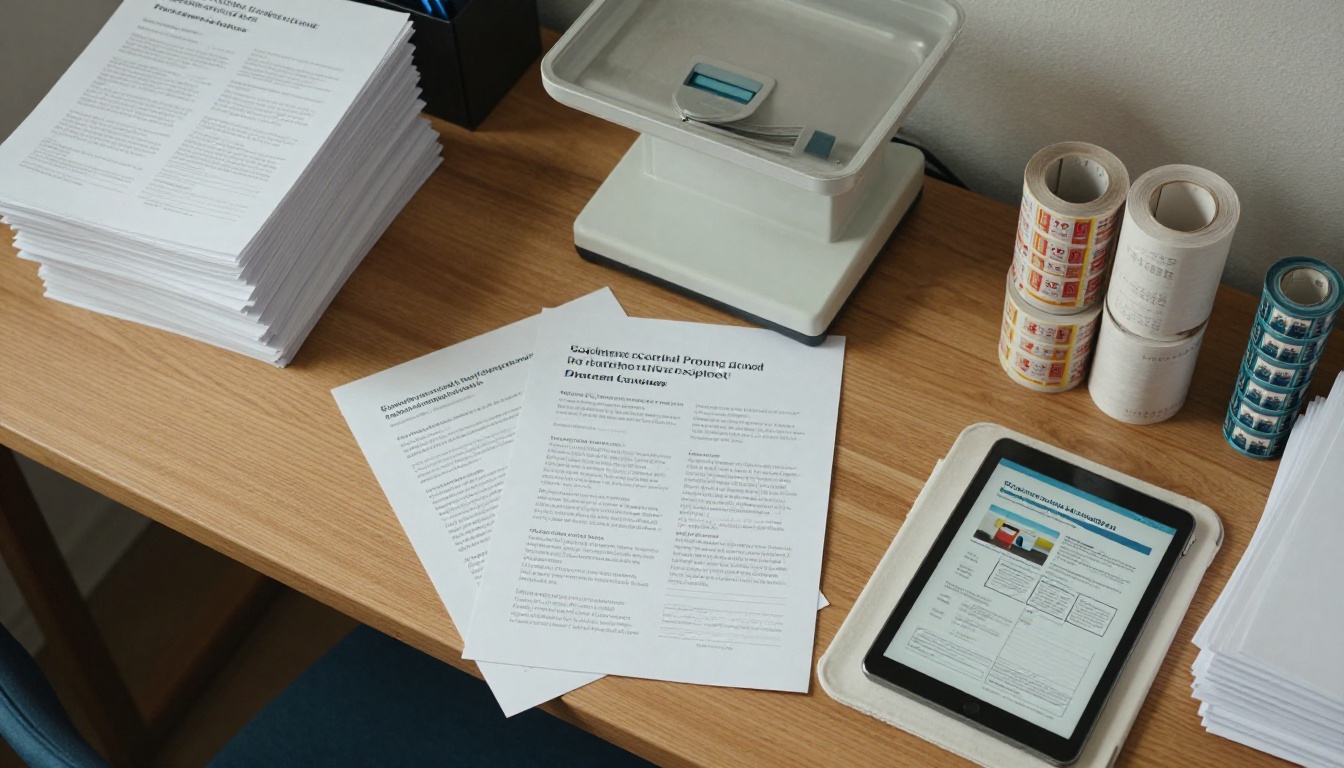
The viewbook has been the backbone of recruitment for decades. It still looks lovely. The trouble is not the content, it is the delivery. A printed piece has to be designed months early, shipped in bulk, addressed, and then hope the recipient is curious on the exact day it arrives.
The Real Cost per Student
Most offices only count the print run. The true figure includes design revisions, storage, mailing house fees, postage, returned mail and the staff hours spent stuffing envelopes. Once you divide the total by the number of students who actually respond, the cost per inquiry is often startling.
| Cost item | Printed viewbook | Digital viewbook |
|---|
| Printing | Per copy, rises with page count | None |
| Postage | Per piece, rises every year | None |
| Reprints after a correction | Full new run | Update once, live at once |
| Delivery time | Several days | Seconds |
| Reach outside the country | Slow and expensive | Same as anywhere else |
| Reading data | None | Views, time on page, clicks |
The Timing Problem
A student exploring colleges in October may have shortlisted five schools by the time your mailer lands in December. Digital delivery lets a counselor reply to an inquiry the same afternoon, while interest is still warm. Speed is a recruitment advantage, and print cannot match it.
💡 Pro tip: Pair every inquiry form with an instant reply that contains a link to your viewbook. The student gets something useful right away, and you get a first data point.
What a Digital Viewbook Actually Is
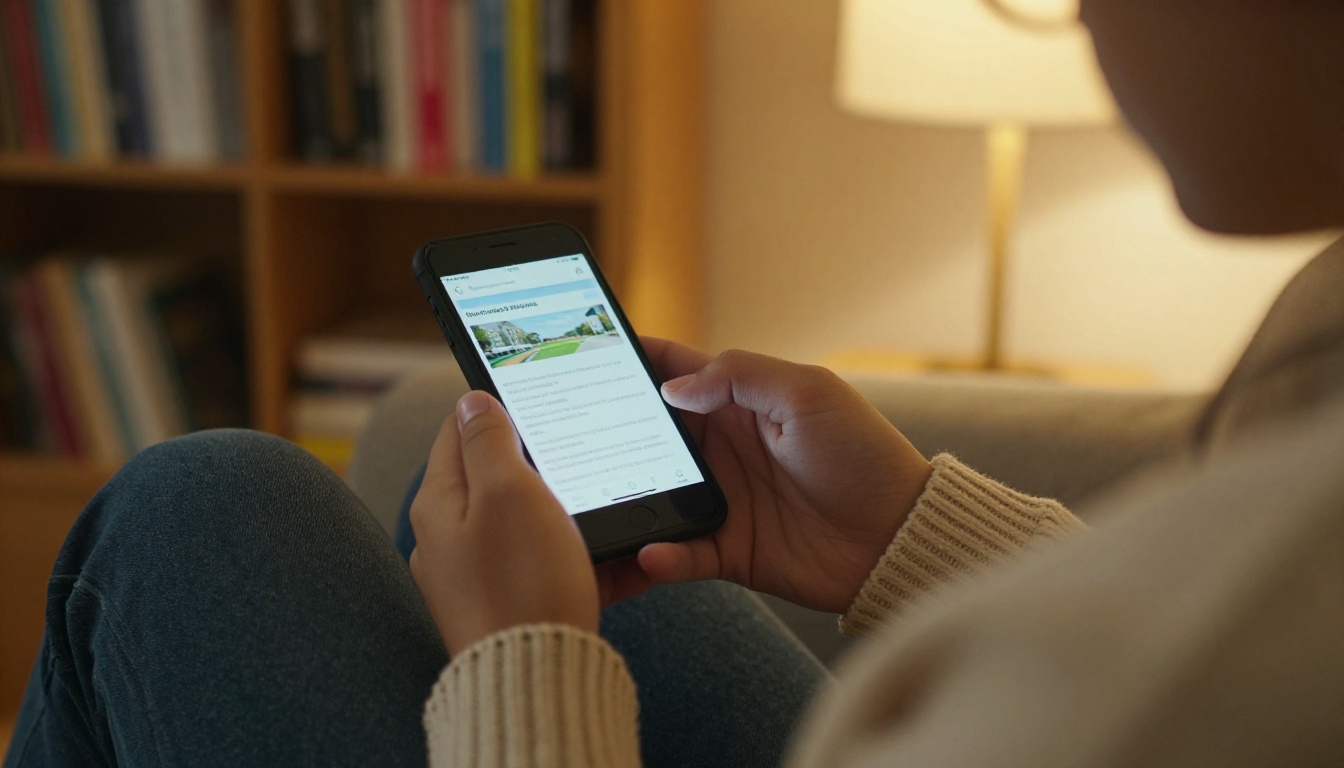
A digital viewbook is not a PDF attachment that nobody opens. It is an interactive, page-turning publication that lives at a web link. Readers flip pages with a swipe or a click, zoom into photos, play embedded videos and tap links straight to your application portal.
PDF Versus Flipbook
A plain PDF is heavy, awkward on small screens, and usually gets downloaded and forgotten. A flipbook loads fast, adapts to any screen, and feels like holding the printed piece.
| Feature | Email PDF | Flipbook viewbook |
|---|
| Page-turn feel | No | Yes |
| Mobile friendly | Pinch and scroll | Responsive layout |
| Embedded video and audio | No | Yes |
| Tracking | Almost none | Views and reading behavior |
| Password protection | Limited | Built in |
| Updates after sending | Resend the file | Edit the same link |
What Students Actually Want
Prospective students are on their phones. They want a quick sense of the campus, the programs and the cost, then a clear next step. A flipbook gives them a familiar, swipeable format with no download and no sign-in wall.
- A short welcome page with a real campus photo
- Program summaries they can scan in seconds
- Tuition and aid information in a clear table
- A video tour embedded on the page, not buried in a link
- One obvious button to start the application
How to Build Yours in One Afternoon
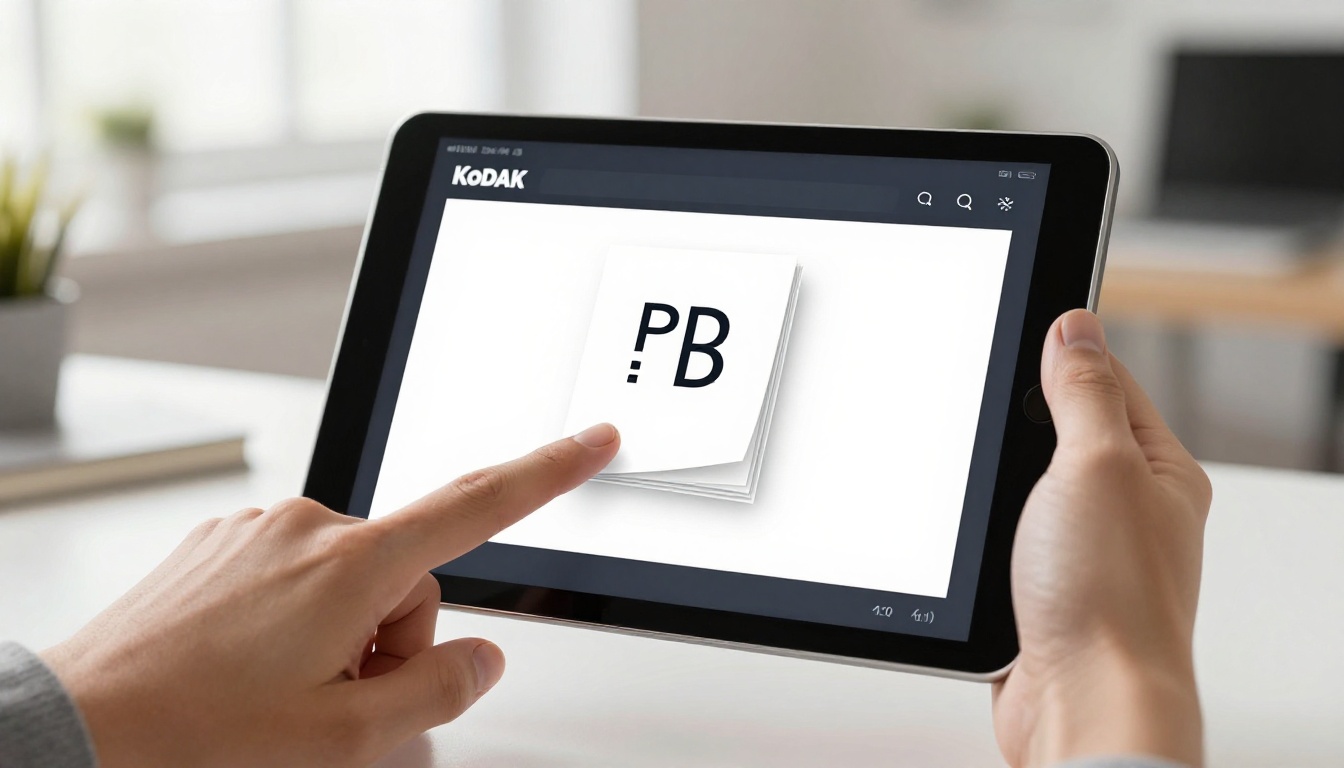
If your team already has a designed viewbook as a PDF, you are most of the way there. The PDF to Flipbook Converter turns it into a digital edition without redesigning anything.
Step-by-Step Setup
- Create your account. Sign up on Flipbooks AI and open the dashboard.
- Upload the PDF. Drag in your current viewbook. Conversion takes moments, and page order and images are preserved.
- Apply your branding. Set school colors, add your logo, and choose the page-turn effect and background that match your style guide.
- Add media. Drop a campus video tour onto the welcome spread and an audio greeting from the dean if you like. Videos and audio play inside the page.
- Add links. Point the "Apply" and "Request a visit" areas to the right URLs.
- Choose sharing settings. Pick a public link, an embed on your admissions page, or a password for private audiences such as admitted students.
- Publish and test. Open the link on a phone, a tablet and a laptop before sending anything.
✅ Best practice: Always test on a mid-range Android phone. Many students use one, and it is the fastest way to catch a layout that is too dense.
Branding That Feels Like Your Campus
Use your own fonts and colors, and keep the first page clean. Schools that want a more editorial feel can look at the Online Brochure Designer or the Brochure Flipbook Maker for layout ideas.
No Watermarks, No Surprises
Your viewbook should look like yours. Flipbooks AI never places watermarks on published flipbooks, so the experience stays on brand from the first swipe.
Ways to Deliver It Without a Stamp
Once the viewbook exists, the question becomes how students find it. The answer is almost every channel you already use.
Email and Text Follow-Ups
Place the link in your inquiry reply, in your nurture emails and in short text messages from counselors. A single link replaces an attachment and always points to the latest version.
QR Codes at Fairs and Visits
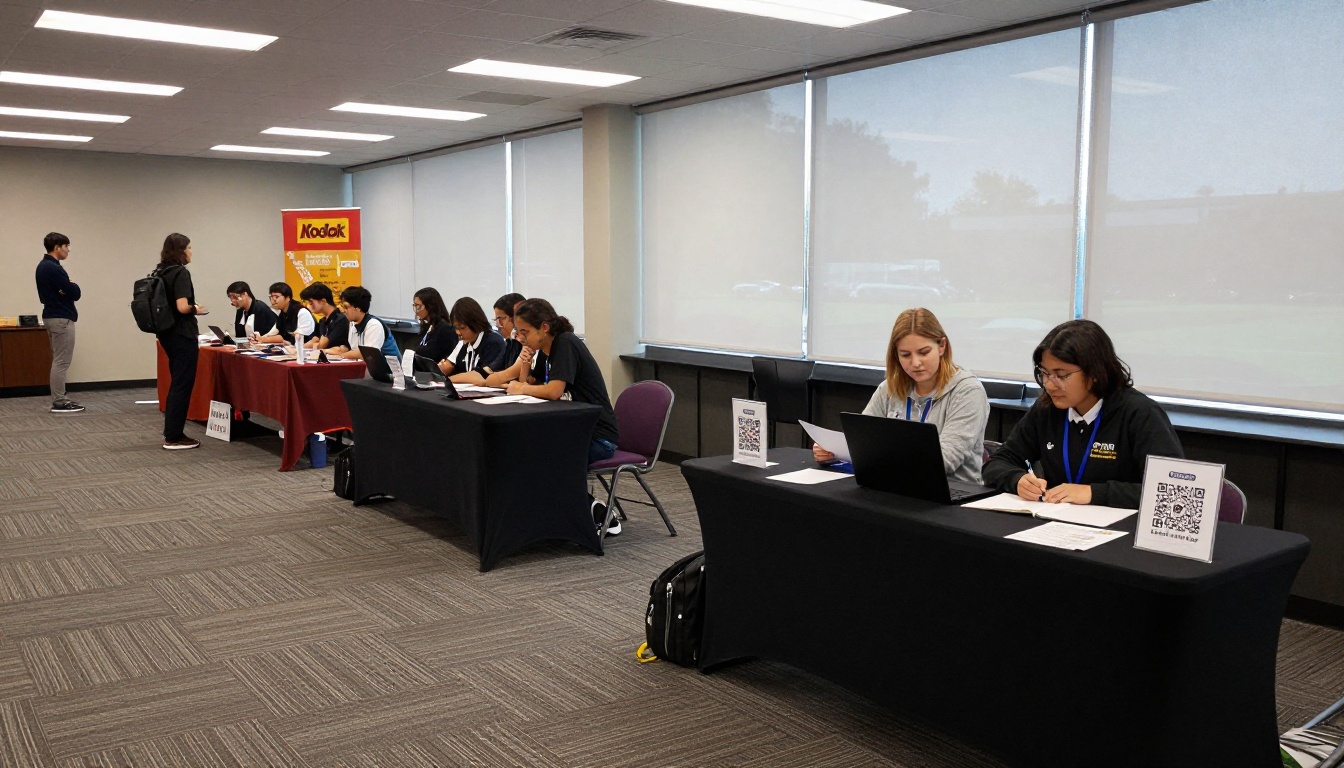
At a college fair, a table full of heavy brochures is a burden for both sides. A printed card with a QR code costs pennies, weighs nothing, and opens the viewbook instantly. Students who scan are real leads you can follow up with.
Embed on Your Admissions Page
With the Embed Flipbook on Website option, the viewbook sits right inside your admissions page. Visitors read it without leaving the site, which keeps them close to your application call to action.
| Channel | Best for | Effort |
|---|
| Inquiry reply email | New leads | Low |
| Counselor text message | Warm prospects | Low |
| QR code on a card | Fairs, tours, posters | Low |
| Website embed | Organic visitors | Medium |
| Password-protected link | Admitted students | Low |
| Social bio link | Broad awareness | Low |
Reaching Students Beyond Your Borders
Postage is where print hurts most for international recruitment. A package to another continent costs more, takes longer and is sometimes held at customs.

One Link, Every Time Zone
A digital viewbook opens the same way in Lagos, Seoul or Lima. A counselor can answer an inquiry from the other side of the world without waiting for a courier, and the student sees the same polished pages.
Offline Downloads for Weak Connections
Not every student has a fast connection. Offline downloads let a reader save the viewbook and read it later. That small feature can make a difference in regions where data is expensive.
⚠️ Watch out: Keep file sizes sensible. Compress large photos before conversion so pages load quickly on slow mobile networks.
Measuring What Print Never Could
This is where digital pulls decisively ahead. A mailed brochure is a black box. You never know whether it was opened, skimmed or thrown away.
Reading Data That Guides Decisions
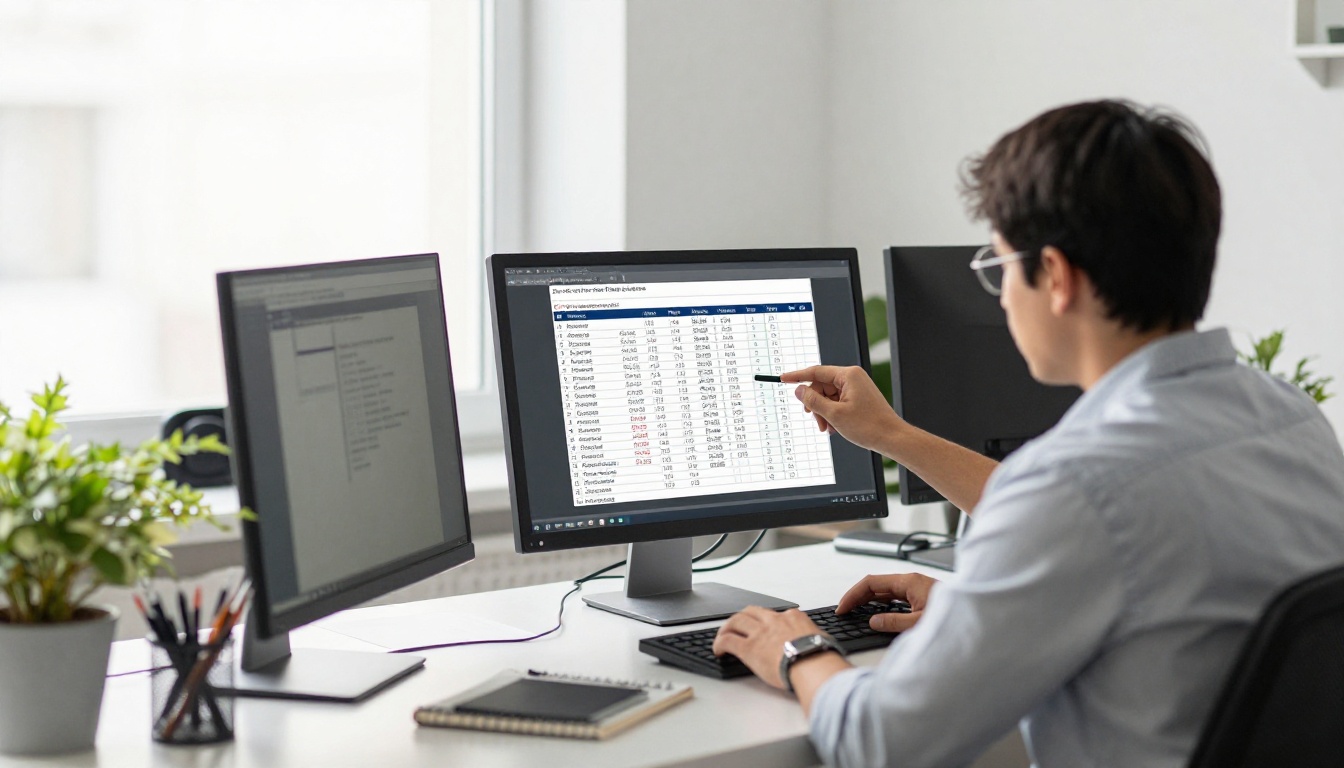
With analytics on the Professional plan, you see how many people opened the viewbook, which pages held attention and where readers dropped off. If everyone leaves at the financial aid spread, that page needs rewriting. If the residence hall page is the most viewed, give it more room next cycle.
Lead Capture Built In
Lead generation features let you ask for a name and email before a reader continues. Use it sparingly. A short gate on a deeper program booklet works well, while the main viewbook is better left open so the first impression is free.
| Metric | What it tells you | Action to take |
|---|
| Total opens | Reach of each campaign | Compare channels |
| Pages viewed | Which topics matter | Expand popular pages |
| Drop-off page | Where interest fades | Rewrite or shorten |
| Return visits | Serious consideration | Trigger a counselor call |
| Device type | Mobile versus desktop | Adjust layout density |
Real Scenarios From Admissions Offices
Here are a few ways different offices put the format to work.

The Small Private College
A small college with a tight budget replaces its mailed piece for out-of-state students with a link in every reply email. The savings fund two extra campus visit days, and the viewbook is updated whenever a program changes.
The Community College
A community college builds separate flipbooks for each program, such as nursing, welding and business. Counselors send the right one in a text message after a conversation. The Course Material Publisher is a useful starting point for program booklets.
The Large University
A university creates one main viewbook plus short editions for each college within it. Tabling staff at high school fairs carry only QR cards, and the school newsletter links to the latest edition through the School Newsletter Creator.
Families Read Together
Parents are part of the decision. A link is easy to forward, and a family can read it at the table. Add a page aimed at parents covering safety, costs and support services.
Mistakes to Avoid
Digital viewbooks are simple, but a few habits undermine them.
- Uploading a file that was built for print. Tiny text and bleed marks look poor on a phone. Use larger type on key pages.
- Skipping the call to action. Every page spread should lead somewhere, even if it is just a "Visit us" link.
- Never checking the data. Review reading data after each campaign and adjust.
- Sending the file as an attachment. Always send the link so you can update the content later.
- Forgetting accessibility. Use readable contrast, clear headings and descriptive text for images.
💡 Pro tip: Name each edition by year and audience, such as "Fall Undergraduate" or "Transfer Students," so counselors always grab the right one.
Plan Your First Digital Edition
Start small. Take the viewbook you already have, convert it, and send it to the next fifty inquiries instead of mailing it. Compare replies, visit sign-ups and application starts against a similar group that received print. The numbers will tell you how quickly to move the rest.

Your Quick Checklist
- Convert your latest PDF into a flipbook
- Add a campus video and your application link
- Test on phone, tablet and laptop
- Set up a QR card for fairs and visits
- Embed the viewbook on your admissions page
- Review reading data every month
Ready to put the stamps away? Get started for free on Flipbooks AI and publish your first digital viewbook today. Browse all flipbook tools and templates to find the right fit for your office, and compare pricing plans when you are ready for analytics and lead capture.



