A procurement manager at a mid-size fastener distributor told me she keeps a 600-page catalog on her desk and a tablet right next to it. She uses both, every day, for different jobs. That small scene answers the question better than any survey: B2B buyers have not abandoned print, but they no longer depend on it alone. If you sell industrial parts, wholesale goods, or equipment, the real task is deciding which format serves which moment in the buying process. Tools like Flipbooks AI make it practical to publish one catalog in both forms without maintaining two separate projects.
What the Buying Data Says
B2B purchasing is research-heavy and committee-driven. Most buyers start online, compare suppliers, and only then contact a sales rep. Yet a printed catalog keeps showing up at the moments that matter: shortlisting, quoting, and reorders.
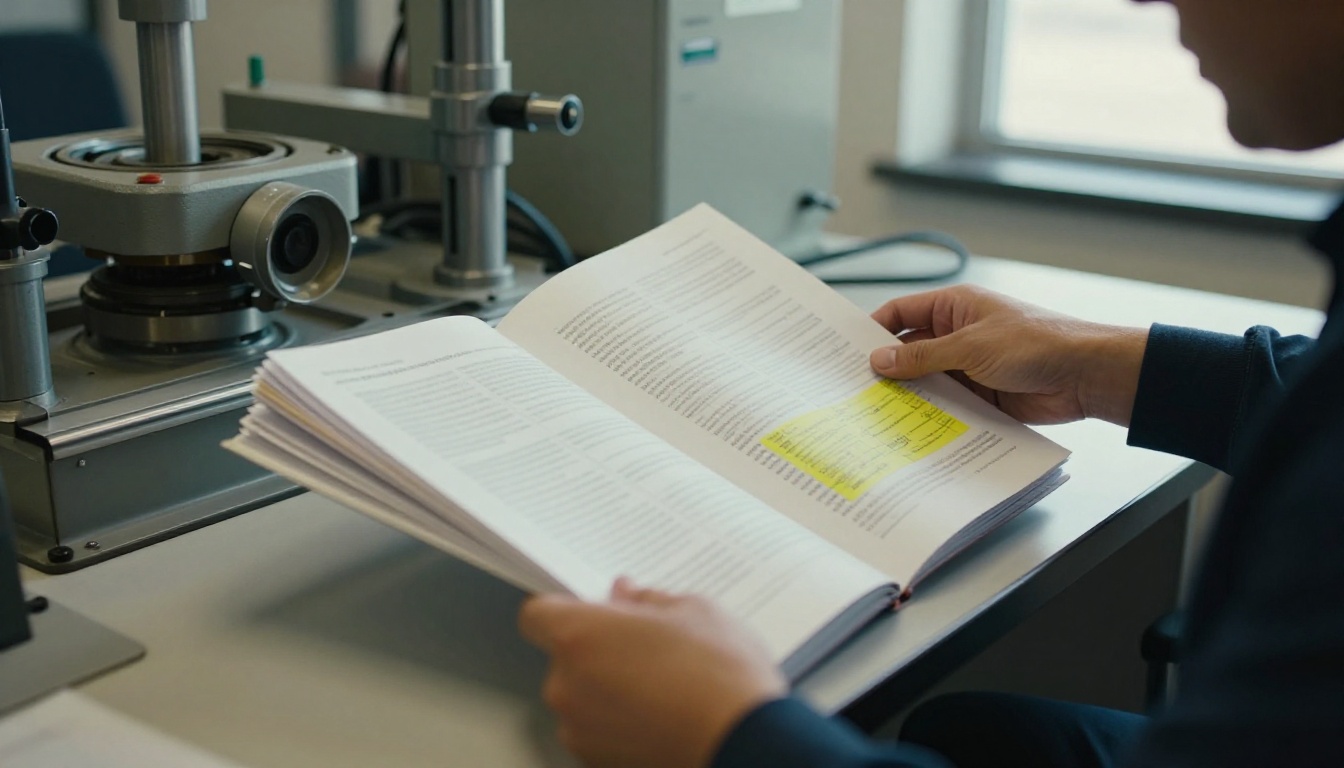
Here is how the two formats tend to play out across the buying process:
| Buying stage | Printed catalog | Digital catalog |
|---|
| Awareness | Arrives unprompted, gets noticed | Needs search or an email to be found |
| Research | Easy to skim, hard to search | Searchable, linkable, shareable |
| Shortlisting | Annotated with pen and sticky tabs | Bookmarked, forwarded to colleagues |
| Quoting | Part numbers copied by hand | Part numbers copied or clicked |
| Reorder | Kept on the shelf as a reference | Opened from a saved link |
💡 Treat these as tendencies, not rules. A veteran machinist and a young purchasing analyst can sit in the same company and behave in opposite ways.
Who Still Asks for Print
Print demand is strongest where products are technical, numerous, or bought by people who work away from a desk. Think plumbing supply, electrical components, tooling, packaging, and food service distribution.
- Workshop and field staff who do not carry a laptop
- Long-tenure buyers with established habits
- Small distributors with limited IT tools
- Buyers in regions with patchy connectivity
Who Has Moved On
Newer buyers, e-commerce managers, and procurement teams with approval workflows increasingly expect a link, not a parcel. They want to forward a page to a manager, paste a part number into an ERP, and move on.
Why Print Still Works
Print is not nostalgia. It has real functional strengths that a PDF on a laptop does not fully replicate.
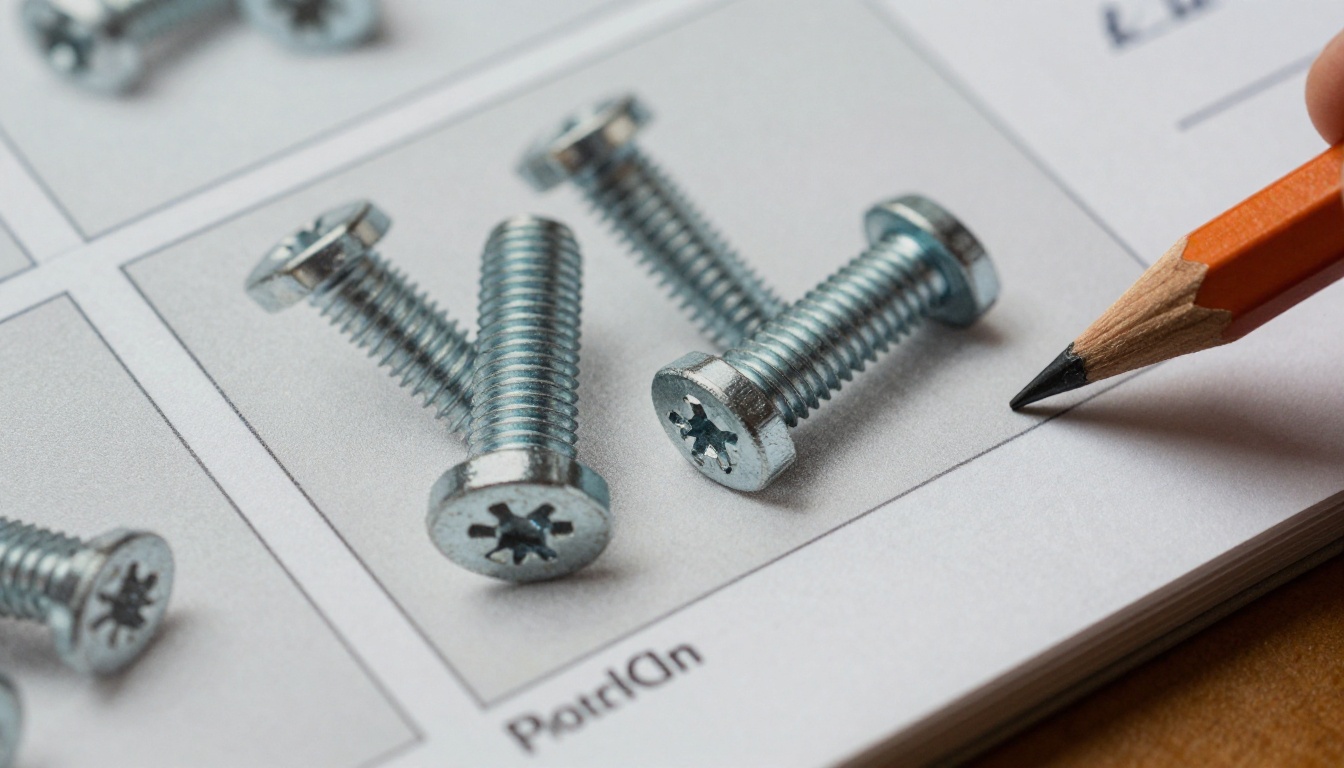
It Gets Noticed
An email competes with hundreds of others. A heavy catalog on a desk competes with a coffee cup. Physical mail in a B2B setting is rare enough that it often gets opened and kept.
It Supports Slow Decisions
Complex purchases involve comparing dozens of variants. Many buyers say they browse a printed book to see the full range at once, then switch to a screen to confirm stock and price.
It Works Without a Login or Signal
A warehouse floor, a job site, or a trade show aisle rarely has dependable wifi. Paper never asks for a password.

✅ Best practice: Hand out print at trade shows, then follow up within 48 hours with a digital link to the same catalog. The buyer keeps the book and gets a searchable version for the office.
Where Print Falls Short
For all its charm, print has costs that are hard to ignore.
| Problem | What it means in practice |
|---|
| Outdated pricing | A catalog is wrong the day prices change |
| Print and postage costs | Hundreds of dollars per 100 copies for thick books, plus shipping |
| Slow updates | A new SKU waits for the next print run |
| No tracking | You never learn who opened it or which pages mattered |
| Waste | Unread copies end up in recycling |
The tracking gap is the biggest issue for sales teams. With paper, you mail 5,000 copies and guess at the impact. With a digital catalog, you can see which pages were opened, how long buyers stayed, and which product lines pulled the most attention.
⚠️ Warning: Never print a price list that you cannot honor for the full year. Use a "prices subject to change, see online version" note and point to a live digital copy.
The Case for Digital Catalogs
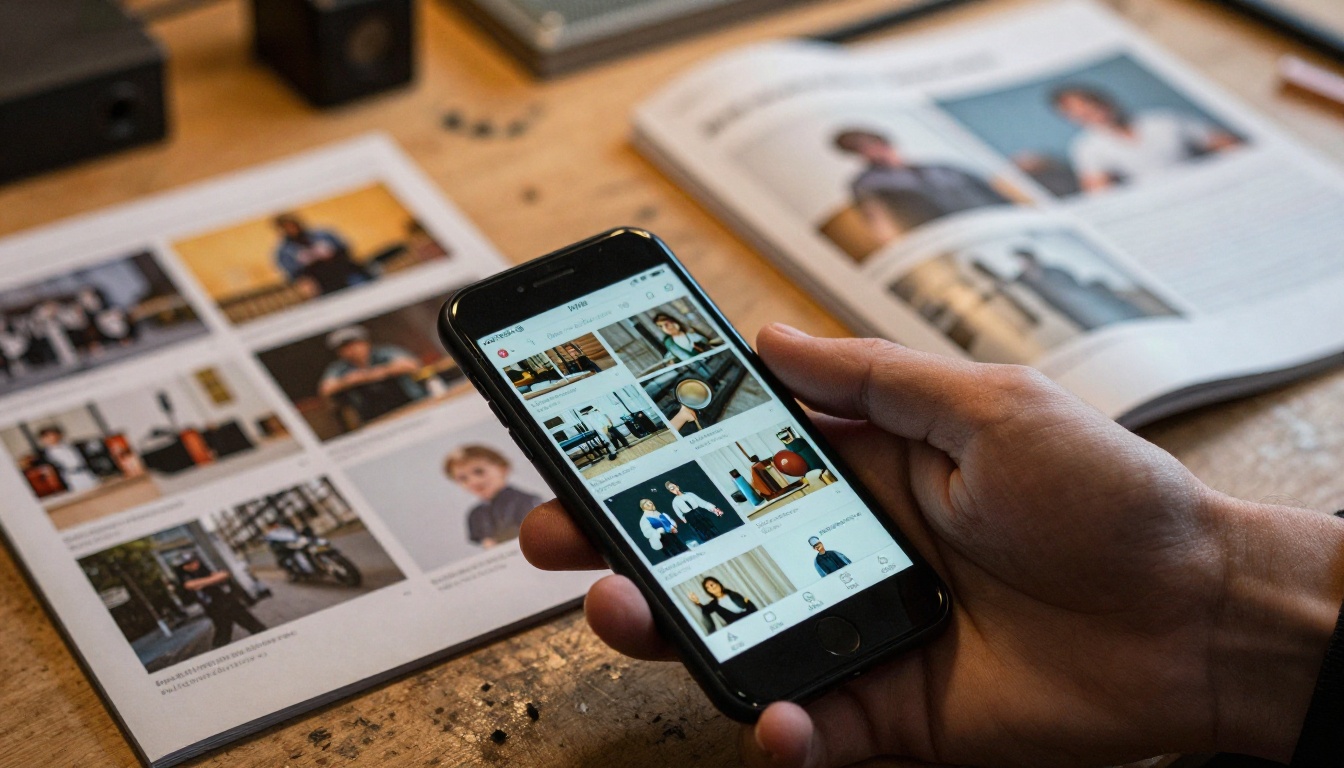
A digital catalog is more than a PDF attached to an email. A modern flipbook feels like a real publication, loads fast on a phone, and can be updated in minutes.
Speed and Freshness
Change a price, swap a photo, add a new product line, and the link buyers already have shows the update. No reprint, no mailing.
Reach Without Postage
A link goes to every buyer on your list, including international prospects who would never justify a shipped book.
Measurable Behavior
Analytics tell you where interest concentrates, which helps you decide what to stock, promote, or retire. Features like these sit in the Professional tier, so check the pricing plans to see what fits.
Buyer Convenience
Search a part number, jump to a page, share a section with a colleague, or open the catalog on a phone in the middle of a warehouse aisle.

Print vs Digital Compared
Here is a direct comparison on the factors manufacturers and distributors care about most.
| Factor | Printed catalog | Digital flipbook catalog |
|---|
| Cost per recipient | High | Near zero after setup |
| Update speed | Weeks or months | Minutes |
| Searchability | None | Full text |
| Trackable | No | Yes, with analytics |
| Works offline | Always | With offline download |
| Shareable | Physically only | One link |
| First impression | Strong, tactile | Strong, interactive |
| Environmental footprint | Higher | Lower |
The pattern is clear. Print wins on tactile impact and independence from devices. Digital wins on cost, speed, and data. Neither wins everything.
A Hybrid Strategy That Works
Most successful suppliers do not choose. They assign each format a job.

Step 1: Segment Your Buyers
Split your customer list into three groups: print-first, digital-first, and mixed. Your sales team already knows who is who. If they do not, ask during the next call.
Step 2: Print Smaller, Print Smarter
Instead of mailing the full 600-page book to everyone, produce a slim "best sellers" edition for new prospects and keep the full volume for top accounts and trade shows.
Step 3: Make Every Print Piece Point Online
Add a short URL or QR code on the cover and on each section opener. That turns a static book into a doorway to live pricing and stock.
Step 4: Track and Adjust
Compare orders and inquiries from print-first and digital-first groups each quarter. Cut print for segments that never respond. Add it where it clearly lifts reorder rates.
💡 A QR code on the back cover costs nothing and gives you the first real data point on how many print recipients go online.
A Practical Example
A regional plumbing wholesaler with 2,000 active accounts splits its list this way:
| Segment | Accounts | Format |
|---|
| Top 200 by revenue | 200 | Full print book plus digital link |
| Contractors on job sites | 600 | Slim print edition with QR code |
| Office-based buyers | 1,000 | Digital flipbook by email |
| Prospects | 200 | Digital link, print on request |
This approach cut their annual printing bill sharply while keeping the high-value accounts happy.
How to Build a Digital Catalog With Flipbooks AI
If your catalog already exists as a PDF, you can turn it into an interactive flipbook in a few minutes. Here is the full process.
- Create an account. Head to Flipbooks AI and sign up. You can start with a free plan to test your first catalog.
- Upload your PDF. Drag the file into the dashboard. The platform converts each page into a smooth page-turning view. The PDF to Flipbook Converter handles large files, including long product catalogs.
- Pick a catalog tool that fits. Depending on your industry, the Product Catalog generator, Digital Catalog Maker, or Catalog Flipbook Creator offers a good starting layout.
- Customize the look. Add your logo, set brand colors, choose page-turn effects, and embed product videos or audio where they help. There are no watermarks, ever.
- Share it. Copy the direct link, or use the Embed Flipbook on Website option to place the catalog on your product pages. Add password protection for dealer-only price lists.
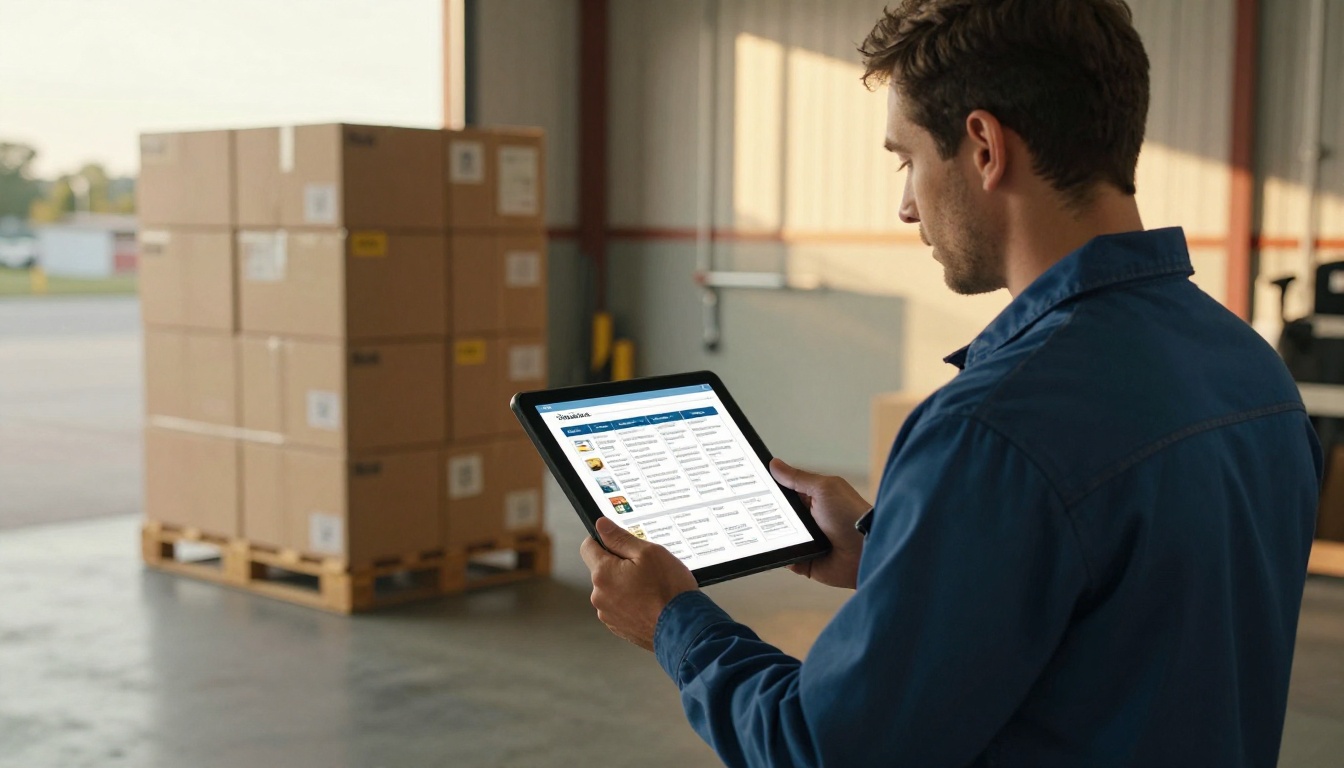
- Measure results. On the Professional plan, analytics and lead generation show who opened the catalog and which pages held their attention. Offline downloads let field staff keep a copy on a tablet with no signal.
✅ Best practice: Keep a single master PDF. Update it once, re-upload, and both your print file and your flipbook stay in sync.
What You Need Before You Start
- A final PDF with text that can be selected, not a flat scan
- Part numbers on every product entry
- A short URL for the printed version
- A decision on which pages need gating behind a password
Common Mistakes to Avoid
- Uploading a low-resolution PDF and getting blurry pages
- Forgetting to link the table of contents to page numbers
- Hiding price lists behind a form that buyers abandon
- Never testing the flipbook on a phone
Different sectors lean on print differently. Use this table as a starting point.
| Industry | Print demand | Digital demand | Suggested split |
|---|
| Industrial parts | High | Medium | 60% print, 40% digital |
| Fashion wholesale | Medium | High | 30% print, 70% digital |
| Furniture and decor | Medium | High | 40% print, 60% digital |
| Food service | High | Medium | 50% print, 50% digital |
| Electronics components | Low | High | 15% print, 85% digital |
| Packaging | Medium | Medium | 50% print, 50% digital |
For product-heavy sectors, the Furniture Catalog Maker and Fashion Catalog Creator are built around visual browsing. For price-driven lists, the Digital Price List Generator keeps numbers current.
Questions Buyers Ask Most
Will a Digital Catalog Replace My Reps?
No. A good catalog shortens the early research phase so reps spend their time on quotes and relationships, not on answering basic spec questions.
Is Print Worth the Cost for Small Suppliers?
Often yes, but only in small runs aimed at the right accounts. Ten well-chosen copies sent to your best prospects can outperform a thousand mailed blindly.
How Often Should I Update?
Digital: whenever prices or products change. Print: once or twice a year, with a clear edition date on the cover.
What About Sustainability?
Many buyers now ask about environmental policy in supplier reviews. A digital-first approach, with print as a deliberate exception, supports that story and cuts waste.
The honest answer to the headline is yes, and no. Yes, a meaningful group of B2B buyers still wants a printed catalog, especially for reference and field use. No, almost none of them want print as the only option. The suppliers who win give buyers a book they can hold and a link they can click.
Ready to build your first digital catalog? Get started for free on Flipbooks AI. Browse all the flipbook tools and templates to find a layout for your industry, or compare pricing plans to pick the tier with the analytics your sales team needs.



