Ask ten restaurant owners whether diners spend less when ordering from a QR code and you will get ten confident answers, half of them opposite. Some swear the check shrank the day they removed paper menus. Others say it grew by a third. Both can be true, because the QR code itself is not the variable. What sits behind the code is. If you are building a mobile menu, a tool like Flipbooks AI lets you control that part, and this article shows why it matters.
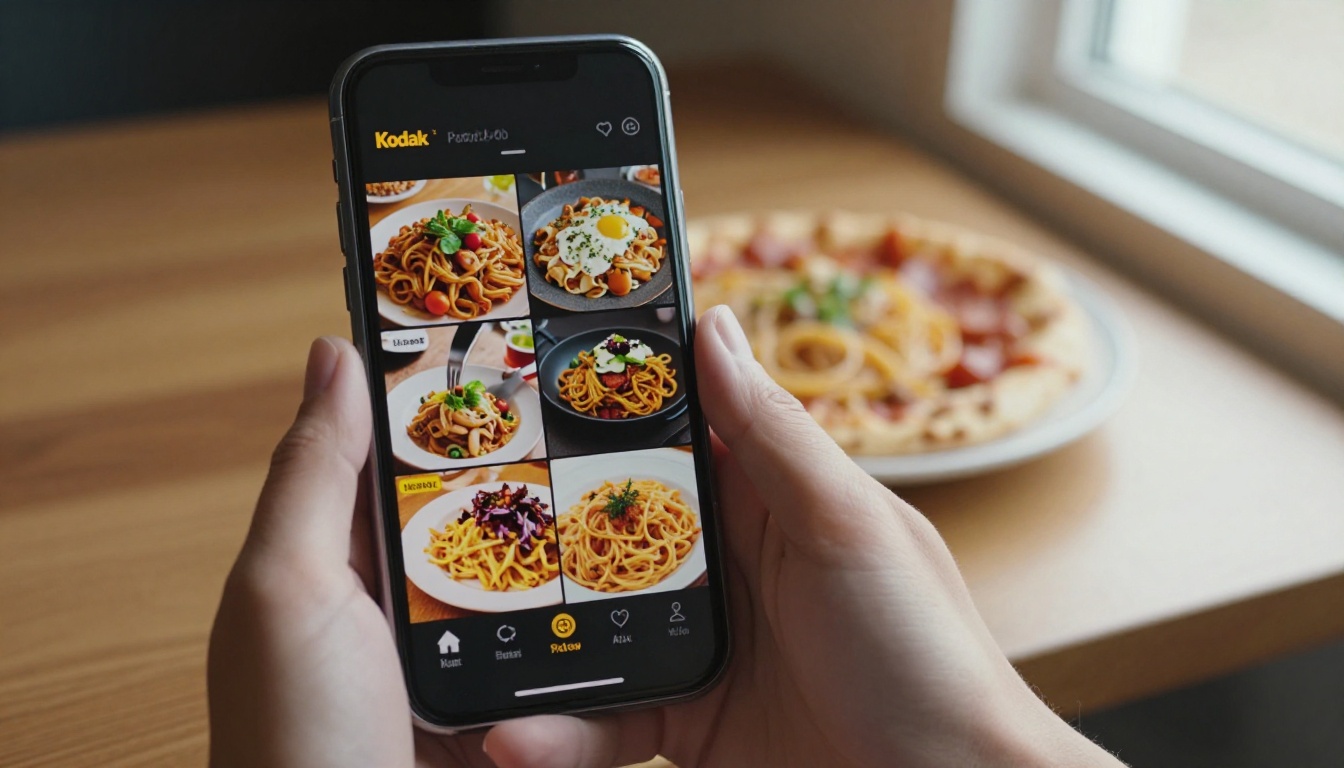
The Short Answer
It depends on the menu design, not the scan. A QR code that opens a slow, plain-text PDF with no photos tends to push checks down. A QR code that opens a fast, visual, well-organized menu tends to keep them level or push them up. The scan is only a doorway.
Think about what changes when you swap a paper menu for a phone:
- The diner holds a personal screen instead of a shared object.
- Nobody is standing at the table waiting for an answer.
- Photos, descriptions, and add-ons can appear exactly when needed.
- Friction appears in places paper never had: loading time, tiny text, endless scrolling.
💡 Pro tip: Treat your QR menu as a sales page, not a file. The question is never "did we digitize the menu?" but "does this screen make the next item easy to want?"
Why the Myth Exists
The "QR codes cut spending" story usually comes from one of three situations. The first is a rushed rollout during which restaurants uploaded their old printed PDF unchanged. The second is a menu that only works on one phone type. The third is a table service model where staff stopped engaging with guests once the code appeared.
In each case, the diner ordered less because the experience got worse, not because a square barcode is inherently bad for business.
What Owners Actually Report
Owner experiences vary widely, and most of them are anecdotal rather than controlled studies. Here is how the patterns typically sort out:
| Situation | Typical effect on check size | Likely cause |
|---|
| Old PDF pasted online | Often lower | Pinch and zoom fatigue, no photos |
| Fast menu with photos | Level or higher | Visual appetite, easy browsing |
| Menu with add-on prompts | Often higher | Natural upsell moments |
| Staff stops visiting tables | Often lower | No human recommendation |
| Slow loading on weak Wi-Fi | Lower and more abandoned orders | Frustration |
Treat the table as a hypothesis, not a promise. Your own numbers matter more than any average.
Where Diners Spend Less
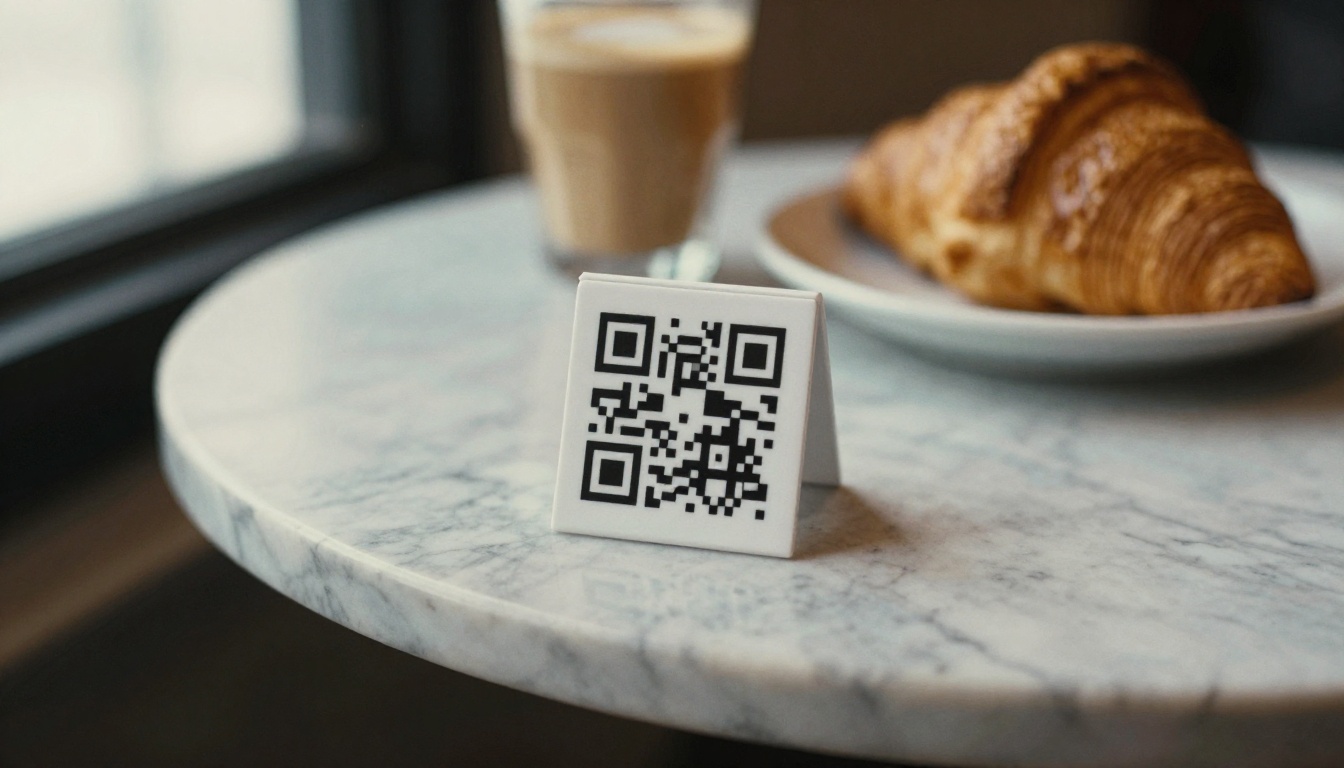
Spending drops when the digital menu removes the nudges that a good server provides. Let us look at the usual culprits.
Lost Server Recommendations
A skilled waiter says, "The braised short rib is excellent tonight, and the Malbec pairs well with it." That one sentence can add a drink and move a diner toward a higher-margin dish. When the phone replaces the waiter entirely, the recommendation disappears.
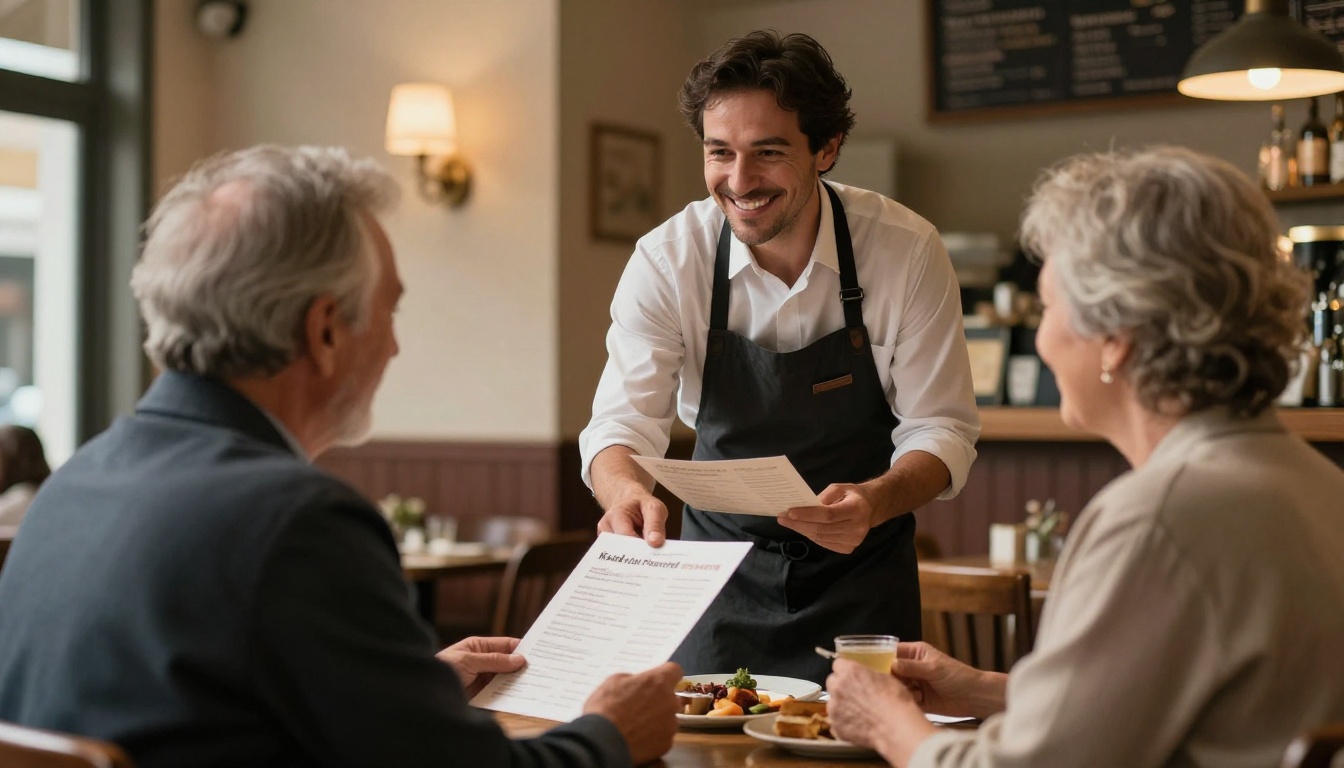
The fix is not to remove the phone. It is to keep staff visible. Servers who greet, suggest, and check back raise the check, regardless of how the order is entered.
Scroll Fatigue and Decision Overload
Paper menus show a whole category at a glance. Phones show a narrow slice. A diner scrolling through 90 items in a single column may give up and pick the first familiar dish, skipping the appetizer and dessert altogether.
Common warning signs:
- Menus longer than about four screens before the first main dish
- Categories without a sticky header
- Descriptions that run past three lines
- No visual break between sections
Slow Loading and Broken Layouts
A menu that takes eight seconds to load feels like a bad omen. Heavy images that are not compressed, or PDFs that render sideways on some phones, cost you orders before the first dish is chosen.
⚠️ Warning: Test your QR menu on a three-year-old phone with weak signal. If it frustrates you there, it frustrates a real share of your guests.
Price Visibility Without Context
On a phone, prices often sit in a tight column next to the dish name. Diners compare numbers quickly and drift toward the cheapest entries. On a well-designed printed page, anchoring (a high-priced item placed near a mid-priced one) makes the mid-priced item look reasonable. Many plain digital menus lose that effect.
Where Diners Spend More
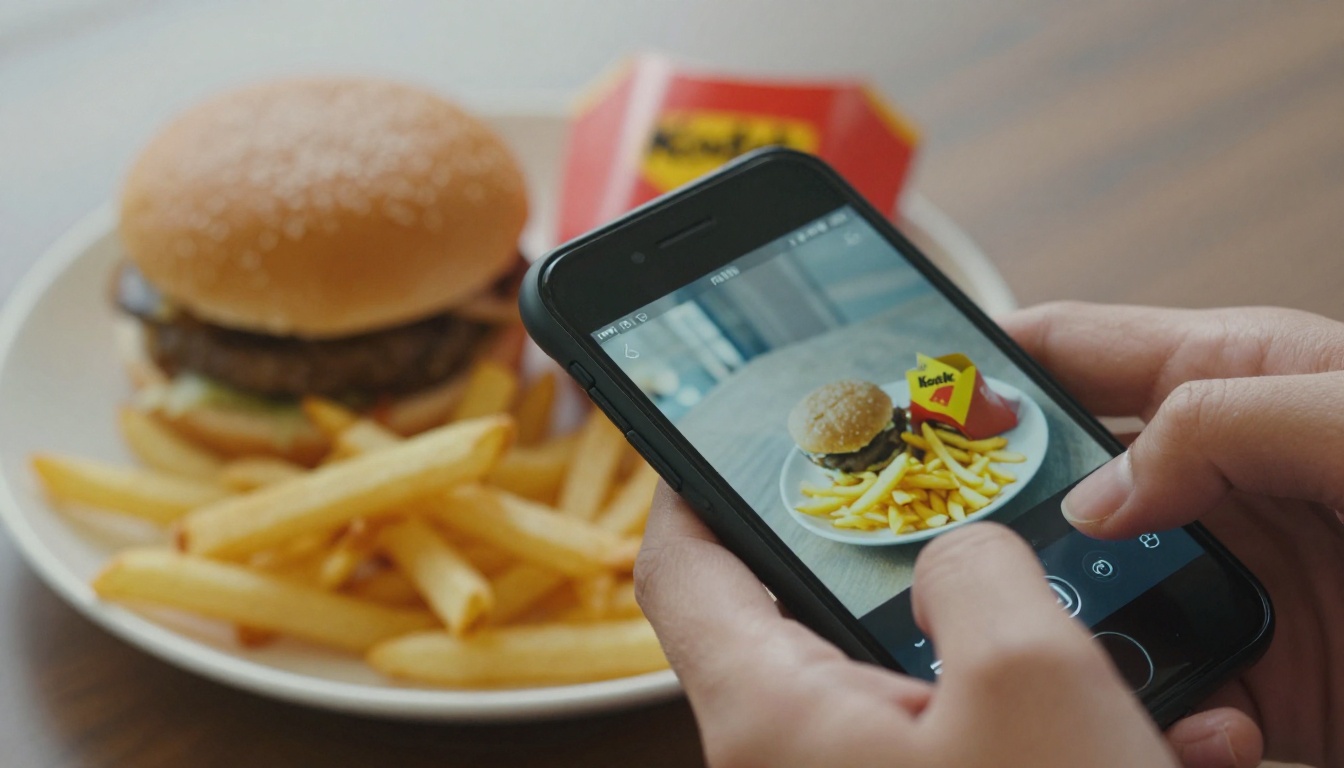
The same technology can raise the check when it is set up thoughtfully. Several mechanisms work in the restaurant's favor.
Photos Trigger Appetite
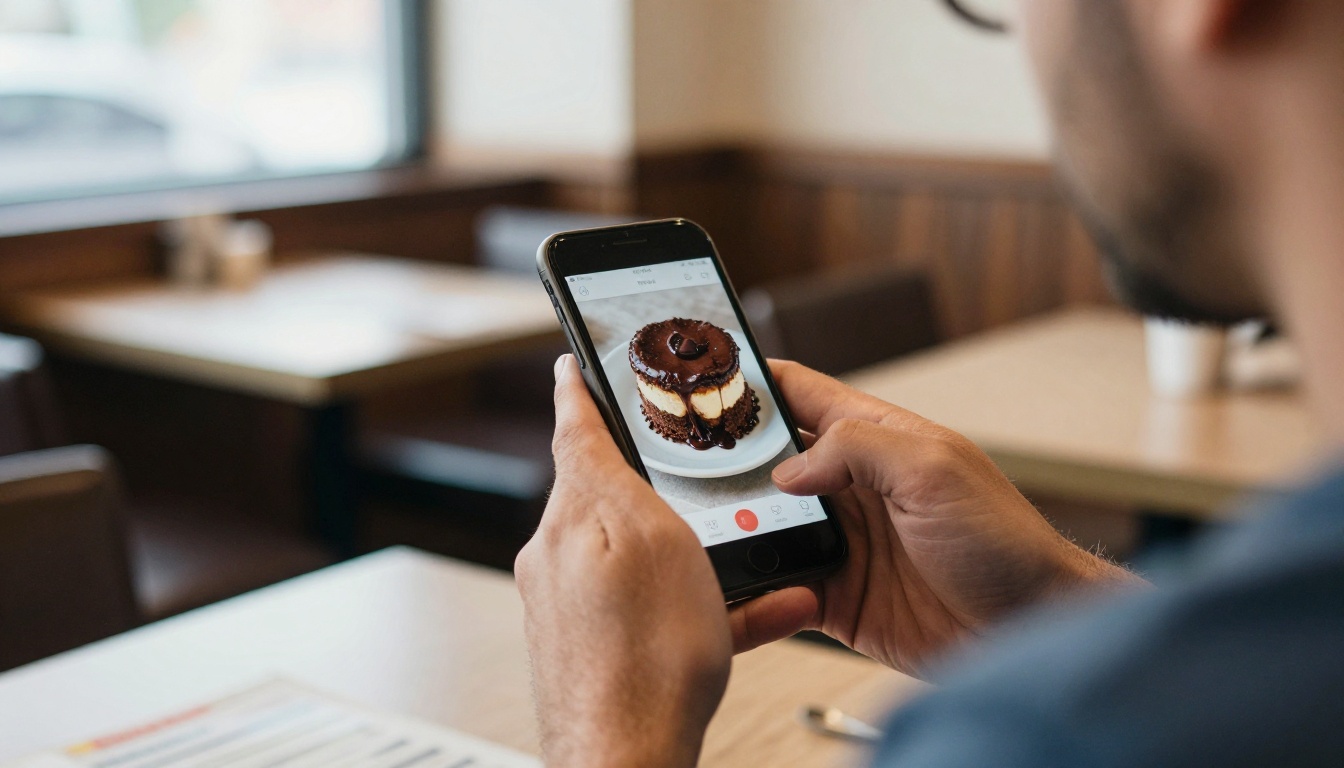
People order with their eyes. A glossy picture of a chocolate lava cake makes a dessert decision feel immediate, and it does so without a server asking. Menus that show photos for the highest-margin dishes often see those items chosen more frequently.
Add-Ons Appear at the Right Moment
On paper, a side dish or extra topping lives in small print. On a phone, a single tap can add fries, extra cheese, or a second round of drinks. A guest who would never have raised a hand to ask for more often says yes to a one-tap suggestion.
Nobody Feels Judged
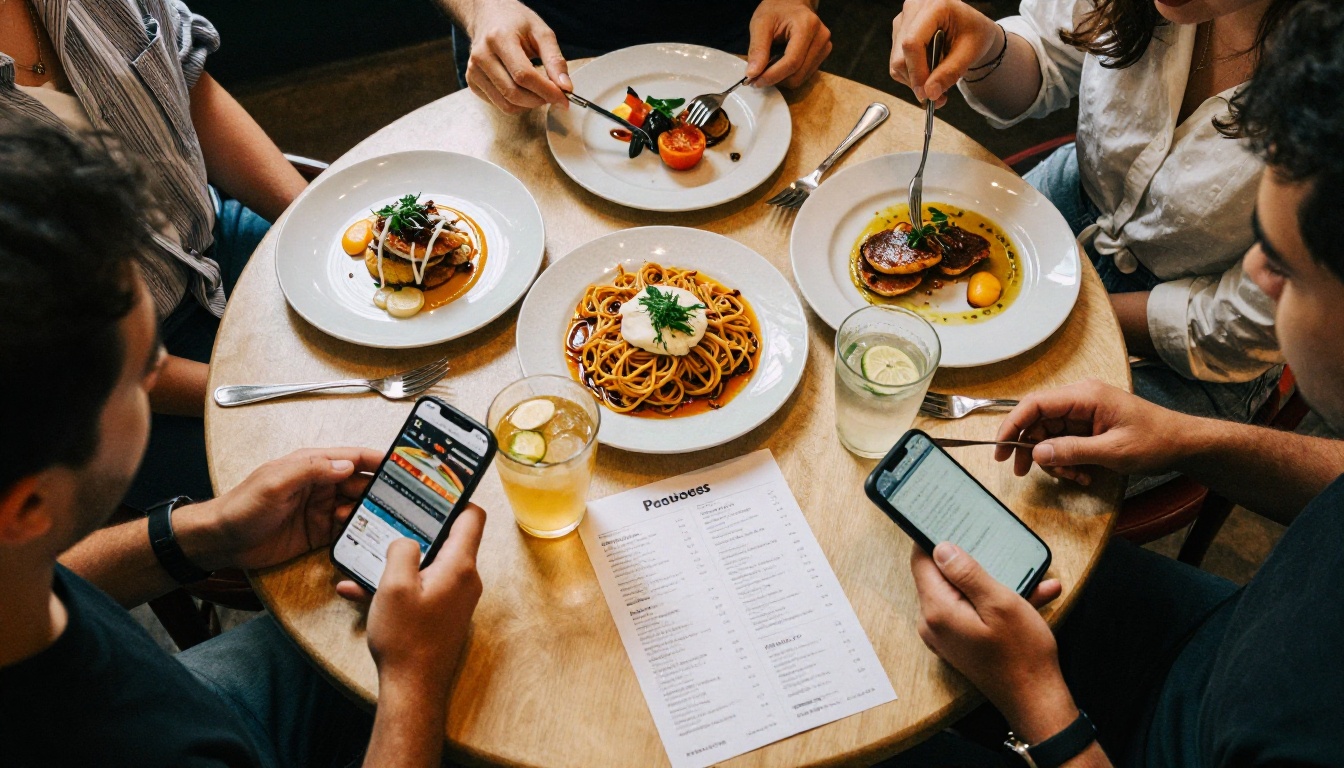
Some diners hesitate to order the expensive bottle or a third course with a server standing there. Ordering silently from a phone removes that social pressure. Larger groups also benefit, since each person orders independently without waiting their turn.
Faster Reorders
When refills and second rounds take one tap instead of a wave and a wait, guests order them. A longer, happier meal means more drinks and more dessert.
Here is a side-by-side look at how the two formats compare on the factors that influence spending.
| Factor | Printed menu | Basic QR PDF | Designed QR flipbook menu |
|---|
| Visual appeal | High if well designed | Low | High |
| Update speed | Slow and costly | Fast | Fast |
| Photos | Limited by print cost | Usually none | Unlimited |
| Upsell prompts | Static | None | Easy to add |
| Loading risk | None | Medium | Low if optimized |
| Printing cost | Ongoing | None | None |
| Works for every guest | Yes | Mostly | Mostly, with a paper backup |
The lesson from the table: a QR menu does not have to be the weaker option. It only has to be built with the same care a good printed menu receives.
Real-World Scenarios
A Neighborhood Bistro
A 40-seat bistro replaces its laminated menu with a plain PDF link. Within a few weeks the owner notices fewer desserts and almost no wine by the glass. The reason: the PDF hides the dessert page at the bottom, and the wine list takes three pinches to read. After rebuilding the menu as a page-turning visual flipbook with photos and a clear wine page, desserts return to their previous level.
A Family Pizzeria
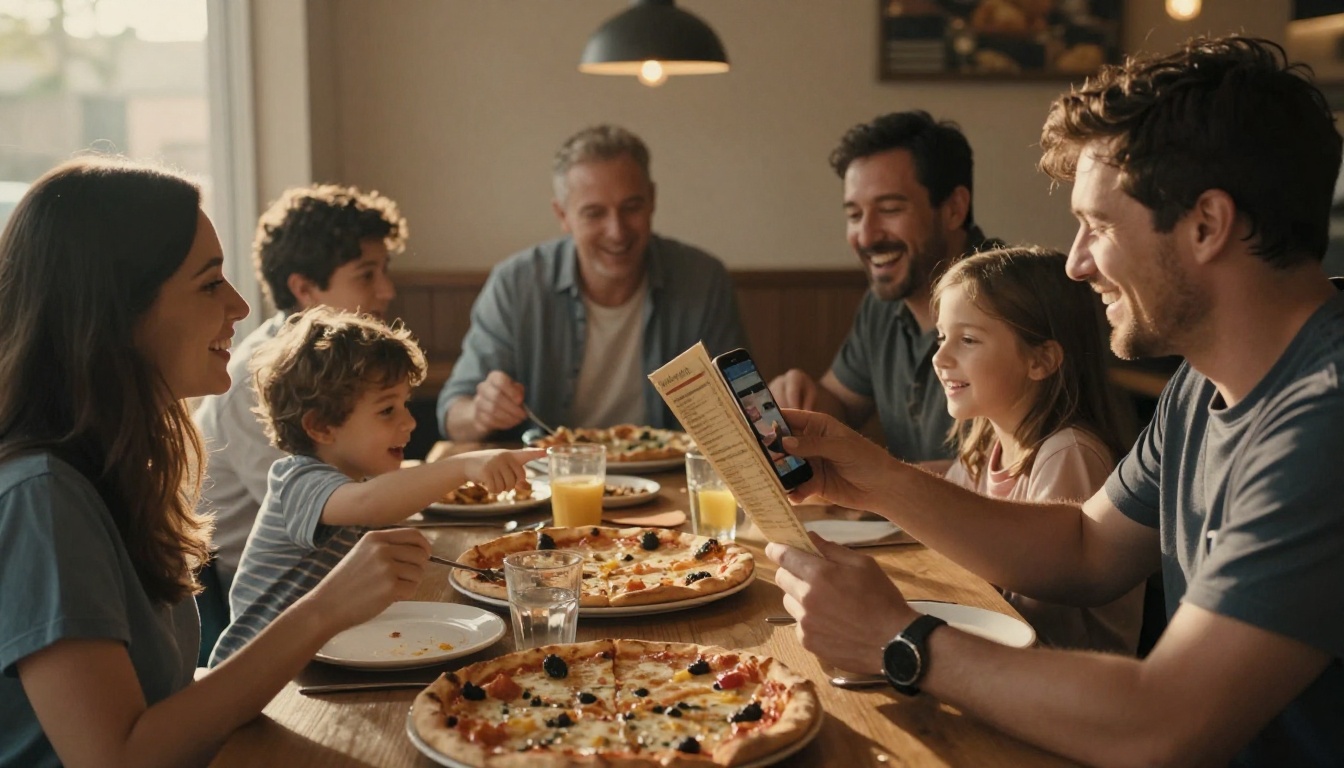
A pizzeria with many families finds that kids pointing at pictures on a phone choose larger orders. Parents appreciate the ability to see what they are paying for, and the add-on buttons for extra toppings and garlic bread do the rest.
A Busy Lunch Counter
At lunch, speed matters most. A fast QR menu lets office workers order before they sit down, which raises table turnover. Here the check may not grow, but the number of checks per hour does, and that is often the real goal.
✅ Best practice: Measure revenue per seat per hour, not just average check. A slightly smaller check served faster can earn more overall.
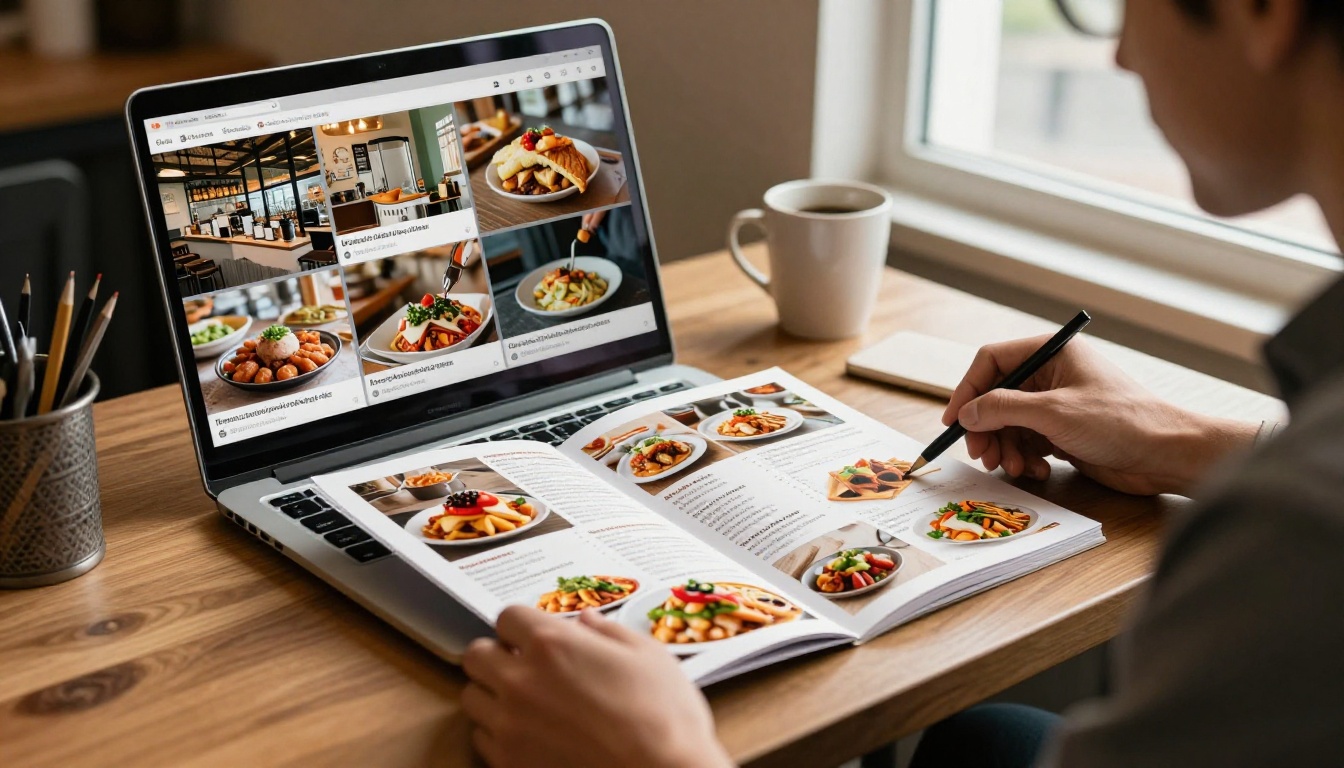
Flipbooks work well for this because they keep the familiar feel of turning a page while loading fast on a phone. Here is a step-by-step process using the Restaurant Menu Creator.
Step 1: Prepare Your Menu File
Export your menu as a PDF. Put your best-margin dishes on the first page of each section, add real photographs where possible, and keep descriptions short.
Step 2: Upload and Convert
Create an account on Flipbooks AI, then upload your file. The PDF to Flipbook Converter turns each page into a smooth, page-turning view that works on any phone.
Step 3: Customize the Look
Add your logo, brand colors, and page effects. You can also embed short videos or audio, such as a clip of a dish being plated. Flipbooks stay free of watermarks, so the menu looks like your restaurant and nobody else's.
Step 4: Share With a QR Code and Link
Place the flipbook link behind your QR code. You can also use the Embed Flipbook on Website option to show the same menu on your own site, so online and in-house menus stay in sync.
Step 5: Track What Guests Open
On the Professional plan, analytics show which pages guests spend time on. That tells you whether desserts or cocktails are being seen at all. See the pricing plans for details, including password protection for private event menus and offline downloads.
| Plan feature | Why it helps a restaurant |
|---|
| No watermarks | Looks professional and on brand |
| Mobile-responsive pages | Reads clearly on every screen |
| Embedded video and audio | Makes dishes more tempting |
| Analytics (Professional) | Shows which pages get attention |
| Password protection | Keeps private menus private |
| Unlimited flipbooks (Standard and above) | Seasonal and event menus without limits |
If you also run a spa or wellness area, the Spa and Wellness Menu tool follows the same process.
A Simple Test to Run This Month
Do not guess. Run a two-week comparison and let the numbers decide.
- Record your baseline. Note average check, dessert attach rate, and drinks per table from the last month.
- Launch the new QR menu with photos, add-on prompts, and a short layout.
- Keep servers engaged. Ask them to greet, suggest one item, and check back.
- Compare after two weeks. Look at average check, items per order, and order time.
- Adjust one thing at a time. Move a section, swap a photo, shorten a description.
💡 Pro tip: Keep a laminated paper menu at the host stand. Some guests, especially older ones, prefer it, and offering a choice prevents lost orders.
Common Mistakes to Avoid
- Uploading an old print file without resizing it for phones
- Hiding the dessert and drinks sections at the bottom
- Using photos that do not look like the real dish
- Removing server contact after the QR code arrives
- Forgetting to test on slow connections
The Bottom Line for Restaurant Owners
Diners do not spend less because of a QR code. They spend less because of a slow, confusing, or impersonal experience that happens to start with one. When the menu loads fast, shows appetizing photos, offers easy add-ons, and a friendly server still stops by, the check usually holds steady or rises.
Ready to build yours? Get started for free on Flipbooks AI, browse all flipbook tools, or compare pricing plans to pick what fits your restaurant.



