Your yearbook committee just finished the layout, and someone asks the question that stalls everything: can we post this online without breaking federal privacy law? The short answer is that FERPA still applies when a yearbook moves online, but it rarely forbids it. What changes is the audience, because a printed book sits on a few hundred shelves while a public link can reach anyone. This article walks through what the law actually says, where schools get into trouble, and how to publish a digital edition through a platform like Flipbooks AI with sensible controls.
⚠️ This article is general information, not legal advice. Check your district policy and your state student privacy law before you publish.
What FERPA Actually Protects
The Family Educational Rights and Privacy Act is a federal law that governs education records. These are records directly related to a student and maintained by a school or by a party acting for the school. It gives parents, and students who turn 18 or attend college, the right to inspect those records and to control most disclosures of personally identifiable information.
Education Records in Plain Language
Think report cards, discipline files, attendance, health notes and transcripts. A yearbook is different from those files in an important way: it is a publication meant to be shared. Photos of students at a football game or a club meeting are not automatically education records just because the school took them. The picture becomes more sensitive when it is linked to a name and kept in a student's file, or when it is used to single out a particular student.
Who Is Covered
FERPA reaches schools that receive funds from the U.S. Department of Education. That includes nearly every public K-12 school and many colleges. Many private schools fall outside it unless they take federal funds, though they often follow similar rules by policy or because of state law.
Why a Yearbook Is a Gray Area
Here is where the confusion starts. The law was written long before anyone shared a flipbook link in a parent group chat. Nothing in FERPA says "digital yearbooks are banned," and nothing says "yearbooks are exempt."
The Directory Information Rule
FERPA allows schools to disclose directory information without written consent, as long as they follow a specific process. Typical directory items include:
- Student name
- Grade level
- Participation in activities and sports
- Photographs
- Dates of attendance
- Honors and awards
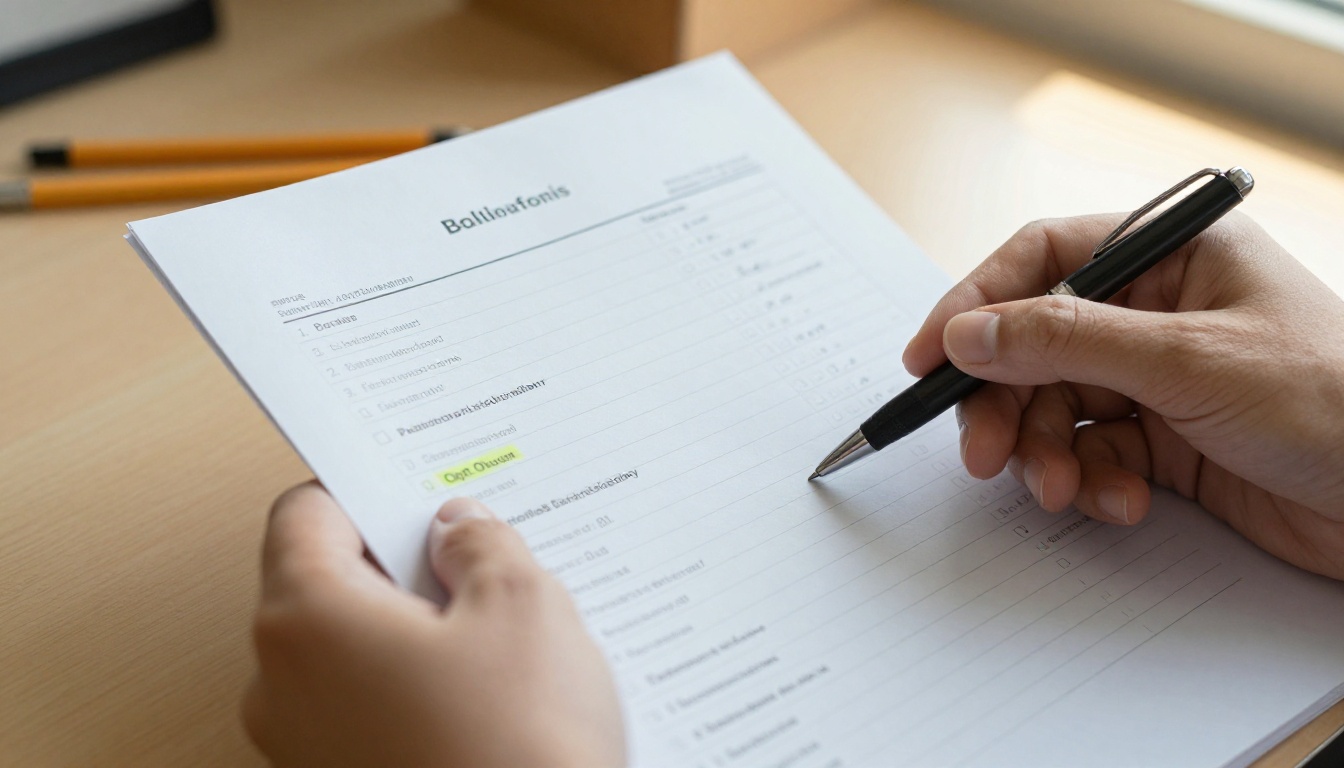
Before a school can rely on this exception, it must give annual public notice of what it designates as directory information and give families a reasonable window to opt out. Most yearbooks depend on this mechanism. If a family opts out, the school should not publish that student's identifying details in a shared publication.
Print Versus Online
The legal test does not change between paper and screen. If a name and photo qualify as directory information and the family did not opt out, both formats are generally allowed. The practical risk is different, though. A PDF can be copied, indexed by search engines and shared far beyond the school community. That is why many districts are stricter about online publication than about distributing printed copies to students.
| Factor | Printed Yearbook | Public Online Yearbook | Private Online Yearbook |
|---|
| Audience size | Students and families who buy it | Anyone with the link | Approved viewers only |
| Search engine exposure | None | Possible | Blocked |
| Can be forwarded | Physically only | Easily | Limited by password |
| Opt-out needed | Yes | Yes | Yes |
| Typical district comfort | High | Low | Medium to high |
Where Schools Get Into Trouble
Most problems are not caused by the yearbook itself. They come from process gaps around it.
Missing or Late Opt-Out Notices
If the annual notice was never sent, or families had no real chance to respond, the directory exception is shaky. A school that publishes first and asks questions later can end up pulling an edition.
Extra Data Beyond Photos
A caption that adds a home address, a phone number, a student ID, a medical condition or a disciplinary note goes beyond ordinary directory information. Keep captions to names, grades and activities.
Third-Party Platforms
When a vendor hosts the yearbook, the school should confirm how that vendor stores files, who can access them and whether student data is used for anything besides hosting. A written agreement is the safest route. A hosting tool that offers password protection and no watermarks gives you more control than a public file dropped into a shared drive.
Younger Students and Other Laws
FERPA is not the only rule. The Children's Online Privacy Protection Act affects data collected from children under 13. The Protection of Pupil Rights Amendment can matter if surveys feed into yearbook content. Many states also add their own student privacy statutes, some stricter than the federal baseline.
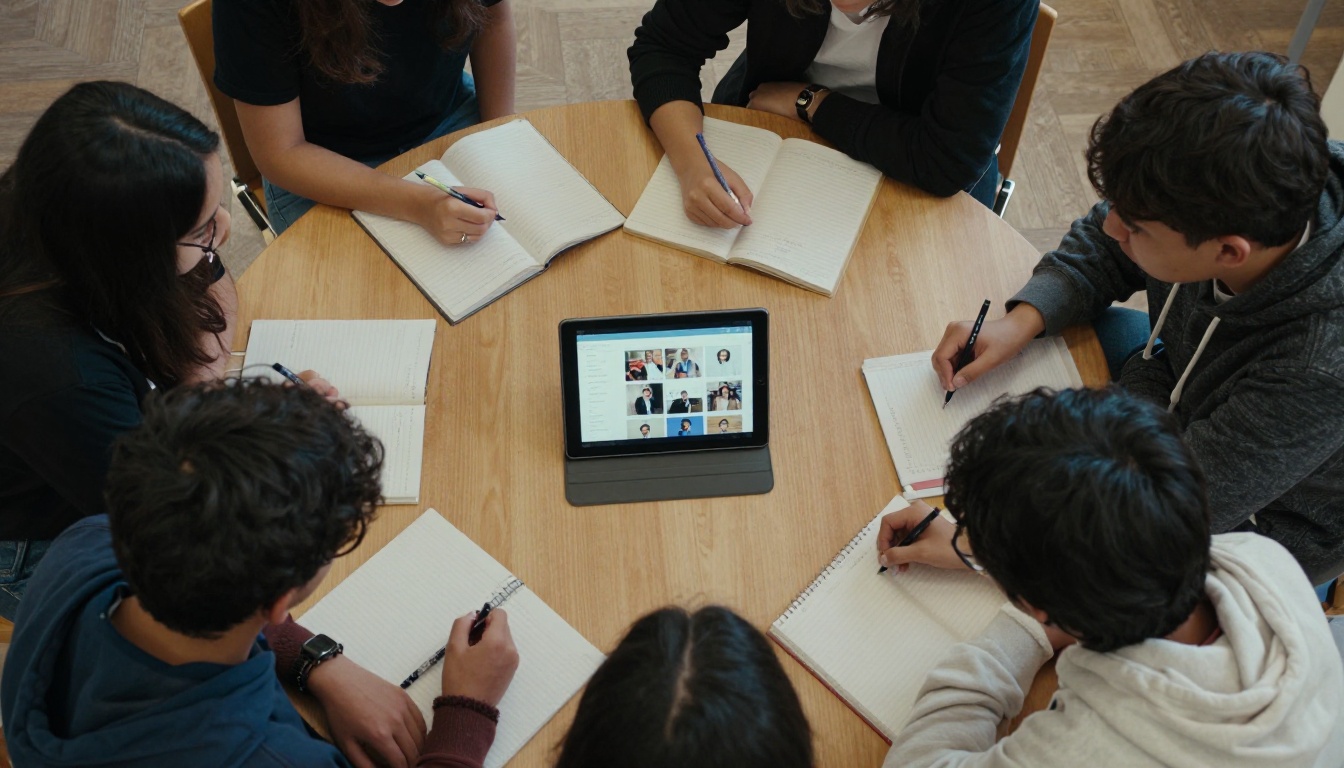
You have two paths for putting a student's photo in a shared book. Many schools use both, depending on the situation.
| Approach | How It Works | Best For | Watch Out For |
|---|
| Directory information with opt-out | Annual notice, families opt out within a window | Standard portraits and team photos | Late notices, missed opt-outs |
| Written consent | Parent signs a specific release | Candid photos, features, testimonials | Collecting and tracking every form |
| Hybrid | Directory for basics, consent for extras | Most schools | Needs a clear tracking sheet |
When to Ask for Written Permission
Ask for signed consent when a photo highlights one student in a personal way, when you publish quotes or personal stories, or when your policy treats online posting differently from print. A signed form also protects you if a family later disputes what they agreed to.
💡 Pro tip: Put the opt-out choice for the online edition on its own line of the form. Families often accept print but decline internet publication, and a single combined checkbox hides that difference.

Handling Opt-Outs in Practice
A student who opted out still deserves a place in school life. Common solutions include listing the name without a photo, using a group photo where the student is not identifiable, or leaving a "photo not available" placeholder. Whatever you choose, apply it the same way every year so no one is treated unfairly.
Build a Safer Digital Yearbook
A good process matters more than any single setting, but the right tools make the process easier to follow. Online flipbook tools give you controls that a plain PDF link does not.
Features Worth Using
- Password protection so only families and staff can open the book
- No search indexing for private editions
- Disabled downloads when you do not want files copied
- Mobile friendly viewing so families can read it on a phone without installing anything
- Embed controls so the book appears only on pages you choose

How to Publish a Private Yearbook
Here is a simple route using the Yearbook Flipbook Maker on Flipbooks AI.
- Create your account. Sign up here and open your dashboard.
- Upload the PDF. Export your finished layout and drop it in. The PDF to Flipbook Converter turns it into a page-turning book in moments.
- Customize the look. Add your school colors, logo and page effects so it feels like your yearbook.
- Add multimedia if your policy allows. Short audio messages or video from the principal can sit alongside the pages.
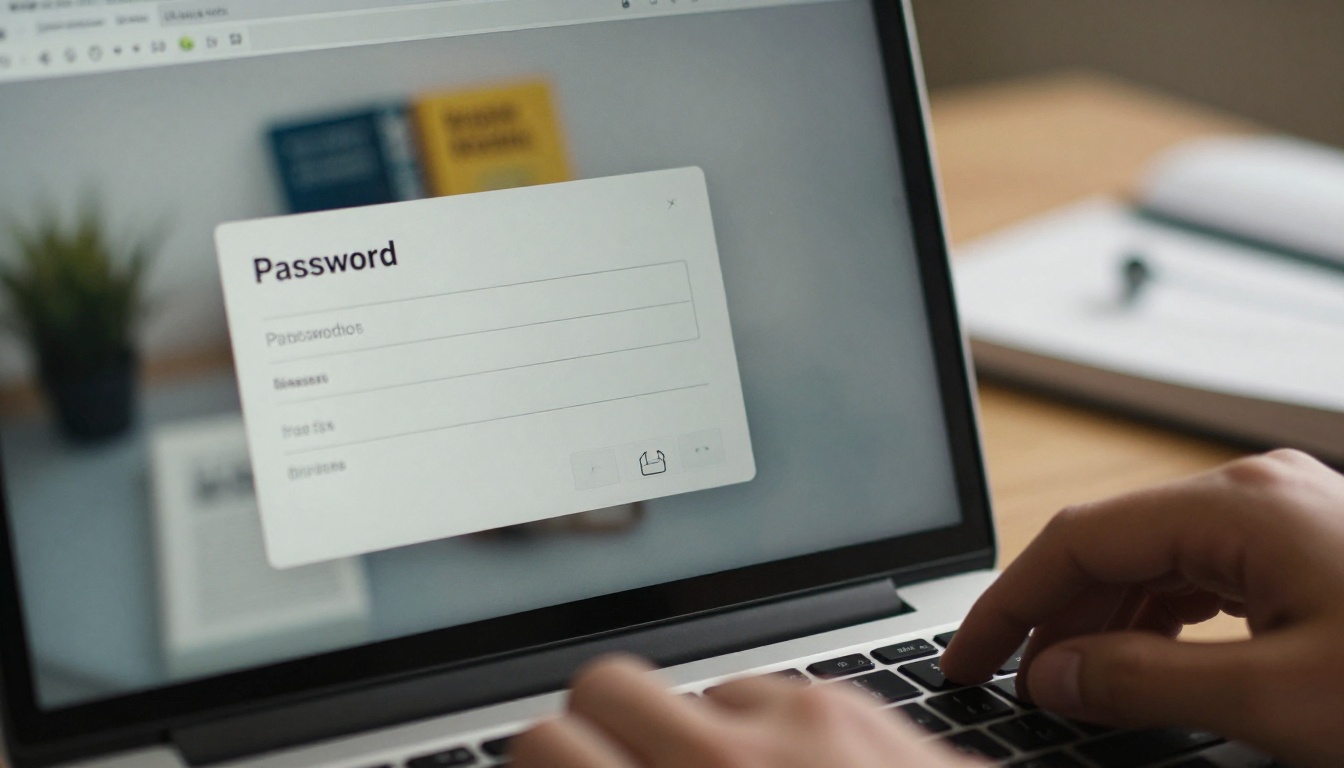
- Set the privacy. Turn on a password, and share it only through a school channel such as the parent portal.
- Share the link. Send a direct link or use the embed option on a login-protected page.
- Review the analytics. On the Professional plan you can see how many people opened the book and when.
✅ Best practice: Share the password in the parent portal or an official email, never on a public social media page.
Choosing Where to Share
| Sharing Method | Privacy Level | Effort | Good Fit |
|---|
| Public link on school site | Low | Low | Opt-out reviewed, no sensitive captions |
| Password protected link | High | Low | Most schools |
| Embed on parent portal | High | Medium | Districts with a login system |
| Offline download for buyers | Medium | Low | Alumni keepsakes |
A Practical Compliance Checklist
Use this list at each stage of production. It will not replace your district counsel, but it catches the most common gaps.
Before Production Starts
- Confirm the annual directory information notice went out and the opt-out deadline passed.
- Build a master list of students who opted out of photos, names or online posting.
- Decide who owns the list and who may see it.
During Layout
- Check every photo against the opt-out list.
- Keep captions to names, grades and activities.
- Avoid anything about grades, discipline, health or home life.
- Flag candid photos of individual students for written consent.

Before Publishing Online
- Choose a private setting and test the password yourself.
- Confirm the vendor's data handling in writing.
- Ask a second staff member to review the final pages.
- Decide how long the online edition stays available, and set a calendar reminder to archive or remove it.
After Publishing
- Give families a clear contact for removal requests.
- Respond to those requests quickly and keep a record.
- Review what worked and update your notice and forms for next year.
Real Examples From Schools
A Middle School With Many Opt-Outs
A middle school found that roughly one in ten families opted out of online posting. The advisor kept the print edition unchanged and published a password protected online edition that used group shots for those students. No one was left out of the printed book, and no one appeared online against their wishes.
A High School Senior Edition
A high school wanted to add senior quotes and short personal blurbs. Because these went beyond basic directory information, the staff collected signed consent for each quote. They shared the digital edition through the parent portal, with analytics showing which families had opened it so they could follow up with anyone who had not.
A District Newsletter Pairing
One district pairs the yearbook with a monthly newsletter built in the School Newsletter Creator, using the same opt-out list for both. A single source of truth means fewer mistakes when different teachers prepare different publications.
Common Mistakes to Avoid
- Posting a public link first and checking later. Pulling a book after it spreads is almost impossible.
- Using one opt-out list for photos and another for names. Staff will miss something. Keep one master list.
- Letting students share the password publicly. Remind everyone that the link is for the school community.
- Ignoring alumni and graduates. Former students who turn 18 hold their own rights. Honor removal requests from them directly.
- Forgetting to archive. A book that stays online for a decade creates more exposure than one with a defined lifespan.
⚠️ If a family reports that a photo violates their opt-out, remove it first and investigate second.
Ready to Publish With Confidence?
FERPA does not stop a school from celebrating its students in a digital yearbook. It asks you to give notice, honor opt-outs, keep captions simple and control who can view the result. A private, password protected flipbook is one of the easiest ways to meet that expectation while still giving families a beautiful book they can open on any device.

Ready to build yours? Get started for free on Flipbooks AI, browse all flipbook tools for schools, or compare pricing plans to find the right fit, including analytics and lead tracking on the Professional plan. When your layout is final, open the Yearbook Flipbook Maker and publish a book your whole school community can enjoy safely.