The short answer is: it depends entirely on how you embed your flipbook and where it is hosted. Flipbooks are richer than static PDFs or plain images, so they do carry some weight. But with the right setup, a flipbook embed can score within a few points of a plain HTML page on Google PageSpeed Insights. The problem is not flipbooks themselves; it is lazy implementation. If you care about your site's load time, Core Web Vitals, and SEO rankings, here is everything you need to know before adding that embed code. And if you want to skip straight to the best solution, Flipbooks AI handles all the performance-heavy lifting automatically.
How Flipbook Embeds Actually Work
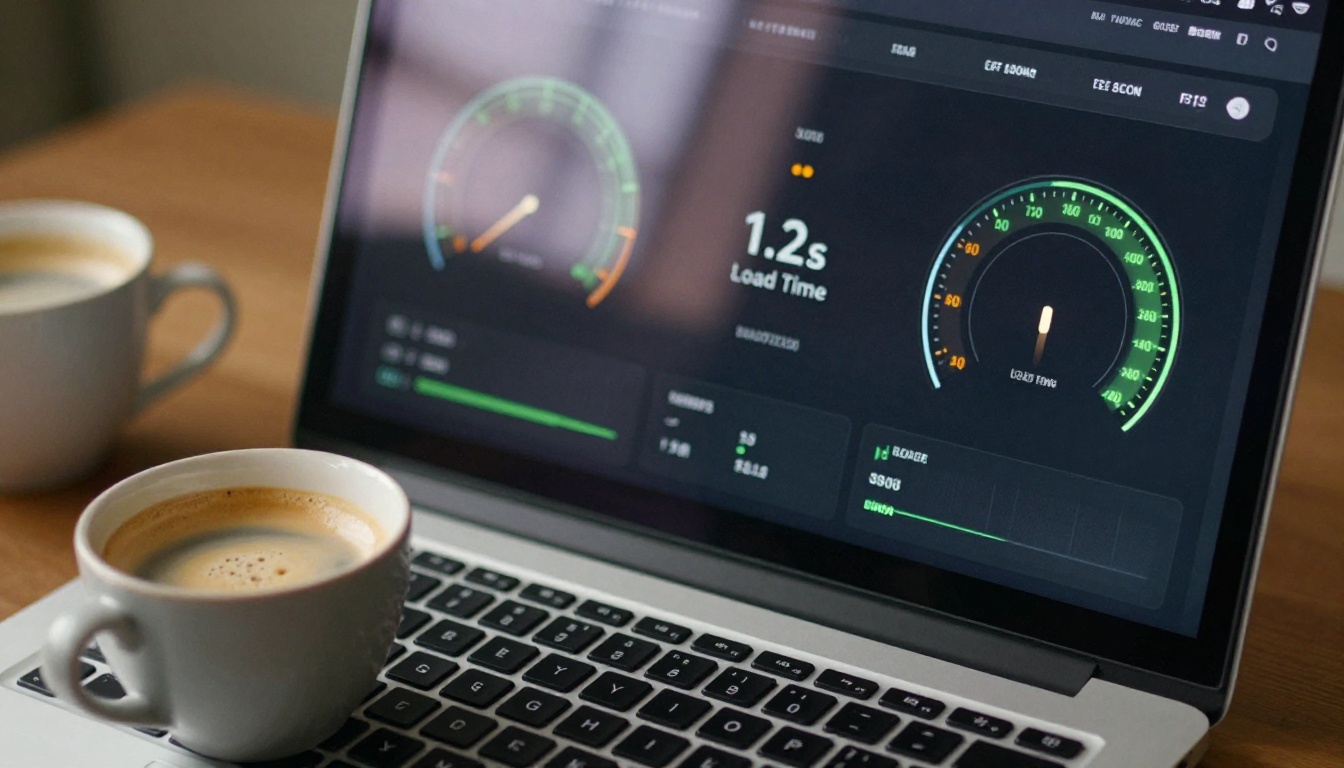
Most flipbooks are delivered via an <iframe> tag dropped into your page. That iframe points to a hosted flipbook URL, which then loads its own set of assets: the viewer JavaScript library, page image files (typically JPEGs converted from PDF pages), optional fonts, and any CSS for the flip animation.
The iframe Loading Chain
When a visitor hits your page, the browser begins its normal loading sequence. When it reaches the iframe element, it opens a second HTTP connection to the flipbook host and starts fetching that page's resources independently. This matters because the flipbook's load time is technically separate from your page's load time, but the browser still treats the iframe as part of the document, which affects two critical metrics:
- LCP (Largest Contentful Paint): If the flipbook is above the fold, its viewer frame can become the largest element on screen, directly influencing your LCP score.
- CLS (Cumulative Layout Shift): If no fixed height is set on the iframe, the layout shifts as the flipbook loads, which can significantly hurt your CLS score.
What Files Get Loaded
A typical flipbook embed triggers the following asset requests:
- The flipbook viewer JavaScript bundle (50kb to 300kb depending on the platform)
- Thumbnail images for the first 2-4 visible pages (varies by file size and compression)
- CSS for animation and responsive layout
- Optional: fonts, sound effects, or video assets if embedded in the document
Worth noting: lazy-loading platforms only fetch pages 1 and 2 upfront. Pages 3 through 100 load on demand as the user flips. This is how a 200-page catalog can embed without killing your load time.
What Affects Your Page Speed

Not all flipbook slowdowns are created equal. Three main culprits account for nearly every performance issue, and identifying which one applies tells you exactly how to fix it.
File Size Is the Biggest Variable
A PDF exported at print resolution can easily hit 50MB. If your flipbook platform converts and serves those full-resolution page images without optimization, every visitor's browser has to download multi-megabyte files just to see page one. A well-optimized platform compresses page images to 80-150KB per spread while keeping them visually crisp at screen resolution.
⚠️ Warning: Always check your flipbook platform's compression settings. If you cannot find documentation on how images are processed, run a speed test with your browser's network tab open and look at the individual file sizes being downloaded.
Your Hosting Makes or Breaks It
A flipbook self-hosted on a shared server in a single geographic region will load slowly for anyone more than 500 miles from that server. CDN (Content Delivery Network) hosting routes each visitor to the nearest edge node, slashing latency regardless of location in the world.
Platform-hosted flipbooks on services like Flipbooks AI automatically serve assets from a global CDN. Self-hosted flipbook scripts running on your own web server do not, unless you configure this yourself.
JavaScript Weight
The flipbook viewer JavaScript is the one unavoidable cost. Different platforms have very different bundle sizes and loading strategies:
| Platform Type | JS Bundle Size | Load Strategy |
|---|
| Modern platform (CDN-hosted) | 60-120 KB | Deferred / lazy |
| Older self-hosted scripts | 300-600 KB | Blocking |
| Embedded PDF viewers | 500KB-2MB | Often blocking |
| Flipbooks AI embed | ~80 KB | Deferred + lazy |
Deferred loading means the JavaScript does not block your page's HTML from rendering. Blocking scripts do, and that is the fastest way to tank your Time to Interactive score.
Core Web Vitals and Flipbooks
Google measures your site's performance using three Core Web Vitals. Here is how flipbooks interact with each one:
| Metric | What It Measures | Flipbook Risk Level |
|---|
| LCP (Largest Contentful Paint) | Speed of main content appearing | Medium (if flipbook is above fold) |
| CLS (Cumulative Layout Shift) | Layout stability | High (if iframe has no fixed height) |
| INP (Interaction to Next Paint) | Responsiveness to input | Low (viewer JS runs in iframe sandbox) |
The good news: INP (which replaced FID as a Core Web Vital in 2024) is largely isolated from flipbook performance because the viewer JavaScript runs inside the iframe sandbox. Your main page's interactivity remains unaffected.
💡 Pro Tip: Fix CLS immediately by setting a fixed height on your flipbook iframe container, such as style="height:500px". This reserves space in the layout before the viewer loads, eliminating layout shift entirely.
Speed Test Scenarios
Here is how page load time realistically changes when adding a flipbook embed under different conditions:
| Scenario | Additional Load Time | PageSpeed Score Impact |
|---|
| CDN-hosted, deferred JS, lazy pages | +0.3 to 0.6 seconds | -2 to -5 points |
| Self-hosted, no CDN, eager loading | +2 to 5 seconds | -20 to -40 points |
| Unoptimized PDF (50MB original) | +4 to 8 seconds | -30 to -55 points |
| Flipbooks AI embed (optimized) | +0.2 to 0.4 seconds | -1 to -3 points |
The difference between a great and a terrible flipbook integration can be 50 PageSpeed points. The differentiating factor is almost entirely about hosting and optimization, not the flipbook format itself.

One of the most consequential decisions you make is whether to self-host your flipbook viewer or use a dedicated platform. Here is an honest comparison of both approaches:
| Factor | Self-Hosted | Platform-Hosted (Flipbooks AI) |
|---|
| CDN delivery | You configure it | Automatic, global |
| Image compression | You handle it | Automatic |
| JavaScript updates | Manual | Auto-updated |
| Lazy page loading | Depends on script | Built-in |
| Setup complexity | High | None (paste embed code) |
| Monthly cost | Server costs | Subscription plan |
| Performance ceiling | Limited by your infra | Optimized out of the box |
Self-hosting gives you control but demands real infrastructure expertise. Most businesses and content creators are better served by a platform that handles CDN, compression, and performance optimization without requiring any DevOps knowledge.
✅ Best Practice: Unless you have a dedicated DevOps team and specific compliance reasons to self-host, use a platform-hosted flipbook solution. The performance gains from purpose-built infrastructure almost always outweigh the subscription cost.
How to Embed Without Slowing Your Site
Even with a great platform, your implementation choices matter significantly. These are the most impactful steps to take:
Use Lazy Loading on Your Embed
Most modern flipbook platforms give you a responsive embed code. Add loading="lazy" to the iframe if your platform supports it, or use an Intersection Observer script to only initialize the viewer when it enters the viewport. This is especially important for flipbooks placed mid-page or at the bottom, where eager loading wastes resources on visitors who never scroll that far.
Optimize Your PDF Before Converting
The flipbook platform converts your PDF pages into web-optimized images, but it can only work with what you give it. A 150-page catalog at 300 DPI print quality produces much heavier output than the same document exported at 150 DPI screen resolution.
Before uploading, run your PDF through these steps:
- Reduce image DPI in your design software (Illustrator, InDesign) to 150 DPI for screen output.
- Flatten transparency and merge unnecessary layers to reduce file complexity.
- Downscale embedded raster images to 1920px maximum width before export.
- Remove embedded fonts if the platform re-renders text (check platform documentation).
- Compress before upload using a tool like Adobe Acrobat's PDF Optimizer or a web-based compressor.
💡 Pro Tip: A catalog optimized before upload can be 70-80% smaller than the print-ready version. This directly reduces the file sizes your platform generates for each page image, cutting visitor download times proportionally.
Pick a CDN-Backed Platform

Not all platforms are equal in their delivery infrastructure. When evaluating a flipbook tool, ask these three questions:
- Are assets served over a CDN? Look for Cloudflare, Fastly, or AWS CloudFront mentions in their documentation.
- Does the viewer use progressive or lazy page loading? Only the visible pages should load initially.
- Is the JavaScript deferred? It should not block your page render.
Flipbooks AI checks all three: global CDN delivery, lazy page loading, and deferred JavaScript initialization. That is why embeds from this platform consistently add under half a second to page load times, even for large multi-page documents.
Creating Fast Flipbooks with Flipbooks AI
Flipbooks AI is purpose-built for performance. Here is the step-by-step process for creating and embedding a flipbook that will not hurt your site's speed:
Step 1: Create your account
Head to flipbooksai.com/account and sign up. The platform works entirely in your browser with no software to install.
Step 2: Prepare and upload your PDF
Click the Upload PDF button on your dashboard. For best results, upload a screen-optimized PDF (150 DPI, 10MB or less). Flipbooks AI automatically converts every page into compressed web images during processing, removing the need for manual optimization at the output stage.
Step 3: Customize your flipbook
Once converted, use the built-in editor to:
- Set your brand colors and logo (no watermarks, ever)
- Choose a background style such as plain, gradient, or custom image
- Enable or disable the page flip sound
- Add a custom sharing link with password protection if the content is private
Step 4: Get your embed code
Click Share, then select Embed on Website. You will receive a responsive iframe snippet. The default code already includes the performance-optimal loading configuration. Paste it into your CMS, website builder, or raw HTML file. You can also use the Embed Flipbook on Website tool for guided assistance.
Step 5: Test your page speed
After embedding, run your page through Google PageSpeed Insights or WebPageTest. With Flipbooks AI, expect minimal score reduction compared to the page without the embed, typically under 5 points, because the viewer loads deferred and assets serve from CDN edge nodes close to each visitor.
Features that protect your site's performance:
- ✅ No watermarks, ever
- ✅ Unlimited flipbooks (Standard plan and above)
- ✅ Password protection for private content
- ✅ Analytics and lead generation (Professional plan)
- ✅ Offline downloads
- ✅ Mobile-responsive design on all devices
- ✅ Custom branding throughout
- ✅ Embed videos and audio within pages
Whether you are publishing a product catalog, a real estate brochure, or a restaurant menu, the embed performance stays consistently fast across all document types.
Common Misconceptions Worth Clearing Up
A few widely-repeated claims deserve a direct response:
"Flipbooks always slow down websites." This is false. A platform-hosted flipbook with deferred JS adds less load time than most YouTube embeds or third-party chat widgets. The issue is poor implementation, not the format itself.
"You should use a PDF viewer instead." PDF viewers, including Google Docs viewer and PDF.js, are typically heavier and less performant than modern flipbook viewers. They also offer no branding, no analytics, and no mobile-optimized page turning experience.
"Hosting the flipbook on your own server is faster." Only if you already have a globally distributed CDN and an image optimization pipeline in place. For most websites, a purpose-built flipbook platform delivers faster assets than self-hosting on a single-region server.
"More pages means slower load times." Not with lazy loading. Whether your flipbook has 10 pages or 500, only the first 2-4 pages load initially. The rest load on demand as the user navigates. Total page count has almost zero impact on initial load time when lazy loading is properly implemented.

If you are weighing flipbooks against other ways to share document content, here is an honest performance comparison:
| Format | Avg. Extra Load Time | Mobile Performance | Interactivity | SEO Friendliness |
|---|
| Platform flipbook (CDN) | +0.3 to 0.6 seconds | Excellent | High | Minimal impact |
| Embedded PDF (browser native) | +1 to 3 seconds | Poor | None | Negative |
| PDF in Google Docs viewer | +2 to 4 seconds | Acceptable | None | Negative |
| Image slideshow | +0.5 to 1.5 seconds | Good | Low | Low impact |
| Static HTML page | Baseline | Best | Depends on content | Best |
For content that benefits from a browsable, page-turning experience, such as catalogs, magazines, brochures, and lookbooks, a platform-hosted flipbook beats every other embedded document format on both performance and user experience.
Businesses using Flipbooks AI for their digital catalogs, e-magazine publishing, or interactive lookbooks get the best of both worlds: a rich, immersive reading experience without meaningful load time penalties.
Ready to Embed Without the Slowdown?
The answer to the performance question is now clear: a poorly implemented flipbook on an unoptimized host can slow your website, but a well-implemented flipbook on a modern platform will not. The format itself is not the problem. Implementation and infrastructure are everything.
If you want a fast, lightweight, professionally branded flipbook that embeds anywhere with one snippet of code, the path forward is straightforward. Get started for free on Flipbooks AI, upload your PDF, and have your first embed live in under ten minutes. When you are ready for analytics, lead generation, and professional features, compare pricing plans to find the right fit for your workflow.
Browse all available flipbook tools and templates to see the full range of use cases, from training manuals and annual reports to wedding albums and travel catalogs. Whatever you publish, there is a tool built for it, and it will not cost you a single unnecessary point on your PageSpeed score.



