Right-to-left languages represent over 400 million readers worldwide, and for too long, digital publishing platforms have treated them as an afterthought. Arabic, Hebrew, Persian (Farsi), and Urdu all flow from right to left, and moving that content into a digital flipbook raises an immediate question: will it actually work, or will the formatting collapse? The short answer is yes, flipbooks can absolutely support RTL languages, but the details matter enormously. Flipbooks AI is built to handle the nuances of RTL digital publishing, from page-flip direction to embedded typography, and this article walks through exactly what that means in practice.
RTL Languages and the Digital Publishing Gap

Right-to-left script systems are more common than many western publishers realize. The major RTL languages include:
- Arabic (spoken across 22+ countries, approximately 300 million native speakers)
- Hebrew (official language of Israel, used in Jewish communities globally)
- Persian/Farsi (Iran, Afghanistan, Tajikistan)
- Urdu (Pakistan, large diaspora communities worldwide)
- Sindhi, Pashto, Uyghur, Kurdish (Sorani) and several others
Each of these has distinct typographic traditions. Arabic and Persian use the Naskh or Nastaliq script families. Hebrew uses block script. All of them require software that genuinely understands bidirectional text (often called BiDi), not just a platform that can display Unicode characters.
⚠️ A flipbook that simply displays a PDF without proper BiDi rendering will show the text, but the reading experience will feel broken. Pages that should open from the right will open from the left, immediately confusing readers.
What Right-to-Left Actually Means for Layout
The direction of reading affects more than just individual lines of text. In an RTL publication:
- Pages open from the right side (the "front" of the book is on the right)
- Column flow runs right to left across spreads
- Navigation arrows reverse (next page is to the left; previous is to the right)
- Page numbering typically starts from what western readers would call the "back"
- Tables, lists, and callouts align from the right margin
When you convert an Arabic or Hebrew PDF into a flipbook, all of this must carry over intact. The good news: a PDF that was properly designed in an RTL-aware application (Adobe InDesign, Canva RTL mode, Microsoft Word RTL, or dedicated Arabic DTP software) will embed the correct text direction and page order into the file itself.
How Flipbooks Actually Handle RTL Content
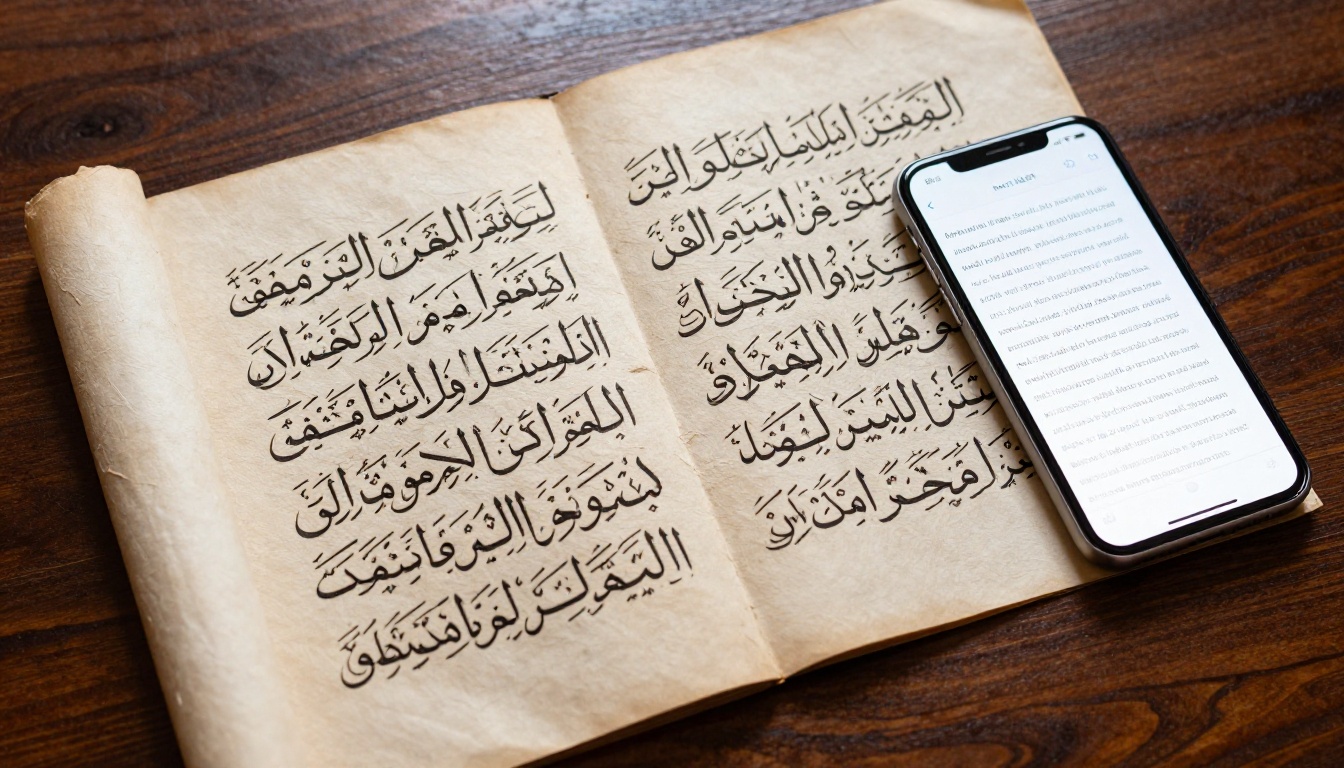
The main insight most publishers miss: a flipbook platform does not re-render your text. It converts your PDF pages into a page-flipping digital publication. So if your original PDF has correct RTL formatting, the flipbook will preserve it faithfully. This is both a strength and a limitation, and understanding which is which saves hours of troubleshooting.
The PDF-First Approach
When you upload to a platform like Flipbooks AI, the system renders each PDF page as a high-resolution image and presents them in a page-flip viewer. This means:
- Arabic and Hebrew text renders exactly as it appears in your PDF
- Ligatures, diacritics (harakat in Arabic, nikud in Hebrew), and script connections are all preserved
- Mixed text (RTL Arabic alongside LTR English numbers or brand names) displays correctly if the original PDF handled it correctly
💡 Design your source PDF in an RTL-aware application before uploading. The flipbook platform will faithfully reproduce whatever the PDF contains, so start with a clean, properly rendered source file.
Page Flip Direction in RTL
This is where many platforms fall short. In a standard LTR flipbook, pages are numbered left to right, and the book "opens" from the left. For Arabic or Hebrew content, you need the page order inverted, so that:
- Page 1 appears on the right side of the spread
- The reader "turns" pages toward the left
- Navigation controls point in the reversed direction
Flipbooks AI supports this through its RTL flipbook mode, ensuring readers from Arabic or Hebrew-speaking audiences get a natural, intuitive reading experience that matches the conventions they grew up with.
| Feature | LTR Flipbook | RTL Flipbook |
|---|
| Page 1 position | Left side | Right side |
| Page turn direction | Left to right | Right to left |
| Navigation arrows | Right = Next | Left = Next |
| Spine location | Left edge | Right edge |
| Reading flow | Front to back (LTR) | Front to back (RTL) |

For students and academic readers accustomed to RTL print publications, the correct page-flip direction is not a minor detail. It is the difference between a digital publication that feels native and one that feels like a foreign object.
Arabic and Hebrew Flipbooks in Practice

The RTL flipbook format serves a wide range of real-world publishing needs. Here are some concrete scenarios where it performs exceptionally well:
Real-World Publishing Scenarios
Arabic educational publishers in Egypt, Saudi Arabia, and the UAE are moving school textbooks and course materials online. A flipbook format preserves the page layout students and teachers already know, while adding digital convenience like hyperlinks, embedded audio, and cloud access. The Course Material Publisher tool works well for this specific use case.
Hebrew-language magazines and newspapers in Israel have a strong print tradition. Digital flipbooks let these publications offer an interactive online edition without rebuilding their entire design workflow. The familiar page-flip mimics the physical reading experience for loyal subscribers.
Persian-language businesses in Iran and diaspora communities use digital catalogs for everything from clothing to electronics. An Arabic-script digital catalog that reads naturally from right to left signals professionalism and cultural awareness. The Digital Catalog Maker handles this cleanly.
Urdu publishers in Pakistan face growing demand for digital content that works on mobile devices. A properly formatted Urdu flipbook with Nastaliq script, viewed on a smartphone, serves readers in a way that a basic website often cannot.
Common RTL Formatting Pitfalls
Even experienced publishers run into specific problems with RTL digital publications. The most common issues:
- Using an LTR-first design tool: If you design in a tool that does not properly support RTL, ligatures break, characters appear disconnected, and numbers appear on the wrong side.
- Exporting a PDF without embedding fonts: RTL scripts rely on specific fonts for proper glyph rendering. Always embed fonts in your PDF export settings.
- Forgetting the page order: A 20-page Arabic document should have page 1 on the right. If you upload with standard LTR pagination, the entire book reads backwards for your audience.
- Mixing text directions carelessly: Numbers and brand names often appear in LTR within an RTL paragraph. The BiDi algorithm handles this automatically if both the design software and the display platform support Unicode properly.
- Ignoring the mobile viewport: RTL flipbooks need to function on mobile with swipe gestures reversed. Test on both iOS and Android before publishing.
⚠️ Always open your finished flipbook from the perspective of a first-time RTL reader. What feels intuitive to you as the publisher may feel backward to your audience if the configuration is wrong.
Creating RTL Flipbooks with Flipbooks AI

The practical workflow for creating a right-to-left flipbook on Flipbooks AI is straightforward when you follow the right sequence. The whole process takes minutes once your source file is ready.
Step 1: Prepare Your RTL PDF
Before uploading anything, your PDF needs to be RTL-ready. Use one of these applications:
- Adobe InDesign (set document direction to RTL in document setup)
- Adobe Illustrator (Middle East and North Africa version has full RTL support)
- Microsoft Word (set paragraph direction; works well for Hebrew and Arabic)
- Canva (enable RTL mode from text settings for Arabic and Hebrew)
- Scribus (open-source option with RTL document support)
Export as PDF with fonts embedded and pages in the correct reading order. For a 10-page Arabic document, page 1 in your flipbook should be what Adobe exports as the last physical page in LTR order.
Step 2: Upload and Convert
- Go to Flipbooks AI and log in or create a free account
- Click New Flipbook and select your RTL PDF file
- The platform converts each page to a high-fidelity digital spread, preserving all typography and layout
- In the flipbook settings, enable RTL mode to reverse the page-flip direction
- Preview in the editor to confirm page 1 appears on the right side of the spread
Step 3: Customize Your Flipbook
Customization options work the same way for RTL and LTR publications:
- Branding: Add your logo and brand colors to the flipbook interface
- Page effects: Choose flip animation speed and style
- Background: Set the viewer background to complement your design palette
- Multimedia: Embed audio narration or interactive links within individual pages
Step 4: Share and Publish
Once satisfied with the RTL flipbook, publishing options include:
- Direct link: Share a URL that opens directly in the flipbook viewer
- Embed code: Paste an iframe code into your website to display the flipbook inline
- Password protection: Restrict access to subscribers or specific audiences
- Analytics: Track reads, page dwell time, and reader geography (available on the Professional plan)
💡 For Arabic or Urdu educational content, the offline download option is especially valuable for students in regions with unreliable internet access. They can download and read without losing the page-flip format.
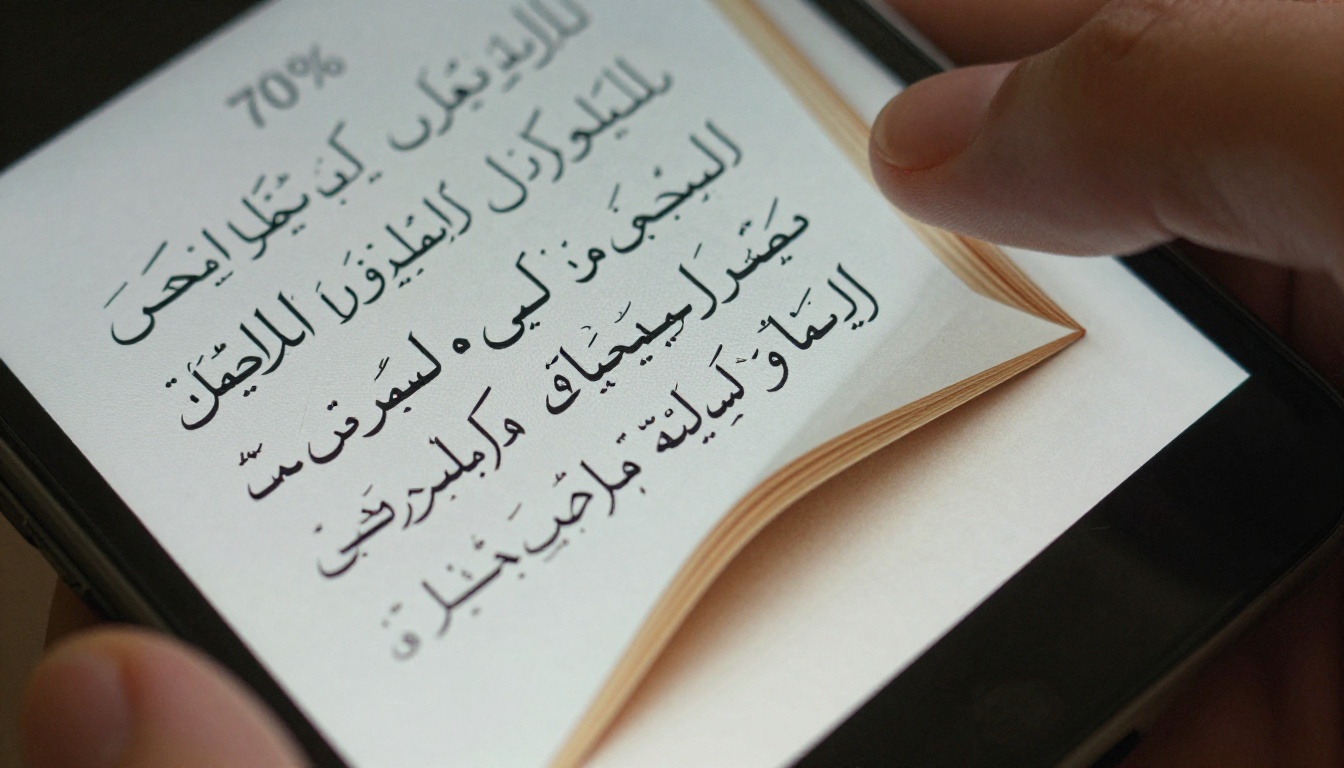
Not all flipbook platforms handle RTL with equal care. Here is a realistic breakdown of what to check when evaluating any platform for RTL publishing:
| Capability | What to Check | Why It Matters |
|---|
| RTL page order | Does it flip from right to left natively? | Core reading experience |
| BiDi text rendering | Are Arabic ligatures preserved? | Typography quality |
| RTL navigation controls | Do arrows point the right way? | UX for RTL readers |
| Mobile swipe direction | Is swipe-left = next page in RTL mode? | Mobile reading experience |
| Font embedding support | Are embedded PDF fonts preserved? | Prevents character corruption |
| Unicode compliance | Full Unicode support across scripts? | Handles all RTL languages |
| Custom branding | Can the viewer UI match your brand? | Professional presentation |
Flipbooks AI covers all of these capabilities. The platform's pricing structure makes it accessible for publishers at different scales:
| Plan | Flipbooks | RTL Support | Analytics | Best For |
|---|
| Free | Limited | Basic | No | Testing RTL workflows |
| Standard | Unlimited | Full RTL mode | No | Regular RTL publications |
| Professional | Unlimited | Full RTL mode | Yes | Media companies, lead gen |
See the full feature breakdown at flipbooksai.com/pricing.
Best Practices for RTL Digital Publications

Whether you are publishing an Arabic product catalog, a Hebrew school newsletter, or a Persian business report, these practices will save you revision cycles.
Typography Tips for Arabic and Hebrew
Arabic typography:
- Use Naskh for body text (highly legible at small sizes on screen)
- Reserve Thuluth or Diwani for display headings only, not body copy
- Set minimum body font size to 14pt for readability on mobile screens
- Enable kashida justification (letter-stretching) in InDesign for clean justified text
- Avoid artificial bolding: Arabic has dedicated bold font weights, use them
Hebrew typography:
- David, Frank Rühl, and Noto Serif Hebrew are reliable serif options
- Assistant and Heebo are clean sans-serif choices for modern publications
- Minimum body size: 13pt for comfortable screen reading
- Vowel points (nikud) should only appear in educational or liturgical texts, not standard publications
Layout Considerations
- Keep wide outer margins on the right side (the "binding" side for RTL) to allow comfortable thumb placement when reading on tablets
- For two-column layouts, the right column carries the primary content in Arabic; the left column is secondary
- Images and infographics with directional arrows or process flows must be mirrored from any LTR equivalents you adapt
- Tables should align from the right: the first column appears on the right, and headers flow right to left
✅ Always have a native speaker proofread the final flipbook on the actual platform before publishing. Number placement in mixed BiDi text and the position of punctuation are easy to miss until a real reader points them out.
Who Uses RTL Flipbooks and Why
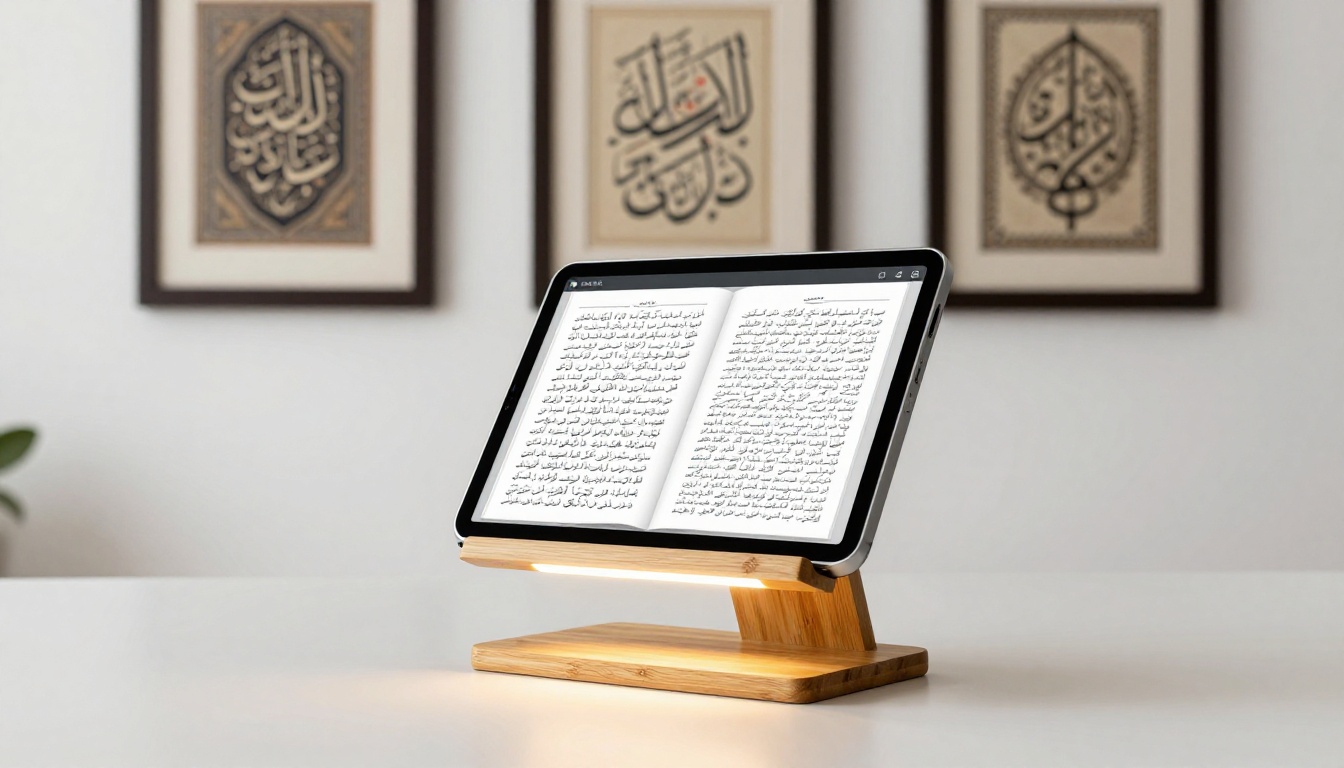
The demand for RTL digital publications spans industries. Here is a snapshot of who benefits most:
Media and publishing houses across the Arab world and Israel are replacing print-only workflows with digital-first strategies. A flipbook maintains the familiar page-spread layout that readers expect from print, while delivering it through a browser or embedded on a website, without requiring a custom app.
Education providers in RTL regions need textbooks, worksheets, and training materials that feel native to their students. A poorly formatted LTR-forced document is not just aesthetically wrong; it actively slows comprehension. The Training Manual Flipbook and Course Material Publisher tools are built precisely for this.
Retailers and e-commerce brands in Saudi Arabia, UAE, Qatar, and Gulf markets want Arabic product catalogs that match the standards of their print materials. The Product Catalog and Fashion Catalog tools let these brands deliver a polished digital experience without a custom development budget.
Non-profit organizations and NGOs working in Arabic or Persian-speaking regions need reports, donor communications, and program materials in native languages. The Annual Report Creator tool handles this well for organizations that need professional documents without large design teams.
Religious and cultural institutions produce significant volumes of Arabic, Hebrew, and Urdu text. Quran study materials, Torah readings, and Urdu literary publications are all natural fits for the RTL flipbook format.
💡 If your organization publishes in multiple languages, flipbooks let you create separate RTL and LTR editions from the same design workflow. A single Flipbooks AI account can host both, and you can password-protect specific language editions for different audiences.
The Honest Limitations
RTL flipbook support is solid in most cases, but there are genuine limits worth knowing before you commit to the workflow:
- Interactive form fields within RTL PDFs may not carry over as editable fields in the flipbook viewer
- Automatic hyphenation for Arabic text requires the original PDF to handle it; the flipbook does not re-hyphenate
- In-viewer search depends on whether the PDF contains selectable text; scanned documents without OCR will not be searchable
- Footnotes and endnotes in RTL scholarly texts should be tested carefully, since their positioning can vary by platform
None of these are dealbreakers for the vast majority of RTL publishing use cases, but they are worth factoring into your production checklist before launch day.
The flipbook format works very well for Arabic, Hebrew, Persian, and Urdu content, and for publishers ready to move beyond static PDFs, Flipbooks AI is a practical starting point. Upload your first RTL PDF, configure the right-to-left mode, and have a shareable digital publication ready in minutes. Browse the full range of tools and templates or view pricing plans to find the tier that fits your publishing volume.



