Opening the wrong content on a throttled mobile connection is enough to make anyone abandon a page within seconds. Yet digital flipbooks have a surprisingly good track record on slow networks, largely because well-built platforms do most of the heavy lifting before the reader ever sees a loading spinner. This is not just about bandwidth numbers. It is about how a flipbook is built, hosted, and delivered, and whether the platform behind it has been designed with low-bandwidth users in mind. Flipbooks AI is built with exactly that in mind, offering a hosting layer with CDN delivery, lazy loading, and page-by-page rendering that makes real-world performance far better than most people expect.
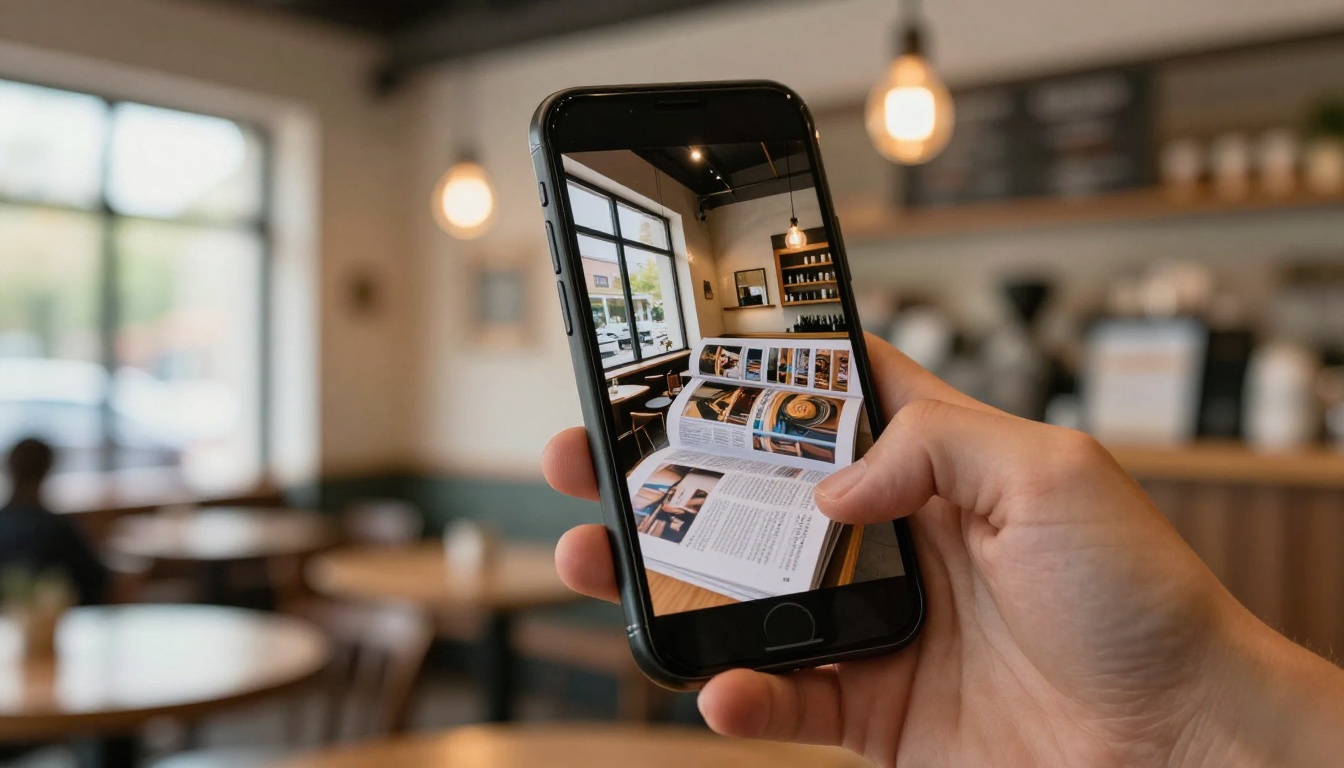
Yes, Flipbooks Load on Slow Connections
The short answer is yes. Modern digital flipbooks work on slow internet connections, but with caveats that depend on the platform and the file itself. Flipbooks are not downloaded all at once like a traditional PDF. They are streamed page by page, which means a reader on a 1 to 2 Mbps connection can still open the first page in a couple of seconds and start reading while subsequent pages load quietly in the background. This architecture makes them inherently better suited to slow networks than forcing someone to wait for a full PDF download to finish.
What "Slow" Actually Means
Network speed classifications vary by country and provider, but for practical purposes here is how the spectrum typically breaks down:
- Very slow: below 1 Mbps (rural satellite, crowded public WiFi hotspots)
- Slow: 1 to 5 Mbps (basic mobile data, older DSL connections)
- Standard: 5 to 25 Mbps (average home broadband, 4G mobile)
- Fast: 25 Mbps and above (fiber, modern cable, 5G)
Most users in areas with variable connectivity fall into the 1 to 5 Mbps range at some point during their day, whether they are on a commuter train, at a live event, or working from a café where the WiFi is shared among dozens of other people.
The Minimum Speed That Works
For a well-optimized flipbook, 1 Mbps is generally enough to flip through pages comfortably after a brief initial load. At 512 Kbps, readers will see slower page transitions and occasional pauses on image-heavy spreads. Below that threshold, the experience degrades noticeably. The critical variable is not just the connection speed, however, but the data size per page, which brings us to the most important factor in flipbook performance.
What Makes a Flipbook Fast or Slow
Not every flipbook is equal in terms of loading speed. Some open instantly on slow connections while others struggle even on decent broadband. The difference comes down to a handful of technical factors that determine how much data needs to travel before a page becomes readable.

File Size Is the Real Culprit
The most important variable in how a flipbook loads on any connection is the size of the original PDF. A 50-page catalog exported from InDesign at press quality with full-bleed 300 DPI images can be enormous, sometimes exceeding 100 MB. On a slow connection, even the best platform will struggle to serve it quickly. As a practical starting point:
- PDFs under 5 MB are fast on almost any connection
- PDFs between 5 and 20 MB are manageable with lazy loading in place
- PDFs over 50 MB can cause noticeable delays even on standard broadband
The platform you use will compress and optimize the PDF during upload, but starting with a leaner source file always produces better results.
Image-Dense Pages Multiply the Load
A spread with a single full-bleed photograph requires far more bandwidth to render than a text-heavy policy page. If every page of your flipbook contains multiple high-resolution photos, the per-page data cost multiplies rapidly. This does not mean avoiding photography, but it does mean that image compression before uploading is worth the effort. Converting product photography to progressive JPEG at 80 to 85 percent quality is barely visible to the human eye but can cut file size by 40 to 60 percent.
Hosting and CDN Quality
The flipbook platform you choose determines how quickly assets reach the reader. A platform that serves files from a single regional server will always be slower for international audiences and rural users than one backed by a global Content Delivery Network, or CDN. CDNs replicate files across dozens or hundreds of server nodes worldwide, so the data travels a shorter physical distance to each reader. Flipbooks AI uses CDN-backed delivery, which is one of the reasons flipbooks created there consistently load faster than self-hosted PDF alternatives regardless of where the reader is located.
The technology inside a flipbook platform matters just as much as the source file. Three specific methods allow modern platforms to deliver a usable experience even when the connection is weak.

Lazy Loading Does the Heavy Lifting
Lazy loading means the platform only loads the pages the reader is currently viewing or is about to view. Instead of downloading all 40 pages when the flipbook opens, it loads pages 1 and 2, then quietly retrieves pages 3 and 4 in the background while the reader is still on page 1. By the time the reader flips forward, the next page is already ready. On a slow connection, this approach is the single most effective method for creating a smooth reading experience without requiring high bandwidth upfront.
💡 Pro tip: If you are sharing a flipbook with an audience you know is on mobile data, throttle your browser's network speed to 3G in Chrome DevTools before publishing. This gives you a realistic preview of what your readers will experience before the link goes live.
Progressive Rendering Per Page
Some platforms render a lower-resolution version of each page first, then sharpen it as more data arrives. This means readers see something immediately rather than staring at a blank screen. It is the same principle behind progressive JPEG loading, and it makes a significant perceived difference in how fast the flipbook feels, even when the total data transfer time is unchanged.
Caching After the First View
Once a reader has opened a flipbook, modern browsers cache the assets locally. If they close the tab and return later, many of the pages they already viewed will load from the browser cache rather than requiring a fresh download. This means repeat visitors on slow connections have a noticeably better experience than first-time visitors, and it makes flipbooks particularly well-suited to content people return to repeatedly, such as menus, catalogs, and training documents.
Internet Speed Requirements at a Glance
Here is a practical breakdown of what to expect at different connection speeds when viewing a well-optimized flipbook:
| Connection Type | Speed Range | Flipbook Experience |
|---|
| 5G / Fiber | 100 Mbps+ | Instant loading, instant page turns |
| Cable / 4G LTE | 25 to 100 Mbps | Near-instant loading, no visible lag |
| Average broadband / 4G | 5 to 25 Mbps | Fast loading, smooth page transitions |
| Slow broadband / 3G | 1 to 5 Mbps | Works well with lazy loading, brief initial wait |
| Very slow / 2G | 256 Kbps to 1 Mbps | First page loads in 3 to 8 seconds, subsequent pages slower |
| Offline (cached) | N/A | Previously viewed pages available, new pages not accessible |
⚠️ Warning: Embedded videos within a flipbook will not stream well on connections below 5 Mbps. If your audience is primarily on slow networks, use static images on critical pages rather than embedded video.

5 Ways to Speed Up Your Flipbook
If you know your audience is on variable or slow connections, these steps taken before and after publishing will meaningfully improve their experience.
Compress the PDF Before Uploading
Use a tool like Adobe Acrobat, Smallpdf, or iLovePDF to reduce your source file before uploading to any flipbook platform. For standard catalogs and brochures, aim for files under 10 MB. The platform will apply its own compression layer, but starting leaner always delivers better results.
Optimize Images Before Export
In InDesign, Illustrator, or your layout tool of choice, export images at 150 DPI instead of 300 DPI for screen-only publication. Readers viewing on a phone or tablet cannot see the difference between 150 and 300 DPI on a backlit screen. If you are working with photography, convert images to progressive JPEG at 80 to 85 percent quality before placing them in your layout.
Limit Embedded Media on Heavy Pages
If your flipbook has 30 pages and you want to embed a video, place it on one well-chosen page, not on every spread. Each embedded video adds significant bandwidth overhead. On secondary pages, use a thumbnail image with a play button and link out to an external video rather than embedding it inline.
Choose a Platform with a Global CDN
Not all flipbook platforms are built the same way. A platform that serves files from a single regional server will always be slower for geographically distant readers or anyone on a congested network. Look for platforms that explicitly use CDN delivery.
✅ Best practice: Flipbooks AI delivers all flipbooks through CDN infrastructure, which means your international readers and mobile users get the same fast loading experience as local desktop users.
Enable Offline Access for Mobile Users
Some platforms allow readers to download the flipbook for offline viewing. If your audience includes people who regularly lose connectivity, such as travelers, field technicians, or commuters, offline download capability is essential rather than optional.
Create a Fast Flipbook with Flipbooks AI
Flipbooks AI is built to produce flipbooks that load quickly across all connection types, from gigabit home broadband to patchy mobile data. Here is how to create one that performs well specifically for slow-internet audiences.

1. Start with Your PDF
Go to Flipbooks AI and create your account. Once inside, click Upload PDF and select your source file. The platform accepts a wide range of file sizes, though optimizing before upload is always recommended. The conversion process typically takes 30 to 90 seconds depending on page count and file size.
💡 If you are creating a product catalog, menu, or brochure and do not have an existing PDF, Flipbooks AI offers dedicated tools like the Product Catalog Generator or the Restaurant Menu Creator to help you build one from scratch.
2. Set Quality and Compression
After upload, Flipbooks AI processes the PDF with its built-in optimization layer. For audiences on slow connections, choose Standard rendering quality rather than Print Quality to reduce the per-page data size without any visible drop in readability on screens.
3. Add Custom Branding and Settings
Before publishing, customize your flipbook with your logo, brand colors, and preferred page-turn animation. You can also add password protection for private documents and configure whether the flipbook auto-advances or waits for reader input. These personalization settings do not affect loading speed.
✅ Best practice: Flipbooks AI flipbooks are fully mobile-responsive by default, meaning the layout automatically adjusts to phone and tablet screens without any extra configuration. This matters especially on slow connections because mobile devices are far more likely to be operating on constrained cellular networks.
4. Share via Link or Embed Code
Copy your flipbook link or use the embed code to place it directly on your website. The Embed Flipbook on Website tool provides a ready-to-use code snippet. For email campaigns, sharing the direct link performs better than embedding, since most email clients do not support iframe embeds.

5. Track Performance with Analytics
Professional plan users on Flipbooks AI get access to per-flipbook analytics that show which pages readers spend the most time on, where they drop off, and how they arrived at the flipbook. This data is invaluable for spotting pages that may be slower to render. If a particular page shows a dramatic drop-off in reader attention compared to the pages before it, that is a strong signal that the page may be loading too slowly for your audience's connection speed.
Flipbooks AI Plan Comparison
Here is a quick breakdown of what each plan offers, relevant to performance and sharing with slow-internet audiences:
| Feature | Free | Standard | Professional |
|---|
| Flipbooks | 3 | Unlimited | Unlimited |
| Watermark | Yes | No | No |
| Custom branding | No | Yes | Yes |
| Password protection | No | Yes | Yes |
| Offline download | No | No | Yes |
| Analytics | No | No | Yes |
| Lead generation | No | No | Yes |
| CDN delivery | Yes | Yes | Yes |
💡 CDN delivery is included on all plans, even the free tier. Fast loading for slow-internet audiences is not locked behind a paid plan.
Real-World Scenarios
Different audiences have different bandwidth realities. Here is how digital flipbooks perform across typical use cases:
| Use Case | Audience | Typical Connection | Recommended Approach |
|---|
| Restaurant menu | In-house diners | Mixed, shared WiFi | Lightweight PDF under 5 MB, text-forward |
| Real estate brochure | Property buyers | Home broadband | Standard quality, one embedded walkthrough |
| Event program | Live event attendees | Crowded venue WiFi | Minimal imagery, simple page layout |
| Product catalog | Online shoppers | Any | Paginated, lazy-loaded, CDN delivery |
| Employee training | Remote workers | Variable VPN | Offline download enabled, no embedded video |
| Wedding album | Family viewers | Home broadband or mobile | High quality acceptable, direct link sharing |
For the event program scenario in particular, an Event Program Maker with minimal imagery will consistently outperform a heavy brochure file on venue WiFi where dozens of guests share bandwidth at once. Similarly, a Training Manual built with offline access enabled is the safest choice for remote teams with inconsistent connectivity.
When Slow Internet Still Causes Problems
Honest performance assessment means acknowledging where flipbooks do struggle, even with the best optimization in place.

Very Large Documents with Full Bleeds
A 150-page annual report with full-bleed photography on every spread will be noticeably slower than a 20-page brochure, even after CDN optimization and lazy loading. On connections below 1 Mbps, large documents genuinely test patience. The practical answer is to split the document into chapters, offer individual chapter links, or provide a separate PDF download as an alternative for readers who need offline access.
Embedded Video on Every Spread
Embedding video on every page of a flipbook creates problems regardless of connection speed, but the impact becomes critical on slow networks. Each embedded video initiates its own streaming request, and when several are loading simultaneously in the background, they compete with each other and with page rendering itself.
⚠️ Warning: If your primary audience is mobile users on cellular data, be conservative with embedded video. One well-placed video is far more effective than six competing ones, and it is considerably kinder to readers on limited data plans.
The Offline Download Fix
The most reliable solution for truly poor connectivity scenarios is offline access. On the Professional plan, Flipbooks AI allows readers to download the flipbook for offline reading. This is particularly useful for sales teams presenting in locations without WiFi, travelers reviewing catalogs in transit, or field workers accessing training materials in areas with no signal at all.
Worth the Switch from PDF
Digital flipbooks do not just work on slow internet connections. They often work better than traditional PDF downloads in bandwidth-constrained situations. A 30 MB PDF that stalls at 60 percent is far more frustrating than a flipbook that loads page 1 in two seconds and continues loading the rest quietly in the background. The page-by-page streaming architecture is simply better suited to the reality of how people consume content on mobile devices and variable connections.
If you are still sending static PDFs to your audience and hoping for the best on their end, it is time to consider a better format. Start for free on Flipbooks AI, upload your first PDF, and test it on your own device before sharing with your audience. For anyone ready to access offline downloads, analytics, and lead generation tools, check out the Professional plan.
Whether you are building a travel publication for tourism clients, a Training Manual for a remote team, or a Digital Portfolio to share with collaborators across different time zones, browse all available tools to find the right fit for your content and your audience.



