The question comes up more often than you'd think: you're about to board a flight, head into a remote venue, or present at a trade show with spotty wifi, and suddenly you're wondering whether your digital flipbook will even load. If you've built something on Flipbooks AI, you already know the platform creates polished, interactive publications that rival anything in print. But does the magic hold up when the wifi drops out?
The answer depends on the type of flipbook, how it was delivered, and whether you prepared ahead of time. Here is everything you need to know before you find yourself staring at a loading spinner in a dead zone.
The Short Answer
Most modern flipbooks require an internet connection to load from a web browser. They live on servers, stream their pages, and depend on hosted assets. However, many platforms, including Flipbooks AI, offer offline download options that let readers access your content without any connectivity at all.
So: yes, flipbooks can work without internet, but only when the right format has been prepared in advance.
💡 The difference between an online flipbook and an offline-ready flipbook is not in how it looks. It is in how it was packaged and delivered to the reader.
How Digital Flipbooks Are Built
Understanding why some flipbooks need internet and others do not starts with the technology underneath.
HTML5 vs. Older Formats
Modern flipbooks run on HTML5, the web standard that replaced Flash technology years ago. HTML5 flipbooks are responsive, mobile-friendly, and work across every current browser without plugins. They are essentially small web applications with page-turn animations baked in.
Because they are web applications, they share the same dependency as any website: they need a server to fetch pages and assets from. When you open a flipbook URL in Chrome, your browser makes requests to a remote server every time you flip a page, unless the content has been cached or downloaded locally first.
Online vs. Downloadable Flipbooks
There are two fundamentally different ways to distribute a digital flipbook:
| Distribution Type | How It Works | Offline Access |
|---|
| Hosted URL | Flipbook lives on a server, accessed via a link | No (requires active connection) |
| Downloadable Package | Exported as HTML folder or PDF, saved locally | Yes (fully offline) |
| Embedded Widget | Flipbook embedded on a website via iframe | No (depends on the host server) |
| Progressive Web App | Browser caches assets after first load | Partial (varies by browser) |
| Mobile App Download | Native app stores content locally | Yes (when synced) |
Platforms like Flipbooks AI support multiple of these distribution approaches, giving you full control over how readers receive your content.
What Happens When You Lose Connection
Not all connectivity failures are equal. Here is how different scenarios play out.
Cached Flipbooks in the Browser
When you open a flipbook in a modern browser, the browser may cache some assets locally: HTML, CSS, JavaScript files, and images it has already downloaded. If the connection drops mid-session, some pages may remain viewable from cache while others fail to load.
This behavior is unreliable. Browser caching is a performance optimization, not an offline solution. Do not count on it for any situation where connectivity is a concern.
⚠️ Never assume your readers can view your flipbook offline just because they opened it once before. Caching behavior varies widely between browsers, devices, and network conditions.
Downloaded and Packaged Flipbooks
This is where offline access becomes real and predictable. When a flipbook is exported as a downloadable package (typically a ZIP file containing HTML, CSS, JS, and all image assets), the reader opens index.html directly in any browser and flips through every page without any internet connection. Every asset lives locally on the device.

This works because you are no longer connecting to a remote server. The entire publication is self-contained on the device. This is the gold standard for offline flipbook access, and the only format you should rely on for presentations, field use, or distribution to readers in low-connectivity areas.
Different flipbook platforms handle offline access differently. Here is a comparison of what to expect:
| Platform Feature | Online Only | Partial Offline | Full Offline |
|---|
| Browser-based hosted flipbook | ✅ Requires internet | | |
| Browser cache (automatic) | | ✅ Unreliable | |
| Downloadable HTML package | | | ✅ Fully offline |
| PDF download | | | ✅ Fully offline |
| Embedded iframe on website | ✅ Requires internet | | |
| Mobile app with sync | | | ✅ After initial sync |
With Flipbooks AI, the Professional plan includes offline download capabilities, letting you produce a packaged version of your flipbook that readers save and view anywhere. The reader downloads once, and the publication becomes permanently accessible on their device without any connection.

When Offline Access Is Not Optional
There are real situations where banking on a live internet connection simply is not realistic.
Travel and Remote Locations
Sales reps on planes, consultants in rural areas, field workers at remote sites. These are people who carry digital catalogs and technical documents as part of their daily workflow. A flipbook that only loads with wifi is useless at 35,000 feet or in a location with no cell signal.
A travel company distributing Travel Guide Flipbooks to clients heading to low-connectivity destinations needs those publications to work offline without question.

Trade Shows and Events
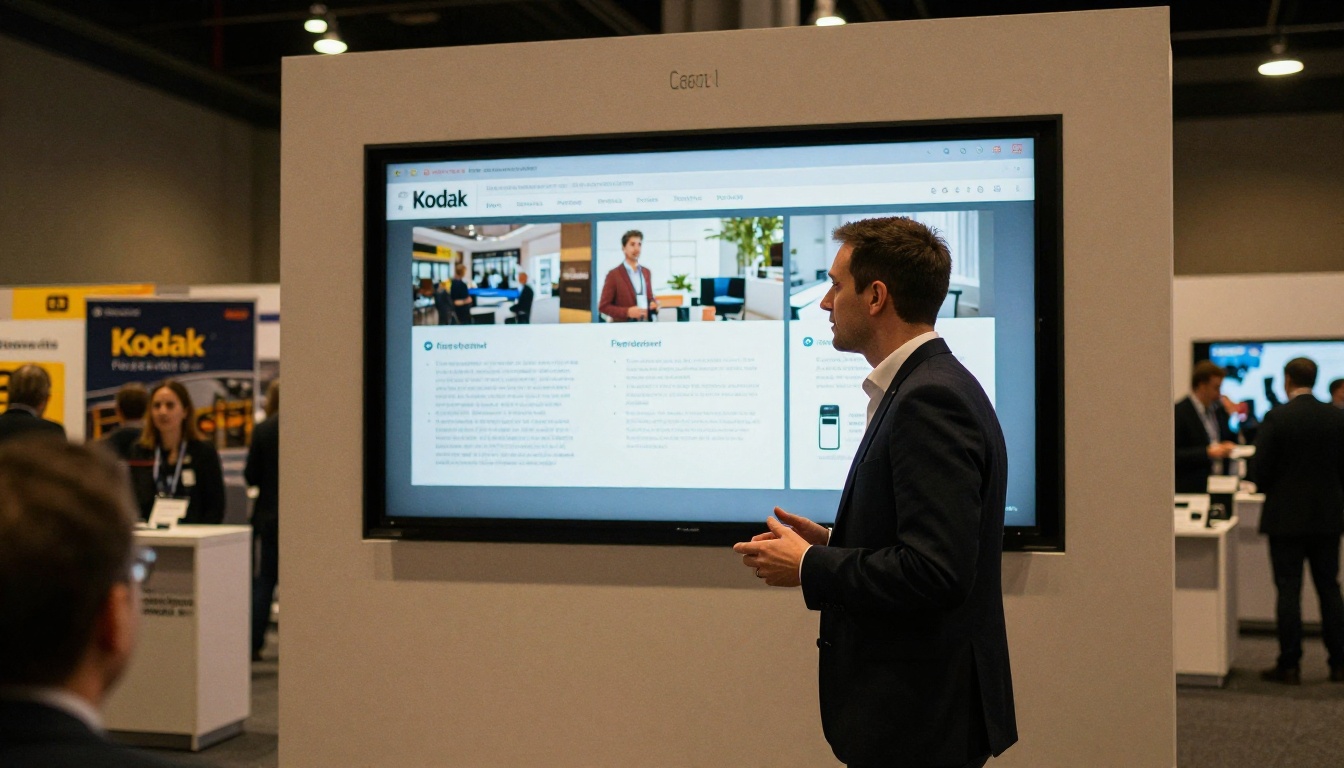
Convention centers and event venues are notorious for overloaded wifi. Thousands of people and dozens of companies all competing for bandwidth on the same network. If your Sales Presentation Flipbook or Product Catalog depends on a live connection, you are one bad wifi moment away from an embarrassing demo.
Smart presenters download their flipbooks the night before and run them locally on a device. No dependency, no risk, no excuses.
Education and Training
Schools and corporate training programs often have restricted or unpredictable networks. A trainer presenting a Training Manual Flipbook or Course Material Publisher content needs to know it will display correctly regardless of what the network decides to do that morning.

✅ For any presentation, event, or field situation, always have a locally downloaded copy of your flipbook ready as a backup, even if you expect internet access.
3 Common Mistakes With Offline Flipbooks
Knowing the theory is only part of it. Here are three mistakes that catch people off guard.
1. Assuming a bookmark equals offline access
Many content creators share a flipbook link and tell recipients they can "save it" for later. A browser bookmark does not store the actual flipbook content. The reader still needs connectivity to load each page. Only a downloaded package truly works offline.
2. Not testing on the actual device before the event
Downloading a flipbook package and immediately using it during a presentation without testing it first is a reliable way to discover formatting issues at the worst possible moment. Always open the downloaded package on the exact device you plan to present from, at least 24 hours before the event.
3. Linking to external resources from the offline version
If your flipbook contains hyperlinks to external websites, those links will not function offline. Readers who tap them will see a connection error. If your offline audience needs to access linked resources, include a printed reference sheet alongside the distribution or rethink which content needs to be embedded within the flipbook itself.
How to Create Offline-Ready Flipbooks with Flipbooks AI
Flipbooks AI makes it straightforward to produce publications that work both online and offline. Here is how to set it up:
Step 1: Create Your Account
Head to flipbooksai.com/account and sign up. The platform runs entirely in your browser with no software to install. You can start building your first flipbook within minutes of signing up.
Step 2: Upload Your PDF
Click the upload button and select your PDF. The PDF to Flipbook Converter processes it and creates an interactive flipbook with realistic page-turn animations. Supported content includes product catalogs, restaurant menus, brochures, annual reports, and any PDF document you already have.
Step 3: Customize Your Publication
Use the editor to apply your branding. Adjust colors, fonts, and the front page design. You can embed video, audio, and hyperlinks into individual pages to make the online version more interactive. Add password protection if your content is confidential.
Step 4: Enable Offline Downloads
In your flipbook settings, toggle the offline download option (available on the Professional plan, see pricing). This generates a downloadable ZIP package that readers save to any device, whether that is a phone, tablet, or laptop.
Step 5: Share Both Versions
Share the hosted URL for online readers with reliable connectivity. For offline scenarios, distribute the downloadable package link alongside the URL. Readers click once to download, and the flipbook becomes permanently accessible on their device without any connection needed.
Step 6: Monitor Engagement for Online Readers
When readers access the online version, Flipbooks AI Professional analytics tracks page views, time spent per page, and reader behavior. Note that analytics only function for the online version since offline reads cannot report data back to the server.
Features That Still Need Internet
Even with a downloaded flipbook, certain interactive elements depend on server connectivity. Here is what works offline and what does not:
| Feature | Works Offline | Requires Internet |
|---|
| Page flipping and navigation | ✅ | |
| Zoom and search within pages | ✅ | |
| Embedded static images | ✅ | |
| PDF version (if downloaded) | ✅ | |
| Internal hyperlinks (if saved) | ✅ | |
| Analytics and tracking | | ✅ |
| Lead generation forms | | ✅ |
| Embedded YouTube or Vimeo videos | | ✅ |
| Real-time collaboration features | | ✅ |
| Social sharing buttons | | ✅ |
| Password-protected access (server-side) | | ✅ |
| Automatic content updates | | ✅ |
This distinction matters when planning your distribution. If lead capture forms or analytics are non-negotiable during a presentation, you need internet access. If you just need the content to display correctly and impressively, offline works perfectly.
💡 For trade shows and offline demos, replace embedded external videos with static images before downloading your package. This keeps the entire experience self-contained and eliminates any dependency on streaming services.
Device Compatibility for Offline Flipbooks
Mobile Devices
On iOS and Android, downloaded HTML packages open via the device's browser (Safari on iOS, Chrome on Android) directly from local storage. Some devices may show a brief security notice when opening local HTML files, which readers can safely dismiss. The content loads and functions normally afterward.
For a seamless mobile experience, Flipbooks AI publications are fully mobile-responsive. The page-turn animations, zoom functions, and layout all adapt to phone and tablet screen sizes automatically, whether the reader is online or entirely offline.

Desktop and Laptop
On Windows and macOS, opening a downloaded flipbook package is as simple as extracting the ZIP file and double-clicking index.html. It opens in whatever default browser is installed. Chrome, Firefox, Safari, and Edge all handle local HTML flipbooks without any issues.
For corporate environments where file-opening policies restrict local HTML execution, a PDF download is the safest format. Every device with a PDF reader can open it, which means essentially every device in use today.
USB and Physical Distribution
One underutilized approach: loading offline flipbook packages onto USB drives. For trade shows and sales meetings, handing a prospect a branded USB drive containing your interactive catalog is memorable and entirely immune to any connectivity concerns. The reader plugs in the drive and opens the flipbook directly, with no internet required and no app to install.
Real-World Use Cases by Profession
Make Your Flipbooks Work Anywhere
If you want your digital publications to reach readers in every situation, not just when they have a solid wifi connection, then offline access is a basic reliability requirement, not an optional add-on.
The most practical approach is to maintain both versions: a live hosted flipbook for online sharing, embedding, and analytics, and a downloaded package for presentations, field use, and anywhere connectivity cannot be counted on.
Flipbooks AI supports both workflows inside one platform. You create your publication once, share the hosted link for digital campaigns, and export the offline package for situations where internet just cannot be guaranteed.
Ready to build a flipbook that works everywhere? Create your account and start for free. When you need offline downloads, lead generation, and detailed analytics, check the pricing plans to find what fits. Browse the full library of flipbook tools to find the right format for your content type.



