Every year the same debate returns to the investor relations office: do we print the annual report, or do we send everyone a link? The honest answer is "it depends on who is reading," and that is exactly why the question deserves data instead of habit. If you are weighing the budget, the paper, and the inbox, this article gives you a clear picture, and shows how tools like Flipbooks AI let you serve both camps without printing a single unnecessary copy.

The Short Answer
Some shareholders do still want paper. Many do not. The split follows age, portfolio size, and how long someone has held the stock, far more than it follows geography or industry.
Here is the pattern most issuers report when they survey their register:
- Long-term retail holders (often 60+) frequently ask for the printed version and say they read it cover to cover over several evenings.
- Institutional investors almost always work from the PDF or a data feed, then search for specific figures.
- Younger retail investors read on a phone, usually in short sessions, and rarely request paper.
- Proxy advisors and analysts want fast navigation to the financial statements and the remuneration report.
💡 Do not guess. A one-question opt-in survey on your next proxy mailing tells you more than any industry statistic, because it describes your own register.
What Shareholders Actually Prefer
Preference is not a single number. It changes with the task being done. A shareholder who prefers screens for checking the share price may still want paper for a slow, careful read of the chairman's letter.

Paper Wins for Deep Reading
Printed pages are easy to annotate, easy to spread across a desk, and free of notifications. Retail holders who treat the report as a yearly ritual often say it feels more trustworthy because it is a physical, finished document. For them, a missing printed copy can feel like a downgrade in service.
Screens Win for Speed and Search
Digital readers want to jump to the cash flow statement in two taps. They also want to copy a table into a spreadsheet, zoom into a chart, and share a page with an adviser. Paper cannot do any of that.
The Quiet Majority Has No Strong Opinion
In most registers a large group simply defaults to whatever arrives. That group is your opportunity: a good digital experience, offered by default, with paper available on request, satisfies most people and cuts waste.
Printed vs Digital: Side by Side
Before choosing a format, compare what each one really delivers.
| Factor | Printed Report | Digital Flipbook |
|---|
| Reading experience | Tactile, easy to annotate | Searchable, zoomable, mobile friendly |
| Cost per reader | High (print, paper, postage) | Very low after production |
| Speed to reach readers | Days to weeks | Instant |
| Updates after release | Impossible | Possible any time |
| Measurable behavior | None | Page views, time on page, downloads |
| Accessibility | Large print needs a separate run | Zoom, text size, screen readers |
| Environmental footprint | Paper, ink, transport | Minimal |
The table shows a pattern: paper wins on feel, digital wins nearly everywhere else. That is why a blended approach keeps beating a pure approach.
The Real Cost of Printing
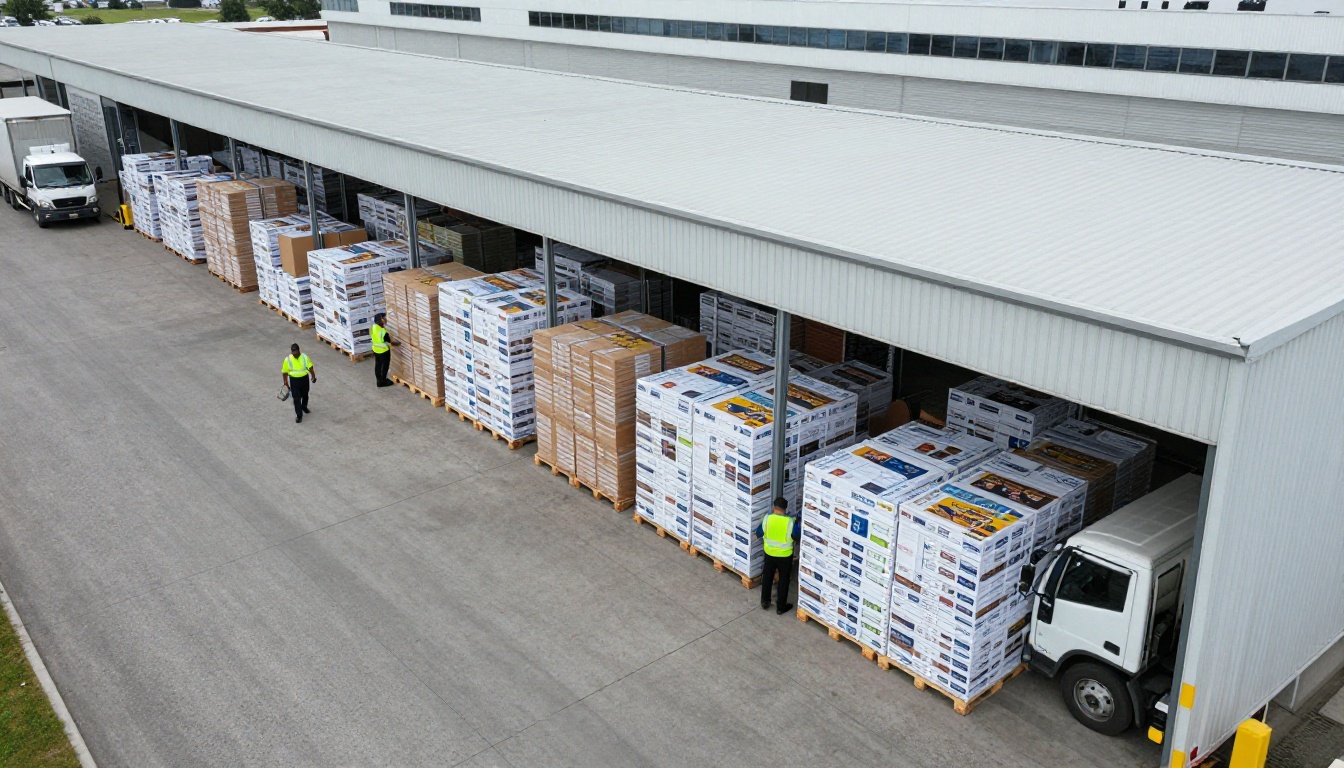
Printing costs are rarely tracked as one line, so the true figure surprises many finance teams. Design proofs, paper stock, finishing, storage, mailing, returned copies, and the staff hours spent coordinating all add up.
A Typical Cost Breakdown
| Cost Item | Printed Run of 5,000 | Digital Only |
|---|
| Print production | Largest single cost | None |
| Paper and finishing | Rises with page count | None |
| Postage and handling | Often matches print cost | None |
| Storage and waste | Unsold copies pulped | None |
| Hosting and tools | None | Small subscription |
| Update or correction | Reprint | Edit and republish |
Even a conservative estimate shows that postage and handling can rival the printing bill itself. And every copy that lands unread in a recycling bin is money gone.
⚠️ Beware of the "just in case" print run. Orders placed for 20 percent more copies than requested are the most common source of waste on the invoice.
Where Printing Still Pays Off
Print is not wasted when it is targeted. A small, premium run for the board, top holders, lenders, and the annual meeting can reinforce credibility. The trick is to print for people who asked, not for everyone on the list.
Legal and Regulatory Reality
Rules differ by market, so check your own jurisdiction and your counsel's advice. In general, many regulators now allow electronic delivery as the default, provided shareholders can still request a paper copy at no charge. Some markets require explicit consent before switching someone to digital only.
Three practical points apply almost everywhere:
- Offer a paper option. Make it easy to request, and honor it quickly.
- Keep the record. Store evidence of each shareholder's delivery preference.
- Publish the accessible version. Make sure the digital report can be read by people using assistive tools.

How People Read a Report on a Phone
More than half of first opens on corporate content now happen on a mobile device. A static PDF is hard to read on a small screen: pinch, scroll sideways, lose your place. A responsive flipbook reflows to the device, keeps page-turn motion familiar, and loads quickly.
What Mobile Readers Look For
- A table of contents they can tap
- Charts that stay sharp when zoomed
- Quick links to the financial statements
- A clear download option for offline reading
- A share button that sends a specific page
If your current digital version lacks these, readers will conclude that digital is worse than paper, when the real problem is the format. A well built PDF to flipbook converter fixes most of this with no redesign.
The Hybrid Model That Works
Most mature issuers settle on a hybrid model: digital by default, paper on request, and a short premium print run for special audiences. It respects shareholder choice and keeps spending sensible.
Who Gets What
| Audience | Best Format | Why |
|---|
| Board and senior management | Premium print plus flipbook | Formal record and quick reference |
| Institutional investors | Flipbook plus PDF | Searchable and shareable |
| Retail holders who requested paper | Standard print | Honors their stated preference |
| Everyone else | Flipbook link by email | Fast, cheap, trackable |
| Press and media | Press kit flipbook | Easy quotes and images |
Three Real-World Scenarios
- A regional bank cut its print run from 12,000 to 2,500 by asking holders to opt in, and used the savings to improve the digital design.
- A family-owned manufacturer kept a high-quality printed edition because its holders are mostly local and long-standing, but added a flipbook for lenders and suppliers.
- A listed non-profit-style foundation published digital only, with a request form for paper, and saw no complaints because the form was visible on page one.
How to Build a Digital Annual Report with Flipbooks AI
A digital version should not feel like an afterthought. Here is a practical workflow using the Annual Report Creator, which works from the PDF you already have.

Step by Step
- Create your account. Visit Flipbooks AI and sign up in a minute.
- Upload the PDF. Drag in the final annual report. The conversion keeps pages crisp and builds a page-turn reader automatically.
- Apply your branding. Add your logo, brand colors, background, and page effects so the flipbook feels like part of the company.
- Add multimedia. Embed a short video from the CEO, an audio summary, or links to the investor presentation.
- Set privacy. Use password protection if the report is still under embargo or meant for a closed group.
- Share it. Copy the direct link, or use the Embed Flipbook on Website option to place it on your investor page.
- Offer downloads. Enable offline downloads for readers who want a local copy.
- Track results. On the Professional plan, analytics show which sections are read, and lead generation captures contact details. See pricing plans for details.
✅ Best practice: put a "Request a printed copy" link on the first page of the flipbook. It protects your service promise to paper readers and gives you a clean data point on real demand.
What You Get
- ✅ No watermarks, ever
- ✅ Unlimited flipbooks on the Standard plan and above
- ✅ Mobile-responsive design
- ✅ Embedded video and audio
- ✅ Custom branding
If your report includes a wider corporate package, the Corporate Report Maker and the Report Flipbook Creator follow the same process.
Sustainability Is Part of the Story
Investors increasingly read the sustainability section first, and then check whether the company behaves accordingly. Printing thousands of reports that nobody asked for sits awkwardly beside a page about reducing waste.

You do not need to abandon paper to make the point. Use certified paper, print only what was requested, and report the numbers: copies printed, copies avoided, and the estimated paper saved. Readers respect specifics.
A Simple Scorecard
| Metric | Track It Yearly |
|---|
| Printed copies ordered | Compare with prior year |
| Paper requests received | Shows real demand |
| Digital opens | Shows reach |
| Average pages read | Shows content value |
| Unused copies | Should trend toward zero |
Common Mistakes to Avoid
Teams switching formats tend to repeat the same errors.
- Forcing digital on everyone overnight. Long-standing holders feel dropped. Give notice and an easy opt-out.
- Posting a heavy PDF and calling it digital. A slow file on mobile is worse than no file.
- Ignoring accessibility. Text size, contrast, and alt text matter, and some regulators expect them.
- Not measuring. Without data you cannot justify the next year's print run to your CFO.
- Hiding the paper option. If requesting paper takes five clicks, you will get complaints at the annual meeting.

A Practical Decision Checklist
Use this short list before your next reporting cycle.
- Survey the register: how many holders want paper, and how many do not respond?
- Price a full print run against a targeted run using real quotes.
- Confirm your legal duties with counsel.
- Prepare a mobile-friendly flipbook alongside the PDF.
- Place a visible request link for printed copies.
- Review analytics after release and adjust the next cycle.
💡 Share the results with the board. Showing that 70 percent of holders opened the flipbook while only 8 percent requested paper makes the budget conversation easy.
Ready to Decide With Real Data?
The question is no longer "paper or digital," it is "which shareholders need which format." Answer that, and you will spend less while keeping everyone informed.

Ready to publish a report people actually open? Get started for free on Flipbooks AI, browse all flipbook tools to find the right template, or compare pricing plans to choose what suits your team. If you also publish a nonprofit or community report, the Non-Profit Annual Report tool is built for that case.



