If you've been putting off creating a flipbook because you assumed you'd need a graphic designer, a copy of Adobe InDesign, or some specialized training, you're not alone. That assumption made sense a decade ago, when turning a PDF into a page-flipping digital publication required real software skills, expensive tools, and plenty of back-and-forth with a professional. Today, it doesn't. Flipbooks AI and similar platforms have collapsed what used to be a multi-day professional job into something most people can do in under an hour, with nothing more than a finished PDF and a browser tab.
That said, the answer isn't a blanket "you never need a designer." There are real situations where bringing in a professional still makes sense. This article breaks both sides down honestly so you can make the right call for your project, your budget, and your timeline.
What Making a Flipbook Used to Require

The Old Process
Before browser-based flipbook platforms existed, the workflow was genuinely complex. You needed a desktop publishing application like Adobe InDesign or QuarkXPress to lay out your pages. The file then had to be exported to a specific PDF format, imported into a separate flipbook application (often a desktop program), and rendered into a Flash or HTML5 publication. That final file still had to be hosted somewhere, which meant FTP access or a separate hosting plan.
Every step in that chain required either your own expertise or someone else's. Most businesses handed this off to a designer or a print agency, which added both cost and lead time. Small businesses often skipped digital publications entirely because the barrier to entry was simply too high.
What Changed
Browser-based tools changed everything. Modern flipbook platforms handle the conversion automatically. You upload a PDF, the platform converts it instantly into an interactive HTML5 publication with realistic page-turn effects, and you get a shareable link the same day. The design work, the hosting, and the technical heavy lifting all happen server-side so you never need to touch a line of code or open a design application. What used to require a professional with specialized software now takes anyone with a PDF and 15 minutes.
When You Might Need a Designer
No Source File Exists Yet
If you don't have a PDF to start with, someone has to create one. If your content lives in rough notes, a spreadsheet, or just an idea, you'll need someone to lay it out into a proper document before any flipbook platform can work with it. A designer can take your raw content and produce a polished, branded PDF ready for conversion. If your budget is tight, a skilled freelancer can produce a clean single-subject brochure or catalog for $50 to $200, depending on page count and complexity.
Your Brand Has No Visual Identity Yet
If your business doesn't have established typography, color palettes, or a logo, building a flipbook from scratch means making those decisions on the fly. A designer can develop a cohesive visual system that makes every page feel intentional rather than assembled. This investment pays off when the flipbook represents you externally, such as a sales deck sent to enterprise clients or a corporate presentation shared with investors.
Fully Custom Illustrations or Complex Infographics
Standard flipbook platforms give you page-turn effects, video embedding, and link overlays. What they don't provide is frame-by-frame animation, custom illustrations, or bespoke infographic art. If your content vision calls for those elements, you'll need a designer or animator to build those assets before the flipbook creation even begins.
⚠️ Important: If you already have a well-designed PDF, you almost certainly don't need a designer. The platform handles everything from that point forward.
When You Don't Need a Designer

You Already Have a PDF
This is the most common scenario. If you have a PDF, whether it's a product catalog, company report, employee handbook, or marketing brochure, you can convert it into a flipbook in minutes with no additional design work. The visual quality of your flipbook will directly match the quality of your original PDF.
Templates Replace the Design Work
Platforms like Flipbooks AI offer ready-made templates for dozens of use cases. You add your content, swap in your logo and brand colors, and the design is done. Templates are built by professionals, so the output looks credible and polished even when you're building it entirely yourself.
Speed Matters More Than Custom Work
Hiring a designer adds lead time. Even a fast freelancer needs several business days to produce a polished document. If you need a product catalog published before a trade show this Tuesday, doing it yourself with a solid template is almost always the better call.
💡 Pro tip: Start with a well-structured Word or Google Doc, export it as a PDF, and upload it directly to Flipbooks AI. You can have a live, shareable flipbook ready in under 15 minutes.
Recurring Publications
If you publish a newsletter, catalog, or report on a regular schedule (monthly or quarterly), a self-service platform gives you the speed and control that a designer workflow simply cannot match. Update the PDF, re-upload, and your new edition is live within minutes rather than waiting days for a design turnaround.
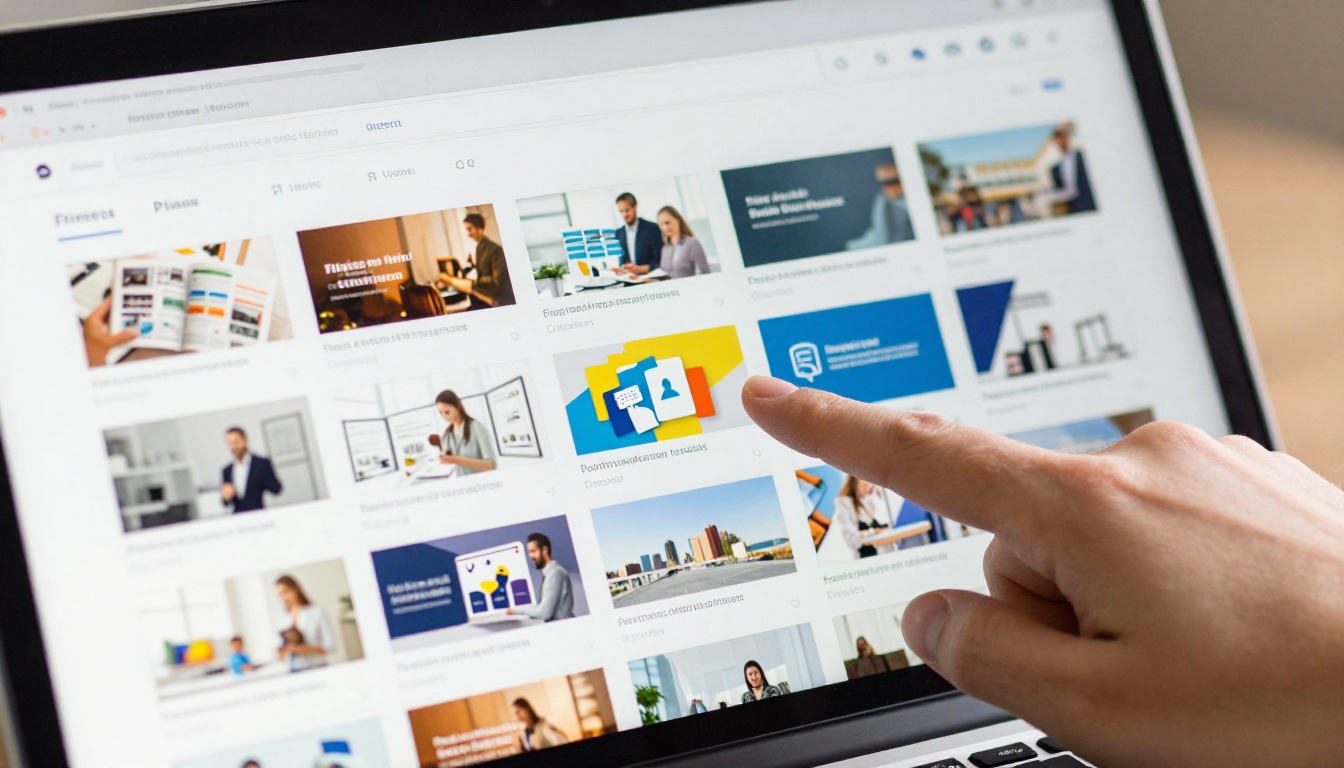
Modern flipbook platforms are far more capable than most people assume. Here's what you're actually getting when you use a tool like Flipbooks AI:
Automatic PDF Conversion
Upload any PDF and it converts instantly into an interactive publication with realistic page-turn physics, smooth mobile scrolling, and zoom functionality. No configuration required. The conversion preserves your fonts, images, and layout exactly as designed in your source file.
Built-in Template Libraries
Dozens of professionally designed templates organized by use case: catalogs, menus, portfolios, annual reports, event programs, and more. Each template comes with pre-set typography and color systems that you can replace with your own brand identity through a simple editor panel.
Drag-and-Drop Editing
Add hyperlinks, embed YouTube or Vimeo videos, insert audio clips, add lead capture forms, and overlay text without writing a single line of code. The interface is comparable to a basic presentation tool. If you can use PowerPoint or Google Slides, you can use a flipbook editor confidently.
| Feature | Traditional Designer Workflow | Modern Flipbook Platform |
|---|
| Time to publish | 3-10 business days | Under 1 hour |
| Cost per project | $200-$2,000+ | $0-$29/month |
| Design software needed | InDesign, Photoshop | None |
| Hosting included | Rarely | Yes |
| Mobile-responsive output | Manual optimization | Automatic |
| Performance data | Requires third-party setup | Built-in (Professional plan) |
| Shareable link | Requires web developer | Instant |
| Revision turnaround | 1-3 days per round | Immediate, self-service |
✅ Best practice: Always export your source document at 150 DPI or higher before uploading. Higher-resolution PDFs produce sharper, more professional-looking flipbooks.
DIY vs. Hiring a Designer
The real question isn't about skill level. It's about whether the investment matches the outcome you actually need.
| Factor | Hire a Designer | Do It Yourself |
|---|
| Upfront cost | $150-$3,000+ | $0-$29/month subscription |
| Timeline | 3-14 days | Same day |
| Revisions | Paid per round | Unlimited, instant |
| Brand customization | Fully custom | Template-based or custom via editor |
| Output quality | High (with a skilled designer) | High (with a quality source PDF) |
| Ongoing updates | Pay per update | Self-service, immediate |
| Best for | No source file, complex design needs | Existing PDF, recurring publications |
The Real Cost of Hiring a Designer
Freelance rates for digital publication design vary widely depending on experience and location:
- Entry-level freelancer: $25-$60/hour. A simple 12-page brochure takes 4-8 hours, so expect $100-$480 per project.
- Mid-level freelancer: $60-$120/hour. More polished, experienced work puts the same project at $240-$960.
- Agency: $150-$300+/hour. Larger teams with account management, often with $1,500+ minimums per project.
Compare that to a Flipbooks AI Standard plan at around $19/month, which gives you unlimited flipbooks, custom branding, and no watermarks. For most small to mid-size businesses publishing multiple times per year, the math is straightforward.
💡 Pro tip: If you're publishing more than two flipbooks per year, a subscription platform will almost always cost less than hiring a designer for each project individually.
How to Make a Flipbook Without a Designer
Flipbooks AI makes this process simple even if you've never done it before. Here's exactly how it works from start to finish:
Step 1: Prepare your PDF
Open your source document in Word, Google Docs, Canva, or any application you already use, and export it as a PDF. Make sure images are embedded and resolution is at least 150 DPI. If you're starting from scratch with no existing document, choose a Flipbooks AI template as your starting point and fill it with your content.
Step 2: Create your account
Go to flipbooksai.com/account and sign up. The free plan lets you test the conversion immediately so you can see exactly how your document looks as a flipbook before committing to anything.
Step 3: Upload your PDF
Drag your PDF into the upload area or click to browse your files. The platform converts it automatically. Most documents process in under 30 seconds regardless of page count.
Step 4: Add your branding
Once your flipbook is live in the editor, you can:
- Upload your logo to appear in the viewer frame
- Set your brand colors for the toolbar and background
- Enable or disable the table of contents sidebar
- Add page transitions and optional sound effects for page turns
- Embed video directly into specific pages using the multimedia overlay tool
Step 5: Add interactive elements
Use the drag-and-drop overlay editor to insert:
- Clickable hyperlinks for product pages, contact forms, or external resources
- Embedded videos from YouTube, Vimeo, or direct video file uploads
- Audio narration or background music tracks
- Lead capture forms for gated content (available on the Professional plan)
Step 6: Publish and share
Click Publish and your flipbook goes live immediately. You receive:
- A direct shareable link for email and social media sharing
- An embed code for your website via the Embed Flipbook on Website tool
- Password protection settings for private or internal documents
- A downloadable QR code for printed materials and event signage
Step 7: Track how readers interact with it
On the Professional plan, the built-in analytics dashboard shows you page-by-page performance data: which pages readers spend the most time on, where they drop off, and how many unique visitors your flipbook received. This is genuinely useful for refining future publications and understanding what content resonates most.
✅ Best practice: Password-protect internal documents like pricing sheets or HR materials. Flipbooks AI lets you set per-flipbook passwords at no additional cost on Standard and above.
Who Actually Uses Flipbooks Without Designers?

The answer is: almost everyone. Here are real-world scenarios of how non-designers use flipbook platforms every day:
Restaurants: A restaurant can use the Restaurant Menu Creator to turn a standard PDF menu into an interactive digital menu complete with photographs and clickable sections. The owner updates prices by swapping the PDF. No designer required after the initial document is set up once.
Real estate professionals: An agent can use the Real Estate Brochure Creator to convert property listing PDFs into shareable flipbooks. Clients receive a clean link instead of a bulky email attachment. New listings get their own flipbook in under 10 minutes.
Schools and educators: Teachers and administrators use the Course Material Publisher or School Newsletter Creator to distribute class materials and parent communications digitally. Zero design background needed at any stage.
Photographers and creatives: A photographer builds a portfolio using the Photography Portfolio Flipbook tool by uploading a curated image PDF. The page-turn format gives it a premium editorial feel without custom development or a hired web designer.
Small retailers: A clothing boutique publishes a seasonal lookbook using the Interactive Lookbook Designer. The sales team shares a link in email campaigns and social posts. Total time from PDF to live shareable link: about 20 minutes.

Plans and Pricing at a Glance

Flipbooks AI offers tiered plans so you pay only for what your publishing volume requires:
| Plan | Best For | Features Included |
|---|
| Free | First flipbooks, testing | Basic conversion, Flipbooks AI branding |
| Standard | Regular publishers | Unlimited flipbooks, custom branding, no watermarks, password protection |
| Professional | Growth-focused teams | Analytics, lead capture forms, offline downloads, priority support |
A few things worth knowing about each tier:
- No watermarks on any paid plan: Your flipbooks never carry third-party branding once you upgrade.
- Unlimited flipbooks on Standard and above: You pay a flat monthly rate, not per publication. This matters significantly if you're publishing frequently or managing multiple clients.
- Analytics on Professional: Page-level performance data is particularly useful for sales teams who want to see which product pages prospects spend the most time on, and where interest drops off.
- Offline downloads: Available on Professional so your audience can access content without an internet connection, ideal for trade shows, client meetings, and conferences.
See the full breakdown at flipbooksai.com/pricing.
The Bottom Line
The short answer is this: if you have a PDF, you don't need a designer to make a professional flipbook. The conversion, the hosting, and the interactivity are all handled for you. The only scenario where a designer is genuinely necessary is when the underlying document doesn't exist yet and you can't produce it yourself, or when your project calls for bespoke visual elements that go well beyond what any platform provides.
For the vast majority of business use cases, whether you're a restaurant updating seasonal menus, a retailer launching a product catalog, a real estate agent sharing property listings, or a school distributing class materials, the right tool removes the designer dependency entirely.
Ready to see it for yourself? Create your first flipbook at Flipbooks AI and see exactly what your PDF looks like as an interactive publication before committing to anything. Browse the full library of tools and templates to find the right starting point for your use case, and compare plans when you're ready to publish without limits.



