If you have spent any time trying to make a landing page that actually converts, you already know the problem: static pages feel flat, visitors scroll past them in seconds, and the bounce rate tells a story nobody wants to read. The question of whether a flipbook can work as a landing page is not just valid — it is one the smartest marketers are asking right now. The short answer is yes, a flipbook absolutely can function as a landing page, and in many cases it outperforms a traditional one. But the longer answer involves knowing exactly when it works, how to set it up for conversion, and what tools make it possible. Flipbooks AI is built for exactly this use case.
What a Landing Page Actually Does
Before comparing formats, it helps to be precise about what a landing page is supposed to accomplish. A landing page is a standalone web page designed for a single purpose: capturing a lead, making a sale, or directing the visitor toward one specific action.
The Core Job of Any Landing Page
A landing page succeeds when it does three things well:
- Holds attention long enough for the message to land
- Communicates value quickly and clearly
- Moves the visitor toward a single call to action
The problem with most static landing pages is that they fail at the first job. Attention is gone in under three seconds for a majority of visitors. Static blocks of text, a hero image, and a form do not always cut through the noise anymore.
What Visitors Actually Want
Modern visitors expect interactive experiences. They want to scroll, flip, click, and move through content at their own pace. They respond to visual storytelling. A format that mimics the feel of a high-quality publication, catalog, or brochure carries an implicit sense of credibility and polish that a flat HTML page often cannot replicate.
How Flipbooks Work as Marketing Assets
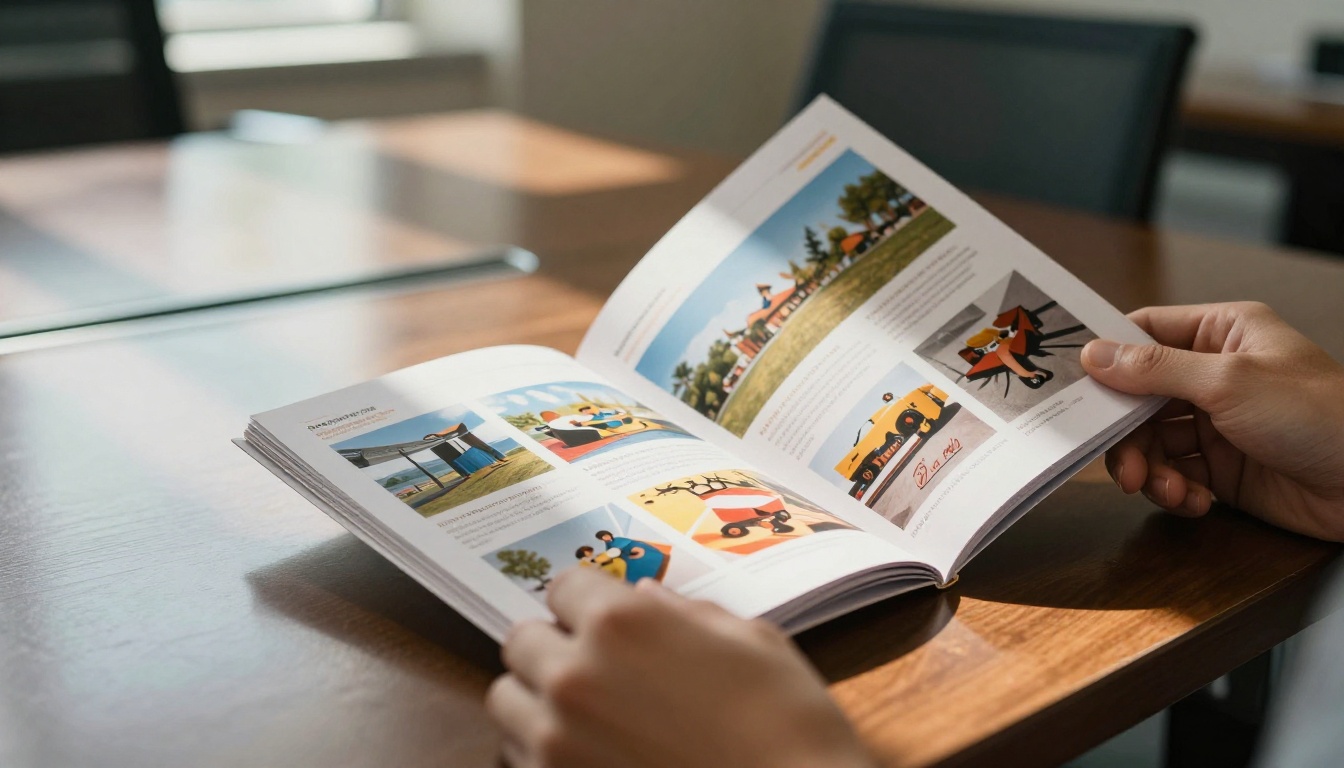
A digital flipbook converts a static PDF into a page-turning, interactive publication that can be viewed in any browser. The page-flip animation mimics a physical magazine or brochure, which triggers a fundamentally different psychological response from the reader than scrolling through a flat webpage.
Why the Page-Turn Matters
The page-turn mechanic creates what psychologists call a "curiosity gap." Each page-flip is a micro-commitment. The reader has already invested in turning the page, so they are more likely to keep going. This is the same reason magazines hold attention longer than websites with equivalent content.
What You Can Embed Inside a Flipbook
A modern flipbook is not just static pages. With Flipbooks AI, you can embed:
- Lead capture forms directly inside the publication
- Video clips that play inline without leaving the page
- Clickable product links that drive directly to checkout or signup
- Audio for voiceovers or product demonstrations
- Password protection for gated content and exclusive offers
💡 A flipbook that contains a lead form on page 3 has already built context and trust before asking for the visitor's information. That is a structurally better setup than a cold form above the fold.
Flipbook vs. Landing Page: A Real Comparison
The question of which format wins depends entirely on what you are selling and who you are selling it to. Here is a direct comparison across the factors that matter most.
Head-to-Head Feature Breakdown
| Feature | Traditional Landing Page | Digital Flipbook |
|---|
| Time-on-page | Low (avg. 15–30 sec) | High (avg. 2–5 min) |
| Visual storytelling | Limited | Rich, multi-page |
| Lead form support | Native | Embedded (page-level) |
| Mobile responsiveness | Depends on build | Always responsive |
| Embeddable anywhere | Yes (as iframe) | Yes (native embed) |
| Branding control | Full | Full |
| Analytics depth | Google Analytics | Built-in page-level |
| Setup speed | Hours to days | Minutes |
| Content richness | Medium | High |
| Shareable link | Yes | Yes |
When Each Format Wins
| Use Case | Best Format |
|---|
| Single product launch with one CTA | Traditional landing page |
| Multi-product catalog with storytelling | Flipbook |
| Event registration with simple form | Traditional landing page |
| Portfolio or lookbook for creative clients | Flipbook |
| B2B proposal or pitch deck | Flipbook |
| Newsletter opt-in with social proof | Traditional landing page |
| Real estate property brochure | Flipbook |
| Fashion lookbook or seasonal campaign | Flipbook |
| Quick split test of ad copy | Traditional landing page |
| Brand awareness for high-ticket services | Flipbook |
⚠️ A flipbook is not a replacement for every landing page. If the goal is pure speed optimization for a paid ad, a single-page format still wins on load time. For everything that requires storytelling and trust-building first, the flipbook has a clear edge.

When a Flipbook Outperforms a Landing Page
There are specific scenarios where a flipbook does not just match a landing page. It clearly beats it. These are not theoretical edge cases. They are common situations that marketing teams face every week.
High-Ticket Sales That Require Context
If you are selling something that costs more than a few hundred dollars, a single landing page rarely closes the deal by itself. Buyers need to see the full picture. They want to understand the offer in depth, see social proof, absorb the features, and feel confident before converting.
A flipbook lets you walk them through all of that in a format that feels curated and professional, not rushed. A real estate agent can send a property brochure built with the Real Estate Brochure tool that reads like a magazine spread, not a data sheet.
B2B Proposals and Presentations
In B2B sales, a PDF attachment in an email gets maybe one read. A flipbook link gets forwarded, bookmarked, and revisited. Sales teams using Flipbooks AI can create a proposal that functions exactly like a landing page, with the company's branding, a custom URL, embedded testimonials, and a call-to-action form at the end.
Product Catalogs That Need to Convert
An e-commerce brand with more than five products has a real problem with traditional landing pages: there is no good way to show product depth without sending visitors to a full website, which breaks the funnel. A flipbook catalog solves this. Each page can feature a different product, with clickable links driving directly to the purchase page. The Product Catalog and Fashion Catalog tools make this kind of setup fast.
Event and Campaign Launches
Hotels and venues sending out event packages, wellness brands launching seasonal programs, restaurants unveiling a new menu — these are all cases where the content is inherently multi-page and the visual experience matters as much as the information. A plain landing page with a list of features cannot match a beautifully paginated publication. The Hotel Brochure and Restaurant Menu Creator tools are purpose-built for exactly this.
How to Set Up a Flipbook That Converts
A flipbook that works as a landing page is not just a PDF with a page-flip effect. It needs to be structured for conversion the same way a landing page would be, with a deliberate flow, a clear offer, and a specific action at the end.
Step 1: Start on Flipbooks AI
Go to Flipbooks AI and create your account. The platform handles the full conversion from PDF to interactive flipbook automatically. No code, no design software required beyond what you already use to create your PDF.
Step 2: Build Your PDF Like a Landing Page
Design your PDF source file with the conversion funnel in mind:
- Page 1: A strong opening hook with your primary value proposition
- Pages 2–4: Supporting content, benefits, social proof, or product spreads
- Page 5 (or near the end): Your lead form, CTA button, or direct offer
- Final page: Contact information, links, and next steps
✅ Think of each page as a screen in a sales presentation. Each one should earn the turn to the next.

Step 3: Upload and Convert
Upload your PDF to the PDF to Flipbook Converter. The platform processes the file and creates an interactive publication instantly. From there:
- Set your custom branding: logo, color palette, background
- Add page-level links to product pages, checkout, or signup
- Enable password protection if the content is for a specific audience, such as a sales prospect or VIP list
Step 4: Embed It Where Your Traffic Is
A flipbook that lives on its own page works like a standalone landing page. But the real power comes from embedding it. Use the Embed Flipbook on Website tool to drop the flipbook directly into an existing page, a campaign microsite, or an email as a linked thumbnail preview.
Options include:
- Full embed (takes up the full page width)
- Iframe snippet (drops into any HTML page)
- Direct shareable link (for email and social campaigns)
Step 5: Activate Analytics and Lead Gen
On the Professional plan, you get built-in analytics that show which pages visitors are reading, how long they spend on each one, and where they drop off. This is the same data a conversion-rate team would use to optimize a traditional landing page, applied directly to your flipbook. See pricing plans to find which tier fits your workflow.
💡 Page-level data from flipbook analytics often reveals that the highest-performing pages are in the middle of the publication, not at the start. Use that to move your CTA to where readers are most involved.
What You Can Track Inside a Flipbook
Analytics is one of the strongest arguments for using a flipbook as a landing page, especially for marketers who are used to tracking everything on a traditional page.
Built-in Metrics That Matter
With Flipbooks AI on the Professional plan, you can track:
| Metric | What It Tells You |
|---|
| Total views | Overall reach of the flipbook |
| Unique visitors | Distinct audience size |
| Time per page | Which content holds attention |
| Drop-off pages | Where readers stop reading |
| Link clicks | Which CTAs drive action |
| Lead form submissions | Direct conversion count |
| Device breakdown | Mobile vs. desktop split |
| Geographic data | Where your audience is located |
This is not surface-level data. It is the kind of insight that lets you iterate and improve, the same way you would run split tests on a traditional landing page.
What to Do With the Data
When you see a high drop-off on page 4 of a 6-page flipbook:
- Shorten the content on that page
- Move a strong visual to the top
- Shift the lead form from page 6 to page 5
When a specific link on page 3 gets 80% of all clicks:
- That is your highest-converting offer. Build a follow-up campaign around it.

Not every flipbook format works equally well as a landing page substitute. Some are purpose-built for conversion. Here is what tends to perform best.
Sales Presentations
A flipbook built from a sales deck is one of the most effective formats for B2B lead generation. Instead of attaching a PowerPoint file, you send a link. The prospect views it in their browser, sees the full branding experience, and encounters your CTA at the end. The Sales Presentation tool makes this setup straightforward.
Lookbooks and Product Showcases
Fashion brands, interior designers, and lifestyle companies get disproportionate value from the flipbook-as-landing-page setup. The visual richness of a multi-page lookbook communicates product quality in a way that a single-image landing page never could. The Interactive Lookbook Designer is built specifically for this use case.
Press Kits and Brand Introductions
When a brand needs to introduce itself to a new audience, whether for PR outreach, partnership proposals, or investor decks, a flipbook press kit carries significantly more weight than a static PDF. The Press Kit Designer creates a shareable, interactive version that prospects can read through at their own pace.
Digital Brochures for Service Businesses
Agencies, consultants, architects, and professional service firms all share the same challenge: what they sell is hard to show in a single image or bullet-point list. A multi-page digital brochure explains the offering, shows past work, includes testimonials, and closes with a clear next step. The Online Brochure Designer handles this exact format.

Flipbooks AI Plan Comparison for Landing Page Use
Different use cases need different feature sets. Here is a breakdown of what matters for using a flipbook as a landing page at each tier.
| Feature | Free | Standard | Professional |
|---|
| Watermarks | Yes | No | No |
| Flipbook count | Limited | Unlimited | Unlimited |
| Custom branding | No | Yes | Yes |
| Embedded links | Yes | Yes | Yes |
| Password protection | No | Yes | Yes |
| Offline downloads | No | No | Yes |
| Lead generation forms | No | No | Yes |
| Built-in analytics | No | No | Yes |
| Custom domain | No | No | Yes |
| Embed on website | Yes | Yes | Yes |
⚠️ If lead capture and analytics are core to your goal, the Professional plan is the only tier that fully supports the flipbook-as-landing-page workflow. View all plans before committing to a tier.
Start Building Yours Today
A flipbook absolutely works as a landing page. In many situations, it works better. It holds attention longer, communicates value more richly, and creates a more memorable experience than a flat HTML page. The data backs this up, and the setup is faster than most marketers expect.
The formats that get the most out of this approach are sales presentations, product catalogs, lookbooks, and service brochures — anything where storytelling, visual quality, and sequential information matter. If your current landing page is losing visitors before they reach the CTA, a flipbook might be exactly the format that fixes it.
Ready to try it? Get started for free on Flipbooks AI and have your first interactive flipbook live in minutes. Browse the full library of tools and templates to find the format that fits your campaign, or see pricing plans to choose the right tier for your workflow.



