A donor gives you money because something in your mission moved them. Then a year later they get a 40 page PDF full of jargon and wonder where their gift went. A good donor report fixes that. This donor report template shows you how to thank funders with numbers and stories, in a format people actually finish reading. And when you publish it as an interactive flipbook on Flipbooks AI, the report stops being an attachment that gets ignored and becomes something donors flip through on their phone in a spare five minutes.
Below you will find the exact sections to include, sample sentences you can adapt, three comparison tables, a design checklist, and a numbered walkthrough for turning the finished report into a shareable flipbook.
Why Donor Reports Matter
Most nonprofits treat the donor report as paperwork. Funders treat it as proof. When a foundation program officer or an individual donor decides whether to renew, the report is often the last thing they read before they decide.
A strong report does three jobs at once:
- Confirms the gift worked. Donors want to see results tied to their money.
- Says thank you in public. Recognition feels better when it is specific, not generic.
- Sets up the next ask. A renewal feels natural when the report ends with a clear picture of what comes next.
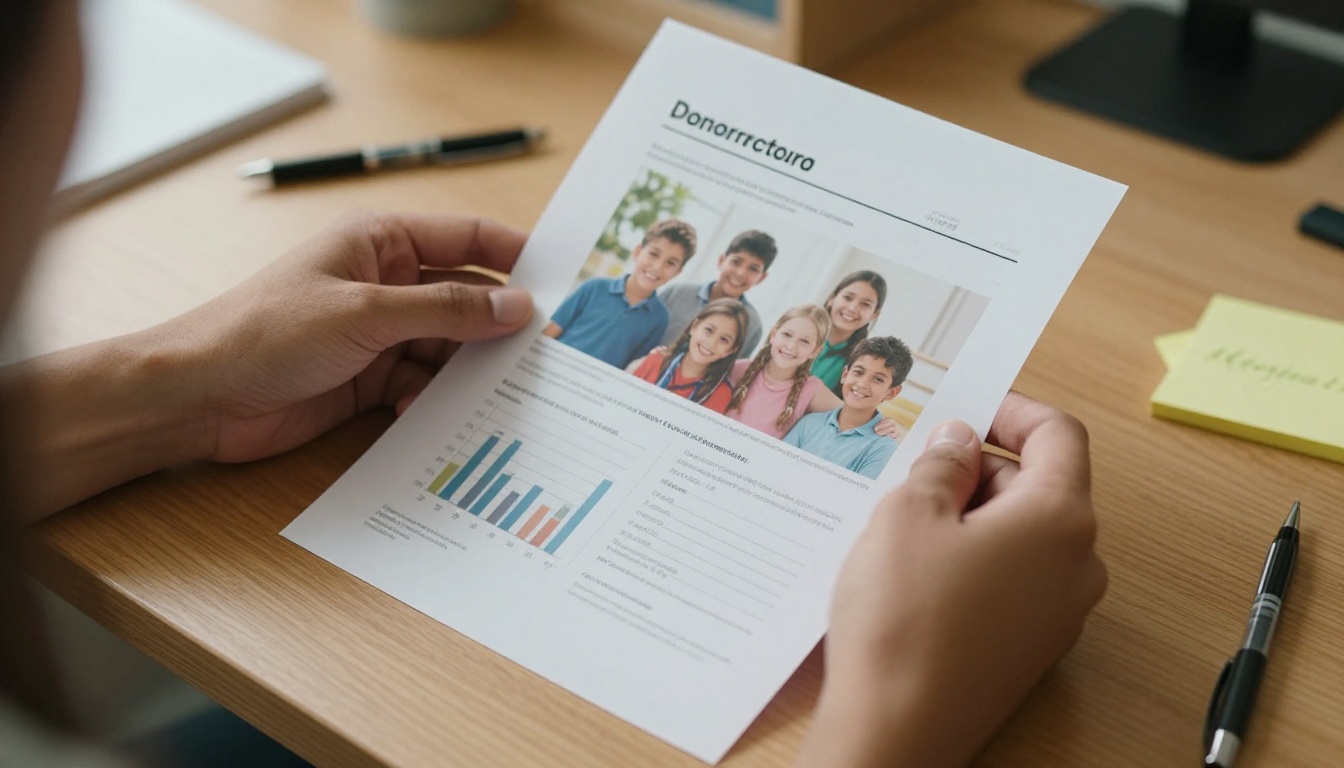
💡 Pro tip: Write the report for one real donor you know. Picture them reading it on a train. If a sentence would confuse them, cut it or rewrite it.
Numbers Build Trust
Numbers answer the question every funder has but rarely says out loud: "Did this make a difference?" Meals served, students enrolled, acres restored, families housed. These figures show scale and discipline.
Stories Build Memory
Nobody remembers a percentage a week later. They remember the girl who read her first full book, or the volunteer who showed up every Saturday for a year. Stories make the numbers stick.
Why You Need Both
Numbers without stories feel cold. Stories without numbers feel like marketing. Put them side by side and each makes the other believable.
The Donor Report Template
Here is the structure that works for most small and mid-size nonprofits. Adjust the length to your audience, but keep the order.
| Section | Purpose | Suggested Length |
|---|
| Personal thank you letter | Open with gratitude from a real person | 120 to 180 words |
| Impact snapshot | 4 to 6 headline numbers | One page |
| Featured story | One beneficiary, one moment | 250 to 350 words |
| Where the money went | Simple budget breakdown | One page |
| Program highlights | 2 to 3 short updates with photos | Half page each |
| Donor recognition | Names, tiers, or a general thank you | One page |
| What comes next | Goals and a soft invitation to renew | Half page |
1. The Thank You Letter
Start with a letter signed by the executive director, and if possible, a handwritten signature image. Keep it warm and short. Mention a specific thing the donor made possible this year.
Sample opening:
"Because of your gift, 312 families walked into our pantry this winter and left with food, not worry. Thank you for being the reason that happened."
Notice what that sentence does. It names a number, paints one image, and gives credit to the reader.
2. The Impact Snapshot
Pick four to six numbers. No more. Display them large, with one line of context under each.
- 12,400 meals distributed, up 18% from last year
- 312 families served each month
- 86 active volunteers
- 94 cents of every dollar spent on programs
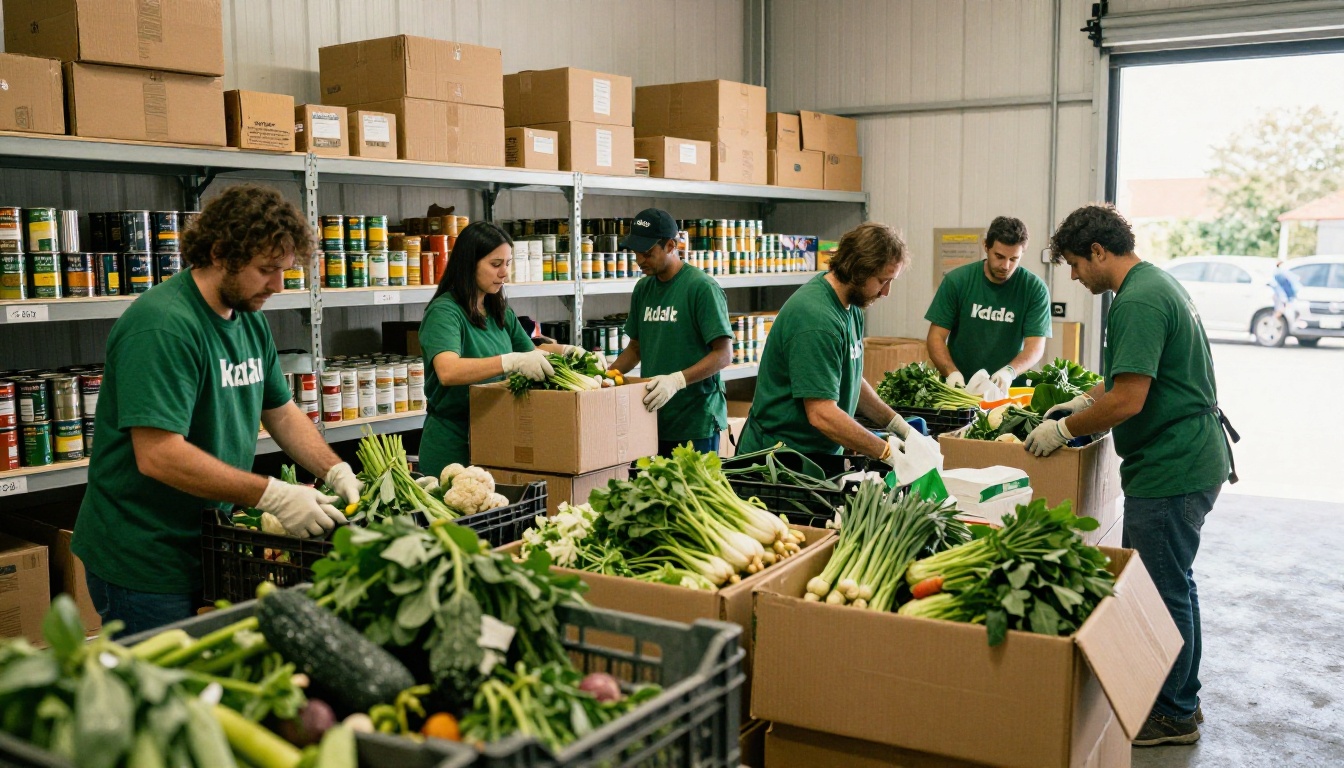
✅ Best practice: Always compare to last year. A number alone is a fact. A number with a comparison is a trend.
3. The Featured Story
Choose one person and one turning point. Use a short structure:
- The situation before. One or two sentences.
- The moment of change. What your program did.
- The result. What is different now.
- A direct quote. In their own words, with permission.

Always get written consent, protect privacy for minors and vulnerable people, and use first names or changed names when the situation calls for it.
4. Where the Money Went
Donors do not want a spreadsheet. They want a picture. A simple pie chart or a three column table does the job.
| Category | Share of Budget | What It Paid For |
|---|
| Programs | 78% | Food, supplies, staff who serve families |
| Operations | 14% | Rent, insurance, software, accounting |
| Fundraising | 8% | Events, mailings, donor care |
⚠️ Warning: Never hide overhead. Funders respect honesty about operating costs far more than a suspiciously perfect ratio.
How to Write the Numbers
Good data writing is mostly about restraint. Here is how to keep figures useful.
Use Plain Units
Say "meals" instead of "units of nutritional support." Say "students" instead of "program participants." Plain words feel respectful and read faster.
Show Change, Not Totals
A total of 5,000 volunteer hours means little alone. "5,000 volunteer hours, equal to 2.4 full time staff members" gives the reader something to picture.
Round with Care
Round to the nearest meaningful figure, and keep exact numbers when they are small. "Three new classrooms" beats "approximately 3."
Give Each Number a Source
If a figure comes from a survey or a partner, say so in a short footnote. It signals rigor without clutter.

How to Write the Stories
Stories are where a report earns an emotional response. These habits help.
Start in the Middle of a Moment
Skip "Maria was born in..." and open with a scene. "On a Tuesday in March, Maria walked into the classroom holding a worn notebook."
Keep One Hero
Resist the urge to tell five stories in one paragraph. One person, fully drawn, beats a crowd of names.
Make the Donor the Guide, Not the Hero
The beneficiary is the hero of the story. The donor is the person who made the path possible. Say it directly: "Your gift paid for the tutor who sat beside her."
End with a Concrete Image
Close on something visible. A finished book, a full pantry shelf, a new set of keys. Avoid sweeping statements.

The format shapes how many people read your report. Here is how common options compare.
| Format | Mobile Friendly | Trackable | Cost to Produce | Donor Experience |
|---|
| Printed booklet | No | No | High | Tactile, easy to ignore in a pile |
| Email PDF attachment | Poor | Limited | Low | Often skipped or never opened |
| Web page | Yes | Yes | Medium | Scrollable, but lacks a report feel |
| Interactive flipbook | Yes | Yes | Low | Page turns, links, and media in one file |
A flipbook gives you the polish of print and the reach of the web. You keep your existing PDF design, and readers get smooth page turns, embedded video, and a link they can forward to a colleague.
💡 Pro tip: Send the flipbook link in the body of your thank you email, not as an attachment. Links get opened far more often than files.
Design Tips That Raise Readability
Design should stay out of the way of the message. Follow this short checklist.
- Use real photos. Candid photos of real people beat stock images every time.
- Limit fonts to two. One for headings, one for body text.
- Keep generous white space. Crowded pages feel like a tax form.
- Use your brand colors sparingly. One accent color for numbers and callouts.
- Caption every photo. Name the place or program, and credit the people.
- Aim for 12 to 24 pages. Short reports get finished.

If you need a model for structure, the Non-Profit Annual Report tool follows a similar layout, and the Report Flipbook Creator works well for shorter, single campaign updates.
How to Create a Donor Report Flipbook
Once the content and design are ready, publishing takes a few minutes. Here is the full process on Flipbooks AI.
- Export your report as a PDF. Use Canva, InDesign, Google Docs, or any tool you already like. Keep images at a sensible resolution so the file stays light.
- Create your account. Create a free account on Flipbooks AI and open the dashboard.
- Upload the PDF. Drag the file in. The PDF to Flipbook Converter turns each page into a turnable spread automatically.
- Customize the look. Add your logo, pick background colors that match your brand, and choose a page curl effect. There are no watermarks on your finished flipbook.
- Add media. Drop in a short thank you video from your director or a 30 second audio message from a beneficiary. Both play inside the page.
- Add links. Link the "Give again" page and your impact dashboard so donors can act while they are still moved.
- Set sharing options. Copy the direct link, or use the embed code to place the report on your website. For major donor or foundation reports, turn on password protection.
- Track what happens. On the Professional plan, analytics show which pages were read and where readers stopped. Lead capture lets you collect a name before the flipbook opens. Compare options on the pricing page.
- Offer an offline copy. Enable downloads so board members can read it on a flight.

✅ Best practice: Pair the digital flipbook with a short handwritten note for your top 20 donors. The digital report delivers the detail, and the note delivers the warmth.
What to Track After You Send
| Metric | What It Tells You | Action to Take |
|---|
| Opens | Whether the subject line worked | Test a more personal subject next time |
| Pages read | Which sections hold attention | Move strong stories earlier |
| Drop off page | Where the report loses people | Trim or redesign that section |
| Link clicks | Who is ready to give again | Follow up within 48 hours |
Real Examples You Can Adapt
Here are three short scenarios showing how different organizations apply the same template.
A food bank leads with the meals number, then tells the story of a single mother who now volunteers on Saturdays. The flipbook includes a 20 second video of the pantry in action.
A school literacy program opens with a quote from a first grader, shows reading level gains in a simple table, and ends with a call to sponsor a classroom library.
A conservation group shares acres restored, a map embedded as a page image, and a story from the volunteer who planted the 10,000th tree.

Common Mistakes to Avoid
Even a good template fails when these habits creep in.
- Leading with the organization. Start with the donor and what they did, not with your history.
- Too many numbers. Six figures land. Thirty figures blur.
- Vague thanks. "Your generosity is appreciated" says nothing. Name the result.
- Hiding the ask. A soft, clear invitation to renew belongs in the final section.
- Late delivery. Send within 60 to 90 days of year end, or within a month of a grant period closing.
- No follow up. A report without a next step is a missed chance.
Tailoring the Report by Donor Type
Not every funder wants the same thing. Adjust emphasis without rewriting the whole report.
| Donor Type | Wants Most | Lead With |
|---|
| Individual giver | A feeling of connection | The featured story |
| Corporate sponsor | Visibility and community results | Impact snapshot and logo placement |
| Foundation | Outcomes against goals | Metrics tied to the grant proposal |
| Major donor | Personal recognition | A direct note and a private flipbook link |
With a flipbook, you can publish one master version and a password protected version for foundations that includes extra evaluation data. Same design, different depth.

Your Next Step
You now have a structure, sample sentences, and a publishing path. Start small: write the thank you letter first, pick your five numbers, and choose one story. Everything else follows from those three pieces.
Ready to publish? Get started for free on Flipbooks AI and turn your PDF into a flipbook donors will open. Browse all flipbook tools for annual report and newsletter formats, or compare pricing plans to find the one that fits your team.



