You send a Dropbox link. The client clicks it, sees a grid of files in a gray browser window, and has to decide whether to download a PDF, open it in-browser, or just bookmark it for later. That small moment of friction matters far more than most professionals realize, and it shapes how clients perceive your work before they have read a single word. Flipbooks AI was built specifically to remove that friction and replace it with something clients actually enjoy receiving.
The First Impression That Shapes Everything
Before any content gets evaluated, clients form an instant judgment about you based on how you deliver it. The format is the message, and two common sharing methods sit at opposite ends of the professionalism spectrum.
What a Dropbox Link Looks Like to Clients
Clicking a Dropbox shared link drops clients into a clean but utilitarian file browser. There is no branding. No context. Just a filename, a file size, and a download button. If the PDF is large, there is a loading spinner. If they are on mobile, there is a good chance the file does not render at all without a dedicated app.
The experience tells clients something unintentional: you did not put much thought into how they would receive this.

What Clients See With a Flipbook
A flipbook link opens directly in the browser with no downloads required. Pages turn with a realistic flip animation. Your logo sits in the header. The typography is clean and consistent. On mobile, the layout adapts automatically. Clients can zoom, scroll, bookmark specific pages, and share it further with a single tap.
More importantly, it feels like you built something specifically for them.
💡 The format signals the effort. When clients see a polished flipbook, they assume the content inside is equally polished, even before reading a single paragraph.
Side by Side: The Real Differences
Here is an honest, practical comparison of both sharing methods across the factors that matter most to clients:
| Factor | Dropbox Link | Interactive Flipbook |
|---|
| Requires download | Often yes | Never |
| Mobile experience | Poor (download prompt) | Fully responsive |
| Custom branding | None | Logo, colors, fonts |
| Page navigation | Linear scroll in PDF reader | Visual page-turn |
| Password protection | Folder-level only | Per-document |
| View analytics | None | Full page-by-page data |
| Embedding on website | No | Yes, with embed code |
| Multimedia per page | No | Video and audio supported |
| Professional appearance | Generic | Branded and polished |
| Works without app | Browser-dependent | Always |
The column on the right wins in almost every dimension that affects client perception. That is not an opinion. It is the direct result of how each format was designed: one for storage, one for presentation.

What Client Behavior Actually Looks Like
How clients interact with documents in the real world reveals a consistent gap between what professionals send and what clients actually want to receive.
The Friction of File Downloads
Every extra step between "link clicked" and "content viewed" costs you attention. Research across digital publishing consistently shows that requiring a download reduces the number of people who complete a reading experience. For proposals, catalogs, or brochures, that dropout is a lost opportunity.
Dropbox links ask clients to:
- Wait for the file to be recognized by their browser
- Choose to download or view in-browser
- Navigate a static PDF with no visual guide
- Scroll through pages that were designed to be printed, not read on screen
None of those steps are catastrophic individually. Together, they create a reading experience that feels like work.
When the Presentation Does the Selling
A client who clicks a flipbook link and sees a beautifully branded document is already in a better frame of mind before reading the first paragraph. The interactive format signals investment. It says you care about their experience, not just the transfer of information.
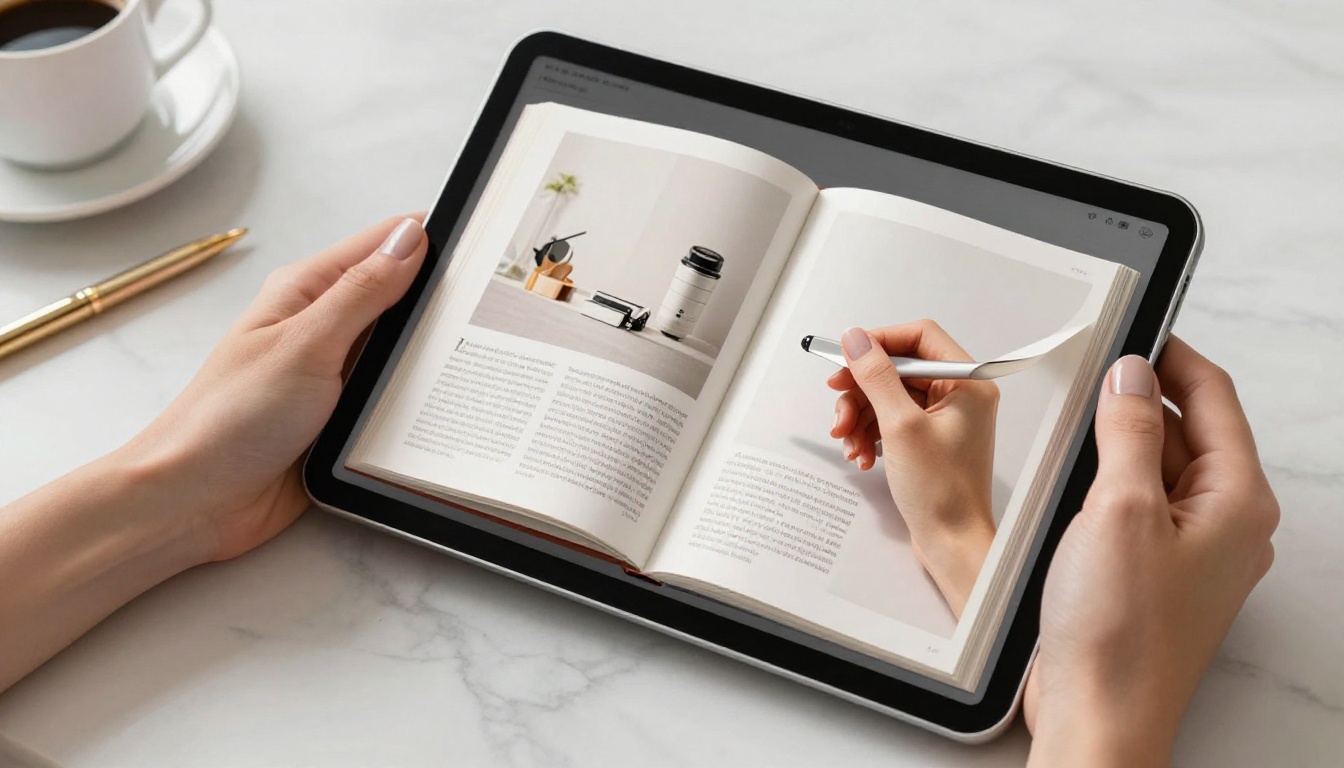
This is especially true in industries where presentation is part of the service: creative agencies, real estate, consulting, fashion, hospitality, and events. In those sectors, how you share something is a direct reflection of the quality of work you do.
⚠️ If you work in a creative field and still share proposals as raw Dropbox links, you are undermining your own portfolio before the client has seen a single image.
How to Create a Client-Ready Flipbook
Since flipbooks deliver a better client experience, the practical question is: how hard is it to make one? With Flipbooks AI, the process is straightforward and takes minutes.

Step 1: Create Your Account
Go to Flipbooks AI and sign up. The free plan lets you test the platform immediately. No credit card required to start.
Step 2: Upload Your PDF
Click "New Flipbook" and upload your PDF. Whether it is a proposal, a product catalog, a brochure, or a presentation, the converter handles it automatically. The PDF to Flipbook Converter supports files of any length and renders each page accurately.
The conversion takes seconds for most documents. You do not need to redesign anything. Your existing PDF becomes an interactive flipbook instantly.
Step 3: Add Your Branding
This is where the professional edge shows up. Add your logo, set your brand colors, and choose a page-turn style. You can also:
- Add a custom thumbnail (the cover image your client sees first)
- Set a password if the document is confidential
- Embed videos or audio on specific pages
- Enable or disable the download button for clients
For proposals and sensitive materials, the password protection feature alone makes switching from Dropbox worthwhile.
Step 4: Copy Your Share Link
Once published, Flipbooks AI gives you a clean, branded share link you can paste directly into an email. No file attachment. No folder navigation. The client clicks one link and the flipbook opens immediately in their browser.
You can also use the Embed Flipbook on Website tool to place the flipbook directly on a client portal page or proposal landing page.
Step 5: Watch the Analytics
With the Professional plan, you get page-by-page analytics. You can see which pages clients spent the most time on, how far they scrolled, and whether they revisited certain sections. That intelligence is invaluable for follow-up conversations.
"I noticed you spent a lot of time on page 8 covering the pricing section. Did you have any questions about that?" is a sentence that closes deals. You cannot have that conversation when all you know is that someone downloaded a file from Dropbox.

Where Flipbooks Win Every Time
Not every use case is equal. Here are the specific scenarios where an interactive flipbook outperforms a Dropbox link so clearly that there is no real argument for the link.
Client Proposals and Business Quotes
A proposal is a sales document. It needs to persuade, not just inform. A flipbook allows you to embed your brand voice visually, control the reading flow, and present pricing in a format clients actually want to spend time with. Use the Sales Presentation tool for polished, client-ready proposals.
✅ Set a password on client proposals so only the intended recipient can view them.
Product Catalogs and Lookbooks
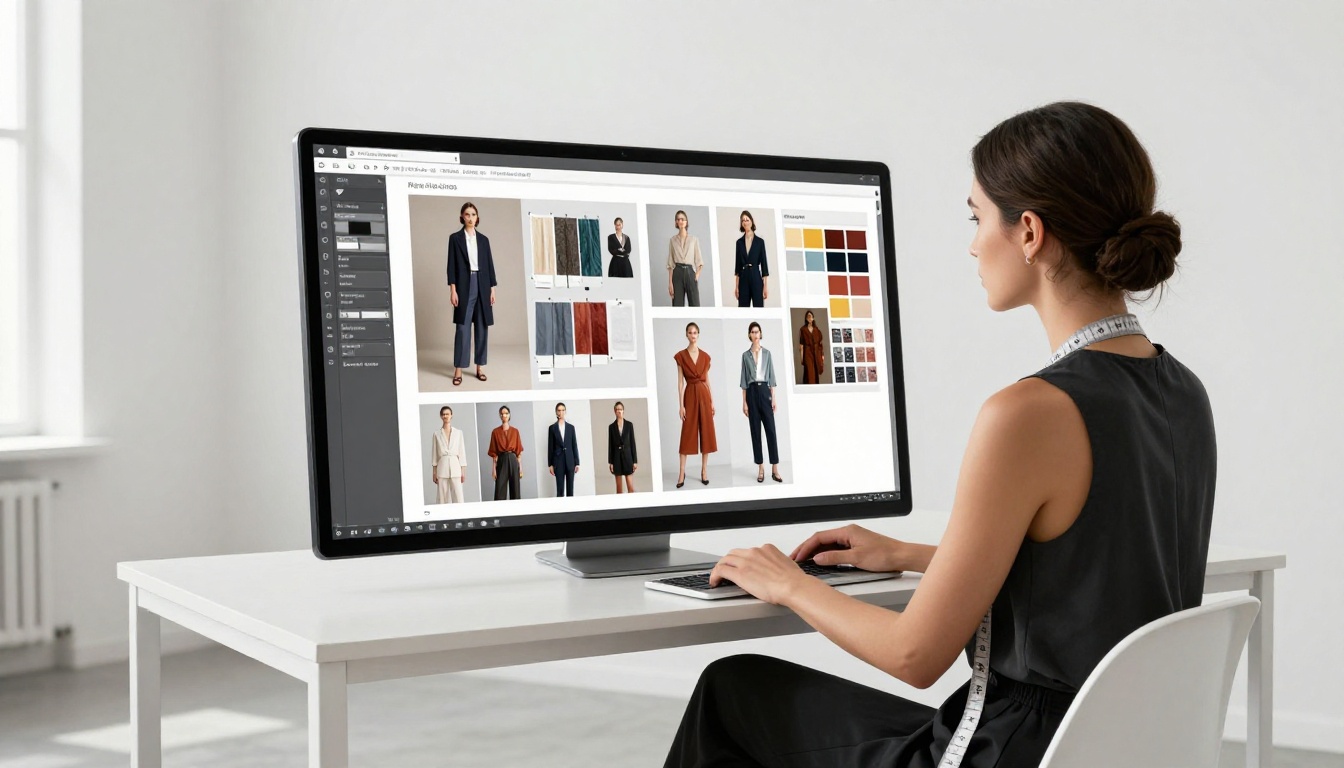
Whether you sell physical products, furniture, clothing, or food items, a flipbook catalog is the closest thing to a physical printed catalog in digital form, but with the ability to include video demos and clickable product links. Try the Digital Catalog Maker or the Interactive Lookbook Designer for stunning results.
Real Estate and Property Brochures
Clients buying or renting property want to browse, zoom, and revisit. A PDF downloaded from Dropbox does not support that browsing behavior naturally. A Real Estate Brochure flipbook lets clients flip through room-by-room photography, floor plans, and neighborhood maps in a format that mirrors how they browse property listings online.
Hotel and Hospitality Packages
Hospitality brands use flipbooks to send group booking packages, event menus, and spa offerings to corporate clients. A beautifully produced Hotel Brochure delivered as a flipbook communicates luxury in a way that a PDF attached to an email simply cannot.
Corporate Reports and Press Kits
For annual reports and press kit distribution, a flipbook creates the impression of an organization that invests in professional communication. Use the Annual Report Creator or Press Kit Designer to produce client-ready assets that stand apart from a basic file download.
When a Dropbox Link Still Makes Sense
Being honest matters here. Dropbox links are not always the wrong choice. There are specific scenarios where they genuinely serve the need better:
- Internal file transfers: Sending a colleague a working draft, a raw asset file, or a folder of source documents where no client perception is involved.
- Large binary files: Video files, high-resolution design assets, or datasets where format conversion is not relevant.
- Collaborative editing: If the recipient needs to edit the document, a cloud storage link is more appropriate than a read-only flipbook.
- Dense technical documentation: Flipbooks are designed for visual documents. Heavy technical content with code blocks or spreadsheet data often renders better as a plain PDF.
The distinction is straightforward: if no client or audience perception is involved, Dropbox is fine. If someone is forming an opinion of your brand or work based on what they receive, the format matters.
Pricing Worth Knowing
For professionals weighing the switch, here is a practical look at what you get from Flipbooks AI plans compared to what Dropbox offers for document sharing:
| Feature | Dropbox Business | Flipbooks AI Standard | Flipbooks AI Professional |
|---|
| Primary use case | File storage and sync | Document publishing | Document publishing with analytics |
| Unlimited flipbooks | N/A | Yes | Yes |
| Custom branding | No | Yes | Yes |
| Password protection | Folder level | Per-document | Per-document |
| View analytics | No | No | Yes, page-by-page |
| Lead generation forms | No | No | Yes |
| Offline downloads for clients | No | Yes | Yes |
| Embed on website | No | Yes | Yes |
| Video and audio per page | No | Yes | Yes |
| Watermark-free | No | Yes, always | Yes, always |
The two tools solve fundamentally different problems. Dropbox stores files. Flipbooks AI publishes documents for client consumption. Running both is not redundant. The real question is whether you are using the right tool for each job.
What Your Choice Says About Your Brand
Every touchpoint in a client relationship carries a signal. When you share a raw Dropbox link for a proposal or a portfolio, the signal is: "Here is the content, go figure it out." When you share an interactive flipbook, the signal is: "We prepared this for you."

That difference in perception is cumulative. Over repeated touchpoints, it determines whether clients see you as a commodity or as a premium provider worth paying more for.
The professionals and agencies who consistently win at premium positioning share one characteristic: they do not let any client-facing asset look accidental. The proposal looks like a proposal. The catalog looks like a catalog. The report looks like a report. All of it is branded, polished, and delivered in a format that respects the client's time.

Flipbooks AI makes that level of presentation accessible without requiring a design team or a web developer. You upload a PDF, add branding, and share a link. The client gets a premium experience. You get higher perceived value.
Ready to see the difference? Create your first flipbook free and send it to a client today. Browse all available tools to find the format that fits your industry. Or check out the pricing plans to choose the tier that matches your volume.
The next document you send could be the one that changes what clients are willing to pay.



