When the sirens start, nobody wants to hunt through a municipal website for the right PDF. Yet that is exactly what thousands of residents do every storm season: they search, scroll, pinch to zoom on a tiny scanned file and give up. The fix is surprisingly simple. Bundle every emergency document into a single booklet and give people one link to open it. With Flipbooks AI, a city can turn its existing PDFs into a mobile-friendly, page-turning booklet in minutes, then share it by text message, QR code, social post or website embed.
This article walks through why a single link beats a pile of attachments, what to put inside the booklet, how to build it step by step, and how to keep it current without reprinting anything.
Why One Link Beats Ten PDFs
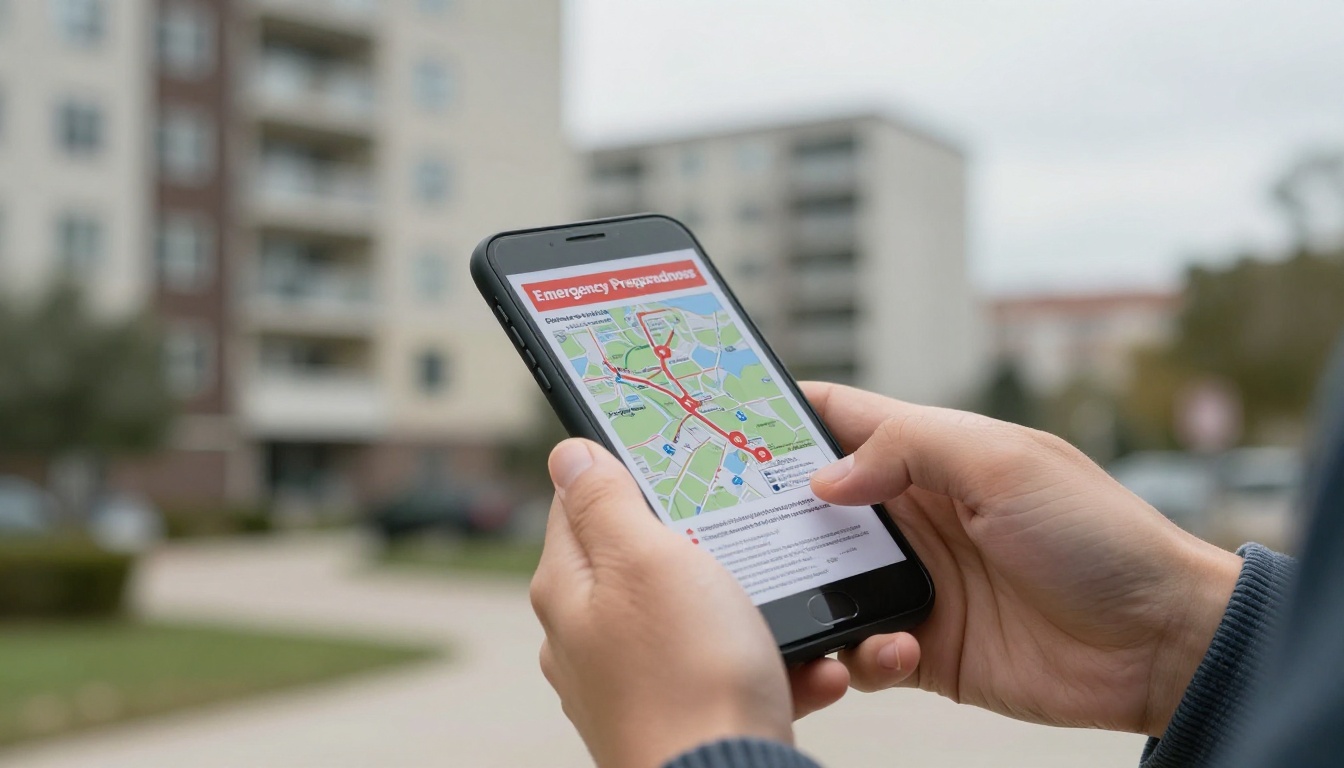
Most city emergency material grows over the years. There is a flood evacuation map from one department, a heat wave notice from public health, a shelter list from the parks office and a kit checklist from the fire service. Each lives at a different address, and each looks different on a phone.
The Problem With Scattered Files
Residents under stress rarely read instructions closely. They need a single, memorable source. Scattered files cause three recurring failures:
- Version confusion. Someone shares last year's shelter list on social media and it spreads for weeks.
- Poor mobile reading. A letter-size PDF on a five-inch screen forces constant zooming.
- Broken handoffs. Neighborhood groups, landlords and schools copy and paste links that later change or expire.
What a Single Link Changes
One link means one source of truth. When the city updates a page, everyone who holds the link sees the new version. Nobody has to re-download or reprint anything. The same address works on a fridge magnet QR code, in a council newsletter and in a text alert.
💡 Pro tip: Pick a short, speakable name for the booklet, such as "Ready City". People will repeat it to neighbors who do not have a phone nearby.
Printed Booklets Still Matter
Digital does not replace paper. Many older residents prefer a printed copy, and power cuts make paper essential. The best approach pairs both: print a limited run for libraries and community centers, and put a QR code on the back cover that opens the live version. That way the printed copy is never the last word.
What Belongs Inside the Booklet
A good preparedness booklet is short enough to skim in two minutes and detailed enough to act on. Aim for 16 to 32 pages, ordered by urgency.
Hazard Pages First
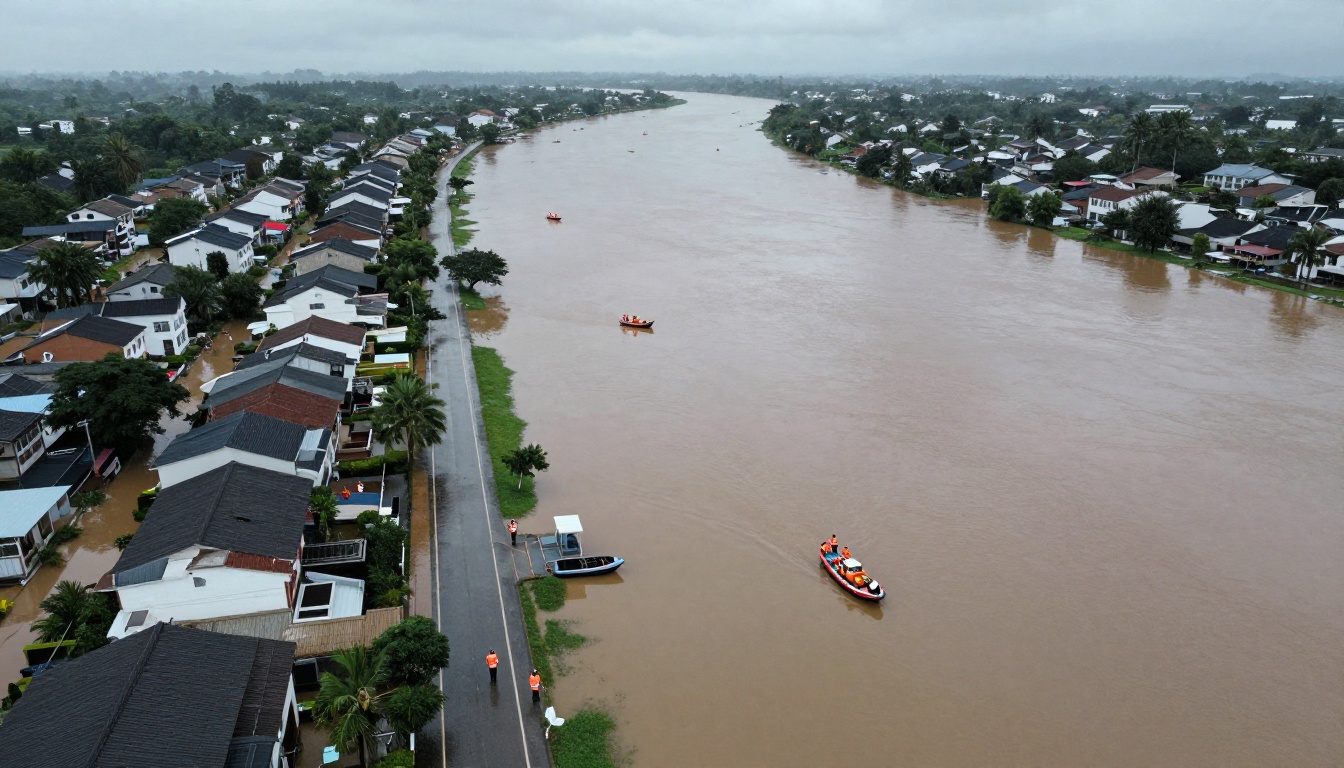
Open with the hazards your city actually faces. Do not list every possible disaster. A coastal city might lead with flooding and storm surge, while an inland city might lead with wildfire smoke and winter storms. Give each hazard two pages: what to expect and what to do in the first hour.
Maps and Routes
Evacuation routes, shelter locations and cooling centers belong on full-page maps. Use large labels and avoid thin lines that vanish on a phone. A flipbook handles this well because readers can zoom into a single page without losing their place in the booklet.
Contacts and Checklists
Finish each section with a short checklist and the phone numbers that matter. Use plain language, large numbers and the same layout on every page.
| Section | Typical Pages | Best Format |
|---|
| Hazard overview | 4 to 8 | Short text with icons |
| Evacuation and shelter maps | 4 to 6 | Full-page maps |
| Household kit checklist | 2 | Tick-box list |
| Contacts and radio stations | 1 to 2 | Large type table |
| Special needs and pet planning | 2 to 3 | Bulleted lists |
| Neighborhood volunteer info | 1 | Short text and QR code |
Language and Accessibility
Publish the booklet in every language your residents use. A separate flipbook per language, each with its own link, works better than one huge file. Keep fonts at 12 points or larger and keep contrast high so pages stay readable in dim rooms and outdoors.
How to Create the Booklet With Flipbooks AI
If your department already has PDFs, you are most of the way there. The PDF to Flipbook Converter turns them into a page-turning booklet without design software.
Step 1: Merge and Clean Your PDFs
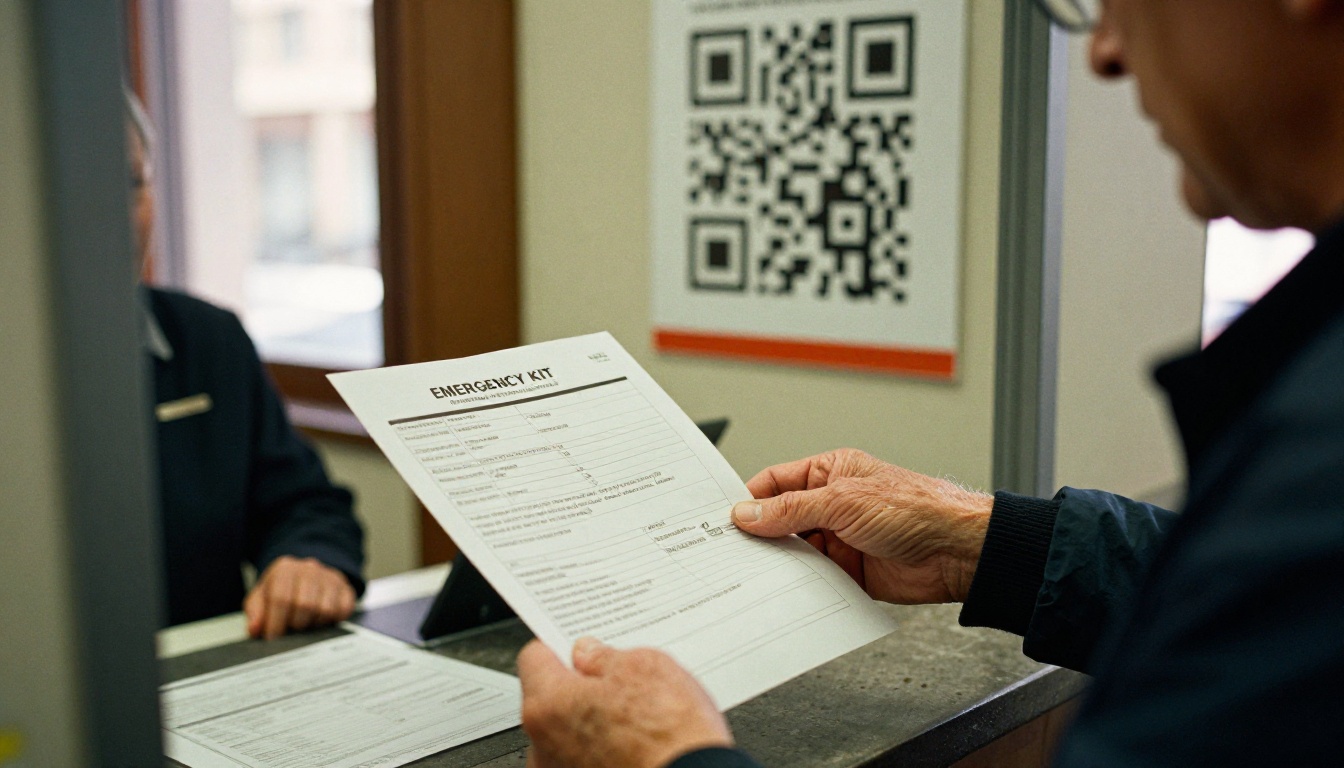
Combine your documents into one PDF in the order you want residents to read them. Remove outdated pages, check phone numbers and make sure every map is sharp. Export at a normal screen resolution so the file loads quickly on mobile data.
Step 2: Upload and Convert
Create a free account at Flipbooks AI, choose the upload option and drop in your PDF. The platform converts each page into a flipbook spread. You will see a live preview within moments, so you can confirm the order and page sizes.
Step 3: Customize the Look
Add your city logo, pick brand colors and choose a page-turn effect. Keep it calm: emergency material should feel clear, not flashy. You can also embed a short video message from the mayor or fire chief, or an audio clip for residents who prefer listening. Everything stays mobile-responsive, and there are no watermarks, ever.
Step 4: Set Sharing Options
Decide who should see the booklet:
- Public link for the general community.
- Embed code for the city website, library pages and partner sites. See the Embed Flipbook on Website tool.
- Password protection for internal versions, such as a staff response handbook or a volunteer coordinator packet.
Step 5: Turn On Pro Features
On the Professional plan you can track how many people open the booklet, which pages they spend time on and when traffic spikes. You can also allow offline downloads so residents can save the booklet before a storm knocks out the network, and capture sign-ups for neighborhood alert lists. Compare options on the pricing page.
✅ Best practice: Test the final link on an older Android phone, a recent iPhone and a slow connection. If it works there, it will work for nearly everyone.
Sharing the Link Where People Already Are
A great booklet nobody sees does nothing. Plan distribution before the booklet goes live.

QR Codes in the Real World
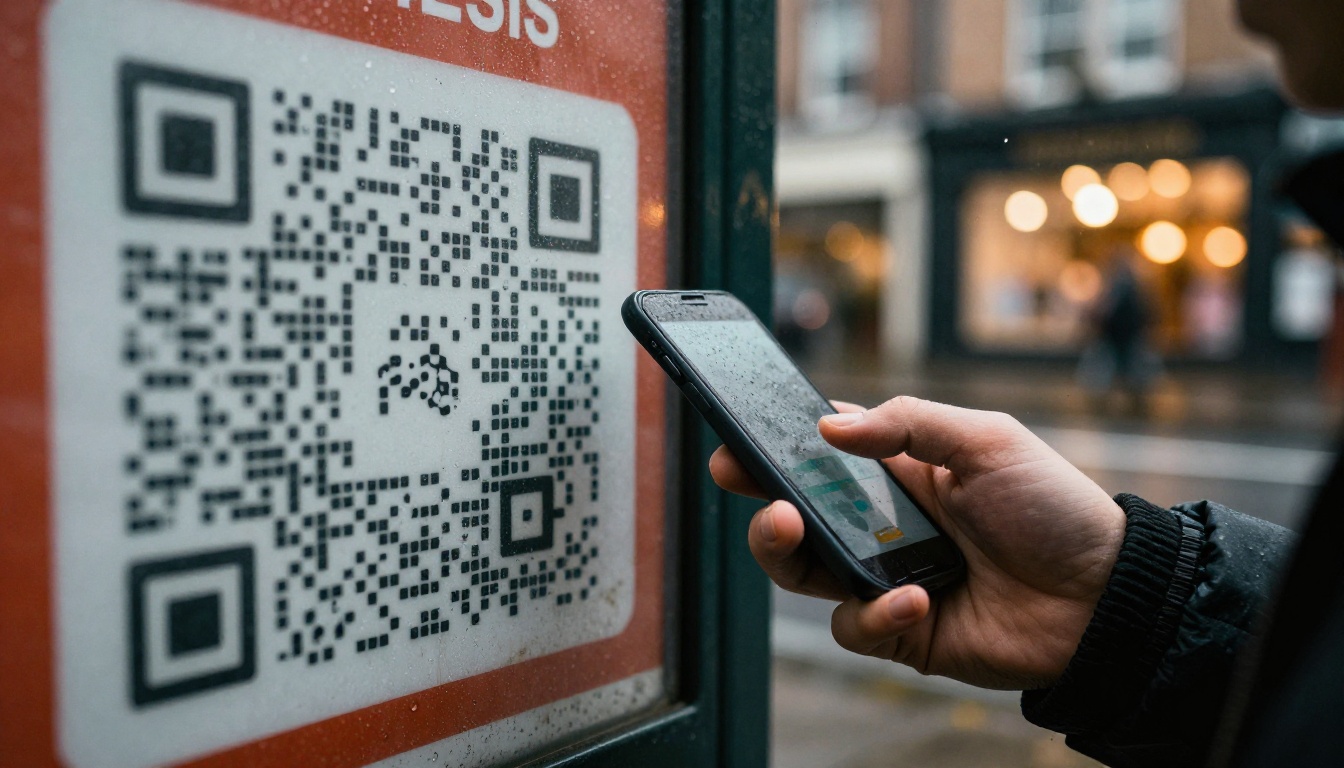
Place QR codes on bus shelters, utility bills, library counters, fridge magnets and school take-home folders. Keep the code large, add a one-line instruction and always give the short web address underneath for people who cannot scan.
Messaging and Social Channels
A text alert system can include the booklet link in every seasonal reminder. On social platforms, pin the link at the top of your page during storm, heat and fire seasons. Because the link opens straight into a booklet, there is no download prompt to scare people away.
Partners Who Multiply Reach
Schools, housing associations, faith groups, senior centers and local businesses can all forward the same link. Give partners a short sharing kit with sample wording:
- A two-sentence message for newsletters.
- A square image for social posts.
- The QR code as a high-resolution file.
| Channel | Effort | Reach | Notes |
|---|
| Text alerts | Low | High | Best during warnings |
| QR on utility bills | Medium | Very high | Reaches every household |
| School take-home | Low | Medium | Families keep it for months |
| Social media pinned post | Low | Medium | Update each season |
| Neighborhood groups | Medium | High | Trusted voices |
| Printed booklet with QR | High | Medium | Best for seniors |
Real City Scenarios
Seeing how different teams use the same idea makes planning easier.

A Coastal Town Before Hurricane Season
An emergency manager merges the evacuation zone map, shelter list and pet policy into one booklet each May. The link goes into the town newsletter, onto the harbor notice board and into every school's parent message. In June, analytics show most opens happen in the evening, so the town schedules reminders at that hour.
A Small City With Wildfire Smoke
A public health office builds a short booklet about air quality, clean-air rooms and mask use. A separate Spanish version has its own link. Libraries and clinics put the QR code on their front desks, and residents save the offline copy before smoke arrives.
A School District Drill Packet
A district creates a password-protected booklet with lockdown, fire and weather procedures for staff, plus a public version for parents. Updating one file keeps all twenty schools aligned. The district can also build training material with the Training Manual Flipbook tool.
Neighborhood Volunteer Teams
Volunteer block captains receive a private booklet with street-level contact lists and check-in routines. The city keeps the master copy and updates it every quarter.
Keeping the Booklet Current
An outdated booklet is worse than none, because it creates false confidence. Treat it like a living document with an owner and a schedule.

Set a Review Calendar
Review twice a year, once before the main hazard season and once after. Assign one person to own the master PDF and one backup. After every real event, hold a short review and note what residents asked that the booklet did not answer.
Track What Residents Actually Read
If analytics show people leave at page six, shorten or reorder it. If the shelter map is the most visited page, move it earlier. Small edits like these make the booklet more useful every season.
A Quick Update Checklist
- Confirm every phone number and address.
- Replace maps affected by new construction or road changes.
- Update shelter capacity and accessibility notes.
- Check that the QR codes and short links still work.
- Re-upload the PDF and confirm the link is unchanged.
⚠️ Warning: Never publish a new link for each version. The whole point is that old fridge magnets and printed flyers keep working.
Not every city needs the same setup. A small town may need one public booklet, while a county may run dozens.
| Need | Suggested Approach | Why It Fits |
|---|
| One public booklet | Free or Standard plan | Simple, no watermarks |
| Multiple languages and departments | Standard plan with unlimited flipbooks | One link per audience |
| Open and read tracking, sign-ups | Professional plan | Analytics and lead capture |
| Private staff manuals | Password protection | Limits access to staff |
Other templates can round out your toolkit. The Event Program Maker suits preparedness fairs, and the Newsletter Flipbook Publisher works for seasonal reminders. Browse all flipbook tools to find more.
Ready to Share Your First Booklet
Residents will not remember where a PDF lives, but they will remember a link that arrived in a text, a QR code on a bus shelter and a booklet that opened instantly on their phone. That is the entire advantage of sharing emergency preparedness material through a single address.
Start small. Merge your top three documents, convert them, test the link on a few phones and share it with one partner organization. Then grow from there.
When the next warning comes, your residents will already have the booklet in their pocket.



