You sent the email. You attached the press kit. You waited a week, then two, and heard nothing. Before you blame the scene, the algorithm or bad luck, look at the document itself. Most EPK mistakes are boring and fixable, and promoters spot them in the first ten seconds. Today you can turn a ignored attachment into a clean, trackable, mobile-ready kit with a tool like Flipbooks AI, but first you need to know what is actually killing your replies.
A promoter or booker is not judging your talent at the first glance. They are judging risk: Will this act sell tickets? Will they be easy to work with? Can I find what I need without hunting? Your electronic press kit (EPK) answers those questions or it fails to.
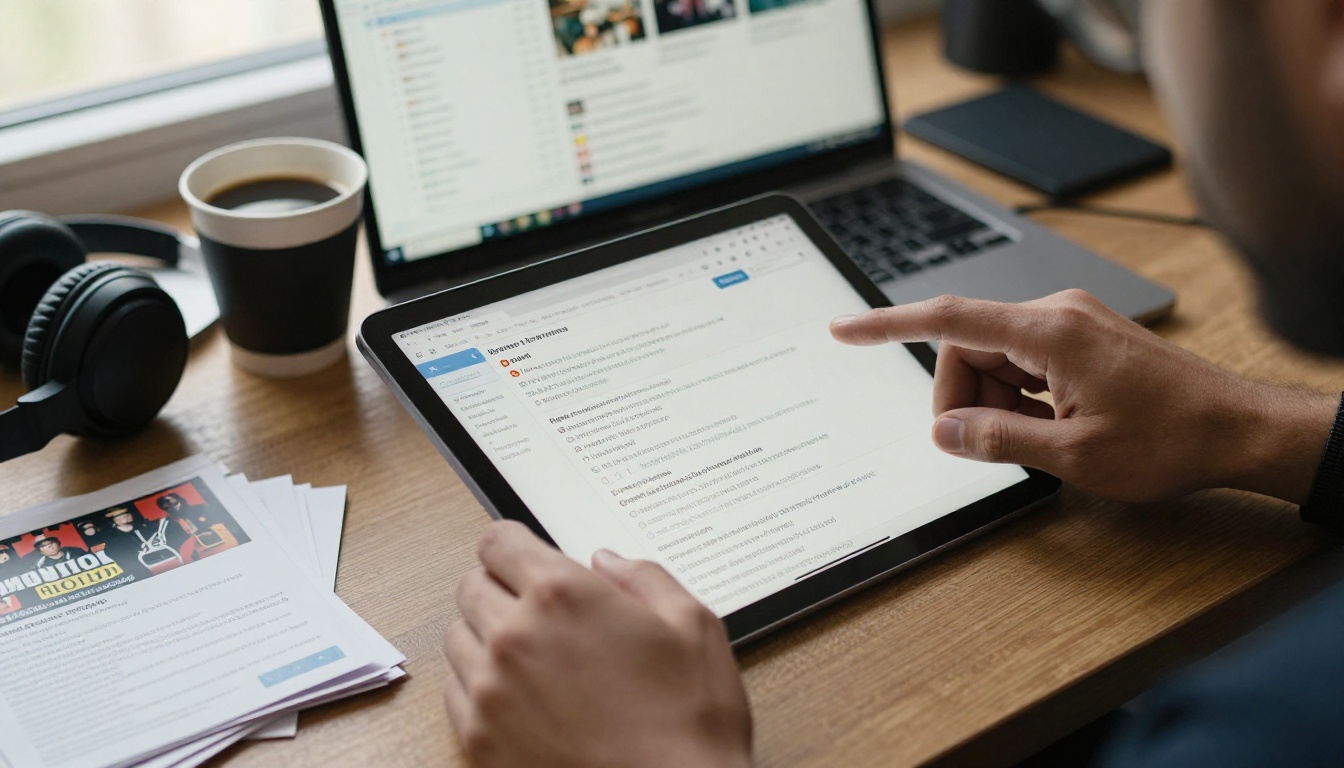
Think about the promoter's morning. They open an inbox with 80 booking requests, a sound engineer asking about load-in, and a venue manager chasing a rider. Your email gets maybe 30 to 60 seconds. If the first screen does not show who you are, what you sound like and where you have played, the tab closes.
💡 Pro tip: Imagine your EPK is read on a phone, in a taxi, with one thumb. If it fails that test, it fails the real one.
The patterns behind most ignored kits are surprisingly consistent:
- The music is hard to reach or does not play instantly.
- The bio reads like a diary instead of a pitch.
- Photos are low quality, outdated or missing.
- The file is huge, locked, or opens badly on mobile.
- There is no clear next step for the promoter.
Let us go through each one, then fix it.
Mistake 1: Burying the Music
This is the number one offender. A kit that makes the promoter dig for a song has already lost. Some musicians list five streaming profiles and no direct track. Others attach MP3 files that crash the email client.
What Promoters Want to Hear
Promoters want two or three of your strongest tracks, playable in one click, ideally with your most representative song first. Not an album. Not a discography of 40 releases.
How to Fix It
- Pick your best three tracks, ordered by how well they represent your live set.
- Place a playable embed or a direct link on the very first page.
- Add a one-line description of each track (genre, tempo, mood).
- Test every link on mobile data, not just on your home Wi-Fi.
⚠️ Warning: Never make a promoter log in, request access or download a file just to hear a song. Every extra click costs you a booking.
Mistake 2: A Bio That Says Nothing
"Born in a small town, I always loved music" is the most common first line in the genre, and the least useful. Promoters need facts they can repeat in a flyer or a social post.
Write for the Booker, Not Your Biographer
A strong bio is short, in the third person, and built from proof. Think of three layers:
- Line one: genre, location and a comparison point, such as "Lisbon indie-folk duo for fans of Fleet Foxes."
- Line two: proof, such as sold-out headline shows, radio plays, festival slots or streaming numbers.
- Line three: what the audience gets live, such as "a high-energy 45-minute set with a full band."
Bio Length Comparison
| Bio Type | Word Count | Promoter Reaction | Best Use |
|---|
| Life story | 400+ | Skims, then leaves | Personal website |
| Standard pitch | 120 to 180 | Reads fully | Main EPK page |
| One-liner | 20 to 30 | Remembers it | Email subject and intro |
| Press quote bio | 60 to 90 | Trusts the proof | Festival applications |
✅ Best practice: Keep three versions of your bio (one-liner, short, medium) and paste the right one for each pitch.
Mistake 3: Weak or Outdated Photos
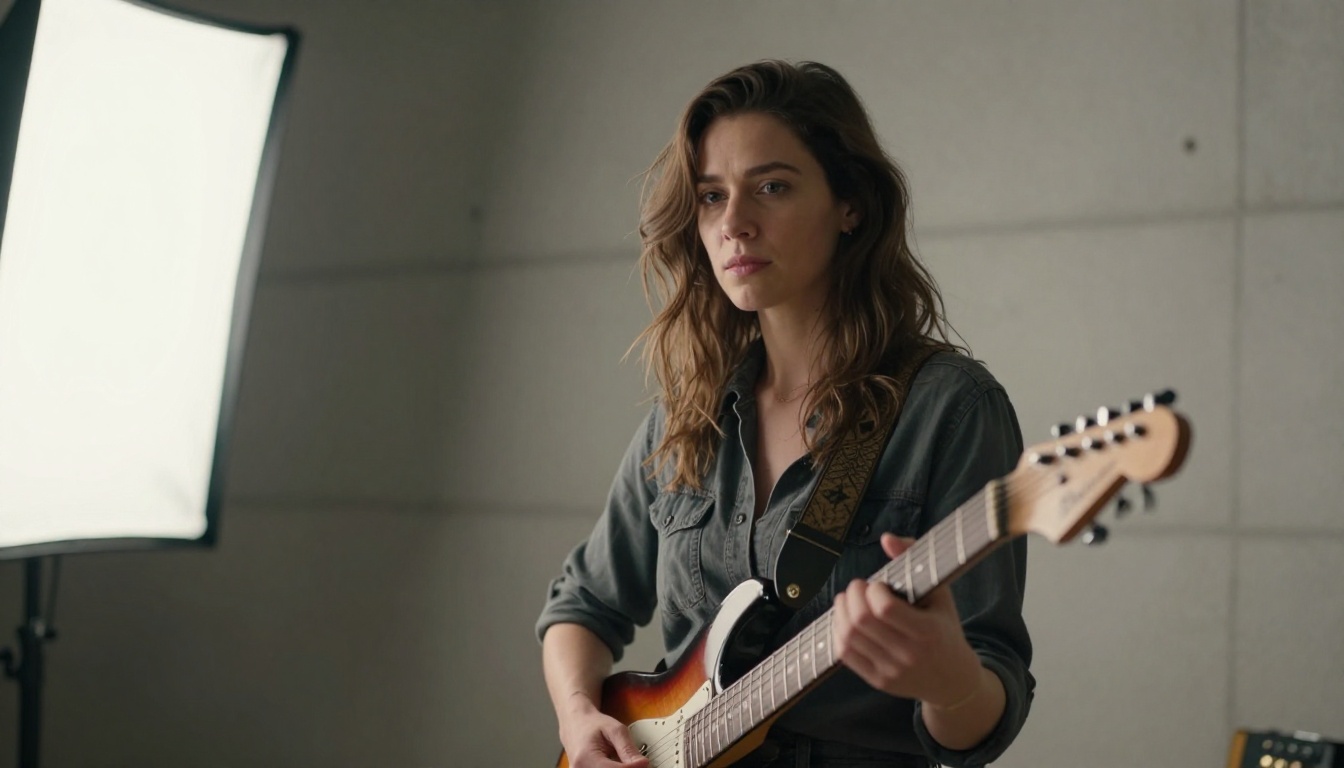
A blurry phone photo says amateur before a single note plays. A photo from four years ago, with a different lineup, creates doubt about whether you are even active.
The Photo Checklist
- One high-resolution band photo that works horizontally and vertically.
- One live action shot that shows real energy and a real crowd.
- Individual headshots if you are a group.
- A clean logo on a transparent background.
- A current date. Replace photos at least once a year.
A common error is sending 25 photos in one pile. Promoters need three to five good ones, not a hard drive.
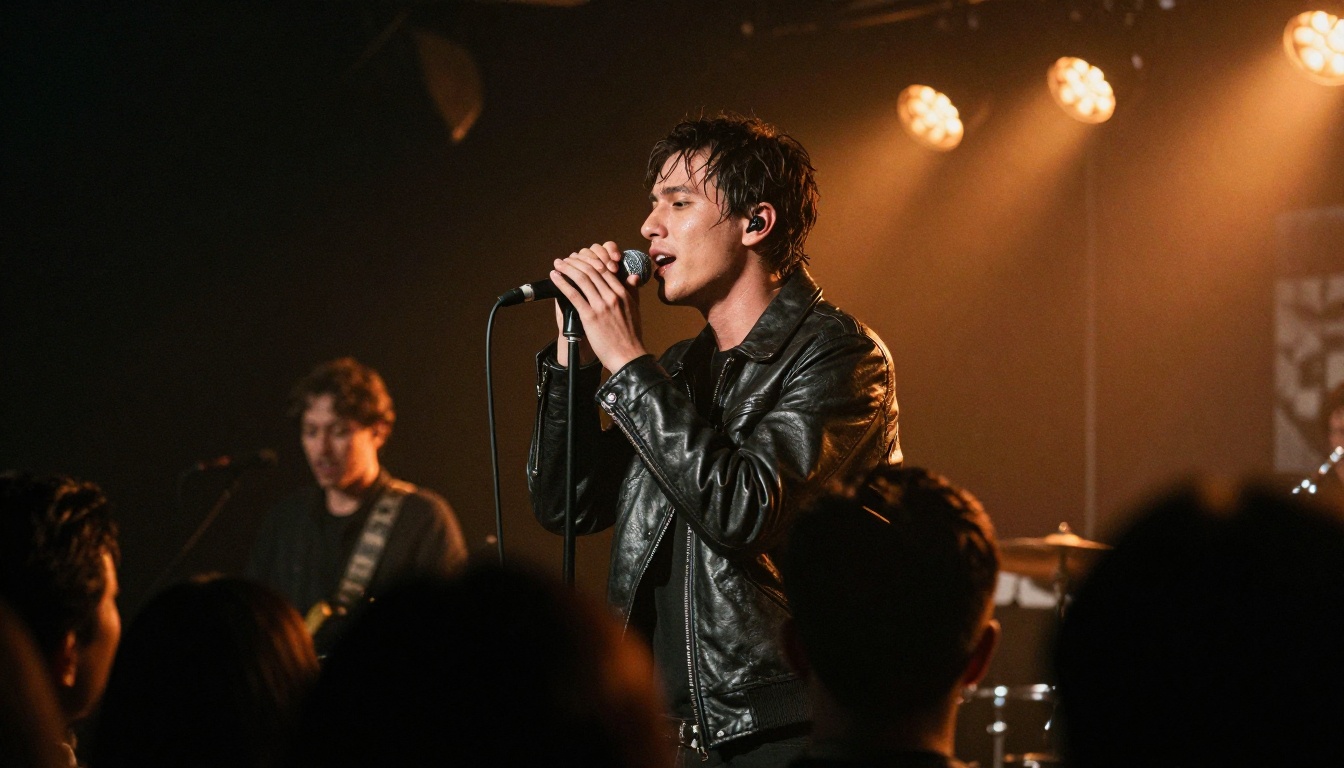
Promoters book acts that fill rooms and behave on stage. If your kit contains only studio tracks, they are guessing. A short live clip removes the guess.
What Good Live Video Looks Like
- 60 to 120 seconds, filmed from the audience side with decent audio.
- Shows the crowd reacting, which signals draw.
- Includes at least one full-band moment, not only a quiet intro.
- Is hosted somewhere that plays instantly in the page.
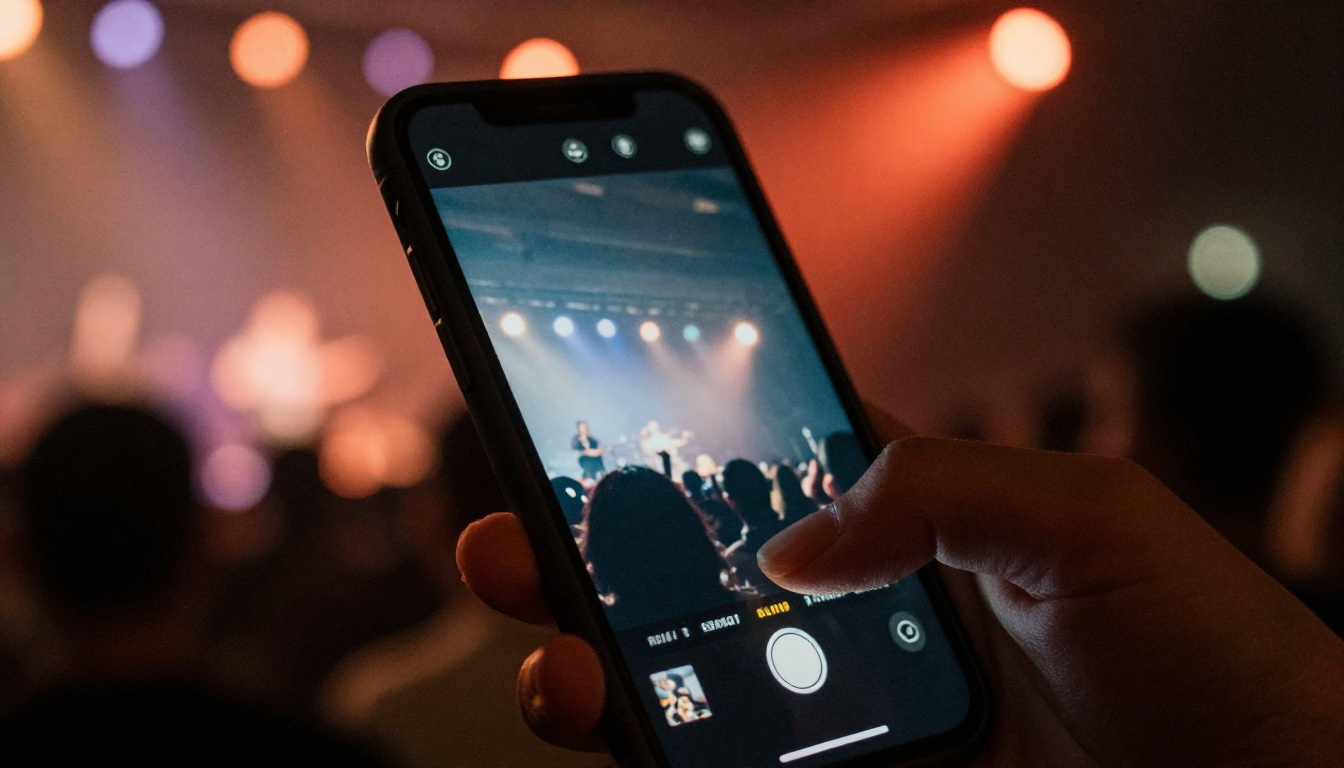
If you do not have a good clip yet, record one at your next local show. Ask a friend to film from the middle of the room, not from the front row at an angle.
Mistake 5: A File That Fights the Reader
Here is where many solid musicians lose out. They send a 40 MB PDF, a password-protected ZIP, or a slide deck that scrambles on a phone. Some kits use tiny text that needs pinching and zooming. Others go stale because the file lives in an old email thread.
Common Format Problems Compared
| Format | Mobile Friendly | Music Playback | Trackable | Easy to Update |
|---|
| Large PDF attachment | Poor | No | No | No, must resend |
| ZIP of files | Poor | No | No | No |
| Plain website page | Good | Yes | Sometimes | Yes |
| Interactive digital flipbook | Excellent | Yes, embedded | Yes, with analytics | Yes, same link |
| Streaming profile only | Good | Yes | No | Yes, but no story |
An interactive kit solves most of these problems at once. A flipbook opens from a link, turns pages like a magazine and can embed audio and video. It also keeps the same link even when you update it, so promoters never hold an outdated version.
💡 Pro tip: Put the link in the email body and also in your signature. Do not rely on the attachment being opened.
Mistake 6: No Clear Call to Action
Imagine reading a full kit and finishing with no idea how to book the act. Many musicians forget to say what they want. Promoters will not guess.
What the Last Page Needs
- A direct booking email and a phone or WhatsApp number.
- Your availability window, for example "touring Europe in March."
- Typical set length and tech needs, with a link to a short rider.
- Social handles, with the most active one first.
- A single sentence asking for the next step: "Reply to this email for dates and fees."
Mistake 7: Sending the Same Kit to Everyone
A promoter who books jazz nights does not want to read about your metal tour. Generic blasts feel like spam, and they are treated as spam.
Personalize in Minutes
- Research the venue's last five bookings.
- Reference one similar act they hosted, in one sentence.
- Swap the opening page or lead track to fit the room.
- Send at a sensible time, usually mid-morning on a weekday.
With a hosted flipbook you can duplicate the kit, change the first page for a given venue and keep each version on a separate link. That also tells you which promoter opened which version.
How to Build a Better EPK With Flipbooks AI
If your kit is a PDF today, you are already halfway there. Here is how to turn it into an interactive press kit that promoters can open on any device. The platform has dedicated tools for this, including the Press Kit Designer and the PDF to Flipbook Converter.
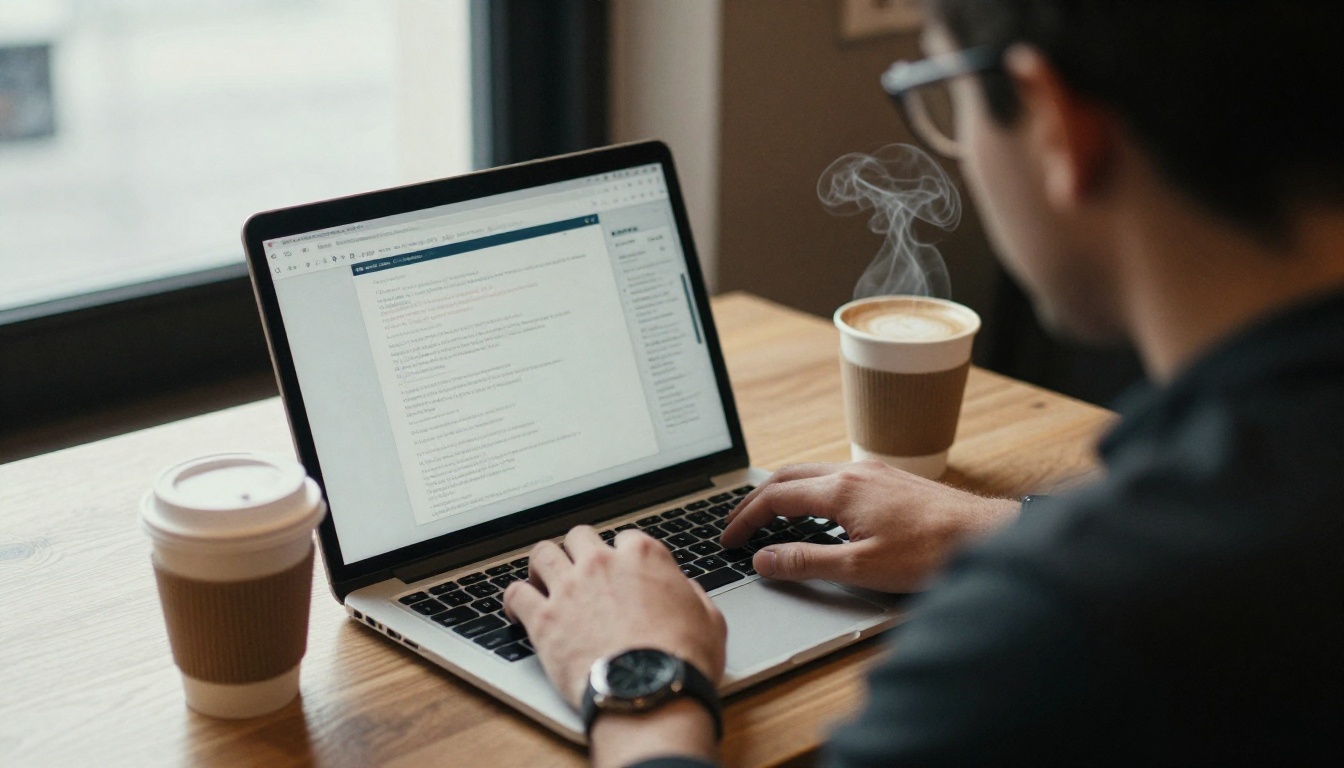
Step-by-Step Tutorial
- Get started. Create an account on Flipbooks AI. No watermarks are added to your flipbooks.
- Upload your PDF. Drag in your existing press kit. The converter turns each page into a flipbook page in seconds.
- Customize the look. Set your brand colors, upload your logo, choose the page-turn effect and pick a background that matches your artwork.
- Add multimedia. Embed your best tracks and your live clip directly on the pages so promoters can press play without leaving the kit.
- Share it. Copy the direct link, or use the embed option to place the kit on your own website. Add password protection for private offers or unreleased songs.
- Track results. On the Professional plan, analytics and lead generation show who opened your kit and how far they read. See the available pricing plans to compare options.
- Update anytime. Replace pages or tracks and keep the same link, so nobody ever opens an old version.
If you also build a visual portfolio, the Digital Portfolio Creator uses the same workflow, and you can browse every flipbook tool for related formats like lookbooks and event programs.
Old Kit vs New Kit
| Element | Typical Old Kit | Improved Interactive Kit |
|---|
| First screen | Cover page with long text | Name, genre, one-line proof, play button |
| Music | Links to five platforms | Three embedded tracks |
| Video | Missing or hidden | Live clip on page two |
| Mobile experience | Pinch and zoom | Responsive flipbook |
| Feedback | Silence | Open and read analytics |
| Updates | Resend attachments | Edit once, same link |
A Quick Real-World Example
Picture a four-piece rock band applying to open for a touring act. Their first kit was a 32 MB PDF with a 600-word bio and a link to a streaming profile with 60 songs. After two weeks, nothing.
They rebuilt it in an afternoon. The first page showed the band name, "Manchester post-punk, 12 sold-out headline shows," and a play button. Page two held a 90-second live clip. Page three carried one bio paragraph, five photos and a short press quote. The final page listed booking email, dates available and a simple rider link. They sent a personalized version to six promoters and tracked opens.
Four of the six opened it within a day, and two replied. The music was the same. The packaging was not.
The Fast EPK Audit
Use this checklist before you press send:
- Can a stranger hear a song within one click?
- Does the first screen show genre, location and proof?
- Are photos current, sharp and limited to a handful?
- Is there a live clip that shows the crowd?
- Does it load fast and read well on a phone?
- Is the booking contact impossible to miss?
- Is the link trackable and easy to update?
- Did you personalize at least the opening line?
✅ Best practice: Ask one friend outside music to open your kit on their phone and tell you what you do, in one sentence. If they cannot, neither can a promoter.
Send a Kit They Cannot Ignore
Promoters are not hard to impress, they are short on time. Remove every barrier between them and your music, show proof you can draw a crowd, and make the next step obvious. That is what separates the kits that get answered from the kits that sit unopened.
Ready to rebuild yours? Get started for free on Flipbooks AI, browse the tools and templates for press kits and portfolios, or compare pricing plans to pick the one that fits your next release.



