You finished the illustrations, the layout is tight, and every spread looks exactly the way you imagined. Then you export an EPUB, open it on an e-reader, and the picture slides onto the wrong page, the caption floats away, and the carefully placed white space is gone. If that sounds familiar, the format is the problem, not your design. A flipbook made with Flipbooks AI keeps every page the way you built it, while EPUB was designed for something quite different.
This article compares the two formats for illustrated books specifically: picture books, cookbooks, art books, photo books, comics and workbooks. You will see where each format wins, where it fails, and how to decide in about five minutes.
EPUB is an open standard for reflowable books. Think of it as a small website packed into one file. Text is not fixed to a page. The reading app decides font size, margins and line breaks, and the text flows to fit the screen. That is perfect for a novel, because a reader can enlarge the type and nothing breaks.
A flipbook is a digital replica of a paged publication. You upload a PDF, and each page becomes a fixed spread with a page-turn effect. Nothing reflows. What you designed is what the reader sees, on a phone, a tablet or a desktop browser.
💡 Pro tip: Ask one question before choosing a format. Does the meaning of the book depend on where things sit on the page? If yes, you need a fixed layout.
Reflowable vs Fixed Layout
| Trait | EPUB (reflowable) | Flipbook (fixed layout) |
|---|
| Text behavior | Flows to fit the screen | Locked to the designed page |
| Reader controls font size | Yes | Zoom only |
| Image placement | Approximate | Exact |
| Page-turn feel | Swipe or tap, no spreads | Realistic page turn with spreads |
| Source file | Structured HTML and CSS | PDF |
| Best for | Novels, essays, manuals | Picture books, cookbooks, portfolios |
There is also fixed-layout EPUB, which tries to close the gap. It deserves its own section further down.
Why Illustrated Books Are Hard
Illustrated books are different from text books in ways that matter technically.
- Text and image depend on each other. A caption belongs to one specific picture.
- Spreads are the unit of design. Many picture books are built as two-page compositions, with the gutter and the facing page forming one image.
- Typography is part of the art. Hand lettering, text wrapping around a character, and speech bubbles cannot reflow.
- Color and resolution matter. Illustrations are judged by detail, and compression artifacts are visible.
- Pacing is controlled by the page turn. A picture book relies on the reveal when the page turns.
Reflowable EPUB fights every one of these. Fixed-layout formats support all of them.
How EPUB Handles Images
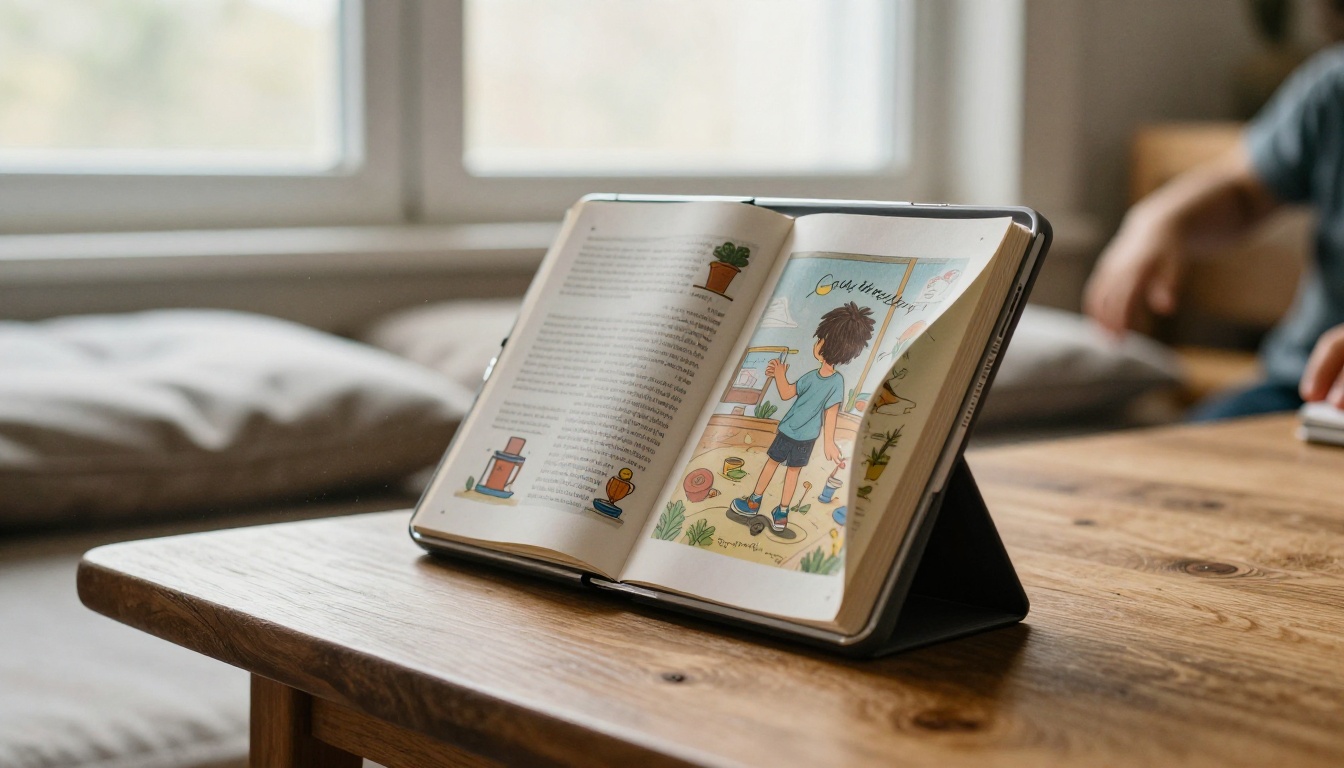
In a reflowable EPUB, images are inline elements. The app scales them to the screen width and places them wherever the text flow dictates. That causes several recurring problems:
- Orphaned images. A large picture does not fit at the bottom of a screen, so it jumps to the next one and leaves a blank gap.
- Broken captions. The caption lands on a different screen than its picture.
- No true spreads. Most apps show a single column, so two-page art is cropped or shrunk.
- Inconsistent rendering. Kindle, Apple Books, Kobo and Google Play each interpret the same file a little differently.
- Heavy files. High-resolution illustrations bloat the package, and many stores cap file size or charge delivery fees by the megabyte.
Fixed-Layout EPUB: The Middle Path
Fixed-layout EPUB (FXL) pins each page to a set size, so images and text stay in place. It is a real improvement, but it comes with trade-offs:
- Support varies. Apple Books handles it well, while some e-ink readers and older apps do not.
- Text becomes harder to read on small screens, because nothing reflows.
- Building it by hand requires HTML, CSS and careful testing on each reading app.
- There is no built-in page-turn animation or spread behavior in many readers.
⚠️ Warning: A fixed-layout EPUB that looks perfect in your preview app may fall back to a broken reflowable layout in another store's reader. Always test on at least three devices.
How a Flipbook Handles Images
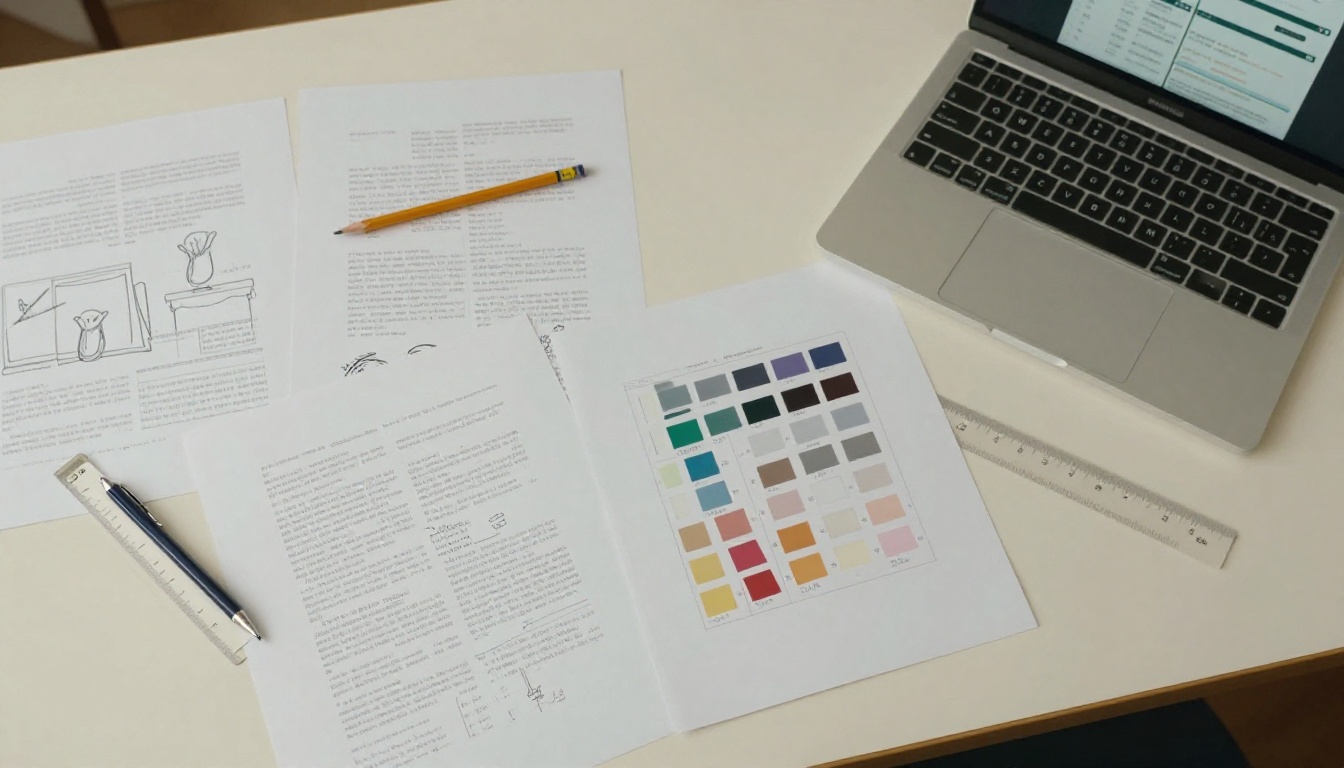
A flipbook starts from the PDF you already designed in InDesign, Affinity Publisher, Canva or Procreate. The conversion keeps each page as a high-quality image layer with live, selectable text where it applies. The result:
- Pixel-faithful spreads. Two-page compositions display as one wide image.
- Zoom for detail. Readers pinch or click to inspect brush strokes and line work.
- Consistent rendering. Every browser shows the same pages.
- Rich extras. You can add video, audio and links on top of pages, which an e-ink EPUB cannot do.
- Mobile adaptation. On a phone the flipbook switches to a single-page view automatically.
To try it, open Flipbooks AI, upload a PDF, and the viewer is ready in under a minute. The PDF to Flipbook Converter handles the conversion directly.
| Criterion | EPUB (reflowable) | Fixed-layout EPUB | Flipbook |
|---|
| Layout fidelity | Low | High, if supported | High |
| Two-page spreads | No | Sometimes | Yes |
| Image quality control | Limited | Good | Excellent |
| Setup effort | Medium | High | Low (PDF upload) |
| Page-turn experience | Basic | Basic | Realistic |
| Works in a browser, no app | No | No | Yes |
| Sold in retail e-book stores | Yes | Yes | No (shared by link or embed) |
| Embedded video and audio | Limited | Limited | Yes |
| Analytics on readers | Rarely | Rarely | Yes (Professional plan) |
| Password protection | Via DRM only | Via DRM only | Built in |
The most important row for many authors is the one about retail stores. EPUB can be sold on Amazon, Apple and Kobo. A flipbook lives on your own link, your site or your marketing channels. We will come back to that.

Here are real scenarios to make the choice concrete.
Children's Picture Books
Picture books run on spreads and page-turn timing. A flipbook preserves both. A fixed-layout EPUB can work on tablets inside Apple Books, but it will look wrong on many readers. If your audience is parents on phones and tablets, choose a flipbook for sharing and previews, and consider FXL for store sales.
Cookbooks and Recipe Collections
Cooks want to see the photo beside the method. They also want to zoom into a step. A recipe book flipbook shows the exact layout and lets you embed a short technique video on the page. Reflowable EPUB would separate photos from steps and make ingredient tables awkward.
Art Books and Photography
Photographers and painters care about full-bleed images and consistent color. A photography portfolio flipbook keeps the sequence you chose. EPUB reduces your work to a scroll of resized thumbnails.
Comics and Graphic Novels
Panels are a layout. Reflowing a comic destroys it. Use a flipbook or fixed-layout format, never reflowable EPUB.
Workbooks and Training Material
A workbook with exercises, boxes and diagrams needs structure. A training manual flipbook keeps every worksheet intact and adds links to extra resources.
Text-Heavy Books With a Few Pictures
If your book is 90 percent prose with a handful of small images, EPUB is the better tool. Readers will want to resize the text, and the images are decorative rather than structural.
Comparing Reading Experience on Devices
| Device | EPUB | Flipbook |
|---|
| Dedicated e-ink reader | Excellent for text, weak for color art | Not applicable (needs a browser) |
| Tablet | Good in Apple Books, mixed elsewhere | Excellent, large spreads |
| Phone | Readable, images get small | Single-page mode, pinch to zoom |
| Laptop or desktop | Needs a reading app | Opens instantly in any browser |
| Shared by link | No | Yes |
An important detail: e-ink readers show illustrations poorly. If your readers use grayscale Kindle devices, color illustrations lose most of their impact, whatever the format. In that case a flipbook on a tablet or a printed edition serves the art better.
✅ Best practice: Check your audience first. If the buyers are parents on tablets, art collectors on desktops or students on phones, a browser-based flipbook reaches all of them without a download.
Distribution, Sales and Marketing
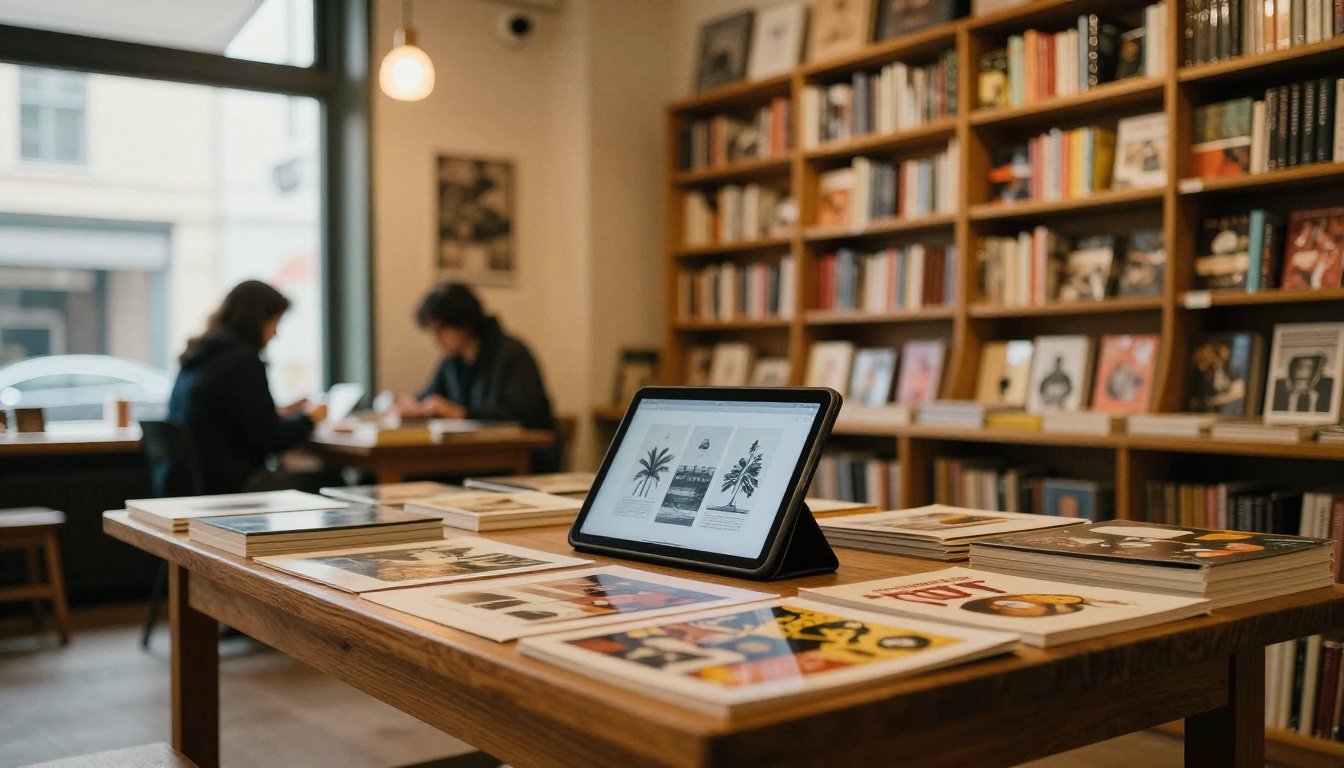
Format choice is also a business choice. The two formats serve different distribution models.
EPUB strengths
- Sold in major retail stores with built-in payment and discovery.
- Familiar to readers who already own e-readers.
- Works with library lending platforms.
EPUB limits
- Stores take a revenue share.
- You cannot see how far readers got.
- Updating a published book requires a resubmission.
Flipbook strengths
- You own the link, the audience and the data.
- Great for samples, lead magnets, press kits and previews.
- Instant updates: replace the PDF and the same link shows the new edition.
- Embed on your website so readers never leave your page.
- Password protection for paid or private editions.
Flipbook limits
- Not listed in e-book retail stores.
- Requires an internet connection unless you enable offline downloads.
A practical hybrid works well for many authors: sell the EPUB or fixed-layout version in stores, and use a flipbook as the free preview and the premium web edition. The flipbook sells the book, and the store handles the checkout.
How to Publish an Illustrated Flipbook
If you decide a flipbook fits your project, here is the workflow.
- Export your PDF. Use spreads or single pages at 150 to 300 DPI. Keep fonts embedded.
- Create your account. Sign up at Flipbooks AI and open the dashboard.
- Upload and convert. Drop the PDF in. Pages convert to a flipbook with page-turn effects.
- Customize the look. Set your brand colors, background, logo and page effects. Add video or audio over pages where it helps, such as a read-aloud track for a picture book.
- Choose sharing options. Copy the direct link, grab the embed code, or add password protection for paying customers.
- Enable extras. On the Professional plan, switch on analytics and lead capture, and allow offline downloads. See the pricing plans for details.
- Publish and test. Open the link on a phone, a tablet and a laptop before you share it.
For a book-specific setup, the Interactive E-Book Publisher and the E-Book Flipbook Generator are tuned for exactly this case.
💡 Pro tip: Name your PDF after the book title and keep the first spread simple. That page becomes the cover thumbnail on shared links.
Features Worth Checking
- ✅ No watermarks, ever
- ✅ Unlimited flipbooks on the Standard plan and above
- ✅ Password protection for private content
- ✅ Embedded video and audio
- ✅ Mobile-responsive reading
- ✅ Custom branding
Cost and Effort Compared

| Cost factor | Reflowable EPUB | Fixed-layout EPUB | Flipbook |
|---|
| Production skill | Basic HTML helpful | Strong HTML and CSS | None beyond a PDF |
| Time to first version | Hours | Days | Minutes |
| Testing burden | Several apps | Many apps and devices | One browser check |
| Store fees | Revenue share | Revenue share | None |
| Revision speed | Resubmit | Resubmit | Replace the PDF |
Time is the hidden cost. A designer who spends three days debugging a fixed-layout package for four reading apps is not designing the next book. A flipbook reuses the PDF that already exists.
Common Mistakes to Avoid
- Choosing EPUB because everyone does. Popularity does not equal fit. Judge by the layout.
- Exporting a PDF to EPUB automatically. Automatic converters flatten spreads and mangle text boxes.
- Ignoring e-ink screens. If the audience reads on grayscale devices, color art loses impact.
- Skipping device testing. Always test on a phone, a tablet and a desktop.
- Forgetting accessibility. Add alt text to images and keep real text instead of outlined type where you can.
- Locking yourself into one channel. Keep the original PDF and design files so you can publish in several formats.
A Five Minute Decision Checklist
Answer these in order:
- Do the pictures and text depend on exact placement? Yes points to fixed layout.
- Do you need two-page spreads? Yes points to a flipbook.
- Is the buyer on a grayscale e-reader? Yes points to EPUB for text or print for art.
- Do you need to sell inside Amazon or Apple? Yes means you will need EPUB or fixed-layout EPUB too.
- Do you want reader data, password access or embedded media? Yes points to a flipbook.
- Will you revise the book often? Yes points to a flipbook.
| If this matches you | Pick |
|---|
| Novel with a few spot illustrations | EPUB |
| Picture book for tablets and phones | Flipbook, plus FXL for stores |
| Cookbook sold on your own site | Flipbook |
| Art book to showcase and sell prints | Flipbook |
| Comic or graphic novel | Flipbook or FXL |
| Workbook for a course | Flipbook |
Ready to Publish Your Illustrated Book?
For illustrated work, fidelity wins. EPUB remains the right choice for text-led books and for reaching retail stores, but a picture book, cookbook or art portfolio belongs in a format that respects the page. A flipbook gives you exact layouts, real spreads, instant updates and a link you control.
Ready to see your own pages the way you designed them? Get started for free with Flipbooks AI, browse all flipbook tools and templates, or compare pricing plans to choose the tier that fits your catalog of books.



