Most sponsors do not reject your event. They reject a confusing PDF. A twenty-page deck with vague "exposure" promises, no audience numbers, and a price list buried on page 17 gets skimmed for ninety seconds and forgotten. This event sponsorship package template fixes that by building every package around three things sponsors actually check: tiers they can compare in seconds, an audience they can verify, and proof that past partners got results. You can build it in any design tool, then publish it as an interactive flipbook with Flipbooks AI so you can see who opened it and which pages they read.
Sponsorship managers receive dozens of requests every month. They are not looking for the most beautiful deck. They are looking for the fastest answer to four questions: who will be there, what do I get, what does it cost, and how do I know it worked.
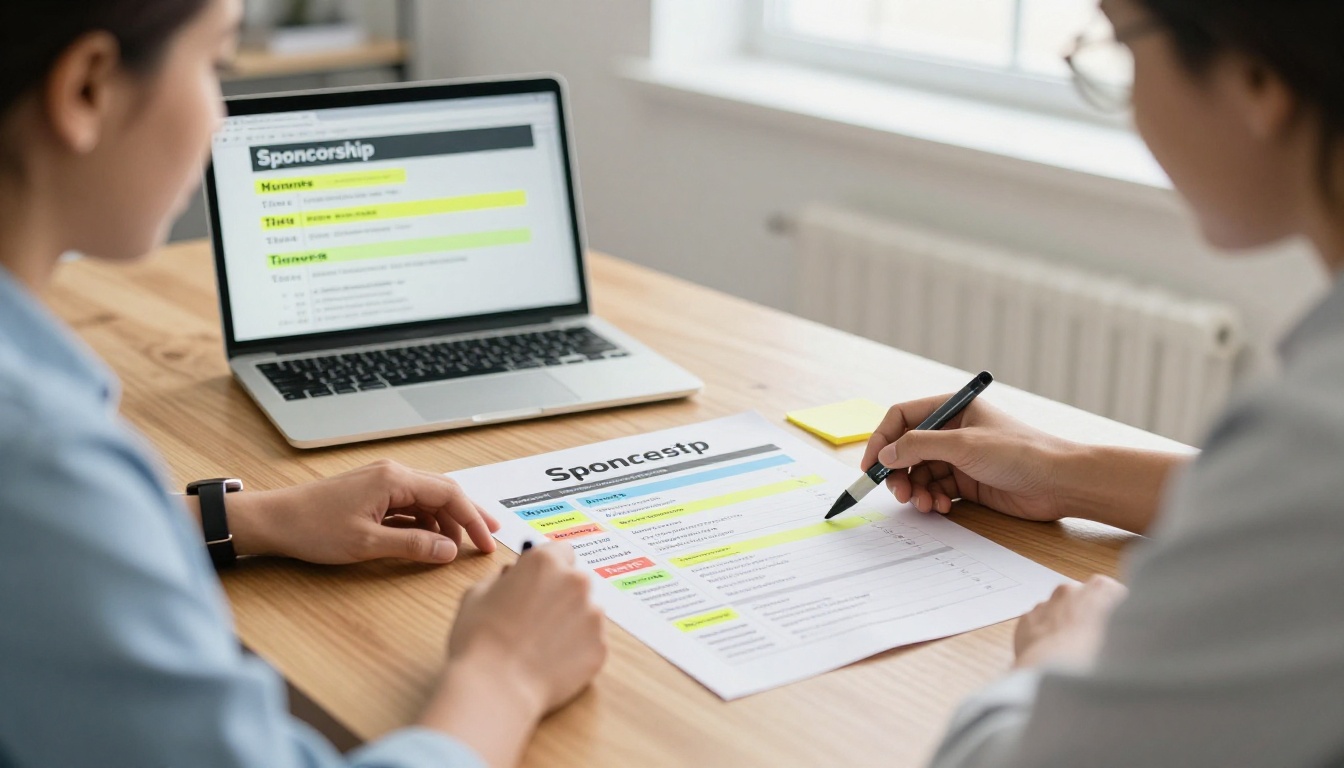
Here are the mistakes that appear again and again:
- Leading with your history instead of their return. Pages of "about us" before any benefit.
- Vague benefits. "Brand visibility" means nothing. "Logo on the main stage screen for 6 sessions" is a deliverable.
- No audience detail. Total attendance alone is a weak number. Job titles, industries, and buying power are strong ones.
- Unlimited custom options. Too much choice stalls the decision.
- No proof. Claims without photos, numbers, or quotes feel like marketing copy.
💡 Pro tip: Read your current deck as if you were a sponsor with ten minutes and a budget approval meeting tomorrow. Mark every sentence that does not help them decide. Delete it.
The Anatomy of a Winning Package
A strong package is short. Aim for 10 to 14 pages, in this order:
- Cover and one-line promise. Event name, date, city, and the single outcome you deliver to sponsors.
- The audience page. Numbers first, story second.
- Why this event. Three reasons, each tied to a sponsor benefit.
- The tier overview. One comparison table, one page.
- Tier detail pages. One page per tier with exact deliverables.
- Activation ideas. What sponsors can do beyond a logo.
- Proof. Past results, photos, testimonials, and press.
- Timeline and deadlines. When assets are due and when the package closes.
- Next step. One person, one email, one booking link.
Notice what is missing: long mission statements, team biographies, and generic stock imagery. If a page does not help someone say yes, it does not belong.
Three tiers is the sweet spot for most events. Two feels like a take-it-or-leave-it offer. Four or more invites comparison fatigue. Name the tiers in plain language that matches your event, such as Presenting, Supporting, and Community, instead of precious metals everyone has seen a thousand times.
The Three-Tier Structure
| Element | Presenting Tier | Supporting Tier | Community Tier |
|---|
| Typical price range | $15,000 to $40,000 | $5,000 to $12,000 | $1,000 to $3,000 |
| Number available | 1 | 4 to 6 | 10 to 20 |
| Naming rights | Event or main stage | Single session or zone | None |
| Logo placement | Stage, website, badges, emails | Website, emails, signage | Website and program |
| Speaking slot | 15 minute keynote | 5 minute welcome | None |
| Booth | Premium corner | Standard | Shared table |
| Attendee data | Opt-in lead list | Opt-in lead scans | None |
| Post-event report | Full custom report | Summary report | Thank-you note |
Prices vary widely by audience size and industry. Use these ranges as a starting frame, then adjust using the cost-per-attendee test below.
Price by Cost Per Attendee
Sponsors compare you to paid ads, so give them a number they can compare. Divide the tier price by the number of attendees the sponsor can realistically reach.
Example: A $10,000 Supporting tier at an event with 1,200 attendees works out to roughly $8.30 per attendee. If your audience is 70 percent senior buyers, that is a very competitive cost per qualified contact compared to most paid campaigns.
Make Each Step Up Obvious
Every tier should include everything in the tier below it, plus one or two clearly visible extras. Sponsors who feel they are paying for real additions will upgrade. Sponsors who feel they are paying for the same thing with a bigger logo will not.
✅ Best practice: Limit the Presenting tier to a single partner. Scarcity is honest, it protects the value of that spot, and it gives you a reason to follow up quickly.
Add-Ons Without Chaos
Keep a short menu of add-ons, three to five at most, priced separately. Good options include a branded lounge, a workshop sponsorship, a lanyard or badge placement, a coffee station, and an email feature to your attendee list.
Present Your Audience With Evidence
Audience data is where sponsors decide whether you are credible. Show numbers that you can defend, and say where they come from.
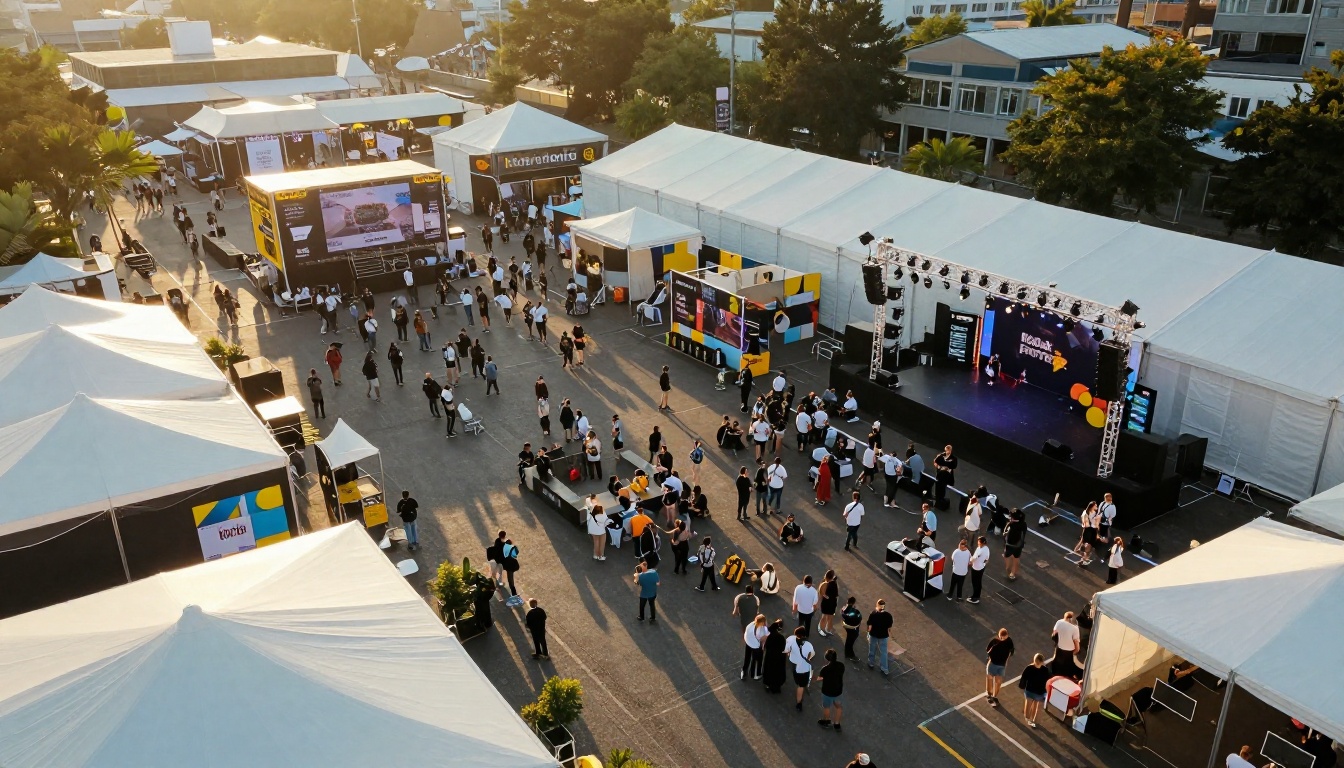
The Numbers to Include
- Total attendance from the last edition, split by in-person and virtual.
- Job levels, shown as percentages: executives, managers, specialists, students.
- Industries represented.
- Geography: local, national, international.
- Decision power: share of attendees who influence or approve purchases.
- Repeat rate: how many attendees came back from the previous year.
- Email list size and open rate, since sponsors will often want a digital reach too.
Where to Get the Data
Your registration form is the best source. Add two or three fields: job title, company size, and buying role. Then pair that with a short post-event survey. Even a 20 percent response rate gives you credible sample numbers, and you can state the sample size openly.
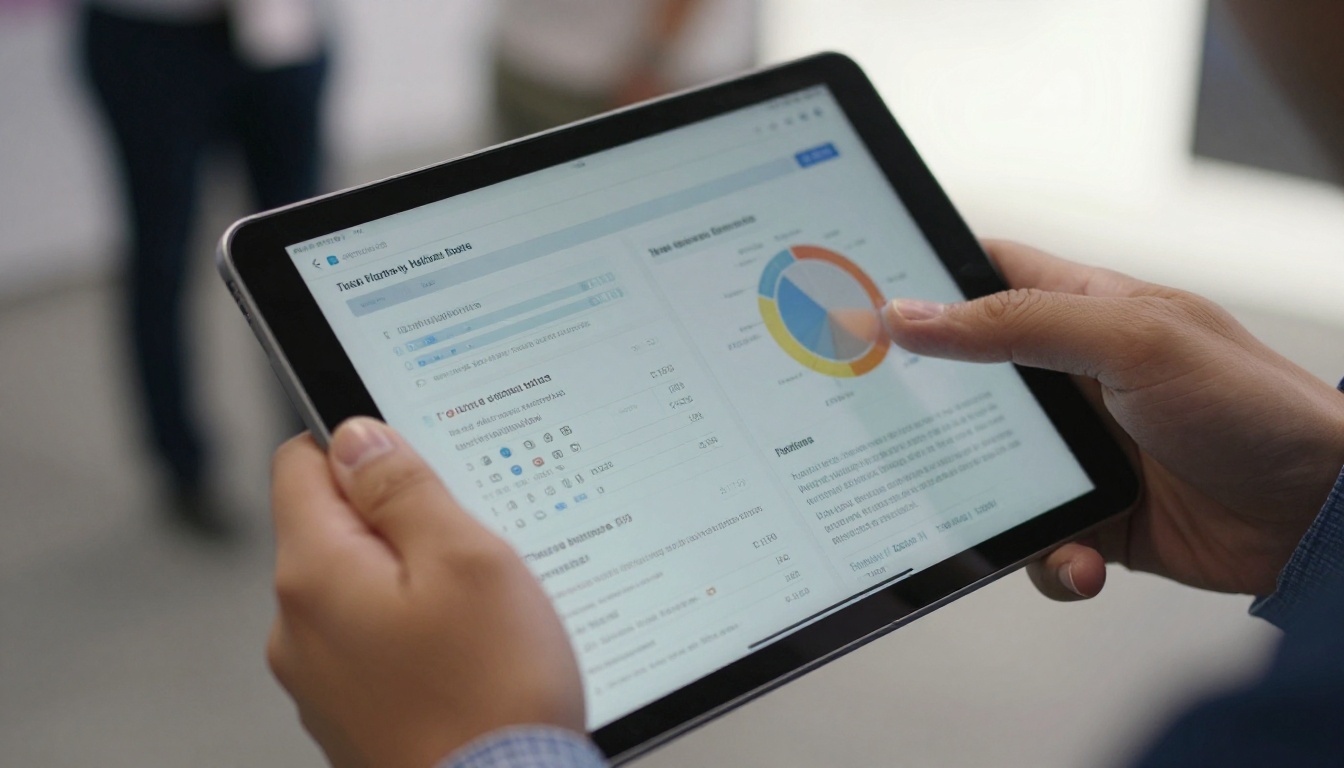
Audience Table Template
| Metric | Last Edition | This Edition Target | Source |
|---|
| Total attendees | 1,240 | 1,600 | Ticket scans |
| Senior decision makers | 38% | 42% | Registration form |
| Companies represented | 410 | 500 | CRM export |
| Repeat attendees | 46% | 50% | Registration match |
| Email subscribers | 18,500 | 22,000 | Email platform |
| Average session attendance | 310 | 380 | Room counts |
⚠️ Warning: Never round up in a way you cannot defend. If a sponsor asks for your source and you hesitate, you lose trust on every other number in the deck.
Tell the Audience Story in One Paragraph
Numbers earn attention, but one clear sentence earns memory. For example: "Our attendees are operations leaders from mid-sized manufacturers who come to compare suppliers and leave with shortlists." That sentence tells a sponsor exactly whether they belong in the room.
Benefits fall into five groups. Use specific language for each one.
| Benefit Group | Weak Wording | Strong Wording |
|---|
| Visibility | "Brand exposure" | "Logo on stage screen between 8 sessions, shown 40 times per day" |
| Content | "Thought leadership" | "20 minute talk, recorded and hosted on the event site for 12 months" |
| Access | "Networking" | "Private roundtable with 12 pre-selected buyers" |
| Data | "Lead generation" | "Badge scans with opt-in contact details, delivered within 48 hours" |
| Reporting | "Measurable results" | "A one-page report with impressions, scans, and email clicks" |
Three Activation Ideas That Sell
- Sponsored workshop. The sponsor teaches a practical skill and earns trust, not just logo space.
- Hosted lounge. A comfortable branded space where conversations happen naturally.
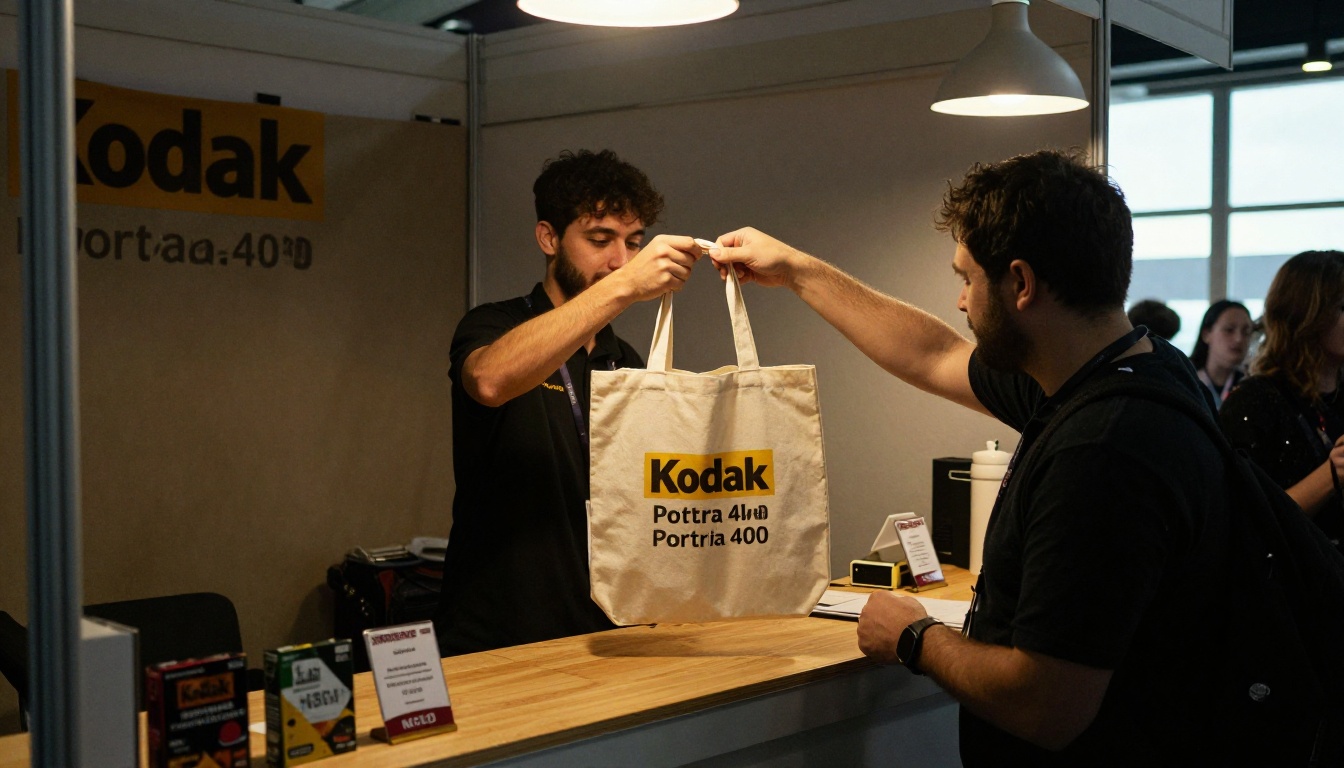
- Attendee gift. A useful item handed out at registration, with the sponsor's name on it.
Proof That Closes the Deal
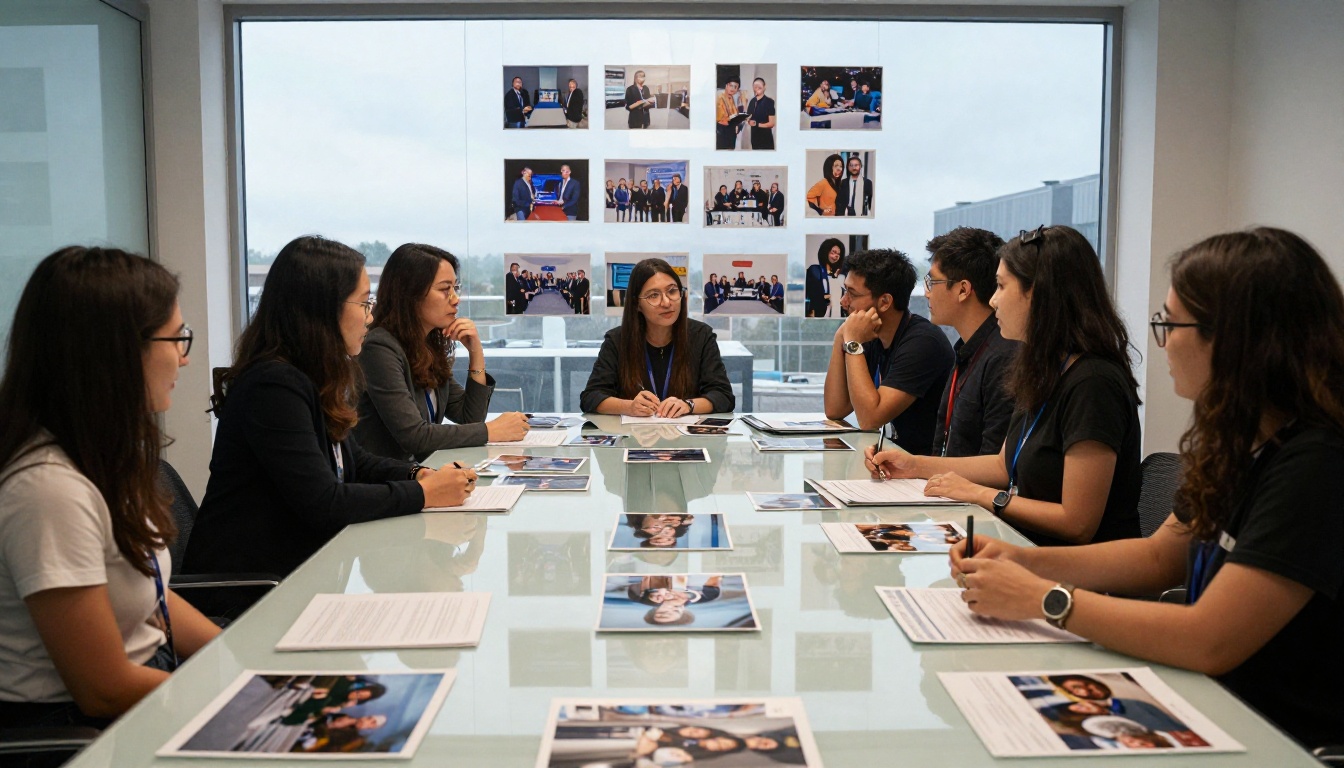
Proof is the section most organizers rush. It is also the one that moves a skeptical sponsor from "maybe" to "send the contract."
Types of Proof, Ranked by Strength
| Proof Type | Strength | How to Present It |
|---|
| Sponsor result numbers | Very high | "Partner X collected 212 qualified scans and closed 9 deals" |
| Named testimonial | High | Short quote, name, title, company logo |
| Photos of real sponsor activations | High | Candid, well-lit, with the sponsor's brand visible |
| Press and social mentions | Medium | Three logos or screenshots, not a wall of them |
| Attendance and growth trend | Medium | Simple year-over-year line or table |
| Awards and rankings | Low to medium | One line, with the source |
How to Collect Proof Even If This Is Your First Event
If you have no history, borrow credibility honestly:
- Show results from events your team ran before, with permission.
- Share early registration numbers and speaker confirmations with dates.
- Offer a founding sponsor rate in exchange for a testimonial and case study.
- Include a pilot report from a smaller meetup that proves your audience pull.
💡 Pro tip: Ask every sponsor for one sentence of feedback at the end of the event while the experience is fresh. Put it in your proof page the same week.
Photos Matter More Than You Think
Candid shots of sponsors talking to real attendees beat polished stock photos every time. Hire a photographer for the event and brief them with a shot list: each sponsor booth, each logo on stage, each handshake. You will reuse those images for a year.
A Fill-In Template You Can Copy
Use this skeleton and replace the brackets.
Page 1: Cover. [Event name], [date], [city]. One sentence: "Meet [number] [job title] who buy [category]."
Page 2: Audience. Three headline numbers, one audience paragraph, one source line.
Page 3: Why sponsor. Three reasons, each with a number or a quote.
Page 4: Tier overview. The comparison table, with the Supporting tier marked as the most popular if that is true.
Pages 5 to 7: Tier details. Price, availability, exact deliverables, deadlines.
Page 8: Add-ons. Short list, fixed prices.
Page 9: Activation ideas. Three concrete examples with photos.
Page 10: Proof. Results, testimonials, photos.
Page 11: Timeline. Booking deadline, asset deadline, event date, report date.
Page 12: Next step. Name, email, phone, and booking link.
Sponsor Email Template to Send With It
Subject: [Event name] sponsorship for [their company]
"Hi [Name], we are hosting [event] on [date] for [audience]. Last year [one result]. I put together a short package with three options and the audience data behind them: [link]. Would a 15 minute call this week help you decide if it fits?"
Keep it to five sentences. The package does the work, and the email only opens the door.
Publish It as an Interactive Flipbook
A PDF attachment is static. You never know if it was opened, and it often lands in a spam folder or gets stripped by corporate email filters. A flipbook gives you a link, a clean reading experience on mobile, and data on what happens after you hit send.
How to Create Your Sponsorship Flipbook
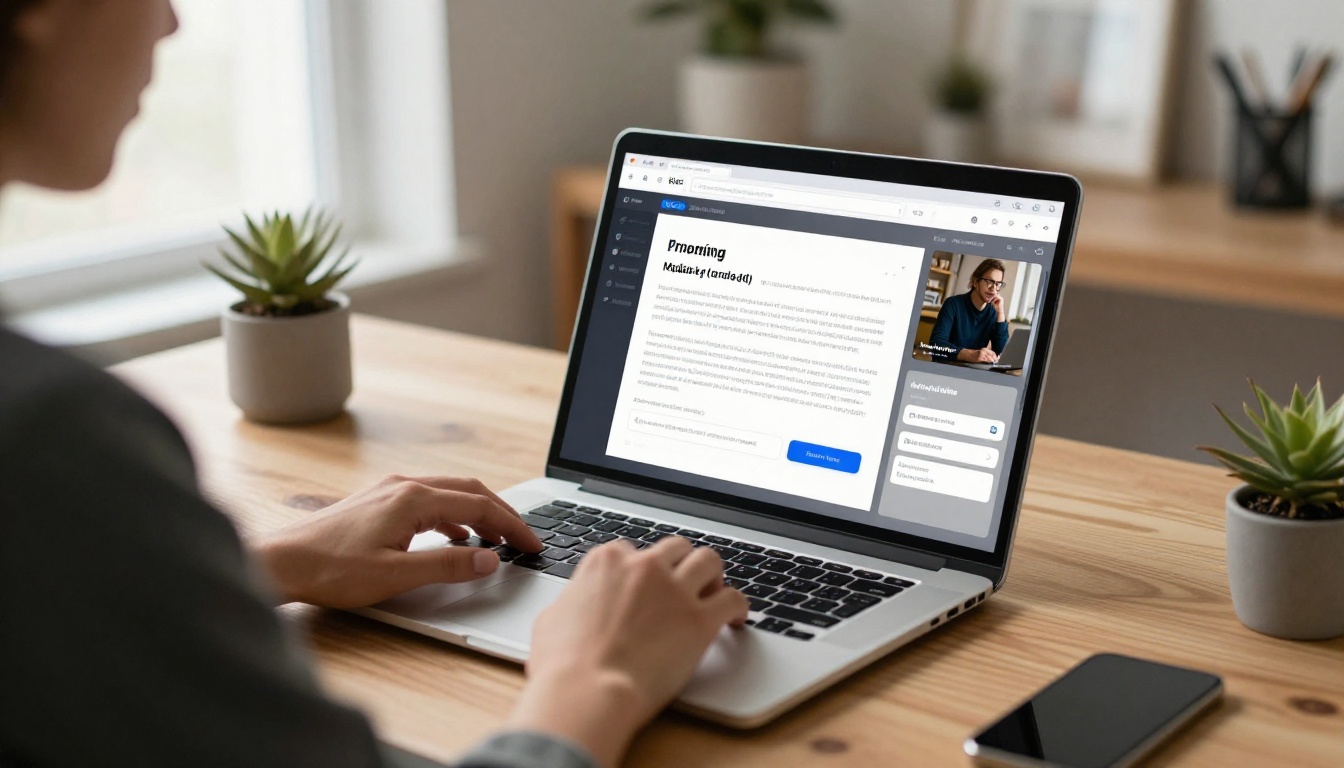
- Export your package as a PDF from your design tool. Keep pages in landscape or a consistent portrait ratio.
- Create a free account at Flipbooks AI and open the PDF to Flipbook Converter.
- Upload the file. Conversion takes seconds and keeps your fonts and images sharp.
- Customize the look. Add your event colors, logo, and a page-turn effect that suits the tone of your event. The Presentation Flipbook Designer is a good starting point for deck-style layouts.
- Add multimedia. Embed a 60 second highlight video from last year or an audio quote from a past sponsor.
- Set sharing options. Use a direct link in emails, or embed the flipbook on your website. Use password protection for the Presenting tier details if pricing should stay private.
- Turn on analytics and lead capture. On the Professional plan you can see views, time on page, and collect contact details before someone reads the pricing. Check the pricing plans to see what each level includes.
Why This Helps You Sell
- No watermarks, so the package looks like your brand, not a template.
- Mobile-responsive reading for sponsors who open it on a phone between meetings.
- Offline downloads for approval committees that prefer a file.
- One link to update: change a price or a date and everyone with the link sees the new version.
- Analytics that show which sponsors read the tier pages, so your follow-up call can be specific.
| Method | Tracking | Mobile Reading | Easy Updates | Looks Branded |
|---|
| Email PDF | None | Poor | No, resend needed | Yes |
| Slide deck link | Limited | Average | Yes | Depends |
| Flipbook link | Page views and time | Strong | Yes | Yes, no watermarks |
If you also hand out a printed or digital program at the event, the Event Program Maker lets you reuse the same sponsor logos and pages. A Sales Presentation flipbook works well for the live pitch itself, and a Press Kit Designer flipbook helps with media proof.
Follow Up Without Being Annoying
The package opens the door, but the follow-up sequence closes it. A simple rhythm works well:
- Day 0: Send the package with a short email.
- Day 3: If analytics show they opened the tier pages, reply with a specific offer: "I noticed the Supporting tier might fit your goals. Want me to hold a spot until Friday?"
- Day 7: Share one new proof point, such as a speaker announcement or a sponsor result.
- Day 14: Ask a direct question: "Is this a no for this year, or a not yet?"
After the event, send the sponsor report within a week. Include impressions, scans, photos, and one honest lesson. Sponsors who receive a clean report renew at much higher rates than those who hear nothing.
Common Mistakes to Avoid
- Pricing without a reason. Tie each tier to a cost per attendee or a clear deliverable.
- Promising what you cannot deliver. Overpromise once and you lose that sponsor for good.
- Hiding the price. Sponsors who must email for pricing often never do.
- Skipping the report. Renewals are won in the week after the event.
- Sending one version to everyone. Swap the first page, the audience highlight, and the suggested tier for each prospect.
⚠️ Warning: Do not copy another event's tiers line by line. Sponsors talk to each other, and your audience is different. Build the table from your own data.
Your Next Step
Open your current deck and rebuild it in this order: audience, tiers, proof, next step. Cut every page that does not support one of those four. Then turn it into a shareable flipbook so you can see which sponsors read it.
Ready to build yours? Get started for free on Flipbooks AI, browse all flipbook tools, or compare pricing plans to choose the level that includes analytics and lead capture.



