Every family reunion has the same problem: forty people show up, nobody knows when lunch is, half the cousins have never met, and Grandma's famous pie recipe lives only in her head. A well-built booklet fixes all three at once. With a tool like Flipbooks AI, you can turn a simple document into a page-turning flipbook that relatives open on their phones before they even arrive. This article walks through the family reunion booklet ideas that work best: schedules, family trees and recipes, plus the extras that make people keep the thing for years.
Why a Booklet Beats a Group Chat
Group chats are noisy. Someone posts the schedule on Tuesday, it is buried under forty photos of a dog by Thursday, and on Saturday morning three people ask the same question. A booklet is a single, calm source of truth.
Here is what a booklet gives you that a chat thread does not:
- One place for everything: schedule, maps, names, menus and games.
- A keepsake: people save it, print it and look at it years later.
- Fairness for every age: grandparents who avoid group chats can still read a clean page.
- A record: next year's organizer starts from a finished example instead of a blank page.
💡 Pro tip: Decide who owns the booklet before you design anything. One editor, plus two or three people who send material, keeps the project from stalling.
Print, PDF or Flipbook?
Most families start with a printed handout, and that is fine. The trouble comes when you find a typo the night before. A digital flipbook can be updated in minutes, and the link stays the same.
| Format | Best For | Easy to Update | Cost | Works on Phones |
|---|
| Printed handout | Guests at the event | No | Printing fees | No |
| Plain PDF | Emailing to relatives | Slowly | Free | Awkward zoom |
| Flipbook | Before, during and after the event | Yes, same link | Free to start | Yes, fully responsive |
Many organizers do both: a flipbook for everyone, and a short print run for the older relatives who like paper.
The Schedule Page
The schedule is the page people open most. Make it skimmable and honest about timing.
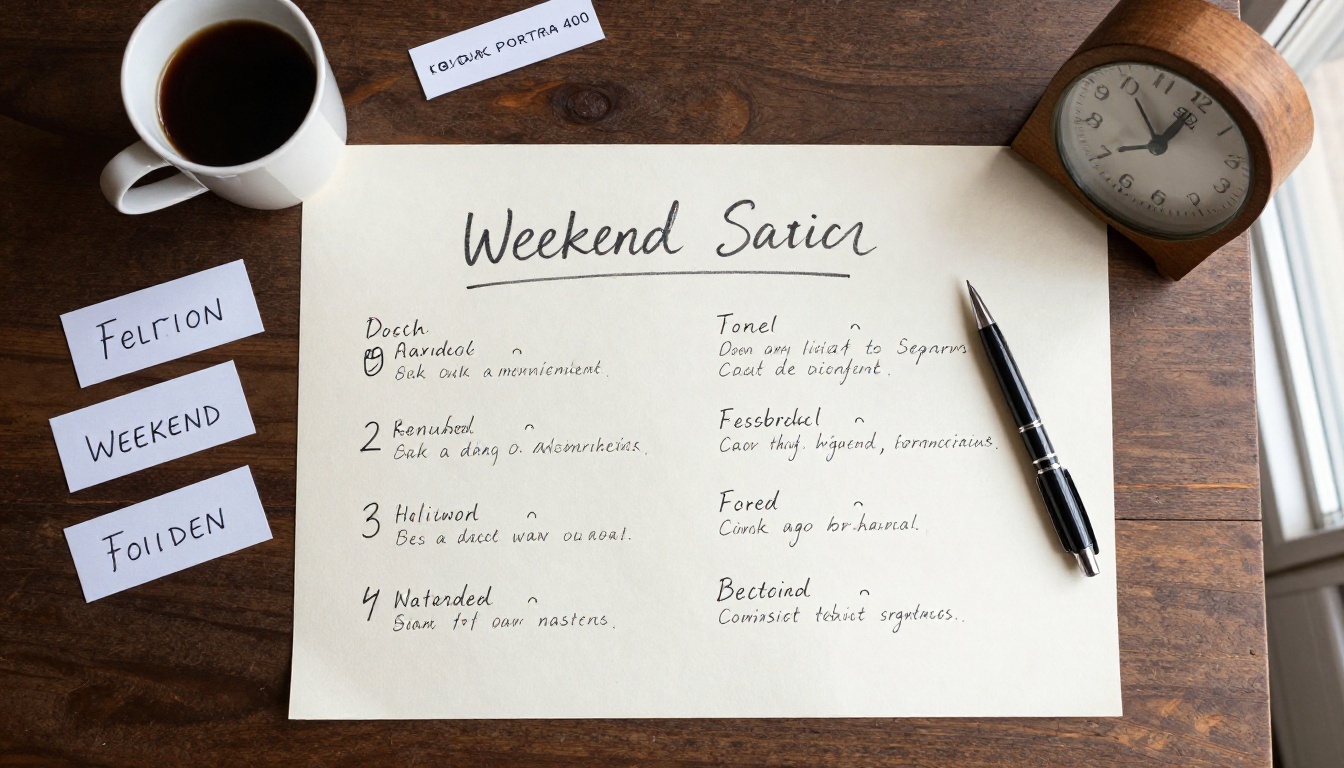
Build a Weekend Timeline
Break the reunion into blocks rather than listing every minute. Families run late, and a rigid timetable only creates stress.
A simple structure looks like this:
- Arrival window: name tags, drinks, a quick tour of the venue.
- Welcome moment: thank the hosts, read the plan, introduce new babies and new partners.
- Main meal: the long table, the recipes, the stories.
- Activity block: games, a group photo, a talent show.
- Slow evening: music, dessert, a fire pit if the weather allows.
- Goodbye breakfast: a relaxed last meeting before everyone drives home.

Sample Saturday Layout
| Time Block | Activity | Who It Suits |
|---|
| 10:00 | Arrival and name tags | Everyone |
| 11:30 | Welcome and family announcements | Everyone |
| 12:30 | Potluck lunch | Everyone |
| 14:30 | Lawn games and scavenger hunt | Kids and teens |
| 14:30 | Photo swap and storytelling | Older relatives |
| 17:00 | Group photo | Everyone |
| 18:30 | Dinner and music | Everyone |
Running two activities at the same hour is a quiet trick. The kids burn energy outside while the grown-ups sit down and talk.
⚠️ Watch out: Never print exact times for things that depend on weather or travel. Use "around" and give a backup plan for rain on the same page.
Practical Details People Always Ask About
Put these on the second page so nobody has to text you:
- Venue address, parking and the nearest hotel.
- Wi-Fi password and the best phone number for the day.
- A short list of allergies and dietary needs.
- Who to ask if you have a question (with a face and a name).
- What to bring: chairs, a dish, a photo.
The Family Tree Page
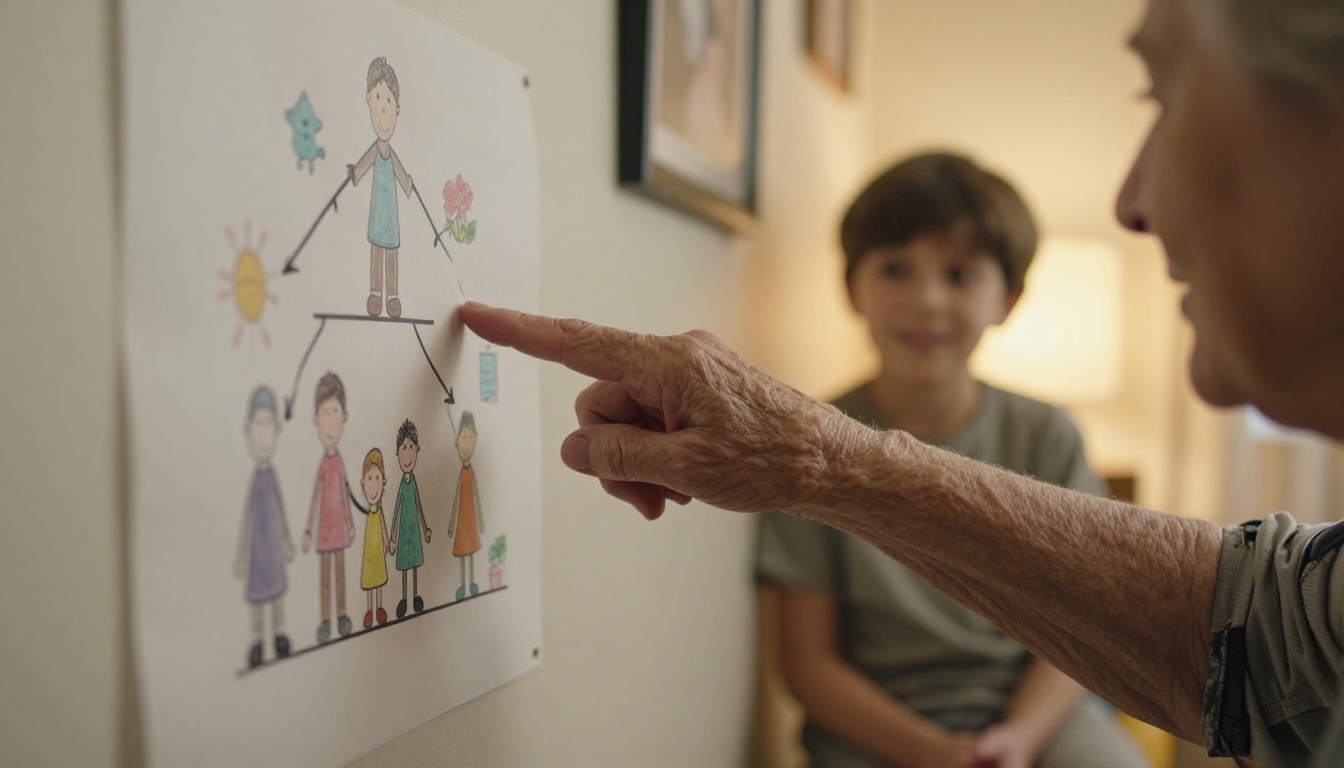
A family tree is the page relatives gather around. It answers the question every young cousin asks: "Who is that?"
Choose a Tree Style
Not every family fits a classic top-down chart. Pick the layout that matches your size and the story you want to tell.
| Tree Style | Looks Like | Best When | Watch Out For |
|---|
| Classic descendant chart | Ancestors at top, branches below | One clear founding couple | Gets wide fast |
| Branch by branch | One page per sibling line | Large, spread-out families | Cousins may feel split |
| Photo wall | Faces with names, grouped by household | Mixed ages, many new faces | Needs good photos |
| Timeline tree | Generations along a horizontal line | Families with a migration story | Harder to read on phones |
Make It Readable
- Use first names plus a short tag, like "Maria (Tom's daughter)".
- Add birth years only for older generations, and only if the family agrees.
- Print one household per card so a phone screen can show it without tiny zooming.
- Add a "Meet the newest members" strip for babies and partners who joined this year.
Add Stories, Not Just Names
A tree with only names is a spreadsheet. Give each branch one line that makes the person real: the farm they grew up on, the job they hated, the joke they told at every dinner. Ask older relatives to dictate these. Even a three-sentence note becomes precious later.
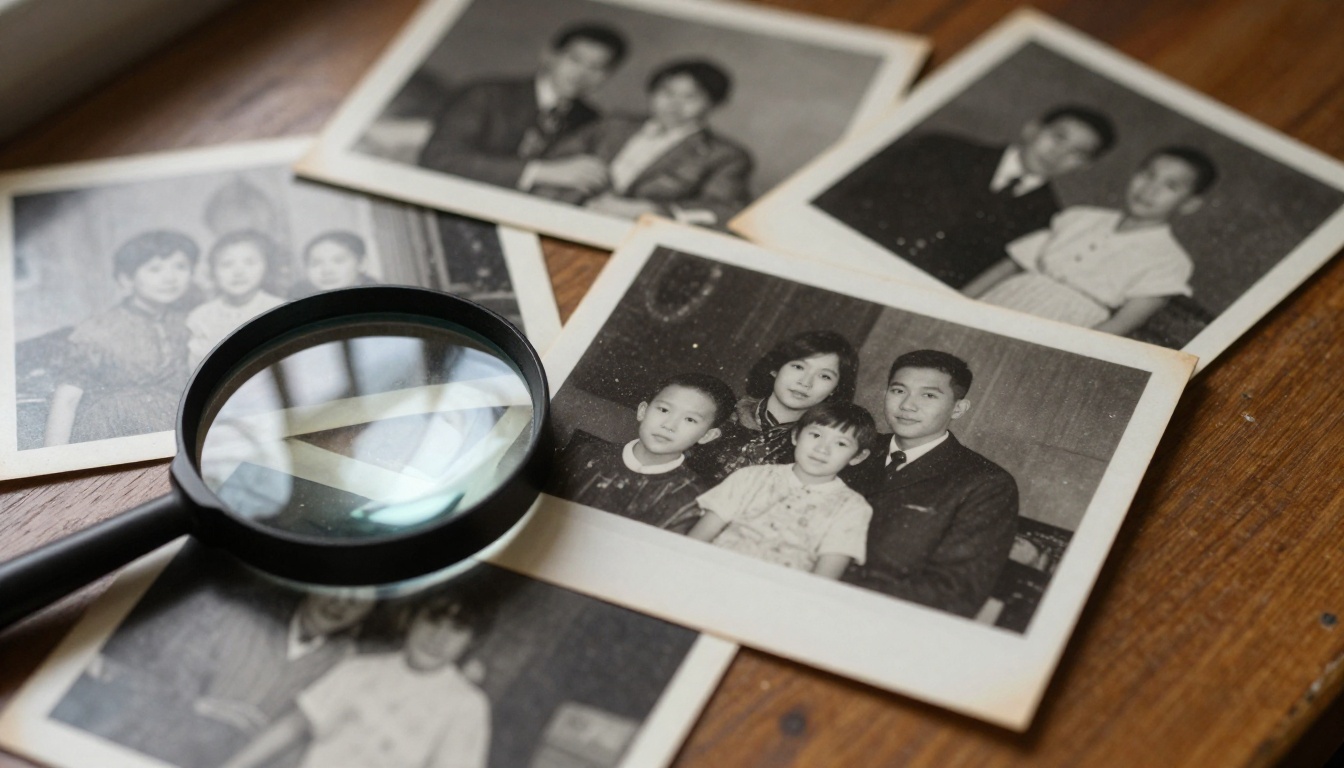
✅ Best practice: Scan old photos at 300 dpi, crop them lightly and keep the originals untouched. Label each scan with who, where and roughly when before you forget.
The Recipe Section
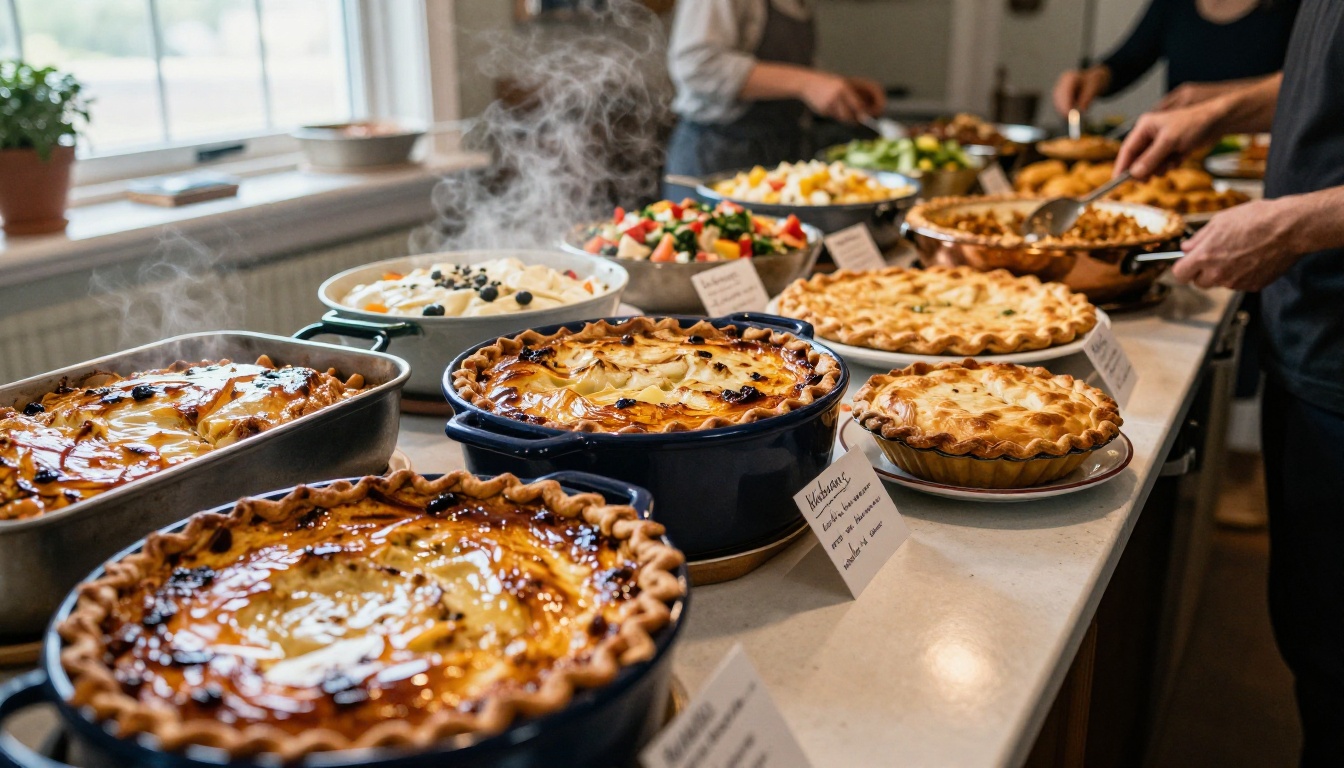
Ask any family what they miss most about a lost relative and food comes up within the first minute. A recipe section may be the most loved part of the whole booklet.
Collect Recipes Without Chasing People
Send a short form or message with four questions:
- What is the dish called?
- Who made it first in the family?
- What are the ingredients (rough amounts are fine)?
- What is the story behind it?
Set one deadline, three weeks before the event, and send a friendly reminder a week before that. People answer faster when the ask is small.
One Page per Recipe
Keep a repeatable layout so the section looks professional:
- Dish name and cook's name at the top.
- A short story in two or three sentences.
- Ingredients on the left, steps on the right.
- A photo of the real dish, even a quick phone shot.
- A small "Serves" and "Time" line.
If you want a ready-made structure, the Recipe Book Flipbook tool is built for exactly this.
Organize by Course, Branch or Memory
| Organizing Method | Example Sections | Why It Works |
|---|
| By course | Starters, mains, sides, desserts | Easy to use when planning a menu |
| By family branch | Grandma Rosa's kitchen, Uncle Jim's grill | Gives each household a spotlight |
| By occasion | Holiday classics, summer picnic, comfort food | Matches how people actually cook |
| By memory | "The dish from the 1998 reunion" | Strong emotional pull, less practical |
A neat compromise is to organize by course and add a small family branch label on each page.
💡 Pro tip: Add a "Potluck sign-up" table in the booklet: dish, cook, serves. It prevents seven bowls of potato salad and no dessert.
Once the three main sections are done, a few light pages add personality without much effort.
- Games page: a scavenger hunt, family trivia or a bingo card of relatives ("find someone who has lived abroad").
- Memory wall: a page for notes in memory of relatives who have passed.
- Photo timeline: one image per decade, ending with this year's group photo.
- Thank-you page: names of everyone who cooked, drove, set up and cleaned up.
- Next reunion page: date, place and a volunteer list for the following year.

How to Create It with Flipbooks AI
Once your content is written in any word processor or design app, the digital step takes about ten minutes.
- Sign up. Create a free account on Flipbooks AI in under a minute.
- Export your pages as a PDF. Keep pages in the same size and put photos at a decent resolution.
- Upload the PDF. The PDF to Flipbook Converter turns it into a page-turning book with a realistic fold effect.
- Customize the look. Choose a background color that matches your reunion theme, add your family name and pick the page-turn style.
- Add extras. Embed a short video of last year's reunion or audio of a grandparent telling a story.
- Share the link. Send a direct link, or embed the flipbook on a family website so everyone has one address.
- Protect it. Turn on password protection so only relatives can open it. This matters when the booklet contains birth years and photos of children.
What Matters Most for a Family Project
| Feature | Why Families Care |
|---|
| No watermarks | The booklet looks like yours, not an advertisement |
| Password protection | Private photos stay in the family |
| Mobile-responsive reading | Relatives open it on phones at the venue |
| Offline downloads | Useful when the park has no signal |
| Embedded video and audio | Voices and laughter live next to the photos |
| Same link after edits | Fix a typo without sending a new file |
Professional plans add analytics, so you can see how many people opened the schedule, and lead generation if you ever run a larger event. You can compare options on the pricing page.
If you plan bigger gatherings, the Event Program Maker is a handy starting point for the schedule section.
A Sensible Timeline for the Organizer
Booklets go wrong when they start too late. Work backward from the date.
| When | Task |
|---|
| 8 weeks before | Pick the editor, set the date and choose the sections |
| 6 weeks before | Send the recipe and family story request |
| 4 weeks before | Collect photos and start the family tree |
| 3 weeks before | Recipe deadline, first draft of the schedule |
| 2 weeks before | Layout, proofreading by two relatives |
| 1 week before | Upload the flipbook and share the link |
| Reunion week | Update the schedule if needed and print a few copies |
✅ Best practice: Ask two people who did not write a single page to proofread. Fresh eyes catch the wrong aunt in the wrong branch.
Three Common Mistakes
Too much text. A booklet is not a novel. If a page needs more than 150 words, split it or trim it.
Skipping the newest members. Partners and babies who joined recently should appear on the tree from the first edition. It sets a warm tone.
Forgetting the day after. Send the flipbook link again once the reunion ends, along with the group photo. This is when people save it and show it to others.
Keep It Alive After the Reunion
A reunion booklet should not be a one-off. Turn it into a yearly tradition: add a new schedule, one extra branch on the tree and ten new recipes each year. Over a decade, you end up with something close to a family archive.
A few ways to keep momentum:
- Create a "volume 2" each year and link it to the previous edition.
- Invite a different household to edit the booklet every time.
- Add a page of "best moments" right after the reunion while people remember.
- Print one copy per household as a thank-you gift.
Ready to Build Yours?
You do not need design skills to make something your relatives will treasure. Start with the schedule, add the family tree, and invite everyone to share a recipe. When the content is ready, get started for free on Flipbooks AI and have a shareable booklet by tonight.
Browse all the flipbook tools and templates to find the layout that fits your family, or compare pricing plans if you want analytics and unlimited flipbooks for every reunion to come.



