You finished the illustrations, the rhyme finally scans, and now one question stands between your picture book and its readers: fixed layout EPUB or PDF? The choice affects how every page spread renders, who can open the file, how heavy the download is, and whether a child can tap a word and hear it spoken. If you also want a third route that skips both headaches, a page-turning link built on Flipbooks AI is worth a look later in this article.
Picture books are not novels. Text sits on top of art, spreads are designed as two facing pages, and a single misplaced line of type can ruin a joke. That is why the usual "just use EPUB" advice falls apart for this genre. Let's compare the formats the way a parent, teacher or self-publishing author would actually experience them.
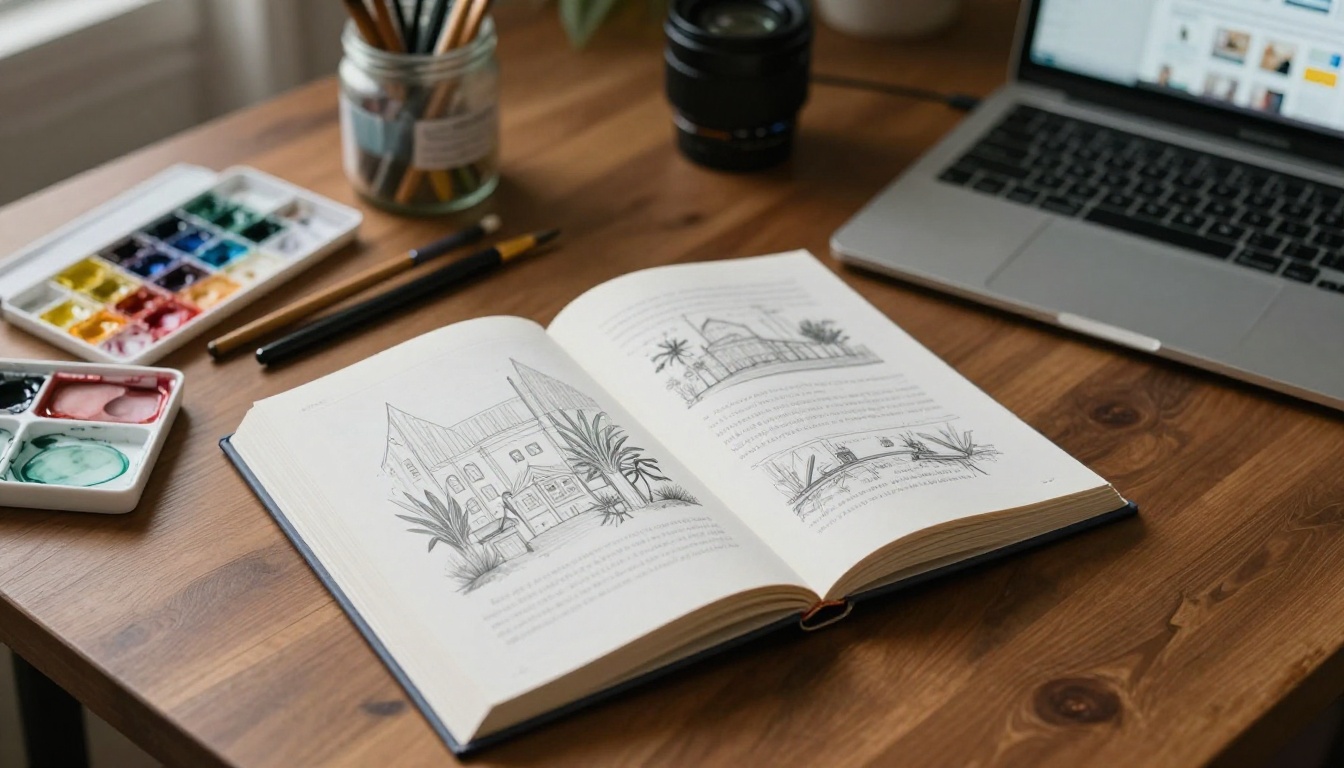
Why Picture Books Break Normal EPUBs
A standard reflowable EPUB behaves like a web page. The reader picks a font size, the text wraps, and pages are generated on the fly. That is perfect for a 300-page novel and terrible for a 32-page picture book.
Here is what goes wrong when you reflow a picture book:
- Text drifts off its artwork. A line meant to sit in the sky now lands on the grass.
- Spreads split in half. The double-page illustration of the whale gets cut down the gutter.
- Typography loses personality. Hand-lettered titles and playful line breaks vanish.
- Page turns lose their timing. The reveal on the next page is the whole point of the book.
Fixed layout solves this by locking every page to a defined canvas, so what you designed is what the child sees. Both fixed layout EPUB and PDF do this. They just do it in very different ways.
What "Fixed Layout" Really Means
In a fixed layout EPUB, each page is an XHTML file with an exact pixel size, and text is positioned on the page as real, selectable text. The reading app scales the whole page to fit the screen. A PDF also locks the page, but it was born for print, so it stores pages as precise drawing instructions with embedded fonts and images.
A Quick Definition of Each Format
| Detail | Fixed Layout EPUB | PDF |
|---|
| Origin | Digital publishing standard | Print and document exchange |
| Page canvas | Set per book, scaled to screen | Set per page, usually print size |
| Text | Real text, can be read aloud | Real text if exported well, often flattened |
| Opens in | Reading apps and e-readers | Almost any device or browser |
| Retail friendly | Apple Books, Kobo, Google Play Books | Direct download and print |
💡 Pro tip: Decide your primary destination before you export. A book aimed at retail stores and a book aimed at a classroom email list need different files.
Side-by-Side Comparison
The table below rates both formats on the factors that matter most to children's titles.
| Factor | Fixed Layout EPUB | PDF |
|---|
| Visual fidelity | Excellent when built correctly | Excellent, pixel-faithful |
| Device support | Needs a reading app, patchy on desktop | Opens everywhere |
| File size | Moderate, images compressed per page | Can be very large at print quality |
| Read-aloud support | Possible with media overlays | Not built in |
| Accessibility | Strong with alt text and tagging | Weak unless carefully tagged |
| Reading on a phone | Pinch and zoom, small text | Pinch and zoom, small text |
| Store distribution | Accepted by major stores | Rejected by most stores |
| Print-ready | No | Yes |
| Build effort | High | Low |
There is no universal winner, and anyone who tells you otherwise has not shipped a picture book to both a bookstore and a kindergarten classroom.
Where Fixed Layout EPUB Shines
- Retail distribution. Apple Books and Kobo accept fixed layout EPUB for children's titles, and many parents search those stores first.
- Read-aloud narration. Media overlays can highlight each word as a recording plays, which is a real help for early readers.
- Accessibility. Proper structure, language tags and image descriptions make the book usable with screen readers.
- Smaller downloads. Images are compressed for screens instead of print.
Where PDF Shines
- It just opens. Every phone, laptop and school computer already has a PDF viewer.
- Print and digital share one source. The same export can go to the printer and to your email list.
- Easy to build. Export from InDesign, Affinity or Canva and you are done.
- Predictable design. Fonts and artwork look the way you designed them.

Both formats carry trade-offs that rarely show up in a feature list.
EPUB Pain Points
Fixed layout EPUB support is uneven. The same file can look perfect in Apple Books, slightly off in a Kobo app and broken in a generic desktop reader. Google Play Books and Kindle each have their own quirks, and Kindle uses its own conversion path for fixed layout titles. You will spend real time testing.
Building the file is also harder. Most authors need an export plugin or a dedicated tool, then a validator such as EPUBCheck to catch errors before a store rejects the upload.
PDF Pain Points
A print-quality PDF of a 32-page picture book easily reaches 50 to 200 MB. On a mobile connection, that is a long wait for a four-year-old who wants the story right now. You can shrink it, but aggressive compression turns watercolor gradients into blocky stripes.
PDFs are also awkward on small screens. A page designed for an 8.5 x 8.5 inch square forces the reader to pinch and drag, which breaks the rhythm of a read-aloud.
⚠️ Warning: Never upload a PDF with unembedded fonts. Playful display typefaces are the first to be swapped for a default font on the reader's device.
Real-World Scenarios
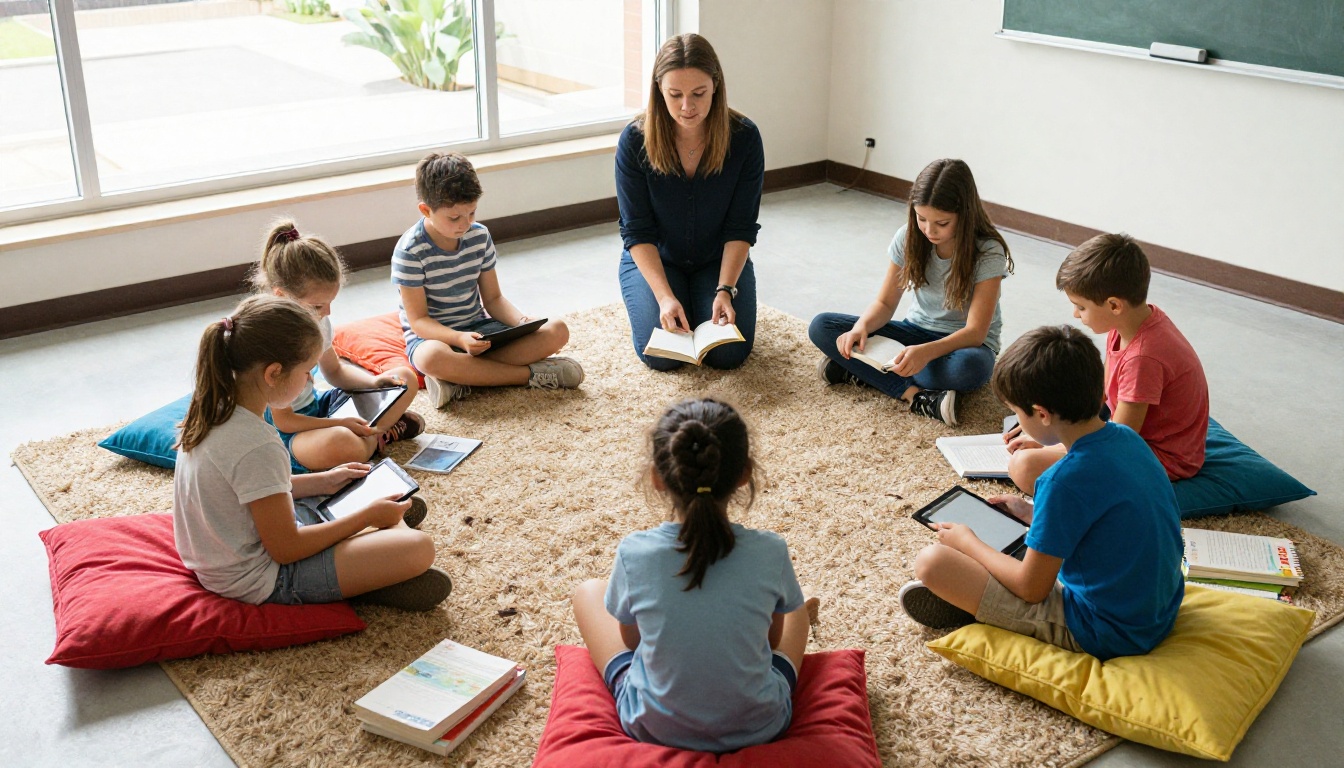
Theory is useful, but your situation decides the answer. Here are four common ones.
| Scenario | Best Choice | Why |
|---|
| Self-published author selling on Apple Books | Fixed layout EPUB | Stores require it and reward good formatting |
| Teacher sharing a story with parents | PDF or flipbook link | No app install needed |
| Author sending an advance copy to reviewers | PDF | Fast, opens anywhere |
| Publisher producing interactive read-along | Fixed layout EPUB | Media overlays and accessibility |
| Printing at a local shop | PDF | Print-ready with bleed |
The Teacher Example
A first-grade teacher has a picture book she wrote for her class. She needs 28 families to open it on whatever device they own, including old Android phones and a shared library computer. A PDF works, but a 90 MB attachment bounces from several inboxes. A fixed layout EPUB would require 28 families to install a reading app. Neither is ideal.
The Self-Publisher Example
An author launching a rhyming bedtime book wants shelf space in Apple Books and Kobo. Here EPUB is the only real path. She exports a fixed layout file, validates it, tests it on an iPad and a Kobo, and keeps a PDF for print on demand and review copies.
Accessibility and Read-Aloud Features
Children's books have an unusual audience: the person holding the device is often not the person reading. Accessibility therefore matters twice, for the child and for the adult.
Making an EPUB Accessible
- Add alt text to every illustration that carries story meaning.
- Set the language in the package metadata so screen readers pronounce words correctly.
- Keep the text live. Never flatten words into the image, or no one can select or hear them.
- Define a logical reading order so the page is read left to right, top to bottom.
- Add media overlays if you have narration, so words highlight as they are spoken.
Making a PDF Accessible
A tagged PDF can pass many accessibility checks, but it takes manual work in Acrobat. You add tags, reading order and alt text one page at a time. Most authors skip it, which is why a typical picture book PDF is far less accessible than an equivalent EPUB.
✅ Best practice: If accessibility is a requirement, for example in a school district, build the EPUB first and treat the PDF as the secondary format.
File Size, Speed and Mobile Reading
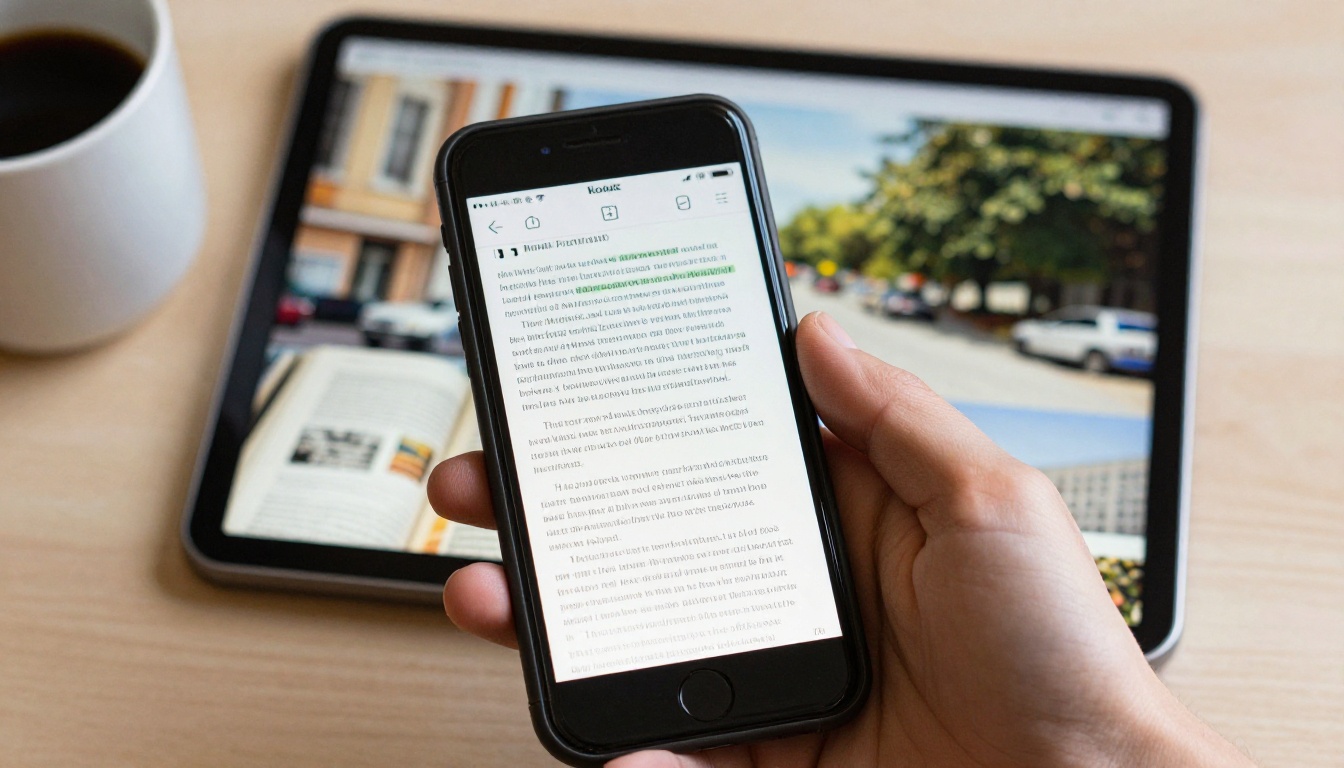
Parents open picture books on phones, usually one-handed, often at bedtime. Load time and layout both matter.
| Metric | Fixed Layout EPUB | PDF (print quality) | PDF (screen optimized) |
|---|
| Typical size, 32 pages | 15 to 40 MB | 50 to 200 MB | 8 to 25 MB |
| Opens instantly | Depends on app | Depends on viewer | Yes |
| Page turn feel | Smooth in good apps | Scroll or tap, varies | Scroll or tap, varies |
| Landscape spreads | Supported natively | Supported if built that way | Supported if built that way |
Practical size tips for either format:
- Export images at 150 to 200 dpi for screen, not 300.
- Use JPEG for painted art and PNG only for flat color with sharp edges.
- Limit the canvas to roughly 2048 pixels on the long side for EPUB.
- Strip unused fonts and hidden layers before export.
A Third Option: The Page-Turning Flipbook
Many authors end up maintaining three files: a print PDF, a retail EPUB and a lightweight PDF for email. There is a simpler way to handle the sharing side. Upload your PDF to Flipbooks AI and it becomes a page-turning flipbook with a single link that opens in any browser. No app, no attachment, no 90 MB email.
For picture books this fits naturally. The reader sees a real two-page spread, turns it like a physical book, and the artwork stays exactly as designed. It works well next to an EPUB: keep the EPUB for the stores, and use the flipbook for classrooms, reviewers, newsletters and your own website.
How to Create a Picture Book Flipbook
- Export your PDF. Use a screen-optimized export, with fonts embedded and spreads on facing pages.
- Create an account. Sign up on Flipbooks AI and open the dashboard.
- Upload the PDF. The PDF to Flipbook Converter turns each page into a flippable page in seconds.
- Customize the look. Set background color, branding and page-turn effects so the viewer matches your book's mood.
- Add media. Embed a narration track or a short author video with the built-in audio and video support.
- Share it. Copy the direct link, or use the embed option to put the book on your site. Add password protection for advance copies.
- Track results. On the Professional plan, analytics and lead generation show who opened the book. See the pricing plans for details.
Flipbooks created this way have no watermarks, are mobile-responsive and can be downloaded for offline use. If you are publishing a longer title or a series, the Interactive E-Book Publisher and E-Book Flipbook Generator pages show what else is possible.
💡 Pro tip: Put the flipbook link in your email signature and on the back of printed bookmarks. Parents can preview the whole book on their phone without installing anything.

Run through this checklist before you export anything.
- Where will most readers find the book? Retail stores point to EPUB. Direct sharing points to PDF or flipbook.
- Do you need narration or highlighting? Choose fixed layout EPUB with media overlays.
- Do you need print? Keep a PDF with bleed and crop marks no matter what else you do.
- How technical is your audience? Non-technical families prefer a link that simply opens.
- How much time do you have? PDF is quickest. EPUB takes testing. A flipbook takes minutes from an existing PDF.
A Simple Publishing Plan
| Goal | Format to Produce | Notes |
|---|
| Sell on digital stores | Fixed layout EPUB | Validate and test on at least two devices |
| Sell print copies | Print PDF | 300 dpi with bleed |
| Share with schools and reviewers | Flipbook link | Add a password for advance copies |
| Email a preview | Screen PDF or flipbook link | Keep the file light |
Three Common Mistakes
- Flattening the text into the art. It looks fine, but nothing can be searched, selected or read aloud.
- Skipping device testing. One reading app is not the whole market.
- Using one giant file for everything. Make a purpose-built version for each audience.
Ready to Publish Your Picture Book?
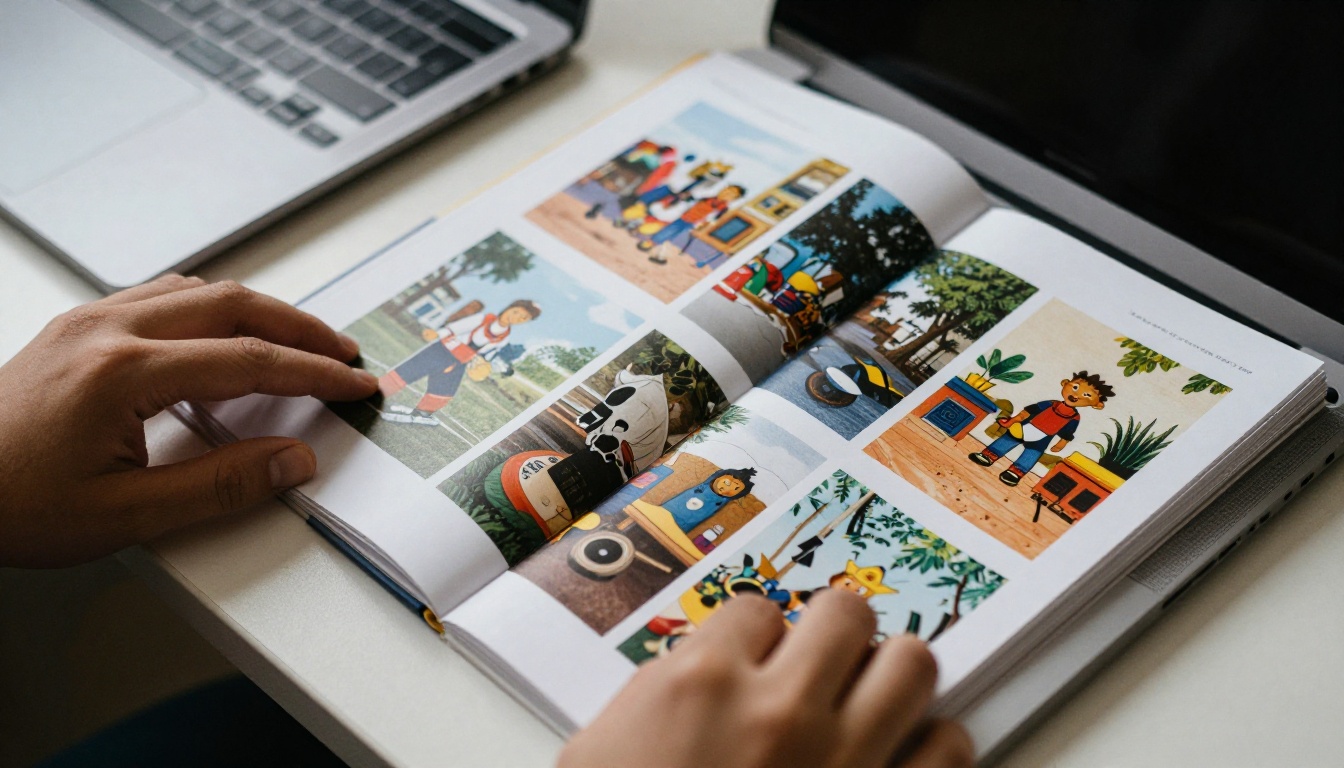
The honest answer is that most successful picture book authors use both formats, each for its own job. Fixed layout EPUB earns its place when you want store shelves, narration and strong accessibility. PDF earns its place for print and quick reviewer copies. And when you simply want everyone, on any device, to turn the pages of your book with one click, a flipbook link closes the gap.
Ready to try it with your own book? Get started for free on Flipbooks AI, browse all available tools and templates, or compare pricing plans to pick the one that fits your catalog of stories.



