Your best photos are probably sitting in a camera roll, a cloud folder, or a drawer full of prints nobody opens. A flip album online free fixes that in an afternoon: you upload your pictures as a PDF, and they become a page-turning album with real paper-style motion that opens in any browser. With Flipbooks AI, you can build one, send it to your family with a single link, and even embed it on your own website. This article shows how it works, what good albums look like, and which sharing option fits each situation.
What a Flip Album Really Is
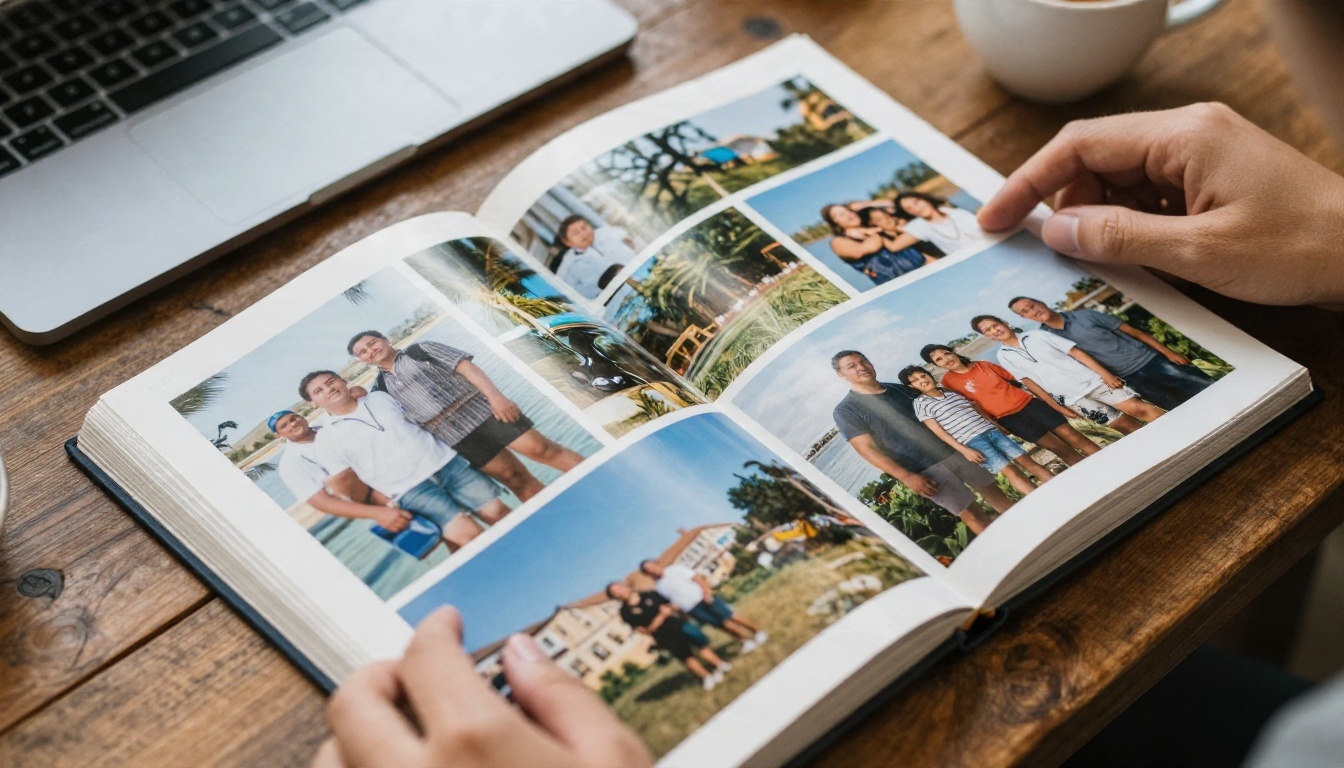
A flip album is a photo album that behaves like the printed kind. Pages curl, the spine sits in the middle, and your viewer clicks or swipes to turn each spread. The difference is that nothing needs to be printed, mailed, or stored in a closet.
Paper Feel, Digital Reach
Most people do not want a slideshow. A slideshow moves on its own and gives viewers no control. A flip album lets people linger on the picture they love and skip the ones they do not. That small difference is why a flip album feels like an object instead of a file.
Here is how the main ways of keeping photos compare:
| Option | Looks like an album | Easy to share | Works on phones | Cost to produce |
|---|
| Printed photo book | Yes | No, one copy | Not applicable | Printing plus shipping |
| Cloud folder | No | Yes | Yes | Usually free |
| Slideshow video | Partly | Yes | Yes | Editing time |
| Plain PDF | Partly | Yes | Awkward zooming | Free |
| Online flip album | Yes | Yes | Yes | Free to start |
Who Uses Them
Anyone who has more photos than patience. Parents building a baby's first year, couples sending a wedding gallery to relatives overseas, travelers who want more than a scrolling feed, and photographers who need a polished portfolio.

💡 Pro tip: Grandparents are the best test audience. If your album opens with one tap on a tablet and the pages turn without instructions, it will work for everyone.
How to Make a Flip Album Online
The process has four steps, and the first one happens before you open any website. If you want the quick version, the PDF to Flipbook Converter handles the conversion in seconds.
Step 1: Build Your Photo PDF
Your album starts as a PDF. You can create it in almost any tool you already own:
- Google Docs or Word: one photo per page, or two to four with captions
- Canva or Adobe Express: pick a photo book template, then export as PDF
- Your phone's photo app: many let you print a selection to PDF
- Design software: export spreads for a polished layout
Use landscape pages for travel albums and portrait pages for portraits and baby books. Keep the page size consistent, because mixed sizes create odd gaps when the pages flip.
Step 2: Upload and Convert
- Go to Flipbooks AI and create an account.
- Click the upload button and choose your PDF.
- Wait a few seconds while the converter turns each page into a flippable page.
- Preview the result. Check that the first page works as a real front page.
Step 3: Style the Album
Customization is where a plain upload turns into something that feels like yours:
- Background color: warm beige for weddings, deep charcoal for portfolios, soft white for baby albums
- Page effects: choose the curl and shadow that suit the mood
- Branding: add your logo or name if the album is for a business or a client
- Sound: a quiet page-turn sound makes the album feel physical
Step 4: Add Sound and Video
You can embed audio and video inside pages. Picture a wedding album where a short clip of the first dance plays when the viewer reaches that spread, or a travel album with ocean sounds on the beach pages.
⚠️ Warning: Keep clips short. Large media files slow the page on mobile connections, and nobody waits through a minute of buffering for a photo album.
Photo Album Examples Worth Copying
Good albums share one trait: they have a point of view. Below are five formats that work, with the details that make each one succeed.
| Album type | Typical length | Best layout | Best sharing method |
|---|
| Wedding | 30 to 60 pages | Full-bleed photos, few captions | Password-protected link |
| Baby's first year | 12 to 24 pages | One month per spread | Private link to family |
| Travel | 20 to 40 pages | Landscape, short captions | Public link or blog embed |
| Graduation or yearbook | 20 to 50 pages | Grid pages plus portraits | Link in a group message |
| Photographer portfolio | 15 to 30 pages | Minimal, no clutter | Embed on website |
Wedding Album
A wedding album needs room to breathe. Open with the ceremony, then move through portraits, the party, and the small candid moments. Put the best photo on the first spread, because that is the one people see when the link opens. The Wedding Album Flipbook tool is built for exactly this format.
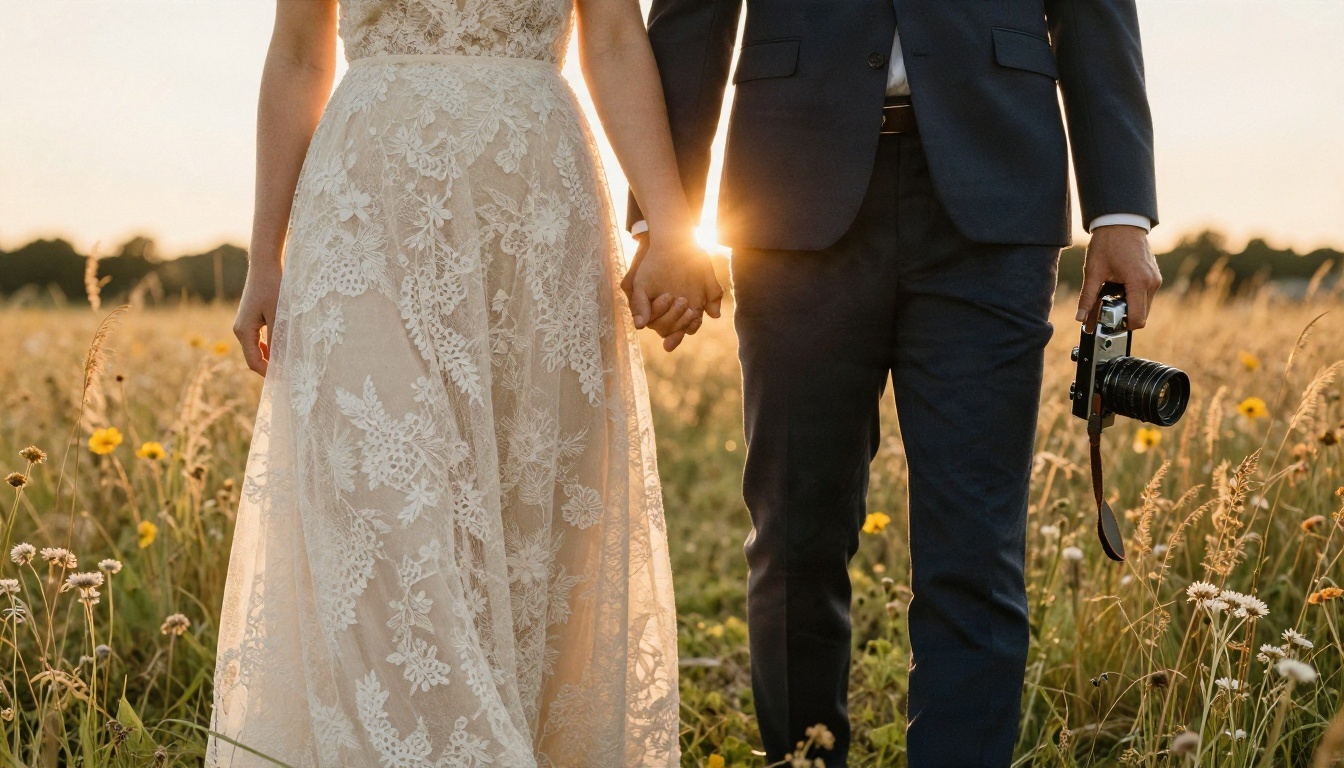
Real scenario: A couple married abroad has sixty relatives who could not attend. Instead of sending a heavy zip file, they share a password-protected flip album link in the family group chat. Everyone opens it on their phone, and the couple sees how many people viewed it.
Baby, Family and Graduation Albums
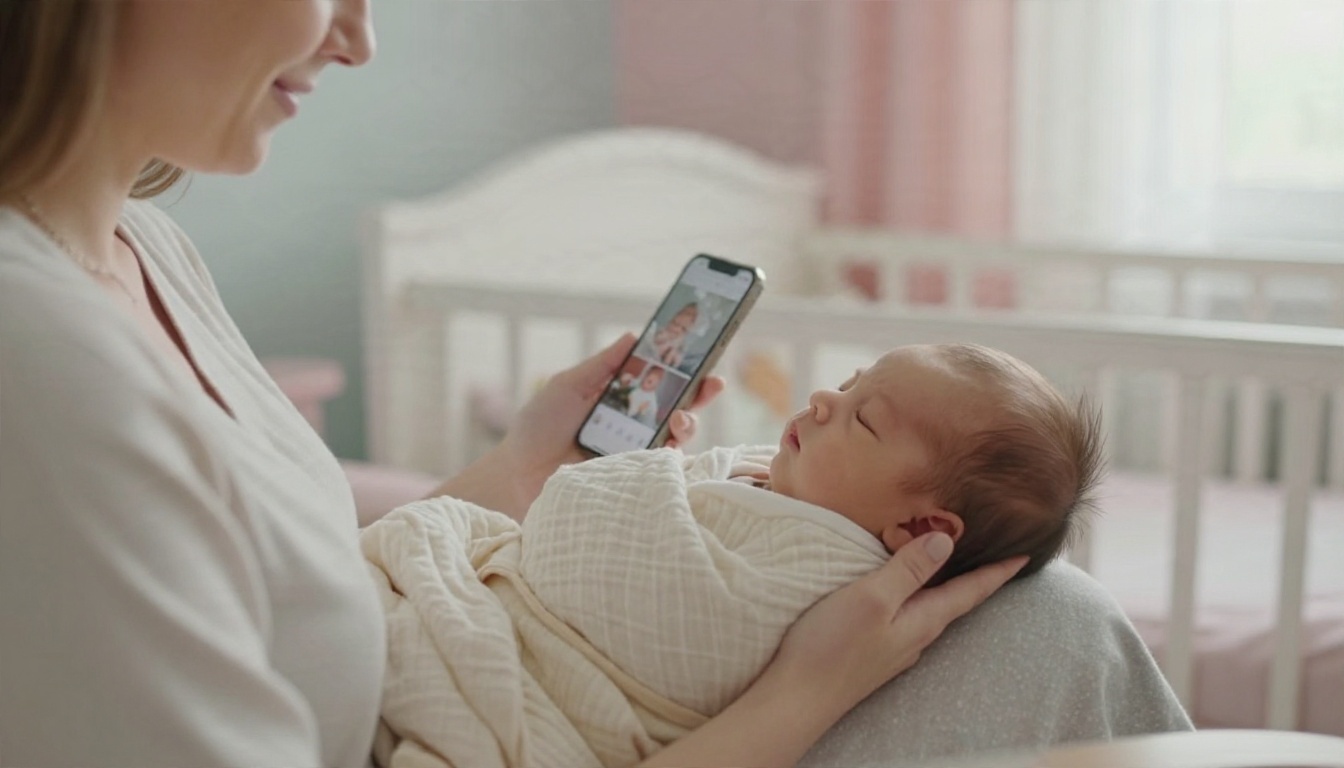
For a baby album, one spread per month works beautifully. Put a large photo on the left, a few small ones on the right, and a short caption with the date and weight. Parents often update the PDF every month and re-upload it, so the relatives always have the latest version at the same link.
Graduation albums follow the same logic. Use a portrait page for the graduate, group photos for friends, and one page for the ceremony. Schools and clubs can go further with the Yearbook Flipbook Maker.
Travel Album
A travel album works best when every page has a single strong image and a short caption. Name the place, add the date, and write one honest sentence about it. Skip the paragraph-long descriptions, because they slow the pages down.
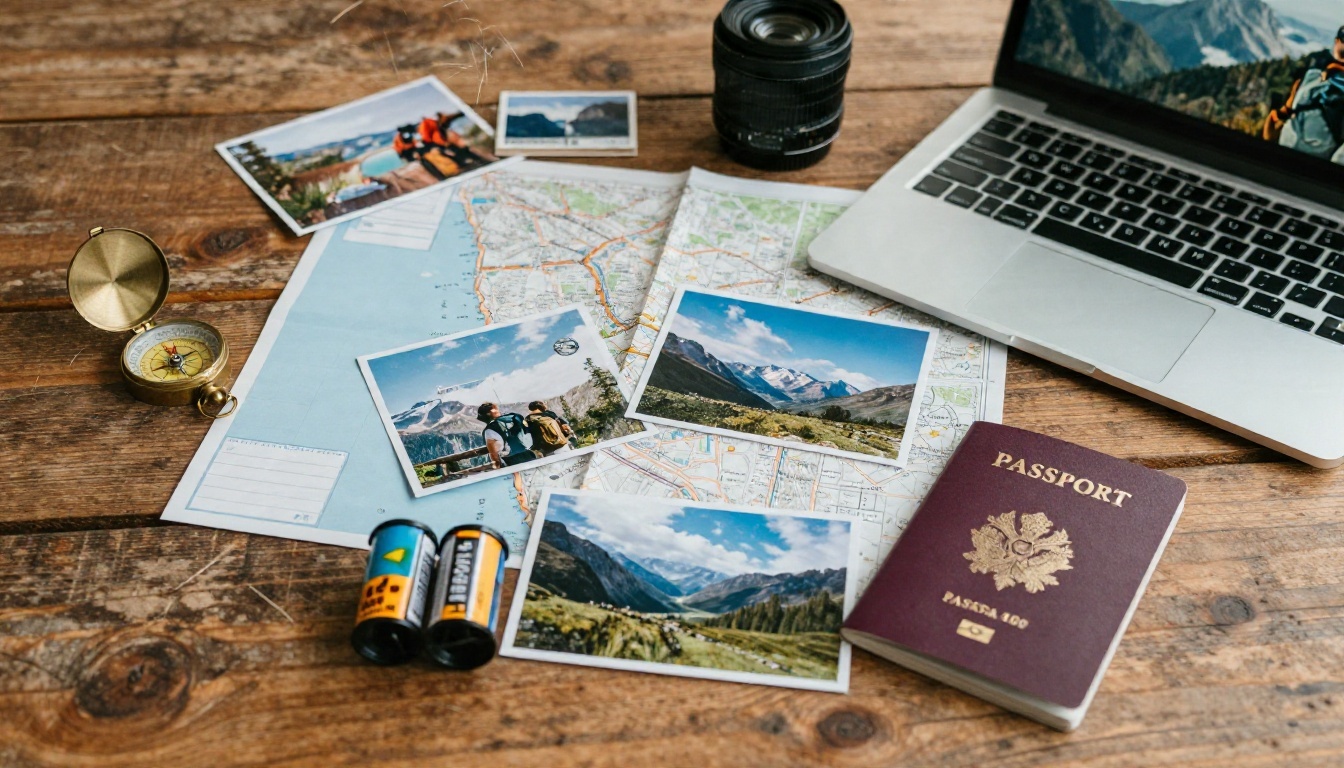
✅ Best practice: Group photos by place, not by date. People remember "the week in Lisbon," not "the third of June."
Photographer Portfolio
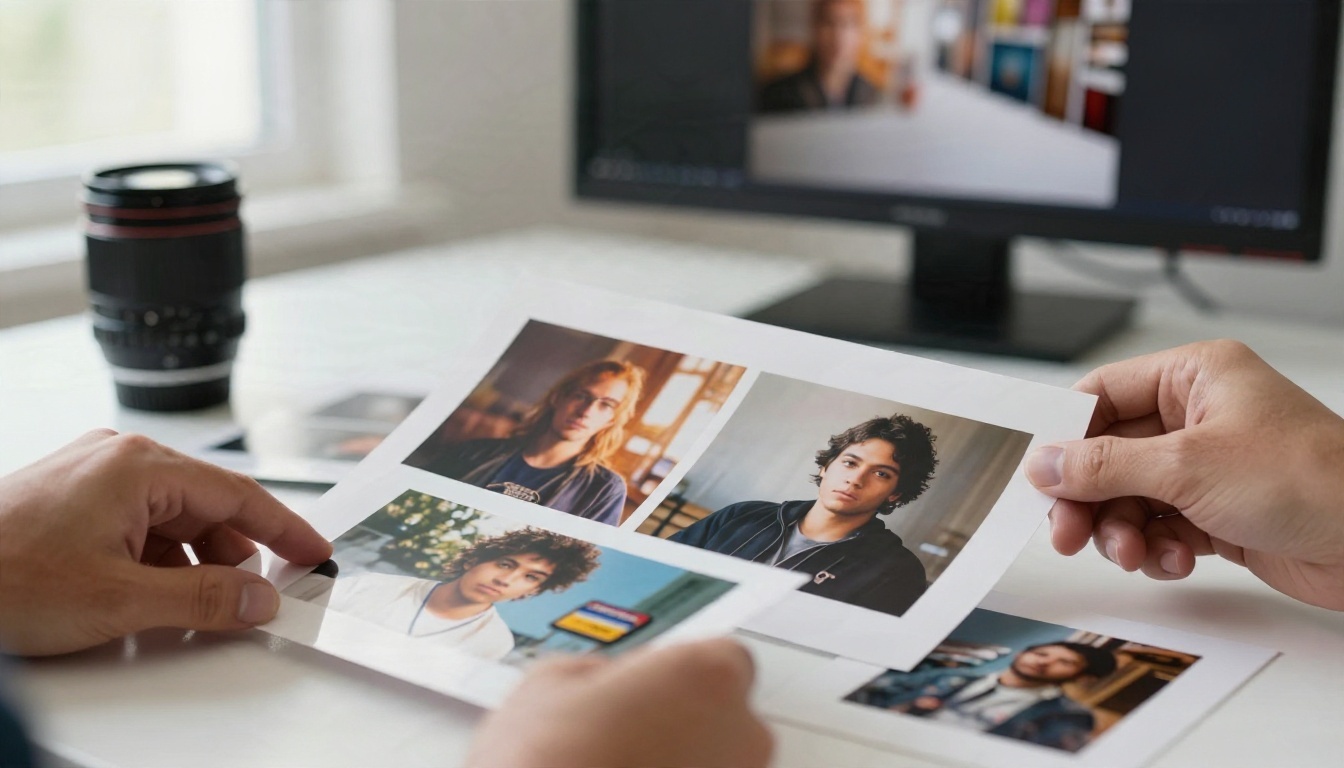
Photographers use flip albums as a portfolio that feels designed. Use a plain background, limit each page to one image or one clean pairing, and finish with contact details. The Photography Portfolio and Digital Portfolio Creator tools are the right fit here.
What "Free" Includes
Free is a good place to begin, and many people never need more. Still, it helps to know where the limits sit. The table below shows how the typical tiers differ in the features that matter for albums. For exact limits and current prices, check the pricing page.
| Feature | Free to try | Standard plan | Professional plan |
|---|
| Page-turning album | ✅ | ✅ | ✅ |
| Shareable link | ✅ | ✅ | ✅ |
| No watermarks | ✅ | ✅ | ✅ |
| Unlimited flipbooks | Limited | ✅ | ✅ |
| Password protection | Check plan | ✅ | ✅ |
| Embed on your website | ✅ | ✅ | ✅ |
| Offline downloads | Check plan | ✅ | ✅ |
| Analytics and lead capture | No | No | ✅ |
💡 Quick rule: If you are making one or two personal albums, start free. If you are a photographer or a business publishing often, compare the plans before you commit.
Sharing Options That Work
Once the album looks right, you have several ways to get it in front of people. The right choice depends on who should see it and how private it needs to be.

Direct Link
The simplest option. Copy the link, paste it into a message, an email, or a social post. Anyone with the link can open the album and turn the pages. It works on phones, tablets, and desktops with no app to download.
Password Protection
Use this for weddings, baby albums, and anything personal. Share the link in one message and the password in another. Viewers see a short password screen, then the album opens. Do not use a password you reuse elsewhere, because it will travel through chats and emails.
Offline Downloads
Some relatives live where the internet is slow. An offline download lets them keep a copy on their device and open it later without a connection. This is a thoughtful option for long albums with heavy photos.
Here is a quick comparison of the sharing methods:
| Method | Privacy | Setup time | Best for |
|---|
| Public link | Low | Seconds | Travel albums, social posts |
| Link plus password | High | A minute | Weddings, family albums |
| Website embed | Depends on page | Five minutes | Portfolios, blogs |
| Offline download | High | Seconds | Older relatives, poor connections |
Embed Your Album on a Website
An embedded album sits inside your page, so visitors never leave your site. That is useful for photographers, wedding vendors, bloggers, and local clubs. The Embed Flipbook on Website tool walks through the exact process.
Copy the Embed Code
- Open your finished album in your dashboard.
- Click the share or embed option.
- Copy the embed code, a short snippet that starts with
<iframe.
- Paste it into your page's HTML block, or into a custom HTML widget in WordPress, Wix, Squarespace, or Webflow.
- Publish the page and test it on your phone.
Set the Right Size
Use a width of 100 percent so the album shrinks gracefully on small screens, and give it a height that fits a landscape spread on desktop. Test it on at least one phone. If the album looks cramped, give it more vertical space or switch to a single-page view for narrow screens.
⚠️ Warning: Do not embed a large album above the fold of a page that also has a hero video. Two heavy elements will compete, and both will load slowly.
Mistakes That Ruin Albums
Most disappointing albums fail for the same handful of reasons. The good news: all of them are easy to fix before you share.
| Mistake | What happens | Fix |
|---|
| Low-resolution photos | Pages look soft or pixelated | Export images at full size |
| Mixed page sizes | Odd gaps and crops | Use one page size throughout |
| Too many photos per page | Viewers cannot see anything | Aim for one to four per page |
| No opening page | Album feels unfinished | Add a title page with a strong photo |
| Huge media files | Slow loading on phones | Compress video and audio |
| Public link for private photos | Strangers may see your family | Turn on a password |
A few more habits help:
- Read the album on your phone before sharing it, since most viewers will do the same.
- Put the strongest image first. The first page decides whether people keep turning.
- Keep captions short. One line beats a paragraph.
- Save the source PDF. You can update the album anytime and re-upload it.
Make Your First Album Today
You already have the photos. Pick thirty of your best, drop them into a PDF, and upload it. Within minutes you will have a page-turning album that feels real, opens everywhere, and can be shared with one link.
Ready to build yours? Create a free account on Flipbooks AI and upload your first album. If you need more than the basics, such as unlimited albums, analytics, or lead capture, compare the plans and pick what suits you. For more formats, from recipe books to lookbooks, browse all the flipbook tools.



