Your phone holds thousands of photos, and most of them will never be looked at again. A photo flip book fixes that. You pick a set of pictures, arrange them in order, and end up with something you can actually flip through, whether that is a pocket-sized printed booklet or a page-turning digital album you send with one link. This article shows how to make a photo flip book on an iPhone, on an Android phone, or online in a browser, and how a tool like Flipbooks AI fits into the process.
What a Photo Flip Book Really Is
People use the phrase in two different ways, and the app you need depends on which one you mean.
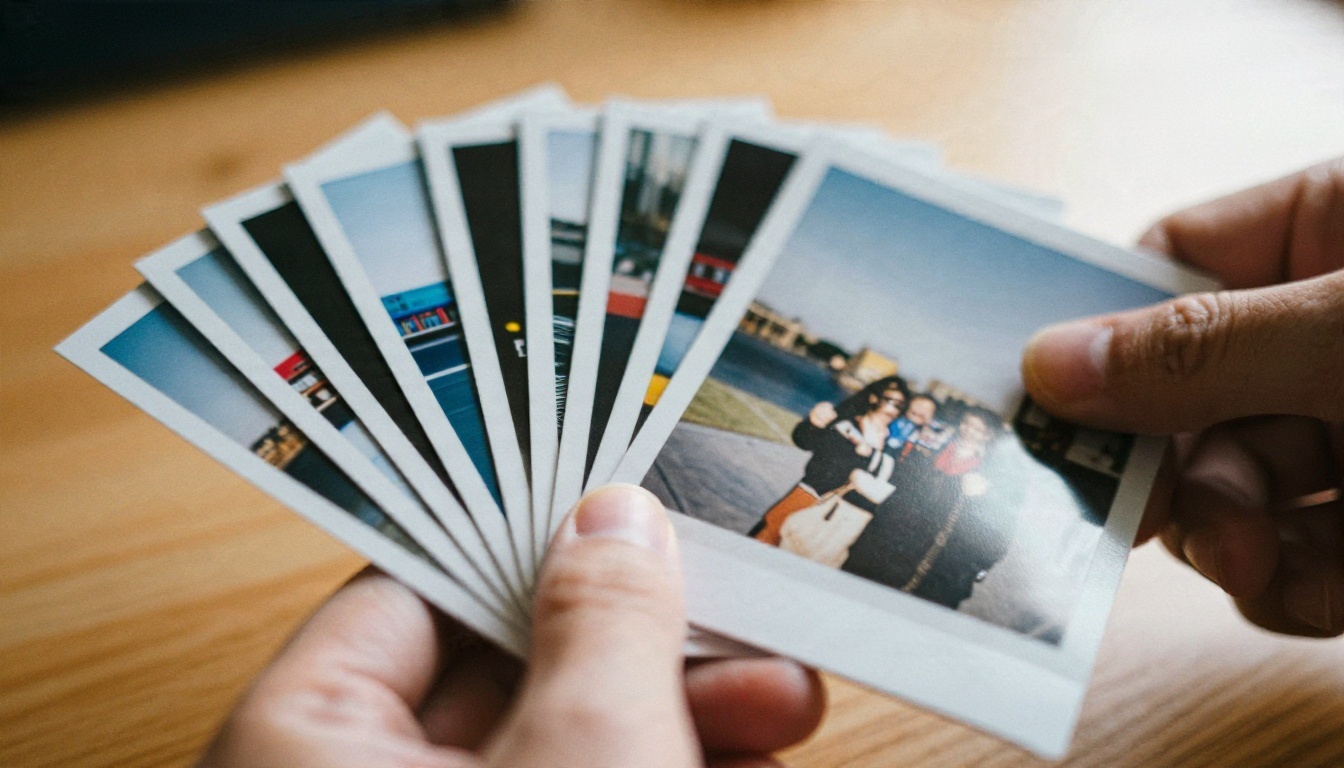
The Classic Thumb-Flip Booklet
This is the old-school version. You print a stack of photos (often a burst of near-identical frames), bind one edge, and riffle the pages with your thumb so the images blur into motion. A dog catching a ball, a toddler's first steps, a friend jumping off a dock. It is a tiny piece of animation you hold in your hand.
The Digital Page-Turning Album
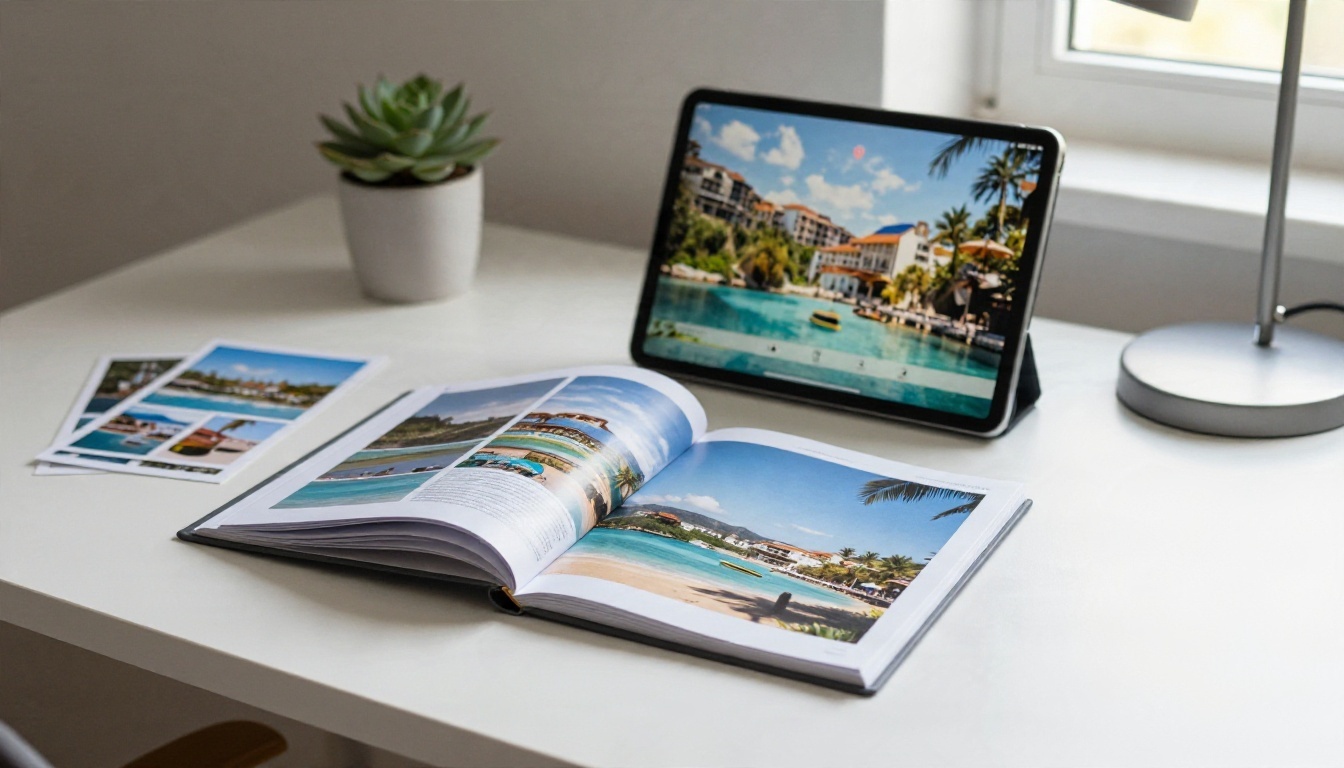
The second meaning is a digital flipbook: photos laid out on pages that curl and turn on screen, just like a real album. It works on phones, tablets and laptops, and you share it as a link or an embed. No printer, no stapler, no postage.
| Feature | Printed thumb-flip booklet | Digital page-turning album |
|---|
| Best for | Short motion sequences | Albums, events, portfolios |
| Number of photos | 20 to 60 near-identical frames | 10 to hundreds of different photos |
| Needs a printer | Yes | No |
| Easy to share | Hand it over or mail it | Send a link, QR code or embed |
| Can include captions, music, video | No | Yes |
| Cost per copy | Paper and ink | Free to duplicate |
💡 Quick rule: if your photos are a rapid sequence of one moment, print a thumb-flip booklet. If they are different moments you want people to browse, build a digital album.
Make a Photo Flip Book on iPhone
An iPhone gives you everything you need to prepare the photos. The only missing step is turning them into a flipbook, and that is where an online converter comes in.
Start in the Photos App
Open Photos, tap Select, and tap the pictures you want in the order you want them. Tapping in sequence matters, because that order often carries over when you print or export.
Some tips for a better result:
- Use Burst photos for thumb-flip booklets. Hold the shutter button and slide left to shoot a rapid series.
- Pick portrait or square crops and stay consistent. Mixed orientations look messy on a page.
- Skip filters on the first pass. You can always edit later.
- Remove duplicates and blurry frames before exporting.
Use Shortcuts to Build a PDF Fast
A photo flip book needs a single file, and on iPhone that file is a PDF. The quickest route is the built-in Shortcuts app. Create a shortcut that takes selected photos and runs the Make PDF action, then save the result to Files. A second route needs no setup: choose photos, tap Share, tap Print, then pinch outward on the preview to open a PDF you can save.

Once the PDF is saved, upload it to a flipbook maker in Safari. That is the whole workflow, and it takes about five minutes for a set of 20 photos.
Make a Photo Flip Book on Android
Android has more variety across brands, but the logic is the same: pick photos, make a PDF, convert it to a flipbook.
Google Photos and Gallery Apps
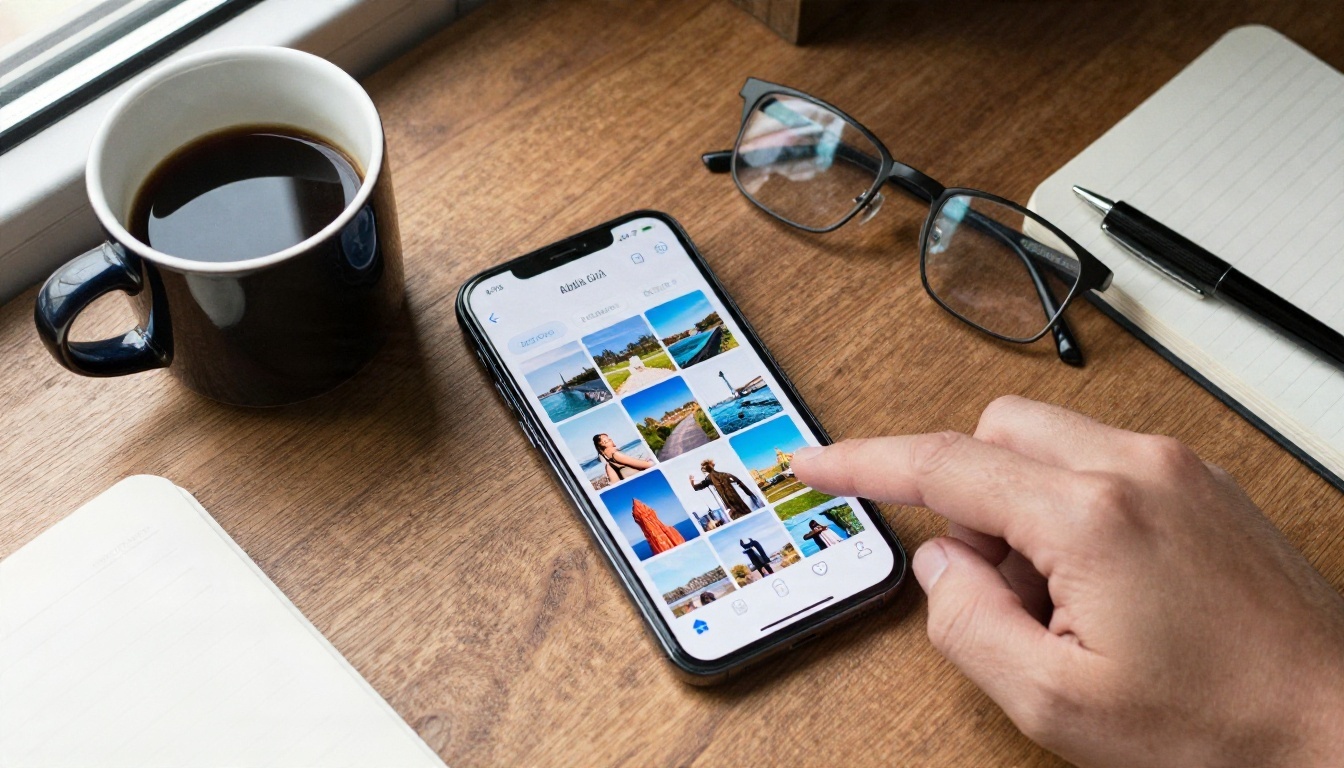
Open Google Photos or your phone maker's gallery app (Samsung Gallery, for example) and long-press the first photo to start selecting. Create an album so the pictures stay together and in order. Albums are also a handy way to keep your flipbook source separate from the rest of your camera roll.
Save the Pages as a PDF
On most Android phones, select the photos, tap Share, choose Print, and change the destination to Save as PDF. If your phone does not offer that route, a free scanner or PDF app can combine images into one document. Check that the pages appear in the right order before you move on.
⚠️ Watch the file size. A PDF made from 40 full-resolution photos can easily pass 100 MB. Most online tools accept large files, but your upload will be faster on Wi-Fi.
Online vs App: What Works Best
You do not have to pick only one. Many people prepare photos on the phone and finish the flipbook in a browser, because the browser gives more space and more control.
When Online Beats a Phone App
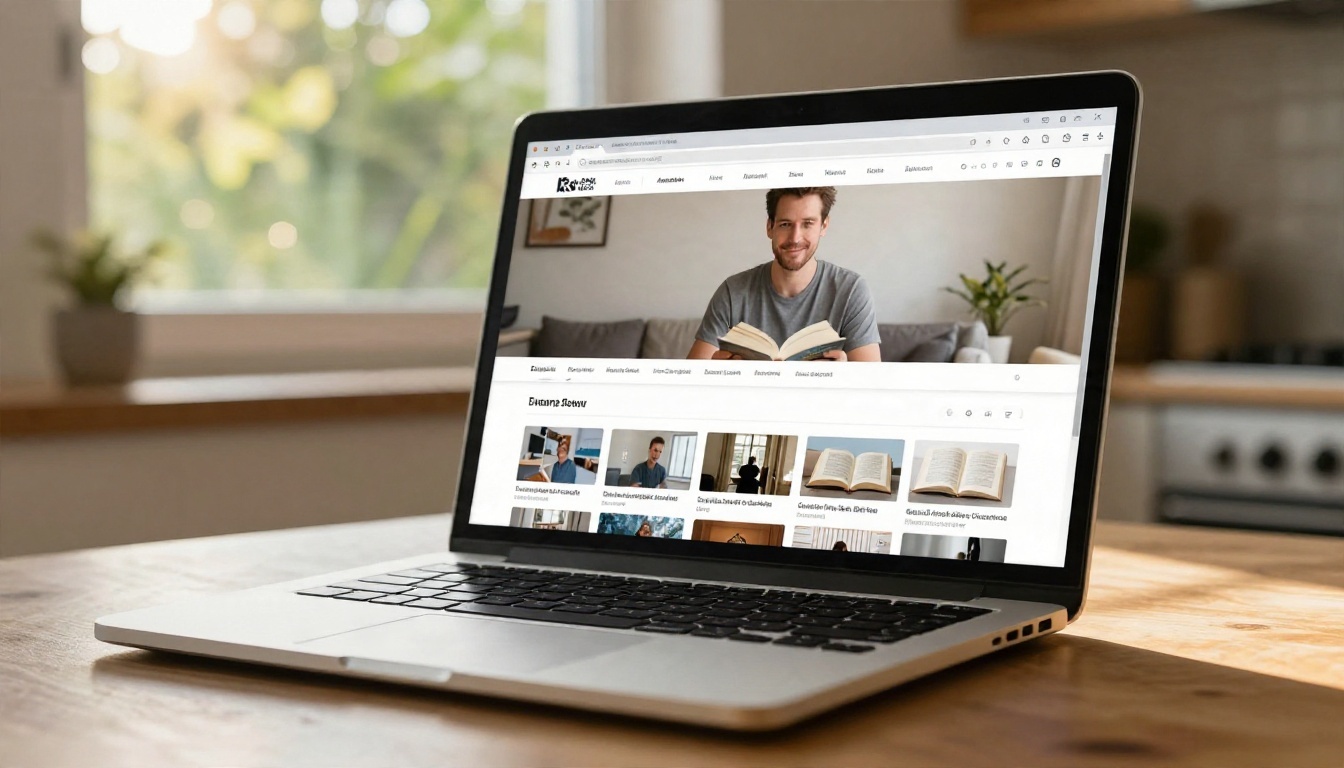
An online flipbook maker wins when you care about presentation. You get page-turn effects, a custom background, a shareable link and sometimes password protection, all without installing anything. It also works the same way on iPhone, Android, Mac and Windows, so you never have to worry about which phone you own.
When a Dedicated App Is Enough
A single-purpose photo book app is fine if you only want a quick printed copy shipped to your door. You will pay per book, though, and you usually cannot send a free digital version to relatives who live far away.
| Option | Setup time | Works on iPhone and Android | Shareable by link | Can be printed | Typical cost |
|---|
| Printed photo book app | 20 to 40 min | Yes | Rarely | Yes, shipped | Per book |
| Slideshow or video app | 10 to 20 min | Yes | Yes (video file) | No | Often free with ads |
| Online flipbook maker | 5 to 15 min | Yes, in a browser | Yes | Yes (download PDF) | Free tier or subscription |
| Desktop design software | 1 hour or more | Mostly no | Export only | Yes | Often paid |
The online flipbook route gives the best balance of speed and polish for most people, which is why the next section uses it for a full walkthrough.
How to Create a Photo Flip Book with Flipbooks AI
Flipbooks AI converts a PDF into a page-turning flipbook, so the phone steps above (photos to PDF) feed straight into it. Here is the process from start to finish.
Step by Step
- Open the site. Go to Flipbooks AI in Safari or Chrome, or create an account if this is your first visit.
- Upload your PDF. Pick the file you saved from your phone. The PDF to Flipbook Converter turns each page into a flippable page in seconds.
- Check the page order. Scroll through the preview. If a photo is in the wrong place, fix the PDF and upload again.
- Customize the look. Choose a background color, adjust the page-turn effect and add your own branding or a simple title page.
- Add extras. Embed a short video clip or a background audio track, such as the sound of the beach from your vacation.
- Set the privacy. Keep it public, or add a password so only family can open it.
- Publish. Copy the direct link, or grab an embed code to place the album on a personal site with the Embed Flipbook on Website tool.
- Share it. Send the link by message, email or QR code. The flipbook is mobile-responsive, so it opens cleanly on any phone.
✅ Best practice: name your PDF clearly before uploading, such as "Lisbon Trip 2026". It makes your dashboard much easier to manage once you have several flipbooks.
Pro Features Worth Knowing
You can do the basics on any plan, but a few extras matter if you share beyond family:
- No watermarks, ever, so your photos stay clean.
- Unlimited flipbooks on the Standard plan and above.
- Offline downloads, so guests can keep a copy.
- Analytics and lead generation on the Professional plan, useful for photographers who want to see who opened their portfolio.
Check the pricing plans to see which tier matches your needs, or browse all flipbook tools for ready-made formats.
| Feature | Basic personal use | Photographer or small business |
|---|
| Page-turn album from PDF | ✅ | ✅ |
| Password protection | ✅ | ✅ |
| Custom branding | Optional | Recommended |
| Embed on a website | Optional | ✅ |
| Analytics | Not needed | ✅ Professional plan |
| Lead generation | Not needed | ✅ Professional plan |
Photo Flip Book Ideas That Work
A good flipbook starts with a clear purpose. Here are the formats people use most.
Weddings and Anniversaries
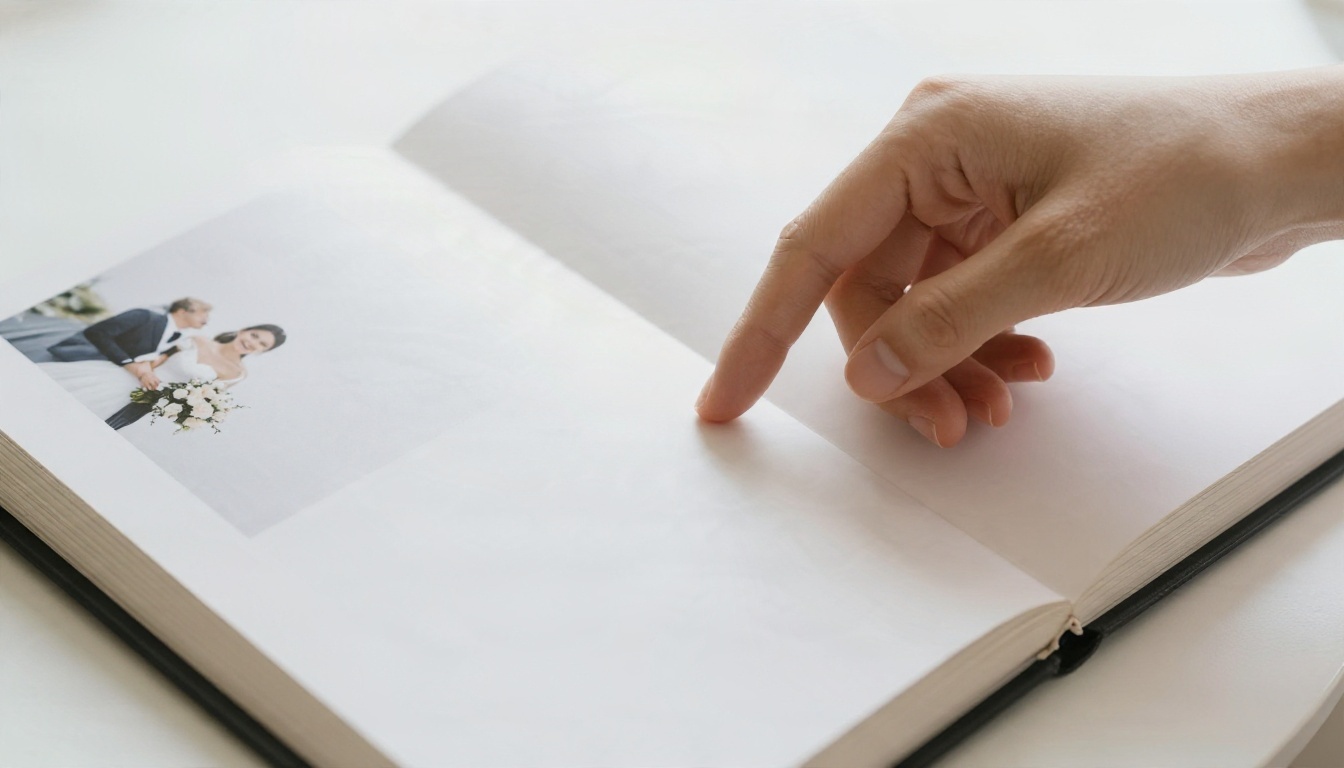
A wedding album is the classic. Pick 30 to 50 of the best shots, keep the story in order (getting ready, ceremony, dinner, dancing), and add a short caption on a few pages. For a ready-made format, try the Wedding Album Flipbook tool.
Travel Memories
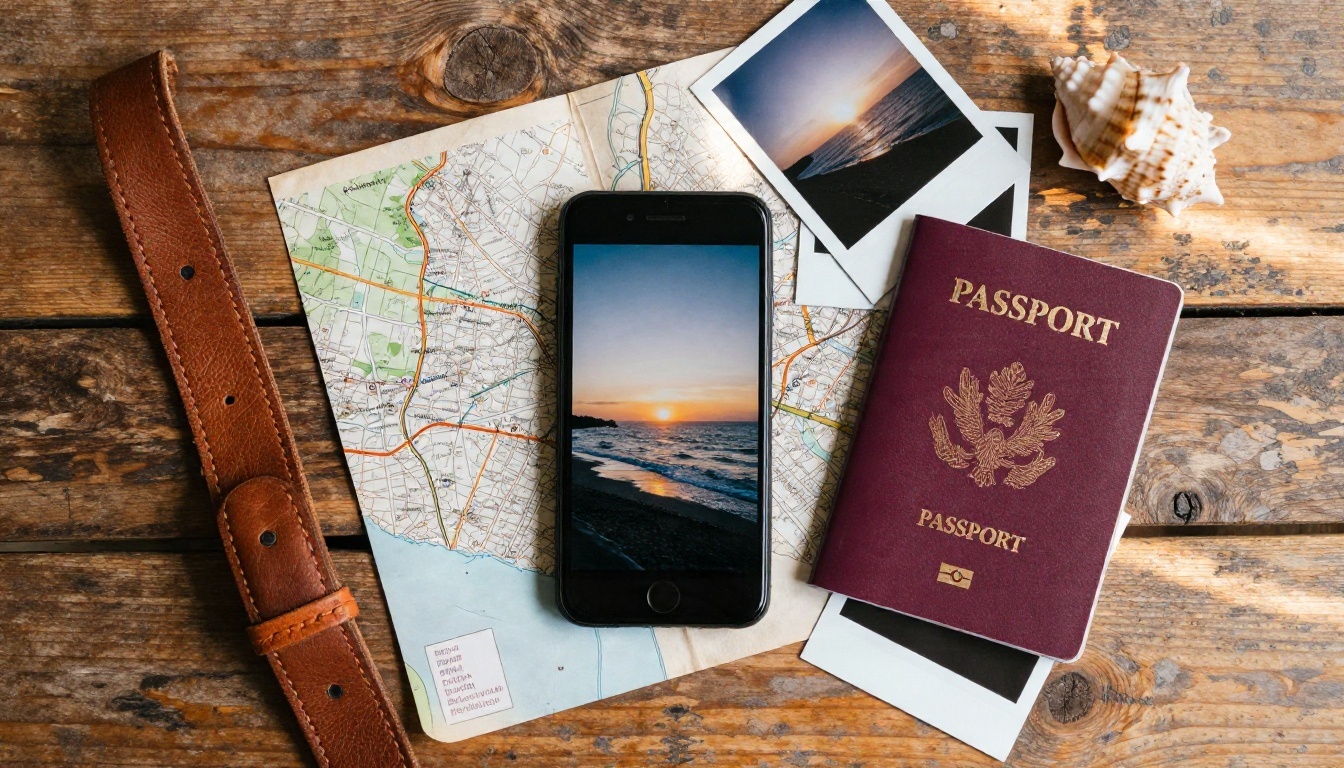
Trips make the best flipbooks because each page tells a mini story: a street, a meal, a view. Add a map page at the start. The Travel Guide Flipbook tool works well for this, even when the "guide" is just your own holiday diary.
Kids, Pets and Family Projects
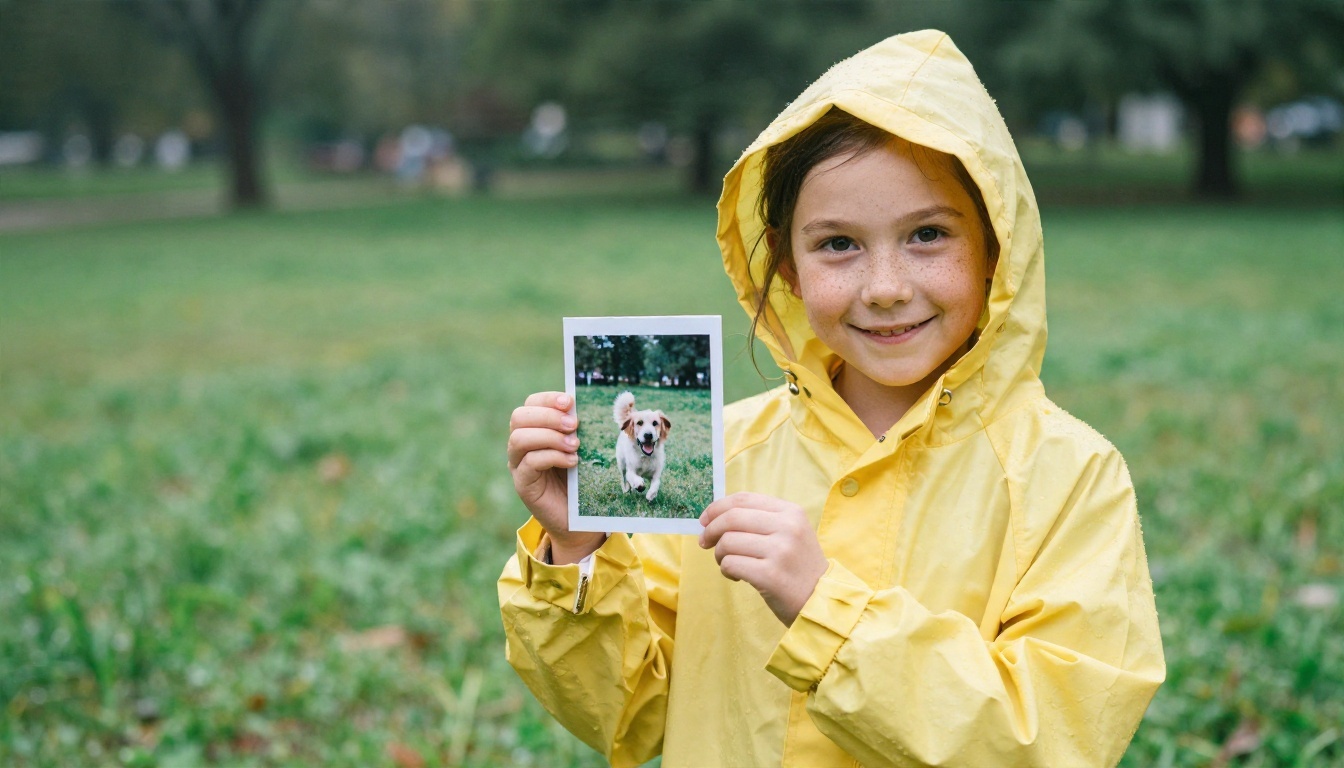
Children love the thumb-flip version. Shoot a burst of the dog running, print the frames, staple one edge, and let them animate it themselves. For a longer record of a school year or a first year of life, a digital album with a page per month is hard to beat.
Portfolios for Creators
If you shoot photos for clients, a flipbook doubles as a portfolio. Use the Photography Portfolio or Digital Portfolio Creator to present your best work in a clean, branded format.
| Use case | Photos needed | Best format | Suggested extras |
|---|
| Wedding album | 30 to 60 | Digital, optional print | Captions, music |
| Vacation | 20 to 40 | Digital | Map page, short video |
| Baby's first year | 12 to 24 | Digital plus printed copy | One page per month |
| Pet animation | 20 to 40 burst frames | Printed thumb-flip | Staple or binder clip |
| Portfolio | 15 to 30 | Digital, password optional | Branding, analytics |
Share It With Friends and Family
A flipbook only matters if people open it. A link in a group chat is the easiest route. A QR code printed on a card is a nice touch for events, and an embed code lets you put the album on a blog or website.
Think about who will see it:
- Close family: a direct link is enough.
- Guests at an event: a QR code on a table card.
- Clients: a password-protected link with your branding.
- Grandparents without apps: a printed copy of the PDF, plus the link for when they are ready.
💡 Pro tip: open your flipbook on a different phone before you send it. A two-minute check catches most layout problems.
Mistakes That Ruin the Result
Most disappointing flipbooks fail for the same few reasons. Avoid these and your album will look professional.
Low-Resolution Photos
Screenshots, heavily compressed chat images and tiny thumbnails look soft on a big screen. Always pick the original from your camera roll, not the copy someone sent you on a messaging app.
Too Many Photos
Fifty similar sunsets bore everyone. Choose the strongest three or four and let each one breathe on its own page. A tighter flipbook is almost always better.
Ignoring Order and Pacing
Group photos by moment, not by file date alone. Start with a strong opener, end with a warm closer, and put quieter shots in between.
Forgetting Privacy
Photos of children and private events deserve a password. It takes one setting, and it keeps your family album out of search results.
| Mistake | What it looks like | Quick fix |
|---|
| Low-resolution images | Blurry, pixelated pages | Use originals from your camera roll |
| Mixed orientations | Photos shrunk with big white gaps | Crop to one format before export |
| Wrong page order | Story jumps around | Re-order in the album, then rebuild the PDF |
| Oversized file | Slow upload | Compress slightly or upload on Wi-Fi |
| No password | Private photos visible to anyone with the link | Turn on password protection |
Make Yours Today
You already own the hard part: the photos. Pick a set, save them as a PDF on your iPhone or Android phone, and turn that PDF into a flipbook in a few clicks. Ready to try? Create your account on Flipbooks AI and build your first photo flip book tonight.
Want more options? Browse all flipbook tools and templates for albums, portfolios, lookbooks and more, then compare pricing plans to pick what suits you. When you are ready to publish with no watermark and full control, choose your plan and share your memories with everyone who matters.



