You exported a PDF, opened your desktop flipbook software, waited for the installer to update, and then discovered the file only works on your own machine. If that sounds familiar, you are not alone. More teams are searching for Flip PDF Plus alternatives that run in your browser, because a flipbook should be something you can build on a laptop at the office, finish on a borrowed computer, and share with a single link. Platforms like Flipbooks AI were built for exactly that workflow: upload, customize, publish, done.
This article compares the browser-based options, shows where each one shines, and walks through a practical tutorial so you can publish a page-turning document today. Expect tables, real scenarios, and a few honest warnings along the way.
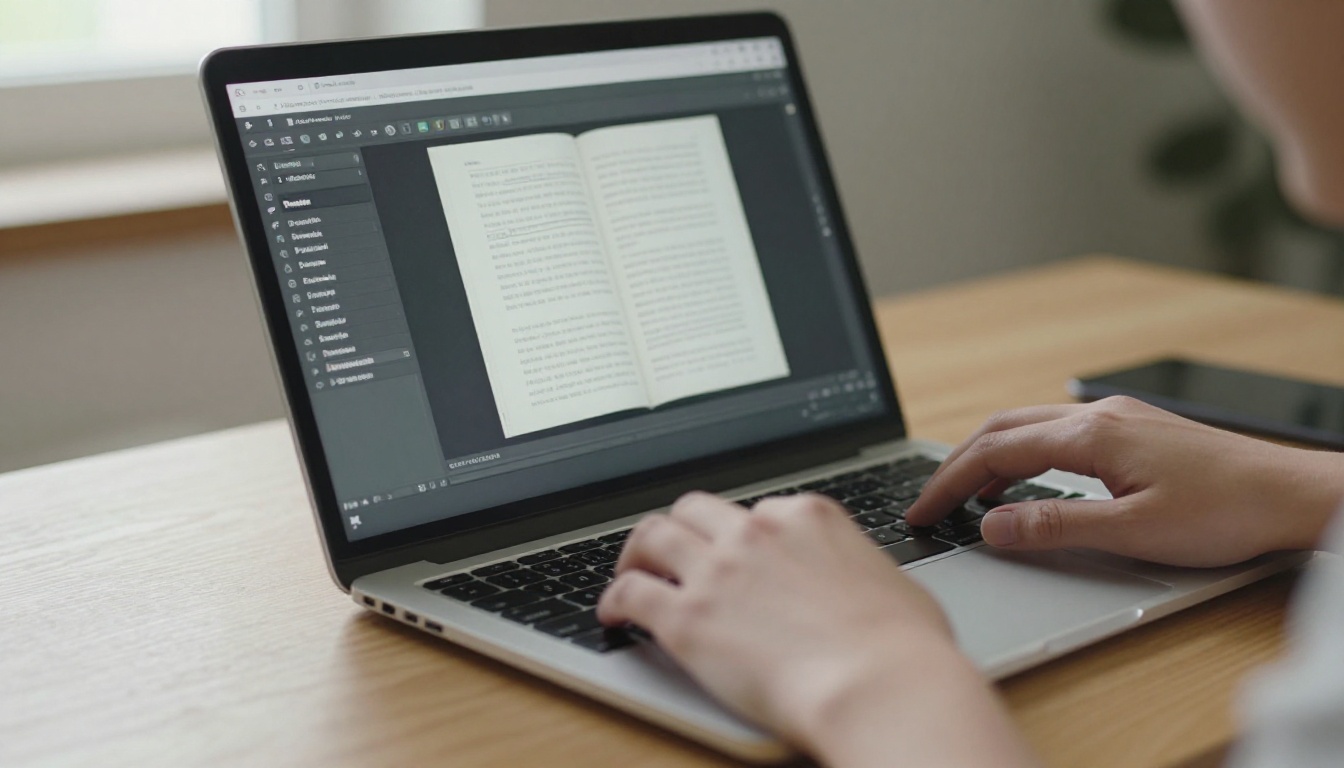
Why Desktop Flipbook Software Falls Short
Desktop flipbook tools were a sensible answer a decade ago. Today they create friction that online tools simply skip. The most common complaints from designers, marketers and small business owners look like this:
- Installation and licensing: Every new computer needs a download, a license key and sometimes an activation call.
- Operating system limits: Many desktop builders favor Windows, which leaves Mac and Chromebook users stuck.
- Manual hosting: You export a folder of files, then upload it to a server yourself and fix broken paths.
- Slow updates: Fixing a typo means reopening the project, re-exporting and re-uploading everything.
- Collaboration gaps: Sending a project file to a colleague is clumsy compared with sending a link.
A browser-based flipbook maker removes each of these steps. Your account holds the project, the platform hosts the result, and a correction takes seconds.
💡 Pro tip: Before switching tools, list the three things your current software does that you truly use. Most people only rely on page-flip effects, branding and a share link, all of which every online option handles.
What to Look for in an Online Alternative
Not every web tool is equal. Judge candidates against the same checklist so the comparison stays fair.
Watermarks and Branding
Free tiers often stamp a logo on every page. That is fine for a personal experiment but damaging for a client proposal. Check whether removing the mark requires a paid plan, and whether your own logo and colors can replace it.
Hosting and Sharing
The best tools host the flipbook for you, give you a short link, and provide an embed code for your website. Look for password protection if the content is private.
Page Count and File Size Limits
A 12-page brochure and a 300-page catalog stress a converter very differently. Confirm the upload limit before you commit.
Mobile Behavior
More than half of readers will open your link on a phone. The flipbook should resize, support swipe gestures and load quickly on a weak connection.
Analytics and Lead Capture
If the flipbook supports sales or marketing, you want to know who opened it and how far they read.

Desktop vs Browser: Side by Side
Here is how the two approaches compare on the points that matter most day to day.
| Feature | Desktop software | Browser-based flipbook maker |
|---|
| Installation | Required on each computer | None, works in any modern browser |
| Hosting | You handle it | Included, with a shareable link |
| Updating a published file | Re-export and re-upload | Edit and republish in place |
| Works on Mac, Windows, Chromebook | Often limited | Yes |
| Collaboration | Share project files | Share a link or account access |
| Analytics | Rarely built in | Available on higher plans |
| Offline use | Strong | Possible through offline downloads |
| Upfront cost | One-time license common | Monthly or yearly plan, often with a free start |
The one genuine advantage of desktop tools is working without internet. Even that gap has closed, since some online platforms let you download a flipbook for offline viewing.
Browser-Based Options Compared
The market has grown crowded. Rather than naming every product, here is how the main categories of online flipbook makers differ, so you can match one to your needs.
| Category | Best for | Typical limitation |
|---|
| General PDF to flipbook converters | Quick publishing of brochures and catalogs | Free plans may carry a watermark |
| Design-first publishing suites | Building layouts from scratch | PDF fidelity can vary on imported files |
| Document hosting platforms | Large libraries and embeds | Page-turn effect is sometimes basic |
| AI-assisted flipbook platforms | Fast conversion, branding and analytics together | Fewer legacy export formats |
If your starting point is a finished PDF, the first and last categories are the closest match to what you used in a desktop builder. Flipbooks AI belongs in that last group: no watermarks, mobile-responsive output, password protection, embedded video and audio, and offline downloads.
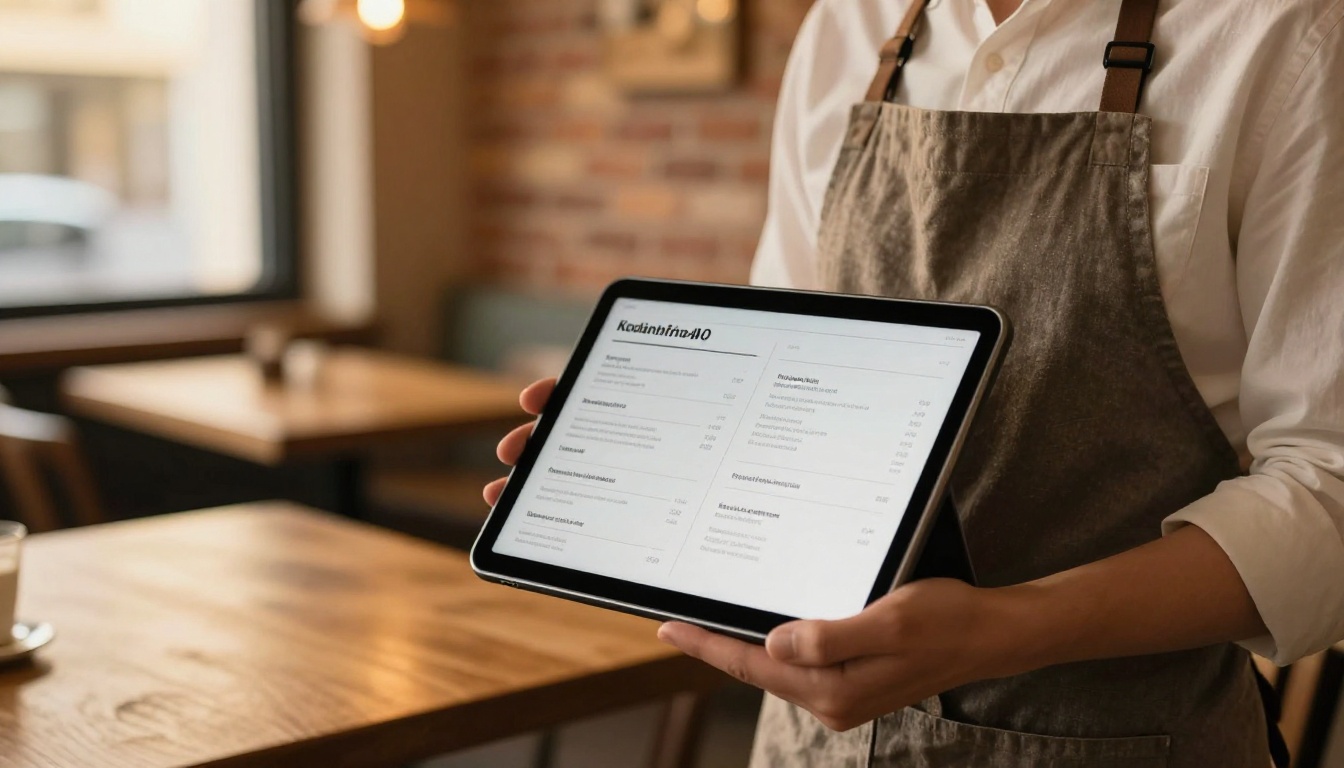
How to Create a Flipbook in Your Browser
Here is the whole process, start to finish, using the PDF to Flipbook Converter as the example. The same steps apply to most online tools.
Step 1: Open the Platform
Go to Flipbooks AI and create an account. There is nothing to install, and you can start from any device.
Step 2: Upload Your PDF
- Click the upload button inside your dashboard.
- Drag in your PDF or pick it from your files.
- Wait a few seconds while the pages convert into a flipbook.
Tip: export your PDF at a sensible resolution. A 150 DPI export keeps text sharp without producing a heavy file.
Step 3: Customize the Look
This is where the flipbook starts to feel like your brand rather than a generic viewer.
- Branding: Add your logo and choose a background color that matches your site.
- Page effects: Adjust the page-turn style and speed.
- Multimedia: Embed video or audio on pages where motion helps, such as a product demo.
- Navigation: Enable the table of contents and a thumbnail strip for long documents.
Step 4: Share It
You have several options, and you can use more than one:
- Direct link: Paste it in an email or message.
- Embed code: Place the flipbook on your website, as described on the Embed Flipbook on Website page.
- Password protection: Lock internal or client-only documents.
Step 5: Measure Results
On the Professional plan, analytics and lead generation show opens, reading depth and captured contacts. See the pricing plans to compare what each tier includes.
✅ Best practice: Name your flipbook with the topic readers search for, such as "Spring Product Catalog", rather than a file name like "final_v7".

Real-World Use Cases
The right alternative depends on what you publish. These scenarios show how browser tools fit into everyday work.
A Restaurant Updating Its Menu
A restaurant owner changes the seasonal menu every quarter. With a desktop builder, each change meant re-exporting and re-uploading. In the browser, they replace the PDF, republish, and the QR code on every table keeps working. The Restaurant Menu Creator is built for this routine.
A Real Estate Agent Sending Brochures
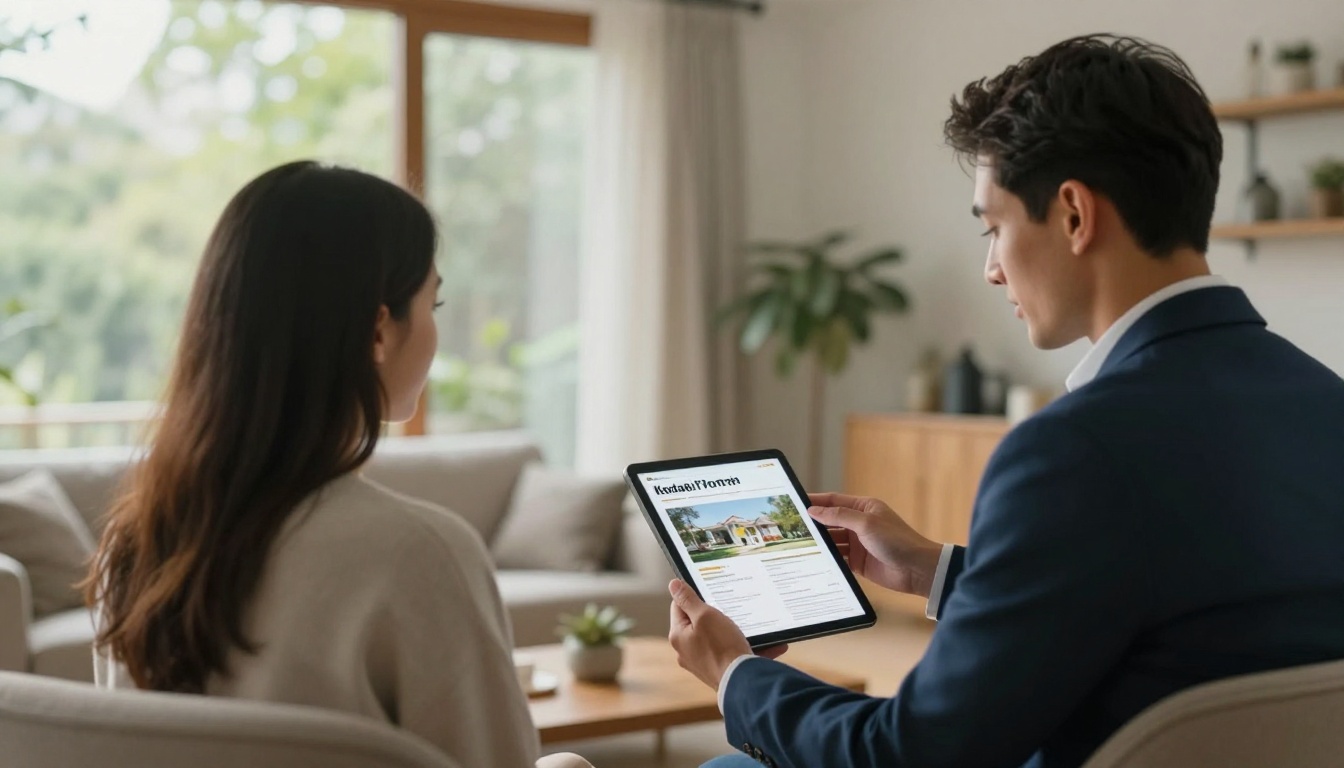
Agents need to send property brochures within minutes of a viewing. A link that opens as a smooth flipbook on the buyer's phone looks far more polished than a heavy attachment. The Real Estate Brochure Creator handles this.
A Boutique Owner Sharing a Catalog
A shop owner can turn a line sheet into a browsable catalog and send it to wholesale buyers. The Product Catalog Generator keeps images crisp and pages easy to flip.
A Teacher Distributing Course Material
Teachers publish worksheets and reading packets that students open on any device, including shared school computers where installing software is not allowed. The Course Material Publisher suits this case.
A Photographer Showing a Portfolio
Photographers want a clean, image-first presentation. The Photography Portfolio tool gives large images room to breathe without a cluttered interface.
Cost: What You Really Pay
Price comparisons get messy because desktop tools charge once while online tools charge monthly. Look at the full picture over a year or two.
| Cost factor | Desktop software | Online flipbook maker |
|---|
| License or plan | One-time fee, often with paid upgrades | Monthly or yearly, sometimes free to start |
| Hosting | Your own server or paid hosting | Included |
| Updates | May need a new license for major versions | Included |
| Your time | Re-exporting, uploading, fixing paths | Minimal |
| Support for new devices | Extra setup | Automatic |
The honest takeaway: if you publish once or twice a year, a desktop license can be cheaper. If you publish regularly or update documents often, hosting and time savings usually tip the balance toward online tools. Review the Flipbooks AI pricing to see where your volume falls, since unlimited flipbooks begin at the Standard plan.
⚠️ Warning: Free plans on many platforms add watermarks or limit the number of public flipbooks. Read the fine print before sending a client link.
Mistakes to Avoid When Switching
Moving from a desktop builder to a browser tool is easy, but a few errors come up again and again.
- Uploading a bloated PDF. Compress images first. A 200 MB file loads slowly for every reader.
- Ignoring mobile preview. Open your link on a phone before you send it.
- Skipping password protection. Internal price lists should never sit behind an open link.
- Forgetting the embed. A link is good, but embedding the flipbook on your site keeps visitors on your pages.
- Not tracking results. Without analytics, you cannot tell which pages hold attention.

Which Alternative Fits You
Use this quick decision table to narrow the choice.
| If you need... | Choose a platform with... |
|---|
| A fast conversion of a finished PDF | A simple PDF to flipbook converter |
| Zero watermarks on client work | A paid plan with no branding, such as Flipbooks AI |
| Private documents | Password protection and access control |
| Lead capture | Built-in analytics and forms |
| Phone-first readers | Responsive layouts and swipe support |
| Offline reading | Downloadable flipbooks |
For business documents, the Annual Report Creator and Sales Presentation tools are also worth a look. For magazines and newsletters, try the Magazine Flipbook Creator.
A Quick Test Before You Commit
Spend fifteen minutes running one real document through two or three platforms. Judge them on:
- Conversion quality: Do fonts and images stay sharp?
- Speed: How long does a 50-page file take?
- Mobile feel: Does it swipe smoothly?
- Share options: Are link, embed and password all available?
- Watermark: Is it gone on the plan you would buy?
The platform that wins on your own file is the right one, regardless of feature lists.
Features Worth Paying For
Some features sound minor on a pricing page but matter a great deal in practice.
- No watermarks, ever: Your document looks like your brand, not the tool's.
- Embedded video and audio: A short demo clip on a product page often does more than three paragraphs of text.
- Custom branding: Logo, colors and domain keep the experience consistent.
- Offline downloads: Useful for trade shows and areas with poor connectivity.
- Analytics: Show which pages readers abandon so you can rewrite them.
- Lead generation: Gate a catalog behind an email form and turn readers into contacts.
Most of the analytics and lead features sit on the Professional plan, so match the plan to the goal. If the flipbook is simply a nicer way to share a PDF, a lower tier is enough.

Tips for Better Flipbooks
A good platform helps, but the source document still decides the result.
- Design in spreads. Remember that readers see two pages side by side on desktop, so align images across the fold carefully.
- Keep text large. Small print is hard to read on a phone, even with zoom.
- Use links inside the PDF. Clickable buttons to your shop or contact page work in most converters.
- Add a cover that earns the click. The first page is your headline.
- Republish, do not recreate. When content changes, update the original and keep the same link so earlier shares stay valid.
💡 Pro tip: Keep one master PDF per document and a short naming system. Version confusion causes more errors than any software limitation.
Ready to Publish Without Installing Anything?
Browser-based flipbook makers give you what desktop software promised, minus the downloads, manual hosting and file juggling. Pick a tool that matches your document type, test it on one real PDF, and check that the watermark, mobile view and sharing options work the way you need.
When you are ready, get started for free on Flipbooks AI and turn your first PDF into a flipbook in minutes. Browse all flipbook tools and templates to find one that fits your project, or compare pricing plans to choose what works for you.



