If you've been searching for a flipbook creator for beginners, you've probably hit tools that demand design experience, confusing interfaces, or expensive software before you can flip a single page. The reality is far simpler than most people expect. You start with a PDF, upload it to the right platform, and walk away with a polished, interactive digital publication in minutes. This article breaks down how the process works, what to look for in a beginner-friendly tool, and includes a step-by-step walkthrough of Flipbooks AI, one of the most capable and accessible options for anyone starting out.

What a Flipbook Creator Actually Does
A flipbook creator is a web-based tool that converts static documents, typically PDFs, into interactive digital publications with realistic page-turn animations. Instead of a flat scrollable file, readers get a publication that behaves like a physical book, with animated page turns, embedded media support, clickable links, and a fully mobile-responsive layout.
The output is shareable via a direct link, embeddable on any website, or downloadable for offline reading. For businesses, this translates to catalogs and menus that feel premium. For creatives, it means portfolios that hold attention. For educators, it means course materials that actually get read.
What once required developer time and browser plugins is now a drag-and-drop experience requiring zero technical knowledge. The technology has matured to the point where a beginner can produce something genuinely impressive in a single afternoon.
Why Beginners Are Choosing Digital Flipbooks
The shift toward digital-first content isn't slowing down. Static PDFs get ignored. An interactive flipbook, by contrast, feels alive and intentional.
Here's why people making the switch for the first time rarely go back:
- Zero printing costs: No paper, no ink, no shipping delays.
- Instant distribution: Share a link and your flipbook is accessible anywhere in the world.
- Real-time updates: Edit content without reprinting or redistribution headaches.
- Reader tracking: Know who opened your publication, how long they stayed, and where they dropped off (available on higher-tier plans).
- Embeddable anywhere: A single snippet drops your flipbook into any website.
- Mobile-first layout: Readers on phones and tablets get the same smooth experience as desktop users.
- No software for viewers: Anyone with a browser can open it instantly.
💡 Even a one-page PDF can become an interactive, shareable flipbook. You don't need a large or complex document to benefit from the format.
Picking the Right Flipbook Creator
Not every flipbook tool is built for beginners. The wrong choice means a frustrating workflow and a result that doesn't represent your content well.
Free vs. Paid Options
Most platforms offer a free tier, but the limitations matter more than they seem upfront.
| Feature | Free Tools | Paid Tools |
|---|
| Watermarks | Almost always present | None on paid plans |
| Custom branding | Rarely available | Standard on most plans |
| Number of flipbooks | Heavily limited | Unlimited on most platforms |
| Analytics and tracking | Not included | Available on mid-to-high plans |
| Password protection | Not available | Available |
| Embedded video and audio | Not supported | Supported |
| Offline downloads | Not available | Available on paid plans |
| Customer support | Community only | Priority support on paid plans |
If you're testing the format for personal projects, free tools are a reasonable starting point. But the moment you share a flipbook with a client, customer, or public audience, watermarks and absent branding will immediately undercut the impression you're trying to make.
What Features Actually Matter
For a beginner, feature overload is a real obstacle. Start with these non-negotiables:
- PDF upload and auto-conversion: The core function. If this step is slow or unreliable, nothing else matters.
- Custom branding: Your logo, colors, and background should reflect your identity or your client's.
- Shareable link: One-click sharing for any platform or messaging channel.
- Mobile responsiveness: The majority of your audience is reading on phones.
- Embed code: For anyone with a website, this is essential rather than optional.
Once these are working well, multimedia embedding, analytics dashboards, and lead generation forms become genuinely valuable upgrades instead of overwhelming options.
⚠️ Avoid tools that require software downloads or browser plugins. Cloud-based platforms are faster, more reliable, and keep your flipbooks accessible from any device without asking your audience to install anything.

How to Create Your First Flipbook with Flipbooks AI
Flipbooks AI was built to remove exactly the friction points that slow beginners down. The interface is clean, the conversion is fast, and every major feature is accessible without prior experience. Here's how to go from a PDF file to a published, shareable flipbook.
Step 1: Create an Account and Upload Your PDF
Go to flipbooksai.com/account and sign up. The process takes under a minute. Once you're in the dashboard, click "Create New Flipbook" and upload your PDF file.
The platform accepts any standard PDF, from single-page documents to multi-hundred-page catalogs. Conversion is automatic and typically takes under 30 seconds. You'll see a live preview of your flipbook immediately after upload.
What to prepare before uploading:
- A clean, well-structured PDF with readable fonts and images at 300 DPI or higher
- Your brand colors in hex or RGB format
- Your logo file in PNG with a transparent background
Step 2: Customize Your Flipbook Appearance
This step is where most beginners spend too little time and leave the most value behind. In the Flipbooks AI editor:
- Brand colors: Apply your primary and secondary palette across the entire interface.
- Logo placement: Upload and position your logo in the header or corner of the flipbook.
- Page effects: Choose between realistic page-turn animation or smooth slide transitions.
- Background options: Solid color, gradient, or textured backgrounds that frame your content.
- Table of contents: Auto-generated from your PDF headings or customized manually.
✅ Ten minutes on branding makes an enormous difference. A flipbook with consistent colors and a visible logo looks produced by a professional, regardless of how it started.
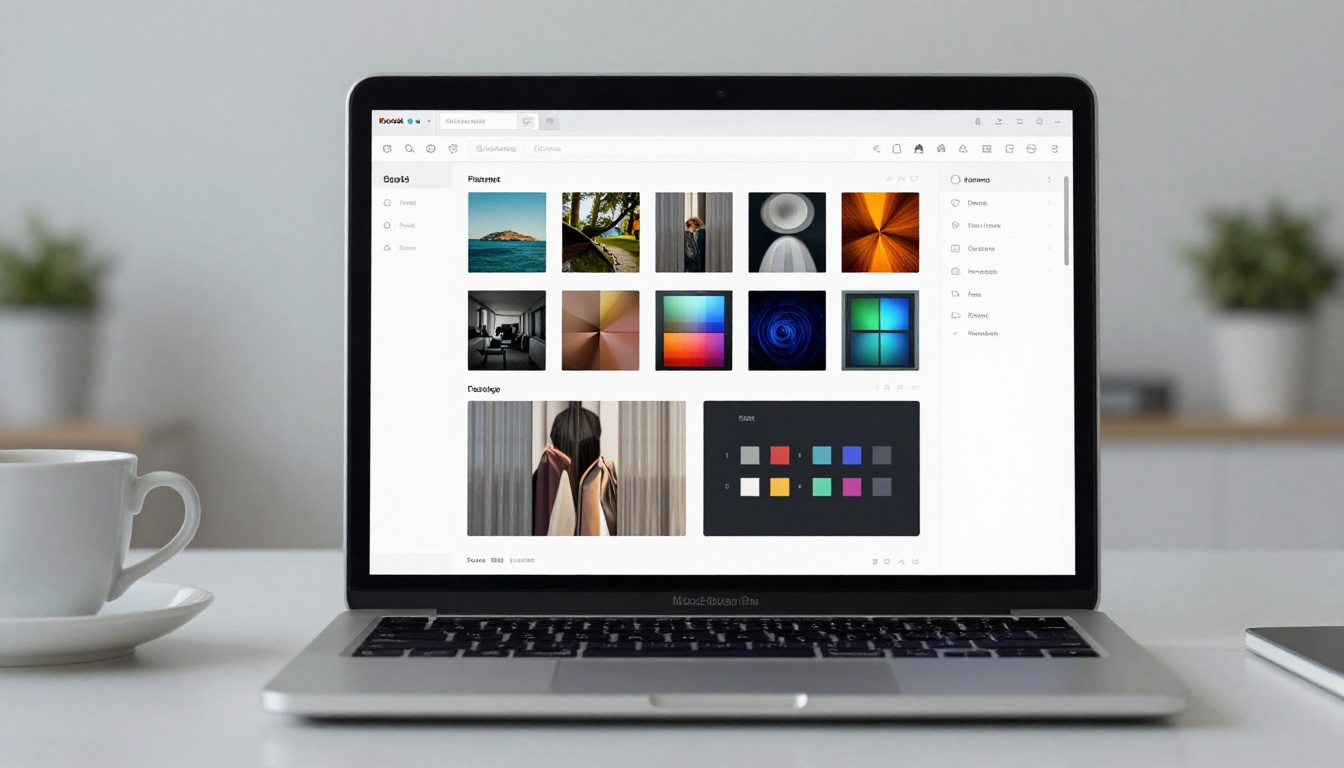
Step 3: Add Multimedia Elements
One of the biggest advantages of using Flipbooks AI over a static PDF is the ability to embed rich media directly into any page:
- Videos: Embed YouTube, Vimeo, or direct video URLs on specific pages.
- Audio: Background music or page-triggered audio clips.
- Hyperlinks: Make text and images clickable, pointing to products, booking pages, or external resources.
- Popups: Trigger text boxes, image overlays, or contact forms on interaction.
For beginners, even a single embedded video or one clickable link transforms a flat brochure into a genuinely interactive experience.
Step 4: Share, Embed, and Protect Your Flipbook
Once your flipbook looks the way you want, Flipbooks AI gives you multiple distribution options:
- Direct link: Copy and paste anywhere, works on every device and browser.
- Embed code: Drop your flipbook into any website with a single HTML snippet, compatible with WordPress, Squarespace, Wix, and more.
- Password protection: Restrict access for private clients, internal team members, or confidential publications.
- Social sharing: One-click distribution to major social platforms.
The Professional plan adds an analytics dashboard so you can see exactly how readers move through your publication, and lead generation forms can be embedded to capture contacts directly from within the flipbook itself.

Real-World Uses That Actually Work
A flipbook creator for beginners isn't just about building attractive documents. It solves real communication problems faster and more impressively than traditional formats.
Businesses That Use Flipbooks Every Day
A restaurant can replace laminated physical menus with a QR-code-linked flipbook that updates instantly when prices change or dishes sell out. A real estate agent can send a polished property brochure by text message before a client even steps foot in the building.
Creators and Freelancers
The value isn't limited to businesses with marketing budgets:
💡 A freelancer who delivers proposals as interactive flipbooks instead of PDF attachments immediately signals a higher level of craft, without doing any additional design work.
Flipbooks AI Plan Breakdown
The most common first question from beginners: what does it actually cost, and what do I get? Here's the straightforward breakdown.
| Plan | Best For | What's Included | Watermarks |
|---|
| Free | Testing the platform | Limited flipbooks, basic sharing options | Yes |
| Standard | Individuals, small teams | Unlimited flipbooks, custom branding, embed codes | None |
| Professional | Businesses, agencies | Analytics, lead generation, offline downloads, priority support | None |
The Standard plan is where most beginners should land. Unlimited flipbooks, zero watermarks, and full branding control is everything you need to produce professional-quality output from day one.
Visit flipbooksai.com/pricing for current pricing and a side-by-side feature comparison across all plans.

3 Mistakes Beginners Make (and How to Avoid Them)
Most early mistakes with flipbook creators are predictable. They're also easy to prevent.
Mistake 1: Uploading a low-resolution PDF
A flipbook is only as sharp as its source file. Blurry images and small fonts in your PDF become worse in the flipbook format, not better. Always export your PDF at 300 DPI or higher before uploading.
Mistake 2: Skipping the branding step entirely
A flipbook with default platform colors and no logo communicates a generic template, not a brand. Ten minutes setting your color palette and uploading a logo makes an enormous visual difference. It also builds immediate trust with whoever receives your link.
Mistake 3: Using the wrong distribution method
Sending a PDF attachment when you could send a direct flipbook link is a missed opportunity every time. The link opens instantly on any device, loads faster than an attachment, and can track reader activity on Professional plans.
⚠️ Always preview your flipbook on a smartphone before sharing it publicly. Mobile rendering can behave differently from desktop, and catching layout issues before your audience sees them saves you from a poor first impression.
Beginners sometimes wonder whether a flipbook is actually better than alternatives. The answer depends on what you're publishing and who you're publishing for.
| Format | Strengths | Weaknesses | Ideal Use Case |
|---|
| PDF | Universal, offline-friendly | Static, no interactivity | Contracts, internal documents |
| Website | Fully interactive, SEO-friendly | Requires development or CMS setup | Ongoing content, product pages |
| Slideshow | Fast to create | Poor for async reading | Live presentations only |
| Flipbook | Interactive, visual, highly shareable | Requires a source PDF | Catalogs, portfolios, publications |
For any content that reads as a publication, including catalogs, brochures, magazines, portfolios, and reports, the flipbook format consistently outperforms alternatives in reader retention and perceived quality. Browse all available flipbook tools to find the exact format that fits your specific project type.
Who Gets the Most from Flipbook Creators
Flipbooks have a wider appeal than most people initially expect. Here's a quick snapshot of who benefits most from the format:
The common thread is simple: any document that benefits from being read in full, from the first page to the last, performs better as a flipbook than as a static attachment.
Your First Flipbook Starts Here
Creating your first digital flipbook as a beginner doesn't require design skills, technical knowledge, or expensive software. The process runs in a straight line: prepare your PDF, upload it, apply branding, add multimedia if you want it, and share the link.
Flipbooks AI makes that process as fast and friction-free as possible. No watermarks on paid plans. Unlimited flipbooks from the Standard plan upward. A full suite of specialized tools covering every use case, from restaurant menus to annual reports to photography portfolios.
Ready to publish your first flipbook? Create your free account and go from PDF to published in under 10 minutes. When you're ready to see what's available at every level, compare all pricing plans and choose what fits your workflow today.



