Running a bike shop means every asset in your business has to justify its place. Your product catalog is one of your most important sales tools, and if it only exists as a stack of printed pages or an email attachment nobody opens, you're leaving revenue on the table. The better path is to make a flipbook for your bike shop catalog: an interactive, shareable, trackable digital experience that customers actually want to browse. Flipbooks AI lets you do this in minutes, with no design software and no coding required.
Whether your catalog covers road bikes, mountain bikes, e-bikes, or a full range of cycling accessories, the format matters as much as the content. This article covers exactly how to build a bike shop flipbook from scratch, including photography standards, catalog structure, a step-by-step creation tutorial, and how to distribute it so the right customers find it.
Customers no longer walk into a bike shop cold. They research online, read reviews, compare specs, and price-check before they ever step through your door. If your catalog is not available digitally, you are invisible during the most critical part of their buying process.
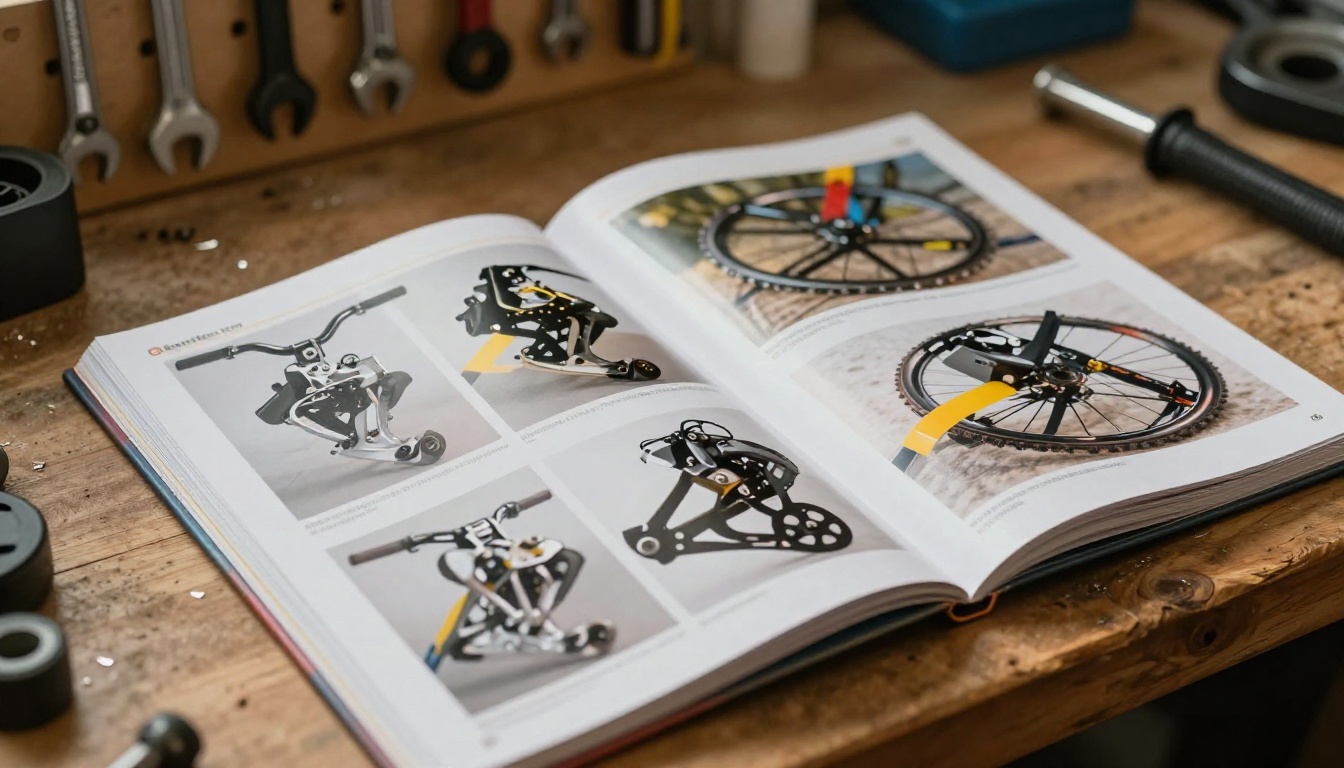
Print Catalogs Are Expensive to Update
Mountain bike geometry changes between model years. A supplier discontinues a component. Your off-season clearance pricing kicks in. With a printed catalog, any of these updates means a reprint, and reprints are expensive.
The real cost of a printed bike catalog:
- Design and layout fees for each revision
- Printing in minimum quantities (often 500 to 1,000 copies per run)
- Storage and distribution logistics
- Zero tracking data — no idea who reads past page 3
- Full reprint cost for any update, however small
A digital flipbook eliminates all of this. Update the PDF, re-upload it, and every shared link and embedded catalog shows the current version immediately.
What a Flipbook Does That a PDF Cannot
A PDF is a passive document. It opens, sits on a screen, and waits. A flipbook is an experience: pages turn with realistic animation, customers tap or click through sections, embedded links go directly to product pages, and every interaction can be tracked.
💡 Pro tip: Bike catalogs with embedded product videos see significantly stronger engagement. A 30-second clip of a suspension fork absorbing trail impacts communicates more than three paragraphs of spec sheet text ever could.
What Belongs in a Bike Shop Catalog
Before you build your flipbook, make sure your catalog content is organized for the way customers actually think. Most shops have more content than they realize.
Bikes by Category
Lead with use cases, not model numbers. Customers think "I want a trail bike" or "I need something for the commute," not "I want SKU-MB-2024-FX." Organize accordingly.
| Category | What to Show | Key Selling Points |
|---|
| Mountain Bikes | Full-suspension, hardtail, trail, enduro | Suspension travel, wheel size, frame geometry |
| Road Bikes | Endurance, race, gravel | Frame material, gearing system, total weight |
| Urban & Commuter | City bikes, e-bikes, hybrids | Rack mounts, fender clearance, battery range |
| Kids & Youth | Balance bikes, 20", 24" wheel sizes | Age range, adjustability, safety features |
| E-Bikes | Pedal-assist, throttle models | Motor wattage, range per charge, charge time |
Each category earns its own section with a full-page feature image, a concise spec table, and clear pricing.
Accessories and Gear
Your accessories section is where margins live. Helmets, cycling shoes, GPS computers, lights, locks, bags, and clothing all belong in the catalog with clean photography and transparent pricing.
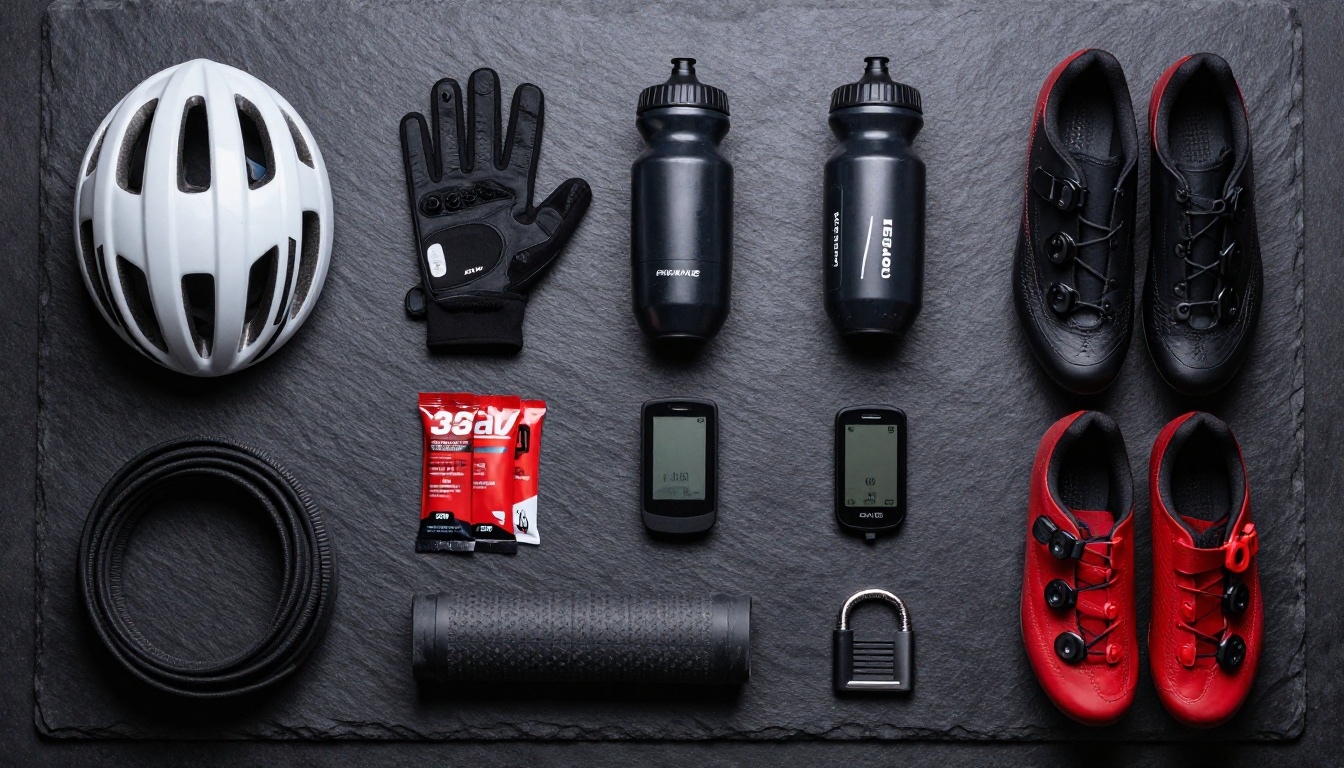
✅ Best practice: Group accessories by activity type rather than product category. A mountain biker browsing your catalog wants to see the full kit: helmet, gloves, hydration pack, and shoes together on one spread. Separate them by category and you lose the natural cross-sell opportunity.
Services and Labor Rates
Many bike shops skip this. Your service menu — tune-ups, flat repairs, drivetrain overhauls, brake bleeds, and custom build quotes — is a meaningful revenue line. Including it with clear pricing positions your shop as transparent and professional. Customers comparing local options will remember the shop that was upfront about costs.
If you have a printed catalog, you are halfway there. If you are building from scratch, design with digital in mind from the first page.
Page Layout That Works on Every Screen
Flipbooks display as two-page spreads on desktop and single pages on mobile. Design so that each individual page reads cleanly on its own. Avoid placing critical content across the center binding seam.
- Font size: Minimum 10pt for body text, 12pt preferred for spec tables
- Background: White or light gray reads cleanest on digital screens
- Column structure: Two-column layouts are more scannable than three
- Image treatment: Full-bleed photos on feature pages, clean grid layouts for accessories listings
Photography Standards That Actually Sell Bikes
Catalog photography quality directly affects whether customers trust your pricing. A $3,500 carbon road bike photographed in dim light against a cluttered background looks like a $700 bike. Standards matter.
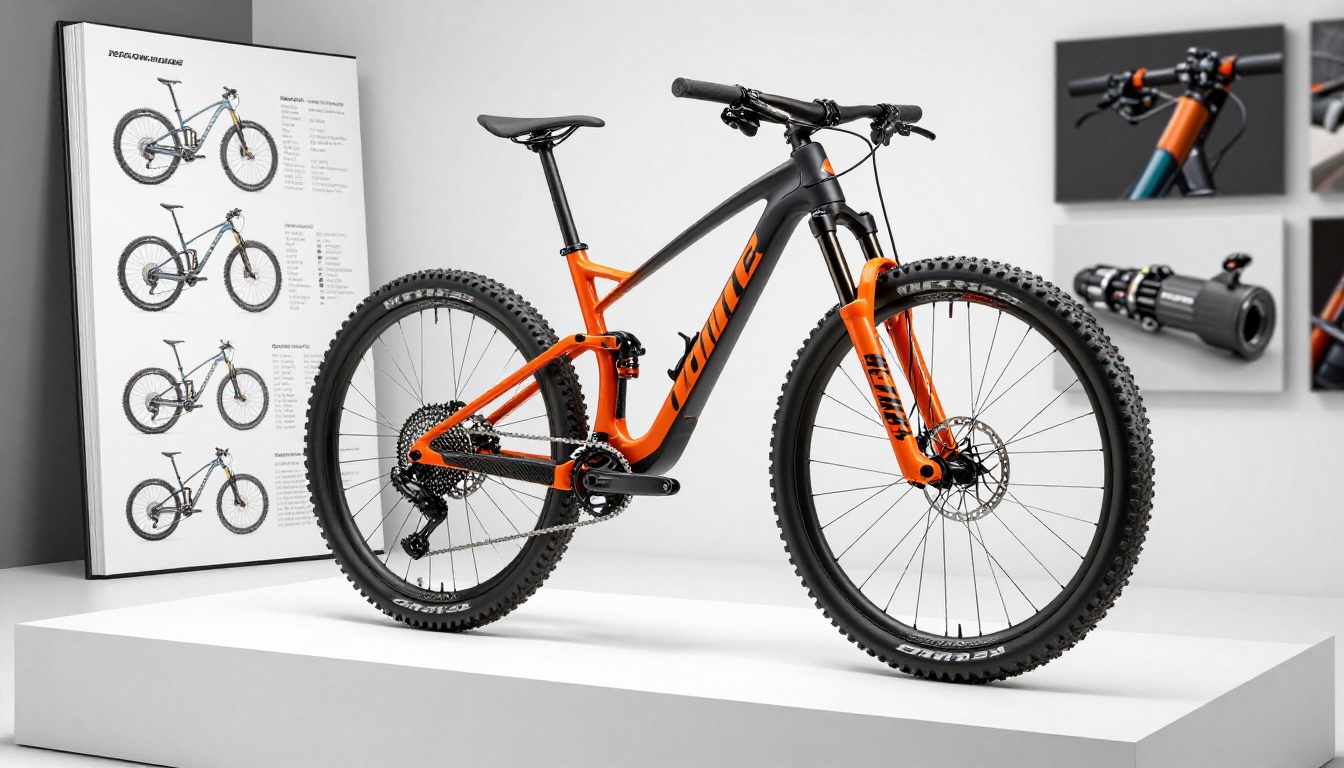
Minimum photography requirements for a bike shop catalog:
- White or neutral gray backgrounds for isolated product shots
- Consistent lighting with no mixed color temperature sources
- Multiple angles per bike: drive side, non-drive side, and at least one close detail shot
- Lifestyle images showing each category in real-world riding conditions
- Minimum 2,000px wide resolution for digital sharpness at full screen
How to Create Your Bike Catalog Flipbook with Flipbooks AI
Once your PDF is finalized, converting it into a polished interactive flipbook takes about five minutes using Flipbooks AI. Here is the exact process:
Step 1: Create Your Account
Go to flipbooksai.com/account and sign up. The Standard plan and above give you unlimited flipbooks, custom branding, and no watermarks. If you want to preview the format before committing, the free trial generates a working version of your catalog immediately.
Step 2: Upload Your PDF
Click "New Flipbook" and drag your catalog PDF directly into the upload window. The platform converts every page into a high-resolution digital spread with realistic page-turn animation. Catalogs with strong photography convert beautifully — the full image quality is preserved throughout.

⚠️ Important: Upload the highest-resolution PDF you have. If you export compressed images from your design file, you get compressed images in the flipbook. Source quality is everything.
Step 3: Apply Your Branding
Add your shop logo, set brand colors for the toolbar and navigation elements, and customize the background frame around the viewer. Whether customers see the catalog on your website, via a shared link, or on an in-store display screen, the experience feels like your shop, not a generic platform.
Step 4: Make It Interactive
This is where digital flipbooks leave static formats behind. Inside the Flipbooks AI editor, you can:
- Add clickable links on product images that go directly to your online store or booking form
- Embed product videos inline in pages for trail rides, bike reviews, or component demonstrations
- Insert a table of contents so customers jump directly to mountain bikes, e-bikes, or accessories sections
- Add pop-up callouts for spec comparisons without cluttering the main page layout
Step 5: Share and Embed
When your flipbook is ready, multiple distribution options are built in:

- Direct link: A clean URL shareable on social media, in emails, or printed on receipts
- Embed code: Drop the full flipbook directly into your website's catalog page
- QR code: Print on window graphics, hang tags, or counter cards for in-store to digital bridging
- Password protection: A separate trade pricing version visible only to B2B accounts with the password
Plan Features for Bike Shop Catalogs
Different shop sizes and catalog needs fit different tiers. Here is how the plans compare for typical bike shop use cases:
| Feature | Free | Standard | Professional |
|---|
| Number of flipbooks | 1 | Unlimited | Unlimited |
| Watermark removed | No | Yes | Yes |
| Custom branding | No | Yes | Yes |
| Password protection | No | Yes | Yes |
| Embedded videos | No | Yes | Yes |
| Offline downloads | No | Yes | Yes |
| Analytics and tracking | No | No | Yes |
| Lead generation forms | No | No | Yes |
| Custom domain | No | No | Yes |
For most independent bike shops running one or two seasonal catalogs, the Standard plan covers everything needed. If you operate multiple locations or want to track which product pages drive the most customer inquiries, the Professional plan adds analytics and lead generation that make your catalog genuinely measurable.
💡 Use the Catalog Flipbook Creator or the Digital Catalog Maker for a workflow built specifically around product catalogs with multiple categories and pricing sections.
Getting Your Flipbook in Front of Customers
Generating the flipbook is only half the job. How you distribute it determines how much work it does for your shop.

Embed It on Your Website
The most effective placement is a dedicated /catalog page on your website. Use the embed code from Flipbooks AI to drop the full interactive flipbook directly into the page. Customers browse without leaving your site, and you keep them in your ecosystem while they research their next purchase.
Use It in Email Campaigns
A flipbook link in an email newsletter outperforms a PDF attachment every time. Attachments get flagged by spam filters, fail to open on mobile devices, and give you no data. A link opens instantly in a browser on any device. Your seasonal "New Arrivals" email becomes a genuinely engaging experience rather than a file nobody opens.
Print-to-Digital Bridge
Print a QR code on hang tags, register receipts, or a small counter sign that reads "Browse the full catalog." Customers who want additional specs or want to share a bike with a partner can scan and pull up the complete digital version immediately.

Share It at Events and Rides
Group rides, cycling events, and local bike expos are natural distribution moments. Instead of hauling boxes of printed catalogs, share a QR code or a short link. Participants browse on their phones immediately and save the link for later research at home.
Tracking What Your Customers Actually Read
Printed catalogs are black boxes. You print 500 copies and have no idea if anyone reads past page 4. When you are on the Professional plan, your digital flipbook delivers real page-level engagement data.
What Analytics Reveal for Bike Shops
| Metric | What It Tells You |
|---|
| Total views | Overall reach of your catalog |
| Average time on catalog | Whether people are actually reading |
| Most-viewed pages | Which products generate the most interest |
| Drop-off pages | Where customers lose interest and exit |
| Return visits | High-intent research behavior before purchase |
| Link clicks | Which product links drive website traffic |
A shop that sees customers repeatedly stopping on the e-bike section knows exactly where to focus staff training and inventory investment next season. That kind of insight used to require expensive market research. Now it is built into your catalog platform.
Lead Generation From the Catalog
With the Professional plan, you can add a lead capture form directly into your flipbook. Before customers access a trade pricing section or a limited-offer page, they enter their email address. Your mailing list grows passively as people browse your catalog. For a shop running seasonal promotions, this is a direct path from browsing to contact to sale.
Seasonal Updates Without Starting Over
One of the most practical strengths of a digital bike shop catalog is how fast it updates. New model year? Swap out the relevant pages in your design file, export a new PDF, and re-upload. The flipbook link and any embed codes stay exactly the same. Every customer who has bookmarked your catalog or shared your link automatically sees the current version with no action required on their end.
✅ Best practice: Keep your master catalog organized by page number in a shared design folder. When seasonal updates arrive, only export the changed pages. Some design tools let you replace individual pages in an existing PDF, which means you are not rebuilding the entire document for a single pricing update.
Real-World Scenarios for Bike Shops
Different shops get different value from digital catalogs. Here are three realistic scenarios that show how the format performs in practice.
Independent Single-Location Shop
Publishes one annual catalog with a mid-season accessories addendum. Shares the flipbook link in email newsletters and keeps it live in the Instagram bio year-round. Tracks page views before major reorders to understand which brands are drawing the most browsing interest before committing to stock.
Multi-Brand Dealer With Service Department
Publishes separate flipbooks for road, mountain, and e-bikes, and links each from a main catalog landing page. Includes a separate service menu flipbook shared with recurring customers via email. Password-protects a wholesale pricing catalog for B2B accounts and local cycling clubs.
Online-First Bike Retailer
Embeds a seasonal flipbook on the homepage as a featured editorial experience. Uses lead generation forms to capture customer emails during catalog browsing. Tracks click-through rates from catalog pages to product pages to measure catalog-driven revenue directly.

Your catalog already has the content. What it needs is a format that customers actually use. When you make a flipbook for your bike shop catalog, you take something that lived in a drawer or sat unopened in an inbox and turn it into an interactive experience people share, return to, and act on.
Get started for free on Flipbooks AI. Upload your existing PDF and have a working flipbook ready in minutes. Use the Product Catalog or Digital Catalog Maker tools for a workflow built specifically for multi-category product catalogs, or browse all available tools to find the right fit for your shop's catalog type.
When you are ready for analytics and lead generation, compare pricing plans and choose the tier that fits your shop's size and goals. Standard covers most independent shops completely. Professional adds the measurement layer that turns a passive catalog into an active, revenue-tracked sales tool.
Stop reprinting. Start flipping.



