Long-form content is one of the most powerful assets any brand or creator can produce, but the format you choose to deliver it can make or break how well it actually lands with readers. Most people default to the blog post without a second thought. But if you have watched your analytics and seen that 60 percent of readers drop off after the second paragraph, it is worth asking whether the format is working against the content itself. Flipbooks AI has made it genuinely easy to take any long-form piece and convert it into an interactive, page-by-page reading experience. So which format wins? The answer depends on what you are publishing and who you are publishing it for.

The Core Difference
Before comparing performance, it helps to be clear about what each format actually is and what job it does.
What a Blog Post Actually Does
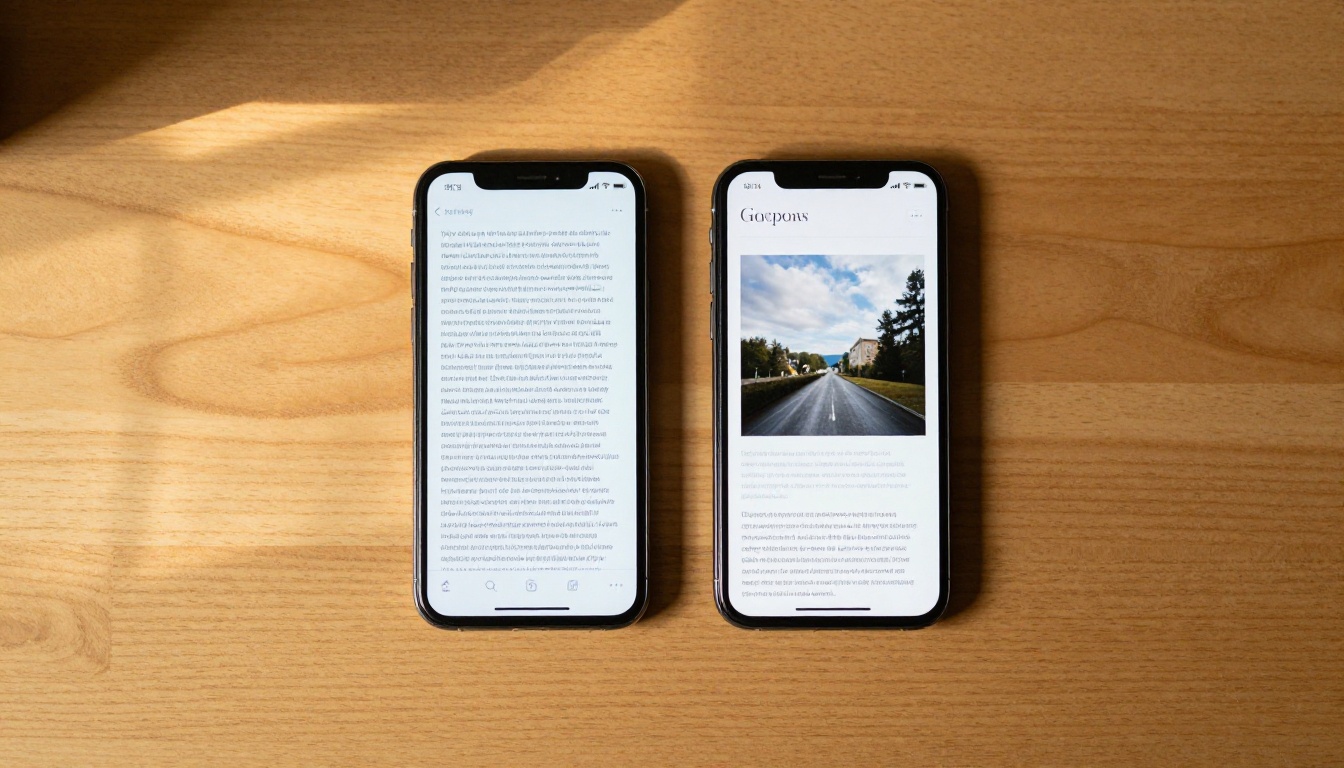
A blog post is a single continuous web page. Readers scroll from top to bottom, with the text flow managed by headings and paragraph breaks. The format is deeply familiar to most internet users, indexes well in search engines, and requires zero special software to read. For shorter pieces, it is almost always the right call. The problem starts when word counts climb past 1,500 words. At that point, the scroll distance grows, the reading session feels more like a chore, and most readers start skimming instead of reading.
What blog posts do well:
- Search engine indexing on page text
- Quick publishing workflow
- Easy to share as a direct URL
- Works on any device, any browser
- Low friction for casual readers
Where blog posts struggle:
- Readability drops on long-form pieces above 2,000 words
- No visual pacing or chapter feel
- Difficult to design richly without a developer
- Passive reading only, nothing interactive
What a Flipbook Actually Does
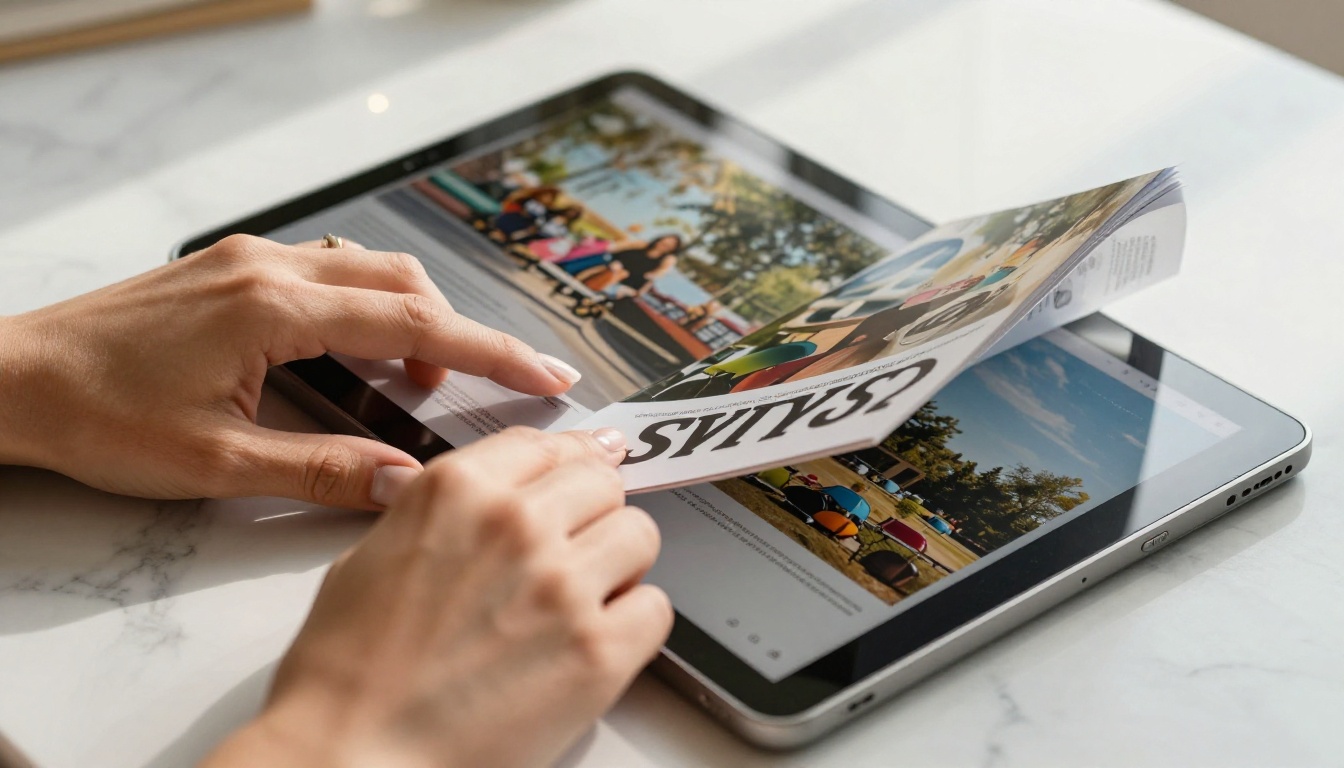
A flipbook is a paginated digital publication. Instead of a single scroll, readers move page by page, just like a printed magazine or catalog. Each spread can include full-bleed images, columns, sidebars, pull quotes, and rich layouts. The format creates a reading rhythm that feels deliberate and immersive. Tools like Flipbooks AI convert a PDF into a shareable, interactive flipbook in minutes, with no design experience needed.
What flipbooks do well:
- Visual-first storytelling with designed layouts
- High perceived value and professional presentation
- Ideal for content with multiple chapters or sections
- Keeps readers oriented with a visible page count
- Embeds video, audio, and interactive links
Where flipbooks work less well:
- Indexing requires additional SEO strategy
- Not the fastest format for casual five-minute reads
- Requires an existing PDF or design file to start

Reading Experience Side by Side
The reading experience is where the gap between these two formats is most visible.
Scroll Fatigue Is Real
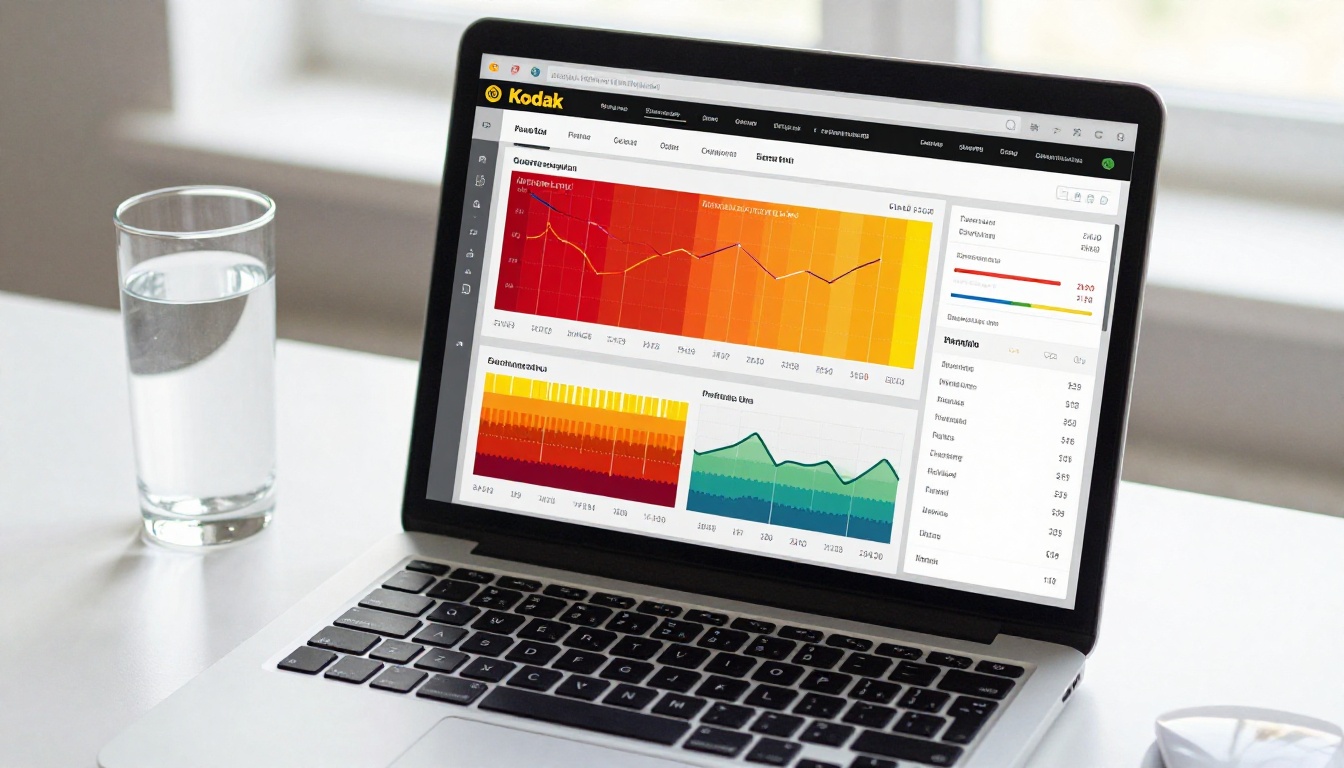
Research into online reading behavior consistently shows that scroll depth drops sharply as content length increases. On a 3,000-word blog post, many readers never get past the halfway mark. This is not a reflection of content quality. It is a format problem. The infinite scroll offers no sense of progress, no chapters, no natural pause points. Readers lose their place, lose motivation, and bail.
💡 A useful test: look at your blog's average scroll depth in analytics. If readers on long posts average 40 percent scroll depth or less, the format may be actively hurting your content.
The Page-Turn Effect
Flipbooks solve the scroll fatigue problem structurally. When a reader can see "Page 4 of 18" at the bottom of the screen, they have a mental map of where they are. Each page turn acts as a small micro-reward, a sense of progress that keeps people moving forward. This is why magazines, annual reports, and catalogs have always used paginated formats. The format itself signals that the content is worth sitting with.

The page-turn format also pushes better content design. Because each spread has a fixed canvas, writers and designers are pushed to prioritize. Every image earns its place. Every section of text has room to breathe. The result is a piece that is visually paced, not just word-dumped onto a page.
SEO and Discoverability
This is the area where most people assume blog posts win automatically. The reality is more nuanced.
Blog Posts and Search Indexing
Blog posts have a clear SEO advantage: Google indexes every word on the page. Long-form blog posts that are well-structured with proper headings, internal links, and keyword density can rank for dozens of related search terms. If organic search traffic is the primary goal, a blog post is the standard starting point.
But there are caveats. A blog post that people do not actually read sends poor signals back to Google. High bounce rates and low time-on-page can hurt rankings over time, even for content that initially performs well. Format affects reader retention, and reader retention affects SEO.

Where Flipbooks Fit in SEO
Flipbooks are not invisible to search engines. A published flipbook can have its own URL, meta title, and description. The primary difference is that the body content inside a PDF-based flipbook may not be fully indexed unless additional landing page text is added around the embed. The smart approach is to use both: publish the flipbook on a landing page that includes a short introductory passage, keyword-rich headings, and a summary. This way the page earns search visibility while the flipbook delivers the full reading experience.
✅ Best practice: Embed your flipbook on a page that has 300 to 500 words of native HTML text describing the content. This gives search engines indexable text while still delivering the flipbook experience to readers.
| Feature | Blog Post | Flipbook |
|---|
| SEO text indexing | Excellent | Needs supplementary text |
| Visual design quality | Limited without CSS/dev | High, magazine-quality |
| Long-form readability | Drops off at 2,000+ words | Strong, paginated chapters |
| Reader progress feedback | None (scroll only) | Page count visible |
| Multimedia embedding | Basic (inline images/video) | Rich, full-page embeds |
| Mobile responsiveness | Native | Responsive via platform |
| Sharing options | URL link | URL, embed code, QR code |
| Analytics | Google Analytics | Built-in + GA integration |
| Time to publish | Fast | Fast via PDF upload |
| Perceived value | Standard | High, professional |
The format question becomes much clearer when you think about content type rather than just length.
When Blog Posts Work Best
Blog posts are the right call for content that is primarily text-driven, time-sensitive, and oriented toward search discovery. News articles, tutorials with code snippets, product roundups, and opinion pieces all work better as blog posts. Readers who arrive from a Google search expect a familiar interface. Putting a short topical piece inside a flipbook would be format overkill.
Blog post sweet spots:
- How-to tutorials under 1,500 words
- News and opinion content
- Keyword-targeted SEO content
- Content with active comment sections
- Posts that need frequent updates
When Flipbooks Take Over
Flipbooks are built for content where design and depth both matter. Annual reports, product catalogs, lookbooks, ebooks, course materials, and multi-chapter editorial content all benefit from the paginated format. These are pieces where the reader makes a deliberate choice to sit with the content, not just skim for a quick answer.
Flipbook sweet spots:
- Annual reports and corporate publications
- Product catalogs and lookbooks
- Ebooks and white papers
- Training manuals and course materials
- Magazines and newsletters
- Portfolio showcases
| Content Type | Best Format | Why |
|---|
| 500-word news article | Blog post | Speed, indexing, comments |
| 5,000-word ebook | Flipbook | Chapter pacing, visual layout |
| Product catalog | Flipbook | Visual presentation, page-turn UX |
| Tutorial with steps | Blog post | Linear flow, code-friendly |
| Annual report | Flipbook | Professional presentation, data visualization |
| Opinion piece | Blog post | Fast to publish, conversation-driven |
| Training manual | Flipbook | Chapter navigation, progress tracking |
| Interview content | Blog post | Conversational flow, SEO keywords |
| Marketing lookbook | Flipbook | Full-bleed images, brand experience |
How to Create a Flipbook from Long Content
If your long-form content is a better fit for the flipbook format, the process with Flipbooks AI is straightforward and requires no design experience.
Step 1: Create your account
Head to Flipbooks AI and sign up. The Standard plan and above give you unlimited flipbooks with no watermarks, making it practical for ongoing content publishing at any volume.
Step 2: Upload your PDF
Design your long-form content in any tool that exports PDF, such as Canva, Adobe InDesign, Google Slides, or Microsoft Word. Upload the file to the PDF to Flipbook Converter. The platform converts it automatically, preserving your layout and images exactly as designed.
Step 3: Customize the reading experience
Once converted, you can:
- Add your brand colors and logo for a fully white-labeled publication
- Insert page-level links and calls to action
- Embed videos directly onto specific pages
- Enable a table of contents for long, multi-chapter pieces
- Set a password if the content is for members or paying readers only
💡 For ebooks and training materials, adding a clickable table of contents dramatically improves the reading experience on pieces longer than 20 pages.
Step 4: Share and track performance
Publish with a direct link, embed it using the Embed Flipbook on Website tool, or generate a QR code for print distribution. The Professional plan adds built-in analytics so you can see which pages readers spend the most time on, where they drop off, and who converted through lead generation forms embedded inside the flipbook.

Flipbooks AI Plan Overview
| Plan Feature | Free | Standard | Professional |
|---|
| No watermarks | No | Yes | Yes |
| Unlimited flipbooks | No | Yes | Yes |
| Custom branding | No | Yes | Yes |
| Password protection | No | Yes | Yes |
| Offline downloads | No | No | Yes |
| Page-level analytics | No | No | Yes |
| Lead generation forms | No | No | Yes |
| Video embedding | No | Yes | Yes |
| Custom domain | No | No | Yes |
See all details on the pricing page.
Real-World Scenarios
Marketing Teams
A marketing team producing a quarterly report faces a practical choice. Publishing it as a blog post means spending hours reformatting designed pages into HTML, and the final result rarely matches the original. Publishing it as a flipbook via Flipbooks AI means uploading the designed PDF and sharing a link in minutes. The Corporate Report Maker and Annual Report Creator tools provide templates built specifically for this type of content.
Educators and Trainers
A training coordinator building a 50-page onboarding manual cannot put that content in a blog post without losing all formatting and creating an unusable wall of text. A flipbook preserves every table, diagram, and callout box exactly as designed. The Training Manual Flipbook and Course Material Publisher tools make this a sub-five-minute job.

Publishers and Magazine Editors
Digital magazine publishers who have tried moving to blog format almost universally report that readers miss the paginated experience. The Magazine Flipbook Creator and E-Magazine Publishing Tool replicate the magazine reading experience online, including page-flip animations, full-spread photography, and embedded audio or video content.
Which Format Is Right for Your Content
The honest answer is that both formats serve different jobs, and the most effective publishers use both. Short, keyword-targeted content that you want Google to find belongs on a blog. Long, designed, high-value content that you want people to spend real time with belongs in a flipbook.
The format mismatch is one of the most overlooked reasons that long-form content underperforms. A 4,000-word deep-dive published as a single blog page faces structural disadvantages that no amount of good writing can fully overcome. The same content in a well-designed flipbook gives readers a reason to stay, a sense of progress, and a presentation that signals the work is worth their time.
If you have long-form content sitting in your archive that is not performing as well as it should, the format might be the problem. Create a free account on Flipbooks AI and convert one piece as a test. Check the reader time-on-page difference against your blog analytics and let the numbers decide.
Ready to try it yourself? Browse all flipbook tools to find the right template for your content type, or go straight to pricing to choose a plan that fits your publishing volume.



