Small businesses rarely have time to second-guess their tools. You pick a platform, build something, and hope it does the job. But when it comes to sharing digital content, whether that's a product catalog, a menu, a brochure, or a company profile, the platform you choose shapes more than just aesthetics. It shapes whether people actually stop and read, share, or convert. Flipbooks AI and Google Sites both sit in the "free or cheap digital content" category, but they solve very different problems. This breakdown puts them head to head across the factors that matter most to small business owners.
Before comparing, it helps to be clear on what each platform was actually built to do.
What Google Sites Does
Google Sites is a free website builder inside the Google Workspace ecosystem. It lets you create basic multi-page websites using drag-and-drop blocks: text, images, embedded documents, YouTube videos, and Google Drive files. It's built for internal wikis, simple team pages, school project sites, and basic business landing pages. No custom code needed. No hosting costs. No design expertise required.
That simplicity is both its strength and its ceiling.
What a Flipbook Platform Does
A flipbook platform converts PDFs into interactive, page-turning digital publications. Pages flip like a real book or magazine. You can embed video, audio, and links. Viewers can zoom into details, search by keyword, download offline versions, and share via a clean link or embed code. The output looks like a professionally printed publication, not a web page.
Platforms like Flipbooks AI take this further with branding controls, analytics, lead capture forms, password protection, and a library of specialized tools for restaurants, retailers, real estate agents, and more.
These are not competing website builders. One builds pages. The other publishes documents.

The Real Cost Breakdown
Cost is usually the first filter for small businesses, so it deserves an honest look.
Google Sites Pricing
Google Sites is completely free. If you already use Google Workspace (starting at $6/user/month), Sites is included. For a solo business owner, the personal Google account works fine. There are no paid tiers, no hidden upgrades, and no storage limits beyond your Google Drive quota.
The hidden cost is time. Building a decent Google Sites page takes hours if you want it to look polished. And then, every time you update your pricing, your menu, or your product lineup, you rebuild sections manually.
Flipbook Platform Pricing
Flipbooks AI pricing starts with a free tier that lets you publish basic flipbooks. Paid plans add custom branding, unlimited publications, password protection, analytics, and professional tools.
| Plan | Cost | Best For |
|---|
| Free | $0 | Testing, personal use |
| Standard | ~$9/mo | Small businesses, regular publishing |
| Professional | ~$19/mo | Analytics, lead capture, white-label |
For context: if your business publishes even one catalog, menu, or brochure per quarter, the time saved on formatting and the professional output quality makes the paid plan a practical choice, not a luxury.
Feature Face-Off
This is where the two platforms diverge most clearly.

| Feature | Google Sites | Flipbooks AI |
|---|
| Custom domain | Yes (with Workspace) | Yes |
| Mobile responsive | Yes | Yes |
| Branding / White-label | Limited | Full |
| Page-turning animations | No | Yes |
| PDF upload and conversion | No | Yes |
| Embed video and audio | Yes (YouTube only) | Yes (any source) |
| Password protection | No | Yes |
| Analytics | Basic (Google Analytics) | Built-in |
| Lead capture forms | No | Yes (Professional) |
| Offline download | No | Yes |
| No watermarks | Yes | Yes |
Design and Branding
Google Sites gives you font choices, color themes, and a header image. It looks like Google Sites. That's fine for an internal wiki, but it works against you when you're presenting products to customers. There's no way to match the polished feel of professionally designed marketing materials.
Flipbooks AI starts from your existing PDF, which your designer or a free tool like Canva already made look great. The flipbook renderer preserves that design perfectly. You can add your logo, set your brand colors on the viewer interface, and remove all platform branding. The result looks like something you had professionally printed, not something you put together on a free website tool.
Sharing and Distribution
Google Sites generates a URL. You share the link. People open it in a browser and scroll. There's no real difference between a Google Sites link and any other webpage link.
Flipbooks come with multiple sharing modes: direct link, embed code (paste it into any website), QR code, and email. A restaurant can print a QR code on table cards that opens their interactive menu flipbook. A real estate agent can embed a property brochure directly on their listing page. A retailer can email a catalog link that looks premium in any inbox.
💡 Embed codes let you publish your flipbook on your existing website while still managing updates in one place. Change the source PDF, and the embed updates automatically everywhere it's shared.
Content Types That Each Handles Best
Google Sites works well for:
- Simple "About Us" pages and team wikis
- Basic event landing pages
- Linking to Google Drive files or forms
- Internal documentation that doesn't need branding
Flipbooks work better for:
Neither tool is perfect. Being clear about the limits saves you from disappointment later.
Google Sites limitations:
- No PDF-to-page conversion. If your content lives in a PDF, you embed it as a static file, not a readable page.
- No page-turning interaction. Content is always scroll-based.
- Limited branding. The Google Sites template look is hard to shake.
- No built-in analytics for document readership. You can connect Google Analytics, but tracking which page of a brochure a visitor spent the most time on is simply not possible.
- Offline access requires downloading the file separately.
Flipbook platform limitations:
- Not a full website. You can't build a homepage, a blog, or a contact form with a flipbook. It publishes documents, not web pages.
- Requires a source PDF. If you're starting from scratch without design software, there's a learning curve to creating the underlying document. (Canva, Word, and Google Slides all export PDFs.)
- Some features like lead capture and white-label branding require a paid plan.
⚠️ A common mistake: businesses try to replace their website with a flipbook. Don't. Use a flipbook to publish the content that would otherwise be a PDF attachment, an ugly embedded file, or a wall of bullet points on a basic web page.
Real-World Use Cases for Small Businesses
Let's look at how specific business types get the most from each tool.

When Google Sites Wins
Internal team resources: A 10-person service business building an employee handbook wiki for internal use. No branding needed. Free. Done in an afternoon.
Simple event pages: A local bakery setting up a one-page holiday pre-order form that links to a Google Form. Fast, free, and good enough for the job.
Basic web placeholder: A freelancer who needs any web presence at all while building a proper site. Google Sites gets the job done temporarily without any cost.
When Flipbooks Win
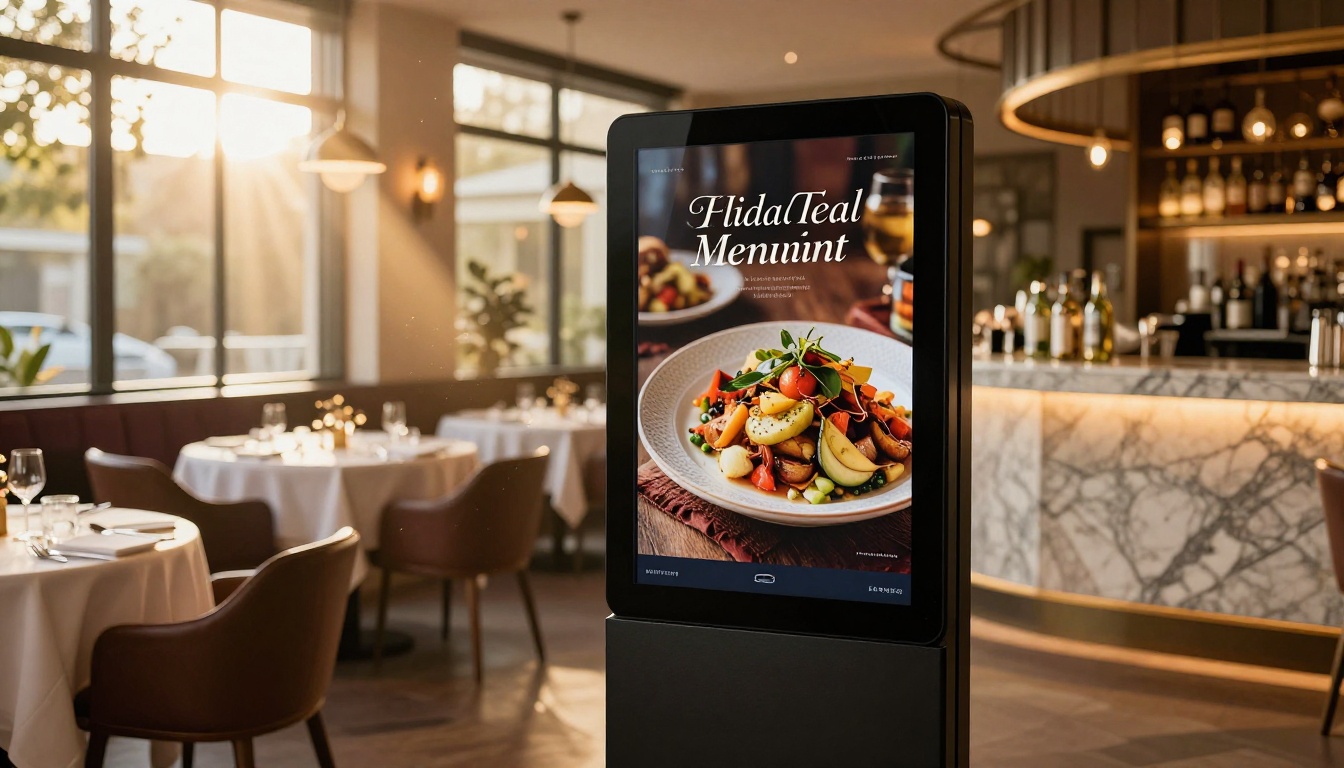
Restaurant menus: A 40-seat restaurant updating seasonal menus four times per year. With a Restaurant Menu Creator, they upload a new PDF, publish in minutes, and customers scan a QR code at the table. No reprinting costs. No PDF files that render wrong on mobile.
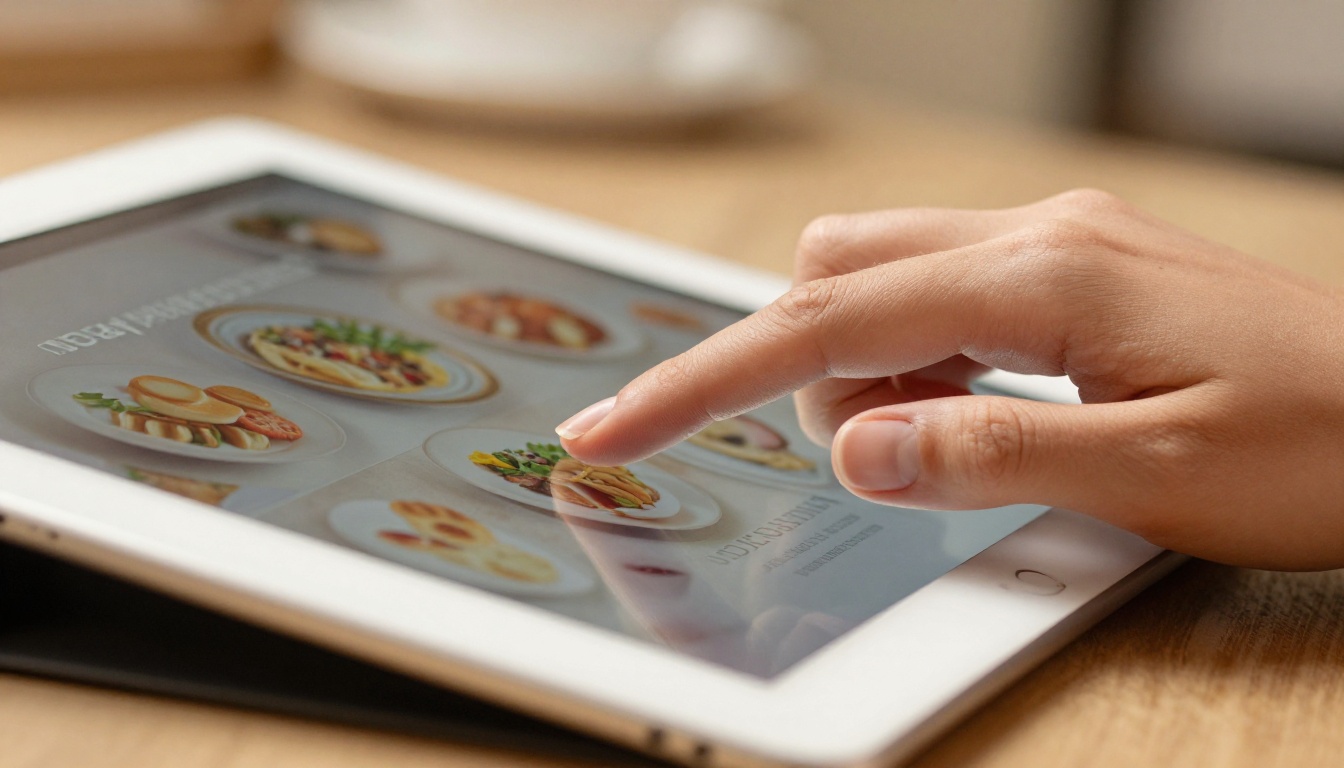
Retail product catalogs: A boutique with 80+ SKUs creates a seasonal product catalog that customers can flip through, zoom into product details, and click to buy. It works as an email attachment, a website embed, and an in-store display on a tablet.

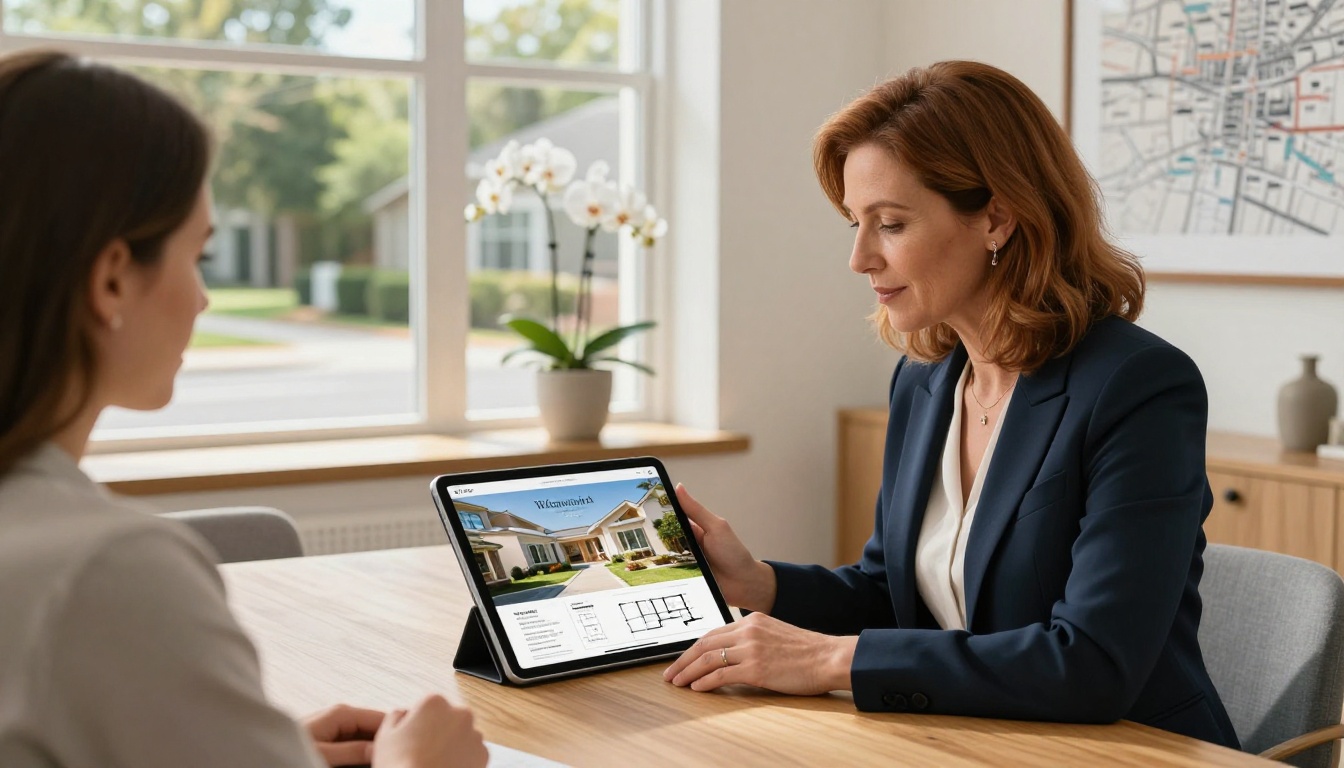
Real estate listings: An agent who attaches a property brochure to every listing. Instead of a static PDF that looks broken on mobile, they send a flipbook link. Buyers can flip through floor plans, room photos, and neighborhood details on any device.
Fashion and retail lookbooks: A clothing boutique publishing a seasonal lookbook that customers flip through like a magazine. High-resolution photos, product links embedded on pages, and a shareable link that gets forwarded between customers organically.

Corporate reports and press kits: A small agency publishing a quarterly corporate report or press kit that clients and journalists can read on any device without downloading a 15MB file.
How to Publish Your First Business Flipbook
Your PDF is ready. Here's how to turn it into something worth sharing.
Step 1: Create your PDF
Start in Canva, Google Slides, Microsoft Word, or Adobe InDesign. Design your catalog, menu, brochure, or report to the dimensions you want. Export as PDF. Standard A4 or US Letter landscape orientation works well for most business publications.
Step 2: Set up your account
Go to Flipbooks AI and sign up. Free accounts can publish immediately without a credit card.
Step 3: Upload your PDF
Click "New Flipbook," upload your PDF, and the platform converts each page into a high-fidelity interactive spread. Conversion takes under a minute for most documents.
Step 4: Customize the viewer
Add your logo, set background colors, choose your page-flip animation style, and configure viewer controls including zoom, share, download, and search. For password-protected content like client proposals or private price lists, set a password at this step.
Step 5: Choose your sharing method
- Copy the direct link for email or social sharing
- Use the embed code to place it on your website (one line of HTML)
- Generate a QR code for print materials, packaging, or table cards
- Browse all flipbook tools for specialized templates built for your industry
✅ Professional plan users can activate lead capture: require visitors to enter their email before viewing, turning every catalog or brochure into a passive lead generation asset.

Step 6: Track your readership
With built-in analytics on the Professional plan, you see how many people opened your publication, which pages they spent the most time on, and where they dropped off. This tells you what content resonates before you pay to reprint or redesign anything.
The SEO Angle Nobody Talks About
One area where both platforms have real implications for small businesses: search visibility.
Google Sites pages are indexed by Google and can rank for local searches, especially with a custom domain connected. If your goal is to rank for "florist in Austin" or "dog groomer near me," a properly structured web page does that job.
Flipbooks rank differently. The viewer URL can be indexed, and the text inside your PDF is readable by search engines. But the real strength of a flipbook isn't ranking for search terms. It's getting shared, forwarded, and embedded. A well-designed catalog gets sent between friends and business partners. An interactive menu gets posted in neighborhood Facebook groups. That organic distribution can drive more qualified traffic than a single search ranking.
💡 For best results: use a website to rank in search. Use flipbooks for the content that lives inside that website and gets shared well beyond it.
Side-by-Side Verdict
| Factor | Google Sites | Flipbooks AI |
|---|
| Cost | Free | Free to ~$19/mo |
| Setup time | 2 to 4 hours | 20 to 30 minutes |
| Design quality | Basic | Professional |
| Document publishing | Poor | Excellent |
| Interactivity | Scroll only | Page-turn, zoom, search, embed |
| Mobile experience | Responsive | Fully optimized |
| Best use case | Simple web pages | Catalogs, menus, brochures, reports |
| Sharing options | Link only | Link, embed, QR, email |
| Analytics | Via Google Analytics | Built-in (Professional) |
| Offline access | No | Yes |
For most small businesses, the honest answer is: you probably need both. A basic website handles your digital storefront. A flipbook platform handles your published content, the documents and catalogs and menus that need to look great and travel far.
Stop Sending Static PDFs
If you're still emailing PDF attachments, embedding Google Drive previews that render poorly on mobile, or cramming product information into a wall of text on a basic web page, the switch to interactive flipbooks is more straightforward than you'd expect.
Create your first flipbook on Flipbooks AI and see the difference in how customers interact with your content. Compare pricing plans to find the right fit for how often you publish. Browse all specialized tools to find one built specifically for your business type, whether that's a digital portfolio, a sales presentation, or a newsletter that actually gets read.
Your catalog deserves better than a static file. Your menu deserves better than a page people pinch-zoom to read. Your brochure deserves to be something people forward, not something they close.
Get started for free and publish your first flipbook today.



