If you run a small magazine, you already know the awkward truth: printing is expensive, newsletters get skimmed, and a plain PDF attachment feels like a step backward. That is why so many indie editors look at page-turning digital editions, and why the choice between Flipbooks AI and Calaméo comes up so often. Both turn a PDF into a readable, shareable flipbook. The differences show up in cost, branding, reader experience and how much time each issue steals from your week.
This comparison is written for teams of one to ten people. No newsroom, no IT department, no six-figure budget. Just an editor, a designer, maybe a freelancer, and a deadline.
💡 Quick take: Calaméo is a long-established name with a big public library. Flipbooks AI is built around clean branding, no watermarks and straightforward plans. Which one wins depends on what your readers see first: your brand or the platform's.
Why Small Publishers Compare These Two
Small magazines have a very specific set of needs. You publish on a rhythm, monthly or quarterly, and every issue has to look like you. You also need a cheap way to share it, a way to see whether people actually read it, and a path to monetize or collect subscribers.
Here is what usually drives the search:
- Print costs keep climbing, so a digital edition becomes the default for part of the audience.
- Advertisers ask for proof of readership, not guesses.
- Subscribers want a link, not a 40 MB attachment.
- Back issues pile up and deserve a searchable home.
- Branding matters, because a magazine without its own identity is just a file.
The Real Question
Most comparisons list features and stop. A better question is: what happens on the reader's screen, and what happens on your invoice? Everything below circles back to those two things.
Who This Is For
If you publish a lifestyle title, a local culture magazine, a trade newsletter, a school or club publication, or a niche hobby zine, this applies to you. If you are a major publisher with a dedicated platform team, you probably need something custom anyway.
Side by Side: The Big Picture
Before the details, here is a high level view. Plans and limits change over time, so always confirm the current numbers on each vendor's site before you buy.
| Factor | Flipbooks AI | Calaméo |
|---|
| Core idea | PDF to flipbook with strong branding control | PDF publishing with a large public catalog |
| Watermarks | No watermarks, ever | Platform branding commonly appears on free usage |
| Unlimited flipbooks | Standard plan and above | Depends on the plan tier |
| Password protection | Available for private content | Available on selected plans |
| Analytics | Professional plan | Varies by plan |
| Lead generation | Professional plan | Varies by plan |
| Offline downloads | Included | Depends on settings and plan |
| Best fit | Brand-first small publishers | Publishers who value public discovery inside the platform |
The pattern is simple. If your readers arrive from your own channels, such as email, social posts and your website, a clean branded viewer matters more than a public marketplace. If you rely on in-platform browsing for new readers, the larger catalog may help.
The Reader Experience
A flipbook lives or dies on the first five seconds. Does it load fast? Does the page turn feel natural? Does it look right on a phone?
Loading and Page Turning
Both platforms give you the familiar page-flip effect. What differs is how much of the screen belongs to you. A viewer cluttered with platform links, suggested publications and banners dilutes your issue. A clean viewer keeps attention on your content.
Mobile Reading
Most magazine traffic now arrives on phones. Flipbooks AI uses a mobile-responsive design, so spreads reflow into a comfortable single-page view. Test any issue on a real phone before you send it. Pinch to zoom, tap targets and load time on a mediocre connection tell you more than any feature list.
Multimedia
A small magazine can stand out by adding a little life. Flipbooks AI lets you embed video and audio, which suits interviews, behind-the-scenes clips, playlists for a music issue or a short founder message. Even one embedded video per issue can make a digital edition feel richer than its print twin.
✅ Best practice: Keep embedded media short. Ninety seconds is plenty. Readers are there for pages, not a film festival.
Branding and Watermarks
This is where small publishers feel the difference most.
Why Watermarks Hurt
A watermark on a flipbook tells readers, and advertisers, that the publication is borrowing someone else's space. For a hobby project that is fine. For a magazine that sells ads or subscriptions, it chips away at credibility.
Flipbooks AI states plainly: no watermarks, ever. That applies across plans, so you are not forced to upgrade just to look professional.
Custom Branding Checklist
Whichever platform you pick, check these before paying:
- Can you add your own logo and colors to the viewer?
- Can you use a custom background that matches your masthead?
- Does the share page carry your name or someone else's?
- Can you remove platform links to other publications?
- Does the embed on your own site look native?
Back Issue Libraries
Your archive is an asset. A tidy library of past issues keeps new visitors reading and gives sponsors a reason to trust you. Aim for consistent cover thumbnails and clear issue names such as "Spring 2026" so the shelf looks as deliberate as your print one.
Pricing Logic for Tight Budgets
Small publishers rarely ask "what is the best platform?" They ask "what is the cheapest one that does not embarrass us?"
What to Compare
Do not stop at the monthly price. Look at:
- Number of flipbooks you can publish
- Branding removal, since some platforms gate it behind higher tiers
- Analytics access, which is often the feature that matters most to advertisers
- Storage and page limits for image-heavy issues
- Privacy tools, such as passwords for subscriber-only editions
A Sample Year of Publishing
Imagine a quarterly magazine that also publishes a monthly newsletter edition, so 16 flipbooks in a year, plus a small archive of back issues.
| Scenario | What matters most | Likely need |
|---|
| Free hobby zine | Low cost | Basic viewer, accept some limits |
| Paid subscriber magazine | Privacy and branding | Password protection, no watermark |
| Ad-supported local title | Proof of readership | Analytics and lead capture |
| Archive-heavy publication | Many files | Unlimited flipbooks |
Review the Flipbooks AI pricing plans against your own count of issues per year. Then do the same on Calaméo's site. Put both numbers in a spreadsheet next to your expected ad revenue. The answer is usually obvious within ten minutes.
⚠️ Watch out: A cheap plan that hides your branding behind an upgrade is not cheap. Price the version you would actually publish.
Analytics and Lead Generation
Advertisers want numbers. Subscribers want to feel known. A good platform supports both.
What Analytics Should Show
At minimum, you want views per issue, time spent, and which pages hold attention. Flipbooks AI offers analytics and lead generation on the Professional plan. That means you can see which spreads earn the most attention and use those numbers in a media kit.

Lead Capture in Practice
Picture a regional food magazine. Page 3 carries a short invitation to join the newsletter. With lead generation enabled, readers can leave an email without leaving the issue. Over a year, that single feature can grow a mailing list faster than a pop-up on your homepage.
Using Data With Sponsors
When you pitch a sponsor, bring three numbers: average views per issue, average reading time, and the page where the sponsor's ad would sit. Specifics beat adjectives.
Sharing, Privacy and Distribution
How an issue travels matters as much as how it looks.
| Sharing method | Why small publishers use it |
|---|
| Direct link | Fastest option for email and social posts |
| Embed code | Puts the issue on your own website |
| Password protection | Gates subscriber-only or sponsor preview editions |
| Offline download | Lets readers keep a copy for flights and commutes |
Embedding on Your Own Site
Hosting the issue on your own domain keeps readers in your ecosystem. The Embed Flipbook on Website tool is made for this. Paste a snippet and your homepage becomes a reading room.
Private Editions
A common small-publisher trick: release each issue to paying subscribers first with a password, then open it publicly after two weeks. It rewards loyalty and gives free readers a reason to subscribe.
A Practical Workflow: Publishing One Issue
Here is how a two-person team might move from layout to live issue. It also shows how little time the platform step needs.

Before You Upload
Export your layout as a PDF at a sensible size. High-resolution print files can be heavy, so create a screen-optimized version. Check that fonts are embedded and links are clickable.
How to Create a Magazine Flipbook With Flipbooks AI
- Open your account. Go to Flipbooks AI and sign in or create an account. A free sign-up is enough to test the workflow.
- Upload the PDF. Drag your issue into the uploader. The PDF to Flipbook Converter turns each page into a flip-ready spread within moments.
- Pick the right tool. For a periodical, the Magazine Flipbook Creator or the E-Magazine Publishing Tool gives you sensible defaults.
- Customize the look. Add your logo, set brand colors, choose a background, and adjust the page effect so turning feels natural. You can also add a short video or audio clip.
- Set privacy. Leave it public, or add a password for subscriber editions.
- Share it. Copy the direct link for email, grab the embed code for your site, or enable offline download for readers who want a copy.
- Check performance. On the Professional plan, open analytics after a few days to see which pages worked best.
💡 Pro tip: Publish the link in your newsletter first, then your social channels. Email readers are your most loyal and will give you the cleanest early data.
Browse all flipbook tools if your publication also produces rate cards, press kits or annual reports. The Newsletter Flipbook Publisher is handy for shorter monthly editions.
No tool is right for everyone. Here is a fair summary.
Choose Calaméo If
- You value being found inside a large public publication library
- Your issues are casual and branding is secondary
- You already have a workflow built around it and it works
Choose Flipbooks AI If
- Your brand has to be the only brand on screen
- You want no watermarks without upgrading just to remove them
- You plan to publish many issues and keep a growing archive
- You want analytics and lead capture to support advertisers
| Priority | Better fit |
|---|
| Clean, fully branded viewer | Flipbooks AI |
| Public catalog discovery | Calaméo |
| Many flipbooks on a modest budget | Flipbooks AI (Standard and up) |
| Reader data for sponsors | Flipbooks AI (Professional) |
| Staying with an existing setup | Whichever you already use |
Three Common Mistakes
- Choosing on price alone. The cheapest tier often lacks branding control.
- Uploading print-weight PDFs. Slow loading drives readers away.
- Ignoring mobile. Check every issue on a real phone before publishing.

Real-World Scenarios
The local culture quarterly. A four-person team prints 500 copies and sends a digital edition to 3,000 email subscribers. Their biggest need is a link that looks like their brand. A watermark-free viewer fits.
The hobby zine. One person publishes a photography zine for friends. Cost is the main constraint, so a free tier is reasonable on either platform. A Photography Portfolio flipbook may also double as a showcase.
The trade newsletter with sponsors. Two sponsors want proof of reach. Analytics and lead capture are the deciding features, which points toward a plan that includes them from day one.
Print and Digital Together
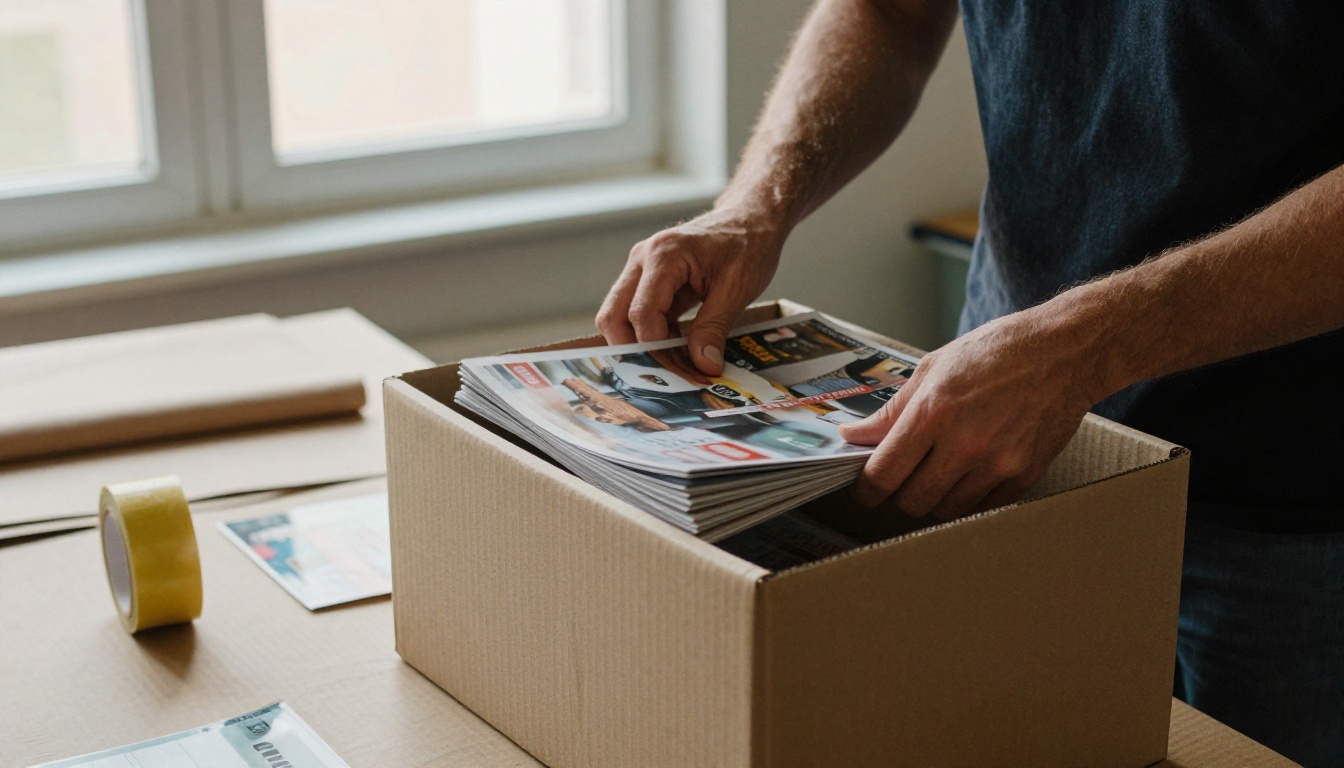
Digital does not need to replace print. Many small titles use the flipbook as the free sample and the printed issue as the premium product. Add a "Order the print edition" link on the last page and let the digital issue sell the physical one.
Your Next Issue Starts Here
Both platforms can publish your PDF. The better choice is the one that makes your magazine look like your magazine, costs what your budget allows, and gives you the numbers sponsors ask for.
Ready to test it with a real issue? Get started for free on Flipbooks AI, upload last month's PDF, and compare the result with what you have today. Review the pricing plans to see which tier matches your publishing rhythm, and browse the full list of tools and templates for everything from catalogs to press kits.
When you are ready for analytics and lead capture, you can upgrade from your account in a couple of clicks.



