Nobody reads a 90 page PDF attached to an email. Yet that is still how most companies share their employee handbook, sales playbook and quarterly report. Turning those files into page-turning digital publications fixes the reading experience, and two tools come up often when teams shop around: Flipbooks AI and PageTiger. This article puts Flipbooks AI vs PageTiger for internal company documents under the same lens: access control, branding, analytics, rollout effort and cost logic.
Features and plans change often, so treat the notes on PageTiger as a framework for what to verify on their site, and check the current Flipbooks AI pricing page for the other side.
Why Internal Documents Are Different
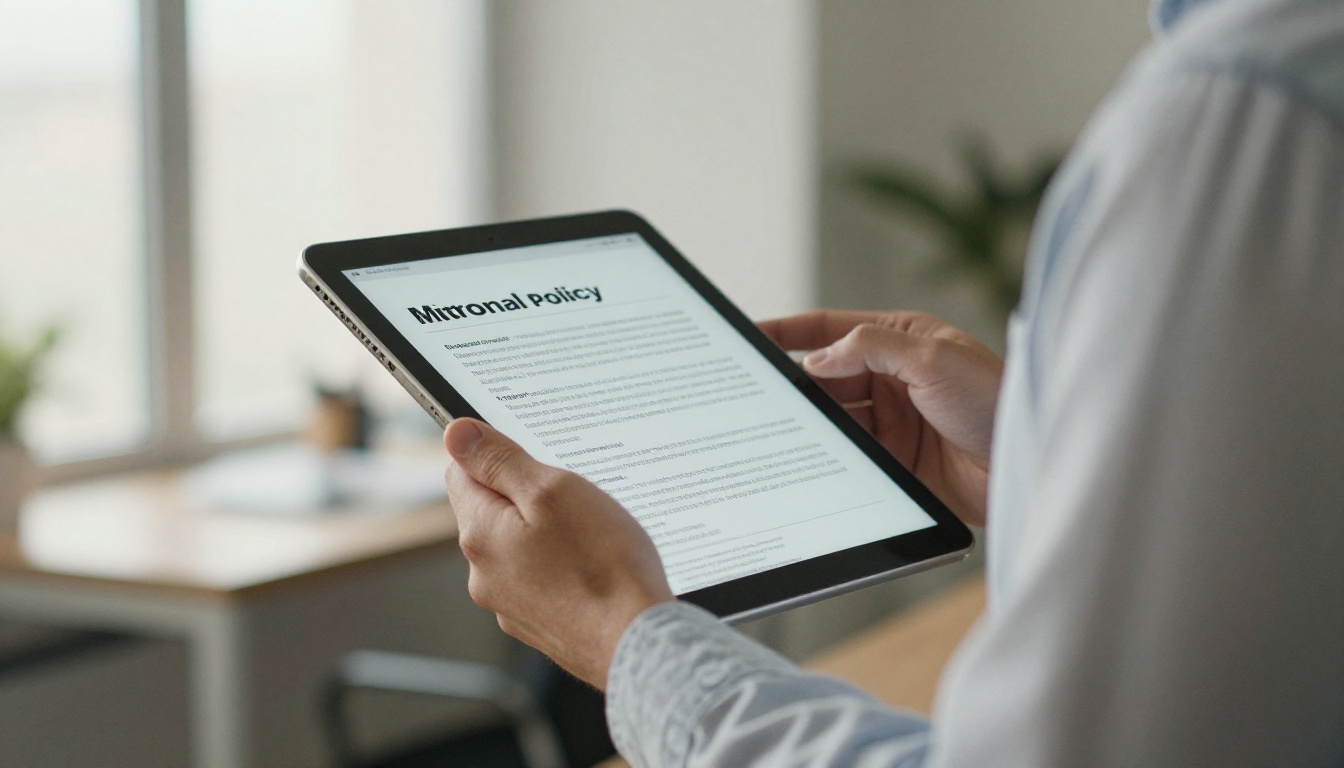
A public marketing catalog wants reach. An internal document wants the opposite: the right people see it, nobody else does, and you can prove who opened it. That changes what matters when you compare tools.
Internal content usually falls into a few families:
- Employee handbooks and HR policies that change a few times a year
- Onboarding packs read by every new hire in their first week
- Training manuals and SOPs that must be easy to find on a phone
- Quarterly and annual reports shared with managers or the board
- Sales playbooks and price lists meant for staff and partners only
Each of these has the same three needs: privacy, easy updates and a reading experience people actually finish. Keep those three in mind as the scoring criteria for everything below.
💡 Before you test any tool, list your five most important internal documents and their audiences. Run those exact files through each platform instead of the vendor demo files.
Quick Side by Side Overview
| Criteria | Flipbooks AI | PageTiger |
|---|
| Core idea | Converts PDFs into interactive flipbooks fast | Digital publishing platform for flipbooks and brochures |
| Watermark on shared files | None, on any plan | Check the plan you are considering |
| Password protection | Yes, for private content | Verify per plan |
| Analytics and lead capture | Professional plan | Verify per plan |
| Offline downloads | Yes | Verify per plan |
| Embedded video and audio | Yes | Verify per plan |
| Custom branding | Yes | Yes, depth depends on plan |
| Mobile responsive | Yes | Yes |
| Best fit | Teams that want quick conversion and simple pricing | Teams that want a broader publishing workflow |
The honest summary: both tools produce good looking flipbooks. The difference shows up in how much setup you need, how access is controlled and what you pay as your library grows.
Access Control and Privacy

This is the first filter for any internal use. If a salary band document or an unreleased product plan can be opened by a stranger with a link, the tool fails regardless of how pretty the page turns look.
Password protection
Flipbooks AI supports password protection for private content, so a handbook or board report can sit behind a shared password. That is simple and works well for small to mid-sized teams. When you evaluate PageTiger, confirm whether password protection is available on the exact plan you would buy, and whether it applies per document or per account.
Link behavior
Ask three questions of any platform:
- Can the link be found by search engines?
- Can I change the password without breaking the embedded copy on our intranet?
- Can I take a document offline fast if it was shared by mistake?
⚠️ A shared password is not a replacement for single sign-on. If your compliance team requires named user access and audit logs, ask each vendor directly what they offer before you commit.
Practical example
A 60 person logistics company wants to share its safety manual with drivers. The manual contains route procedures that competitors would love to see. With a password-protected flipbook and an intranet embed, drivers open it on a phone in two taps, and the operations lead rotates the password each quarter.
Branding and Reading Experience
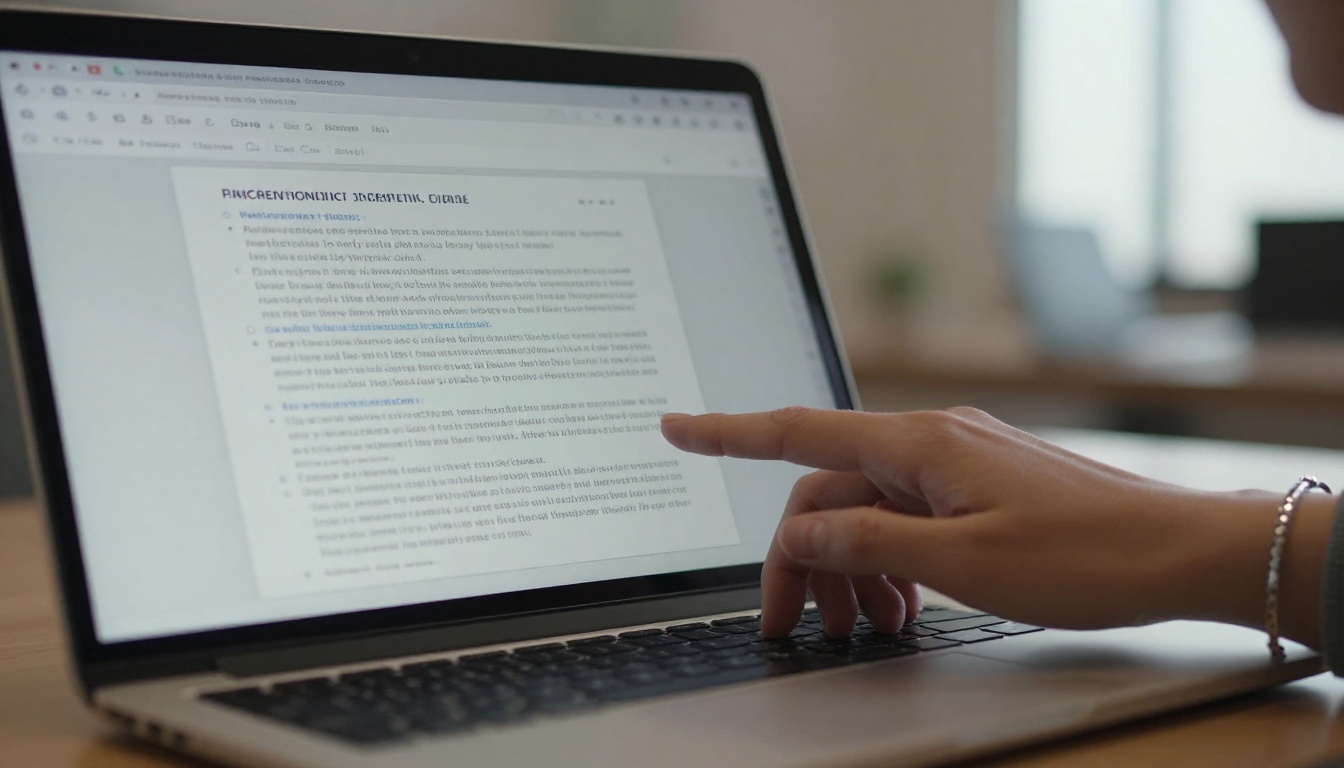
Employees judge internal documents the same way customers judge public ones. A cluttered viewer with third party logos feels sloppy. A clean one with your colors feels official.
Watermarks and logos
Flipbooks AI has a firm position here: no watermarks, ever. Your handbook shows your brand and nothing else. With any competitor, check whether the viewer displays vendor branding on lower tiers, because an internal HR document carrying someone else's logo looks odd.
Page effects and multimedia
Both platforms offer realistic page turning. For internal use, the multimedia support matters more than the effect itself:
- Embedded videos for onboarding walkthroughs
- Audio for short messages from leadership
- Clickable links from a table of contents to the exact section
- Search inside the document so nobody scrolls 80 pages for the vacation policy
Flipbooks AI lets you embed video and audio directly, which suits training material well. Try the same on PageTiger with your own files and compare load time on a normal office connection.
How to Create an Internal Handbook with Flipbooks AI
If you decide to test Flipbooks AI, this is the flow for a typical employee handbook. It takes roughly ten minutes for a clean PDF.
- Sign up. Create your account at Flipbooks AI. No design skills are needed.
- Upload the PDF. Drop your handbook into the PDF to Flipbook Converter. Pages are converted into an interactive flipbook automatically, and text stays sharp.
- Apply your branding. Set your logo, brand colors and background so the viewer matches your intranet.
- Add multimedia. Attach the welcome video from your CEO or an audio note on the benefits page.
- Set privacy. Turn on password protection before you share anything.
- Share it. Copy the direct link, or use the Embed Flipbook on Website option to place it on your intranet or knowledge base.
- Review analytics. On the Professional plan, check who opened the document and how far they read.
✅ Name each version clearly, for example "Handbook 2026 Q4", so employees never read an outdated policy by accident.
Several purpose built tools shorten this further. The Training Manual Flipbook tool suits onboarding material, and the Corporate Report Maker fits quarterly numbers.
Analytics and Proof of Reading

Internal documents often carry an obligation: staff must read the new code of conduct, or managers must review the budget pack. Analytics turn "we sent it" into "we know it was opened."
What to look for
| Analytics need | Why it matters internally |
|---|
| Open counts | Confirms the announcement reached people |
| Time spent and pages viewed | Shows whether the safety manual was read or skimmed |
| Per page drop off | Reveals confusing sections to rewrite |
| Lead or form capture | Collects a name or email before access, useful for named acknowledgment |
| Export of results | Lets HR keep a record |
Flipbooks AI places analytics and lead generation on the Professional plan, so teams that only need private sharing can stay on a lower tier. For PageTiger, check which plan unlocks statistics and whether data can be exported.
Practical example
An HR manager rolls out a new remote work policy. She shares a password-protected flipbook, asks staff to enter their work email via lead capture, and after one week sees that 40 percent stopped at page 6, the section on equipment reimbursement. She rewrites that section in plain language and sends a short reminder. Without page level data she would never have found the problem.
Cost Logic for Growing Libraries

Internal libraries grow quietly. One handbook turns into forty documents within a year: policies per department, templates, training decks, monthly reports. That makes plan structure more important than the headline monthly price.
| Cost factor | Questions to ask each vendor |
|---|
| Number of flipbooks | Is there a cap? Flipbooks AI offers unlimited flipbooks from the Standard plan up |
| Storage and file size | What happens with a 200 MB training PDF? |
| Seats | Can HR, IT and Marketing all publish? |
| Feature gating | Which plan unlocks analytics, passwords, offline downloads? |
| Annual vs monthly billing | How much do you save by committing? |
💡 Build a simple twelve month forecast: current documents, expected new ones per quarter, number of publishers. Price both tools against that number, not today's needs.
Check the live Flipbooks AI pricing page and the competitor's page on the same day, because plans shift and screenshots go stale.
Real World Scenarios

Abstract comparisons only go so far. Here is how the choice plays out in four common situations.
Onboarding packs
New hires need a welcome pack, benefits summary and tool setup guide in one place. A single flipbook with embedded video and a clickable table of contents works well. Flipbooks AI's quick conversion means HR can update the pack on Friday and have new hires reading the new version Monday.
Remote and hybrid teams

Remote staff read on phones, tablets and personal laptops. Mobile responsive design is not optional. Test the same document on a mid-range phone with a slow connection for both tools. Offline downloads, which Flipbooks AI includes, help people who travel or work from places with weak coverage.
Sales enablement
Sales teams need current price lists and product sheets. The Digital Price List Generator and Sales Presentation tools help here. Since pricing changes often, fast re-upload without breaking links is the deciding feature.
Leadership and board reports
Reports shared with executives deserve a polished layout and strict privacy. Use the Annual Report Creator for yearly documents, and keep the password list short.
Side by Side by Use Case
| Internal use case | Priority feature | Verdict approach |
|---|
| Employee handbook | Password, search, branding | Test both with your real PDF |
| Onboarding pack | Video and audio embeds | Flipbooks AI is strong here |
| Training manual | Mobile reading, offline | Check offline support on both |
| Board report | Privacy, clean layout | Compare viewer polish |
| Sales price list | Fast updates | Compare re-upload workflow |
| Policy acknowledgment | Analytics, lead capture | Confirm plan level on both |
Moving From Paper and Email Attachments

Whichever tool you pick, the biggest gain comes from leaving attachments behind. A few habits make the switch stick:
- Pick one source of truth. One link per document, shared in your chat tool and intranet.
- Retire old copies. Delete or replace outdated PDFs so nobody opens the wrong version.
- Name an owner. Each document has one person responsible for updates.
- Announce changes briefly. Two lines in chat with the link beats a long email.
- Review quarterly. Use analytics to spot documents nobody opens and archive them.
⚠️ Do not convert everything at once. Start with three high traffic documents, gather feedback for two weeks, then expand.
Making the Final Call

Here is a practical way to decide in one afternoon:
- Pick two real documents: one long (handbook) and one short (policy).
- Convert both on each platform and time the process.
- Open every result on a phone and a laptop.
- Test privacy: send the link to a colleague outside the password group and confirm it is blocked.
- Look at the analytics view and ask whether HR could use it.
- Compare the price of the plan you would actually need.
Choose Flipbooks AI when you want fast PDF conversion, no watermarks, simple private sharing and unlimited flipbooks without a complicated plan ladder. It suits HR teams, operations leads and small to mid-sized companies that publish often and want results without a long setup.
Lean toward PageTiger if, after testing, its publishing workflow, integrations or template library match a need that your team already has and the plan you require is priced well for your volume.
The best test is your own content. Ready to try? Create a free account on Flipbooks AI, convert your handbook, and compare it to the same file anywhere else. Browse all flipbook tools to find a template for your document type, or review the plans and pricing when you are ready to roll it out to the whole company.



