You have a PDF that took weeks to design, and now you need to put it in front of readers. One path is a public library where thousands of strangers can stumble across it. The other is a private, ad-free page that carries only your brand. That is the real choice behind Flipbooks AI vs Yumpu, and it matters more than any feature checklist. Flipbooks AI is built for people who want control over how a publication looks and who sees it. Yumpu is built around a large public catalog of documents. Neither is wrong. They solve different problems.
This comparison walks through audience, ads, privacy, branding, analytics and cost, with practical examples so you can decide in one sitting. Plan details on both platforms change over time, so treat the figures below as a framework and confirm the current terms on each website before you commit.
💡 Quick answer: if discovery by strangers is your goal, a public library helps. If your readers are customers, clients or students you already reach, an ad-free private flipbook protects your brand.
The Core Difference in One Minute
Think of two ways to display a printed brochure. You can leave it on a shelf in a busy public library, or you can hand it to a customer in a clean folder with your logo on it. Both get the brochure read. The experience, and the message around it, is very different.
| Question | Public library model (Yumpu free tier) | Private ad-free model (Flipbooks AI) |
|---|
| Who finds your document? | Anyone browsing the platform or search engines | People you send the link or embed to |
| Are ads shown around it? | Typically on free plans | No ads on your flipbooks |
| Watermarks | Platform branding on free use | No watermarks, ever |
| Best for | Visibility and free exposure | Brand control and client delivery |
| Privacy options | Limited on free use | Password protection available |
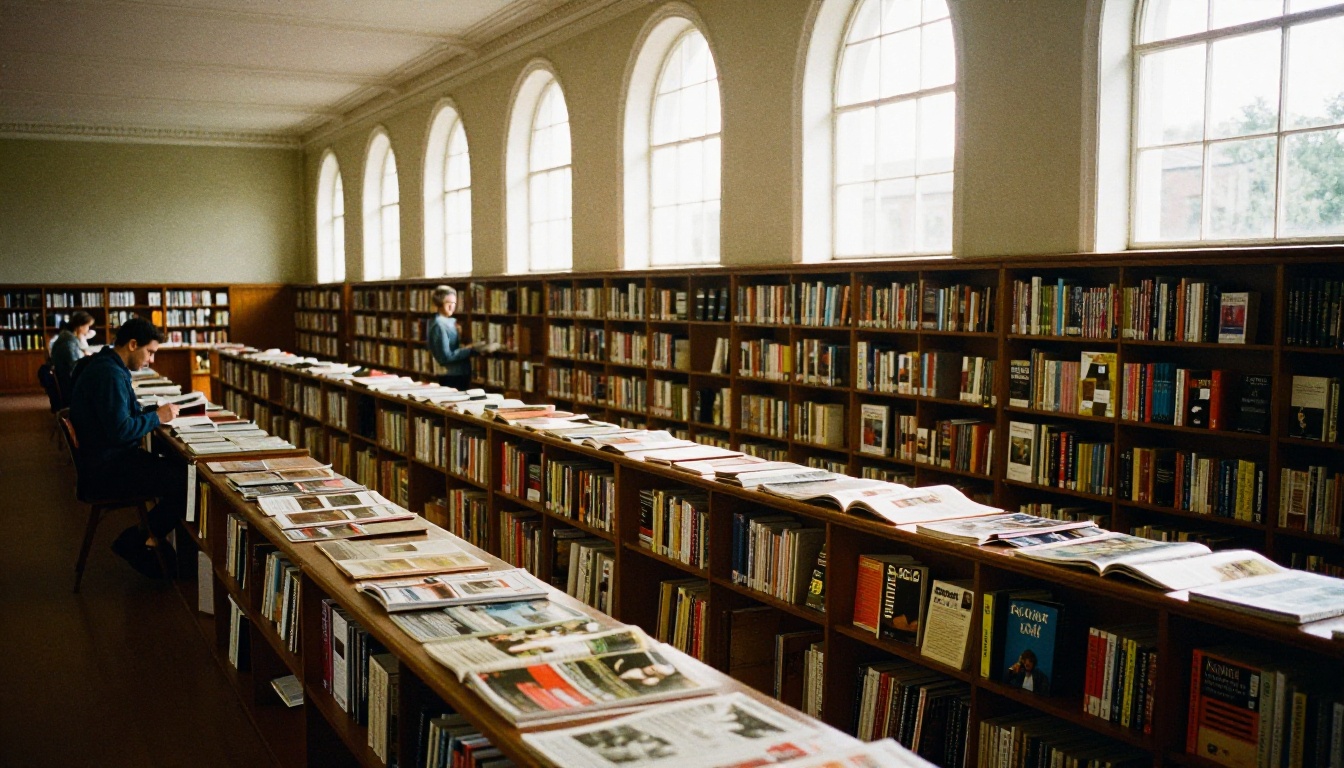
What a public library gives you
A large public catalog can bring accidental readers. If you publish a free magazine and want any eyeballs at all, that exposure has real value. Search engines may index the page, and readers can browse related documents.
What a private flipbook gives you
A private flipbook gives you the opposite: a quiet, focused reading space. No competing publications sit beside yours, and no third-party banners interrupt the page turn. For sales material, that focus is often worth more than raw traffic.
Ads: Who Profits From Your Pages?
Free platforms need income, and the usual source is advertising. When your catalog sits on a free public tier, ads can appear next to it. A reader who opens your pricing sheet may see an unrelated offer, or worse, a competitor's.

The hidden cost of free
Free is not zero cost. You pay with attention. Every ad on the page is a small leak in your funnel. If a flipbook is part of a sales process, a single distraction can be the click that ends the visit.
How an ad-free page changes the outcome
Picture a furniture seller sending a lookbook to ten interior designers. On an ad-free page, the designers see sofas, fabrics and prices. Nothing else. That is the experience the Furniture Catalog Maker is designed to deliver.
⚠️ Watch out: always read how a free plan treats your document. Some free tiers make files public by default, which is a problem for price lists or internal reports.
Audience and Discovery
The word "library" is the clue. A public library exists so strangers can find things. That is genuinely useful for some publishers and unwanted for others.
| Publisher type | Better fit | Reason |
|---|
| Free community magazine | Public library | Wants maximum random readership |
| Boutique selling wholesale | Private flipbook | Pricing is for approved buyers only |
| Restaurant | Private flipbook | Menu must look polished and current |
| Photographer | Private flipbook | Portfolio is a first impression |
| Hobby zine | Either | Depends on whether reach or polish matters more |
When strangers are the goal
If you publish a free guidebook or a fanzine and want to be found, a public catalog shortens the road. You trade polish for reach.
When strangers are the problem
A wholesale catalog with tiered prices should not be indexed beside a competitor's. A training manual for staff should not be one search away from the public. In those cases, a private page with a password is the safer container.
Branding and Look
Your publication is a brand asset. The frame around it should not fight with it.

Custom branding on Flipbooks AI
With Flipbooks AI you can add your own colors, logo and page effects, then embed multimedia such as video and audio. The result looks like part of your website instead of a guest on someone else's. If you sell products, the Digital Catalog Maker and Catalog Flipbook Creator are good starting points.
Branding on a public platform
On a public free tier, the surrounding interface belongs to the platform. That is fine for casual sharing. For a client proposal, it can feel like handing over a document with someone else's letterhead.
Privacy and Access Control
Privacy is where the two models separate most clearly.

| Control | Why it matters |
|---|
| Password protection | Limits a flipbook to approved readers |
| Direct links | Share with one client without publishing anywhere |
| Embed codes | Keep readers on your own site |
| Offline downloads | Let readers keep a copy for travel or poor connections |
A real-world scenario
A real estate agent has an off-market portfolio. Publishing it in a public library would defeat the purpose. A password-protected flipbook sent to three qualified buyers solves it. The Real Estate Brochure Creator fits that workflow well.
A second scenario
A school wants to share a parent newsletter with families only. A public listing exposes names and photos to everyone. A private link with a password keeps the audience small. See the School Newsletter Creator.
✅ Best practice: before uploading anything with prices, personal data or photos of people, decide who should be able to find it. If the answer is "only people I invite", choose private sharing.
Features Side by Side
Both platforms turn a PDF into a page-turning reader. The difference is in what surrounds the reader and what you can do with the result.
| Feature | Flipbooks AI | Public library model |
|---|
| PDF to flipbook | Yes | Yes |
| Ad-free reading | Yes | Often paid plans only |
| No watermarks | Always | Varies by plan |
| Password protection | Yes | Varies by plan |
| Custom branding | Yes | Limited on free use |
| Embed on your site | Yes | Yes |
| Video and audio inside pages | Yes | Varies |
| Analytics and lead generation | Professional plan | Varies by plan |
| Mobile-responsive reader | Yes | Yes |
Reader experience on mobile
Most readers will open your link on a phone. A responsive reader that turns pages smoothly and loads fast matters more than any desktop feature. Test your flipbook on a real phone before sending it out.
Analytics and leads
If a flipbook supports a business goal, you need to know who opened it and how far they read. Analytics and lead generation are available on the Professional plan, and you can review the options on the pricing page. A catalog that captures an email before the first page turns a read into a sales conversation.
How to Publish a Flipbook in Minutes
Here is the short path if you choose the private, ad-free route.

Step-by-step setup
- Create an account. Open a free account on Flipbooks AI.
- Upload your PDF. Use the PDF to Flipbook Converter. Pages convert into a realistic page-turning reader.
- Customize. Set your brand colors, add your logo, pick page effects, and embed any video or audio.
- Choose access. Decide between a public link, a password-protected link, or an embed.
- Share. Copy the direct link, or paste the embed code using the Embed Flipbook on Website tool.
- Track results. On the Professional plan, check analytics and collect leads.
💡 Pro tip: export your PDF at a moderate file size before uploading. Smaller files load faster for readers on slow connections, and the page flip feels more natural.
Common mistakes to avoid
- Uploading a draft instead of the final PDF.
- Forgetting to test the password link in a private browser window.
- Sharing a public link for material meant for approved buyers.
- Skipping the mobile check.
Use Cases That Decide the Question
Abstract comparisons only go so far. Real use cases make the answer obvious.

Restaurants and hospitality
A menu must look sharp and stay current. No ad should sit next to your tasting menu. The Restaurant Menu Creator and Hotel Brochure Designer keep the page clean and on brand.
Creative portfolios
Photographers and designers sell their taste. A Digital Portfolio Creator lets the images carry the page without third-party clutter.
Business reports
An annual report goes to investors, partners and staff. Public listing is rarely what you want. The Annual Report Creator supports a private, polished delivery.
Magazines and newsletters
If you publish a free magazine and want broad discovery, a public catalog can complement a private flipbook. Some publishers use both: a public listing for reach, and a private branded version for subscribers and advertisers. The Magazine Flipbook Creator handles the branded side.
| Use case | Recommended approach |
|---|
| Wholesale price list | Private, password-protected flipbook |
| Restaurant menu | Private or public link on your own site |
| Free fanzine | Public library plus own embed |
| Investor report | Private link with password |
| Photography portfolio | Embedded flipbook on your site |
| Staff training manual | Private flipbook |
The Real Cost of Free
A free public tier feels risk-free. Look closer and you find three costs: ads beside your content, platform branding on your pages, and limited control over who sees what. Paid plans on most platforms remove some of these. The honest comparison is not free versus paid. It is what each plan gives you at the price you actually pay.
Flipbooks AI is designed so that the baseline already respects your brand: no watermarks, no ads, and unlimited flipbooks on the Standard plan and above. You can compare tiers on the pricing page.
⚠️ Reminder: pricing and plan limits on any platform can change. Check the current numbers before you decide, and match them against how many publications you plan to release this year.
A simple decision rule
- Choose a public library if exposure to strangers is worth more to you than polish.
- Choose a private, ad-free flipbook if your readers are customers, clients, students or partners.
- Choose both if you want reach and a clean branded version in parallel.
Pick Your Home for Your PDF
A flipbook is only as good as the place it lives. If your goal is a polished, ad-free page with your brand, your rules and your analytics, create your first flipbook on Flipbooks AI and see it live in minutes. If you are still weighing the options, browse the full list of flipbook tools to find a template that matches your project, then compare pricing plans and pick the one that fits your publishing schedule.



