You have a catalog PDF that looks great on screen, and a flipbook tool that no longer fits your budget, your branding, or your workflow. That is the moment most people start searching for FlipHTML5 alternatives for online catalogs and brochures. The good news: the market is crowded with solid options, and a few of them, like Flipbooks AI, remove the exact frustrations that push teams to switch in the first place.
This article walks through why people leave, what to check before you move, how the main types of tools compare, and how to rebuild a catalog in an afternoon. No hype, just the trade-offs.
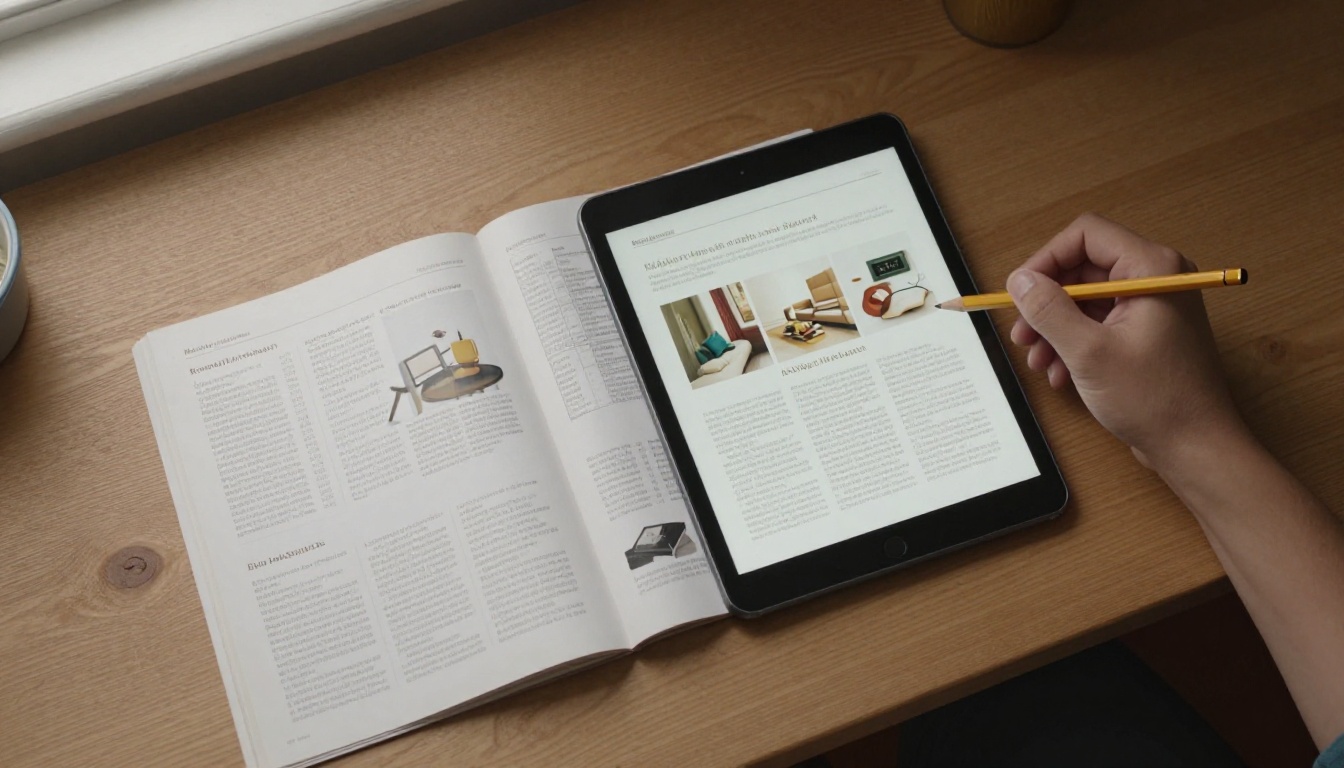
Why People Look Elsewhere
FlipHTML5 is a well-known name, and for many users it works fine. Still, the same complaints come up again and again in forums and review threads. Knowing which ones apply to you saves time later.
- Watermarks on lower tiers. Free or entry plans often show a brand badge on every flipbook, which looks off on a client-facing catalog.
- Page and book limits. Caps on the number of publications or storage force you to delete old work or upgrade.
- Pricing that scales awkwardly. A plan that suits one brochure can feel heavy when you manage twenty product lines.
- Embed and branding restrictions. Custom domains, logo removal and white-label options sometimes sit behind the highest plans.
- Editing friction. Updating a single price or page can mean re-uploading the whole file.
💡 Pro tip: Write down your top three frustrations before you test anything. A tool that fixes the wrong problem is just a new subscription.
What to Check Before You Switch
Every flipbook maker turns a PDF into a page-turning viewer. The differences hide in the details. Use this checklist when you compare candidates.
Output quality
Zoom into a sample on a phone and a large monitor. Text should stay sharp, and images should not look compressed. Page-turn animation is nice, but load time matters more. If a catalog takes six seconds to open, shoppers leave.
Branding control
Can you remove third-party badges? Can you set your own colors, background and logo? Can you serve the flipbook from your own site without a redirect? These questions matter most for agencies and retailers.
Sharing and embedding
Look for a direct link, an embed code for your website, and QR code support for printed packaging or trade show signs. Password protection is a bonus when you share price lists with wholesale buyers only.
Analytics and leads
Knowing which pages get read tells you which products deserve a bigger spot in the next edition. Lead capture forms turn a catalog into a sales tool.

Side-by-Side Feature Comparison
Rather than naming every competitor with exact prices that change monthly, this table compares the types of tools you will meet. Always confirm current limits on each vendor's pricing page before you commit.
| Feature | Legacy flipbook platforms | Design suite exports | Modern PDF-to-flipbook tools |
|---|
| Watermark-free output | Often paid tiers only | Usually yes | Yes on most plans |
| Upload a finished PDF | Yes | Limited | Yes |
| Custom branding | Higher plans | Basic | Included |
| Built-in analytics | Higher plans | Rare | Available |
| Password protection | Higher plans | Rare | Available |
| Video and audio embeds | Yes | Limited | Yes |
| Learning curve | Moderate | Steep | Low |
| Best for | Established publishers | Designers building from scratch | Teams that already have a PDF |
The pattern is simple. If you already have a PDF, a modern PDF-to-flipbook tool gets you live fastest. If you design everything from zero, a design suite may suit you better, although exports often feel less interactive.

The Real Cost of Staying Put
Switching takes effort, so many teams stay with a tool they dislike. Run the numbers first. Add up the subscription, the hours spent working around limits, and any sales lost to a slow or watermarked viewer.
| Cost factor | What to measure | Typical red flag |
|---|
| Subscription | Monthly or yearly fee per plan | Paying for features you never use |
| Publication limits | Number of flipbooks allowed | Deleting old catalogs to make room |
| Branding add-ons | Cost to remove badges or use a custom domain | Extra fee for basic polish |
| Staff time | Hours per update | Re-uploading entire files for tiny edits |
| Lost conversions | Bounce rate on the viewer | Slow load on mobile |
⚠️ Warning: Do not judge a tool only by its headline price. A cheaper plan with a watermark on every page can cost more in lost credibility than a higher plan without one.

How Flipbooks AI Stacks Up
Flipbooks AI is built around one idea: take the PDF you already have and publish it as a polished flipbook without friction. Here is how it lines up against the frustrations listed earlier.
- ✅ No watermarks, ever. Your catalog carries your brand, not ours.
- ✅ Unlimited flipbooks on the Standard plan and above, so old catalogs can stay online.
- ✅ Password protection for private price lists and partner brochures.
- ✅ Analytics and lead generation on the Professional plan.
- ✅ Offline downloads for sales reps who work without a signal.
- ✅ Video and audio embeds for product demos and brand stories.
- ✅ Mobile-responsive design so the viewer feels right on any screen.
- ✅ Custom branding with your colors and logo.
You can compare every tier on the pricing page and decide whether the Standard or Professional plan matches your volume.
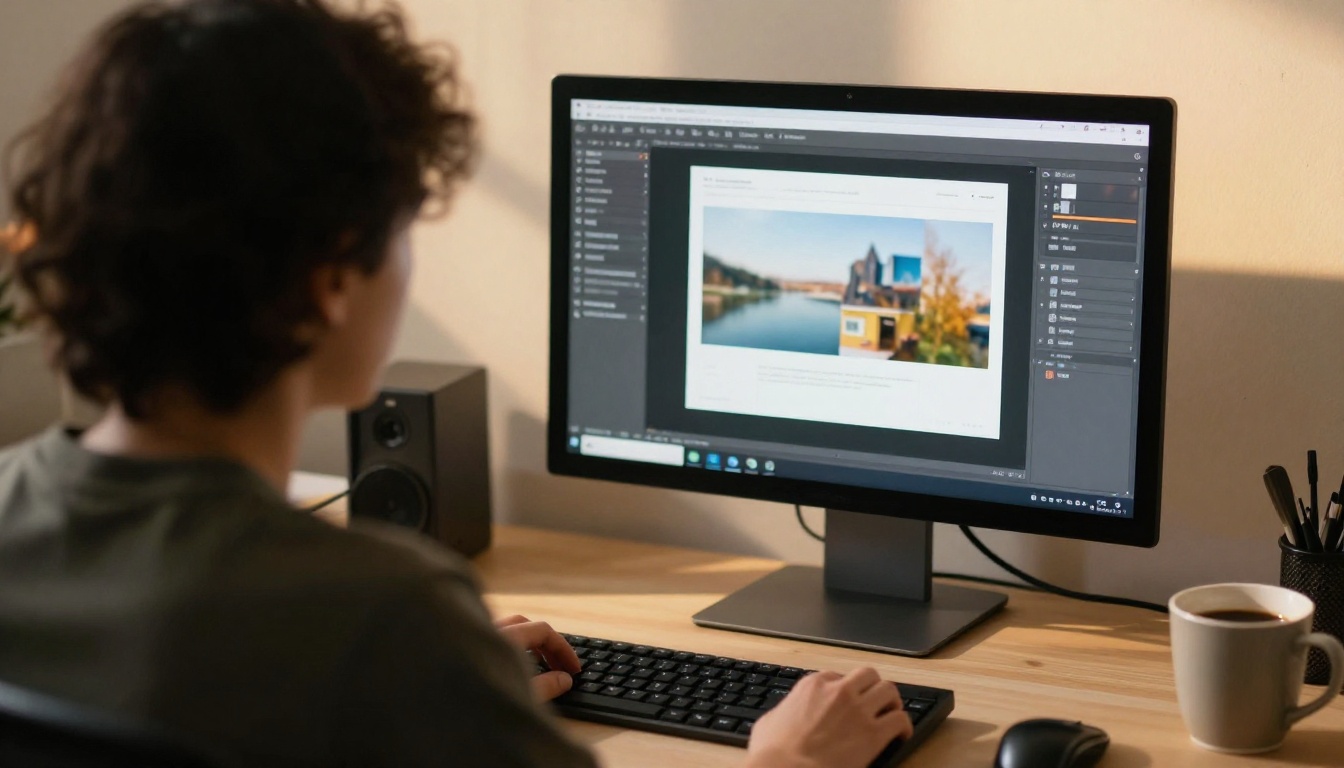
How to Create a Catalog with Flipbooks AI
Here is the full process, from PDF to live link. Most people finish the first catalog in under twenty minutes.
Step 1: Create your account
Head to Flipbooks AI and sign up. You can look around the dashboard before choosing a plan.
Step 2: Upload and convert the PDF
Drag your catalog file into the uploader. The platform converts each page into a flipbook spread. For best results, export your PDF at a resolution that keeps small text readable. The PDF to Flipbook Converter handles the conversion and keeps your page order intact.
💡 Pro tip: Compress oversized images in your source file before uploading. Smaller files load faster on mobile without visible quality loss.
Step 3: Customize the look
Set your brand colors, choose a background, add your logo and pick page effects. You can also drop in multimedia, such as a product video on the page where the item appears.
Step 4: Pick a sharing method
Choose what suits each audience:
- Direct link for emails and social posts.
- Embed code to place the catalog on your site. The Embed Flipbook on Website tool shows how.
- Password protection for wholesale or internal documents.
- Offline download for field teams.
Step 5: Turn on Pro features
On the Professional plan, switch on analytics to see which pages get attention and add lead capture to collect emails from serious buyers. Review plans and features to confirm what each tier includes.

Catalog Use Cases That Work
Different industries need different things from a flipbook. These real-world scenarios show how the same tool bends to each.
Furniture and home goods
A showroom can publish seasonal collections with room scenes, fabric swatches and price tiers. The Furniture Catalog Maker is a natural starting point, and buyers can flip through on a tablet while standing next to the real piece.
Fashion and lookbooks
Brands that update looks every season benefit from fast republishing. Try the Fashion Catalog Creator when you need large, image-led pages.
Real estate
Agents can send a property brochure before a viewing and bring the same file on a tablet to the visit. The Real Estate Brochure Creator fits that workflow.
Restaurants and hospitality
Menus change often, and a QR code on the table can always point to the latest version. See the Restaurant Menu Creator for a format that suits dining rooms and bars.

| Use case | Typical file | Best sharing method | Helpful feature |
|---|
| Product catalog | 20 to 80 page PDF | Website embed | Analytics |
| Wholesale price list | 5 to 15 page PDF | Password link | Access control |
| Property brochure | 8 to 20 page PDF | Email link | Mobile viewing |
| Menu | 2 to 10 page PDF | QR code | Easy updates |
| Sales deck | 10 to 30 page PDF | Offline download | Lead capture |
Migrating Without Losing Traffic
Moving platforms should not break your existing links. Follow this order and nothing disappears.
- Export your source PDFs. If you no longer have the originals, download them from your old account before cancelling.
- Publish the new flipbooks first. Test the links on phone and desktop.
- Update your website embeds. Replace old embed codes one page at a time.
- Refresh QR codes and email signatures. Printed material takes longer, so keep the old account active until the last reprint ships.
- Cancel the old plan. Only after the new links have run for a week without complaints.
✅ Best practice: Keep a simple spreadsheet listing each catalog, its old link, its new link, and where it appears. It takes ten minutes and prevents broken links.

Three Common Mistakes
Teams that rush a switch tend to trip over the same things.
- Testing only on desktop. Over half of catalog views often happen on phones. Check the viewer on a small screen first.
- Ignoring file size. A 200 MB PDF will feel slow on any platform. Optimize images before upload.
- Skipping analytics. If you never look at page-level data, you lose the best argument for redesigning weak pages.
Picking the Right Fit
Choose by situation, not by popularity.
- You already have PDFs and want them live fast: a modern PDF-to-flipbook tool is the shortest path.
- You publish many catalogs a year: prioritize unlimited publications and low per-book cost.
- You share private pricing: make password protection a deal breaker.
- You track marketing results: insist on analytics and lead capture.
- You sell through events and print: look for QR support and offline downloads.
For a quick shortlist, open the tools directory and filter by the type of document you publish. A Digital Catalog Maker or a Brochure Flipbook Maker will cover most first projects.

Ready to Make the Switch?
The best way to judge any tool is to run your own PDF through it. Take your most recent catalog, upload it, and compare the result with what you publish today. If the viewer loads faster, looks cleaner and drops the watermark, you have your answer.
Ready to publish? Get started for free on Flipbooks AI, browse the full list of tools and templates, or compare pricing plans to see which one fits your catalog library.



