You have a PDF catalog, a brochure or an annual report, and you want it to look like a real page-turning publication instead of a flat download. Then you hit the first fork in the road: FlippingBook Online or FlippingBook Publisher? One lives in your browser. The other lives on your hard drive. The choice shapes your budget, your workflow and even how your readers open the file. Along the way we will also look at how a modern platform like Flipbooks AI fits into the picture, because the cloud-versus-desktop debate is only one slice of the decision.

The Short Answer First
If you want a quick verdict, here it is. Cloud wins when you publish often, work with a team, or need links, analytics and updates without touching a server. Desktop wins when you need offline production, full control over the output files and a licence model that does not depend on a monthly subscription.
💡 Pro tip: Ask yourself one question before reading further. "Who will maintain this flipbook six months from now?" If the answer is "several people, from different places," lean toward the cloud.
What Online Actually Means
FlippingBook Online is a web application. You upload a PDF, the service converts it, and the flipbook is hosted on the vendor's servers. You get a share link, an embed code and usually a dashboard for managing your publications. Updates happen in the browser, and readers always see the latest version.
What Publisher Actually Means
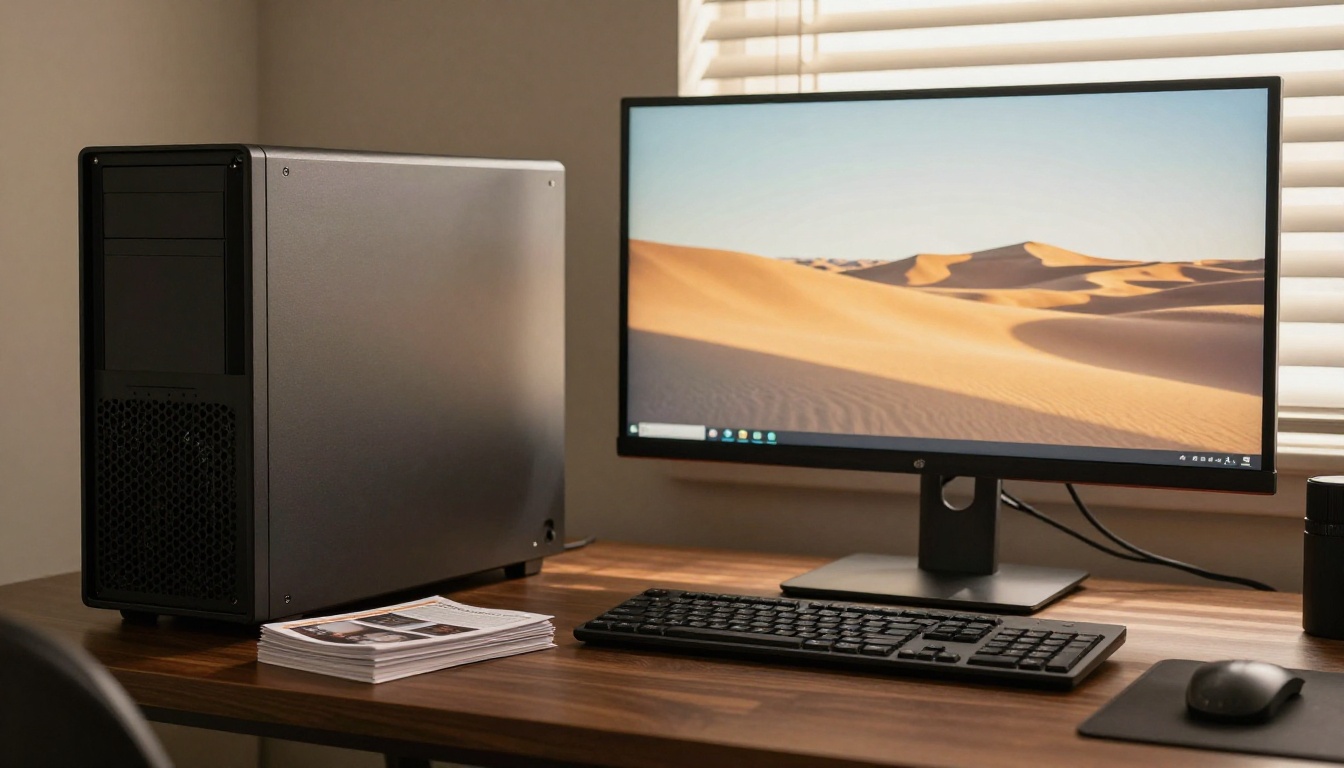
FlippingBook Publisher is software you install on a Windows or Mac computer. You import your PDF, design the flipbook locally and export a set of web files. Then you upload those files to your own web hosting, or to a hosting option the vendor provides. You own the output, but you also own the upkeep.
Side-by-Side Feature Comparison
Features vary by plan and version, and vendors change them often, so treat this table as a framework for your own checklist rather than a price list.
| Factor | Cloud (Online) | Desktop (Publisher) |
|---|
| Where you work | Any browser, any device | One installed computer |
| Hosting | Included with the service | Your own hosting or a separate option |
| Updates | Edit once, live instantly | Re-export and re-upload files |
| Team access | Shared accounts and roles | Share project files manually |
| Offline work | Needs an internet connection | Works without internet |
| Cost model | Recurring subscription | Licence based, often with upgrade fees |
| Analytics | Built-in dashboards on many plans | Depends on your own tracking setup |
| Control over files | Limited to what the platform exports | Full access to exported files |
Speed From PDF to Published
Cloud tools win the race for a first publish. Upload, wait a minute or two, copy the link. With a desktop tool you install the software, import the file, tweak the design, export and upload to a server. For a one-off project the extra steps can feel heavy. For someone who publishes weekly, the cloud saves hours every month.
Design Control and Branding
Desktop software has traditionally offered deeper control over skins, toolbars and layout details because you work with the output files directly. Cloud platforms have caught up on branding, with custom colors, logos and backgrounds. Check whether your plan allows removing the vendor's branding, since that is often tied to higher tiers.
When the Cloud Version Makes Sense
Cloud publishing fits a surprising range of situations. Here are the most common ones.
- Sales teams who send updated catalogs to clients and need the link to stay the same.
- Restaurants and hotels that change menus and seasonal brochures every few weeks.
- Agencies that manage dozens of client publications from one dashboard.
- Remote teams where nobody sits at the same computer.
Real-World Example: A Furniture Retailer
A furniture shop publishes a new catalog each quarter. With a cloud tool, the marketing assistant replaces the PDF, the embed on the website updates itself, and the sales team keeps sharing the same link. There is no ticket to the web developer and no stale copy floating around in old emails.
The Hidden Costs of Cloud
Cloud is not free of trade-offs. Subscriptions add up, and if you stop paying, your flipbooks may go offline. Page or publication limits can also push you to a higher tier sooner than expected. Always check what happens to your public links if you cancel.
⚠️ Warning: Before signing up for any hosted service, confirm whether you can download your flipbooks for offline use or backup. Not every plan includes it.
When Desktop Software Is the Better Fit
Desktop publishing has loyal fans for good reasons. It suits people who value ownership and independence.
- Strict security environments where documents must never touch a third-party server during production.
- Self-hosted intranets where files must sit on company infrastructure.
- Offline production on trains, in remote offices or on unreliable connections.
- Long-term archives where you want a folder of files that will open years from now.
Real-World Example: A Manufacturer's Intranet
A manufacturing company keeps technical manuals on an internal server with no public internet access. A desktop tool exports the flipbook as plain web files, which IT places on the intranet. No external hosting is involved, so compliance is simple.
The Hidden Costs of Desktop
Desktop software looks cheaper on paper, but you pay in other ways. Someone has to host the files, secure the server, keep the software updated and repeat the export whenever a page changes. If the person who owns the licence leaves the company, so does the know-how.

The Real Cost of Each Option
Price comparisons get messy because plans differ by region, billing period and publication limits. Instead of quoting numbers that may change, use this model to calculate your own total cost over three years.
| Cost Item | Cloud | Desktop |
|---|
| Software | Monthly or yearly fee | Licence plus possible upgrades |
| Hosting | Usually included | Hosting plan or server |
| Maintenance time | Low | Medium to high |
| Team seats | Often priced per user | Often one licence per computer |
| Cost of change | Edit in browser | Re-export and re-upload |
| Risk if payment stops | Links may go offline | Existing files keep working |
How to Run the Three-Year Math
- Add up the software fee for 36 months, including any upgrade fees.
- Add hosting, bandwidth and any SSL costs for the same period.
- Estimate the hours spent on each update, then multiply by your hourly cost.
- Compare the two totals, not the sticker prices.
Most small teams find that time is the biggest cost, not the software itself.
Where Free Tiers Fit
Free plans on cloud tools are fine for testing, but they often add watermarks or limit publications. If you plan to share flipbooks with clients, look for a plan with no watermarks. On Flipbooks AI, for example, flipbooks never carry a watermark, and the Standard plan and above allow unlimited flipbooks.

Sharing, Security and Analytics
How readers reach your flipbook matters as much as how you build it.
Sharing Options Compared
| Sharing Method | Cloud | Desktop |
|---|
| Direct link | One click | Needs your own URL |
| Embed on website | Copy and paste code | Upload files, then embed |
| Password protection | Often built in | Usually server-side setup |
| Email and social sharing | Built-in buttons | Possible with extra setup |
| Offline download | Plan dependent | Files are already yours |
Privacy and Access Control
Cloud platforms commonly offer password protection and private links in a few clicks. With desktop output, privacy depends on how you configure your own server, which is flexible but requires technical skill. If a client portal or a paid lookbook is part of your plan, test the access controls before you commit.
Analytics and Lead Capture
Cloud dashboards typically show views, reading time and popular pages. Some plans also capture leads through a form before the reader opens the flipbook. With self-hosted files, you would add your own analytics script and build your own forms. That gives freedom, but it takes effort.
✅ Best practice: If your flipbook exists to generate leads, pick a platform with built-in analytics and lead forms. Rebuilding that on a self-hosted page costs more than most teams expect.
Which Team Needs Which Version
Let us match tools to real situations.
| Team or Use Case | Better Fit | Why |
|---|
| Solo freelancer, few projects | Cloud | Fast setup, no hosting |
| Marketing team, weekly updates | Cloud | Shared access and instant edits |
| Agency with many clients | Cloud | Central dashboard |
| Government or defense unit | Desktop | Offline and self-hosted |
| Archive for local storage | Desktop | You own every file |
| Restaurant with seasonal menus | Cloud | Quick changes |
Small Businesses and Solo Creators
For one-person shops, hosting and maintenance are a distraction. A cloud tool lets a boutique owner turn a lookbook PDF into a shareable flipbook between customers. The Interactive Lookbook Designer is built for that kind of quick turnaround.
Corporate and Regulated Teams
Large organizations often weigh compliance and procurement rules over speed. If your IT department requires on-premise files, desktop output may be the only option. Otherwise, a cloud tool with password protection and clear data policies can satisfy most reviews.
Creative Professionals
Designers who want pixel-level control might prefer to build locally, then publish. Photographers and illustrators can also publish portfolios in the cloud with the Digital Portfolio Creator and keep their originals safe on their own drives.

A Faster Cloud Alternative Worth Testing
If you lean toward the cloud, you do not have to limit your search to one vendor. Flipbooks AI is built around a browser workflow with no watermarks, password protection, custom branding, embedded video and audio, and mobile-responsive output. Professional plan users also get analytics, lead generation and offline downloads, so you can keep a local copy while still publishing online.
How to Create a Flipbook with Flipbooks AI
Here is the full process from PDF to published link.
- Open your account. Go to Flipbooks AI and sign in or create a free account.
- Upload your PDF. Drag your file into the uploader. The PDF to Flipbook Converter turns each page into a flippable spread within moments.
- Customize the look. Pick brand colors, add your logo, choose a background and set page-turn effects. Add videos, audio or links to bring pages to life.
- Set your privacy. Add a password if the content is private, or leave it open for public sharing.
- Share it. Copy the direct link, or use the Embed Flipbook on Website option to paste a snippet into your site.
- Track results. On the Professional plan, check analytics and turn on lead generation to capture contacts. See the pricing plans for details.
💡 Pro tip: Export your PDF at a moderate resolution before uploading. Huge files slow down loading for mobile readers without making pages look noticeably sharper.
Tools for Specific Jobs
Different publications benefit from purpose-built tools:
You can also browse all flipbook tools to see what matches your project.

Mistakes to Avoid When Choosing
Whichever route you take, these errors cost teams time and money.
Mistake 1: Ignoring Mobile Readers
More than half of web traffic comes from phones. Open your test flipbook on a small screen before you share it. Pages should scale cleanly, buttons should be easy to tap and load times should stay short.
Mistake 2: Skipping the Exit Plan
Ask what happens if you leave the platform. Can you download your files? Will old links redirect? A reliable exit plan protects the work you have already published.
Mistake 3: Choosing on Price Alone
The cheapest plan can turn expensive when you add hosting, update time and missing features. Compare the whole workflow, not just the invoice.
Mistake 4: Forgetting About Teammates
A tool that only works on one computer creates a bottleneck. If more than one person will edit, test the sharing process before you commit.

Quick Decision Checklist
Run through this list with your team. Count your yes answers in each column.
Pick cloud if you answer yes to most of these:
- Do several people need to edit or approve flipbooks?
- Do you update publications at least monthly?
- Do you want analytics and lead capture without extra tools?
- Would you rather not manage hosting?
- Do readers mostly open links on phones?
Pick desktop if you answer yes to most of these:
- Must documents stay on internal servers?
- Do you work in places with no reliable internet?
- Do you want to own every exported file?
- Does your IT team already manage web hosting?
- Is your publication stable and rarely updated?
Can You Use Both?
Yes, and some teams do. A common pattern is to use desktop tools for sensitive internal manuals and a cloud platform for public marketing material. Mixing both is fine as long as someone owns the process for each.

Ready to Pick Your Path?
Cloud and desktop both have a place. Desktop gives you ownership and offline control. Cloud gives you speed, collaboration and instant updates. For most marketing, sales and hospitality teams, the cloud saves more time than it costs.
Ready to create your first flipbook? Get started for free on Flipbooks AI and see how fast a PDF becomes a shareable publication. Browse the tools and templates to find the best fit for your project, or compare pricing plans to choose what works for you.



