You publish a wholesale catalog, a client proposal or an internal handbook, and you want only the right people to open it. Then you check the pricing page and see that the password option sits on a higher tier than the one you budgeted for. That is the exact moment most small teams start searching for Flipsnack alternatives with password protection on cheaper plans. This article shows what to compare, where the hidden costs live and how a tool like Flipbooks AI lets you lock a flipbook without paying for features you will never touch.
💡 Plans and prices change often. Treat every number you see in any comparison, including this one, as a reason to open the vendor's pricing page and confirm today's terms before you buy.
Password protection sounds like a small feature. In practice, vendors treat it as a lever for upgrades. A flipbook platform knows that anyone who needs to restrict access probably has something valuable to restrict: pricing sheets, contracts, unreleased collections. That buyer is willing to pay more, so the lock often sits next to analytics, team seats and custom domains on a higher plan.
The Upgrade Ladder Problem
Many flipbook services sell three or four tiers. The entry tier gives you publishing. The middle tier adds branding and removes the logo. The top tier adds privacy, statistics and collaboration. If privacy is the only thing you need from that top tier, you pay for a bundle where you use perhaps a fifth of it.
Who Feels This Most
- Small retailers sharing wholesale price lists with approved buyers only.
- Consultants sending proposals to a single client.
- Real estate agents circulating off-market listings.
- Schools and trainers distributing paid course material.
- Freelance designers sharing unpublished portfolio work.

What to Check Before Switching
Not all password features are equal. Two tools can both advertise "password protected flipbooks" and behave very differently once you try to use them. Before you move a single file, run through this list.
Where the Lock Applies
Some platforms protect one flipbook at a time. Others let you protect a whole folder or workspace. If you manage twenty catalogs, setting twenty passwords by hand gets old quickly.
What Happens to Embeds and Links
Ask three questions:
- Does the password prompt appear when the flipbook is embedded on your own website?
- Does a direct link ask for the password as well?
- Can search engines index the pages behind the lock?
A lock that works on the share link but disappears in the embed is not a lock.
Whether You Can Change the Password Later
Clients leave. Employees move on. You need to rotate the password without rebuilding or republishing the flipbook, and without breaking the public URL you already sent around.
Download and Print Controls
A password stops the wrong person from opening the file. It does not stop the right person from saving a copy. Check whether the platform lets you disable downloads or printing for protected publications.
⚠️ A shared password is only as private as the people who know it. For highly sensitive documents, pair the password with download restrictions and rotate it when a contact leaves.

Comparing the Budget Options
Below is a practical comparison framework. Rather than quoting prices that will be outdated by next quarter, it shows what to look for in each category of tool.
| What You Check | Typical Premium Platform | Typical Budget Alternative | What to Ask |
|---|
| Password on lowest paid plan | Often no | Sometimes yes | Is it on the plan I would actually buy? |
| Number of flipbooks | Capped on lower tiers | Often unlimited | What happens when I hit the cap? |
| Watermark or logo | Removed on mid tiers | Sometimes never shown | Is branding removal an add-on? |
| Download control | Higher tier | Varies | Can I block downloads on protected files? |
| Lead capture | Top tier | Top tier | Do I need it, or just a lock? |
| Contract | Annual billing push | Monthly available | Can I cancel any month? |
How Flipbooks AI Fits In
Flipbooks AI includes password protection for private content, with no watermarks on published flipbooks, and unlimited flipbooks on the Standard plan and above. Analytics and lead generation are reserved for the Professional plan, which means a team that only needs a lock can stay on the lower tier and skip paying for lead tools. You can check the current pricing plans to see exactly where each feature sits today.
Features You May Not Need
Before you compare, write down what you really use. Most small teams need only a short list:
- Upload a PDF and get a page-turning flipbook.
- Share through a link or an embed code.
- Restrict access with a password.
- Keep the brand consistent with their own colors and logo.
If that is your list, you are shopping for a lean tool, not a feature-packed suite.

Real Costs Over Twelve Months
A monthly price tells you little. What matters is the total after a year, including the plan you are forced into by one missing feature.
Imagine a boutique that publishes four seasonal lookbooks a year plus a wholesale price list that must stay private. The owner needs unlimited flipbooks, a password and no watermark.
| Scenario | Plan Needed | Result |
|---|
| Password only on top tier | Top tier all year | Pays for lead capture and seats never used |
| Password on mid tier | Mid tier all year | Pays only for what is used |
| Per-flipbook cap on lower tier | Mid tier plus overage | Costs creep with each season |
Watch for Hidden Triggers
- Caps on published flipbooks: Every new season pushes you toward an upgrade.
- Branding removal as an add-on: The price you saw does not include removing the vendor's logo.
- Annual billing discounts: Attractive, but they lock you in before you have tested the lock feature.
✅ Run a trial with your real PDF. Set a password, open the link in a private browser window, then test the embed on a staging page. Ten minutes of testing saves a year of regret.

How to Lock a Flipbook with Flipbooks AI
Here is the full workflow, from file to protected link. It follows the same path whether you publish a catalog, a brochure or a report.
Step 1: Create Your Account
Head to Flipbooks AI and sign up. You can start from the pricing page if you want to compare plans first.
Step 2: Upload and Convert Your PDF
Use the PDF to Flipbook Converter. Drag in your file, wait for the conversion, and the pages appear with a realistic page-turning effect that works on desktop and mobile.
Step 3: Customize the Look
Add your logo, pick brand colors and choose the page effects. You can also embed videos and audio when the content benefits from it. If you are building a product listing, the Product Catalog Generator gives you a layout designed for that purpose.
Step 4: Set the Password
Open the sharing settings for the flipbook and turn on password protection. Choose something that is long enough to resist guessing but easy to read aloud on a call. A phrase of three unrelated words works well.
Step 5: Share the Link or Embed
You have two options:
- Direct link: Send it by email or message. Readers see the password prompt first.
- Embed code: Paste it into a page with the Embed Flipbook on Website tool, and the protection travels with it.
Step 6: Test Like a Stranger
Open the link in a private window on your phone. Confirm the prompt appears, the wrong password fails and the right one opens the pages.
💡 Send the password through a different channel than the link. If someone intercepts the email, they still cannot open the file.

Use Cases Where a Lock Pays Off
Abstract features are easy to ignore. Here are real situations where a password is the whole point.
Wholesale Price Lists
A supplier publishes a catalog with trade prices. Retail customers should never see it. A password per buyer group keeps pricing private while the supplier keeps one tidy flipbook. The Digital Price List Generator is built for exactly this format.
Off-Market Listings
Agents often circulate details of homes before they go public. A password protected brochure built with the Real Estate Brochure Creator reaches only the qualified buyers on the agent's list.
Training Material and Paid Courses
Trainers sell workbooks and manuals. A password on a Training Manual Flipbook means only paying participants can read it, and a changed password after each cohort keeps access under control.
Client Reports and Proposals
A consultant sends an annual report to one client. The Report Flipbook Creator produces a polished, readable version that beats an email attachment, and the lock keeps the figures confidential.
Portfolio Previews
A photographer shares unreleased work with a prospective client through a Photography Portfolio. The password makes the preview feel exclusive and keeps images from circulating early.
| Use Case | Who Gets the Password | How Often to Rotate |
|---|
| Wholesale prices | Approved buyers | Each season |
| Off-market homes | Qualified buyers | Per listing |
| Paid training | Course participants | Each cohort |
| Client reports | One client team | Per report |
| Portfolio preview | One prospect | After the decision |

Mistakes That Weaken Your Lock
A password is a small barrier. Most leaks come from habits, not from clever attackers.
Reusing One Password Everywhere
If your catalog, your proposals and your training manual share a password, a single leak exposes all of them. Use a different one for each audience.
Posting the Link Publicly
A protected flipbook linked from a public social post invites strangers to guess. Keep the link inside the channel where the audience already is.
Forgetting Mobile Readers
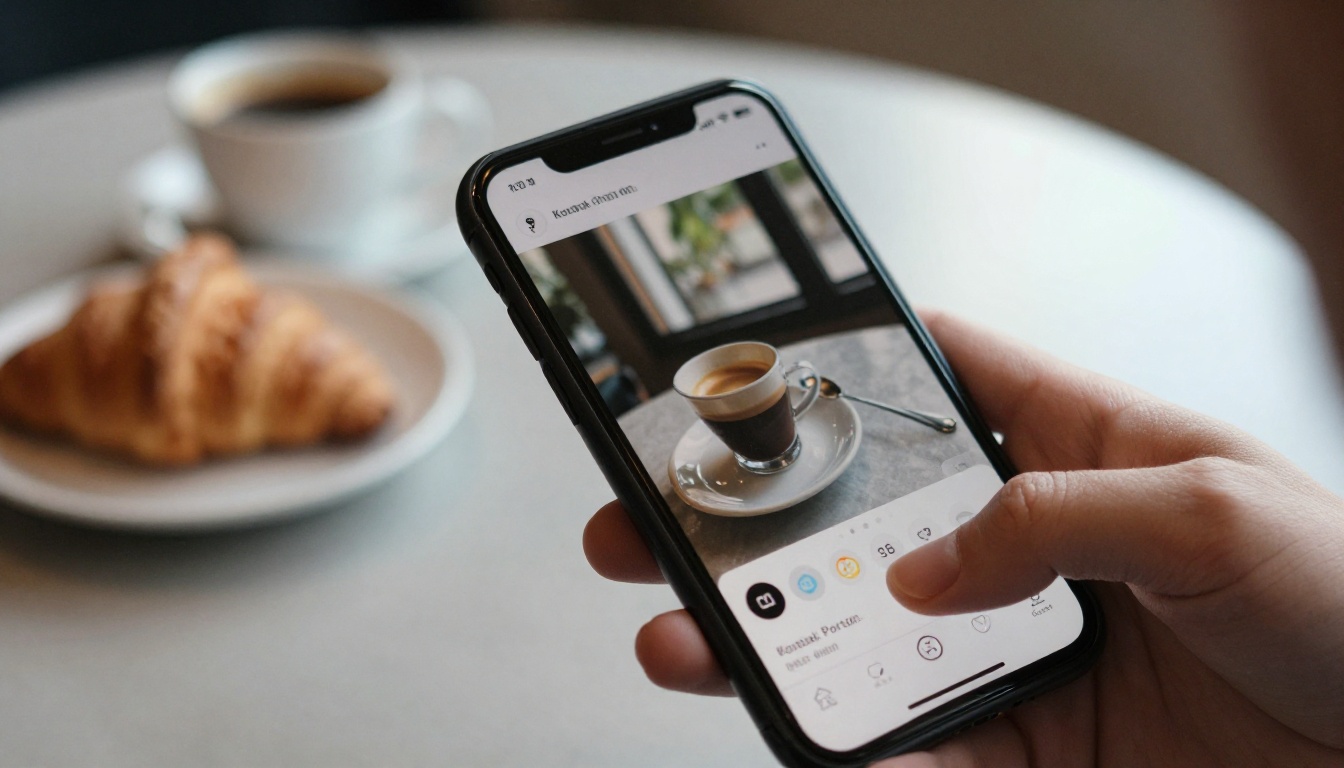
Many buyers open links on a phone. A flipbook that is hard to read or an awkward password prompt on mobile loses the sale. Flipbooks AI uses a mobile-responsive design, so the reading experience holds up on small screens.
Skipping the Audit Trail
If you do need to know who opened a document, a password alone will not tell you. That is where analytics on the Professional plan become useful, and where it makes sense to pay for the upgrade deliberately instead of by accident.

Use this short decision path.
- List your must-haves. Password, no watermark, unlimited flipbooks, custom branding.
- Find the lowest plan that includes all of them. Ignore everything above it.
- Test the lock with a real file, a direct link and an embed.
- Check the exit. Can you cancel monthly and export your PDFs?
- Decide after a trial, not after a feature list.
| If You Mainly Need | Look For | Likely Fit |
|---|
| A private catalog | Password on a low plan, no watermark | Lean flipbook tool |
| Lead capture and stats | Analytics tier | Higher plan, chosen on purpose |
| Many flipbooks | Unlimited publishing | Standard plan or above |
| A portfolio | Visual polish, easy sharing | Portfolio-focused tool |

Ready to Lock Your First Flipbook?
You do not need the most expensive plan to keep a document private. You need a tool where the lock sits on a plan that matches your budget, with no watermark and no cap that punishes you for publishing often.
Pick the plan that fits the work you do today, test the password with a real file, and keep the upgrade for the day you truly need it.



