You have one offer, one budget, and a stack of paper to order. The question is simple: do you print a flyer or a brochure? Pick wrong and you either cram a story onto a sheet that cannot hold it, or you pay for folded panels nobody reads. This article gives you a clear way to decide, and shows how a digital version built with Flipbooks AI can settle the argument when neither format is quite right.
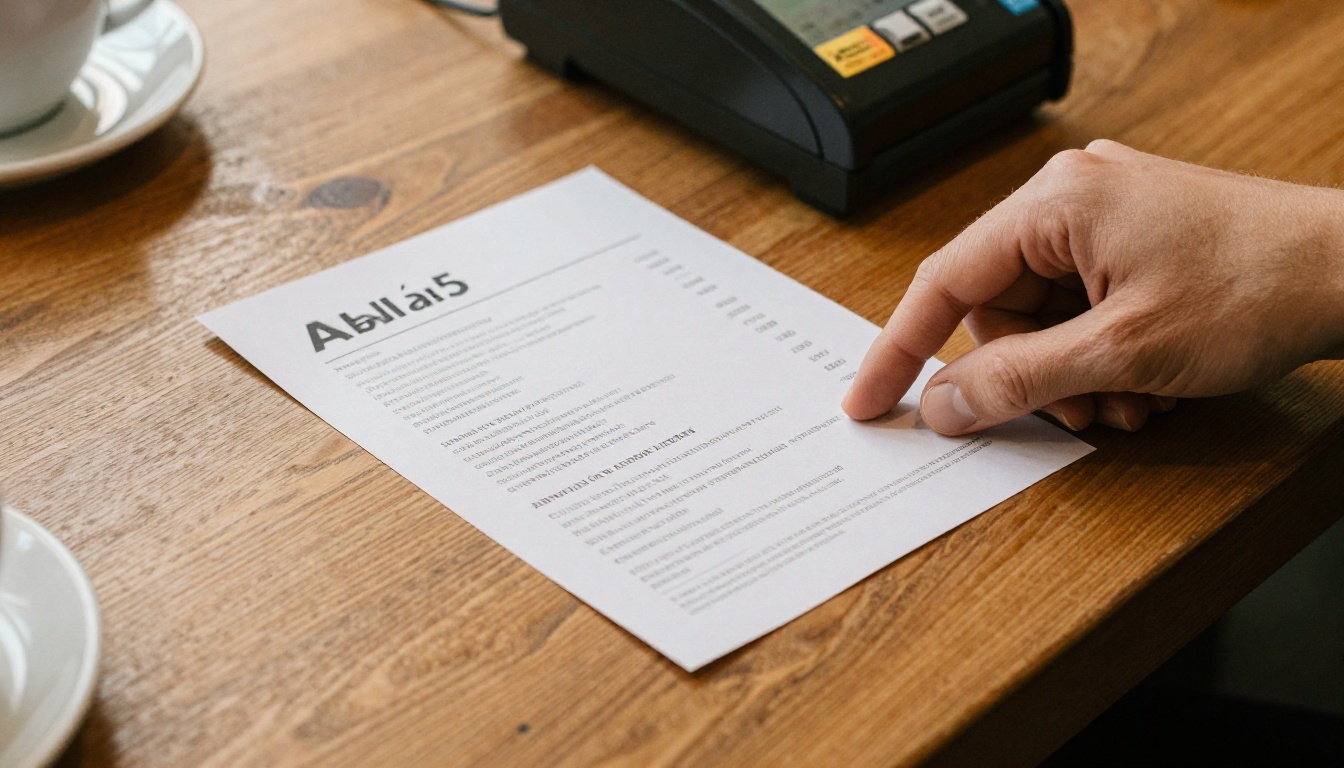
A flyer is a single sheet, usually A5 or A4 (or Letter), printed on one or both sides. It carries one message and one action. A brochure is a folded piece (bi-fold, tri-fold, Z-fold) or a small stitched booklet. It carries several related messages in a deliberate reading order.
That difference sounds small, but it changes everything: how long a person spends with it, how much you can say, and what it costs.
The Flyer in One Line
A flyer is a shout. It exists to get a quick reaction: come in, call now, book this weekend.
The Brochure in One Line
A brochure is a conversation. It exists to answer questions a reader will have after the first glance: what do you offer, how does it work, what does it cost, why you?
💡 Pro tip: If you can state your goal in one sentence without using the word "and", a flyer is probably enough. If you need "and" twice, think brochure.
Flyer vs Brochure Side by Side
Here is the quick comparison most small teams need before they open a design tool.
| Factor | Flyer | Brochure |
|---|
| Typical size | A5, A4, DL | Tri-fold A4, bi-fold A5, booklet |
| Message count | One | Three to eight |
| Reading time | 5 to 15 seconds | 1 to 4 minutes |
| Cost per piece | Low | Moderate to high |
| Design effort | Hours | Days |
| Best moment | Spontaneous, street, counter | Considered, at a desk, in a meeting |
| Shelf life | Days to weeks | Months to years |
| Update speed | Reprint is cheap | Reprint hurts |
The table hides one more truth: a flyer's cost is low, but so is its memory. People bin flyers. They keep brochures, especially ones with prices, maps or floor plans.
When a Single Page Is Enough
A single page wins more often than designers like to admit. Use a flyer when most of these are true:
- You promote one event, one sale or one offer.
- The reader decides in seconds, often standing up.
- The audience is local and the action is simple: visit, call, scan.
- The information expires soon (a weekend market, a grand opening).
- You plan to hand out hundreds or thousands and need the cost low.
Real-World Flyer Wins
A bakery announcing Saturday sourdough pre-orders needs a photo, a price, a time and a phone number. That is a flyer. Adding a second fold only dilutes the call to action.
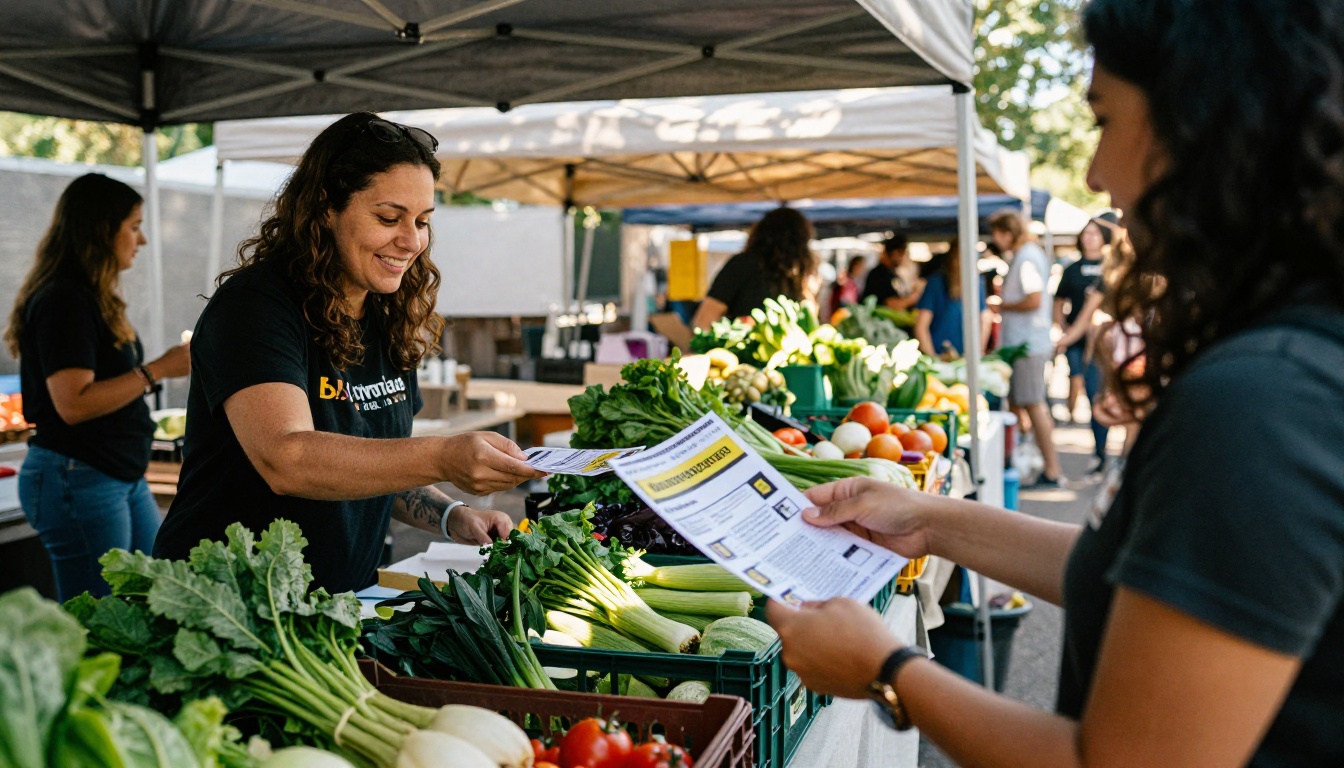
A volunteer group at a weekend market needs people to remember a date. One bold date, one place, one web address.
A fitness studio running a free first class posts flyers on the neighborhood board outside the gym. Passersby give it three seconds. Make those seconds count.
What a Good Flyer Contains
- A headline readable from two meters away.
- One strong image, not five small ones.
- The offer with a clear deadline.
- One action: call, visit, scan a QR code.
- Contact details and a short web address.
Everything else is clutter.
⚠️ Warning: The most common flyer mistake is trying to be a brochure. Three fonts, six bullet points and a paragraph about your history guarantee nobody reads any of it.
When You Need a Brochure
Move to a brochure when the reader must compare, trust or plan before acting. Typical triggers:
- Your product or service has tiers, options or packages.
- You need to show process: how it works, step by step.
- The purchase is high value (property, travel, education, healthcare).
- The reader will take it away and show it to someone else.
- You need space for testimonials, FAQs or a map.
Real-World Brochure Wins
A boutique hotel has rooms, a spa, a restaurant and local tours. That is four stories, and a single sheet crushes them. A tri-fold gives each its own panel.
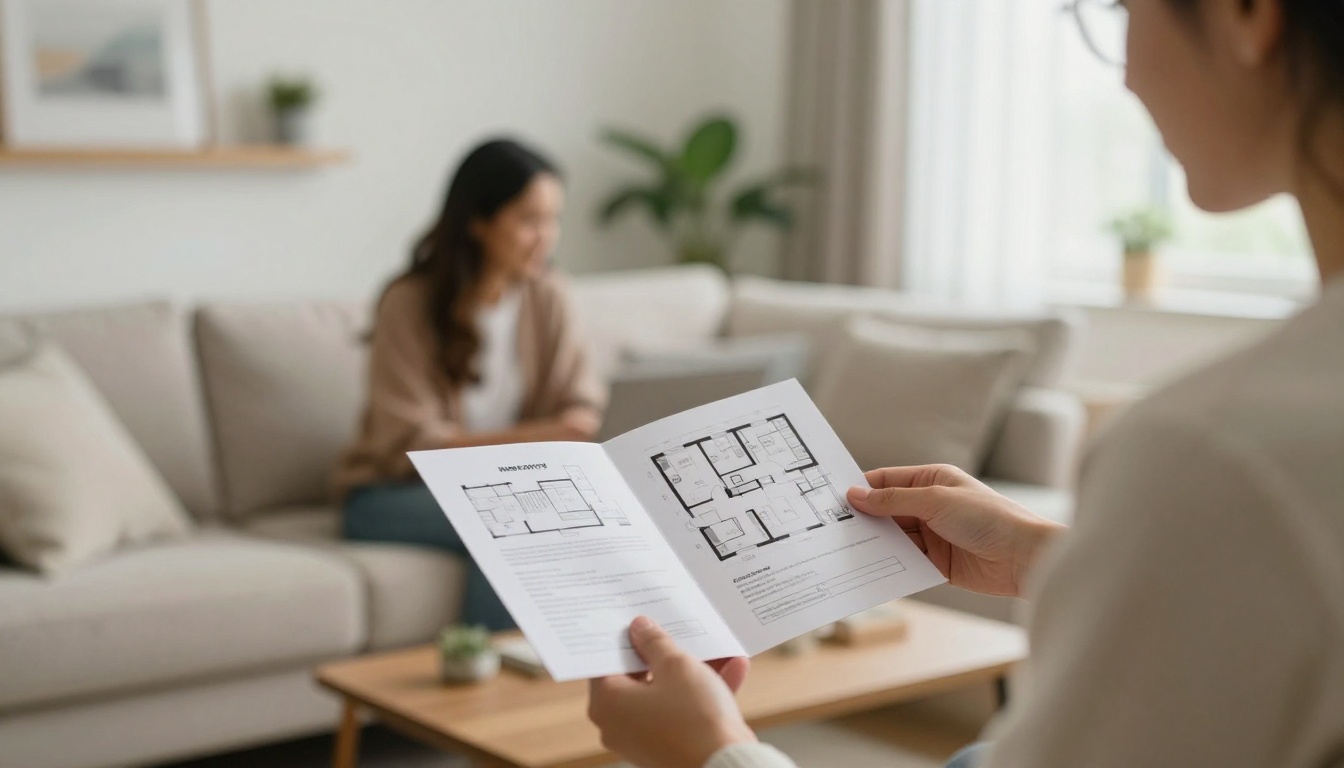
A real estate agent walking a couple through a living room needs a floor plan, specifications and neighborhood details. A flat page cannot hold that and still be readable.
A training provider has to explain syllabus, schedule, price and outcomes. Prospects compare providers at home, so the brochure must stand on its own.
The Panel Logic of a Tri-Fold
A tri-fold has a natural reading order, and smart designers use it:
| Panel | Job |
|---|
| Front cover panel | Hook: promise and one image |
| Inside left | Problem or context |
| Inside center | Your offer or process |
| Inside right | Proof: reviews, numbers, photos |
| Back panel | Contact, map, call to action |
| Flap panel | Teaser that opens the fold |
Notice what is missing: filler. Every panel has one job.
The Real Cost Comparison
Print prices vary by country and paper, so treat the numbers below as a pattern, not a quote. What matters is the ratio and the hidden costs.
| Cost item | Flyer (1,000 units) | Tri-fold brochure (1,000 units) |
|---|
| Printing | Low | 3x to 6x higher |
| Paper weight | 130 to 170 gsm | 150 to 200 gsm, often coated |
| Folding | None | Required |
| Design time | 2 to 4 hours | 1 to 3 days |
| Copywriting | A few lines | Several short sections |
| Cost if a typo appears | Reprint, mild pain | Reprint, serious pain |
Here is the part budgets forget: distribution. A flyer can be dropped anywhere. A brochure needs a place to live, such as a rack, a reception desk or a meeting folder. If you have no such place, you are paying to store paper.
💡 Pro tip: Before ordering 5,000 brochures, order 200. Test the message with real people, fix the typos, then scale.
A Quick Decision Framework
Answer these five questions honestly.
- How many things must the reader know before acting? One or two: flyer. Three or more: brochure.
- Where will it be held? Street, doorway, counter: flyer. Desk, meeting, waiting room: brochure.
- How long is it useful? Under a month: flyer. Over six months: brochure.
- What is the price of the thing you sell? Low and impulsive: flyer. High and considered: brochure.
- Can you afford to reprint? If changes are frequent, avoid heavy print entirely.
Score it simply. If you answered "flyer" three or more times, print a flyer. Otherwise, build a brochure.
Three Quick Scenarios
| Scenario | Best pick | Why |
|---|
| Pop-up coffee cart, weekend only | Flyer | One date, one place |
| Wedding photographer with three packages | Brochure | Compare tiers, show samples |
| Dental clinic announcing free check-ups | Flyer | One offer, simple action |
| Property developer with 12 floor plans | Brochure | Needs space and detail |
| Gym joining fee promotion | Flyer | Expires fast |
| Language school with five courses | Brochure | Multiple options, high value |
Format and place must match. A great brochure dropped on the street is wasted; a great flyer buried in a rack is invisible.
Flyer Locations
- Cafe counters and checkout points
- Community boards and gyms
- Door-to-door in a tight radius
- Events and market stalls
- Inside delivery bags or parcels
Brochure Locations
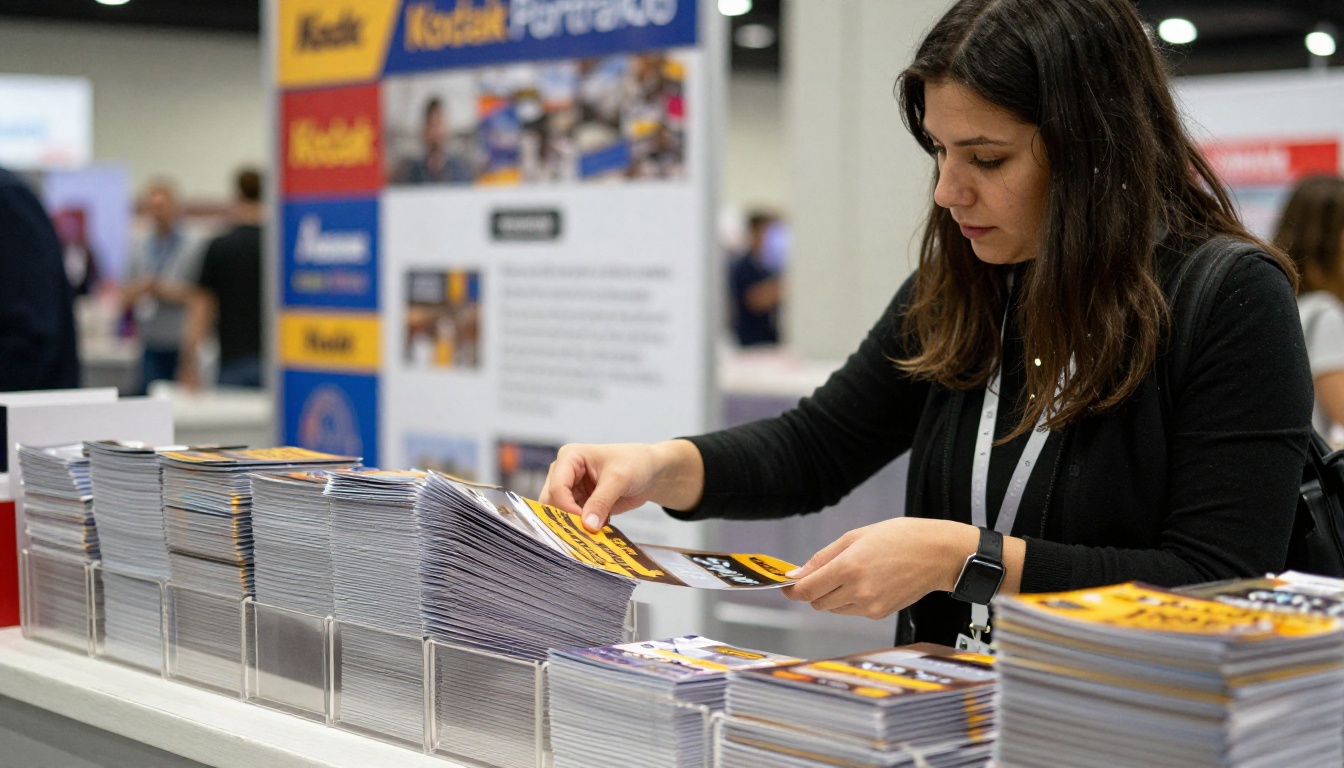
- Trade show tables and acrylic holders
- Hotel and clinic reception desks
- Sales meetings and client visits
- Mailed packs and welcome kits
- Real estate showings
The Third Option: A Digital Flipbook
Here is the situation many small businesses end up in: the offer is too rich for a flyer, but a printed brochure is too costly or changes too often. A digital flipbook sits in between. It keeps the page-turning feel of a brochure but lives online, so you can fix a price on Monday and everyone sees it on Tuesday.
With Flipbooks AI, you upload a PDF and it becomes an interactive, mobile-responsive publication. A flyer can even carry a QR code that opens the flipbook, so one cheap page leads to a full brochure experience.
| Feature | Printed brochure | Flipbooks AI flipbook |
|---|
| Update after publishing | Reprint | Replace the PDF |
| Reach | Hands it touches | Anyone with the link |
| Tracking | None | Analytics (Professional plan) |
| Video and audio | No | Yes, embeddable |
| Cost per extra reader | Grows with each copy | Near zero |
| Watermarks | Not applicable | None, ever |
| Private sharing | Hard | Password protection |

Match the Tool to the Job
If you already know what you are building, jump straight to a purpose-built tool:
How to Create a Digital Brochure with Flipbooks AI
Follow these steps to go from a flat PDF to a shareable flipbook.
- Prepare your PDF. Export your brochure from your design tool. Keep each panel on its own page so the page-turn order feels natural.
- Create an account. Create an account on Flipbooks AI. You can start from the PDF to Flipbook Converter page.
- Upload and convert. Drag the PDF in. Conversion takes moments, and you see the page-turn preview right away.
- Customize the look. Set your brand colors, add your logo, pick a background and choose page effects. This is where the brochure feels like yours, not a template.
- Add multimedia. Drop in a short product video, a welcome clip or an audio message. Nothing like this fits on paper.
- Choose sharing options. Copy a direct link, grab the embed code for your site (see Embed Flipbook on Website), or lock it with a password for private clients.
- Turn on analytics and lead capture. On the Professional plan you can see which pages people read and collect contact details. Check the pricing plans to compare.
- Allow offline downloads if your readers travel or work with weak signal.
✅ Best practice: Print a flyer with a QR code that links to the flipbook. You get the instant reach of a single page and the depth of a brochure, and you can change the content without reprinting.
Plan Features at a Glance
| Need | Where to look |
|---|
| One or two flipbooks to try | Free start via account signup |
| Unlimited flipbooks | Standard plan and above |
| Analytics and lead generation | Professional plan |
| Full comparison | Pricing page |
Common Mistakes to Avoid
Whatever you choose, these errors show up again and again.
- Too much text on a flyer. If it needs a magnifying glass, it fails.
- Too little structure in a brochure. Without a panel plan, it reads like a flyer that got folded.
- No call to action. Every piece needs one next step.
- Low-resolution images. Print needs 300 dpi; screens forgive less than you think.
- Ignoring the distribution plan. Decide where it will sit before you print.
- Printing before proofing. Read it aloud, then have a stranger read it.
A Simple Pre-Print Checklist
- Is there one clear goal?
- Does the headline work without the rest of the page?
- Are phone numbers, dates and links tested?
- Does the format fit where it will be handed out?
- Do you have a digital backup if something changes?
Here is the short version. Choose a flyer when the message is one idea, the moment is brief and the reader needs a nudge. Choose a brochure when the reader must compare, trust and plan. Choose a digital flipbook when the content changes, the audience is spread out, or you want to measure what people actually read.
Ready to try the digital route? Get started for free on Flipbooks AI, browse all flipbook tools to find the right template, or compare pricing plans and finish your setup through the account page. One page can be enough, and when it is not, a flipbook picks up the rest.



