Every October, thousands of rights managers walk into the same halls in Frankfurt with the same goal: sell translation, audio and adaptation rights before the week ends. The ones who leave with signed deals rarely have the best books. They have the catalog that was easiest to open, skim and forward. If your rights list still travels as a 40 MB PDF, a flipbook built on Flipbooks AI can fix that in an afternoon.
This article walks through how to build a Frankfurt rights catalog, how to share titles with foreign publishers at each stage of the fair, and how to measure which editors actually read your pitch.

What a Rights Catalog Really Is
A trade catalog sells finished books to bookshops. A rights catalog sells the right to publish a book in another language or format. The buyer is an acquiring editor in Madrid, Seoul or São Paulo, and they read dozens of lists in a single week.
That changes what you put on each page. A bookseller wants price, trim size and discount. A foreign editor wants to know within ten seconds whether the book is available, what has already sold, and why it works outside its home market.
Who Reads It
Your audience is mixed, and each reader scans for something different:
- Acquiring editors look for voice, hook and comparable titles.
- Scouts want early manuscripts and exclusivity windows.
- Film and audio buyers look for visual, character driven stories.
- Co-edition managers care about page counts, color sections and print runs.
Why PDF Attachments Fail
Email filters strip large attachments. Editors open them on phones between meetings. Pages do not load in order, and nobody can tell whether the file was opened. A hosted flipbook solves each of those problems with one link.
What Goes on Every Title Page
Consistency wins. When every title follows the same template, a busy editor learns the layout by page two and reads faster for the rest of the list.
The Essential Fields
| Field | Why Foreign Publishers Need It | Example |
|---|
| Jacket image | First impression, recognized at a glance | Front jacket, high resolution |
| Pitch line | Fastest way to judge fit | One sentence, under 25 words |
| Rights status | Avoids wasted meetings | "World ex. UK, available" |
| Sold territories | Signals market proof | "Sold: DE, FR, NL" |
| Format and extent | Needed for co-edition costing | 320 pp, hardcover, 8 pp color |
| Agent contact | Makes follow up effortless | Name, email, booth number |
| Sample status | Tells editors what they can request | Full manuscript, 50 pp sample |
💡 Pro tip: Put rights status at the top of the page, not the bottom. Editors skip titles that are already sold in their language, so give them that answer first.
Write for Translation Readers
Many acquiring editors read English as a second language. Short sentences, concrete nouns and no idioms make your pitch travel. Replace "a page turner that hits the ground running" with "a thriller that opens with a kidnapping on page one."

How to Structure the Whole List
The order of titles matters as much as the pages themselves. Foreign publishers rarely read a rights list from page one to the end. They jump.
Lead With Your Strongest Three
Open with your lead titles, the books you will push hardest at the fair. Give each one a spread rather than a single page, with an author photo, a longer synopsis and early reviews.
Group by Genre, Not Season
Editors buy by category. A children's editor does not care what you publish in March. Group your list under clear sections:
- Lead titles
- Literary and commercial fiction
- Crime and thriller
- Narrative nonfiction
- Children's and young adult
- Backlist with proven sales
Add Clickable Navigation
A contents page with links to each section lets a reader jump straight to crime or children's. This is where a digital format beats paper. In a Catalog Flipbook Creator project, each contents line can point to its page, so the editor reaches their category in one tap.

Three Ways to Share Titles at the Fair
The week splits into three phases, and the sharing method should change with each one.
| Phase | Best Sharing Method | Goal |
|---|
| Four weeks before | Personal email with a flipbook link | Book meeting slots |
| During the fair | QR code on the table and badge card | Let editors read after the meeting |
| One week after | Follow up with direct links to specific titles | Convert interest into offers |
Before the Fair: Fill Your Calendar
Frankfurt meeting slots disappear weeks ahead. Send a short email with a link to the catalog, three lead titles named in the body, and two or three time options. Do not attach anything. A link loads instantly and keeps the file size out of the conversation.
⚠️ Warning: Never send the full list to everyone. Segment by territory so a German publisher sees titles with German rights available, and a Korean publisher does not waste time on books already sold there.
At the Fair: Make Reading Easy
In a 30 minute meeting you can pitch perhaps six books. Everything else needs to travel home with the editor. Place a small printed card with a QR code on your table. A hall full of tired visitors will scan one more thing if it takes two seconds.

After the Fair: Follow Up With Precision
Most deals close in the weeks after the fair, not during it. Send each editor a message that names the books you discussed, with a link that opens on the right page. Generic follow up emails get ignored. Specific ones get replies.
How to Build Your Catalog With Flipbooks AI
If you already have a designed PDF from your production team, you are close to done. Here is the full process.
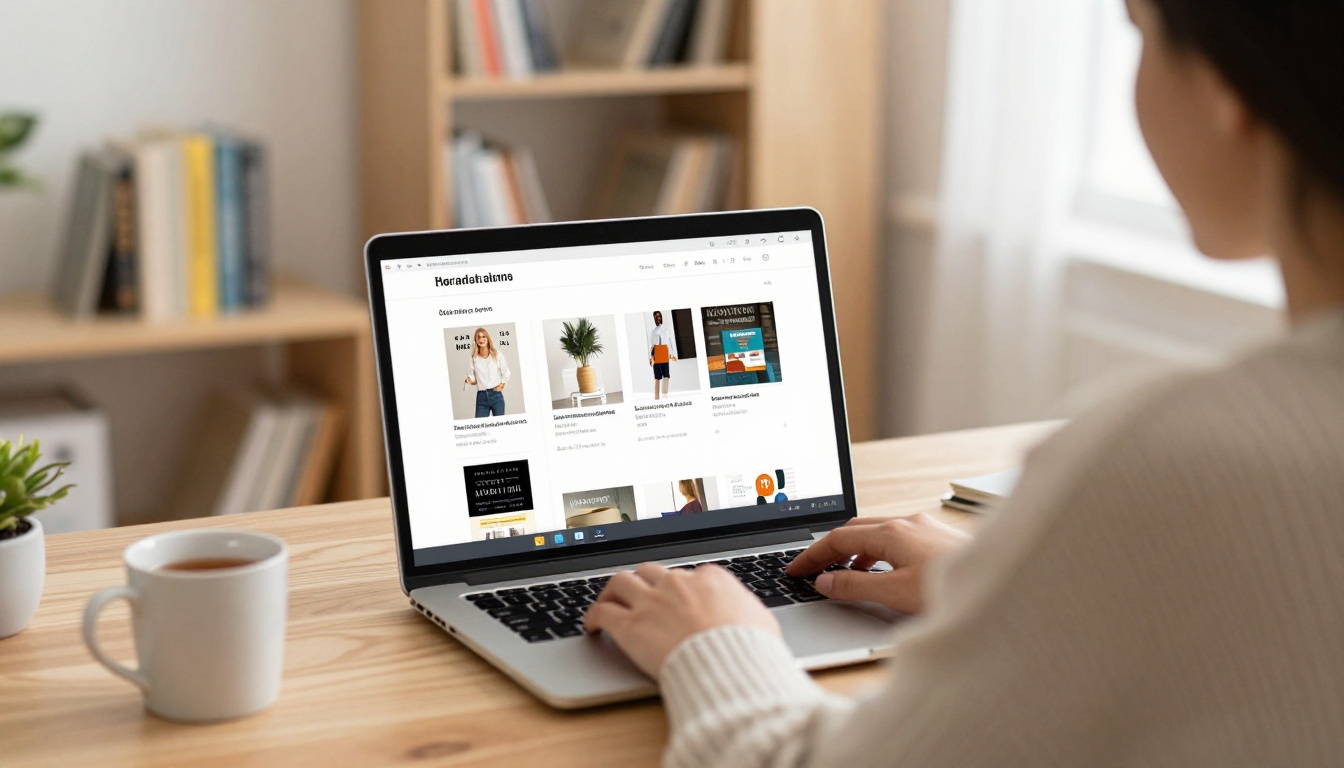
Step by Step
- Create an account. Sign up on Flipbooks AI and open the dashboard.
- Upload the PDF. Drag your rights list into the PDF to Flipbook Converter. Pages convert in seconds and keep their layout.
- Customize the look. Add your imprint logo, choose background colors that match your brand and select a page turn effect.
- Add multimedia. Embed an author video, an audio sample for an audiobook title, or a link to a full sample chapter.
- Set privacy. Turn on password protection for unpublished titles so only invited editors can read them.
- Share. Copy the direct link, generate a QR code, or use the Embed Flipbook on Website tool to place the catalog on your rights page.
- Track. Check which pages were opened and how long editors stayed.
✅ Best practice: Create one flipbook per territory group, for example one for Germany, Austria and Switzerland and one for Latin America. Each gets its own link, so reading data tells you something specific.
Features That Matter for Rights Teams
- ✅ No watermarks, ever, so your list looks like yours
- ✅ Mobile responsive, because editors read on phones
- ✅ Password protection for confidential manuscripts
- ✅ Offline downloads for editors flying home
- ✅ Embedded audio and video for author pitches
- ✅ Analytics and lead generation on the Professional plan

Print, PDF or Flipbook: Which Works
Each format still has a place. The question is which one you use for which job.
| Feature | Printed Catalog | PDF Attachment | Digital Flipbook |
|---|
| Weight in a suitcase | Heavy | None | None |
| Opens instantly on a phone | No | Slow | Yes |
| Tracks who read it | No | No | Yes (Professional) |
| Update after sending | Reprint needed | Resend needed | Same link updates |
| Works as a QR target | No | Awkward | Yes |
| Looks good at a meeting | Yes | Poor | Yes |
| Password protection | No | Basic | Yes |
The pattern is clear. Print one small run of lead titles for the table, and send everything else as a flipbook link.
The Update Advantage
Rights change constantly. A territory sells on Wednesday morning and the page is wrong by lunch. With a hosted flipbook you replace the file once and every link already sent shows the new version. With a PDF you would need to email everyone again, and some would keep reading the old one.
Reading Data Is Your Second Salesperson
Once editors have your link, the interesting part begins. Reading data shows you where interest sits before anyone replies.
What to Look For
- Pages with long reading time point to titles that deserve a personal message.
- Repeat visits often mean the editor is discussing the book internally.
- Drop off points show where your list loses attention. Maybe the backlist section is too long.
- Opens after the fair mark editors who are still deciding.

A Real World Example
Picture a mid sized independent publisher with 40 titles on its rights list. Before the fair they send three segmented links. A week later, reading data shows that a Dutch publisher opened a debut novel four times and spent most of the time on the sample pages. Instead of a general reminder, the rights manager writes: "You looked at the debut novel again. Shall I send the full manuscript?" That specific message gets an answer within a day.
That is the difference between guessing and acting on evidence. Lead generation features on the Professional plan can also capture an email address before a reader opens a protected catalog, which gives you a contact even when the editor never replies.
Common Mistakes at Frankfurt
Even experienced teams repeat the same errors every year.
Five Mistakes to Avoid
- Listing sold rights as available. It wastes meetings and damages trust.
- No contact details on title pages. If an editor forwards a page, your name should travel with it.
- Tiny text. Phone readers cannot zoom well on dense pages.
- One list for everyone. Territory segmentation takes an hour and doubles relevance.
- No follow up plan. The fair ends on Sunday but deals close in November.

Handling Different Rights Types
Not every title sells the same way. Plan how each rights category appears in the list:
| Rights Type | What to Show | Typical Buyer |
|---|
| Translation | Synopsis, sample chapter, comps | Acquiring editors |
| Audio | Narrator notes, audio clip | Audiobook publishers |
| Film and TV | Visual hook, character list | Producers and scouts |
| Co-edition | Page count, color sections, specs | Production managers |
| Serial and excerpt | Standalone passages | Magazines and newspapers |
💡 Pro tip: If you have an audiobook sample or an author reading, embed it directly in the title page. Editors who hear the voice remember the book longer than those who only read a synopsis.
A rights list is only one document in the fair week. Publishers who prepare well often build several flipbooks from the same source material:
Browse all flipbook tools to find the format that fits each document.
A Simple Timeline for Next Fair
Rights work rewards early preparation. Use this schedule as a starting point and adjust it to your team size.
| When | Task |
|---|
| 8 weeks before | Collect final jacket images, pitches and sold territory data |
| 6 weeks before | Design the list and convert it to a flipbook |
| 5 weeks before | Segment links by territory and set passwords |
| 4 weeks before | Send meeting requests with links |
| Fair week | Share QR codes, update rights status daily |
| 1 week after | Send title specific follow up messages |
| 4 weeks after | Review reading data and prioritize replies |
Keep the Habit Between Fairs
Frankfurt is the biggest date on the calendar, but London, Bologna and Guadalajara follow the same logic. A rights catalog that already lives at a stable link can be updated for each fair instead of rebuilt. Editors who bookmarked it in October will find the new titles in spring.

Ready to Share Your Titles?
A great rights catalog is short on fluff, clear about availability and effortless to open. Build yours once, send a link instead of an attachment, and let reading data tell you where to spend your follow up time.
Ready to create your first flipbook? Get started for free on Flipbooks AI, compare pricing plans to choose the level of tracking you need, and browse the tools directory for every other document your fair week requires. When you are set, upgrade your account and send your first rights link today.



