You've probably experienced this frustration: you find a great tool for creating flipbooks, spend time building something beautiful, then discover it only works on desktop, requires an app download, or renders badly on your customer's iPhone. That's not a tool worth keeping. The best free flipbook maker works exactly the same way whether someone opens it on a laptop in a coffee shop, a Samsung Galaxy on the subway, or an iPad at the kitchen table.
Flipbooks AI is built exactly for this reality. It runs entirely in the browser, with no software to install, no operating system restrictions, and no compromise on quality across screen sizes.
Why Device Compatibility Actually Matters
The Hidden Cost of Desktop-Only Tools
Most flipbook software was designed in the early 2010s, when "sharing a document" meant emailing a PDF. The world moved on. Today, over 60% of web traffic comes from mobile devices, and your audience is reading your content on phones, tablets, and laptops simultaneously.
When your flipbook only works on Windows or Mac, you automatically cut out every smartphone user who tries to open your link. A restaurant manager sends a digital menu link to a customer, the customer opens it on their iPhone, and sees a broken page or a prompt to download software. That's a lost interaction, and it happens constantly with tools that haven't kept up.
Businesses that rely on sharing documents, catalogs, menus, and presentations simply cannot afford tools with device limitations. Every broken link is a missed opportunity.
What "Works on Any Device" Actually Means
It's not just about the flipbook opening. Real cross-device compatibility means:
- Readable text at any screen size without horizontal scrolling
- Smooth page-turn animations that don't stutter on mobile processors
- Touch gestures (swipe to turn pages) on touchscreens
- Fast load times even on mobile data connections
- No plugins: no Flash, no Java, no PDF reader extensions required
- Consistent visual quality whether viewed at 1080p on a monitor or 375px wide on a phone
HTML5-based flipbook makers solve all of these. The flipbook is essentially a responsive web page that renders natively in any modern browser, on any screen.
What to Look for in a Free Flipbook Maker
The Features That Actually Matter
Not every "free" flipbook tool is equally free. Some require credit card details for the free tier. Some add prominent watermarks. Some cap you at one flipbook total. Before committing to any platform, check these criteria:
- No watermark on free plan: Your flipbook should look professional, not like a demo
- Mobile-responsive output: The result works on phones without extra steps
- Shareable link: Anyone with the link opens it on any device instantly
- PDF upload: Converting an existing PDF is the fastest path to a finished flipbook
- No software download: Everything happens in the browser
- Embed option: The flipbook can be placed inside a website, not just shared as a link
💡 The best platforms generate a shareable URL the moment you publish. That link works on every device automatically, with no configuration required from the viewer.
Free vs. Paid: What You Actually Get
Understanding the tier differences helps you decide whether to stay on free or upgrade. Here's how the plans typically break down on Flipbooks AI:
| Feature | Free | Standard | Professional |
|---|
| Number of flipbooks | Limited | Unlimited | Unlimited |
| Watermark | None | None | None |
| Custom branding | Basic | Full | Full |
| Password protection | No | Yes | Yes |
| Analytics | No | No | Yes |
| Lead generation forms | No | No | Yes |
| Offline downloads | No | Yes | Yes |
| Embed on website | Yes | Yes | Yes |
| Mobile-responsive | Yes | Yes | Yes |
| Video and audio embeds | No | Yes | Yes |
✅ No plan on Flipbooks AI ever adds a watermark. Your content looks professional from day one, even on the free tier.
How to Create Your First Cross-Device Flipbook
Step 1: Upload Your PDF to Flipbooks AI
Head to Flipbooks AI and create a free account. Once inside, click "New Flipbook" and upload your PDF. The conversion process takes under a minute for most documents. The platform automatically converts each page into a responsive, interactive flipbook frame.
You can upload virtually any type of document:
- Product catalogs and price lists
- Restaurant and spa menus
- Brochures, lookbooks, and portfolios
- Magazines and newsletters
- Educational course materials
- Annual reports and sales presentations
The PDF to Flipbook Converter handles documents of any size and outputs an HTML5 flipbook that renders correctly on every device, browser, and screen size.
Step 2: Customize for Your Brand
After uploading, the customization panel opens. Here you can:
- Choose your preview thumbnail: Select which page appears when someone shares the link
- Adjust colors: Match your brand palette throughout the flipbook interface chrome
- Add background music (optional): Audio that plays as readers browse pages
- Embed video: Drop in YouTube or Vimeo links directly into specific pages
- Configure page-turn style: Classic flip, slide, or instant
- Set a custom domain (paid plans): Share via your own branded URL
💡 For mobile viewers, keep text at 14px minimum in your original PDF. Text smaller than that becomes difficult to read on phone screens even with pinch-to-zoom.
Step 3: Publish and Share Across Devices
Hit "Publish" and Flipbooks AI generates a permanent shareable link. This single URL works on:
- iPhone and iPad (Safari, Chrome, Firefox)
- Android phones and tablets (Chrome, Firefox, Samsung Internet)
- Windows desktop (Chrome, Edge, Firefox)
- Mac (Safari, Chrome, Firefox)
- Linux and ChromeOS (any modern browser)
You can also embed it directly on your website using the Embed Flipbook on Website tool. The generated embed code creates a responsive iframe that resizes automatically to any container width.
Real-World Use Cases by Device
On Mobile: iPhone and Android
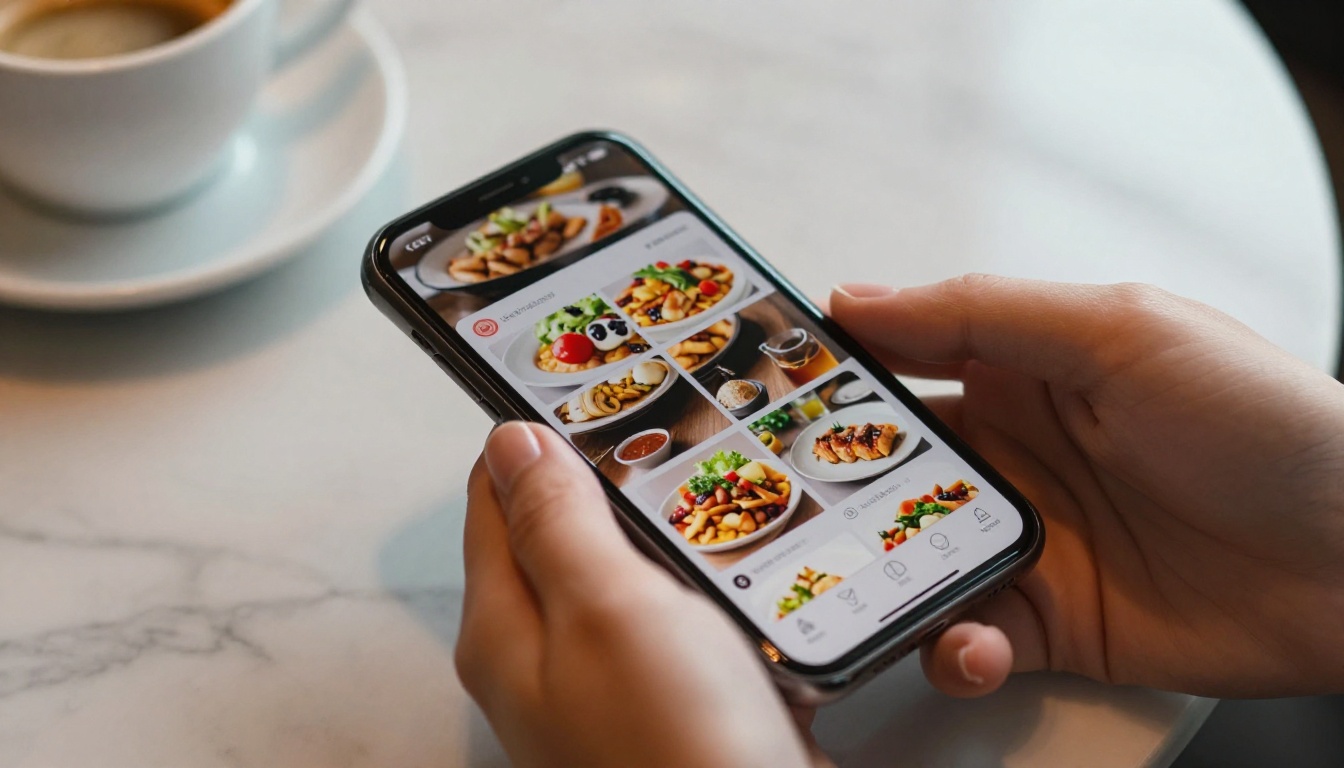
Mobile is where most people first encounter a shared flipbook link. When a restaurant texts a menu link to a customer, or a real estate agent shares a property brochure over WhatsApp, the recipient opens it on their phone. The experience has to be seamless, because there's no second chance if the first tap leads to a broken page.
For mobile use cases, flipbooks work especially well for:
- Restaurants: A restaurant menu creator that customers swipe through at the table, with no QR code scanner app required
- Real estate: Property listings with floor plans and photos that buyers view on the go during showings
- Retail: A product catalog that salespeople pull up on their phone instantly during client visits
- Events: An event program that guests access from their phone instead of receiving a printed paper copy
⚠️ If your flipbook contains pages with very small text or dense data tables, create a mobile-optimized version of the PDF with larger fonts before uploading. Your desktop version and mobile version can be separate flipbooks published to different links.
On Tablets: The Ideal Reading Screen
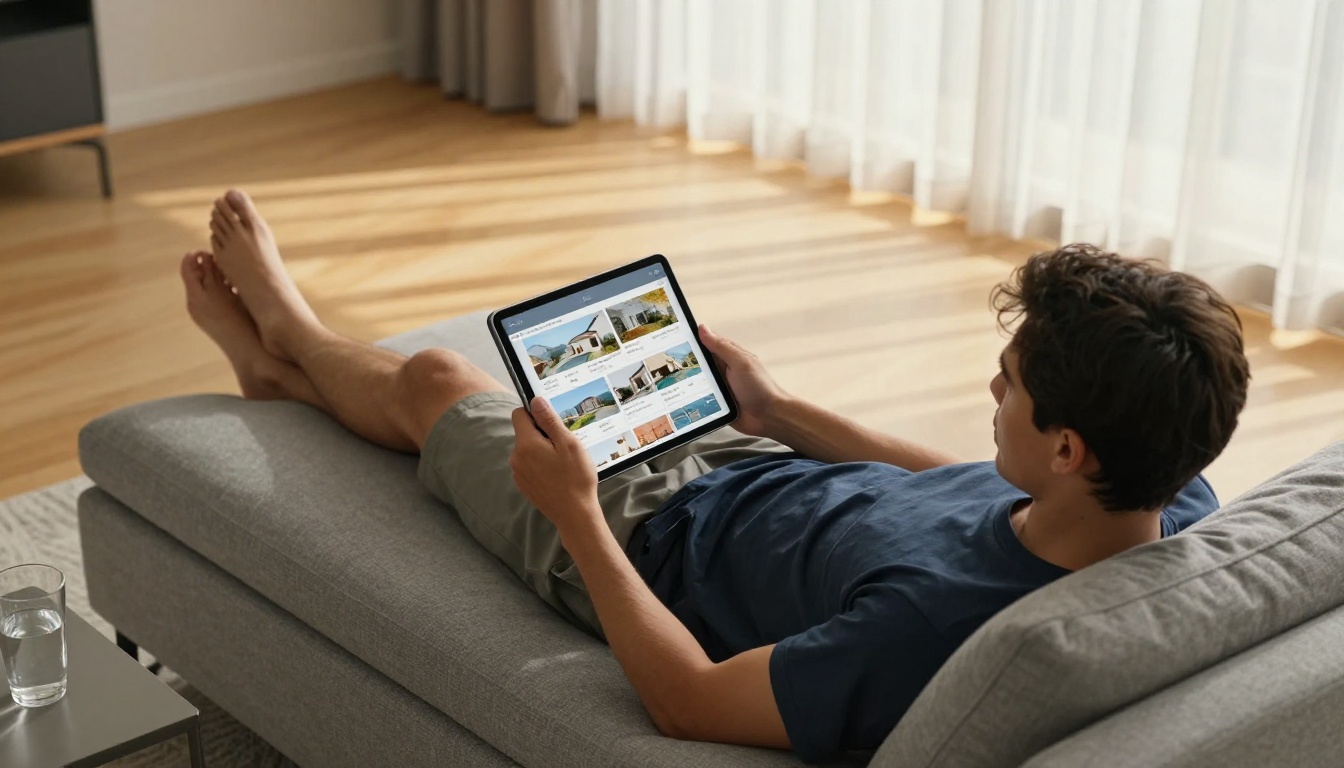
Tablets are the sweet spot for flipbook consumption. The screen size mimics a physical magazine or brochure, and the touch interface makes page-turning feel natural and physical. This is where flipbooks feel closest to the real thing.
Tablet users tend to spend longer with each flipbook and interact more with multimedia content, including embedded videos and audio. This makes tablets ideal for:
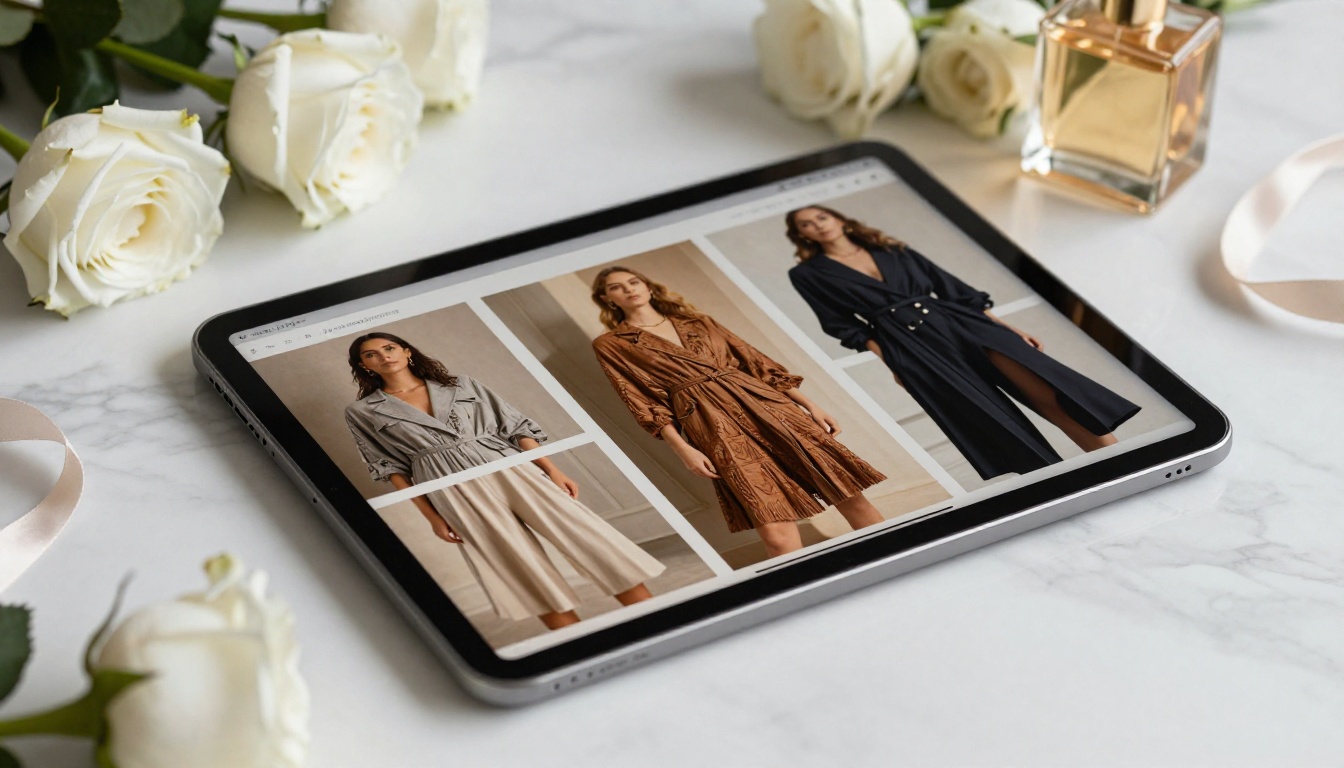
- Fashion lookbooks: A lookbook flipbook builder displayed on an iPad at a retail counter or fashion show registration desk
- Hotel brochures: Guests browsing room options and resort amenities on a lobby tablet before check-in
- Educational materials: Students reading a course material publisher formatted flipbook during a class session
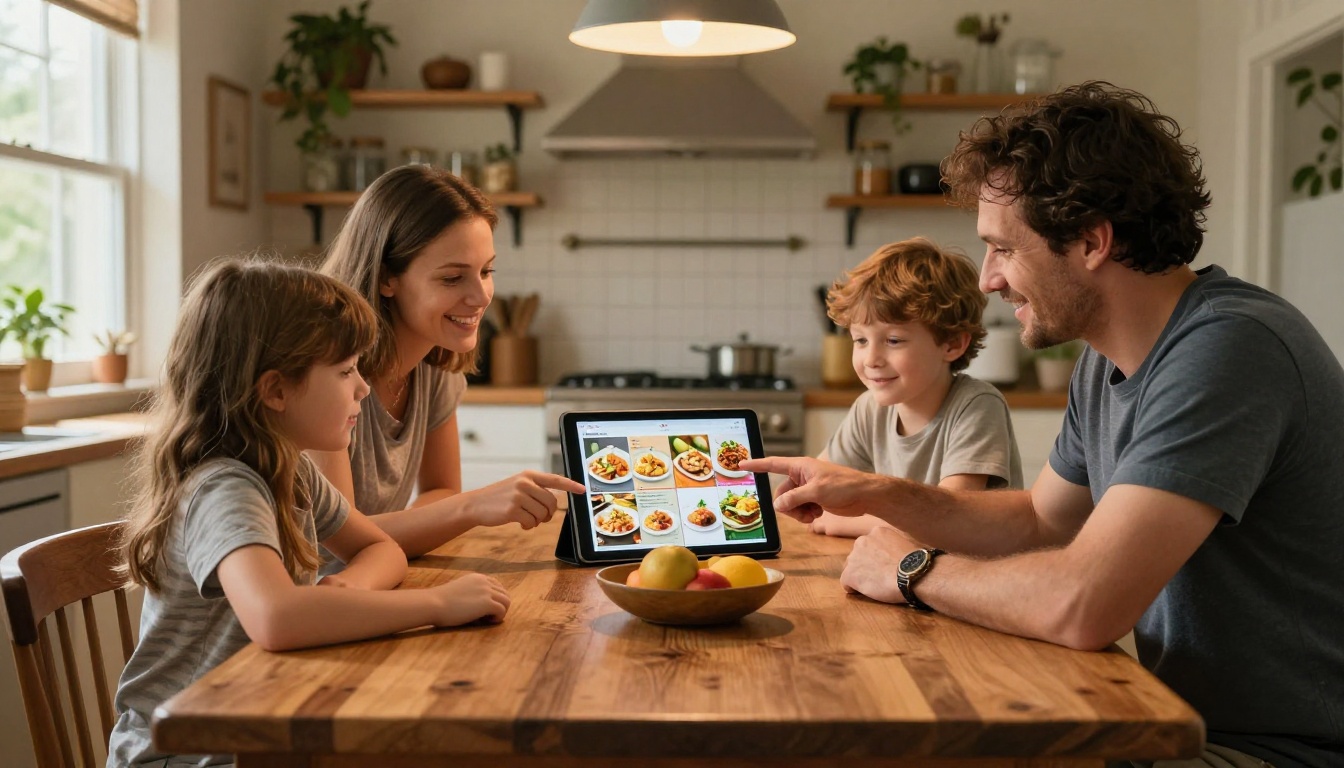
- Recipe collections: Families browsing a recipe book flipbook on the kitchen counter while cooking
On Desktop: Full Creative Control
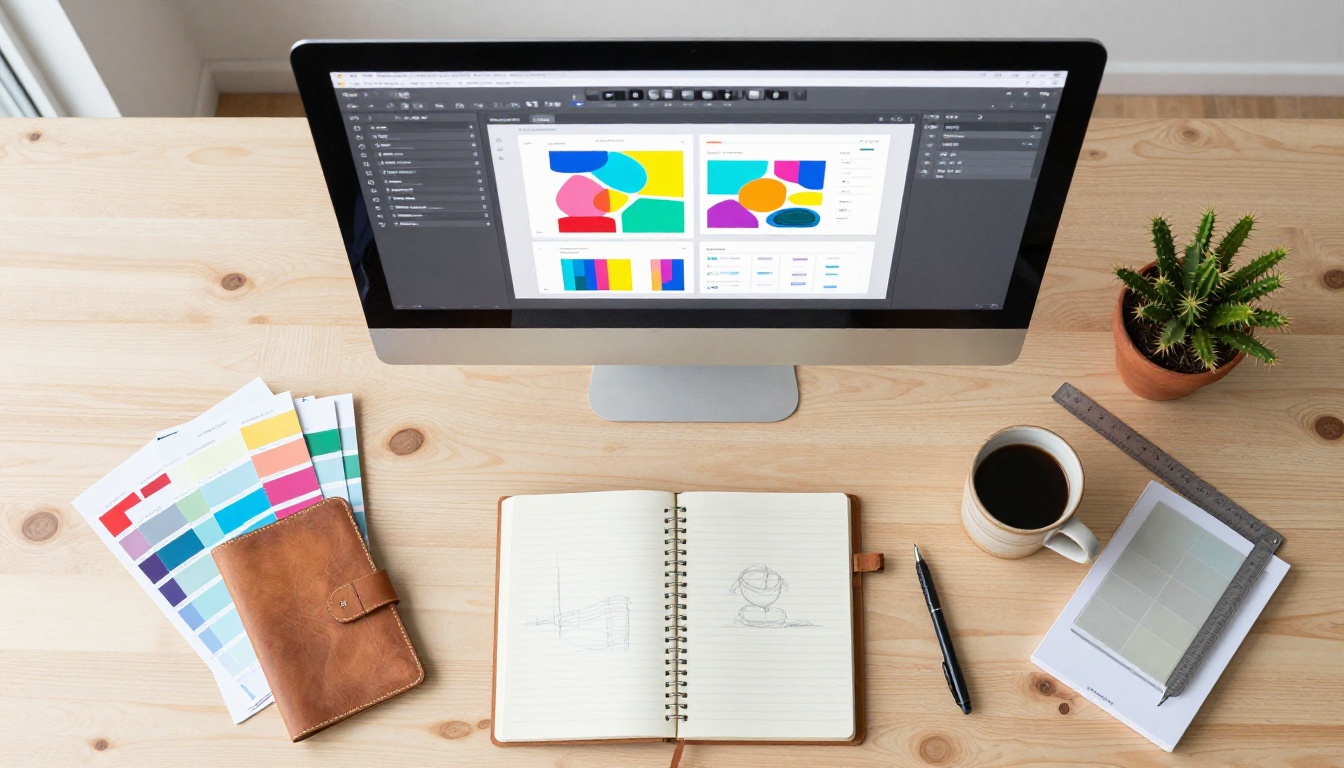
Desktop browsers give users the most screen real estate and the fastest rendering performance. This is the best environment for both building and presenting high-detail flipbooks to an engaged audience.
For desktop-oriented content:
- Annual reports with data-dense pages benefit from the larger viewport where all details are visible simultaneously
- Portfolio presentations look stunning in full-browser view using the digital portfolio creator
- Sales presentations work best when a representative presents them on a laptop connected to an external display or conference room screen
- Corporate reports carry more weight when a corporate report maker document opens cleanly on a client's computer without any installation prompt

5 Things That Break Cross-Device Flipbooks
Not all cross-device problems come from the platform itself. Some come from how you prepare your content before uploading.
- Fonts not embedded in the PDF: When fonts aren't embedded, text renders as boxes or default system fonts on some devices. Always embed all fonts when exporting from InDesign, Illustrator, or Canva.
- Images larger than needed: A 50MB PDF with uncompressed photos creates slow load times on mobile data connections. Optimize images to 150-200 DPI for screen before uploading.
- Low-contrast text: White text on light backgrounds looks fine on a calibrated desktop monitor but becomes nearly invisible on a phone screen in bright sunlight. Ensure contrast ratios of at least 4.5:1.
- Landscape-only layouts for mobile-first audiences: Landscape PDFs displayed on a vertical phone screen produce very small text. When mobile is the primary audience, design your source PDF in portrait orientation.
- Flash-based interactive elements: Any Flash content embedded in older PDFs is invisible on all modern devices and browsers. Replace with static images or HTML5 alternatives before uploading.
⚠️ Always preview your published flipbook on an actual physical mobile device before sharing widely. Browser dev tools simulate mobile viewports but don't replicate real-device touch behavior or cellular connection speeds.
Different industries need different flipbook formats. Here's a practical breakdown of the most popular use cases and the matching tools available on Flipbooks AI:
💡 Not sure which format to choose? Browse the full tools directory to see every available template category with examples.

Who Uses Cross-Device Flipbooks?
Small Business Owners
A small boutique owner can create a seasonal catalog in the morning and share the link with customers via Instagram Stories or a text message that same afternoon. No printing costs. No waiting for delivery. The customer opens the link on their phone, swipes through the catalog, and places an order within minutes of receiving the link.
Marketing Teams
Marketing professionals use flipbooks to distribute campaign materials, press kits, and case studies. Using a press kit designer, they create a polished document once and know it renders correctly whether a journalist opens it on a MacBook, an iPad, or an Android phone. One document. Every device. Zero troubleshooting.
Educators
Teachers create interactive course materials using the training manual flipbook tool, sharing them via a single link in a class portal. Students access the same content from whatever device they have, without needing to install software, own a specific operating system, or even own a computer. A phone works just as well.
Event Organizers
A wedding planner creates a guest information booklet using the wedding album flipbook tool and embeds it on the event website. Guests on every type of device get the same seamless, page-turning experience. An event company creates a yearbook flipbook for a school client that parents can view on their phones after the ceremony.
Non-Profits and Community Organizations
Organizations with tight budgets use the non-profit annual report tool to share their impact documents with donors and stakeholders who use a wide variety of devices. A single shareable link replaces printed reports entirely, reducing costs while increasing reach.

When evaluating any flipbook platform for multi-device publishing, the technical performance factors matter as much as the feature list. Here's how different factors affect the experience across device categories:
| Factor | Mobile Impact | Tablet Impact | Desktop Impact |
|---|
| Initial load time | High (mobile data speeds) | Medium | Low |
| Page-turn animation | Medium (CPU varies widely) | Low | Very low |
| Touch gesture support | Critical | Important | Not applicable |
| Text readability | High (small screen real estate) | Medium | Low |
| Image quality | Medium | Medium | High |
| Offline access | High (unreliable connectivity) | High | Medium |
| Embed in website | Medium | Medium | High |
💡 For content shared primarily via messaging apps like WhatsApp, SMS, or iMessage, compress your PDF to under 5MB before uploading. This dramatically improves load times on cellular connections, particularly for recipients in areas with weaker signal.
The good news: a properly hosted HTML5 flipbook on a reliable CDN handles almost all of these factors automatically. You don't need to build separate mobile and desktop versions.
The search for a free flipbook maker that works on any device ends when you stop looking for software to install and start looking for browser-based platforms built with mobile-first thinking from the start. The technology exists. You don't need a subscription to enterprise software or a developer on your team to publish a beautiful, responsive flipbook that anyone can open on any screen they happen to own.
Flipbooks AI covers this entire workflow from upload to share: convert your PDF, customize the design, publish instantly, and send a single link that works on every device your audience uses. The free plan gets you started immediately, with no watermarks and no credit card required.
Ready to create your first flipbook? Get started for free and have a shareable, cross-device flipbook ready in minutes.
Browse all available tools and templates to find the format that fits your specific use case, or compare pricing plans to choose the tier that supports your publishing volume.



