Your product catalog is already designed. The photography is done, the prices are set, and the layout looks polished. The only thing standing between your PDF and your next sale is the format it is trapped in.
Static PDFs open, scroll, and close. They do not convert. They do not track which products your buyers linger on, and they certainly do not make it easy to click through and purchase. If your catalog exists only as a downloadable file, you are leaving real revenue on the table every single day. Converting that same PDF into a fully interactive, shoppable experience takes minutes with Flipbooks AI, and the results in sales and buyer retention speak for themselves.
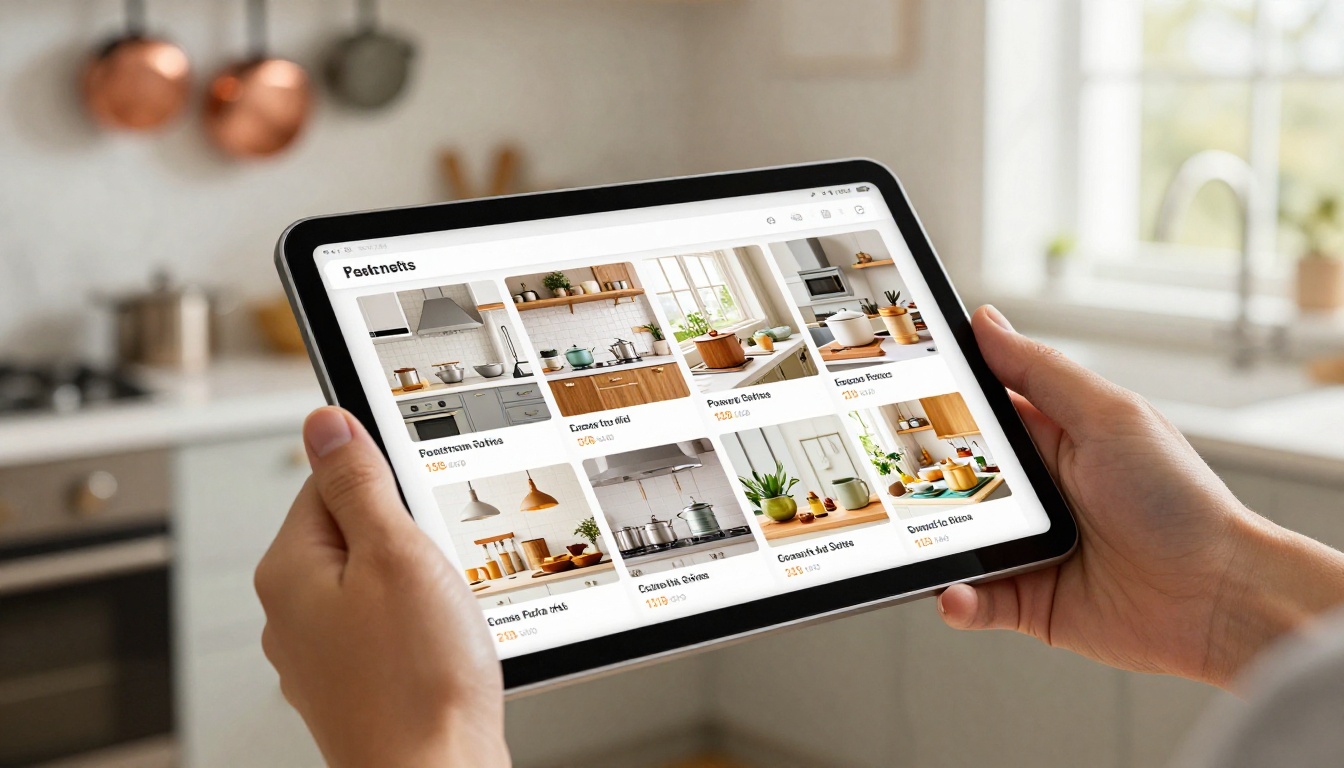
Why Static PDFs Cost You Sales
The average buyer spends fewer than 15 seconds on a PDF before deciding whether to keep reading. There is no animation, no interactivity, no reason to slow down. For a business that has invested weeks in creating a beautiful product catalog, that is an enormous waste.
The Attention Problem
PDF catalogs were designed for print, then adapted for screens as a shortcut. The result is a format that forces readers to download a file, wait for it to open, and scroll through static pages with no clickable elements. On mobile, this experience becomes even worse: PDFs zoom inconsistently, text becomes tiny, and there is no touch-optimized navigation.
Buyers today are used to e-commerce experiences. They expect images to load fast, products to be clickable, and pricing to be visible at a glance. A static PDF breaks every one of those expectations.
What Buyers Actually Want
Research from digital publishing platforms consistently shows that interactive catalogs get 3 to 5 times more pages viewed per session compared to static PDFs. Buyers who can flip through pages, zoom into product details, and click directly to a product page stay longer and buy more.
💡 A shoppable catalog is not just a better PDF. It is a sales channel you control, track, and optimize.
The difference is not just aesthetic. It is structural. An interactive catalog allows you to embed links, collect leads, track page views per product, and share a single URL instead of a heavy file attachment.

What Makes a Catalog "Shoppable"
Not every digital catalog is shoppable. A catalog becomes truly shoppable when it removes every obstacle between a buyer seeing a product and taking action on it.
Clickable Products and Pricing
The core feature of a shoppable catalog is clickable product links. Each product image or listing should link directly to a product page, order form, or contact page. When a buyer sees a sofa they like on page 12, one click should take them to the exact product listing to add it to their cart.
Price visibility matters equally. Products without visible pricing force buyers to stop, search, and often give up. Displaying prices clearly, or embedding a pricing call-to-action alongside each product, keeps the purchase journey moving forward.
Mobile-First Browsing
More than 60% of catalog browsing now happens on mobile devices. A shoppable catalog must be mobile-responsive by default, not as an afterthought. This means fast-loading pages, touch-friendly navigation, swipe-to-flip interactions, and text that does not require pinch-zooming to read.
⚠️ If your catalog is not fully functional on a smartphone, you are invisible to the majority of your buyers.

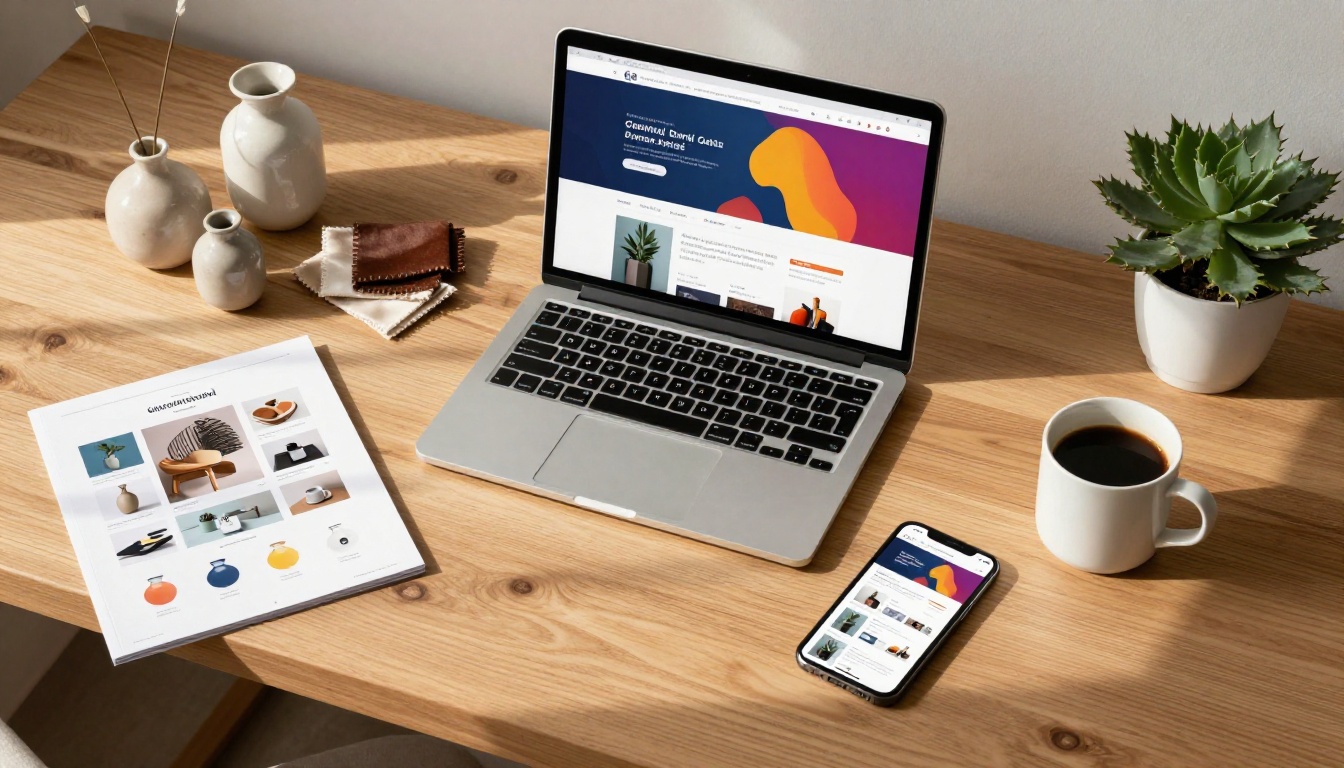
PDF vs. Interactive Catalog: The Real Difference
| Feature | Static PDF | Interactive Flipbook Catalog |
|---|
| Mobile experience | Poor, requires pinch-zoom | Fully responsive, touch-optimized |
| Clickable product links | No | Yes |
| Analytics and tracking | None | Page views, time on page, clicks |
| Sharing method | File attachment (heavy) | Single URL or embed code |
| Lead capture | No | Built-in forms (Professional plan) |
| Offline access | File-dependent | Yes, with offline download feature |
| Page-flip animation | No | Yes, realistic page-turn effect |
| Password protection | Limited | Yes, built-in |
| Branding and customization | Fixed | Full custom colors, logo, fonts |
| Time to publish | Instant (send file) | Under 5 minutes via platform |
The gap between a PDF and an interactive catalog is not a small upgrade. It is a fundamental shift in how buyers experience your products.
5 Types of Businesses That Win With Shoppable Catalogs
Shoppable catalogs are not just for large retailers. Any business that sells products through a catalog format sees immediate gains from the conversion.
Fashion and Apparel Brands
A seasonal lookbook that buyers can flip through, click on each item, and add directly to their cart removes enormous friction from the buyer journey. Fashion brands using interactive catalogs report significantly higher click-through rates on new collection launches compared to emailed PDFs.
The Fashion Catalog Creator and Interactive Lookbook Designer are purpose-built for this use case, with layouts optimized for editorial-style product photography.

Home Goods and Furniture
Furniture and home goods catalogs are notoriously heavy PDFs. High-resolution product photos across dozens of pages create files that are slow to email and frustrating to open. Converting these to flipbook format means buyers get fast-loading pages, the ability to zoom into product details, and direct links to each product's page on your site.
💡 The Furniture Catalog Maker handles multi-page catalogs with image-heavy layouts without any compression loss.
B2B Wholesale Suppliers
Wholesale buyers often review catalogs of hundreds of SKUs at a time. An interactive catalog with a table of contents, searchable sections, and clickable order forms drastically reduces the time it takes for a buyer to place an order. Instead of emailing a 40MB PDF and waiting for a reply, suppliers share a single link that opens instantly on any device.
Food and Beverage Brands
Seasonal menus, product line sheets, and distributor catalogs all benefit from the flipbook format. Buyers can browse new SKUs, click through to product detail pages, and place inquiries directly from the catalog. For restaurants and hospitality businesses, the Restaurant Menu Creator makes it easy to publish a menu that works both as a printed asset and a digital sales tool.
Real Estate and Property
Property brochures and development catalogs are high-value sales documents. Making them interactive, with clickable floor plans, embedded video walkthroughs, and direct inquiry forms, converts a passive document into an active sales tool. The Real Estate Brochure Creator is built specifically for this workflow.

How to Create a Shoppable Catalog With Flipbooks AI
Flipbooks AI takes your existing PDF and converts it into a fully interactive, shoppable catalog in under five minutes. No design software, no technical setup, no coding required.
Step 1: Upload Your PDF
Go to Flipbooks AI and create your account. Once inside, click Create Flipbook and upload your PDF directly. The platform accepts files of any size and renders each page at high resolution automatically.
The PDF to Flipbook Converter handles the entire conversion, preserving your original layout while adding the page-flip functionality.
Step 2: Add Clickable Links
After conversion, add clickable hotspots to any product on any page. Link each product image to your product page, your online store, or a contact form. This is the step that converts a passive catalog into a shoppable one.
You can also add:
- Price overlays visible on hover
- "Buy Now" buttons embedded directly on the page
- Call-to-action panels for wholesale inquiry forms
Step 3: Apply Your Branding
Customize the catalog to match your brand identity. This includes:
- Custom logo and favicon
- Brand colors for the interface and navigation
- Custom domain or subdomain for the catalog URL
- Background music or ambient audio if desired
✅ Flipbooks AI includes custom branding on all Standard plans and above, with no watermarks ever.
Step 4: Configure Sharing and Privacy
Choose how your catalog is distributed:
- Public link: Share via URL, embed on your website, or include in email campaigns
- Password protected: Ideal for trade buyers, wholesale clients, or early-access launches
- Embed code: Paste directly onto your website or landing page using the Embed Flipbook on Website tool
Step 5: Track Performance With Analytics
The Professional plan includes built-in analytics showing you exactly which pages buyers spend the most time on, which products get the most clicks, and where buyers drop off. This data is invaluable for optimizing future catalog layouts.
Analytics features include:
- Total views and unique visitors
- Average time spent per page
- Click-through rates on product links
- Lead capture form submissions

Flipbooks AI Plan Comparison
Choosing the right plan depends on your catalog volume and the features you need to drive sales most effectively.
| Feature | Free | Standard | Professional |
|---|
| Number of flipbooks | 1 | Unlimited | Unlimited |
| Custom branding | No | Yes | Yes |
| Watermark | Yes | No | No |
| Password protection | No | Yes | Yes |
| Analytics | No | Basic | Full |
| Lead generation forms | No | No | Yes |
| Offline downloads | No | Yes | Yes |
| Embed on website | Yes | Yes | Yes |
| Custom domain | No | No | Yes |
| Priority support | No | No | Yes |
💡 For businesses that rely on catalog sales, the Professional plan pays for itself in a single additional conversion. See all plan details to find the right tier for your volume.
Catalog Features That Actually Drive Sales
Not all interactive catalog features have equal impact on sales. These are the ones worth prioritizing first.
Analytics That Show What Sells
Without knowing which pages buyers spend time on, catalog design is guesswork. Page-level analytics tell you which products are drawing attention and which sections get skipped entirely. Over time, this data shapes both your catalog layout and your product photography priorities.
Brands that use catalog analytics consistently report that their bestselling products in the catalog are not always the ones they expected to feature prominently. Data removes the guesswork.
Lead Capture Built In
For B2B and wholesale businesses, the ability to capture buyer information directly from the catalog is a direct revenue feature. A "Request a Quote" form embedded on the relevant page means a buyer never has to leave the catalog to start a conversation.
This feature is available on the Professional plan and integrates with most CRM systems via webhook or direct export. Check pricing options to access lead generation tools.
Embed Anywhere
A catalog that lives on your website converts more visitors than a PDF you email. Embedding your flipbook on your homepage, a dedicated catalog page, or a landing page keeps buyers in your brand environment while they browse. The embed code works on any website builder, including Shopify, WordPress, Wix, and Webflow.

Common Mistakes That Kill Catalog Conversions
Businesses that convert their PDFs but do not see an immediate lift in sales often make one of these preventable errors.
Too Many Pages, Too Little Focus
A 200-page catalog overwhelms buyers. If your full product range is enormous, consider creating segmented catalogs by category or buyer type. A buyer looking for dining furniture does not want to scroll past office supplies to find it. Shorter, focused catalogs with clear navigation consistently outperform exhaustive ones.
No Clear Call to Action on Each Page
Every page of your catalog should have at least one obvious next step. Whether that is a "View Product" link, a "Request Pricing" button, or a contact number, buyers should never reach the end of a page wondering what to do next.
⚠️ A beautiful catalog with no calls to action is a brochure, not a sales tool. Every page should earn its place in the buyer journey.
Ignoring Mobile Testing
After building your catalog, test it on an actual smartphone before publishing. Check that:
- All text is readable without zooming
- Product links are tappable without precision tapping
- Images load quickly on a mobile data connection
- The page-flip animation works smoothly on touch
Not Sharing the Link Where Buyers Already Are
Your catalog should live where your buyers spend time: in your email newsletter, your social media bio, your website header, and your email signature. A catalog that requires buyers to seek it out will rarely be found.
Your Catalog Is Ready. Your Sales Channel Is Not.
Every day your product catalog exists only as a static PDF is a day buyers are bouncing off a file instead of clicking through to buy. The conversion process is fast, the tools are purpose-built, and the impact on buyer interaction is immediate.
Flipbooks AI makes the entire process accessible whether you have one catalog or fifty. Upload your PDF, add your product links, apply your branding, and publish a shoppable catalog that works on every device without any technical setup.
Ready to stop sending files and start driving sales? Create your free account and publish your first shoppable catalog today. When you are ready for analytics, lead generation, and full customization, compare the plans and choose the tier that matches your sales goals.
Browse the full tools directory to find the purpose-built catalog maker for your specific industry. The right format for your products already exists, and it takes less than five minutes to publish.



