Planning a Halloween event for school is genuinely exciting right up until someone asks "so what's the actual schedule?" That is the moment when good intentions collide with the reality of 400 students, three available classrooms, two parent volunteers, and a gymnasium that doubles as the cafeteria. A well-built event program is what separates a chaotic sugar rush from a celebration students talk about in March. And with tools like Flipbooks AI, you can turn that program into a shareable, interactive digital experience that parents can pull up on their phones before they even walk through the door.
This article covers 10 Halloween event program ideas for schools that actually work across grade levels, a breakdown of what to include in your event program document, and a step-by-step walkthrough for turning your PDF program into a beautiful digital flipbook.
Why Schools Need a Real Event Program
A Halloween event without a program is just a party. A program gives structure, sets expectations for students and parents, helps volunteer coordinators stay on task, and creates a record you can reuse and improve next year.
The program itself serves multiple audiences at once:
- Students need to know where to go, when, and in what order
- Parents want to understand the schedule before they arrive
- Teachers need timing windows to manage classroom transitions
- Volunteers need station assignments and rotation cues
- Administrators need a document that shows the event is organized and age-appropriate
When your program is digital and shareable, every one of those groups can access it instantly, without printing 300 copies or hoping the paper copy survives the backpack ride home.
10 Halloween Event Ideas That Work for Every Grade
These are the stations and activities that appear in the most successful school Halloween events. Each one scales up or down depending on your student age range.
1. Haunted Hallway Walk
Transform a single corridor into a walk-through experience. Volunteer parents and older students run the "scares," which for elementary ages means silly surprises rather than genuinely frightening ones. Blacklights, fog machines, and cardboard tombstones do most of the heavy lifting. This works as an opening activity to get the energy going before students rotate to quieter stations.
Setup time: 90 minutes with 4 volunteers
Best for: Grades K-8
Space needed: One hallway, 50+ feet
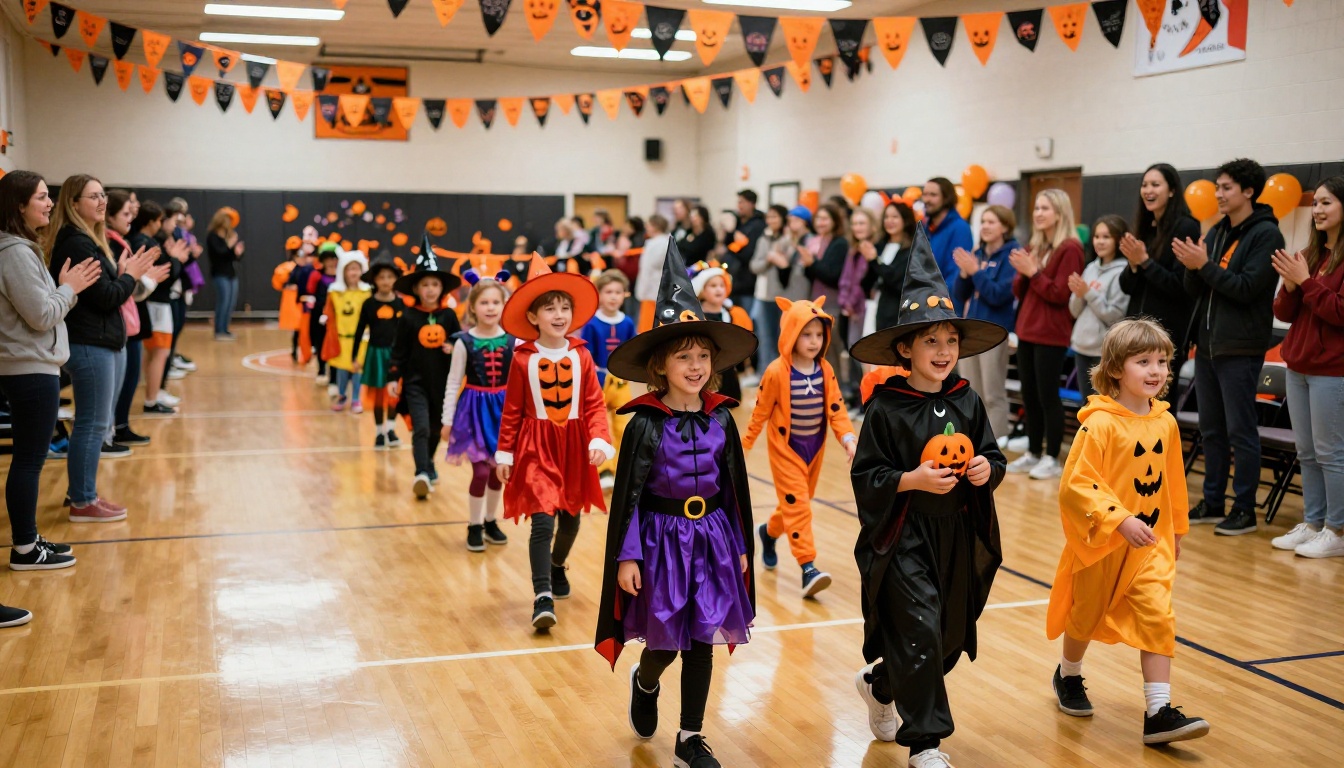
2. Costume Parade and Contest
The classic, and still the most anticipated activity at most schools. Run the parade through the gymnasium with parents lining the sides. Divide costume categories by grade level so there are more winners. Popular categories include:
- Most creative
- Funniest
- Best group costume
- Best teacher costume (yes, make teachers participate)
Award simple certificates rather than physical prizes to keep it inclusive and budget-friendly.
3. Pumpkin Decorating Station
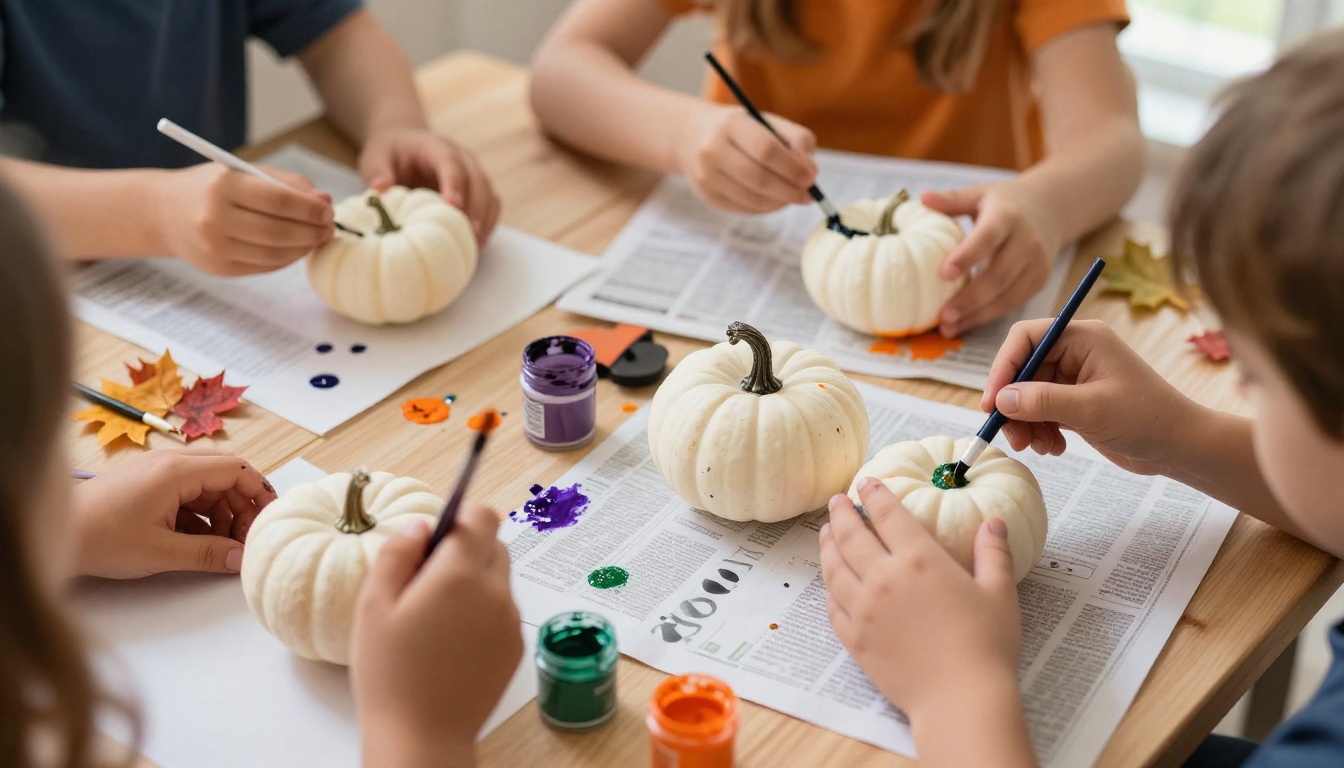
Skip the carving for liability reasons and go with painting and decorating. Provide white craft pumpkins (reusable year to year), acrylic paints, stickers, foam shapes, and pipe cleaners. Students take their finished pumpkins home, which means zero cleanup of carved mess and a built-in keepsake. This station runs in rotating 15-minute windows.
4. Halloween Art Circuit
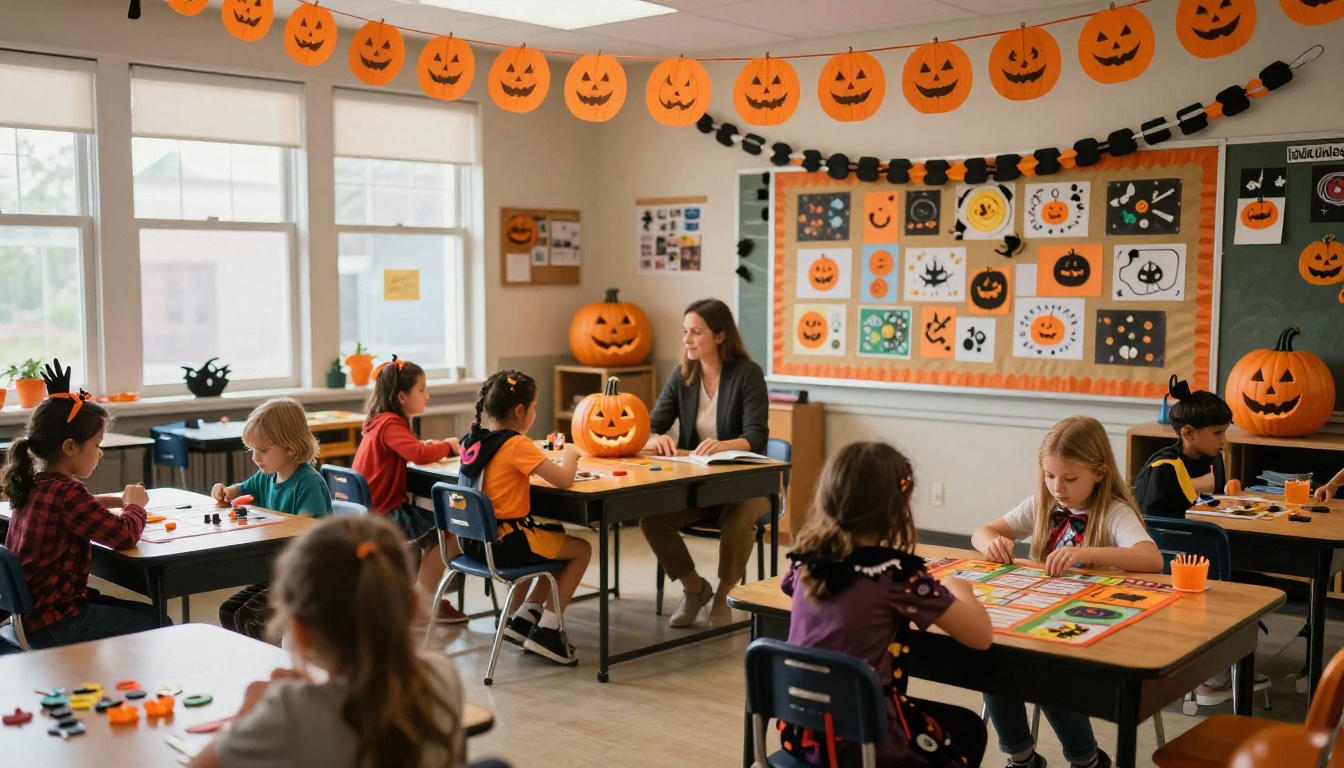
Set up four mini art tables in a single classroom or the library. Each table has a different medium: watercolor bats, fingerprint ghosts, collage haunted houses, and crayon-resist pumpkins. Students rotate every 10 minutes. This keeps the activity moving and gives kids who are not into the louder carnival atmosphere a quieter creative outlet.
5. Spooky Story Corner
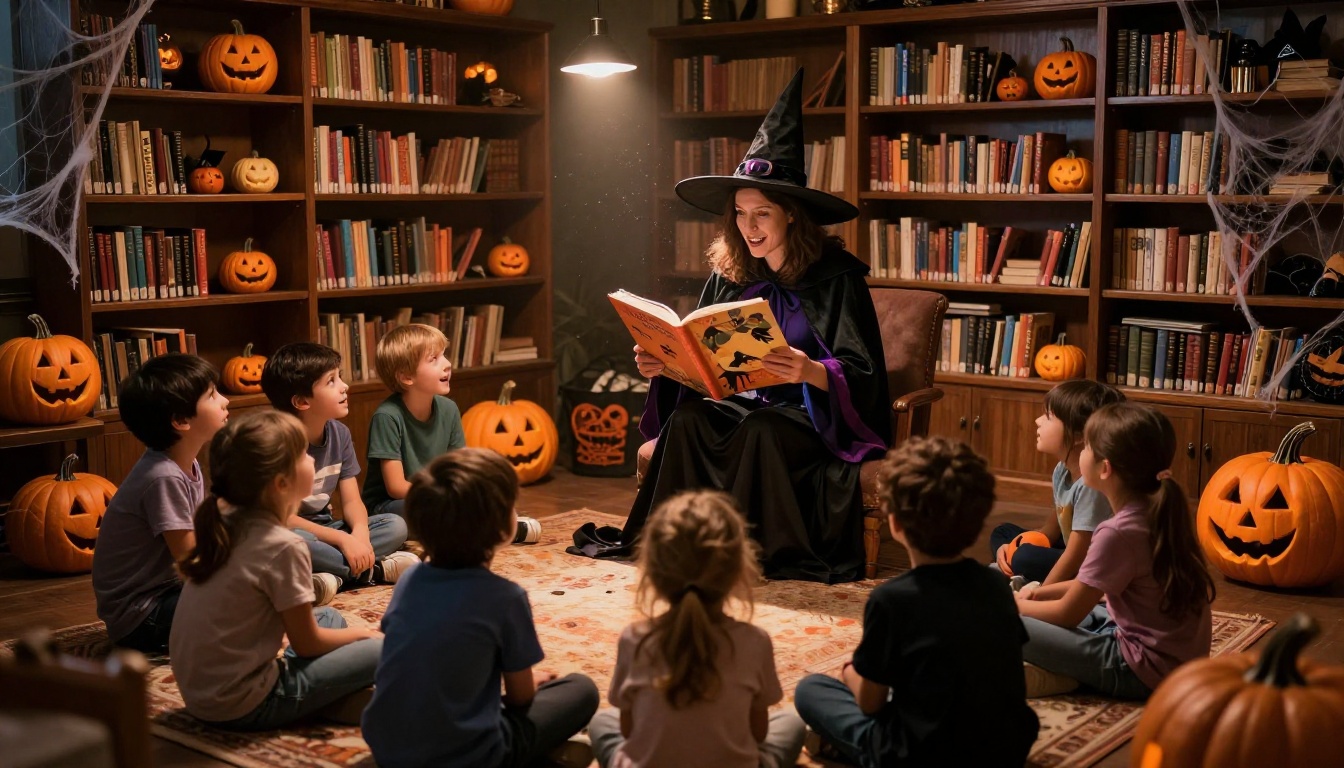
A teacher or parent volunteer in costume reads aloud from age-appropriate spooky picture books or chapter book excerpts. This works beautifully in the school library. Keep the lighting low, use a single spotlight on the reader, and arrange students on a rug in a semicircle. For older grades, consider student volunteers who write and perform their own short ghost stories.
💡 Pro Tip: Record the story corner session and add it to your digital event program as an embedded audio or video recap for parents who missed the event.
6. Halloween Science Lab
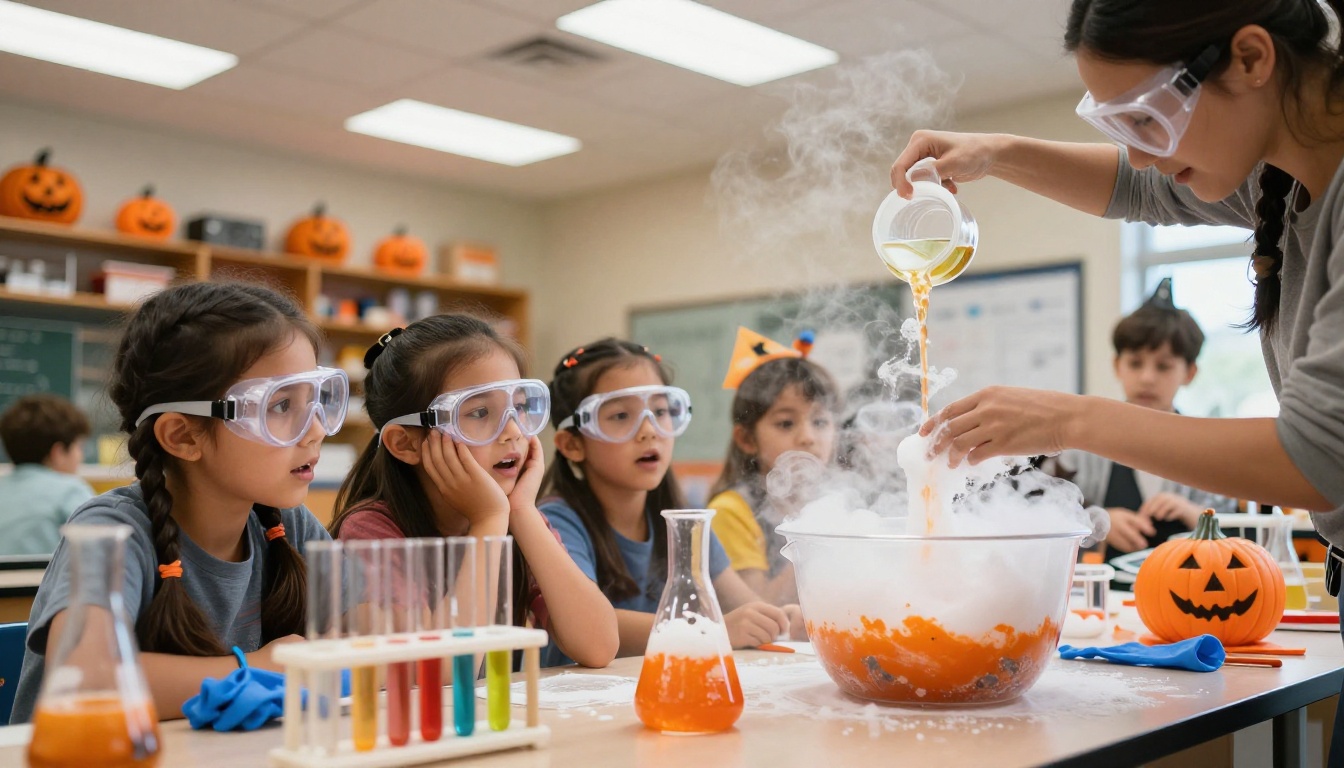
This is the station that consistently gets the loudest reactions. Simple experiments with Halloween theming become instantly memorable:
- Cauldron Explosion: Baking soda plus vinegar with orange food coloring in a plastic cauldron
- Slime Lab: Borax and glue in black and green, themed as "monster slime"
- Dancing Raisins: Raisins in carbonated water with food coloring labeled as "witch's brew"
- Elephant Toothpaste: Hydrogen peroxide plus yeast creates a foam eruption from a "potion bottle"
Each experiment needs one adult supervisor. Groups of 5-6 students rotate through every 12 minutes.
7. Photo Booth with Props
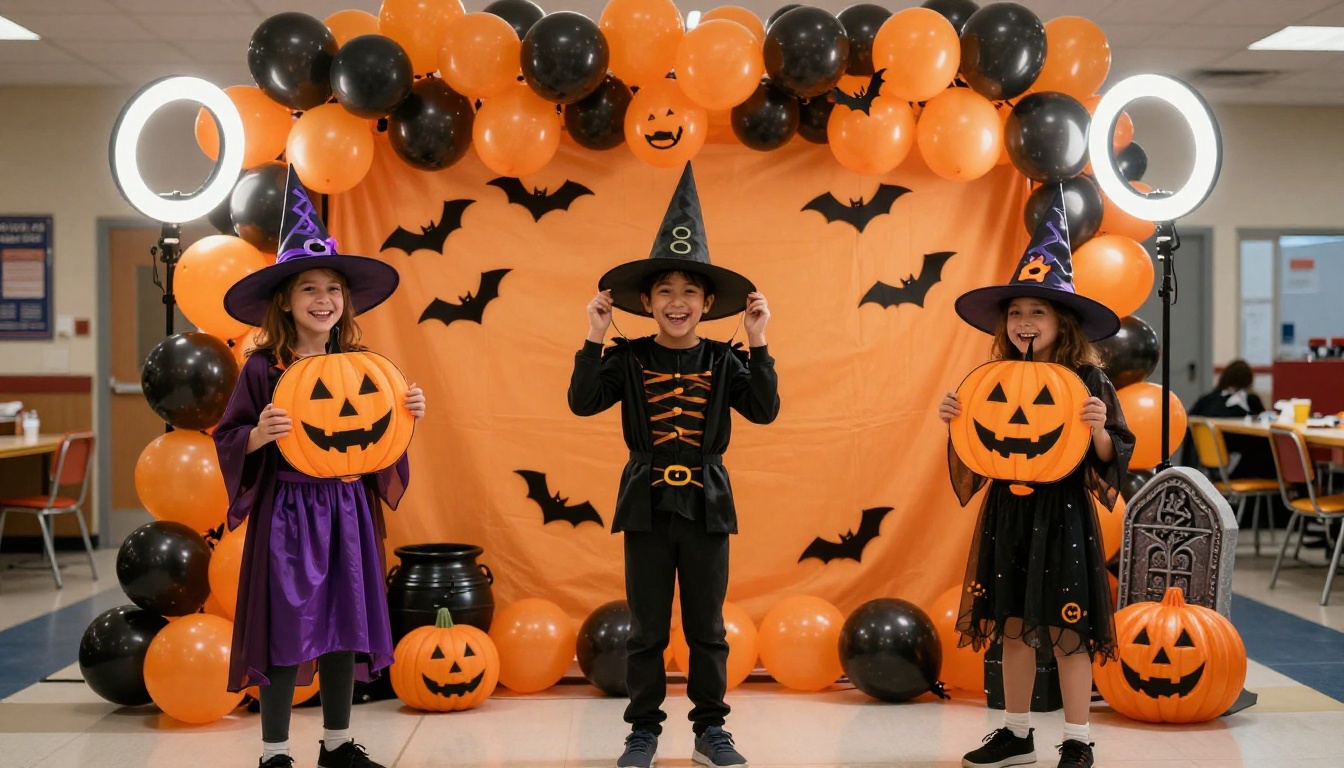
A balloon backdrop in orange and black, a ring light, and a basket of props (witch hats, oversized glasses, foam axes, cauldrons) is all you need. Assign a parent volunteer with a tablet to take photos. Share the photo gallery in your digital event program after the event so families can download their favorites. This doubles as documentation for your school newsletter.
8. Classroom Trick-or-Treat Crawl
Set up 6-8 classrooms as themed treat stations. Each classroom teacher decorates their door with a different Halloween theme. Students move through in small groups collecting one treat per room. This controls crowd flow better than a central candy table and gives every classroom a moment to shine.
⚠️ Allergy Note: Check your school's allergy policies before finalizing treat options. Many schools now require non-food treats or pre-approved snack lists.
9. Halloween Trivia Bowl
Run a 20-question Halloween trivia game in the gymnasium or auditorium. Use a slideshow with spooky sound effects. Divide students into teams by classroom and use hand-raise or whiteboard systems for answers. Questions should mix Halloween history facts, pop culture references appropriate to the age group, and silly riddles. The winning team gets a group prize like extra recess or a class movie afternoon.
10. Fall Festival Carnival Booths
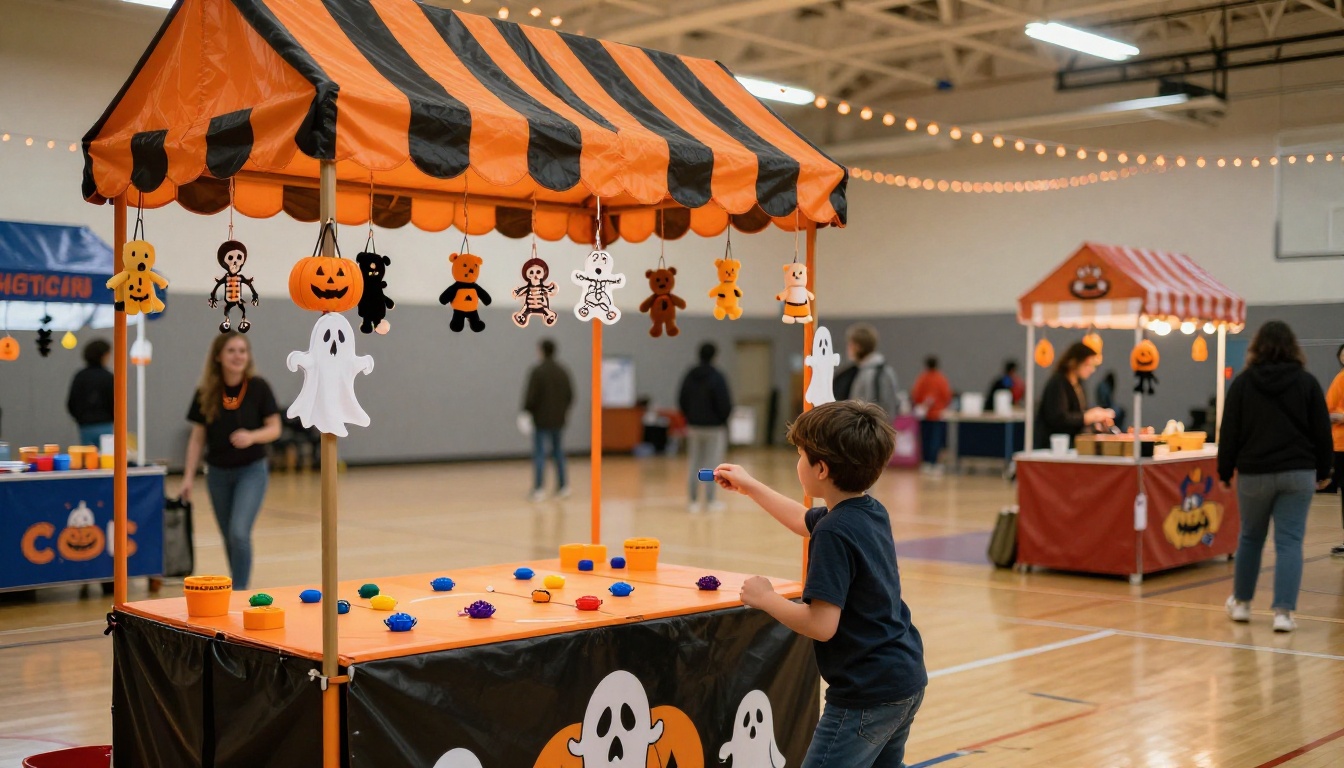
If your school prefers a fall festival framing over explicit Halloween theming (useful for communities with diverse holiday sensitivities), carnival booths hit the same energy without the controversy. Ring toss, bean bag throw, duck pond for younger students, and a cake walk are all easy to run with minimal supplies. Charge a small ticket fee to offset costs, or make it free with PTA support.
What Goes Inside a School Halloween Program
A solid event program document covers more than just the schedule. Here is a breakdown of every section worth including:
| Section | What to Include | Why It Matters |
|---|
| Welcome Message | Principal or PTA chair note | Sets the tone, builds community |
| Event Schedule | Time blocks, activity names, locations | Core navigation for attendees |
| Station Map | Gymnasium/hallway diagram with labels | Reduces crowd confusion |
| Volunteer Assignments | Names, stations, shift times | Keeps volunteers accountable |
| Allergy and Safety Notes | Food-free zones, emergency contacts | Legal and parental reassurance |
| Costume Guidelines | Acceptable/not acceptable items | Prevents day-of conflicts |
| Sponsor Recognition | PTA donors, local business sponsors | Required for funded events |
| Social Media Info | Hashtag, school page handle | Encourages family sharing |
✅ Best Practice: Build this document in a design tool, export as PDF, then convert it to a digital flipbook so families can scroll through it on their phones rather than hunting for a paper copy.
Digital vs Printed Programs
Schools have used printed programs for decades. Digital programs are increasingly replacing or supplementing them because of cost, shareability, and the ability to update last minute. Here is how they compare:
| Factor | Printed Program | Digital Flipbook |
|---|
| Cost | $0.10-0.30 per copy | Free to minimal |
| Updates | Reprint entire batch | Edit and reshare instantly |
| Shareability | Hand-to-hand only | Email, QR code, social media |
| Analytics | None | View counts, engagement data |
| Media | Static text and images | Embedded video, audio, links |
| Environmental impact | Paper waste | Zero waste |
| Accessibility | Lost or damaged easily | Always available on any device |
| Parent reach | Only attendees | Can reach all families in advance |
For most schools, the winning move is a digital-first program with a small print run for families who request a physical copy.
How to Create a Halloween Event Program with Flipbooks AI
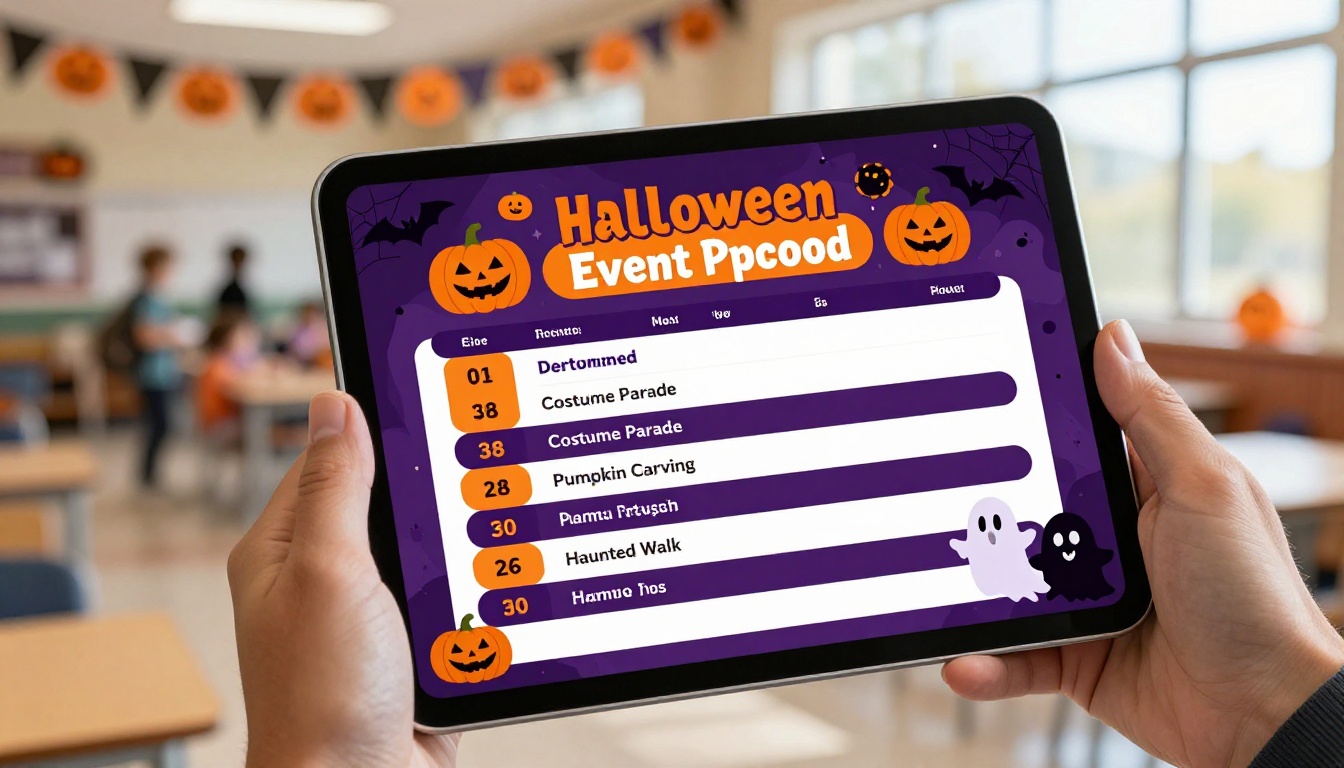
Flipbooks AI makes it straightforward to turn any PDF event program into a shareable, mobile-friendly digital flipbook with page-turn animations and the option to embed multimedia. Here is how to do it for your school Halloween event:
1. Design your program PDF
Use Canva, Google Slides, or any design tool to create your program. Structure it like a booklet: cover page with event name and date, schedule pages, station map, and a back page with sponsor logos and contact information. Export as PDF.
2. Create a free account
Go to flipbooksai.com/account to sign up. No credit card required for the free tier.
3. Upload your PDF
Click "Upload PDF" in your dashboard and select your event program file. The platform converts it automatically into a page-turning flipbook, preserving all fonts, images, and layouts from your original design.
4. Customize the branding
Add your school colors to the flipbook interface. Upload your school logo to the viewer header. You can also set a custom background color and toggle the page-flip sound on or off. These details take the presentation from generic to genuinely polished.
5. Add multimedia (optional but impactful)
Using the Event Program Maker tool, you can embed links to Google Maps for the school location, YouTube video recaps from last year's event, or audio clips of the school choir performing a Halloween song. Parents who view the program before the event get a richer preview of what to expect.
6. Share via QR code and direct link
Flipbooks AI generates a shareable link and a QR code for every flipbook. Include the QR code in your school newsletter email, on flyers sent home with students, and on the school social media pages. Parents tap the QR code on their phone and the program opens immediately, no app needed.
7. Password protect if needed
If your event program contains staff phone numbers or internal volunteer assignments, use the password protection feature (available on Standard plan and above) to restrict access to families and staff only.
💡 Pro Tip: The School Newsletter Creator and Yearbook Flipbook Maker tools are also worth bookmarking for other school publications throughout the year.
Planning by Grade Level
Not all Halloween activities land equally across age groups. This table breaks down which program ideas work best by grade band:
| Activity | K-2 | 3-5 | 6-8 |
|---|
| Haunted Hallway Walk | Mild version only | Yes | Yes |
| Costume Parade | Yes | Yes | Yes (often less popular) |
| Pumpkin Decorating | Yes | Yes | Yes |
| Science Lab | Simple demos | Full experiments | Self-directed lab |
| Spooky Story Corner | Picture books | Chapter excerpts | Student-written stories |
| Trivia Bowl | Simple riddles | Halloween facts | Pop culture + history |
| Photo Booth | Yes | Yes | Very popular |
| Carnival Booths | Yes | Yes | Less popular |
| Classroom Crawl | Yes | Yes | Consider alternatives |
| Art Circuit | Yes | Yes | Optional |
For middle school grades, the Halloween event often shifts toward a social format: dance, trivia competition, or a haunted theater experience rather than the station-rotation model used for elementary.
3 Mistakes Schools Make with Halloween Events
Knowing what goes wrong is as useful as knowing what works. These three mistakes show up repeatedly in school Halloween event post-mortems:
1. No clear station rotation system
Without assigned rotation times, students cluster at the popular stations (photo booth, science lab) and avoid the less obvious ones (art circuit, story corner). Fix this by assigning each class a rotation schedule printed on the back of their classroom copy of the event program.
2. Sending the program home too late
A program that goes home the day before the event does not give parents enough time to plan their attendance, check costume guidelines, or volunteer for gaps in the schedule. Aim for one week in advance. A digital flipbook makes this easy since you can share it before the print run is even finished.
3. No contingency for weather or space conflicts
The gymnasium doubles as a lunch space at many schools. If the kitchen runs late, your entire carnival setup gets pushed. Always have a 30-minute buffer built into your program schedule and a fallback location for at least two of your larger stations.
⚠️ Warning: Do not finalize your program PDF until you have confirmed room bookings in writing. Last-minute location changes on a printed program mean a full reprint.
Make This Year's Event the One They Remember
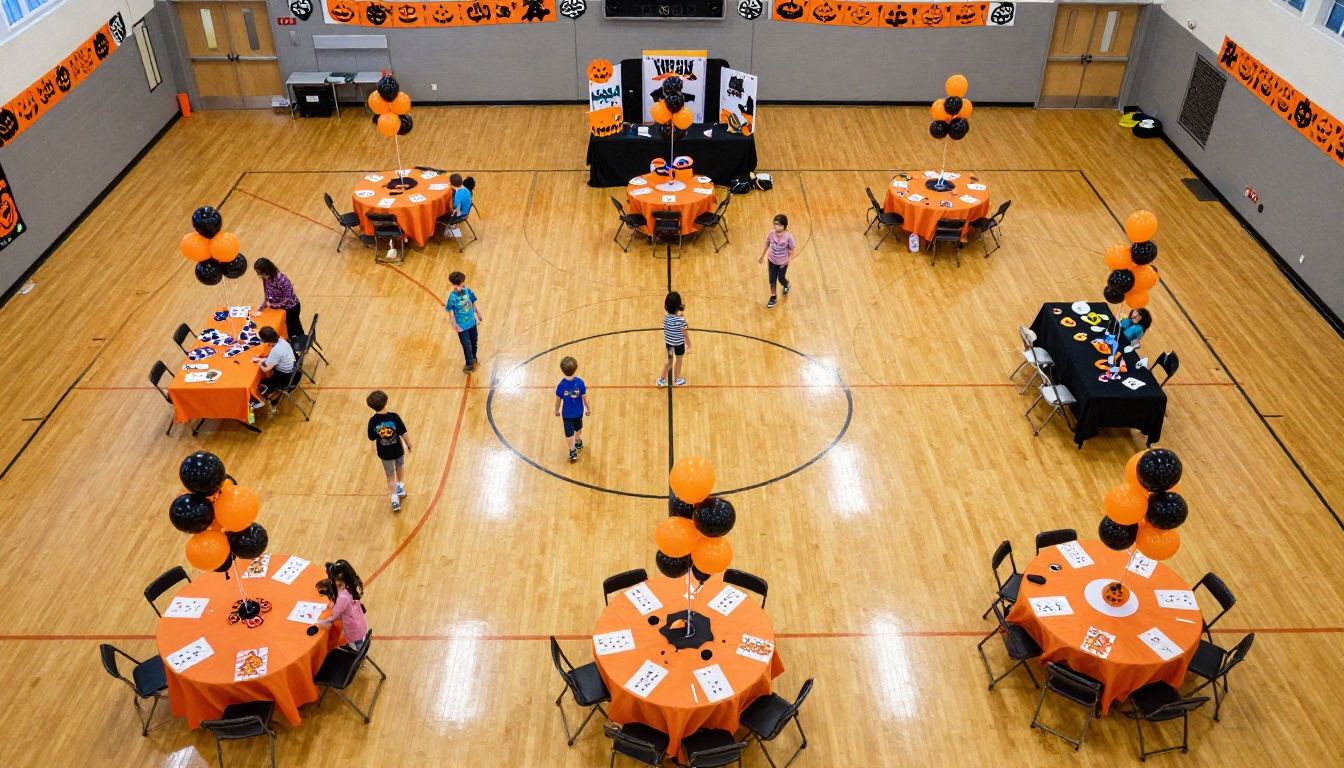
The activities above give you a full event program worth running. The science lab will get photographed and shared. The story corner will be the one kids ask about again. The digital program will mean parents actually know what time things start.
What makes it all come together is having a polished, shareable program that reflects the effort your school put into planning. That is exactly what Flipbooks AI is built for. Upload your PDF, customize it with your school colors, and share it with every family in under 10 minutes.
Ready to build your Halloween event program? Get started for free on Flipbooks AI and have a shareable digital flipbook ready before the week is out.
Browse all flipbook tools to find the right format for your school's next publication, from newsletters to yearbooks to event programs.
Check pricing plans if you want analytics, offline downloads, or lead generation features for larger school district events.



