You uploaded your spring catalog, then the summer brochure, then the menu, the price list and the staff handbook. Then you tried to add a sixth PDF and the free plan said no. If that sounds familiar, you are probably shopping for Heyzine alternatives right now, and you want an answer that does not involve starting over every time you grow. This article compares what actually matters: flipbook limits, watermarks, branding, analytics and price. It also shows how to move your files to Flipbooks AI without losing a week.

Why Five Free Flipbooks Run Out Fast
Five sounds generous when you are testing a tool. In a real business it disappears in a month. A single retail brand can easily publish a seasonal catalog, a wholesale price list, a lookbook, a returns policy booklet and a press kit. That is five before anyone has updated anything.
Here is how the limit gets used up in practice:
- Versions pile up. Each new edition of a catalog counts as another flipbook unless you replace the old one.
- Teams multiply files. Sales, support and marketing each want their own document.
- Clients ask for variants. Different languages, different price tiers, different regions.
- Old files stay online. Nobody wants to delete a link that is already printed on a flyer.
💡 Pro tip: Before you compare tools, count how many documents you publish in a normal year, then double it. That is the number your next plan should handle comfortably.
The Hidden Cost of Staying Free
A free plan is not free when it forces workarounds. Deleting old flipbooks breaks links people already saved. Merging unrelated documents into one giant PDF makes navigation worse. Paying staff time to juggle files costs more than most subscriptions.
Signs You Have Outgrown It
- You delete a live flipbook to make room for a new one.
- You keep a spreadsheet tracking which flipbook is online.
- A customer asks for a branded version and you cannot offer it.
- You need to know who opened your catalog and cannot find out.
What to Compare Before You Switch
Do not shop by feature lists alone. Shop by the problems you hit last quarter. The table below shows the criteria that separate tools in daily use.
| Criteria | Why it matters | What to look for |
|---|
| Flipbook limit | Prevents the same wall you just hit | Unlimited on a paid tier |
| Watermarks | Protects your brand image | None on any plan |
| Custom branding | Makes the viewer look like your site | Logo, colors, background |
| Password protection | Keeps wholesale prices private | Per-flipbook passwords |
| Analytics | Shows which pages people read | Views, time, lead capture |
| Embedding | Puts the flipbook on your own site | Simple embed code |
| Offline access | Helps trade shows and poor connections | Downloadable version |
| Mobile experience | Most readers open links on phones | Responsive page turning |

Limits and Plan Structure
Look at how the limit is counted. Some tools count flipbooks, some count pages, some count monthly views. A cap on any of these can bite you later. The cleanest option is a plan with no cap on the number of flipbooks you create.
Watermarks and Branding
A watermark on a client-facing catalog looks like a cheap shortcut. If you sell premium products, your viewer should show your logo and colors, not someone else's. Ask directly whether watermarks are removed on every paid plan or only on the top one.
Pricing That Scales Sensibly
Check what happens when you add flipbook number 20 or number 200. If the price jumps sharply at each step, you will be shopping again within a year.
Heyzine Alternatives at a Glance
Rather than inventing numbers, this table frames the main categories of alternatives and who each one suits. Always verify current limits and prices on each provider's own pricing page before you buy, because plans change often.
| Option type | Best for | Watch out for |
|---|
| Dedicated flipbook platform with unlimited flipbooks | Growing catalogs, many documents | Check the plan that unlocks analytics |
| Generic document hosting with a flip view | Occasional single documents | Limited branding and sharing controls |
| Design suite with a publish link | Designers who already live in it | Weak page-turn effects, little tracking |
| Self-hosted open source viewer | Developers with spare time | Maintenance, hosting and support are yours |
| Presentation tools exporting to link | Slide-first content | Not made for long catalogs |
For most small businesses, the first row wins. It is built for exactly the job you are doing: turning PDFs into shareable, branded, trackable flipbooks.
⚠️ Warning: Free trials of "unlimited" plans sometimes cap file size or page count. Test with your largest PDF before you commit.
Why Flipbooks AI Fits Growing Businesses
Flipbooks AI was built around the pain points above. Here is what matters for someone leaving a capped free plan:
- ✅ No watermarks, ever. Your catalog looks like yours on every plan.
- ✅ Unlimited flipbooks on the Standard plan and above, so the count stops being a worry.
- ✅ Password protection for private content such as wholesale price lists.
- ✅ Analytics and lead generation on the Professional plan.
- ✅ Offline downloads for events and clients with weak connections.
- ✅ Embedded video and audio inside pages.
- ✅ Mobile-responsive design so phone readers get a smooth experience.
- ✅ Custom branding with your logo and colors.
You can compare tiers on the pricing page and see which plan matches your document count.

Side by Side: Free Cap vs Unlimited
| Situation | Capped free plan | Unlimited paid plan |
|---|
| Publishing a sixth document | Delete something first | Just upload it |
| Keeping old editions online | Rarely possible | Keep every edition |
| Branded viewer | Often limited | Logo and colors |
| Lead capture | Usually absent | Professional plan |
| Link stability | Breaks when you delete | Stays live |
Real Examples
- A bakery keeps a seasonal menu, a wedding cake booklet and a catering price list online at once, and swaps each as seasons change. The Restaurant Menu Creator is built for this.
- A real estate agent sends each buyer a password-protected property brochure. The Real Estate Brochure tool handles the layout.
- A photographer shares a portfolio that loads quickly on a phone with the Photography Portfolio tool.
- A school publishes monthly newsletters without ever deleting last month's with the School Newsletter Creator.
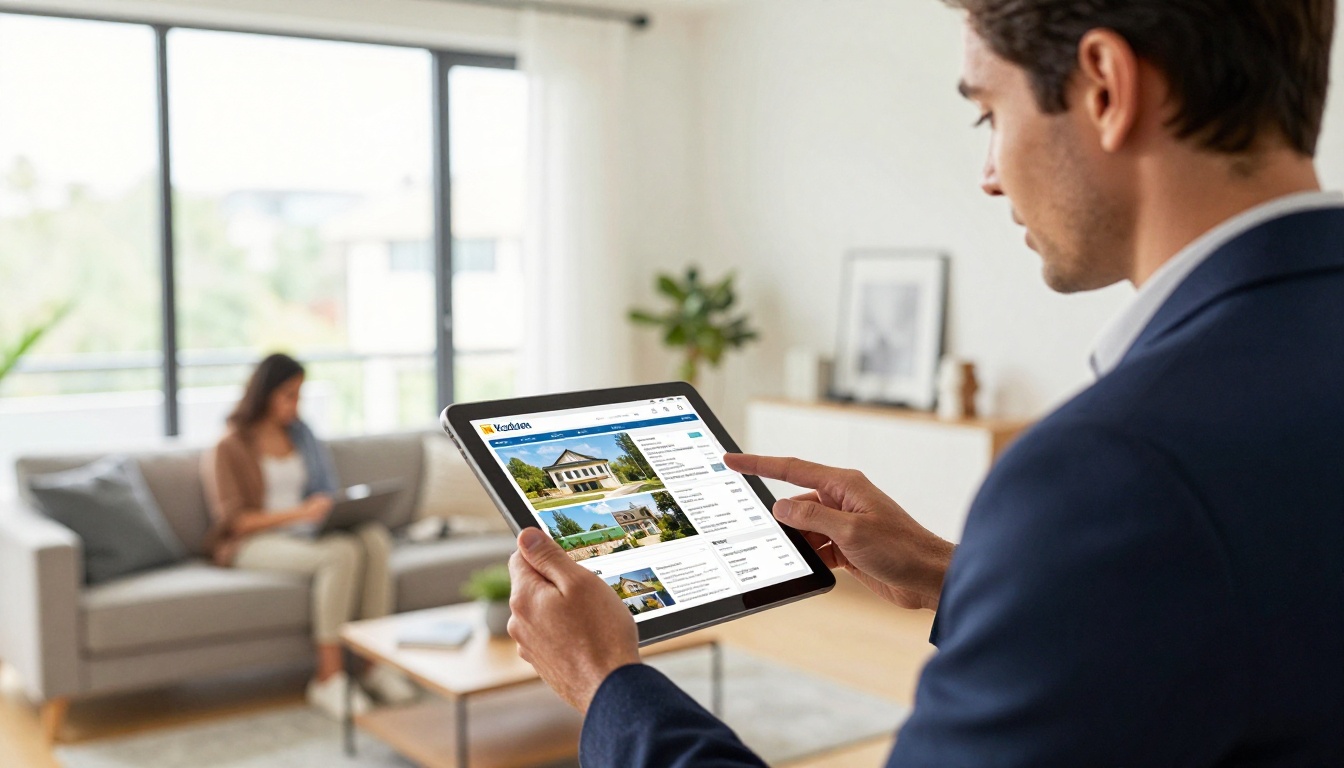
How to Create a Flipbook with Flipbooks AI
Moving over is quick. Here is the process from account to shared link.
Step 1: Create Your Account
Head to Flipbooks AI and sign up. You can try the platform before choosing a paid plan.
Step 2: Upload and Convert Your PDF
- Click to create a new flipbook.
- Upload your PDF from your computer.
- Wait a moment while the pages are converted into a page-turning flipbook.
- Preview it on desktop and on your phone.
If you only need the conversion, the PDF to Flipbook Converter does exactly that.
Step 3: Customize the Look
- Add your logo and set brand colors.
- Pick a background that matches your website.
- Adjust page effects so turning feels natural.
- Add videos or audio to pages where motion helps, such as a product demo.
💡 Pro tip: Match the background color to the page where you will embed the flipbook. The viewer then blends in instead of looking pasted on.
Step 4: Share It
- Copy the direct link for emails and social posts.
- Use the embed code to place it on your site. The Embed Flipbook on Website page shows how.
- Turn on password protection for private audiences.
Step 5: Track and Capture Leads
On the Professional plan you get analytics and lead generation, so you can see which pages hold attention and who is asking for more. Review the options on the pricing page.

Moving Your Existing Flipbooks
You do not have to move everything at once. A staged switch keeps your customers from seeing broken links.
| Stage | Action | Time |
|---|
| 1 | List every live flipbook and where its link appears | 30 minutes |
| 2 | Re-upload the five most visited PDFs | 1 hour |
| 3 | Publish new links and update your website | 1 hour |
| 4 | Update email signatures and printed QR codes | As needed |
| 5 | Retire old links once traffic drops | After a few weeks |
Keep Your Source PDFs
The PDF is the real asset. If you only have the flipbook and not the original file, export it now while your account still works.
Plan for Links You Cannot Change
Printed flyers and QR codes already in the wild will keep pointing at the old address. Leave those flipbooks online until the printed material is replaced, then switch.

Different documents deserve different starting points. These pages give you a template-like starting layout for the most common needs.
You can also browse all flipbook tools to find the closest match to your documents.
Three Common Mistakes
- Choosing by headline price. A cheap plan with a flipbook cap costs more when you hit it.
- Ignoring mobile. Open your test flipbook on a phone before you decide.
- Skipping analytics. Without data you cannot tell which catalog page sells.
A Quick Decision Checklist
- Do I publish more than five documents a year? Choose unlimited.
- Do I share private pricing? Choose password protection.
- Do I want to know who reads my catalog? Choose analytics and lead capture.
- Do I attend events or serve clients with slow connections? Choose offline downloads.
- Does my brand matter in front of customers? Choose no watermarks and full branding.

What Small Teams Should Expect
A switch like this should feel boring, and that is good. You upload, brand, share and carry on. The real gain is that publishing stops being a decision. When a new brochure is ready, you simply publish it instead of asking which old one to delete.
Budget Thinking
Estimate your cost per flipbook over a year. A plan that holds fifty documents for the price of a few lunches is cheaper than the hours you spend rationing five.
Time Savings
Teams that stop juggling a limit usually gain a few hours each month. Those hours go back to writing better catalogs and answering customers.
Reader Experience
Readers do not care which tool made the flipbook. They care that it opens fast, turns smoothly and looks like your business. Test with a friend who has never seen it and ask what felt confusing.

Frequently Asked Questions
Will my old links keep working?
Only for as long as the old platform keeps those flipbooks live. Keep them up until you have replaced links in printed and digital materials.
Can I try before paying?
Yes. Create an account and test with your largest PDF.
Do I need design skills?
No. Upload the PDF, add your logo and colors, then share.
What if my document is private?
Use password protection so only people with the password can open it.
Your Next Step
You do not need to fight a five-flipbook ceiling any longer. Pick the plan that matches how many documents you publish, move your most visited PDFs first, and keep your old links alive until printed material catches up.
Ready to publish without a cap? Get started for free on Flipbooks AI, compare pricing plans to see which tier fits, or browse the tools and templates to find the one built for your catalog, menu or portfolio. When you are set, take the account to pricing route and choose your plan in one step.